City Guide Example: Layout, Free Template, Online Sharing and Embed on Your Website
A working city guide example with a page by page layout, a free template you can copy, and clear steps to share it online and embed it on your website. Built for tourism boards, hotels, tour operators and local bloggers who want a polished flipbook fast.
Most city guides die in a download folder. Someone exports a 40 page PDF, emails it around, and nobody opens it on a phone because the text is tiny and the file takes forever to load. A better approach is to turn that same file into a page turning flipbook that opens instantly, looks sharp on any screen, and sits right inside your website. This article walks through a full city guide example: the layout, a free template you can copy, and exactly how to share and embed it with Flipbooks AI.
What a Great City Example Looks Like
A strong city guide does one job: it helps a visitor decide what to do in the next three hours. Everything else is decoration. Before you open a design tool, decide who is holding the guide and what they need.
The Pages Every City Needs
After reviewing dozens of tourism publications, the same backbone keeps showing up. You can add or drop sections, but these ten pages carry most of the value:
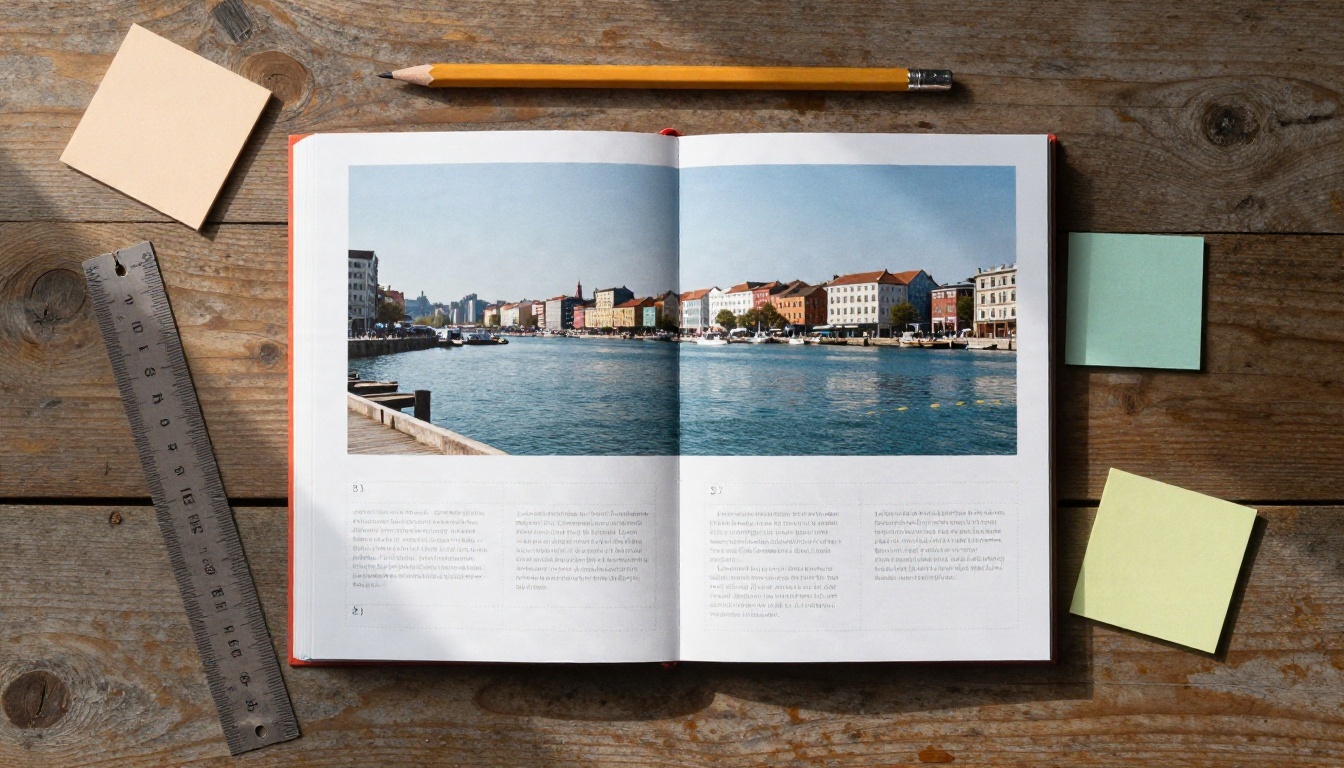
Cover page with one confident photograph and the city name
Welcome and how to use this booklet (short, 80 words at most)
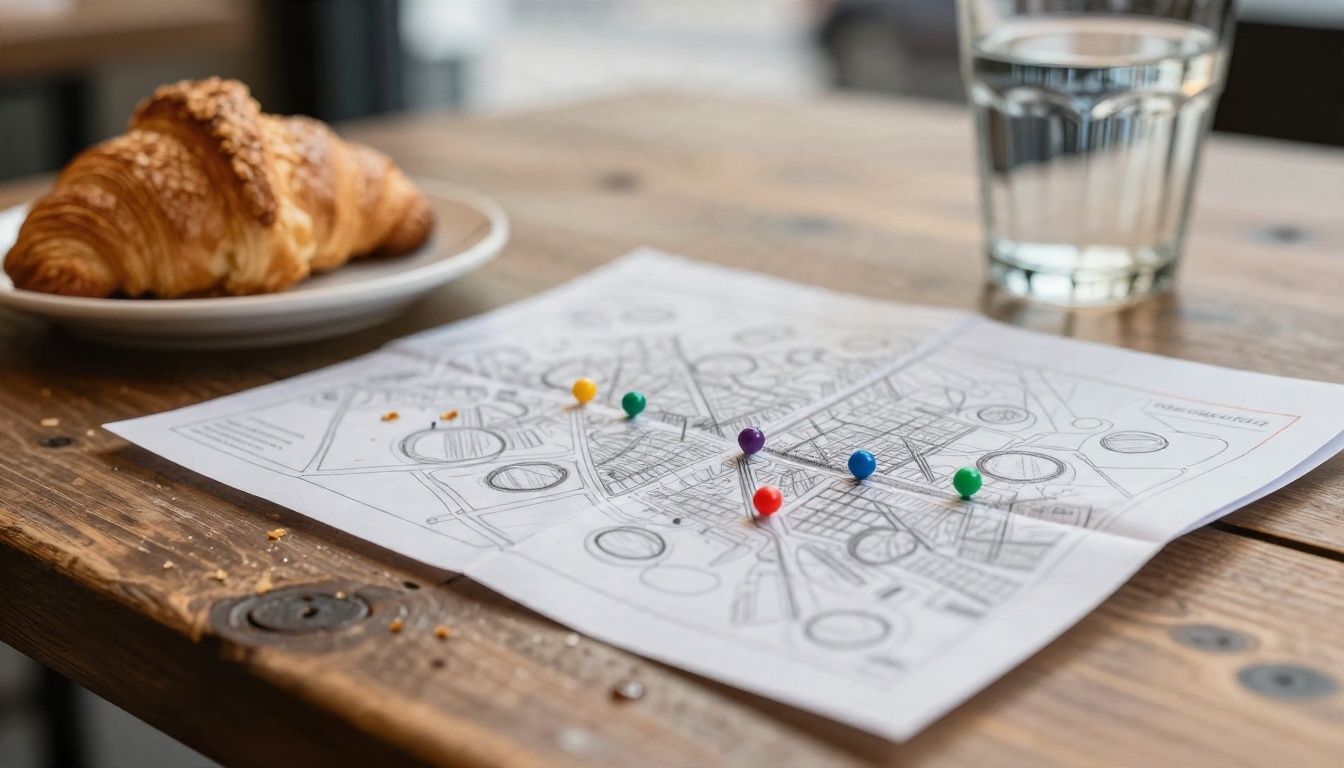
Neighbourhood map with numbered pins
Top 10 sights with opening hours
Food and drink split by budget
Getting around with transport tickets and walking times
Day itineraries (one day, two days, a weekend)
Hidden corners that locals actually visit
Practical info such as emergency numbers, tipping and Wi-Fi
Back page with a QR code and contact details
Why a Flipbook Beats a PDF
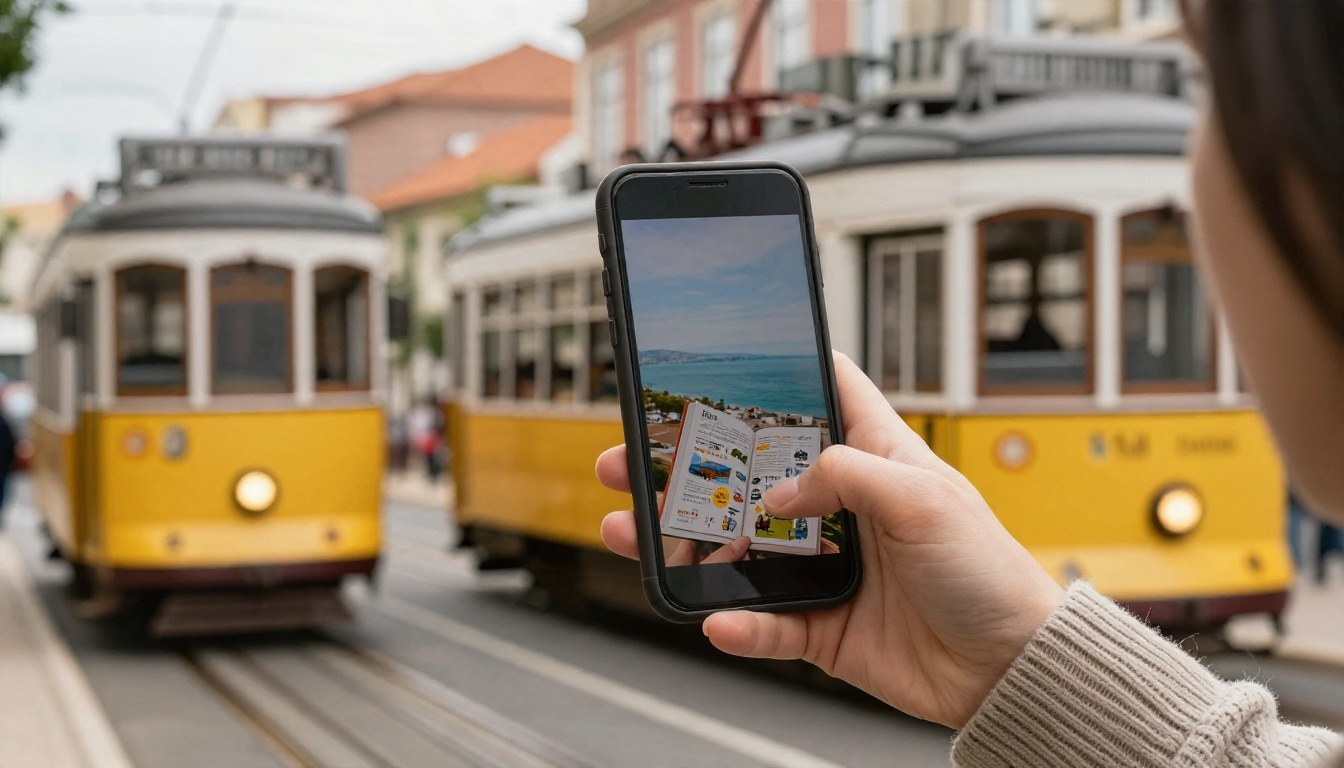
A PDF is a static file. A flipbook is a web page that behaves like a magazine. Visitors flip pages, zoom into maps, tap links, and watch short videos without downloading anything. That matters for tourism, where people search on mobile data, on a train platform, or while standing in a queue.
Feature
Plain PDF
Flipbook
Opens on mobile without zooming
No
Yes
Page turn animation
No
Yes
Clickable links and map pins
Limited
Yes
Embed on your website
No (link only)
Yes
Video and audio inside pages
No
Yes
Track who reads what
No
Yes (Professional plan)
Update after publishing
Re-send the file
Replace once, link stays
💡 Pro tip: Tourists rarely read from page one. Design every spread so it makes sense on its own, because people will land on page 14 straight from a QR code at a bus stop.
Layout That Works Page by Page
Good layout is mostly restraint. The best city booklets use big photographs, short blocks of text, and a lot of breathing room.
Grid and Spacing Rules
Use a simple 12 column grid with generous outer margins. For a landscape spread (the best format for screens), these settings are a safe starting point:
Page size: 210 x 297 mm portrait for print plus screen, or 1920 x 1080 px for screen only
Margins: at least 15 mm on all sides, 20 mm on the inner edge
Columns: 2 columns for text pages, 1 wide column for photo pages
Photo to text ratio: roughly 60 to 40 on sight pages
Spacing: keep gaps between blocks identical so the page feels calm
Typography and Photo Choices
Pick two typefaces and stop. One serif for headings (it feels editorial and travel like), one clean sans for body text. Keep body text at 10 to 11 pt in print or 16 px equivalent on screen.
For photographs, shoot at eye level and in warm morning or late afternoon light. A single recognisable landmark per spread is better than five crowded thumbnails. Always keep a quiet area in the image where text can sit without a dark overlay.
Sample Page Plan
Here is a ready to follow plan for a 24 page city guide. Adjust the counts to fit your destination.
Pages
Section
Content Focus
Suggested Layout
1
Cover
City name and hero photo
Full bleed image
2 to 3
Welcome and contents
Short intro, clickable index
Two column text
4 to 5
City map
Numbered pins by area
Full spread map
6 to 11
Top sights
One sight per half page
Photo left, text right
12 to 15
Food and drink
Markets, cafés, evening spots
Card grid of 4
16 to 17
Getting around
Tickets, routes, times
Table plus icons
18 to 21
Itineraries
One day, weekend, rainy day
Timeline strip
22
Local tips
Hidden corners
Pull quotes
23
Practical info
Numbers, hours, Wi-Fi
List with icons
24
Back page
QR code and contact
Centered block
Free Template You Can Copy Today
You do not need a design agency. A reusable template saves hours, and it keeps every city in your network consistent if you publish more than one guide.
The Template Structure
Build the template once in any layout tool you already like (Canva, InDesign, Figma, Google Slides or Word all work). Set up these master elements:
Header band with section name and small page number
Photo frames in three sizes: full bleed, half page, and square
Text styles: Title, Subtitle, Body, Caption, Tip
Colour palette: one main colour, one accent, one neutral
Callout box for local tips with a tinted background
Export the finished file as a PDF at 150 dpi for screens (300 dpi if you also print). Keep the file under 50 MB when possible, so uploads stay quick.
Placeholder Text to Swap In
Real example copy helps you judge length. Here is a short sight entry you can reuse as a pattern:
Old Harbour Walk (1.5 hours, free)
Start at the lighthouse at sunrise, follow the stone quay to the fish market, and finish with coffee at the corner kiosk. Best light: 7:00 to 9:00. Avoid Mondays, when the market is closed.
Notice the structure: name, duration, cost, then a route in one breath, then timing advice. Repeat that formula and the whole booklet reads consistently.
How to Build It with Flipbooks AI
Once the PDF is ready, the conversion takes minutes. For travel content specifically, the Travel Guide Flipbook tool is a natural fit, and the PDF to Flipbook Converter handles any other file.
Click the upload button and select your city guide PDF.
Wait a few seconds while the file converts into pages. Screenshot description: a progress bar fills, then a page turning preview appears with a thumbnail strip along the bottom.
Check the page order and zoom into the map page to confirm the text stays crisp.
The finished flipbook has no watermarks, ever, which matters when the guide carries your tourism board or hotel brand.
Brand It and Add Media
Open the customization panel and work through these options:
Logo and favicon: upload your own so the viewer feels like part of your site
Colours: match the background and toolbar to your palette
Page effects: choose a soft flip for a magazine feel or a quick slide for fast browsing
Multimedia: embed a 20 second video of the old town or an audio clip of a local greeting
Links: turn map pins, restaurant names and ticket pages into clickable hotspots
✅ Best practice: Add links to booking pages directly on sight and food pages. A visitor who loves the idea of a boat tour should be one tap away from a ticket.
Pro Features Worth Using
Some features only matter once the guide is live, and they sit on higher plans. See the pricing plans for details.
Feature
What It Does
Best For
Unlimited flipbooks (Standard and above)
Publish a guide for every city or season
Tour operators, agencies
Password protection
Lock a guide to partners or paying guests
Hotels, private tours
Offline downloads
Visitors save the guide before roaming
Travellers abroad
Analytics (Professional)
See which pages get read most
Tourism boards
Lead generation (Professional)
Ask for an email before page 3
Local businesses
Custom branding
Own colours, logo and domain feel
Every publisher
Share It Online in Minutes
Publishing is the easy part, but how you share decides whether anyone reads it.
Direct Links and QR Codes
Every flipbook gets a short link you can paste anywhere: newsletters, social posts, WhatsApp, and email signatures. Turn that link into a QR code and put it in places travellers actually look:
Hotel room cards and key sleeves
Bus stop posters and tram windows
Restaurant table tents
Airport arrival boards and information desks
Printed postcards and visitor centre counters
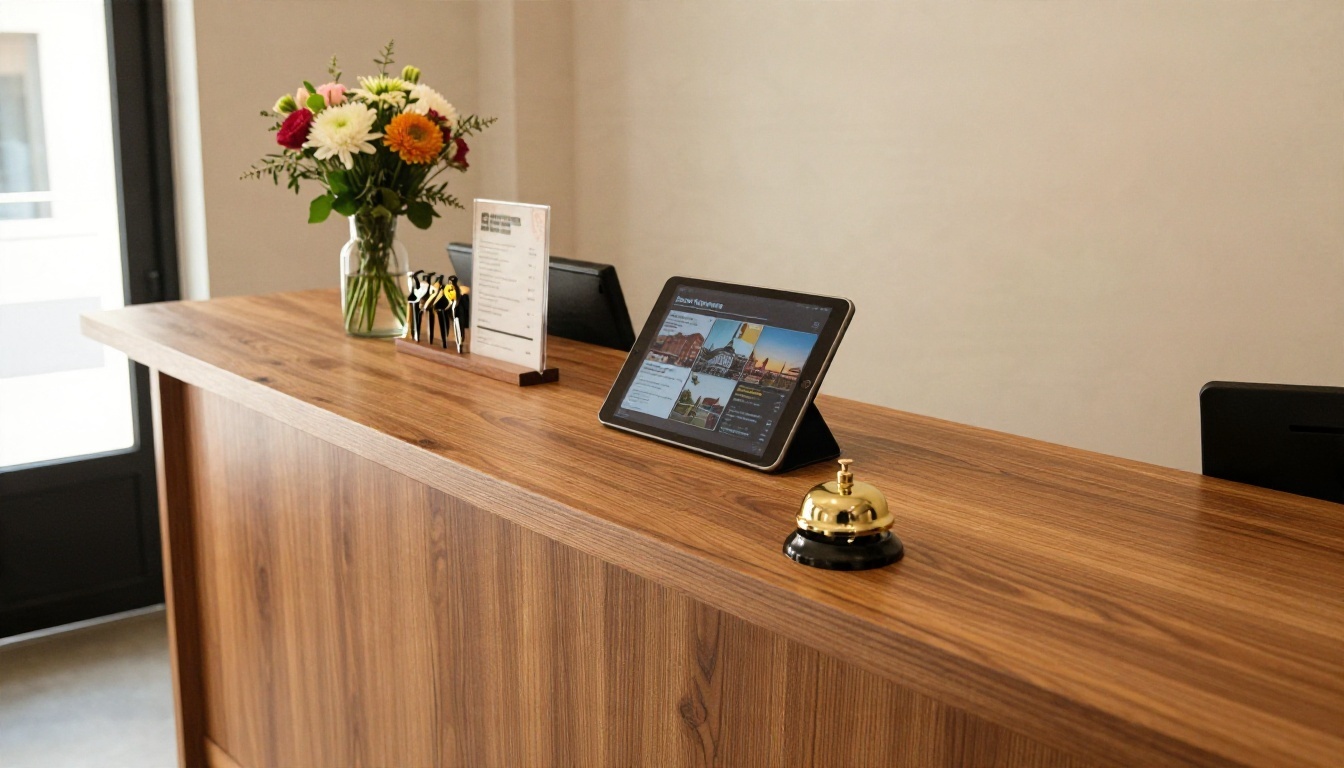
A real example: a small boutique hotel can place one QR code at reception and one in each room. Guests scan, flip to the "Hidden corners" page, and book a walking tour without ever asking the front desk. The hotel updates the file once a season, and the link never changes.
Password Protection
Not every guide should be public. Use a password when:
You prepare custom itineraries for a wedding group or corporate retreat
A partner network gets early access to next season's edition
You want guests to unlock a bonus section after booking
Share the password in the booking confirmation email, and treat the guide like a perk.
Embed It on Your Website
Embedding keeps visitors on your domain, which helps with dwell time and gives you full control over the surrounding page. The Embed Flipbook on Website tool explains the options in more detail.
Copy the Embed Code
Open your published flipbook and click the Share or Embed button.
Copy the code snippet shown. It looks similar to this pattern:
Paste it into an HTML block in WordPress, Webflow, Wix, Squarespace or a custom page.
Save, preview on mobile, and publish.
⚠️ Warning: Use the exact snippet generated for your flipbook. The URL in the example above is only a placeholder.
Responsive Sizing Tips
A fixed pixel width breaks on small phones. Set the width to 100 percent and control height with a wrapper or a viewport unit such as 80vh. On mobile, give the embed at least 500 px of height so the page text stays legible.
Placement
Recommended Height
Why It Works
Hero section of a landing page
700 px or 85vh
Guide becomes the main feature
Blog post mid article
550 px
Readers keep scrolling past it
Sidebar widget
Link button only
Narrow columns squash pages
Dedicated "Visit" page
90vh
Immersive reading experience
Real Uses for Tourism Teams
The same city guide example adapts to many roles. Here is how different teams put it to work.
Tourism Boards and Visitor Centres
A regional board can publish a seasonal edition (spring festivals, summer beaches, winter markets) and embed each on its main site. Analytics show which neighbourhood pages draw the most attention, so next year's marketing budget follows real reader behaviour.
Hotels and Short Term Rentals
Hosts can combine a guide with a Hotel Brochure and send both before check in. Guests arrive already planning, and fewer questions land at reception.
Tour Operators and Local Bloggers
Operators use a guide as a lead magnet: free first chapter, email gate before the itinerary pages. Bloggers can embed a flipbook at the end of a post, turning a long article into a downloadable keepsake. If you publish food content, a Recipe Book Flipbook pairs nicely with the "Food and drink" section.
Mistakes That Waste a Good Guide
Even good content loses readers because of avoidable errors. Check these before you publish.
Three Common Layout Errors
Too much text per page. If a page needs more than 120 words, split it.
Maps without numbers. A lovely illustration is useless if readers cannot match pins to the list.
Outdated opening hours. Add a "last checked" date on practical pages and review it each season.
Publishing Checklist
Test the flipbook on an old phone and on a slow connection
Click every link once
Confirm the embed looks right at 360 px wide
Print the QR code at least 2.5 cm wide and test it from a metre away
Set a reminder to update the file every quarter
💡 Pro tip: Name versions by season, such as "Spring 2027". Replace the file inside the same flipbook so every QR code and embed keeps working.
Ready to Publish Your City Guide?
You now have the structure, the layout rules, the template outline, and the exact steps to share and embed. The only piece missing is your own city. Create your account on Flipbooks AI, upload your PDF, and have a live flipbook before your coffee gets cold.