You drag a 200-page report into Claude, wait a few seconds, and get an error or a half-read answer. It happens to almost everyone who works with long documents. The good news: the Claude PDF upload limit is predictable once you know the three numbers that matter, and every one of them has a workaround. If the real goal is sharing a heavy PDF rather than analyzing it, a tool like Flipbooks AI can turn the file into a fast, shareable flipbook with no size drama at all.
⚠️ Limits change as Anthropic updates its apps and API. The figures below reflect the commonly documented values at the time of writing, so confirm them in Anthropic's current help pages before you build a workflow around them.
What the Limits Actually Are
Claude measures a PDF in three ways: how many megabytes it weighs, how many pages it has, and how many tokens its text consumes. Hit any one of them and the upload struggles.

The File Size Cap
In the Claude app, a single file is generally limited to about 30 MB. Through the API, the whole request payload is capped around 32 MB, which includes every document and the prompt itself. A PDF stuffed with high-resolution photos will blow past that long before a text-heavy one with the same page count.
The Page Count Threshold
Claude reads PDFs in two ways. For shorter files, it extracts the text and also looks at each page as an image, so it can interpret charts, tables, and diagrams. That visual mode is typically available up to roughly 100 pages. Beyond that, Claude may fall back to text extraction only, which means graphics get ignored.

Files Per Conversation
A single chat accepts a limited number of attachments, commonly around 20 files. Each one still counts toward the conversation's overall context window, so ten big PDFs can fill it faster than you expect.
| Limit | Typical value | What happens when you exceed it |
|---|
| File size (app) | About 30 MB per file | Upload is rejected |
| Request size (API) | About 32 MB total | Request fails |
| Visual page analysis | Around 100 pages | Text only, charts and images skipped |
| Files per chat | Around 20 | Extra files are refused |
| Context window | Model dependent | Answers get shallow or the chat stops |
💡 Rule of thumb: a text-only page usually costs roughly 1,500 to 3,000 tokens. A 300-page text PDF can easily fill a standard context window by itself.
Pro vs Free: What Changes
Many people assume paying for Pro raises the per-file ceiling. In practice, that is not where the difference lies.

The File Caps Stay Similar
Free and Pro accounts have broadly the same per-file size and page rules. A 45 MB PDF fails on both. If someone tells you that upgrading will fix a "file too large" error, be skeptical.
Usage Allowance Is the Real Difference
What Pro buys you is more room to work: a larger message allowance, longer stretches before you hit a cooldown, access to more models, and tools such as Projects that keep documents available across chats. Heavy PDF work is expensive in tokens, so a Free account can run out of messages after just a few long-document questions.
| Feature | Free | Pro |
|---|
| Per-file size cap | Same as Pro | Same as Free |
| Page analysis threshold | Same as Pro | Same as Free |
| Message allowance | Lower, resets in short windows | Substantially higher |
| Projects (persistent documents) | Limited or unavailable | Available |
| Model choice | Fewer options | More options |
| Best for | Occasional short PDFs | Daily document workflows |
✅ Best practice: upgrade only if you keep running out of messages, not because a single file is rejected. For a rejected file, fix the file.
Why Your Upload Fails
Sometimes the PDF is within every limit and still misbehaves. Check these before you start cutting pages.

Scanned Pages and Locked Files
A scanned PDF is just a stack of pictures. Without OCR there is no text layer, so Claude has to rely on visual reading, and a long scan will eat through your page budget quickly. Password-protected PDFs are another common failure: remove the password or export an unlocked copy first.
Hidden Bloat
Embedded fonts, uncompressed images, and layered design files from InDesign or Canva can make a 20-page brochure weigh 80 MB. Page count looks tiny, yet the file is far over the limit.
Quick diagnostic checklist:
- Is the file larger than 30 MB? Compress it.
- Does it have more than 100 pages and contain charts? Split it.
- Is it a scan? Run OCR.
- Is it locked? Remove the password.
- Did the chat slow down after a few uploads? Start a fresh conversation.
Six Workarounds That Work
1. Compress the PDF
Use any PDF compressor, or the "Reduce File Size" option in your PDF editor. Downsampling images to 150 DPI often shrinks a file by 70 percent or more with no visible loss on screen. This is the fastest fix for size errors.
2. Split by Chapter
Break a long PDF into sections of 50 to 80 pages. Upload one at a time and ask Claude to summarize each, then paste those summaries into a final chat to get a combined view. This keeps visual analysis active for every section.
3. Extract the Text
If you only need the words, copy or export the text into a plain document. Text files are far lighter than PDFs and skip the page threshold completely. The trade-off is that tables and charts lose their structure.
4. Use Projects for Repeated Access
On Pro, add documents to a Project so you are not re-uploading the same file every session. Questions across a handful of related documents become much easier to manage.
5. Ask Narrow Questions
Instead of "summarize this book," ask "list every pricing change mentioned in chapters 4 to 6." Targeted prompts burn fewer tokens and return sharper answers.
6. Move Sharing Out of the Chat
Often the real job is not analysis but distribution: sending a catalog, a report, or a brochure to clients. A chat window is the wrong tool for that. This is where a flipbook wins.
| Workaround | Fixes size | Fixes pages | Keeps charts | Effort |
|---|
| Compress | ✅ | ❌ | ✅ | Low |
| Split by chapter | ✅ | ✅ | ✅ | Medium |
| Extract text | ✅ | ✅ | ❌ | Low |
| Projects (Pro) | ❌ | Partly | ✅ | Low |
| Narrow prompts | ❌ | Partly | ✅ | Low |
| Convert to flipbook | ✅ | ✅ | ✅ | Low |
When a Flipbook Beats a Chat Upload
Claude is excellent at reading and summarizing. It is not built to present a 250-page catalog to a customer. If your PDF needs to be browsed, shared, or embedded, converting it is smarter than shrinking it.
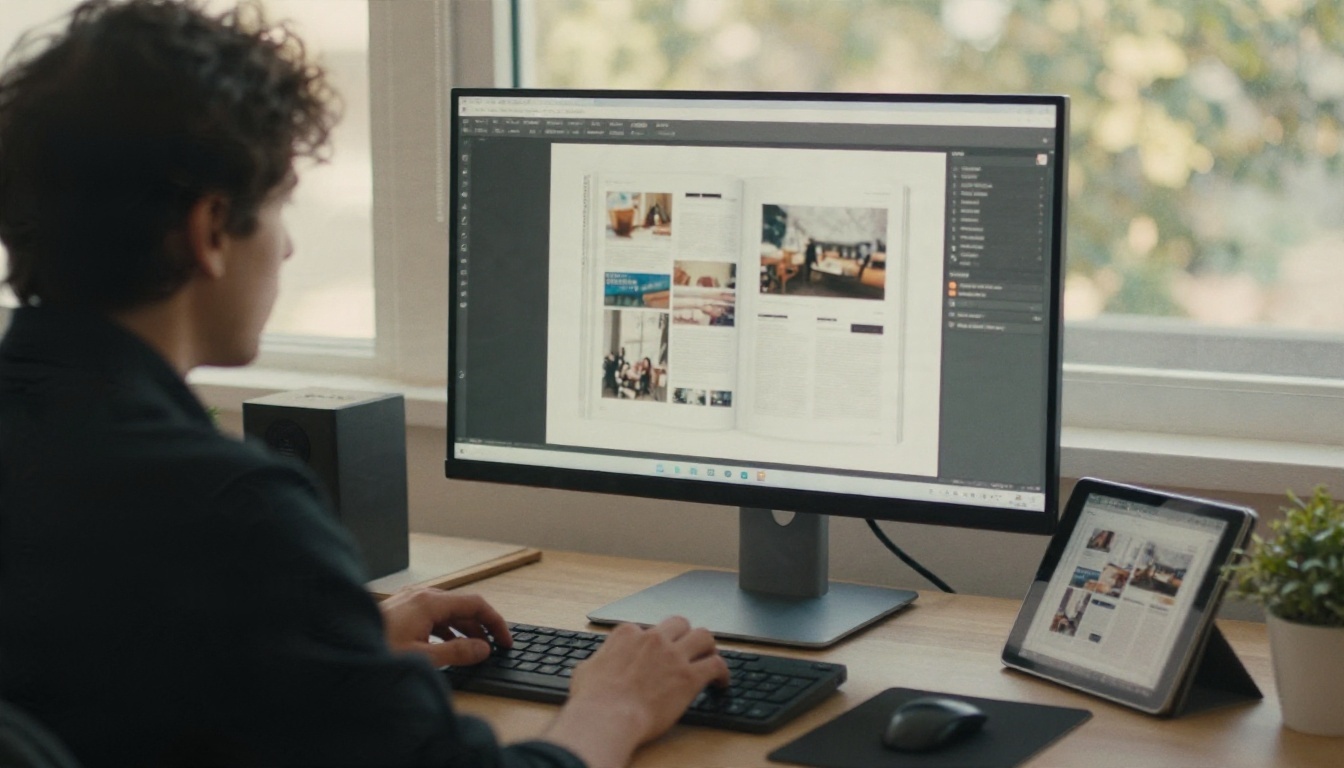
A flipbook keeps every page, every image, and every link at full quality, then delivers it through a lightweight viewer that works on any device. There is no 30 MB ceiling to worry about and no page threshold that silently drops your charts. You can still use Claude on the same file: summarize the text there, and publish the original as a flipbook for readers.
Who Benefits Most
- Sales teams sharing a product range through a Product Catalog instead of emailing a 60 MB attachment.
- Finance and operations publishing an Annual Report that stakeholders can flip through on a phone.
- Educators distributing a Course Material bundle without worrying about inbox limits.
- Designers presenting work through a Digital Portfolio that looks like the original layout.

Create a Flipbook with Flipbooks AI
Here is the full route from oversized PDF to shareable link. It takes a few minutes.
- Open the platform. Go to Flipbooks AI and create an account. You can start on the free tier to test your file.
- Upload the PDF. Open the PDF to Flipbook Converter and drag your file into the upload area. The converter reads each page and builds a page-turning flipbook, keeping text sharp and images intact.
- Customize the look. Add your logo, pick brand colors, choose a page-turn effect, and set a background. You can also embed videos and audio on any page to bring a static document to life.
- Check the mobile view. Flipbooks are mobile-responsive, but preview on a phone anyway. Pages should scale cleanly with no pinching.
- Set privacy. Add password protection for private material such as contracts, internal reports, or client proposals.
- Share it. Copy the direct link, or use the Embed Flipbook on Website option to paste the embed code into your site. You can also enable offline downloads for readers on poor connections.
- Track results. On the Professional plan, use analytics and lead generation to see which pages get read and capture contact details before readers open the file. See the pricing plans for the full breakdown.
💡 No watermarks, ever. Your flipbook carries your branding, not ours, and the Standard plan and above includes unlimited flipbooks.
| Need | Claude chat | Flipbooks AI |
|---|
| Summarize or question a document | ✅ Excellent | ❌ Not its job |
| Share with customers | ❌ Not designed for it | ✅ Built for it |
| Handle very large files | Limited by caps | ✅ Not constrained by chat caps |
| Password protection | ❌ | ✅ |
| Embed on a website | ❌ | ✅ |
| Reader analytics | ❌ | ✅ Professional plan |
Real-World Scenarios

The Boutique With a Heavy Catalog
A shop owner exports a 120-page lookbook at print quality. It weighs 90 MB, so it fails in Claude and bounces from most email inboxes. She uploads it to the Catalog Flipbook Creator, shares one link with wholesale buyers, and pastes only the product descriptions into Claude to draft follow-up emails.
The Analyst With a 300-Page Filing
An analyst needs risk factors from a long annual filing. He splits the PDF into four parts, uploads each in a separate chat, and asks for a numbered list of risk statements. Then he combines the four short outputs into a final chat for a consolidated summary. Total cost: a few messages and about ten minutes.

The Marketing Team With a Quarterly Report
The team wants insight from the numbers and also wants the report to look polished for executives. They use Claude to pull out three headline findings, then publish the designed PDF through the Report Flipbook Creator so leadership can browse it on tablets before the meeting.
Fast Fixes for Common Errors
| Error or symptom | Likely cause | Fix |
|---|
| "File too large" | Over about 30 MB | Compress images or split the file |
| Charts ignored in answers | Past the visual page threshold | Split into sections under 100 pages |
| Upload spins forever | Large file or weak connection | Compress and retry |
| Gibberish text | Scan with no text layer | Run OCR first |
| "Cannot read file" | Password protection | Remove the password |
| Chat gets slow and shallow | Context window filling up | Start a new chat with a summary |
| Message limit reached quickly | Long PDFs consume many tokens | Ask narrow questions or upgrade |
⚠️ Never upload sensitive contracts or personal records to any tool without checking your organization's data policy. When you only need to share a private file, a password-protected flipbook is a safer route than pasting it into a chat.
Pick Your Next Step
If your problem is a file Claude cannot read, compress it, split it, or extract the text. If your problem is running out of messages, consider Pro and use narrow prompts. If your problem is getting a large PDF in front of other people, skip the chat window entirely.
Ready to publish your first flipbook? Get started for free on Flipbooks AI, browse all flipbook tools to find the right template, or compare pricing plans to see which tier fits your volume.



