You send a PDF catalog to a buyer, and they open it, squint at a tiny product code, and then close it. That is the quiet failure of flat files. A clickable PDF catalog fixes it: every photo, price and button points somewhere useful, and the whole thing travels as one simple link. In this article you will see which templates work, what good examples look like, how to build one with a free maker like Flipbooks AI, and how to share it so the right people open it on the first try.
What a Clickable PDF Catalog Is
A clickable PDF catalog is a catalog file where elements respond to taps and clicks. Product images open a product page. A phone number dials. A "Request a quote" button opens an email. A table of contents jumps to page 14 instantly.
The catch is that a plain PDF only does this partly. Links inside a PDF depend on the viewer app, and many phones handle them badly. Turning the file into a web-based flipbook solves that, because the links live in a browser that everyone already has.
Static PDF vs Clickable Version
| Feature | Static PDF | Clickable PDF | Flipbook from PDF |
|---|
| Product links | None | Basic text links | Links on images, buttons, hotspots |
| Works well on phones | Poor, needs pinching | Depends on the app | Mobile-responsive layout |
| Share by link | Attachment or download | Attachment or download | One URL, no download needed |
| Video and audio | No | Rarely | Yes, embedded |
| Tracking | None | None | Views and clicks (Professional plan) |
| Page-turn feel | No | No | Yes, with page effects |
Why Buyers Prefer Clickable Catalogs
Think about how people shop from a catalog today. They are on a phone, on a train, with one free thumb. They want to see a chair, tap the chair, and see the price. Every extra step costs you a sale.
- Fewer steps: a tap replaces "copy the SKU, open the website, search".
- Fewer emails: the answer to "where do I order this?" is already on the page.
- Fresher content: you update one file and the same link shows the new version.
- Better first impression: page effects and clean layouts feel closer to a magazine than an attachment.
💡 Pro tip: If your buyers mostly open files on phones, test your catalog on a phone before anything else. A layout that looks great on a monitor can hide its buttons on a small screen.
Clickable PDF Catalog Templates That Work
Most people start from a template because a blank page is hard. A good template already solves layout, spacing and hierarchy, so you only drop in photos and links.
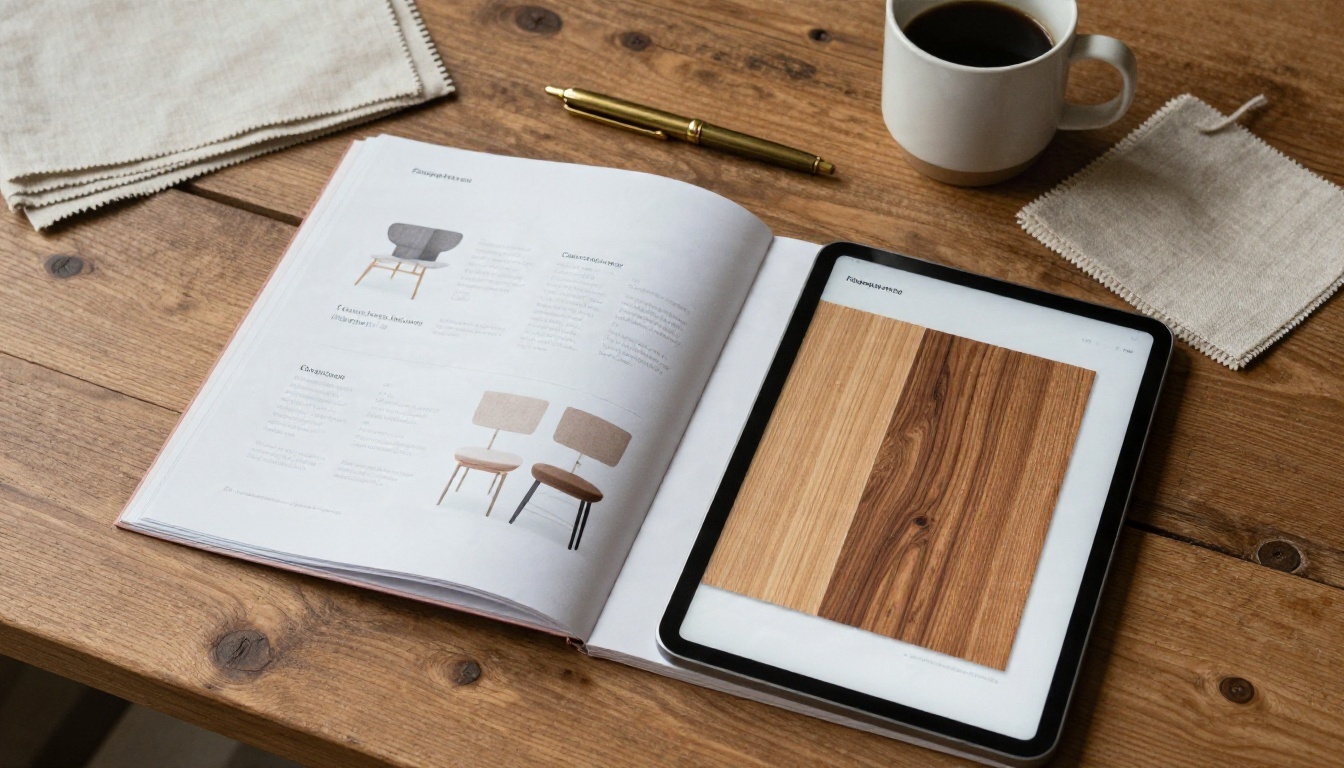
Fashion and Lookbook Layouts
Fashion catalogs lean on big photography and little text. The best templates use a full-bleed hero image, a short product caption and one clear button per item. If you are building seasonal drops, the Fashion Catalog Creator and the Interactive Lookbook Designer fit this style well.
Furniture and Home Layouts
Furniture buyers want dimensions, materials and finishes side by side. A template with a two-column spec table and a swatch row for colors works best. The Furniture Catalog Maker is built around exactly that structure.
Wholesale and Price List Layouts
B2B catalogs are denser. Think grid of 8 to 12 products per page, SKU, pack size and price. Clickable rows that open a reorder form beat a static table every time. Try the Digital Price List Generator or the Product Catalog Generator for this.
Template Comparison by Industry
| Industry | Best layout | Items per page | Main clickable element | Suggested tool |
|---|
| Fashion | Full-bleed photo + caption | 1 to 3 | "Shop this look" button | Fashion Catalog |
| Furniture | Photo + spec table | 2 to 4 | Product page link | Furniture Catalog |
| Wholesale | Dense grid | 8 to 12 | Reorder or quote form | Price List |
| Real estate | Photo gallery + facts | 1 to 2 | Book a viewing | Real Estate Brochure |
| Restaurants | Menu sections | 6 to 10 | Reserve a table | Restaurant Menu |
Real Examples You Can Copy
Templates are a starting point. Examples show you how real businesses use the clickable layer, so here are three scenarios you can adapt this week.
A Boutique Seasonal Catalog
A small clothing boutique sends its autumn collection to 800 subscribers. Each outfit photo links straight to the product page. The last page has a "Book a styling session" button that opens a calendar. The owner stops answering "what size is the grey coat?" because the size chart is one tap away.
A Furniture Maker's Trade Book
A workshop that sells oak tables to interior designers builds a 40-page trade catalog. Each table links to a downloadable spec sheet and a short video of the joinery. A password protects the wholesale price page, so only approved designers see trade prices.
A B2B Parts Supplier
A parts supplier turns its 120-page PDF into a flipbook with a clickable table of contents. Buyers jump to "Fasteners" or "Seals" in one tap. Every part number links to a reorder page. Support calls about "which page is that on?" drop sharply.
✅ Best practice: Put a clickable table of contents on page 2 and a "Back to contents" link in the footer of every page. Long catalogs live or die by this.

How to Make One with Flipbooks AI
You do not need design software or a developer. If you already have a PDF, you are about 10 minutes from a clickable version. Here is the full path using the PDF to Flipbook Converter.
Step 1: Create Your Account
Go to Flipbooks AI and create an account. You can start for free and upgrade only when you need more flipbooks or tracking.
Step 2: Upload Your PDF
- Click the upload button on your dashboard.
- Drag in your catalog PDF, or pick it from your computer.
- Wait a few seconds while each page converts into a flipbook page.
- Check the preview. Pages should look sharp and in the right order.
⚠️ Warning: Export your PDF at a decent resolution before uploading. A compressed, blurry file will produce a blurry flipbook. Aim for at least 150 DPI for photography-heavy catalogs.
Step 3: Add Links, Buttons and Media
This is the step that makes your catalog clickable. In the editor you can:
- Draw a link area over any product image or price.
- Add a button with your own label, such as "Buy now" or "Get a quote".
- Embed a product video or an audio note from the founder.
- Add internal links so a contents list jumps to the right page.
- Attach an email or phone link for fast contact.
Work through the catalog page by page. Start with your five best sellers, because those pages get the most views.
Step 4: Match Your Branding
Add your logo, choose background and toolbar colors, and pick a page-turn effect. Keep the palette close to your website so buyers feel they are in the same place. Flipbooks AI never adds a watermark, so the finished catalog looks like yours alone.
Step 5: Publish and Copy the Link
Press publish and copy the share URL. You now have a clickable PDF catalog that opens in any browser, with no download and no app.
Free Maker vs Paid Plans
"Free maker" is what most people search for, and a free start is fine for a first test. But catalogs grow, so it helps to know what changes as you move up. Check the current details on the pricing page.
| Need | Starting out | Standard plan | Professional plan |
|---|
| Try one catalog | Yes | Yes | Yes |
| Unlimited flipbooks | No | Yes | Yes |
| No watermarks | Yes | Yes | Yes |
| Password protection | Check plan | Yes | Yes |
| Custom branding | Basic | Yes | Yes |
| Analytics and lead generation | No | No | Yes |
| Offline downloads | Check plan | Yes | Yes |
💡 Pro tip: Run your first catalog on the lowest plan. If buyers open it and ask for more, move to Standard for unlimited flipbooks, then to Professional once you want to see who clicked what.
Sharing by Link, Embed and Password
A catalog nobody opens is a wasted afternoon. How you share it matters nearly as much as how you build it.

Send a Direct Link
A direct link is the fastest method. Paste it into an email, a WhatsApp message, a Instagram bio or a QR code on a shop window. There is nothing to download, so the buyer sees the catalog in seconds, even on a weak connection.
Embed It on Your Website
Prefer to keep visitors on your own site? Use the Embed Flipbook on Website option, copy the embed code, and paste it into a page. The catalog now sits next to your own header and footer, and buyers never leave.
Lock It with a Password
Trade prices and unreleased lines should not be public. Add password protection and send the password only to approved buyers. You can use different flipbooks for retail and wholesale, each with its own access.
Sharing Methods Compared
| Method | Best for | Setup time | Control over access |
|---|
| Direct link | Email, chat, social | 10 seconds | Anyone with the link |
| QR code | Print, packaging, shops | 2 minutes | Anyone who scans |
| Website embed | Product or landing pages | 5 minutes | Same as your site |
| Password link | Wholesale, trade, private lines | 1 minute | Only people with the password |
| Offline download | Trade shows, poor connections | 1 minute | Whoever you give the file to |
Track Clicks and Capture Leads
Once your catalog is live, you want to know what happens next. Which pages hold attention? Which products get tapped? Who asked for a quote?

Read the Analytics
On the Professional plan you get view and click data. A few patterns are worth watching:
- Pages with many views and few clicks: the photo works, the button does not. Move it or rename it.
- Pages people skip: shorten the catalog or reorder it.
- Top clicked products: feature them on the first spread next season.
Collect Leads Before They Leave
Lead generation lets you ask for a name and email before a buyer opens the catalog, or on a specific page. Wholesale catalogs benefit most, because you can follow up with the people who actually looked at your range.
Offer Offline Downloads
Trade shows have bad Wi-Fi. Allow an offline download so buyers can keep the catalog on their phone, even in a basement hall, and open it on the flight home.
Common Mistakes to Avoid
Most weak catalogs fail for the same few reasons. Check yours against this list.
Too Many Links on One Page
If every pixel is clickable, nothing stands out. Give each page one main action and one or two supporting links.
Tiny Tap Targets
A link that is easy to hit with a mouse can be impossible to hit with a thumb. Make buttons large, with space around them.
Forgetting the Mobile Test
Open the published link on your own phone. Tap every button. Fix anything that misfires before you send it to anyone.
Never Updating the Link
One benefit of a flipbook is that you can change content while the link stays the same. Use that. A catalog with last season's prices wastes the trust you just earned.
Quick Pre-Launch Checklist
- Every product link goes to a live page.
- The table of contents jumps to the right pages.
- Buttons are readable on a small screen.
- Prices and stock notes are current.
- Password-protected pages are tested with a fresh browser.
- The share link opens without a login for public catalogs.
Ready to Publish Yours?
You already have the hardest part: the products, photos and prices. A clickable layer and a clean link turn that into something buyers actually use.
Build one catalog this week, send it to ten buyers, and watch which pages they tap. That small test will tell you more than any amount of guessing.



