You have a story in your head, a few rough sketches in a notebook, and zero interest in paying for software before you know whether the idea works. Good news: a comic book generator can get you from blank page to finished issue in an afternoon, and plenty of them cost nothing. The harder part is picking the right one, then turning your pages into something people actually enjoy reading. That is where a page turning format from Flipbooks AI comes in, and we will get to it after the tool comparisons.
This article sorts the options into free tools, AI generators, online makers and apps, so you can match a tool to your skill level and your goal instead of testing twenty tabs.
What a Comic Book Generator Does
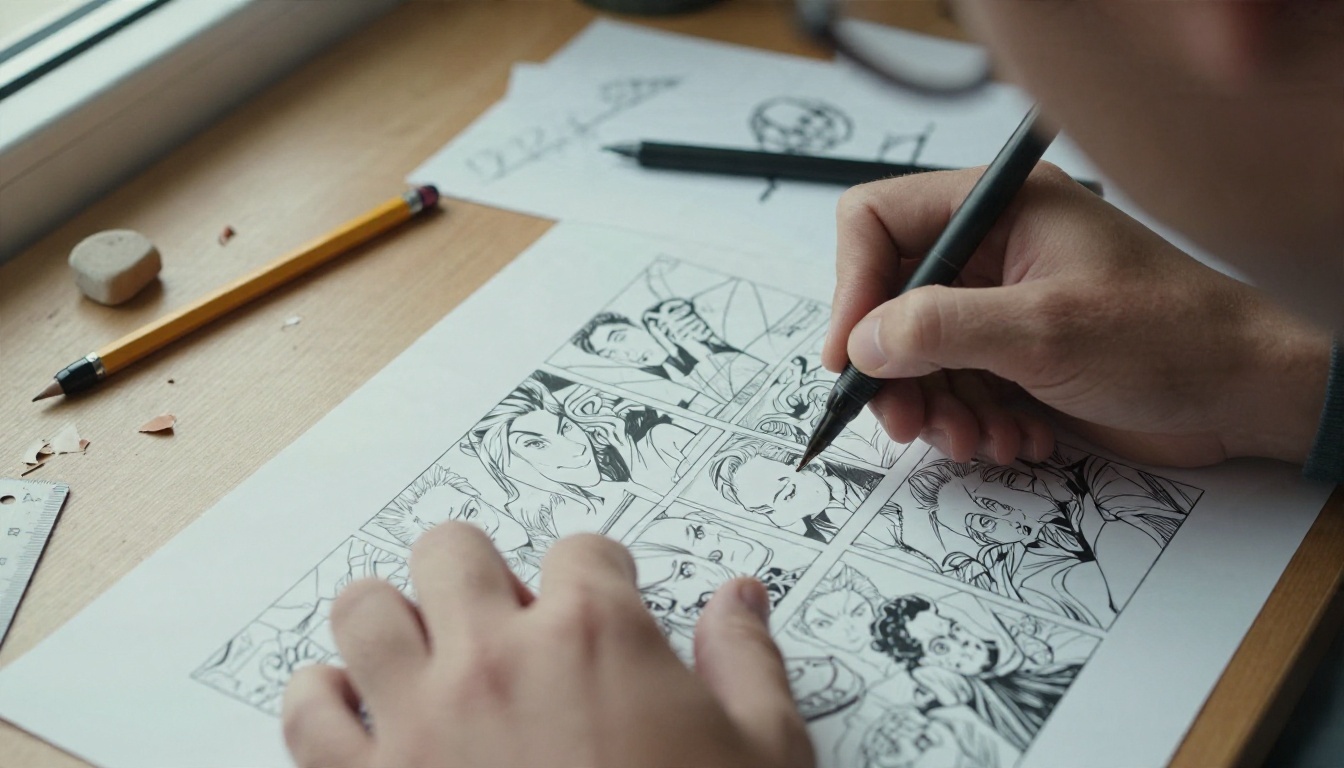
A comic book generator is any tool that handles part of the comic making chain for you: layout, art, lettering, or all three. Some give you ready made panels and characters. Others write the script or draw the scene from a text prompt. The best ones leave you in charge of the story while removing the tedious parts.
Three Types of Tools
Most generators fall into one of three groups:
- Template makers: you drag characters, backgrounds and speech bubbles into premade panels. Fast and forgiving.
- AI generators: you type a description and the tool produces art, a script, or both. Powerful, but you need to steer it.
- Drawing apps with comic features: panel grids, bubble tools and brushes for people who want to draw by hand on a tablet.
Who Actually Uses Them
The audience is wider than hobbyists. Teachers build storyboards for lessons, small businesses make comic style explainers, indie writers test a graphic novel pitch, and parents make a birthday story starring the kids.
💡 Pro tip: Decide the end format before you pick a tool. A webcomic strip, a printed zine and a page turning digital issue all want different page sizes and resolutions.
Free Options Worth Your Time
"Free" covers a lot of ground, from truly open source software to a trial that stops working after three pages. Knowing the difference saves an evening.
Browser Based Comic Makers
Several well known sites let you build a comic in a browser with no install. Template heavy platforms such as Canva, Pixton and Storyboard That offer free tiers with a limited set of characters, scenes and exports. They suit classroom work and quick strips. Free tiers change often, so check the current limits before you commit your project.
Free Software You Install
If you want to draw, Krita is a free, open source painting program with panel and perspective helpers. Inkscape handles vector lettering and shapes. GIMP is a free option for raster editing. These have a learning curve of their own, but there are no watermarks and no page caps.
Free AI Comic Generators
A growing group of web tools turn a short synopsis into panels. Free plans usually give a daily number of credits. Expect a watermark or lower resolution on the free output.
What "Free" Usually Hides
| Limit | What it looks like | Why it matters |
|---|
| Watermark | Logo stamped on every page | Makes the comic look unfinished |
| Export cap | Low resolution or few pages | Blocks print or long stories |
| Credit limits | Daily or monthly image allowance | Slows AI heavy projects |
| Usage terms | Unclear commercial rights | Risky if you plan to sell |
| Locked assets | Best characters behind a paywall | Narrows your style |
⚠️ Warning: Read the commercial use terms before you sell or publish. Some free plans limit use to personal projects.
AI Tools for Story and Art
AI tools help most at two moments: when you are stuck on the script, and when you need a lot of consistent art quickly.
Write the Script First
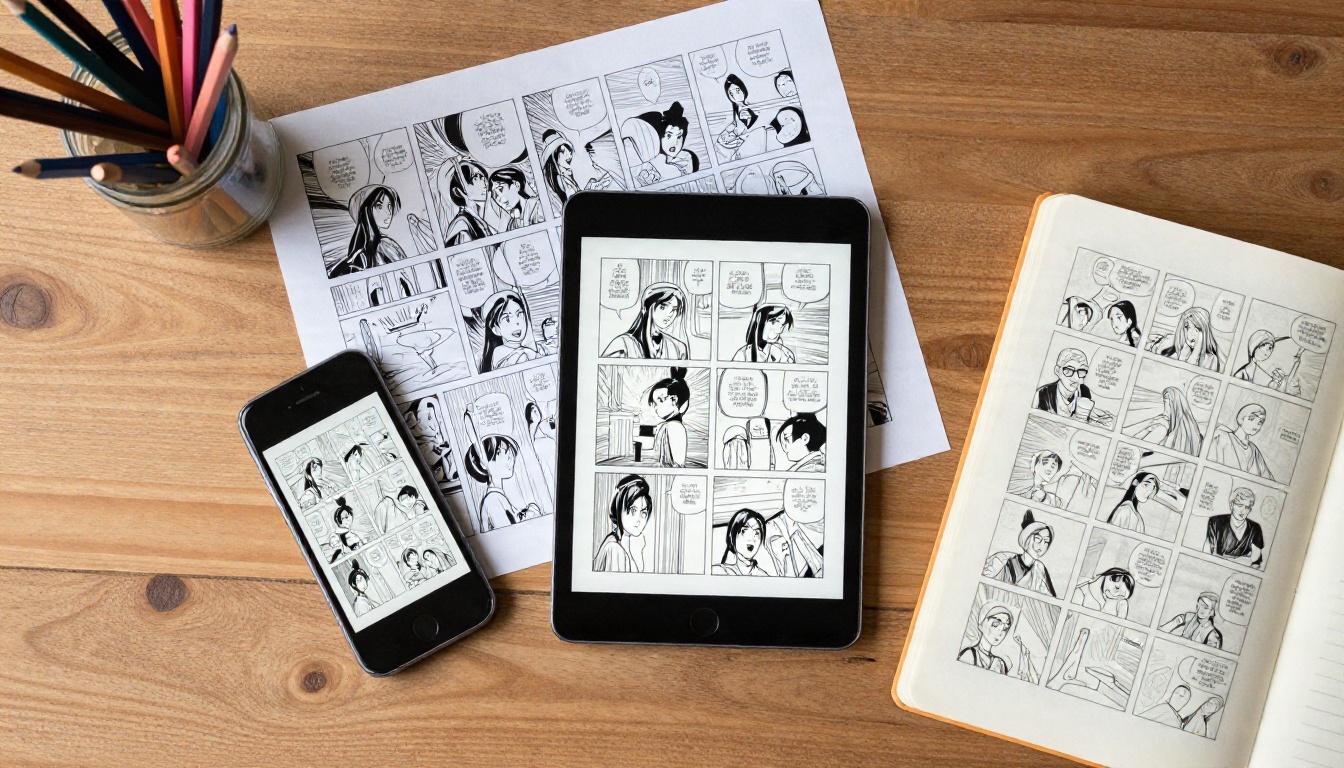
Before you touch an image generator, write a one page outline: who the hero is, what they want, what goes wrong, and how it ends. A language model can turn that outline into a panel by panel breakdown. Ask for a table with panel number, shot type, action and dialogue. You will edit it heavily, and that is fine.
Keep Characters Consistent
This is the hardest problem in AI comics. A character's face, outfit and hair tend to drift between panels. A few habits help:
- Write a fixed character description and paste it into every prompt.
- Use the same art style phrase every time, for example "black ink, flat color, thick outlines".
- Generate the character alone first, then reuse that image as a reference if your tool supports it.
- Keep backgrounds simple so the character does the work.
A Prompt That Works
Here is a pattern you can adapt:
Panel 3, wide shot. A courier on a bicycle races across a rooftop at sunset, wearing a green jacket and round glasses. Bold black ink lines, flat colors, comic book style, dramatic low angle.
Notice the structure: panel number, shot type, action, fixed character details, style. Keep it the same across the whole book and your pages will look like one comic instead of ten.
| Task | Best fit | Human input needed |
|---|
| Script outline | Language model | High: you shape the story |
| Character sheets | Image generator | Medium: pick and refine |
| Panel art | Image generator | Medium: consistency checks |
| Lettering | Layout tool or editor | Low to medium |
| Final layout | Comic maker or design tool | Medium |
Apps for Phone and Tablet
If you sketch on the sofa or on the train, apps matter more than websites.

Drawing Apps
Tablet apps like Procreate, Clip Studio Paint and Krita (on supported devices) include panel guides, stabilised brushes and speech bubble helpers. They reward practice, but a stylus and a few hours is enough to produce a clean page.
Template Apps
Mobile comic makers let you snap a photo, apply a comic filter, and drop it into a panel. They are great for family stories and school projects where the point is speed and fun, not draughtsmanship.
✅ Best practice: Work at the final page size from the start. Resizing a small canvas up later softens line art and makes lettering look blurry.
Online Makers Compared
Here is a quick side by side to narrow the field. Features shift as tools update, so treat it as a starting map.
| Tool type | Skill needed | Best for | Typical free limit |
|---|
| Template maker | Beginner | Classroom strips, quick stories | Fewer characters and exports |
| AI generator | Beginner to intermediate | Fast panels, concept pages | Credits and watermarks |
| Drawing app | Intermediate | Original art and style | Often a one time purchase |
| Open source software | Intermediate | Full control, no watermark | None, but steeper setup |
| Design suite | Beginner | Layout, covers and flyers | Premium templates locked |

Pick by Goal
- Just want to have fun: a template maker or phone app.
- Need a pitch fast: an AI generator plus a layout tool.
- Want a recognisable style: a drawing app and a lot of practice.
- Teaching a class: a browser based storyboard tool with a free education plan.
Make a Comic in Seven Steps
Whatever tool you choose, the workflow barely changes.
- Write a one page outline. Hero, goal, obstacle, ending.
- Break it into pages. Eight to sixteen pages is a good first project.
- Sketch thumbnails. Tiny rough boxes for each page, focused on flow.
- Create the art. Draw it, generate it, or assemble it from templates.
- Add lettering. Keep bubbles short. Two lines of dialogue per bubble is plenty.
- Export at high resolution. 300 dpi for print, at least 150 for screens.
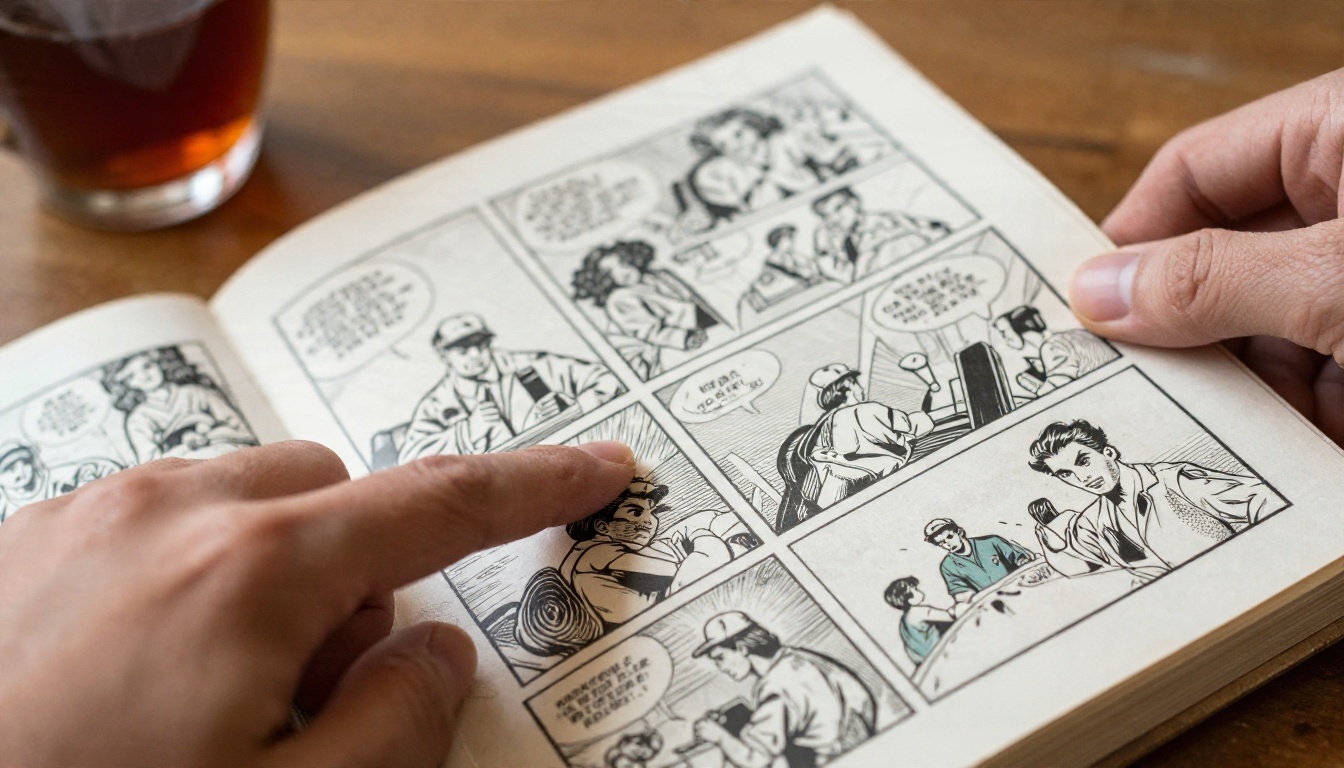
- Publish. Save a PDF and turn it into something readable.
💡 Pro tip: Read your finished pages aloud. If a bubble takes longer than a breath to say, cut words.
How to Create a Comic Flipbook with Flipbooks AI
A PDF is fine for printing, but it is a clunky way to read a comic. A flipbook gives your reader real page turns, a clean full screen view and a single link to share. The PDF to Flipbook Converter does the work in a few clicks, and your comic stays free of watermarks.
Create Your Account
Head to Flipbooks AI and sign up. You can try the basics before choosing a plan, and the pricing page shows what each tier adds.
Upload and Convert
- Export your comic from your generator or drawing app as a single PDF, pages in reading order.
- Open your dashboard and upload the file.
- Wait a moment while the pages convert into a page turning book.
- Check each spread. For a comic that has a splash page on the left and the reveal on the right, make sure the page order matches your layout.
Customise the Reader Experience
- Branding and colors: match the background to your comic's palette.
- Page effects: choose the page turn style that suits your pacing.
- Multimedia: add embedded videos or audio, such as a soundtrack or a creator's commentary, for a richer reading experience.
- Mobile responsive display: your comic reads well on phones without extra work.
The same builder works for related formats. Use the Interactive E-Book Publisher for a longer graphic novel, or the Digital Portfolio Creator to show comic samples to clients and editors.
Share It
| Sharing option | Best use |
|---|
| Direct link | Social posts and messages |
| Embed code | Your own site or blog, via the Embed Flipbook on Website tool |
| Password protection | Drafts, paid issues, or private feedback rounds |
| Offline download | Readers without a stable connection |
Pro Features Worth Knowing
On the Professional plan you get analytics and lead generation. For a comic creator that means you can see which pages readers reach and collect email addresses before a reader gets to chapter two. Unlimited flipbooks arrive with the Standard plan and above, which suits serial creators who publish a new issue every month. See the plan comparison for details.
Real World Uses
A comic is a flexible format. Here are practical scenarios where a generator pays off.
- A teacher builds a five page storyboard on photosynthesis, exports a PDF, and shares the flipbook link with the class. Students read on tablets without logging in.
- A bakery owner creates a four panel comic about a sleepy customer and a perfect croissant, then embeds it on the website.
- An indie writer tests a graphic novel pitch with a sixteen page sample, protected by a password, and sends it to two editors.
- A nonprofit tells a donor story as a comic and publishes it alongside its report with the Non-Profit Annual Report tool.
- A trainer turns a safety procedure into a comic, then folds it into a Training Manual Flipbook.

Three Common Mistakes
- Too many words per panel. Comics are visual. If the art says it, the text can stay quiet.
- Inconsistent characters. Fix a description sheet and keep it open while you work.
- Skipping the thumbnail stage. Ten minutes of rough boxes saves hours of redrawing.
Quick Tool Picker
| If you have | Start with | Then |
|---|
| One hour | Template maker | Export a PDF and publish |
| One weekend | AI generator and layout tool | Edit lettering by hand |
| One month | Drawing app | Build a full chapter |
| A team | Shared design suite | Review in a protected flipbook |
Ready to Publish Yours?
You do not need a studio, a budget or years of drawing practice to put a comic into the world. Pick the lightest tool that fits your skill, write a tight script, keep your characters consistent, and export a clean PDF.

When the pages are ready, create your free account on Flipbooks AI and turn the PDF into a flipbook readers can open with one click. Browse the full list of flipbook tools to see other formats, or compare pricing plans when you are ready for analytics and unlimited publishing.



