Most comics die in the notebook. The idea is great, the first three pages look promising, and then the plot wanders off and the project stalls. A good comic story development app fixes that by giving your idea a structure before you draw a single panel, and a good publishing step gives your finished pages somewhere to live. This article walks through free tools, reusable templates and browser based options for building the story, then shows how to turn the finished pages into a page turning flipbook with Flipbooks AI.
What a Story App Actually Does
A comic story development app is any tool that helps you move from a vague premise to a page by page plan. Some are dedicated story software. Others are general note, board or drawing apps that happen to work very well for comics.
Outline, Script and Thumbnails
Comics need three layers of planning, and a useful app supports at least two of them:
- Outline: the beats of the story, usually grouped into acts or chapters.
- Script: page by page and panel by panel descriptions, plus dialogue and captions.
- Thumbnails: tiny rough sketches that test pacing before you commit to inking.
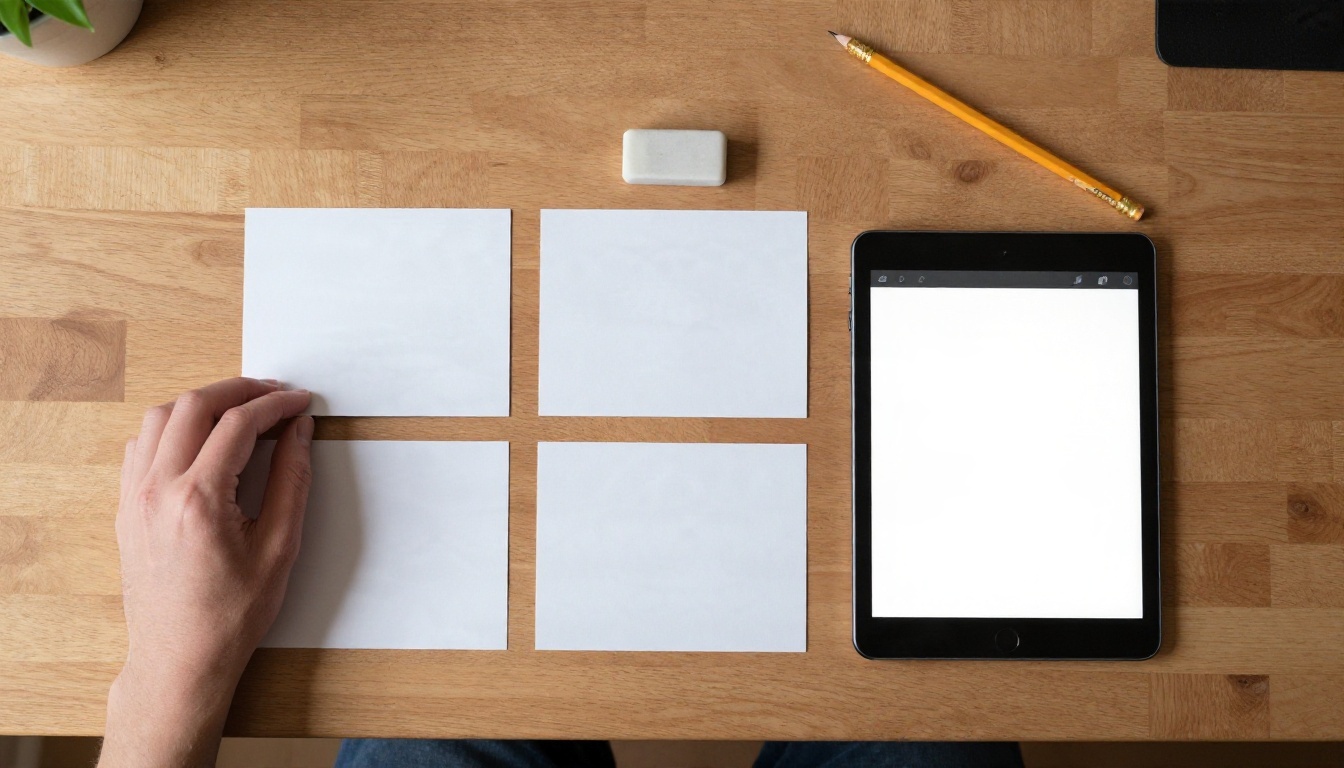
Many creators start with physical index cards and then mirror them in an app. That habit works because cards are easy to shuffle, and a digital board makes it easy to share the same shuffle with an artist across town.
Free vs Paid Reality
Free tools are good enough for nearly every first project. Paid apps usually add convenience: automatic page counts, character databases, version history and export formats. If you are writing your first short story of 8 to 24 pages, you probably do not need any of that yet.
💡 Pro tip: Pick tools by the problem you have today. If your plot keeps collapsing, you need an outliner. If your pages feel slow, you need a thumbnail board. Do not buy software to fix a problem you have not hit.
Best Free Tools for Story Development
Free plans and features change often, so check each tool's current limits before you build a workflow around it. The table below groups well known options by the job they do best.
| Tool | Best For | Works Online | Free Option | Weak Spot |
|---|
| Google Docs | Scripts with comments from an artist | Yes | Yes | No panel layout view |
| Notion | Story bible, character database, outlines | Yes | Free plan | Can become messy without a template |
| Trello | Page by page production board | Yes | Free plan | Not made for long text |
| Canva | Quick panel layouts and mood boards | Yes | Free tier | Limited comic specific tools |
| Krita | Thumbnails, pencils and full pages | Desktop | Free and open source | Learning curve for beginners |
| MediBang Paint | Panels, screentones and lettering | Desktop and mobile | Free | Cloud features vary |
| Pen and index cards | Fast beat sheets | No | Cheap | Hard to share |
Writing and Outlining
For the script, Google Docs is hard to beat because your artist can comment directly on a line of dialogue. Notion works better as a story bible: one page per character, one page per location, and a linked database for chapters. Both run in a browser, so nothing needs installing.

Thumbnailing and Drawing
Thumbnails are where story and art meet. Draw each page as a row of tiny boxes, about the size of a stamp, and ask one question: does the eye move naturally from panel to panel? Krita and MediBang Paint both handle this well on a desktop or tablet, and both are free to use.
Online Options in the Browser
If you work across devices or share a laptop, browser tools win. A trio that costs nothing and needs no install:
- Google Docs for the script.
- Trello for the page by page checklist, with one card per page.
- Canva for rough layouts and a visual mood board.

Templates You Can Reuse Today
Templates remove the blank page problem. You do not need to download anything fancy. A plain document with the right headings does the job.
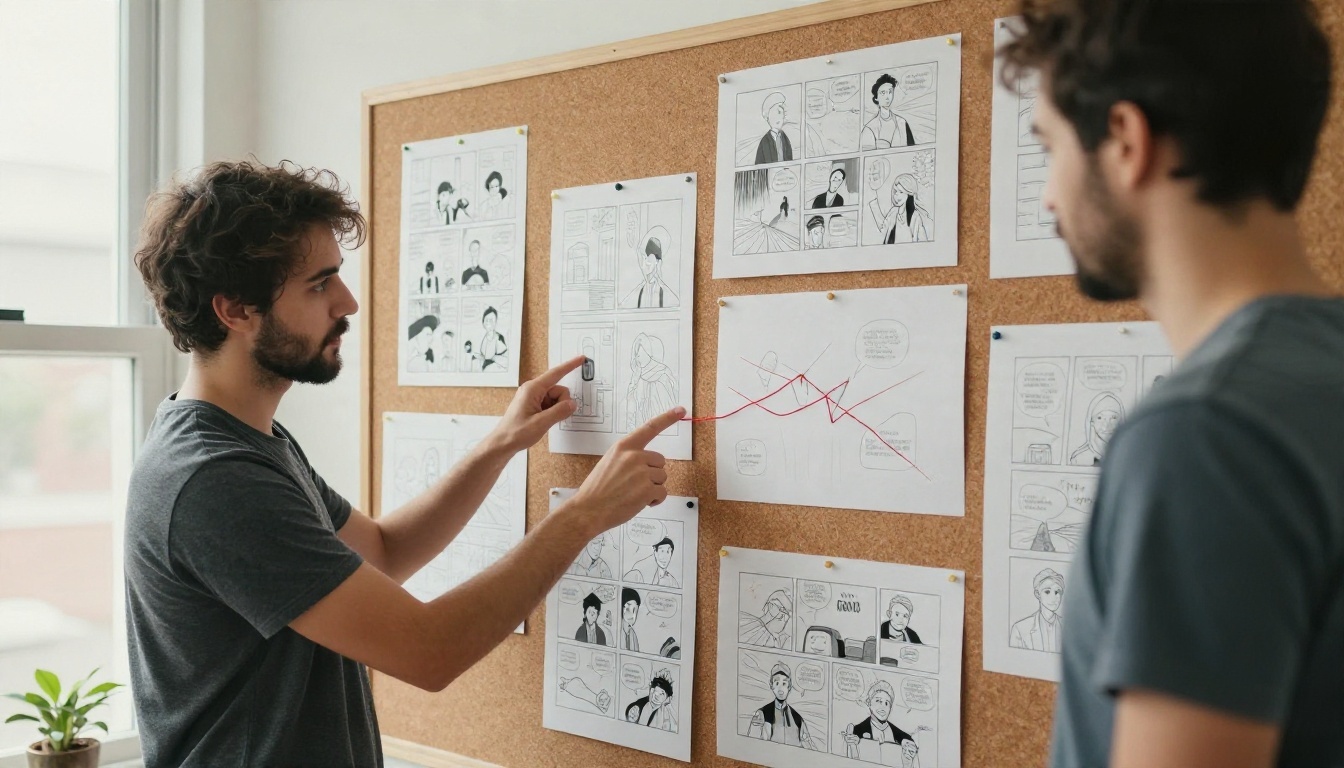
Three Act Comic Outline
Copy this skeleton into any app and fill in one sentence per line:
- Act 1 (about 25 percent): the hero's normal world, the inciting event, the decision to act.
- Act 2A (about 25 percent): new allies, new rules, small wins.
- Midpoint: a reveal or reversal that changes the goal.
- Act 2B (about 25 percent): things fall apart, the cost of the goal gets clear.
- Act 3 (about 25 percent): the final confrontation and the new normal.
Page Script Template
Use the same format for every page so your artist always knows where to look:
- PAGE 3 (5 panels)
- Panel 1: setting, who is in frame, camera distance, one action.
- Caption: narration text if any.
- Dialogue: speaker name followed by the line, kept under about 25 words per balloon.
- Notes: mood, lighting, anything the artist should not miss.
Character Sheet Template
| Field | Example Entry | Why It Matters |
|---|
| Goal | Find her missing brother | Drives every scene choice |
| Flaw | Never asks for help | Creates conflict with allies |
| Visual hook | Yellow scarf, chipped tooth | Keeps the design consistent across pages |
| Voice | Short sentences, dry humor | Keeps dialogue distinct |
| Arc | Learns to trust the team | Gives the ending an emotional payoff |
✅ Best practice: Keep each character sheet to one screen. If it needs scrolling, nobody, including you, will check it mid script.
A Simple Workflow From Idea to Pages
A workflow is just an agreed order of work. This one suits a solo creator or a writer and artist pair.
- Write a one sentence premise. Who wants what, and what stands in the way?
- Fill the three act outline. One line per beat, no more.
- Break the outline into pages. Decide how many pages each beat gets.
- Write the script for one chapter. Do not script the whole book in one go.
- Thumbnail every page. Fix pacing problems while they are cheap to fix.
- Draw, ink and letter. Track progress on a board, one card per page.
- Export and publish. Save the finished pages as a PDF and turn it into a flipbook.
A Realistic Weekly Schedule
| Day | Task | Time |
|---|
| Monday | Script 4 pages | 90 minutes |
| Tuesday | Thumbnail those 4 pages | 60 minutes |
| Wednesday | Pencil 2 pages | 2 hours |
| Thursday | Pencil 2 pages | 2 hours |
| Saturday | Ink and letter 4 pages | 3 hours |
Small, repeatable blocks beat heroic weekends. Four pages a week gets a 24 page issue out in six weeks.
Working With an Artist or Writer
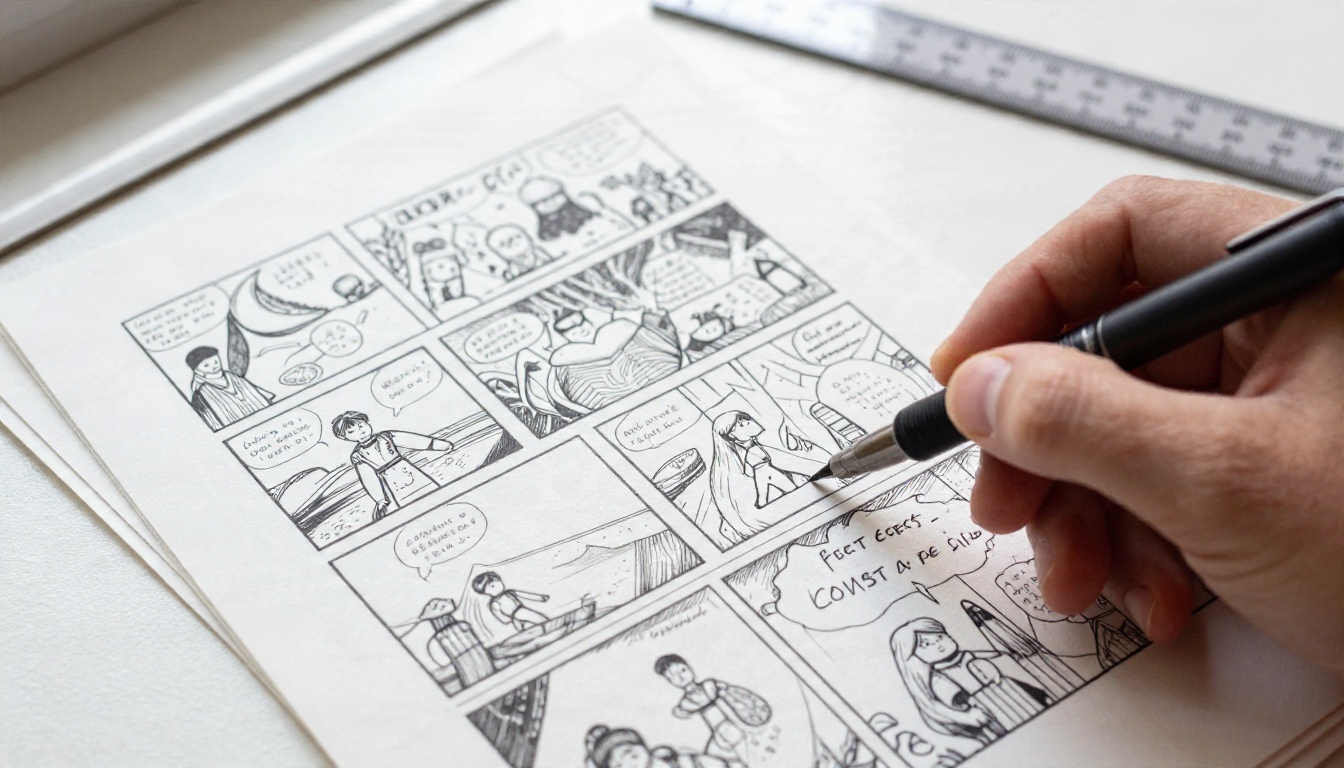
Collaboration is where a story app earns its place. A shared script, a shared board and one source of truth for character details prevent most arguments.
- Agree on the format early. Decide who owns the script and who owns the thumbnails.
- Comment, do not overwrite. Use comment threads so the original line stays visible.
- Set review points. Review after the outline, after thumbnails and after pencils, not after inks.
- Keep a change log. A short note in Notion or Docs saves hours of "which version was that?"

⚠️ Warning: Never start inking before both people have approved the thumbnails. Redrawing a finished page is the most expensive mistake in comics.
Publishing Comics as a Flipbook
A finished comic is a PDF sitting in a folder, and PDFs are a poor reading experience. They scroll awkwardly, they open slowly on phones and they do not feel like a book. A flipbook solves all three problems.
Why Flipbooks Fit Comics
Comics are built around the page turn. A reveal on the last panel of a right hand page works because the reader has to flip it. A flipbook keeps that rhythm, shows two page spreads on a desktop and adapts to a single page on a phone.
| Format | Page Turn Feel | Mobile Friendly | Easy to Share | Tracks Readers |
|---|
| Raw PDF download | None | Poor | Medium | No |
| Image gallery post | None | Good | Easy | Limited |
| Social media carousel | Partial | Good | Easy | Limited |
| Online flipbook | Strong | Good | Easy, with a link or embed | Yes, with analytics |

How to Create a Comic Flipbook with Flipbooks AI
Once your pages are lettered and exported as a single PDF, the publishing step takes minutes. Here is the full process.
- Open the platform. Go to Flipbooks AI and create an account. You can try the basics before choosing a plan.
- Upload your PDF. Drag your comic file into the upload area. The PDF to Flipbook Converter turns each PDF page into a flippable page and keeps the artwork sharp. Export at a high resolution so line art stays crisp when readers zoom.
- Check the page order. If your comic uses a cover and double page spreads, confirm that the first page sits alone and the spreads pair correctly.
- Customize the look. Add your own branding, choose a background color that suits the mood of the story, and pick a page turn effect. A dark background tends to make colorful art stand out. You can also embed audio for a soundtrack or add video, such as a short author note or a trailer.
- Pick your sharing method. Copy a direct link for social posts, or grab an embed code for your own site. The Embed Flipbook on Website page shows how. Use password protection if the chapter is for backers or beta readers only.
- Publish and test on a phone. Open the link on a real device. The design is mobile responsive, but you should still check that speech balloons are readable at small sizes.
💡 Pro tip: Publish a three page preview as its own flipbook and link it from social posts. Readers who like it can click through to the full issue.
Pro Features Worth Knowing
If you want to know who is reading and where they stop, the Professional plan adds analytics and lead generation, so you can collect emails before the final page. You can also allow offline downloads for readers on slow connections. Standard plans and above support unlimited flipbooks, so a whole series can live in one account. Compare options on the pricing page. Flipbooks never carry a watermark.

Other Flipbook Tools for Creators
Comics are not the only thing a creator needs to publish. Related tools on the platform include:
Browse the full list of flipbook tools to see what else fits your project.
Mistakes That Stall Comic Projects
Most abandoned comics fail for predictable reasons. Here are the common ones and the quick fix for each.
- Scripting the whole book first. Write one chapter, draw it, then continue. You will change the story as you draw.
- Skipping thumbnails. Without them, pages end up with the same layout over and over.
- Too many tools. Three apps that all work are better than nine you keep switching between.
- Overstuffed pages. More than six or seven panels on a page and the balloons start to crowd out the art.
- No finish line. Decide the page count and release date before you start, even if the date is only for yourself.
| Mistake | Symptom | Quick Fix |
|---|
| No outline | Plot drifts after page 10 | Write a one line beat per act |
| No thumbnails | Repetitive layouts | Sketch every page at stamp size |
| Late lettering | Art hidden under balloons | Plan balloon space at thumbnail stage |
| No release plan | Pages never leave the folder | Publish a flipbook preview early |

Pick Your Setup and Publish
You do not need a large budget to build a comic. A script in Google Docs, a story bible in Notion, thumbnails in Krita or MediBang Paint, and one simple board for tracking pages is enough to carry a story from idea to finished issue.
Then give the finished pages a proper home. Ready to publish your first issue? Get started for free on Flipbooks AI, browse the tools and templates to find the right format, and compare pricing plans when you want analytics, lead capture or unlimited flipbooks. Your story is ready to be read, so give it pages that turn.



