You have a joke, a character and four empty boxes. The real question is which comic strip app will get that idea onto a screen without a week of setup, and what you do with the strips once they exist. Most people stop at the drawing stage, then watch their work get buried in a social feed. This article compares AI generators, free tools and classic drawing apps, then shows how to bundle your strips into a page-turning book with Flipbooks AI so readers can follow the story in order.
What a Comic Strip App Does
A comic strip app gives you panels, speech bubbles, characters and an export button. Some ask you to draw. Some ask you to type a prompt. Others hand you ready-made characters and let you drag them around. The right pick depends less on features and more on how you like to work.
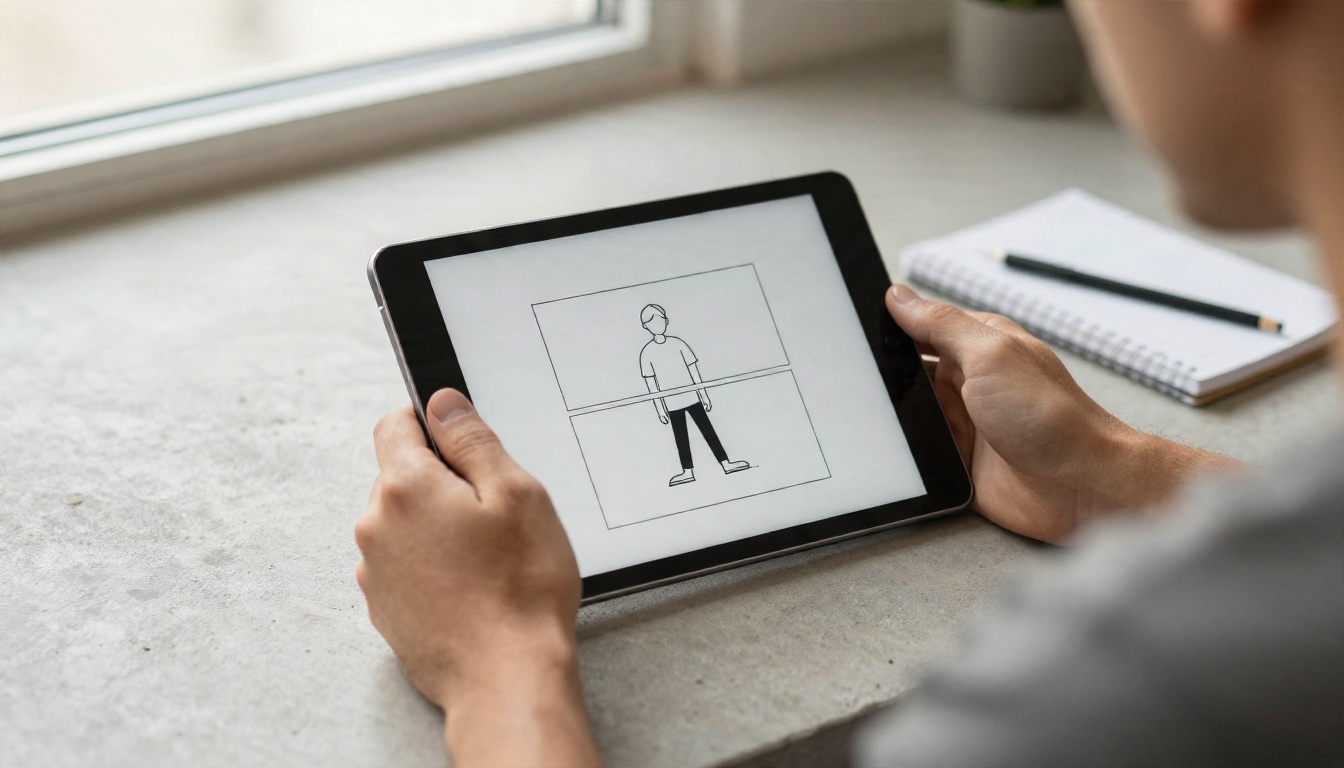
Three Types of Apps
Almost every option falls into one of three groups:
- Drawing apps: you create every line yourself, with total control over style.
- Template and character makers: you pick poses, backgrounds and bubbles from a library.
- AI generators: you describe a scene in words and the software produces the panels.
Each group trades control for speed. Drawing apps are slowest and most personal. AI generators are fastest and the least predictable. Template makers sit in the middle and suit teachers, marketers and anyone who cannot draw.
Who Searches for These Apps
People looking for a comic strip app usually fall into a few camps: hobby cartoonists, students with a class project, small business owners who want a mascot, and writers testing a story before hiring an artist. Their needs differ, but they share one problem. A strip is a short, ordered sequence, and standard image posts scatter that order.
AI Generator Options
AI comic tools have improved quickly. You can type "a tired cat discovers Monday has arrived" and receive a four-panel layout in under a minute. The results are impressive when you accept a few limits.
Prompt-Based Generators
Prompt-based tools generate panels from text. Some let you write the whole script, panel by panel. Others suggest the script for you. The best ones keep the layout editable, so you can swap a face or rewrite a bubble without regenerating everything.
💡 Pro tip: Write one sentence per panel and keep each sentence to a single action. "Panel two: the dog stares at the empty bowl" works far better than a paragraph of plot.
The Character Consistency Problem
The hardest thing for any generator is keeping the same character looking the same across panels. Hair length drifts, jackets change color, and a round face turns oval. Tools that accept a reference image or a saved character sheet handle this much better than plain text prompts.
Some workarounds that help:
- Describe the character in the exact same words in every panel.
- Save one approved portrait and reuse it as a reference.
- Limit each strip to two characters.
- Fix small errors by hand in an editor afterward.
Rights and Credit Questions
Before you publish AI-made strips, read the terms of the tool. Check who owns the output, whether commercial use is allowed, and whether the tool asks for credit. If you plan to sell a collection, keep a record of your prompts and edits. That paper trail is useful if anyone asks how the work was made.
⚠️ Warning: Terms change often. Confirm commercial rights on the tool's current page before you print or sell anything.
You do not need a paid plan to make a decent strip. Free options come in two flavors, and both are enough for a first series.
Browser Makers and Templates
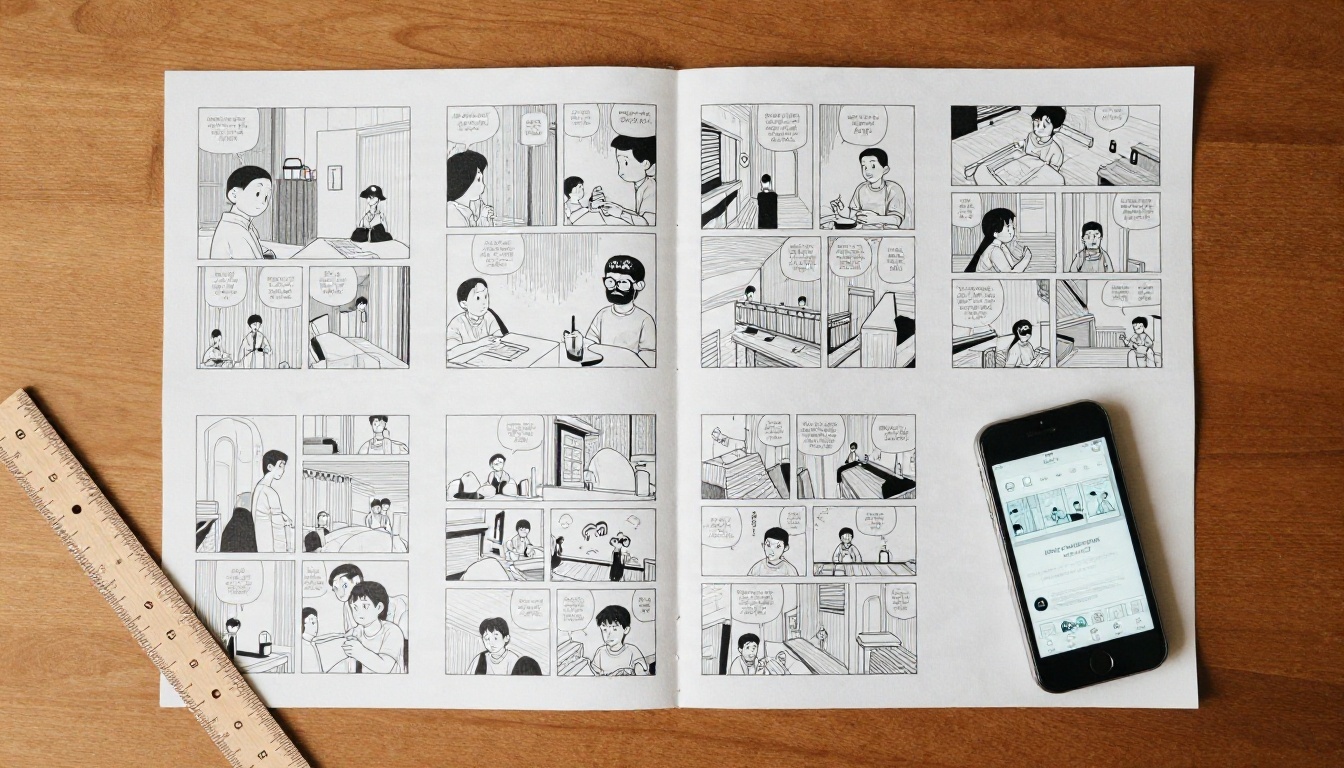
Browser-based makers need no install. Canva offers comic templates on its free tier, and Make Beliefs Comix has long offered a simple character and bubble builder at no charge. Several storyboard-style sites give you a handful of free panels per month. Expect watermarks or export limits on some of them, so test one export before you commit a whole series.
Free Drawing Apps
If you can sketch, free drawing software goes much further. Krita is open source and has panel and perspective tools. Mobile apps such as MediBang Paint offer comic layouts with panel cutters and screentones. Free drawing apps tend to have no export caps at all, which matters when you plan a book of fifty strips.

| App Type | Typical Cost | Skill Needed | Best For | Watch Out For |
|---|
| AI generator | Free tier, then subscription | Low | Fast drafts, ideas | Character drift, unclear rights |
| Template maker | Free tier or low monthly fee | Low | Classroom, business mascots | Repeated looks, watermarks |
| Free drawing app | Free | Medium to high | Original style | Slower workflow |
| Paid drawing app | One-time or subscription | Medium to high | Pro webcomics | Learning time and cost |
Prices and limits shift often, so check each tool's own page before you decide.
Picking the Right App
Choose by your bottleneck. If you cannot draw, start with a template maker or AI tool. If you can draw but lack time, use AI for backgrounds and draw the characters yourself. If you want a recognizable style, stick with a drawing app and invest the hours.
A Quick Decision Table
| Your Situation | Start With | Why |
|---|
| Teacher needing a lesson strip tonight | Template maker | Ready characters, no drawing |
| Writer pitching a story idea | AI generator | Fast visual drafts |
| Illustrator building a webcomic | Drawing app | Full control of line and color |
| Small business making a mascot series | Template maker plus export | Consistent look, simple edits |
| Student with a phone only | Mobile drawing or browser app | Works anywhere |
Mixing Tools on Purpose
Many creators use more than one app. They draft the script with an AI assistant, draw the characters in a free app, and letter the bubbles in a template tool. There is no prize for using a single program. Pick whatever gets the strip finished.
✅ Best practice: Export every strip at the same size and resolution from the start. Mixed sizes make a collection look sloppy once you put it in a book.
Why Turn Strips Into Flipbooks
Here is the problem nobody mentions. Strips live on social feeds, where the algorithm decides the order and old posts vanish. A reader who likes strip twelve cannot easily find strip one. A flipbook fixes that by putting the whole series on pages that turn like a printed book.
Order, Pacing and Surprise
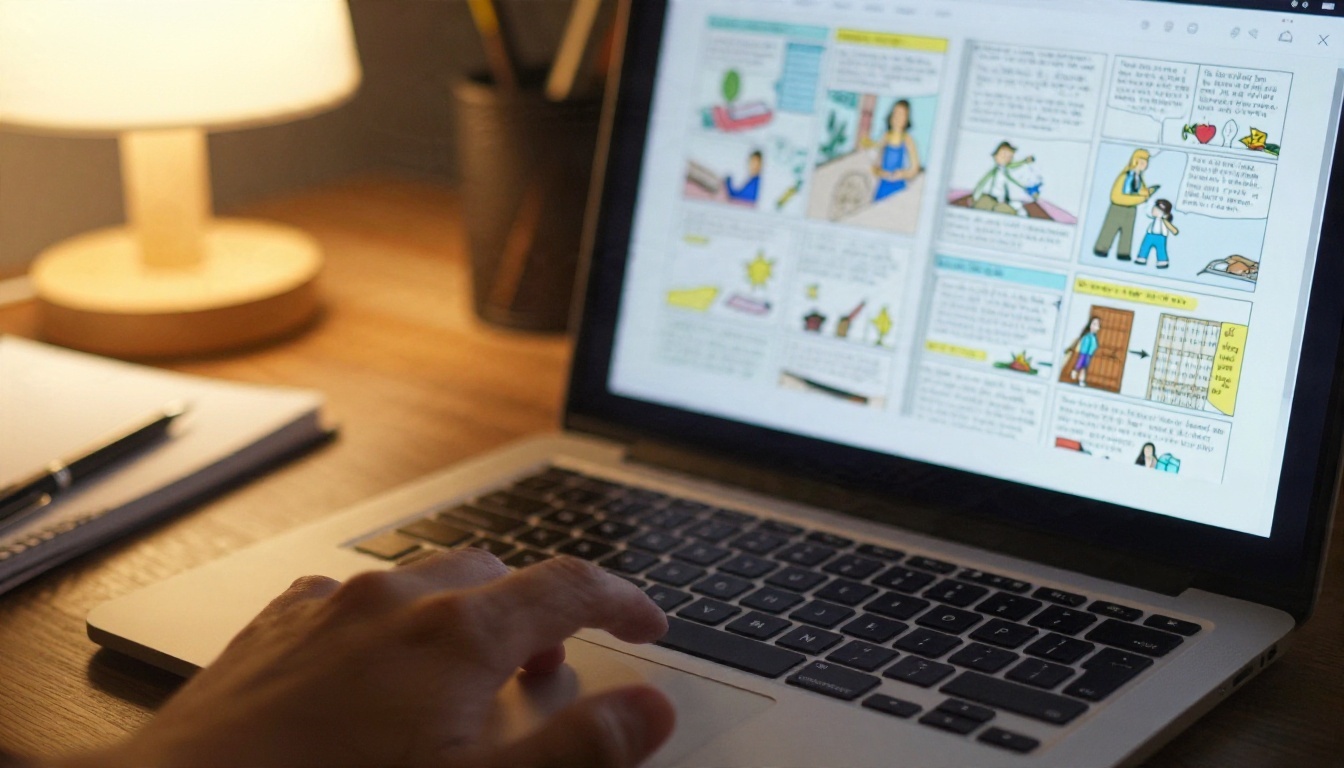
Comics depend on pacing. A page turn is a built-in pause, perfect for a punchline or a cliffhanger. In a scroll, the reader sees the next panel too early. In a flipbook, you control the reveal, just as you would in print.
Real-World Examples
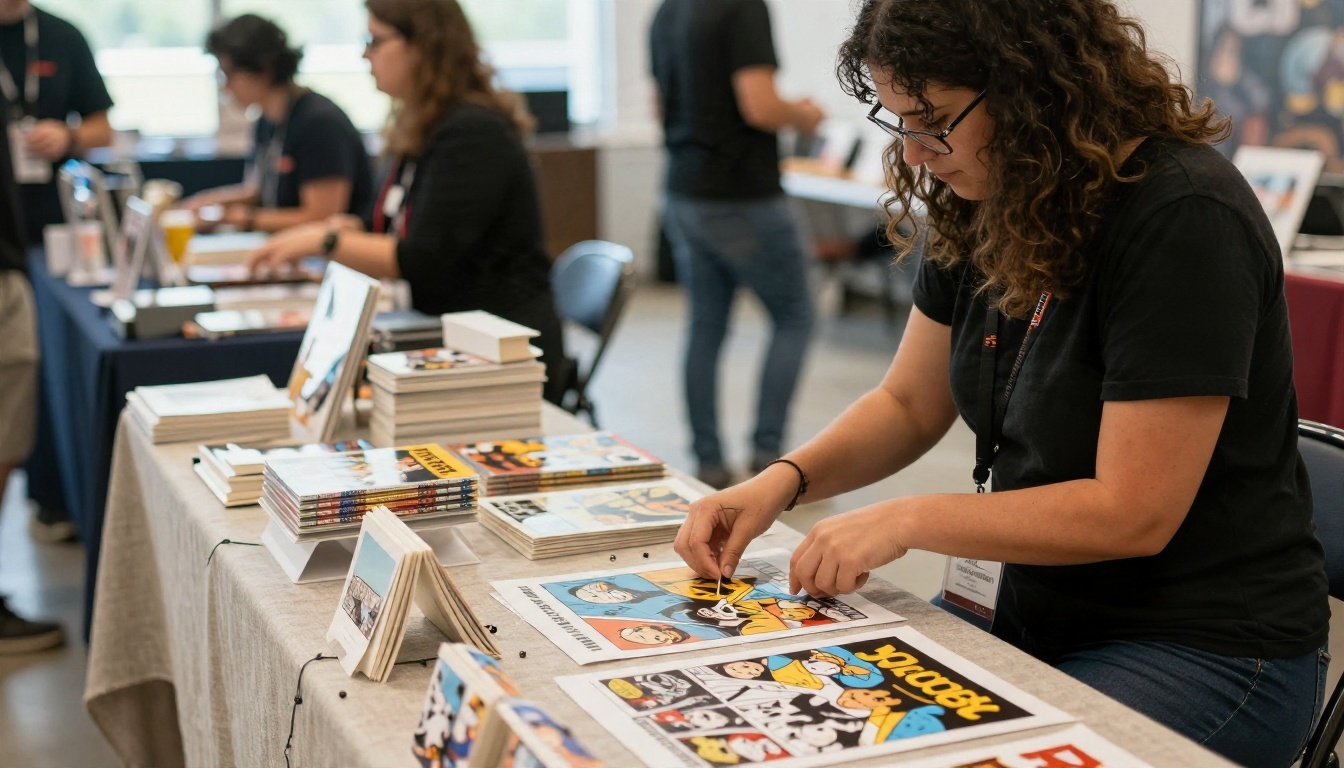
- A webcomic artist bundles each season into one flipbook and links it from every social profile.
- A teacher collects student strips from a history unit into a class book, shared by link with parents.
- A small bakery publishes a mascot comic with seasonal specials on the back pages, using the Digital Catalog Maker for the product section.
- A writer shares a storyboard with a publisher as a private, password-protected flipbook.
Print Versus Flipbook
| Feature | Printed Zine | Social Post | Flipbook |
|---|
| Cost per copy | High | None | None |
| Reader sees pages in order | Yes | No | Yes |
| Easy to update | No | Partly | Yes |
| Works on phones | No | Yes | Yes |
| Analytics | No | Basic | Yes (Professional plan) |
| Private sharing | Hard | Limited | Password protection |
Create a Comic Flipbook with Flipbooks AI
You can finish this in one sitting. The conversion works from a PDF, so it does not matter which comic strip app made your panels.
Export and Upload
- Arrange your strips. Place one strip or one page per PDF page. Keep the same page size for all of them.
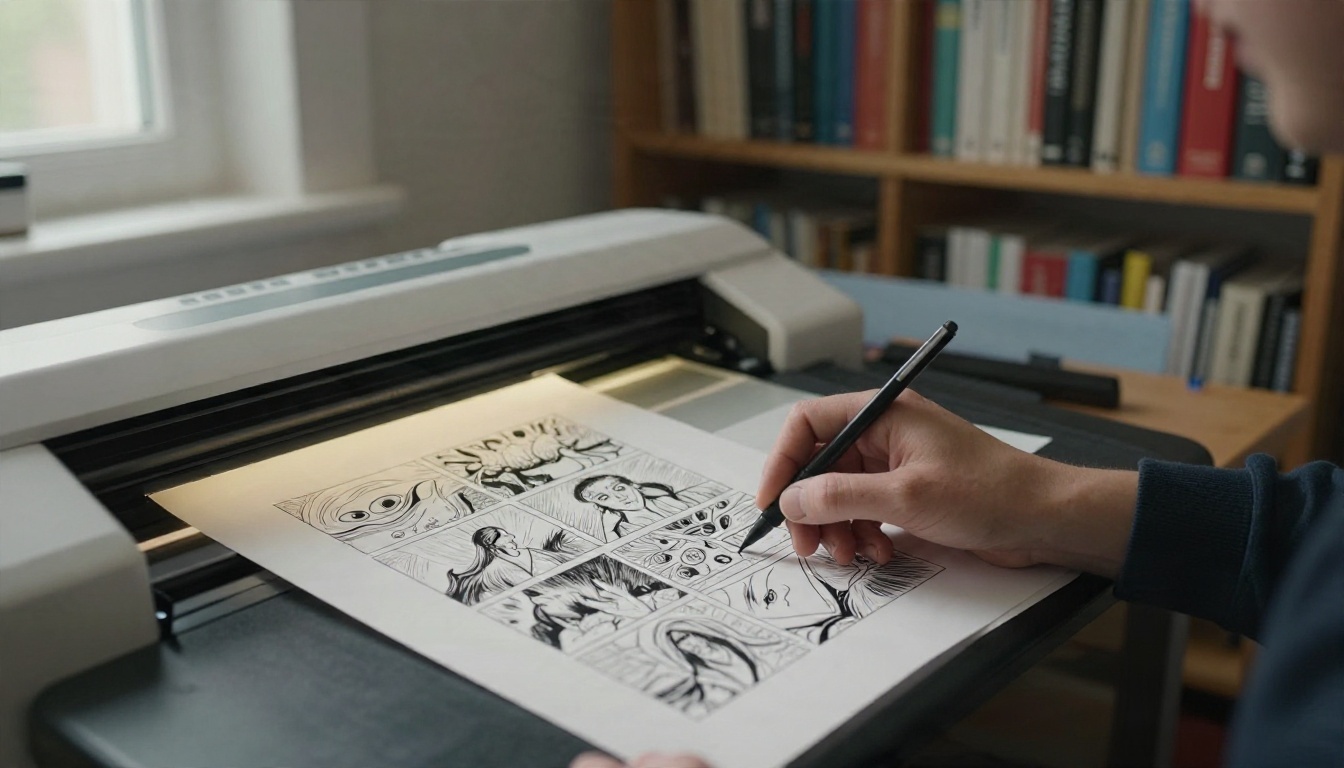
- Export as PDF. Most apps offer this under Export or Print. Choose high resolution so line work stays sharp on large screens. If you drew on paper, scan each page and merge the scans into one PDF.
- Open Flipbooks AI. Go to Flipbooks AI and create an account if you do not have one yet.
- Upload the file. Drop your PDF into the PDF to Flipbook Converter. Each PDF page becomes a flipbook page with a realistic page-turn effect.
💡 Pro tip: Put your title page first, a short cast of characters on page two, and the first strip on page three. New readers get context before the jokes begin.
Customize the Look
Once the pages load, open the editor and adjust the details:
- Branding: add your logo or pen name and pick a background color that suits the art. A dark backdrop makes bright panels pop.
- Page effects: choose how the pages curl and how fast they turn.
- Multimedia: embed audio, such as a theme tune, or video, such as a short making-of clip, on any page.
- Layout: pick single-page view for vertical strips or spreads for wider layouts.
If your collection mixes strips with a shop section, the Catalog Flipbook Creator is a good companion for the product pages. For a longer story, the Interactive E-Book Publisher suits chaptered work.
Share and Embed
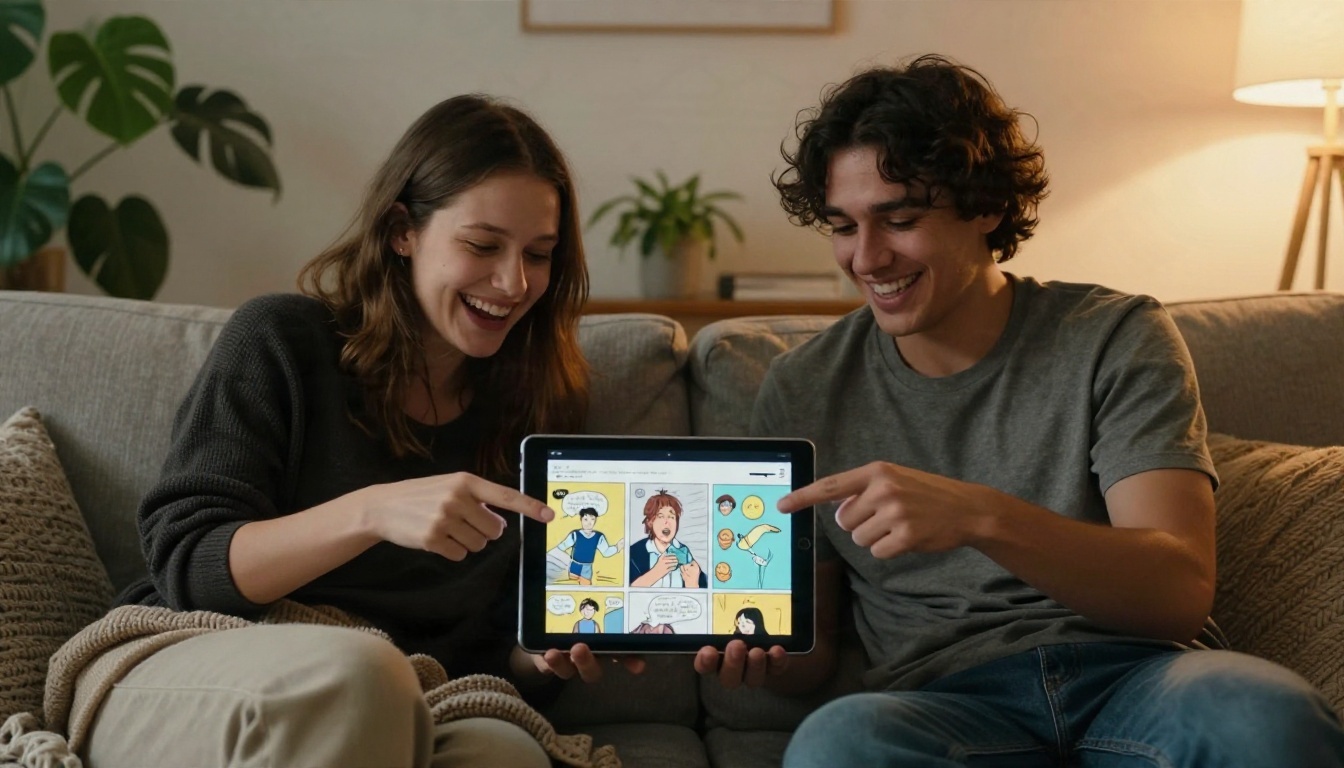
Publishing takes seconds, and you have several routes:
- Direct link: paste it into a bio, newsletter or message.
- Embed code: place the flipbook on your own site with the Embed Flipbook on Website tool.
- Password protection: keep a draft private for an editor, client or classroom.
- Offline download: let fans save a copy to read without a connection.
The viewer is mobile-responsive, so the same book works on a phone, tablet or desktop. There are no watermarks on your pages, ever.
Professional Plan Extras
Serious series benefit from the Professional plan. Analytics show which pages readers reach and where they stop, so you can spot the strip that lost them. Lead generation adds a form before or inside the book, which is handy for collecting email addresses of fans who want the next volume. The Standard plan and above include unlimited flipbooks, so you can publish a new book every season. See the full pricing plans to compare.
| Feature | Why a Comic Creator Cares |
|---|
| No watermarks | Your art stays clean |
| Unlimited flipbooks (Standard and above) | One book per season or character |
| Password protection | Private drafts for editors |
| Analytics (Professional) | Find where readers drop off |
| Lead generation (Professional) | Build a fan email list |
| Offline downloads | Reading on trains and flights |
| Custom branding | Consistent look across volumes |
Mistakes That Ruin Comic Flipbooks
A few small errors can make a good strip look amateur. Check these before you publish.
Low Resolution Exports
A strip that looks fine on a phone can look blurry on a desktop monitor. Export at a high resolution, and zoom in on the lettering before you upload. Tiny speech bubble text is the first thing to break.
Inconsistent Page Sizes
If one strip is square and the next is wide, the book jumps around. Decide on a page size at the start and stick with it. If you mix tools, resize every export to match.
Skipping the Title Page
The front page is the first thing a reader sees. A plain default page makes a series look unfinished. Add a title, your name and a date, even if you keep it simple.
Forgetting the Reader's Journey
Think about how someone new will enter the book. A short intro page, numbered strips and a clear ending page keep readers from getting lost. Add a final page with your social links and a note on when the next volume arrives.
Ignoring Accessibility
Use high contrast between text and background, and keep lettering large. Readers on small screens will thank you. If you add audio, offer a way to turn it off.

⚠️ Warning: If students made the strips, get permission before publishing names or faces. Use a password-protected flipbook for class work and share the password only with families.
Publish Your Strips Today
The best comic strip app is the one you actually finish a strip in. Pick a drawing app, a template maker or an AI generator, make your first four panels, and export them as a PDF. Then give the work a proper home.
Ready to put your strips in order? Get started for free on Flipbooks AI and turn your PDF into a flipbook in minutes. Browse all flipbook tools to find a layout for your catalog, portfolio or e-book. If you want analytics and lead capture for your series, compare plans and upgrade when you are ready.



