You have 600 holiday photos, a deadline before the family gathers, and a dozen photobook services that all claim to be the best. Prices start at a few dollars and climb past a hundred. Quality ranges from "lovely keepsake" to "why is everything green?". And once the book arrives, only one household can hold it. This article helps you compare photobook services: prices, quality, online flipbook alternatives and sharing options in one place, so you can pick the format that fits your photos, your budget and the people who need to see them. Along the way, you will see where a digital page turner built with Flipbooks AI can replace, or sit beside, a printed album.
What You Are Really Buying
A photobook is not one product. It is a bundle of paper, binding, layout software, printing, shipping and (often) a deadline. Each service weighs those parts differently, which is why two books with the same page count can differ by 3x in price.
Print, Digital, or Both
Most people assume the choice is "printed book or nothing." In practice there are three paths:
- Printed only: a physical album, ordered from a retail or specialist printer.
- Digital only: a flipbook or online album you share with a link.
- Hybrid: one set of pages, exported once as a PDF, used for both a printed copy and a flipbook.
The hybrid route is the most underrated. You design once, print a single copy for the shelf, and send everyone else a link. That avoids paying for six copies of the same wedding album.
The Service Types You Will Meet
| Service type | Typical strength | Typical weakness | Best for |
|---|
| Retail print chains | Low entry price, fast pickup | Basic paper, template heavy | Quick gifts |
| Mobile app photobook makers | Auto layouts in minutes | Limited control over spreads | Casual trip albums |
| Premium layflat studios | Gallery grade paper, wide spreads | High price per page | Weddings, portfolios |
| Online flipbook platforms | No print cost, instant sharing | Not a physical object | Sharing, updating, embedding |
Photobook Prices Side by Side
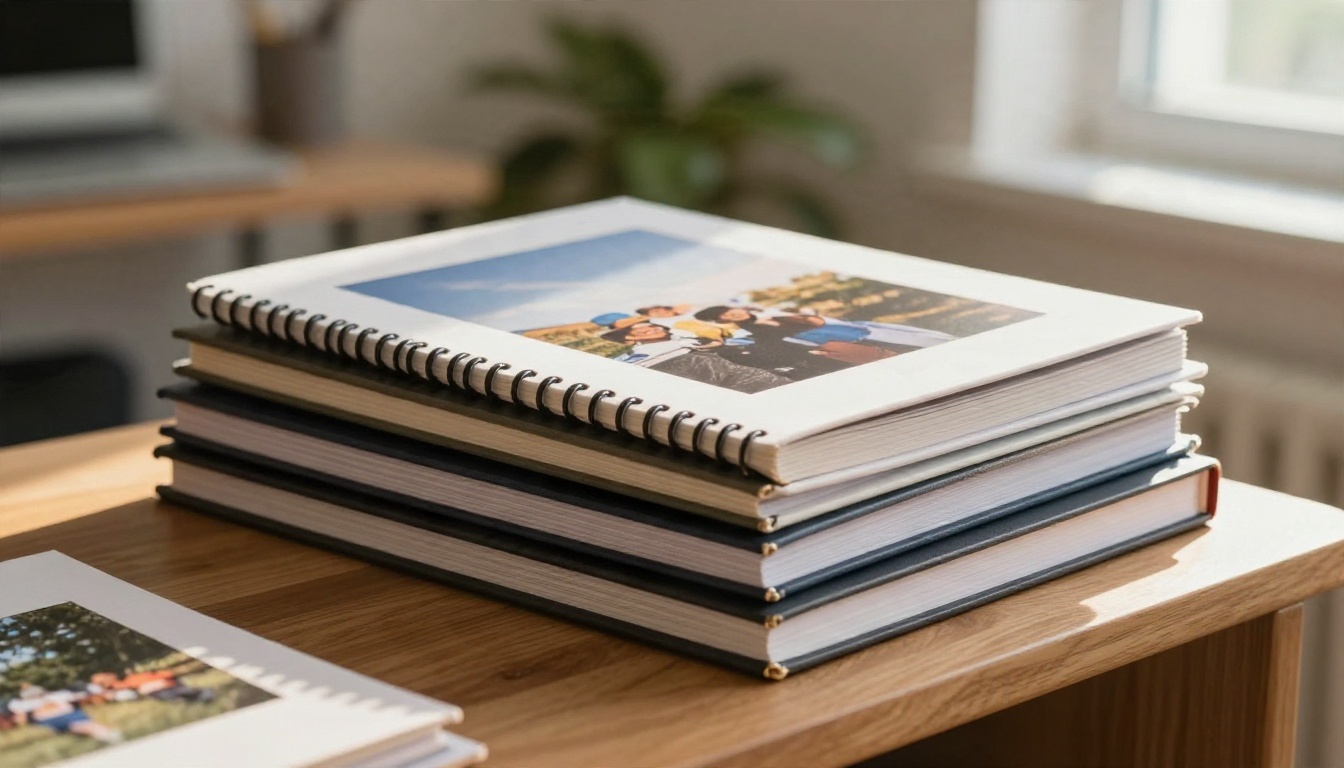
Sticker prices are the least useful number. The total you pay is the base price, plus extra pages, plus upgrades, plus shipping, minus whatever coupon you caught that week. The ranges below are typical market estimates for a 24 to 40 page book. Check each provider's current price list before you order, because promotions change constantly.
| Format | Typical base price | Extra page cost | Shipping | Delivery time |
|---|
| Small softback (15 x 15 cm) | $10 to $25 | $0.30 to $0.60 | $4 to $8 | 4 to 10 days |
| Medium hardback (20 x 20 cm) | $30 to $55 | $0.60 to $1.20 | $6 to $12 | 5 to 12 days |
| Large layflat (30 x 30 cm) | $70 to $140 | $1.50 to $3.00 | $8 to $18 | 7 to 15 days |
| Online flipbook | Free tier or monthly plan | None | None | Instant |

Hidden Costs That Add Up
Here is where budgets quietly break:
- Extra pages: the base price usually includes only 20 or 24 pages. A 60 photo trip easily needs 40.
- Paper upgrades: matte, lustre and silk finishes often carry a surcharge of 20% or more.
- Dust jackets and gift boxes: pretty, and rarely included.
- Shipping to multiple addresses: every extra copy ships separately.
- Reprints: if a color shift ruins page 12, the whole book is reprinted, not the page.
💡 Pro tip: Build the entire book first, then check the final price before you apply a coupon. Many services show a cheaper total once you remove two or three decorative pages.
A Real Cost Example
Take a family of five who wants one trip album for each household, and a photographer friend who wants a copy too.
| Scenario | Cost estimate |
|---|
| 5 hardback copies, 36 pages, plus shipping | $200 to $350 |
| 1 hardback copy plus a shared flipbook link | $40 to $70 plus flipbook plan |
| 1 layflat copy plus flipbook for everyone else | $85 to $160 plus flipbook plan |
The hybrid option wins on cost and keeps one beautiful object on the shelf. Everyone else still gets the full page turning experience.
Print Quality Checklist
Price means little if the book disappoints. Three things decide whether a photobook feels special or forgettable: paper, binding and color.
Paper and Finish
- Matte paper hides fingerprints and reflects less light, ideal for portraits and black and white work.
- Lustre or satin adds punch to landscapes without mirror glare.
- Glossy gives the deepest blacks, but shows every smudge.
- Heavier stock (170 to 250 gsm) feels premium. Thin pages show through, which hurts full bleed photos.
Binding Matters More Than Covers
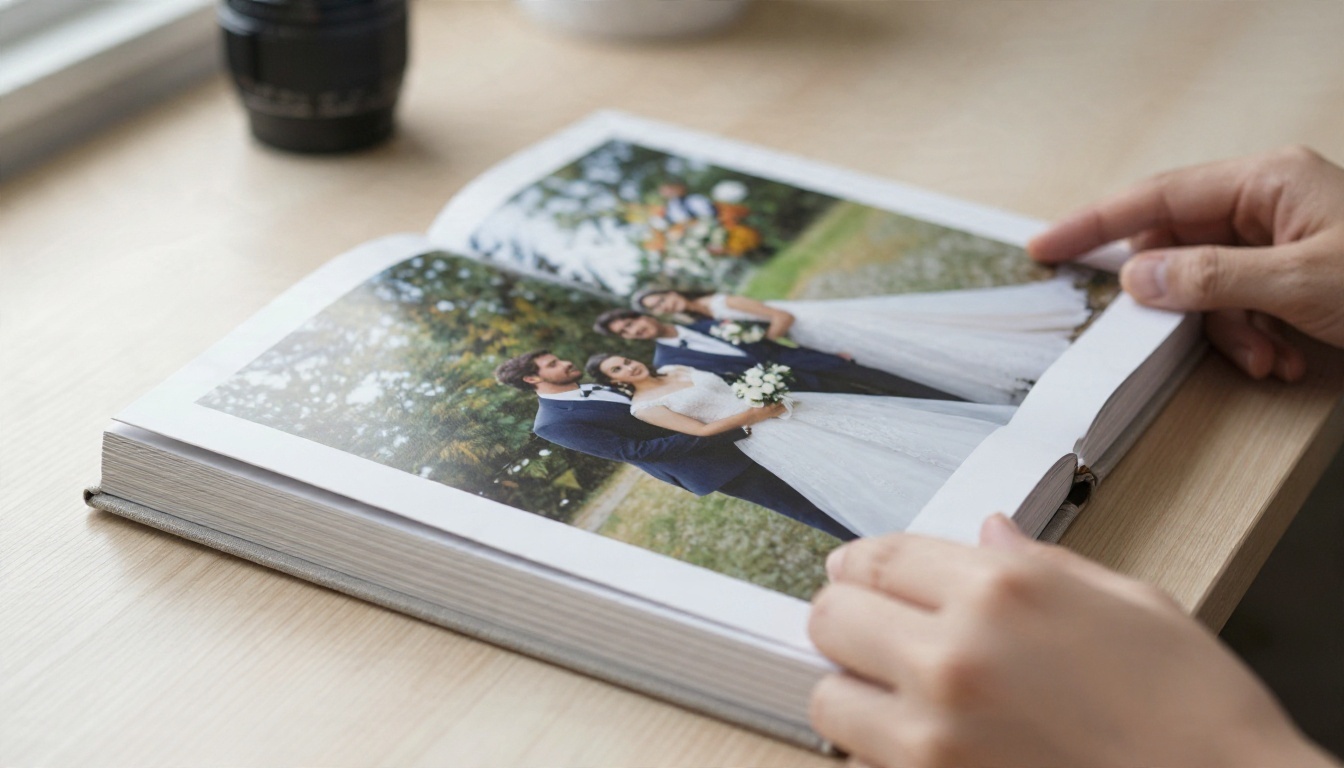
Flat, hand-on-the-table viewing is where binding shows its worth.
| Binding | How it opens | Photo across the spread | Durability |
|---|
| Perfect bound softback | Curves toward the spine | Loses the center | Fair |
| Stitched hardback | Opens well | Small gutter loss | Very good |
| Layflat | Opens fully flat | Seamless panorama | Excellent |
If you shoot panoramas or want a photo to run across two pages, layflat is the only format that does it justice.
Color and Resolution
A few habits protect your results:
- Export or upload photos at 300 dpi at the printed size, or close to it.
- Avoid heavy crops. A phone photo cropped to a quarter prints soft.
- Order a sample or a small proof if color accuracy matters.
- Remember that screens glow and paper reflects. Prints always look slightly flatter than your monitor.
⚠️ Warning: Auto enhance features in many editors push saturation up. On paper, this can turn skin tones orange. Turn it off for the print version.
Online Flipbooks as an Alternative
A flipbook is a digital publication with realistic page turns. It looks like a book, opens on any phone, and needs no printer. You build it from a PDF, which means any design tool can produce the source file.

Print vs Flipbook Face to Face
| Feature | Printed photobook | Online flipbook |
|---|
| Cost per extra viewer | Full price of another copy | Zero |
| Time to share | Days or weeks | Seconds |
| Fixing a typo | Reprint the book | Replace the PDF |
| Sound and video | No | Yes |
| Works offline | Always | With downloads enabled |
| Emotional weight | High, tactile | Moderate, convenient |
| Lifespan | Decades, if stored well | As long as the file and hosting exist |
Neither format wins everywhere. A printed book wins on presence. A flipbook wins on reach, speed and flexibility.
When a Flipbook Is the Better Pick
- Large audiences: a wedding with 150 guests, a school trip with 30 families, a reunion with relatives on three continents.
- Living albums: a baby's first year, where you add pages monthly.
- Portfolios: photographers and designers who update work often. The Photography Portfolio and Digital Portfolio Creator tools are built for this.
- Trips: the Travel Guide Flipbook turns photos and notes into a shareable page turner.
- Weddings: the Wedding Album Flipbook lets guests view the day without waiting for a print order.
Sharing Options Compared
This is where printed books struggle most. A physical album reaches one place at a time. Digital formats reach everyone at once, with very different levels of control.
| Sharing method | Control over privacy | Viewing quality | Tracks viewers | Notes |
|---|
| Mailing a printed copy | High | Excellent | No | Slow, costly per copy |
| Cloud photo folder link | Medium | Photos only, no book feel | Limited | Files can be downloaded freely |
| Social media post | Low | Compressed images | Likes only | Public by default |
| PDF by email | Medium | Static pages | No | Large files bounce |
| Flipbook link | High, with password | Page turning, any device | Yes, on higher plans | Embeddable on a site |
Privacy for Family Photos
Children's pictures deserve more care than a public link. Look for these features:
- Password protection, so only invited people can open the book.
- No platform watermarks that spoil the pages.
- Download control, so you decide who can save a copy.
- Link revocation, to shut off access later.
Flipbooks AI offers password protection and never adds watermarks, so a private family album stays private and looks like your own work.

How to Make a Flipbook Online
If the hybrid route appeals, here is the workflow. It takes about ten minutes once your PDF exists.
- Create your PDF. Lay out the album in any design tool or in the layout editor from your photobook service, then export a PDF. Use 150 dpi or higher for sharp photos on phones.
- Open Flipbooks AI. Create a free account and head to the dashboard.
- Upload and convert. Drop your file into the PDF to Flipbook Converter. Pages are converted automatically, and the page turning effect is added without extra work.
- Customize the look. Pick a background color that matches the album, add your logo or a family name, adjust the page turn effect, and set the cover image shown to viewers.
- Add multimedia. Embed video clips from the trip or a background audio track, so the album feels alive.
- Choose sharing settings. Copy a direct link for messages, set a password for private viewing, or use the embed code to place the book on a blog or family site with the Embed Flipbook on Website tool.
- Review on mobile. Open the link on your phone to confirm the layout is responsive and readable.
💡 Pro tip: Keep a master PDF in a safe folder. If you spot a typo or want to add last weekend's photos, replace the file and the same link updates.
Extra Features Worth Knowing
On the Professional plan, you also get:
- Analytics, to see who opened the book and which pages held attention.
- Lead generation forms, handy if your album doubles as a portfolio.
- Offline downloads, so relatives with weak signal can still read.
Check the current pricing plans for plan limits. Standard plans and above include unlimited flipbooks.
Which Option Fits You
Now put everything together. The right pick depends on the occasion, the audience and how long you want the album to last.
| Your situation | Best choice | Why |
|---|
| One special gift for a parent | Layflat or hardback print | Tactile, lasting, personal |
| Wedding with many guests | Flipbook plus one printed album | Everyone sees it fast, couple keeps the book |
| Yearly family photo roundup | Flipbook, print one copy every few years | Cheap, easy to update |
| Photographer showing work | Flipbook, with print for key clients | Updates fast, tracks interest |
| Trip with friends | Flipbook shared by link | Free viewing, no shipping |
| Grandparents without a smartphone | Printed softback | No device needed |
Three Quick Scenarios
- The new parents. They add 10 photos each month to a baby flipbook and share one password protected link with grandparents. At age one, they print a single layflat edition.
- The photographer. She sends prospective clients a flipbook link on the same day they ask, and keeps a printed portfolio for in-person meetings.
- The group trip. Six friends combine photos into one PDF. Nobody pays for shipping, and everybody has the album on their phone before the flight home.
Mistakes to Avoid
- Ordering before checking the final price with shipping.
- Printing a book from low resolution phone screenshots.
- Sending a huge PDF by email instead of a link.
- Making a public link for children's pictures.
- Printing five copies when one book and one link would do.
✅ Best practice: Decide the audience first. If more than three households will view the album, start with a flipbook and print selectively.
Pick Your Next Step
Photobook services still win when you want something to hold. Online flipbooks win when you want something to share, update and send before the weekend ends. The smartest choice for most people is a mix: one great printed copy and one link for everyone else.
Ready to try the digital half? Get started for free on Flipbooks AI, browse all flipbook tools and templates, or compare pricing plans to see which one fits your albums.



