A pitchbook is the document people keep after the meeting ends. Slides get closed, calls get forgotten, but a well-made pitchbook sits in an inbox, gets forwarded to a partner, and quietly does your selling while you sleep. The problem is that most of them are built as bloated PDFs that open slowly, break on phones and give you zero feedback about who read what. In this article you will see real pitchbook examples, a page-by-page template you can copy today, design tips that make numbers easy to trust, and a simple way to share the result online for free with Flipbooks AI.
💡 Quick answer: A compelling pitchbook is short (10 to 20 pages), built around one clear promise, backed by three or four hard numbers, and delivered as a link that opens instantly on any device.
What a Pitchbook Really Does
A pitchbook is a structured, mostly visual document used to persuade a specific audience to take a specific action. That action might be wiring capital, hiring your firm, approving a deal or signing a distribution contract. Unlike a live presentation, it has to work without you in the room.
Pitchbook vs Pitch Deck
People use the terms interchangeably, but the difference matters when you design one.
| Feature | Pitch Deck | Pitchbook |
|---|
| Main use | Presented live on screen | Read alone, on paper or on a device |
| Typical length | 10 to 15 slides | 12 to 40 pages |
| Text density | Very low, speaker adds context | Moderate, the page must explain itself |
| Data detail | Headline figures only | Tables, footnotes and appendices |
| Follow-up role | Often replaced by a PDF | The leave-behind that closes the deal |
| Best format | Slides | Flipbook, PDF or print |
Think of the deck as the trailer and the pitchbook as the film. If you need a live-style format as well, the Presentation Flipbook Designer turns slides into something readers can flip through at their own pace.
Who Uses Pitchbooks
- Investment banks and M&A advisors pitching sell-side or buy-side mandates.
- Startup founders sending a fundraising book to angels and funds.
- Real estate sponsors presenting a property or fund to limited partners.
- Agencies and consultancies chasing new retainers.
- Sales teams who need a polished leave-behind. A sales presentation flipbook is a natural fit.
Pitchbook Examples That Work
Abstract advice is cheap. Below are four patterns that consistently perform, with the logic behind each one.
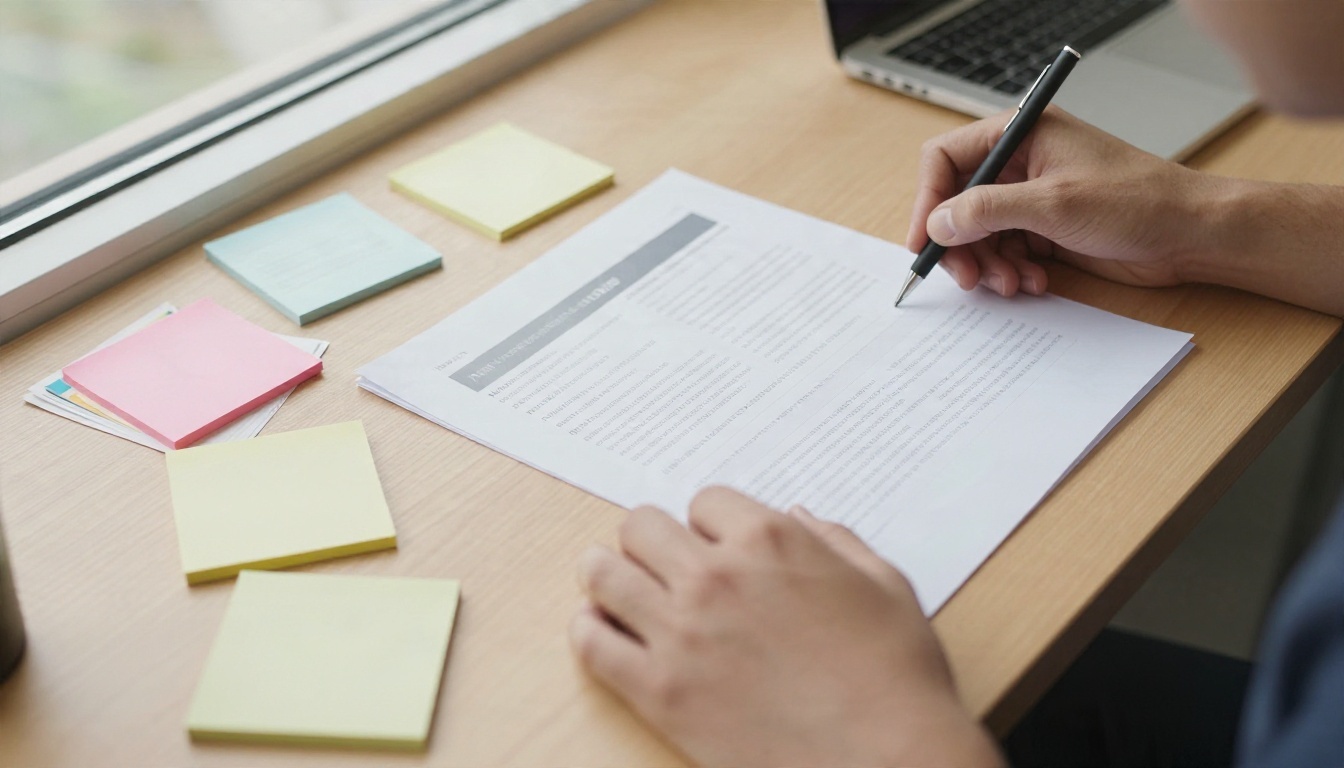
Startup Fundraising Pitchbook
A seed-stage SaaS founder opens with a single sentence: "We cut invoice processing from 11 days to 40 minutes for mid-size logistics firms." Page two shows the problem in one chart. Pages three to six cover product, traction, market and business model. The ask lands on page nine, with a simple use-of-funds table.
Why it works: the reader knows the outcome within ten seconds, and every following page supports that one claim.
M&A Advisory Pitchbook
An advisory boutique pitching a sell-side mandate leads with credentials, not company history: three recent deals, deal sizes, and time to close. Then comes a valuation range, a buyer universe grid and a proposed timeline.
Why it works: decision makers want proof you have done this before and a visible plan for what happens next.
Real Estate Investment Pitchbook
A sponsor raising capital for a multifamily acquisition shows the property in the first spread, with a bold photo, address and projected return. The following pages hold the market comparison, renovation budget, cash-flow table and risk factors. A real estate brochure layout works well here because photography carries so much of the persuasion.
Agency New Business Pitchbook
A creative agency avoids a long "about us" section. Instead it shows three before-and-after case studies, each with one number (conversion up 38 percent, cost per lead down 27 percent), then a clear scope and pricing page.
| Example | Opening Move | Strongest Page | Ask |
|---|
| Startup fundraising | One-line outcome claim | Traction chart | Funding amount and use |
| M&A advisory | Recent deal credentials | Buyer universe grid | Mandate signature |
| Real estate investment | Hero property photo | Cash-flow table | Capital commitment |
| Agency new business | Before-and-after case | Results with one number | Retainer approval |
Templates You Can Reuse
A template removes the blank-page panic. It also forces consistency, which is half of looking professional.
The 12-Page Skeleton
This structure suits most business pitchbooks. Adjust the order to fit your story.
- Title page: logo, name, date, one confident line.
- Executive summary: the whole pitch in 150 words.
- The problem: one chart or a single striking fact.
- The solution: what you offer and why it is different.
- How it works: a simple three-step visual.
- Market opportunity: size, growth, and where you fit.
- Traction or credentials: numbers, logos, testimonials.
- Business model or fee structure: how money moves.
- Competitive position: a comparison table, never a bragging paragraph.
- Team: faces, roles, one proof point each.
- Financials or deal terms: short tables, clean footnotes.
- Next steps: a dated call to action with contact details.
✅ Best practice: Write the executive summary and the next-steps page first. If they do not agree with each other, the pitchbook has no spine yet.
Which Template Fits Your Goal
| Goal | Recommended Length | Lead With | Format Tip |
|---|
| Raise capital | 12 to 16 pages | Traction | Add a short appendix |
| Win a client | 10 to 14 pages | Case studies | Include pricing tiers |
| Sell a company | 20 to 30 pages | Financial highlights | Password protect it |
| Distribute a product | 8 to 12 pages | Product visuals | Link to a product catalog |
| Present a report | 15 to 25 pages | Summary findings | Use a report flipbook |
Design Tips That Earn Trust
Good design in a pitchbook is not decoration. It is how a reader decides, within seconds, whether you are careful with details.

Type and Color
- Use two typefaces at most: one for headings, one for body text.
- Keep body text at 10 to 12 points for print, and make sure it stays readable on a phone.
- Choose one primary color and one accent. Use the accent only for the number or phrase that matters most on each page.
- Make sure contrast passes a simple test: if you squint and the text vanishes, it is too light.
Charts and Numbers
Numbers are why people read pitchbooks, so give them room.
- One chart, one message. Title each chart with the conclusion, such as "Revenue doubled in 14 months", rather than "Revenue chart".
- Label data directly on bars and lines instead of using distant legends.
- Round sensibly. "$4.2M" reads faster than "$4,193,822" unless precision is the point.
- Keep sources in small footnotes at the bottom of the page.
⚠️ Warning: Never crop a chart axis to exaggerate growth. Investors spot it immediately, and it costs you credibility on every other page.
Whitespace and Hierarchy
Crowded pages feel defensive. Leave at least a quarter of every page empty, put the most important element in the top left, and use size to rank information: headline, supporting sentence, evidence. If two items compete for attention, remove one.
Photography and Team Pages
Real photos of real people beat stock images every time. Use consistent lighting and cropping for team portraits. On product or property pages, one large image does more than six small ones.
How to Create a Pitchbook with Flipbooks AI
Once your pages are designed in PowerPoint, Keynote, Canva or InDesign, export them as a PDF. Then turn that PDF into an interactive flipbook that readers can open from a link. The PDF to Flipbook Converter handles the conversion in minutes.

Step-by-Step Setup
- Get started. Visit Flipbooks AI and create an account. You can begin without a credit card.
- Upload your PDF. Drag the file into the upload area. The platform converts each page into a high-resolution flipbook spread, keeping fonts, charts and links intact.
- Check the page order. Preview the flip animation and confirm every page appears as designed.
- Add your branding. Set your logo, background color and accent color so the viewer matches your pitchbook. There are no watermarks, so the result looks like yours alone.
- Choose page effects. Pick a soft page curl and sound, or turn them off for a quieter, more formal feel.
- Embed multimedia. Add a 60-second founder video, a product demo or an audio note on the page where it will help most.
- Set the sharing rules. Choose a public link, an embed code, or a password-protected link for sensitive financials.
- Publish and test. Open the link on your phone and on a laptop. The layout is mobile-responsive, so pages resize without pinch-and-zoom.
💡 Pro tip: Send yourself the link and read it on the train, as your investor would. If you squint or scroll sideways, fix the page before you send it to anyone else.
Pro Features Worth Using
On the Professional plan you can switch on:
- Analytics to see who opened the pitchbook, which pages they viewed and how long they stayed.
- Lead generation forms that collect a name and email before the pitchbook opens.
- Offline downloads so a partner can read it on a flight.
Analytics change how you follow up. If an investor spent four minutes on the financials page and skipped the team page, your next email writes itself.
| Feature | Free Trial | Standard | Professional |
|---|
| No watermarks | ✅ | ✅ | ✅ |
| Unlimited flipbooks | Limited | ✅ | ✅ |
| Password protection | Basic | ✅ | ✅ |
| Embed video and audio | ✅ | ✅ | ✅ |
| Custom branding | Basic | ✅ | ✅ |
| Analytics and lead capture | No | No | ✅ |
| Offline downloads | No | Optional | ✅ |
Check current limits on the pricing page, since plan details can change.
Free Online Sharing Options
A pitchbook only works if it reaches the right person without friction. Here is how each sharing method behaves in practice.
Direct Link
The simplest option. Paste the URL into an email or a message. It opens in a browser with no download and no app, which matters when your reader is on a phone between meetings.
Embed on Your Website
Add the pitchbook to a landing page, investor page or case-study page with a short snippet of code. The Embed Flipbook on Website tool explains how, and it works with most website builders.
Password Protection
For deal documents, financial projections or anything under NDA, add a password. Share it in a separate message so the link alone is useless to a stranger.
| Sharing Method | Best For | Control Level | Tracking |
|---|
| Public link | Cold outreach, social posts | Low | Basic |
| Embedded page | Websites, investor portals | Medium | Page-level |
| Password link | Sell-side books, term sheets | High | Per reader |
| Offline file | Flights, poor connectivity | Medium | None |

Three Mistakes That Sink Pitchbooks
Even strong teams repeat these errors. Check your draft against them before you send.
- Burying the ask. If the reader reaches page 14 before learning what you want, you have already lost them. State it on page two and repeat it at the end.
- Pasting slides as pages. A slide that depends on a speaker will confuse a solo reader. Add a sentence of explanation under each visual.
- Sending a heavy file. A 40 MB PDF that stalls on mobile data is a closed door. A hosted flipbook loads page by page and never fills an inbox.
A few smaller habits help too:
- Put a date on the title page so the numbers have context.
- Use page numbers so a partner can say "see page 9" in a reply.
- Keep the same file name each time you update, so no one reads an outdated version.
Ready to Send Yours?
You now have the pieces: a proven structure, four examples to model, design habits that make your numbers believable, and a way to share the finished pitchbook as a smooth, trackable flipbook.
Here is the fastest way to move:
- Outline your 12 pages using the skeleton above.
- Design them in the tool you already use and export a PDF.
- Get started for free on Flipbooks AI and convert the PDF to a flipbook.
- Browse all flipbook tools if you also need a press kit, a report or a portfolio. The Press Kit Designer is a good companion for fundraising and launches.
- Compare pricing plans when you want analytics and lead capture.
A pitchbook that opens instantly, reads clearly and tells you who is paying attention is not a nice extra. It is the difference between a polite "thanks, we'll be in touch" and a second meeting on the calendar.



