You printed the schedule, and then a room changed. You commissioned an app, and then half your attendees never installed it. If you run a convention, a trade show, or a multi-day conference, you already know the real problem: people want to see what is on, where, and when, and they want to see it in about five seconds. A convention schedule app alternative that works from a single link solves that without asking anyone to visit an app store. With Flipbooks AI, the PDF you already have becomes a page-turning, mobile-friendly schedule that opens in any browser.
This article walks through why dedicated event apps underperform for most gatherings, what a shareable flipbook schedule looks like in practice, and exactly how to build one. You will also find comparison tables, real examples, and a day-of rollout plan you can copy.
Why Attendees Skip Convention Apps
The Download Wall
Think about the typical attendee. They are standing in a lobby, holding a coffee, with a bag on one shoulder and a lanyard that keeps swinging into things. You ask them to find an app, wait for it to install, create an account, accept notifications, and then locate the right event inside it. Most will politely decline and ask the nearest volunteer instead.
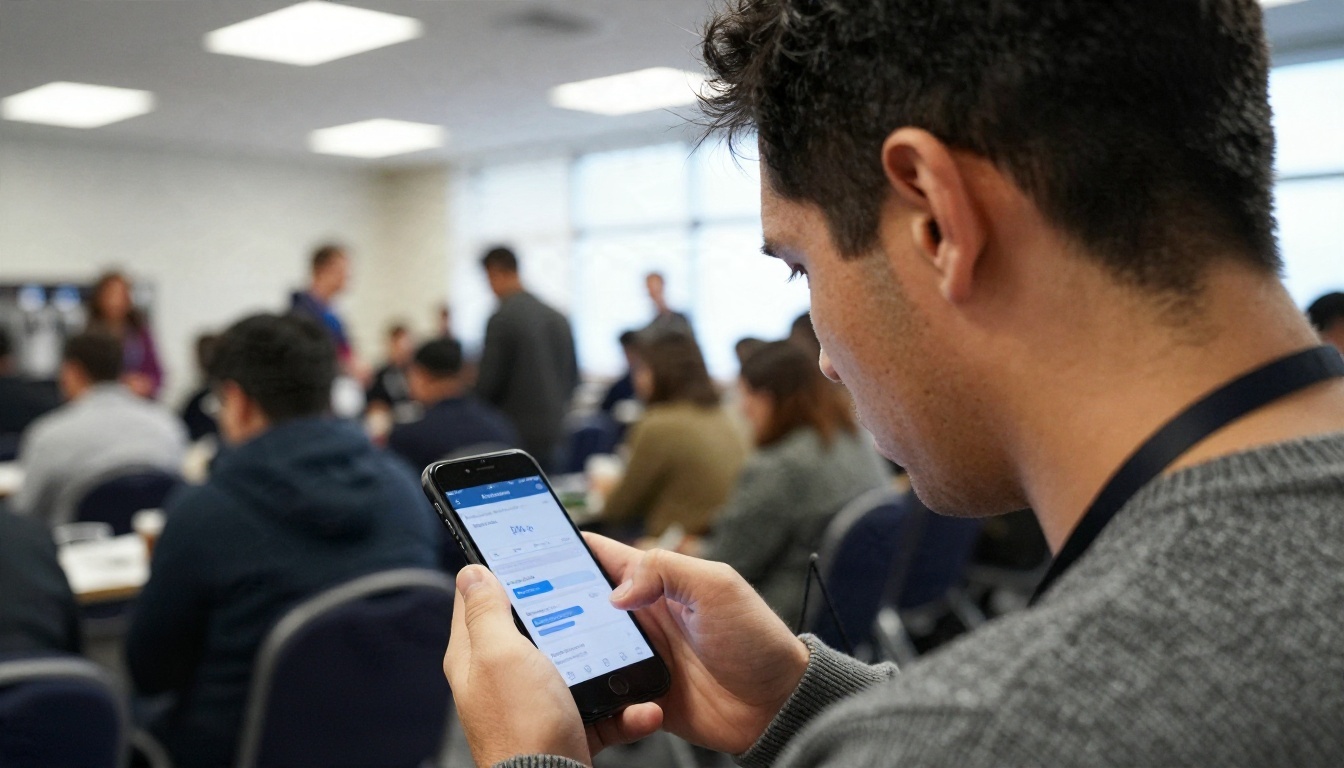
The download wall shows up in three ways:
- Storage and data worries. Hotel and venue Wi-Fi is often slow, and many visitors travel with limited roaming data.
- Account fatigue. Another login, another password, another email confirmation.
- Short event life. An app used for two days and then forgotten feels like a poor trade.
What People Actually Want
Ask ten attendees what they need from a schedule and the answers repeat. They want session times, room names, speaker names, and a quick way to plan the day. They do not ask for gamification or a social feed. A clean schedule that loads instantly beats a feature-heavy app that loads slowly.
💡 Pro tip: Before you spend budget on any event tool, count how many of its features your attendees would use in a two-day event. For most conventions, the honest answer is "the schedule, and maybe the floor map."
Three Options Side by Side
| Factor | Dedicated event app | Plain PDF link | Shareable flipbook schedule |
|---|
| Download required | Yes | No | No |
| Mobile reading experience | Good once installed | Poor, pinch and scroll | Good, page-turn layout |
| Setup effort | Weeks | Minutes | An afternoon |
| Cost to start | Often high | Free | Free to start |
| Works from a QR code | Sometimes | Yes | Yes |
| Branding control | Limited by vendor | None | Full custom branding |
| Attendee account needed | Usually | No | No |
A raw PDF sounds like the cheap shortcut, but it fails on phones. Text is tiny, pages jump around, and people give up. A flipbook keeps the simplicity of a link while fixing the reading experience.
What a Flipbook Schedule Looks Like
One Link, Any Phone
A flipbook schedule is your schedule rendered as a digital booklet. Attendees tap a link or scan a QR code, and the pages appear in their browser with a page-turn effect. There is nothing to install and nothing to register. It works on iPhones, Android phones, tablets, and laptops with the same link.
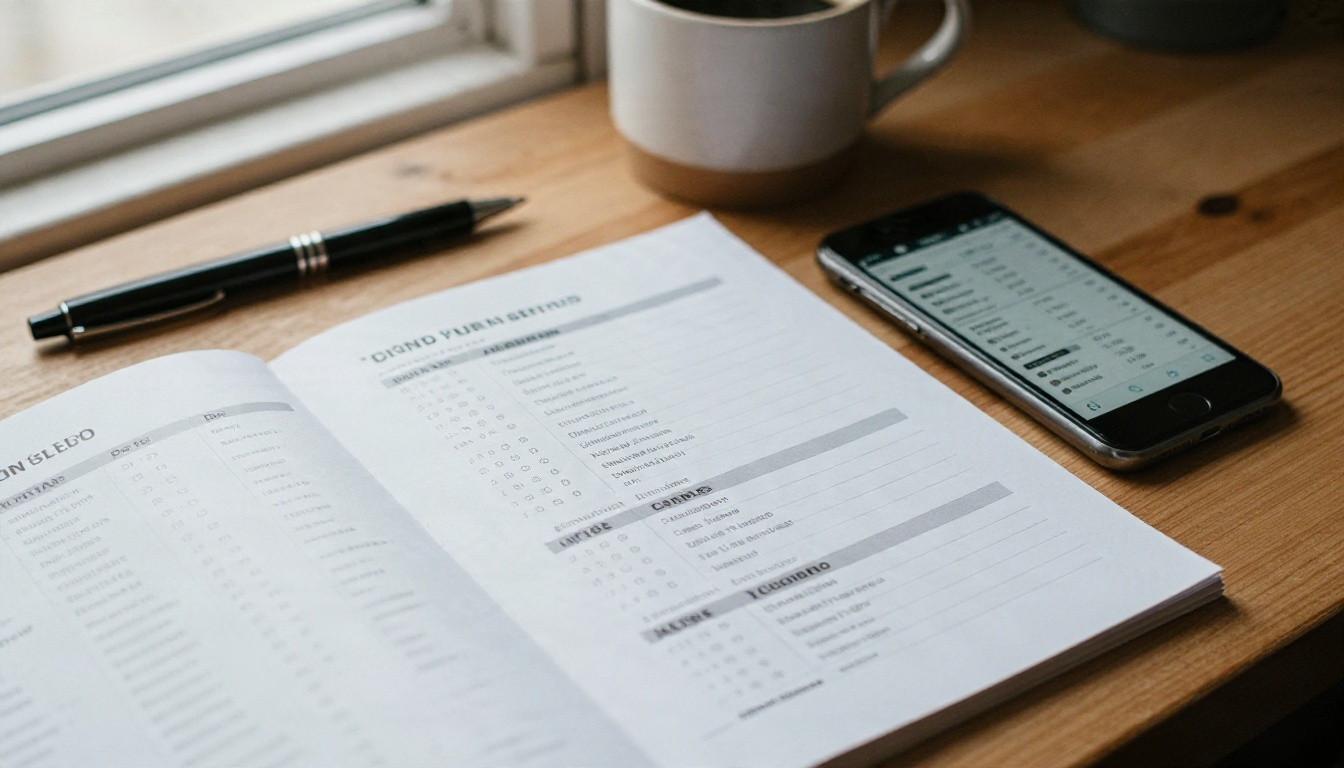
This matters for guests who are not tech-comfortable. Turning a page by swiping feels familiar, because it mirrors the printed program they would otherwise carry.
Why the Page-Turn Format Works
People scan a schedule the way they scan a paper program: flip to the day, run a finger down the time column, stop at the session. A flipbook preserves that pattern. It also lets you keep the design you already paid for, since the layout comes straight from your PDF.
Here is what you gain over a plain document:
- Readable on small screens through zoom and responsive scaling.
- Clickable links from a session to a speaker page, a registration form, or a map.
- Embedded media such as a short video welcome or an audio message from the host.
- One source of truth that you can share by email, text, social post, or QR code.
Free, Mobile, No Download: The Checklist
Your search probably included those exact words, so let us hold any solution to them.
Free to Start
You should be able to build and test your schedule before paying anything. You can create an account on Flipbooks AI and try the process with your own PDF. When you need volume or professional features, the pricing page lays out the plans, and unlimited flipbooks are available from the Standard plan up.
Mobile First
Most attendees will open your schedule on a phone while walking. Layout, font size, and loading speed on a small screen decide whether the schedule gets used. Flipbooks AI uses a mobile-responsive design, so the same flipbook adapts to portrait phones and wide laptop screens.
No Download
Nothing to install, no store listing, no update prompts. The reader needs a browser, which every phone already has.
| Requirement | Why it matters | How a flipbook meets it |
|---|
| Free to start | Lets you test before committing budget | Create an account and publish a first flipbook |
| Mobile friendly | Most views happen on phones | Responsive page-turn layout |
| No download | Removes the biggest drop-off point | Opens in any browser from a link |
| No watermarks | Keeps your event looking professional | No watermarks, ever |
| Private option | Protects VIP or staff-only sessions | Password protection |
| Easy sharing | Reaches people before and during the event | Direct link, QR code, embed code |
How to Create a Convention Schedule with Flipbooks AI
If your schedule exists as a PDF, a Word file, or a slide deck exported to PDF, you are most of the way there. The whole process below takes an afternoon, including review time.
Prepare Your Schedule PDF
Open your schedule in whatever tool you already use and export a clean PDF. Aim for large type and clear day headers. Keep one day per page or spread when possible, since attendees tend to look for "Friday" first and the details second.

✅ Best practice: Use a landscape or square page for the schedule grid so the time columns stay readable on a phone held upright.
Upload and Convert
- Go to Flipbooks AI and sign in, or create an account if you are new.
- Choose to start a new flipbook and upload your PDF. The PDF to Flipbook Converter handles the conversion, turning each PDF page into a flipbook page.
- Wait a moment while the pages are processed, then open the preview and flip through it on both desktop and your own phone.
- Check every page for cut-off text, missing times, and wrong room names.
For a purpose-built starting point, the Event Program Maker is designed for exactly this kind of document.
Brand It
A schedule that looks like your event gets more trust. Inside the editor you can adjust:
- Colors and background to match your event palette.
- Logo and custom branding so sponsors and organizers are visible.
- Page effects such as the page-turn style and speed.
- Multimedia, including embedded video for a welcome message or audio for accessibility notes.
Do not overdo it. The schedule is a tool, and clean beats clever.
Share It Three Ways
| Sharing option | Best for | Notes |
|---|
| Direct link | Email, SMS, social posts, chat apps | Fastest to send |
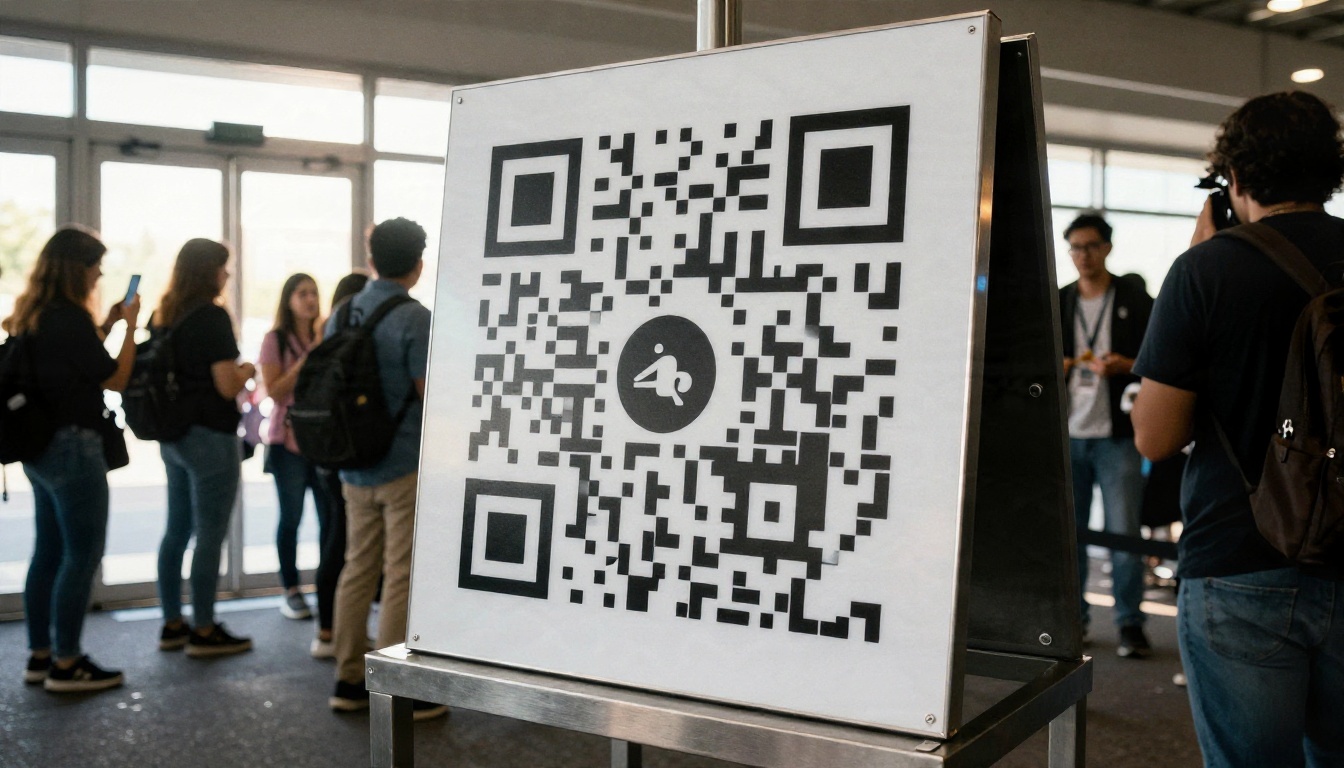
| QR code | Posters, badges, registration desks, screens | Print it large enough to scan from two meters |
| Embed code | Your event website or registration confirmation page | See the Embed Flipbook on Website tool |
| Password protection | Staff, speakers, VIP or sponsor-only programs | Share the password separately |
Pro Features Worth Knowing
On the Professional plan you also get analytics and lead generation. For a convention organizer that means you can see how many people opened the schedule, which pages drew attention, and, if you want, collect contact details before showing certain content. Offline downloads are also useful in large venues where signal drops in the basement halls.
Review the pricing plans to see which tier fits your event size.
💡 Pro tip: Create two flipbooks, a public attendee schedule and a password-protected staff schedule with call times and radio channels. Same process, different audiences.
Real Examples That Work
Trade Show With 200 Booths
A trade show has a bigger problem than session times: people want to find booths. Build one flipbook with three sections, the daily session schedule, the exhibitor list by category, and the floor plan. Put the QR code on every aisle sign and on the back of every badge.
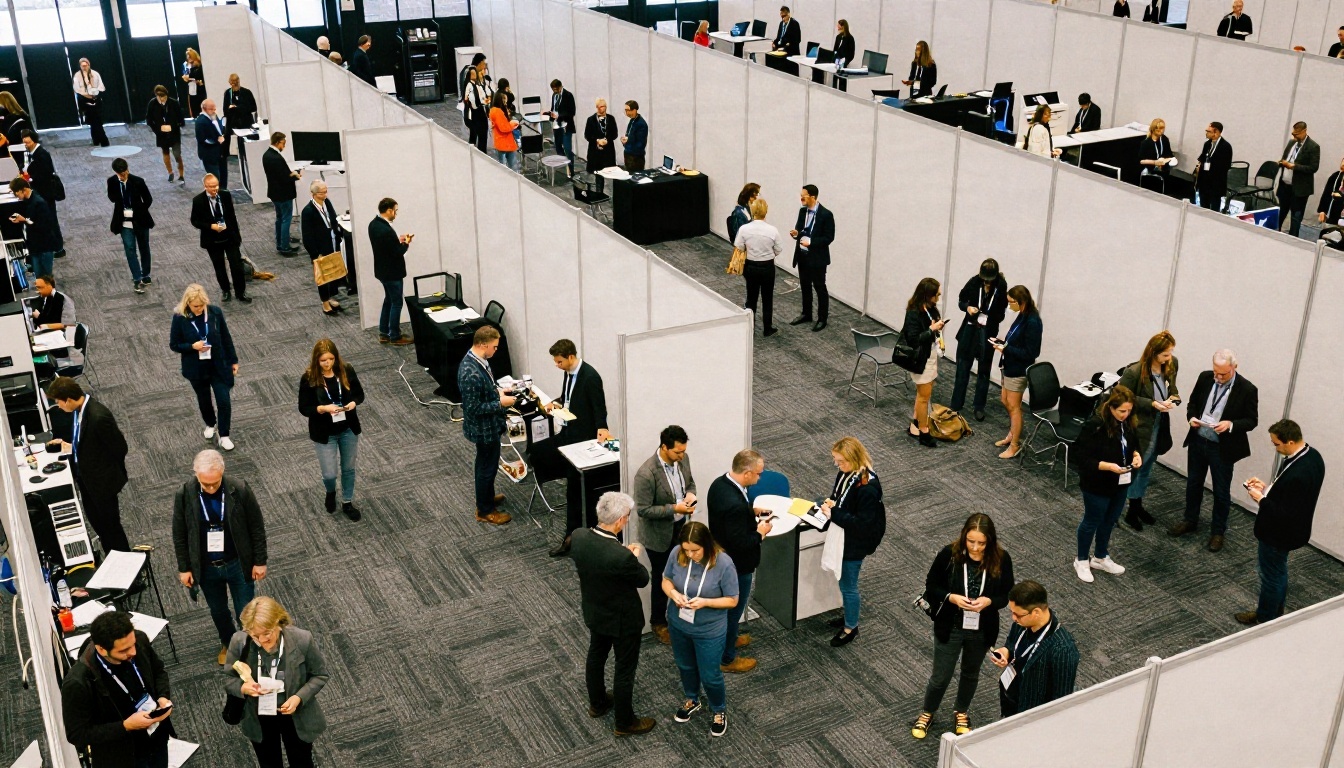
Exhibitors benefit too. If you sell sponsored placements, link each sponsor logo in the flipbook to their landing page. That gives sponsors a measurable result without building a custom app.
Association Annual Meeting
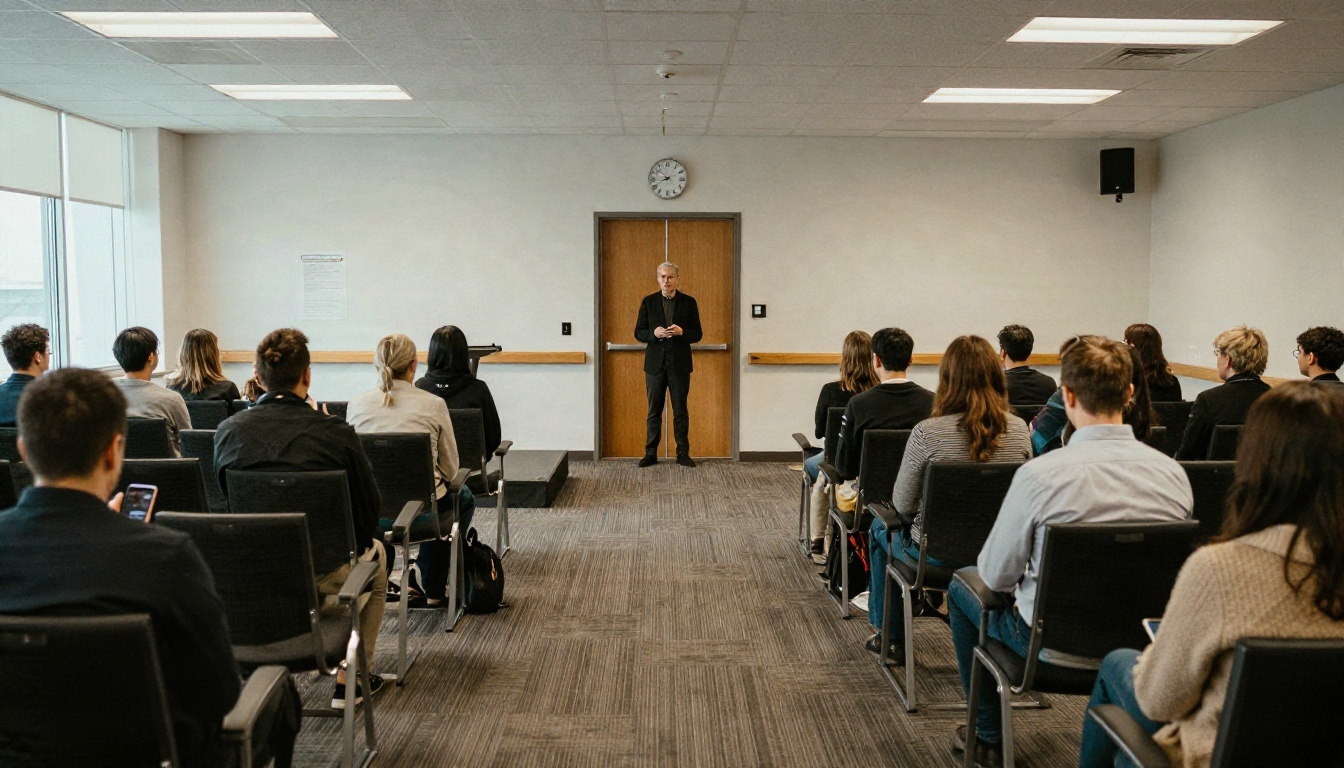
Annual meetings run parallel tracks. Attendees need to compare what is on at 10:30 in three rooms and pick one. Format your PDF with one spread per time block, tracks side by side, and use color coding. Anything that changes during the event, such as a swapped speaker or a moved room, should be posted as a new version of the flipbook with a "last updated" line on page one.
Small Workshop or Retreat
For forty people over a weekend, an app is overkill. A twelve-page flipbook with the agenda, meal times, speaker bios, and the venue map is plenty. Send the link in the confirmation email and again the evening before.

Which Tool for Which Event
You can browse every option in the flipbook tools directory.
Mistakes to Avoid
Tiny Text
The most common failure is a schedule designed for a printed page and shrunk to a phone. If you have to pinch to read a time, the design has failed. Use at least a 10 point font in the original PDF and keep columns to a minimum.
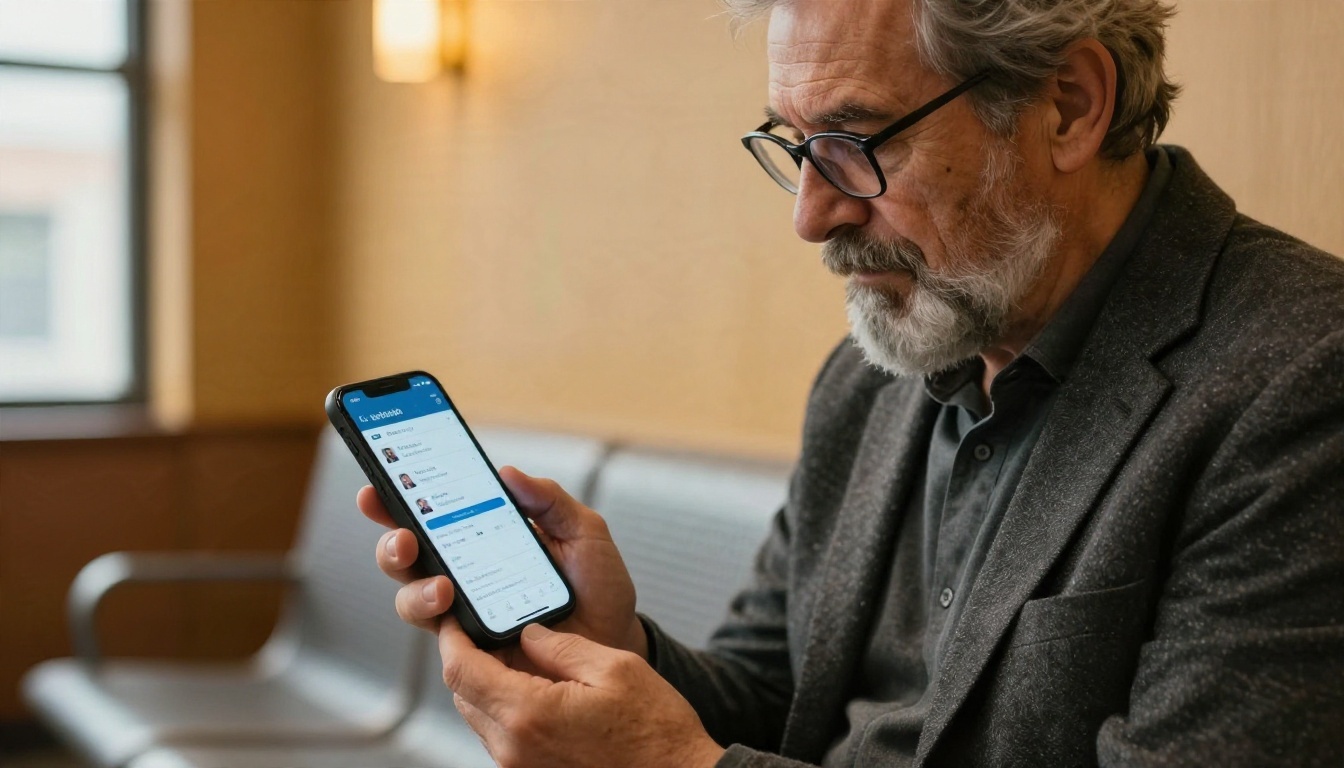
⚠️ Warning: Test on the smallest and oldest phone you can borrow. If your most patient colleague cannot read it, your attendees will not either.
Too Many Pages
A forty-page schedule is a book. Attendees want to reach "Saturday, 2 PM" in two taps. Add a one-page overview at the front with links to each day, and keep session details concise.
Forgetting Updates
Rooms change. Speakers cancel. If attendees cannot tell whether they are reading the latest version, they stop trusting the schedule. Put a date and time on page one, announce changes at the opening session, and make the link the single place where people look.
Common Mistakes at a Glance
| Mistake | What happens | Fix |
|---|
| QR code too small | Nobody can scan it from a distance | Print at least 10 cm wide |
| No fallback for weak signal | Hall basements lose coverage | Use the offline download option on the Professional plan |
| Link only in one place | Late arrivals miss it | Put it on badges, signs, emails, and the website |
| No test on real phones | Layout issues appear during the event | Test on three devices the week before |
A Simple Day-of Rollout Plan
Before Doors Open
Two weeks out, send the link to speakers and sponsors for review. One week out, publish the final version and include the link in your attendee email. The day before, send a reminder with the QR code image attached so people can save it on their phone.
On the morning, check that the QR codes on signs point to the live flipbook, and ask a colleague to scan each one on a different phone.
At the Venue
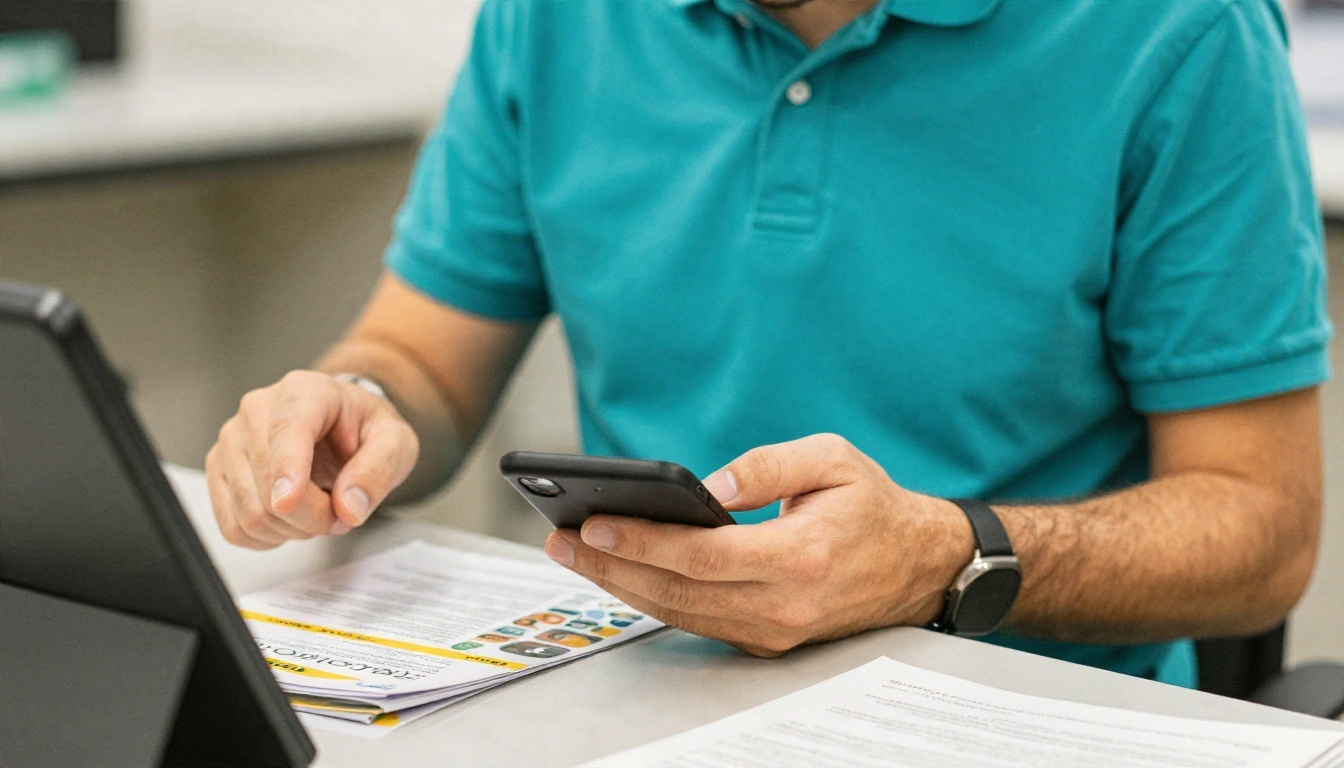
Put the QR code where decisions happen: the registration desk, the entrance to each hall, the lunch area, and the elevator lobby. Brief volunteers so they can answer the most common question, "Where do I find the schedule?", with a single sentence and a point to the nearest sign.
| Timing | Action | Owner |
|---|
| 14 days before | Speaker and sponsor review | Program lead |
| 7 days before | Publish final flipbook, email link | Marketing |
| 1 day before | Reminder email with QR image | Marketing |
| Morning of | Scan test of every printed QR code | Operations |
| During event | Post updated version if rooms change | Program lead |
| After event | Share the flipbook again with the recap | Marketing |
Start Your Schedule Today
You do not need an app budget, a development team, or an attendee install campaign to deliver a good schedule. You need a clear PDF, a link, and a QR code. That is the whole convention schedule app alternative: free to start, mobile-ready, and nothing to download.
Ready to build yours? Create your account on Flipbooks AI and upload your schedule today. Browse the tools and templates to find the closest fit for your event, and compare pricing plans when you are ready for analytics, lead generation, and unlimited flipbooks. You can also pick a plan right after signing in if you already know what you need.



