You have saved 300 recipes in four different places: screenshots, browser bookmarks, a notes app and a greasy index card your aunt wrote in 1998. A good cook book app fixes the chaos, and the right online maker turns that pile into something you can actually hand to another person. This article compares free cook book apps, online cookbook makers and flipbook publishing, so you can pick a tool, build your collection and share it with a single link. If you already have a PDF, Flipbooks AI can turn it into a page turning digital cookbook in a few minutes.
What Cook Book Apps Actually Do
The phrase "cook book app" covers at least three very different products. Mixing them up is the number one reason people download five apps and still cannot find their lasagna recipe.
Recipe Savers and Organizers
These apps grab a recipe from a web page, strip out the life story and the ads, and store the ingredients and steps in your own library. Most let you add tags, star ratings and notes. They are the digital version of a recipe box, and they are built for personal use, not publishing.
Meal Planners and Grocery Lists
Planners add a calendar and a shopping list on top of your saved recipes. You drag a dish to Tuesday, and the ingredients land on your list, often sorted by supermarket aisle. They are great for weekly routines, but the recipes usually stay locked inside the app.
Digital Cookbook Readers and Makers
This is the third group, and the one most people overlook. Readers display finished cookbooks, while makers let you design a real book with a cover, chapters, photos and page numbers. If you want to share your own cookbook with relatives, customers or followers, this is the category that matters.
💡 Pro tip: Use a recipe saver for daily cooking and a cookbook maker for publishing. Trying to make one tool do both usually ends in compromise.
Free Cook Book Apps Worth Trying
Free is a wide word in the app world. Before you invest hours entering recipes, check what you can take out again.
What Free Really Means
Most free cook book apps fall into one of four models:
- Fully free with ads: you see banners or sponsored recipes.
- Free with a recipe limit: you can store a set number of recipes before a paywall appears.
- Free to browse, paid to export: saving works, but printing or exporting a PDF costs extra.
- Free trial: full features for a few days, then a subscription.
⚠️ Warning: Always test the export function before you commit. An app that cannot export your recipes as a file is a trap, because your collection stays behind if the company closes or changes its pricing. Several well known recipe services have shut down over the years.
Quick Comparison of App Types
| App Type | Typical Cost | Best For | Export or Share Options |
|---|
| Recipe clipper with free tier | Free, with limits | Saving web recipes | Often limited to a link or text |
| One time purchase organizer | Single payment per device | Serious home cooks | Usually PDF or file export |
| Meal planner with grocery list | Free with premium upgrade | Weekly routines | Share list, not the whole book |
| Social recipe community | Free with ads | Inspiration and browsing | Public profile pages |
| Cookbook maker or flipbook tool | Free tier or subscription | Publishing a finished book | Link, embed, PDF, print |
How to Pick Without Wasting a Weekend
Run a ten minute test. Enter three recipes, one of them with a photo. Then try to export them, share them with a friend and open them on a second device. If any of those steps hurts, move on. The app you keep should feel boring and reliable, because you will use it for years.
Online Cookbook Makers Compared
Once your recipes are organized, a maker helps you lay them out as a proper book. There are two broad paths, and each has a clear trade-off.
Template Based Cookbook Makers
These tools give you drag and drop pages: a title page, a recipe page with a photo slot, a table of contents. They are friendly for beginners and often connect to a print on demand service. The downside is that the finished book often lives inside their platform, and sharing may require everyone to create an account or buy a copy.
Design in Any Tool, Publish as a Flipbook
The second path is more flexible. You design your pages in a program you already know, such as a word processor, a slide deck or a layout app, export a PDF and convert it into an interactive book. The PDF to Flipbook Converter handles that last step. You get realistic page turning, a shareable link and an embed code, and nobody needs to sign in to read your book.
| Feature | Template Maker | Design Yourself + Flipbook |
|---|
| Design freedom | Limited to templates | Unlimited |
| Learning curve | Very low | Low to medium |
| Reader needs an account | Often yes | No |
| Embed on your own site | Sometimes | Yes |
| Print option | Often built in | Export your PDF to any printer |
| Updates after publishing | Re-order or re-buy | Replace the PDF, keep the link |
💡 If you plan to sell or give the book to customers, the flipbook route is safer. You keep the master PDF, you own the layout, and you can move to another host any day.
Build Your Own Cookbook Step by Step
Tools matter less than preparation. A cookbook that reads well is mostly a matter of order and consistency.
Collect and Clean Your Recipes
Gather everything in one folder: typed recipes, photos of handwritten cards, screenshots and notes. Then standardize. Pick one unit system, one way to write ingredients and one structure for steps. A simple template works well:
- Title and a one line description
- Prep time, cook time, servings
- Ingredients in order of use
- Method in numbered steps
- Notes for swaps, storage and serving ideas
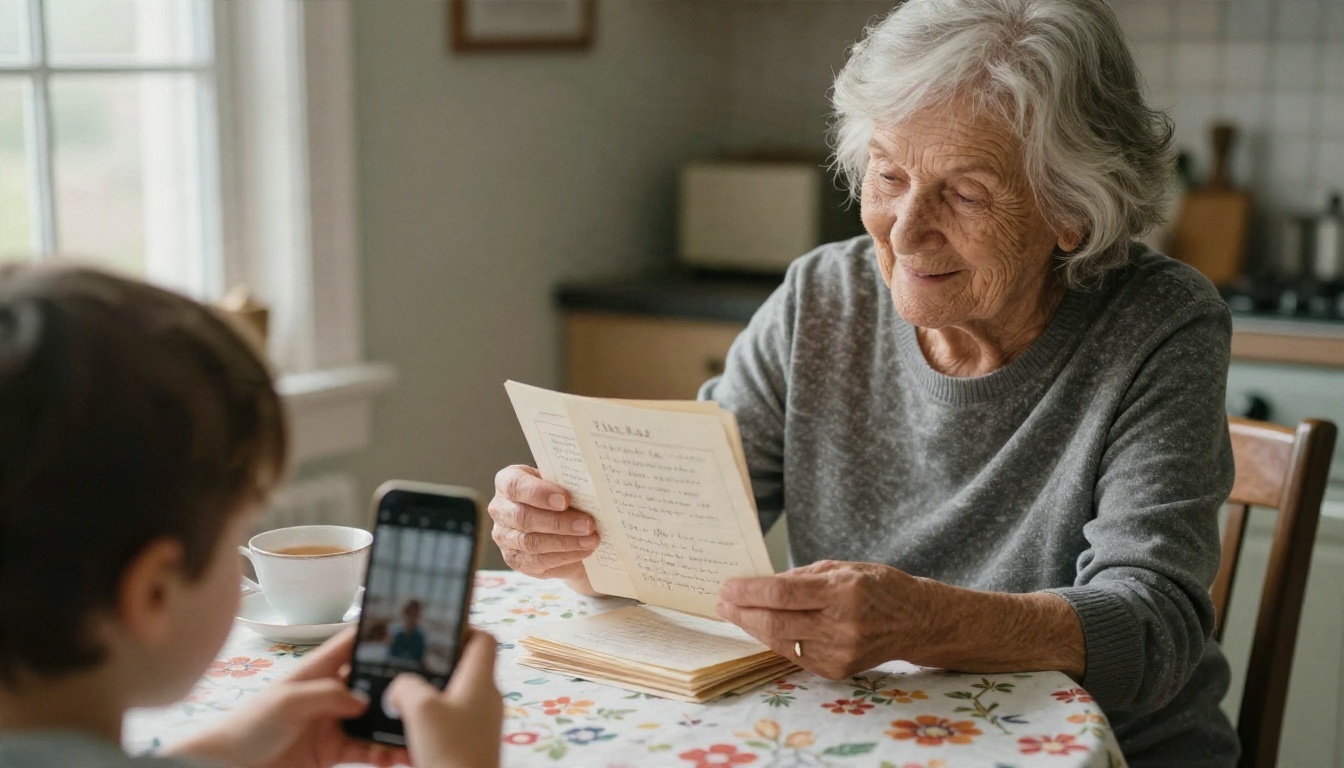
Rescue Handwritten Family Recipes
Old recipe cards are the heart of many family cookbooks, and they fade. Photograph each card flat, in daylight, without a flash. Keep the original image for a "scan" page and also type the text so it is searchable and readable on a phone. Add a short line about who wrote it and when. Those little stories are what make people keep the book.
Photograph the Food Properly
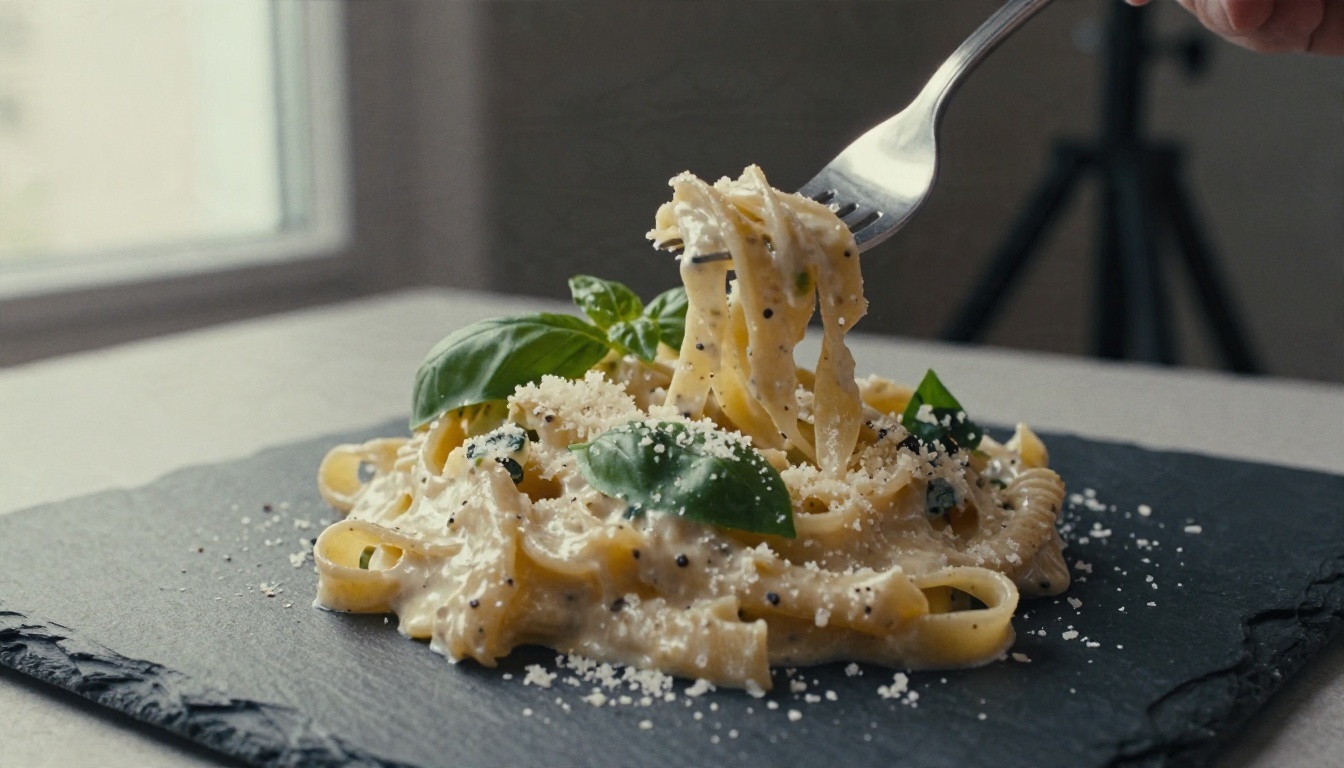
You do not need a studio. Shoot near a window, turn off the overhead lights, and use a plain surface such as a wooden board or slate. Take the picture from above for flat dishes like pasta, and from a lower angle for tall food like cakes. Keep the same style across the whole book, so pages feel related.
Lay Out the Pages and Export a PDF
Group recipes into chapters, such as breakfast, mains, sides and desserts. Give each recipe one or two pages and place the photo at the same spot every time. Add a table of contents with page numbers, then export a PDF at a high resolution. A page size of A5 or US Letter works well on both screens and printers.
How to Create a Cookbook with Flipbooks AI
Here is a practical walkthrough. If you want an even more focused starting point, the Recipe Book Flipbook tool was built for exactly this job.
Upload Your PDF
- Go to Flipbooks AI and create an account.
- Click the option to create a new flipbook.
- Upload your cookbook PDF. The platform converts each page into a flip page automatically.
- Wait a short moment while the pages are processed, then open the preview.
💡 Large photos can make a PDF heavy. If your file is above a few hundred megabytes, compress the images before exporting. Pages will load faster for readers on mobile data.
Customize the Look
Next, make the book feel like yours:
- Branding: add your logo, a custom background color and a title.
- Page effects: choose the realistic page curl, a sound for turning pages or a flat slide style.
- Multimedia: embed a short video of a technique, like folding dumplings, or an audio note from a relative reading the recipe aloud.
- Links: make ingredient names or shop references clickable.
- Mobile layout: the viewer is responsive, so single page view appears automatically on phones.
There are no watermarks, so the book looks like your own publication from the first page to the last.
Share It Everywhere
You have several ways to hand the book to your readers:
| Sharing Method | How It Works | Best Use |
|---|
| Direct link | Paste a URL in a message or email | Family and friends |
| Embed code | Add the book to a blog or website with the Embed Flipbook on Website tool | Food bloggers, restaurants |
| Password protection | Readers type a code to open the book | Private family archives |
| Offline download | Readers save a copy for the kitchen without Wi-Fi | Cooking classes, camping |
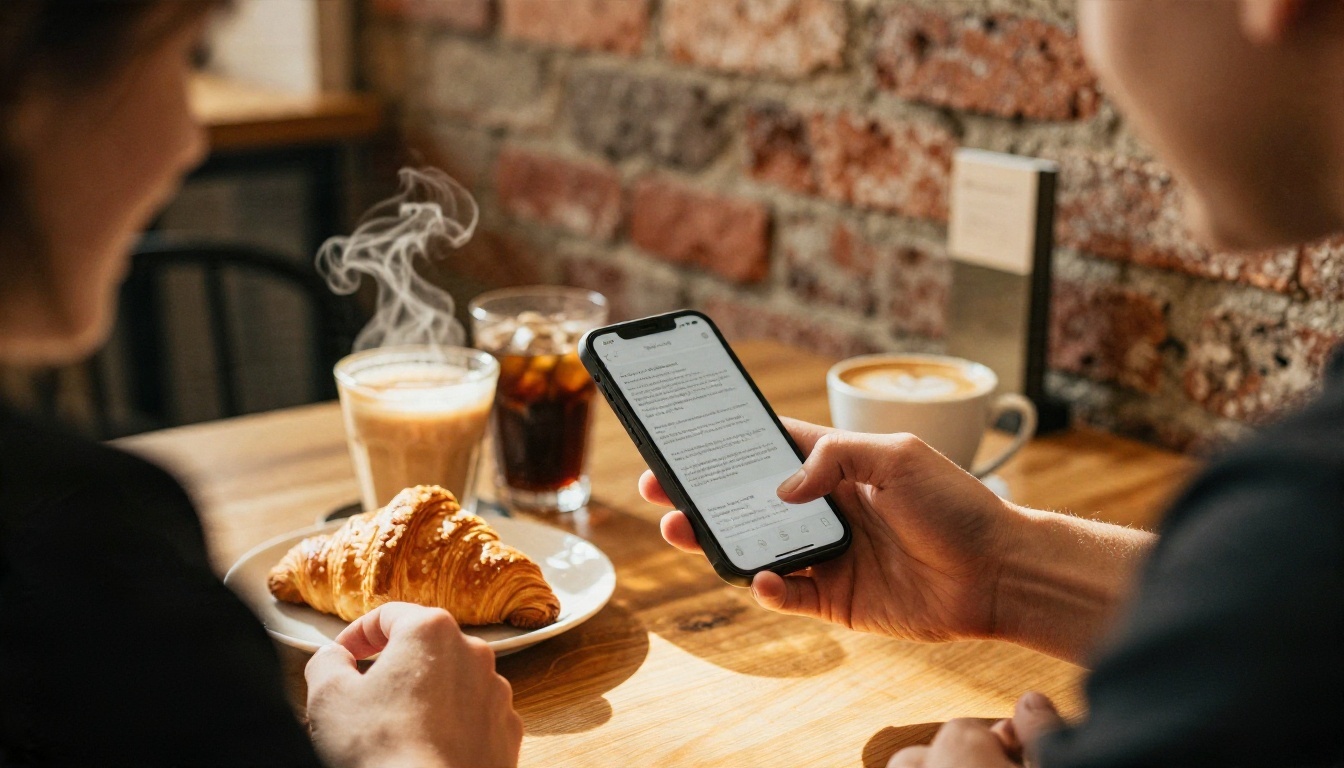
| QR code | Print the code on a flyer or a table card | Markets, events, fundraisers |
Use Pro Features for Bigger Projects
If you plan to sell, promote or track your cookbook, look at the Professional plan on the pricing page. It adds analytics so you can see how many people open the book and which pages they read most. It also includes lead generation, which asks readers for an email before they open the book. That is a simple way to build a mailing list for a food brand. Standard plans and above include unlimited flipbooks, which suits anyone who wants a separate book for each season or each family branch.
Real Ways People Share Cookbooks
The same finished PDF can serve very different goals. Here are a few scenarios that show the range.
Family Archives
A daughter digitizes her grandmother's recipes, adds photos of the finished dishes and sets a password. She sends the link and the password to twelve cousins. Everyone has the book on their phone, and when she finds a forgotten recipe, she replaces the PDF without changing the link.
Fundraisers and Community Projects
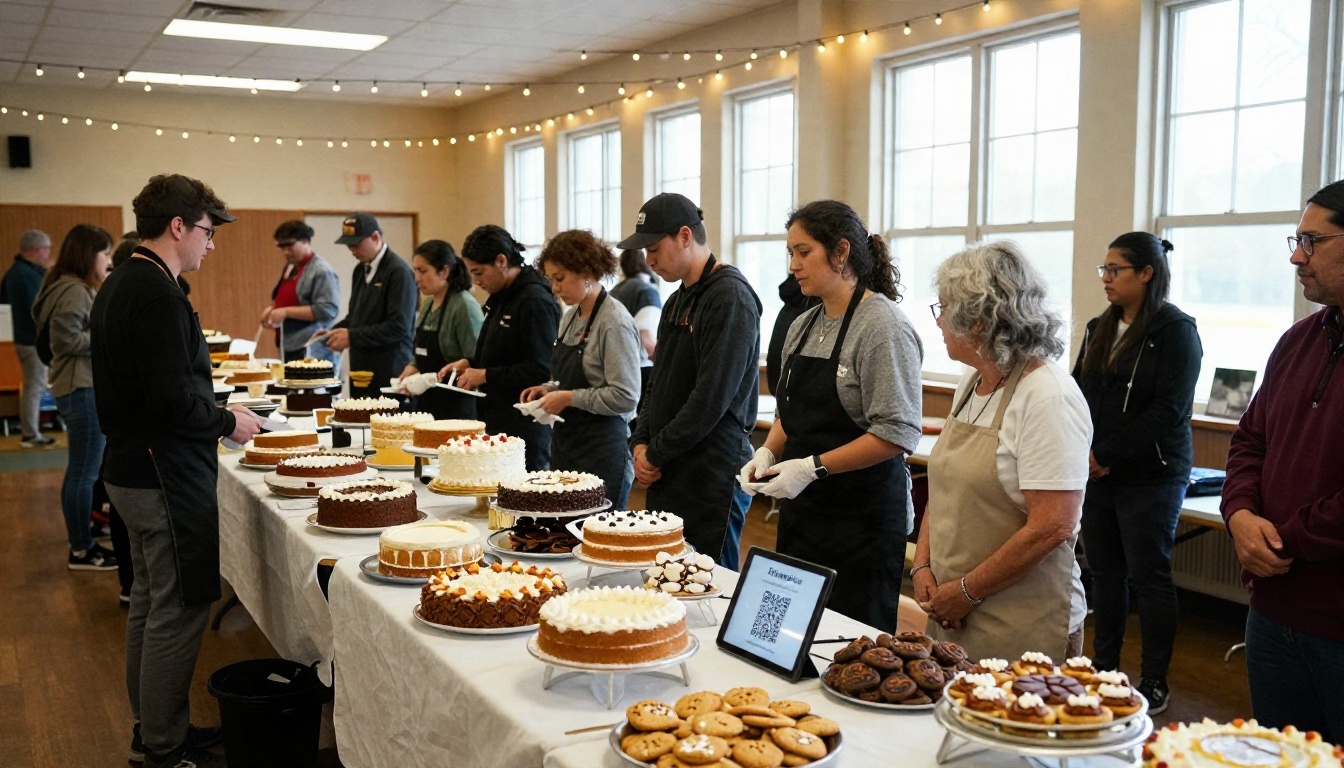
Schools, clubs and charities have printed spiral bound cookbooks for decades. A digital version costs nothing to print and reaches supporters far away. Add a QR code to your event posters, and people can browse the book on the spot. Related tools like the Non-Profit Annual Report maker can present the results of the campaign after it ends.
Bloggers, Chefs and Restaurants
A food blogger can offer a free seasonal cookbook in exchange for an email address. A small restaurant can publish a "recipes from our kitchen" book for guests, and pair it with a Restaurant Menu Creator flipbook for the daily menu. A cooking teacher can share a Course Material Publisher workbook with every lesson.
| Audience | Goal | Suggested Format | Useful Feature |
|---|
| Family | Preserve memories | Private archive | Password protection |
| Charity | Raise money | Public book with QR code | Embed and link |
| Blogger | Grow a mailing list | Free seasonal ebook | Lead generation |
| Restaurant | Build loyalty | Recipe collection plus menu | Custom branding |
| Teacher | Support students | Course workbook | Offline download |
Common Mistakes to Avoid
Most cookbook projects stall for the same few reasons. Here is how to dodge them.
- Starting with design instead of content. Finish the recipes first, then the pages.
- Inconsistent measurements. Mixing cups, grams and "a handful" confuses readers. Choose one system and add conversions in an appendix.
- Skipping a test cook. Cook each recipe from your own page at least once. Typos in quantities are the most common error.
- Using huge, unoptimized photos. Slow pages make readers leave.
- Forgetting copyright. Do not copy recipes word for word from websites or published books. Adapt the method in your own words and credit the source. A simple list of ingredients is usually not protected, but the wording of the instructions can be.
- Locking the book in a single app. Keep a master PDF in your own cloud storage.
✅ Best practice: Keep a "version 1" PDF, and make a new file for every edit. If a layout goes wrong, you can always go back.
Ready to Publish Your Cookbook?
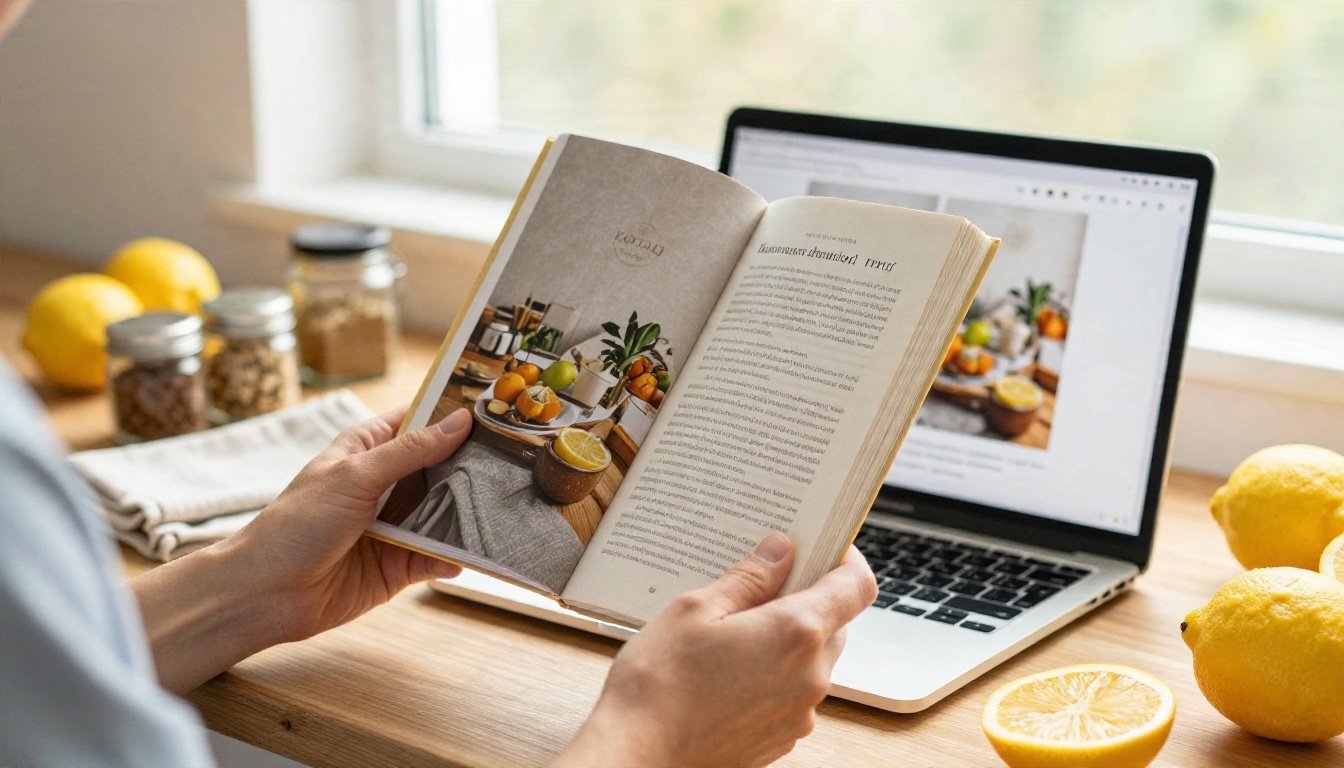
Cook book apps are great for saving and planning, but a finished book is what other people can actually open, cook from and pass along. Pick a free app to organize your recipes, build the pages in the tool you already like, and publish the result as an interactive book.
Your recipes have waited long enough in screenshots and old notebooks. Give them a proper cover, a link and a few hungry readers.



