A shoebox of stained recipe cards is a treasure, but it is not a cookbook yet. The gap between the two is a tool that can hold your text, your photos, and your page layouts in one place. That is what cookbook maker software does, and the choices range from a free browser editor to a professional layout app with a monthly fee. This article walks through templates, layout tips, free online options, and the real publishing routes, so you can pick a setup before you spend a weekend on the wrong one. If you also want your book on screens, a platform like Flipbooks AI can turn the finished PDF into a page-turning edition that opens in any browser.
What Cookbook Maker Software Does
At its simplest, a cookbook maker lets you place recipe text and food photos on pages, keep the styling consistent from page one to page two hundred, and export a file a printer or a website can use. Everything else, from automatic tables of contents to recipe import, is a bonus that saves time.
Three Kinds of Tools
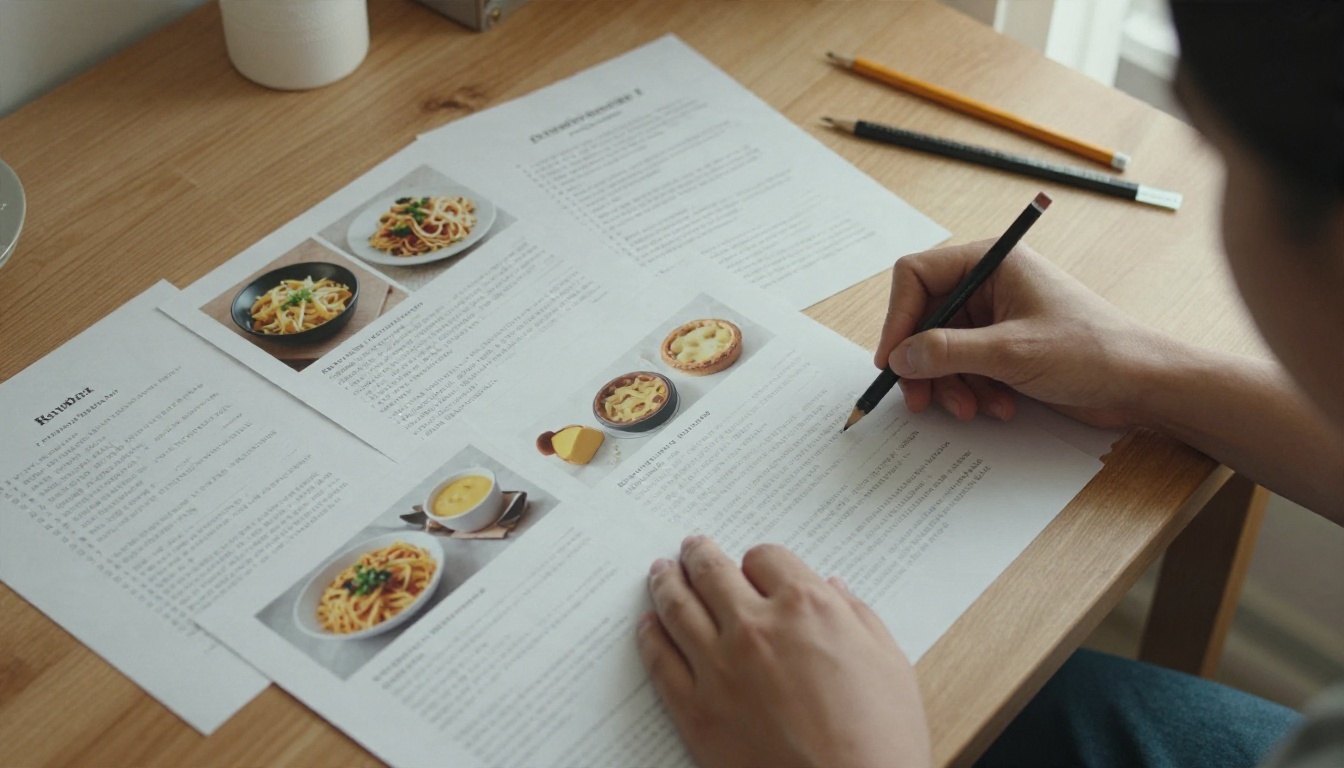
Most options fall into one of three groups, and knowing which group you need saves a lot of trial and error.
- Template editors: drag-and-drop design tools that run in the browser. You pick a layout, swap the text, and export a PDF.
- Layout applications: desktop publishing programs with full control over grids, styles, and print settings. Powerful, but they ask more of you.
- Recipe book builders: tools that accept recipes as structured entries (title, ingredients, method) and flow them into pages automatically.
| Tool type | Best for | Skill needed | Typical cost | Output |
|---|
| Template editor | Gift books, small family projects | Low | Free tier, paid extras | PDF, images |
| Word processor | Plain text heavy books, quick drafts | Low to medium | Often already owned | PDF, document |
| Layout application | Large books, strict print specs | High | Subscription or one-time fee | Print-ready PDF |
| Recipe book builder | Hundreds of recipes, consistent format | Low | Free to paid | PDF, sometimes print order |
Who Needs What
- Home cook making a family gift: a template editor is enough. Speed matters more than control.
- Food blogger bundling posts into an ebook: a template editor plus a flipbook or PDF host.
- Restaurant or caterer: a layout application, or a designer who uses one, because brand consistency matters.
- School or charity fundraiser: a recipe book builder, since dozens of contributors send recipes in different formats.
💡 Pro tip: Decide your final format before you pick the software. A book that will be printed needs bleed and margin settings. A book that will live online does not.
Choosing Templates That Fit
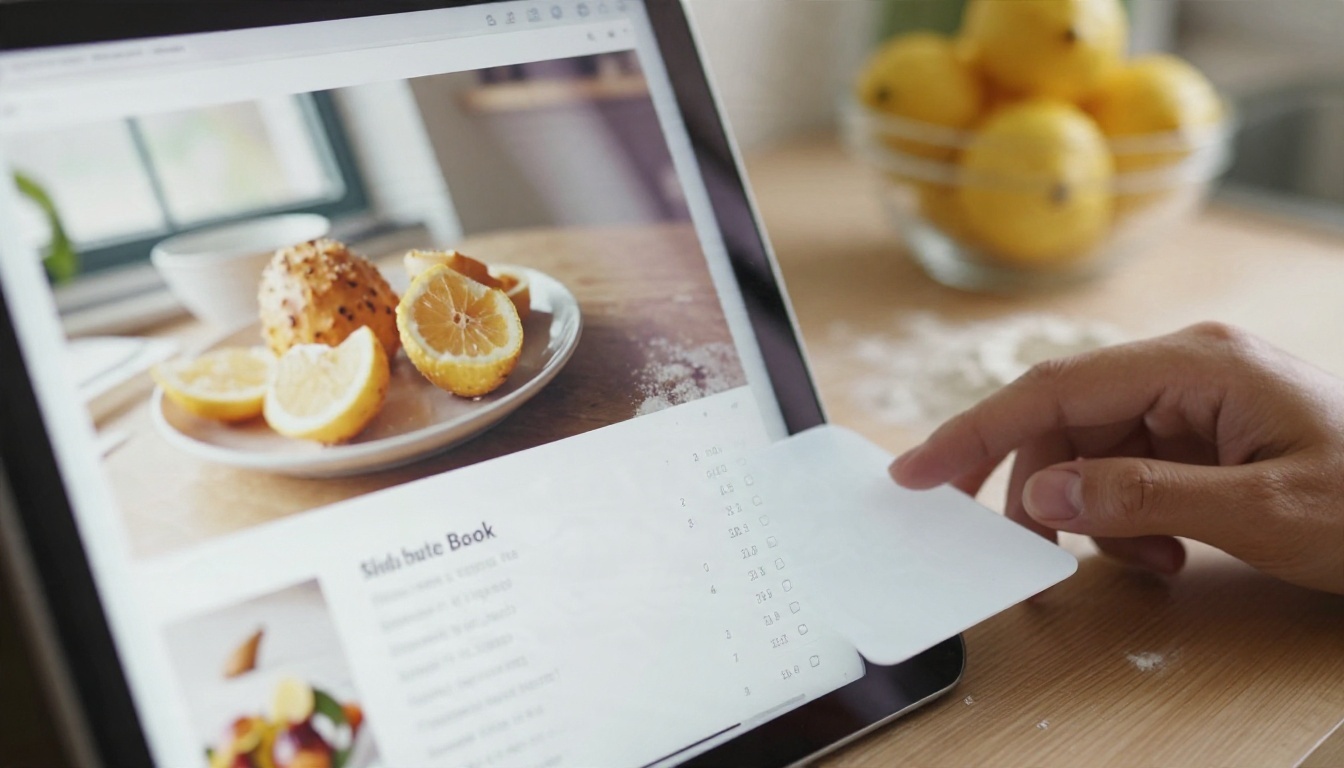
A template is a promise about how your book will feel. A bright, airy template with big photos says "weeknight dinners." A dense, text-forward template says "family archive." Picking the wrong one is the most common reason people restart a project halfway.
Match Style to Audience
Think about who will hold the book. Grandparents often prefer larger type and plenty of white space. Younger cooks scanning on a phone prefer short ingredient lists and a clear photo of the finished dish. A professional kitchen wants precise measurements and a calm, repeatable structure.
| Template style | Works well for | Watch out for |
|---|
| Photo-led, full bleed images | Baking, desserts, lifestyle books | Text over busy images becomes unreadable |
| Text-led, minimal photos | Family archives, church or club books | Pages can feel dense without breaks |
| Split page (photo left, recipe right) | Mixed collections | Needs equal photo quality across recipes |
| Card style, one recipe per page | Meal prep, quick weeknight books | Long recipes overflow the page |
| Magazine style, sidebars and tips | Blogger collections | Too many boxes distract from the method |
What a Good Template Includes
Before committing, check that the template gives you each of these without hacks:
- A title page and a table of contents that updates.
- Chapter divider pages you can reorder.
- A recipe page with separate slots for ingredients, method, prep time, and servings.
- A notes or story area for the personal touch that makes a family book worth keeping.
- Room for an index at the back if you expect more than fifty recipes.
✅ Best practice: Test the template with your longest recipe first. If that one fits, the short ones will too.
Layout Tips for Readable Recipes
People read recipes while their hands are covered in flour, from an arm's length away. Your layout should respect that. Clear structure beats clever decoration every time.
Standardize Before You Design
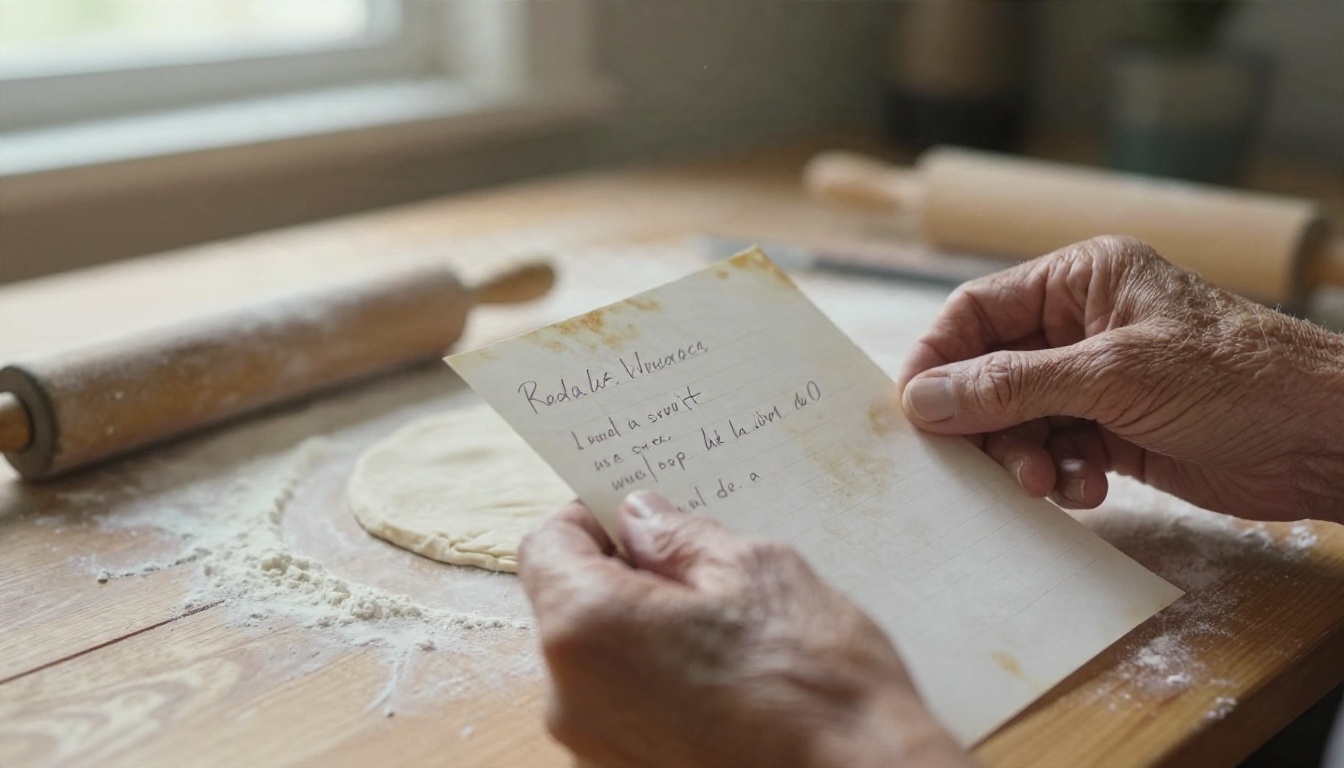
Collect every recipe into one format before you open a layout tool. Old family recipes rarely say how many people they serve or how hot the oven should be, and gaps like that show up as ugly empty boxes later.
Create a simple checklist for each entry:
- Title and short headnote (one or two sentences).
- Servings, prep time, and cook time.
- Ingredients in the order they are used, with units written the same way everywhere.
- Numbered method steps, one action per step.
- Photo, or a note that it needs one.
Anatomy of a Recipe Page
The most readable pages put the ingredient list in a narrow column on the left and the method in a wider column on the right. Cooks glance left to gather items and right to follow steps. Place the recipe title at the top, with prep and cook time directly beneath it, so someone flipping through can judge the effort in a second.
Type and Spacing Rules
Use two typefaces at most: one for headings and one for body text. Here are sizes that tend to work for a standard 8.5 by 11 inch or A4 page:
| Element | Suggested size | Style note |
|---|
| Recipe title | 24 to 30 pt | Bold or display face |
| Headnote | 11 to 12 pt | Italic |
| Ingredients | 10 to 11 pt | Regular, generous line spacing |
| Method steps | 10 to 11 pt | Bold step numbers |
| Notes and tips | 9 to 10 pt | Tinted box or italic |
| Page numbers | 8 to 9 pt | Outer corner, consistent position |
Leave margins of at least half an inch, and more on the inside edge of a printed book so text does not vanish into the binding.
Photo Placement
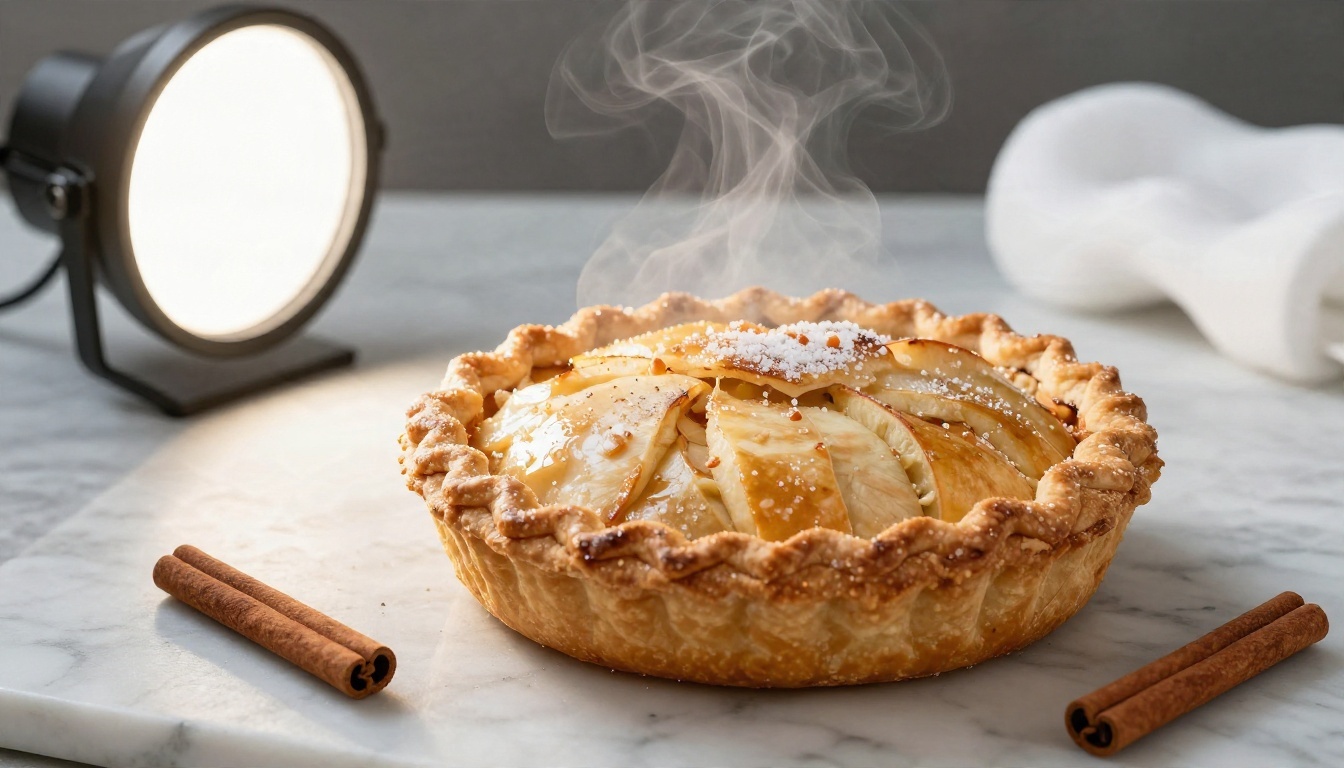
Put the photo where the eye lands first, usually the top of the right-hand page, and keep it in the same position across the whole book. Shoot in daylight beside a window, use a white board to bounce light into the shadows, and shoot from slightly above for plated dishes or low for tall bakes. Consistent lighting matters more than expensive gear.
⚠️ Common mistakes to avoid:
- Mixing "tbsp," "Tbsp," and "tablespoon" in the same book.
- Splitting a method across two pages with no "continued" note.
- Placing white text over a light part of a photo.
- Using low-resolution photos that look soft once printed. Aim for about 300 dpi at the printed size.
Free Online Options, Honestly Reviewed
You can make a respectable cookbook without paying anything. You just need to know where the free ride ends before you invest hours of work.
What Free Plans Usually Include
Most free tiers give you a limited set of templates, basic fonts, a few stock photos, and the ability to export a standard PDF. That is plenty for a short family booklet. Many free browser editors also let you collaborate, which helps when cousins are sending recipes from three countries.
Where Free Gets Costly
The catches tend to appear at the end of the project, when you are least willing to start over. Common ones include watermarks on exports, a cap on pages, premium-only templates, high-resolution or print-ready export locked behind a plan, and recipe import limits.
| Free option | Usually included | Typical catch |
|---|
| Browser template editor | Templates, drag and drop, PDF export | Premium assets, limited print-quality export |
| Word processor or online document | Full text control, easy sharing | Fiddly image placement, page flow breaks |
| Recipe manager app with book export | Structured recipe entry | Printing and formatting extras are often paid |
| Flipbook publisher | Page-turning online edition from a PDF | Plan limits vary, so check pricing |
💡 Smart workaround: Design in a free editor, export a PDF, and publish the digital edition separately. Many people never need to pay for the design step at all.
How to Create a Cookbook with Flipbooks AI
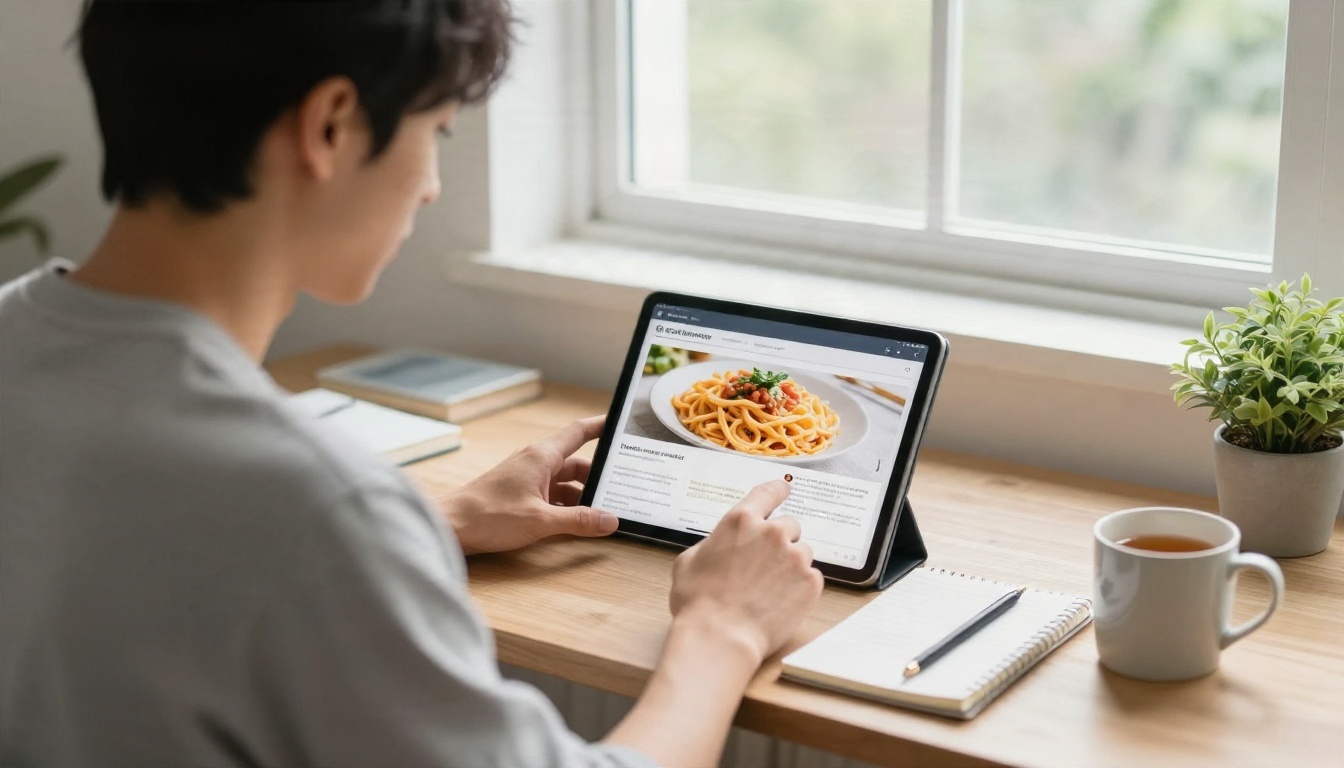
Once your PDF is ready, you can turn it into an online book that readers flip through like paper. It works well for family editions, blog readers, and restaurant guests who scan a QR code at the table. The Recipe Book Flipbook tool is built for exactly this.
- Create your account. Head to Flipbooks AI and sign up. It takes a minute.
- Export your PDF. From your design tool, export pages in reading order with fonts embedded and photos at a sensible resolution. One PDF per book keeps things simple.
- Upload and convert. Drop the file into the PDF to Flipbook Converter. The conversion turns each page into a flippable spread, and you can preview it right away.
- Customize the look. Add your logo, choose background colors that match your book, and set the page-turn effect. You can also embed video and audio, such as a short clip of how to fold dumpling dough or a grandmother reading her own recipe aloud.
- Share it. Copy the direct link for messages and email, or use the embed code to place the book on your site (the Embed Flipbook on Website tool shows how). Add password protection if the book is only for family.
- Use the extra features. The Professional plan adds analytics so you can see which recipes get read, and lead generation so a food blogger can collect emails before a reader opens the book. Offline downloads let people keep a copy for the kitchen, where Wi-Fi is often weak. See the plans for the full list.
| Flipbooks AI feature | How it helps a cookbook |
|---|
| No watermarks | Your book looks like yours, not an advertisement |
| Mobile-responsive reading | Works on a phone propped against the flour jar |
| Embedded video and audio | Short how-to clips beside the written steps |
| Password protection | Private family editions stay private |
| Custom branding | Restaurant or blog identity on every page |
| Offline downloads | Readers can cook without a connection |
✅ Best practice: Preview on a phone before sharing. Most readers will open your book there, so check that ingredient columns are still legible at small sizes.
Publishing: Print, PDF, or Flipbook
Your finished book can live in several places, and you are not limited to one. Many authors print a small run for gifts and publish an online edition for everyone else.
Print on Demand and Local Printing
Print on demand services produce one copy at a time, which is ideal for testing a book or selling to a small audience. Local printers can be cheaper per copy for runs of fifty or more. Before ordering, check these details:
- Page count rules: services often require a minimum and an even number of pages. Saddle-stitched booklets work in multiples of four.
- Bleed and margins: photos that touch the edge need extra image area beyond the trim line.
- Color profile: order a single proof copy first, because food photos can print darker than they look on screen.
- Binding: lay-flat or spiral binding is far more practical in a kitchen than a tight glued spine.
Digital Formats Compared
| Format | Strengths | Weaknesses |
|---|
| Plain PDF | Universal, easy to email | Static, hard to read on small screens |
| Ebook file | Reflows text for readers | Complex layouts and photos may break |
| Flipbook | Familiar page-turning feel, trackable, embeddable | Needs a link or embed to reach readers |
| Printed book | Lasts, makes a gift | Cost, no changes after printing |
Browse the full tools directory if you also want a matching menu, price list, or brochure for the same project.
Three Real-World Examples
A Family Heirloom Book
A daughter gathers her mother's recipes, scans the handwritten cards, and uses a template editor to pair each card with a modern typed version. She prints five hardcover copies and also uploads the PDF as a password-protected flipbook so cousins abroad can read it the same day.

A Restaurant Fundraiser Book
A small restaurant asks regular customers and staff for favorite dishes, then has a designer lay them out in a layout application. The chef writes short headnotes, and the book is sold at the counter in print and shared online through a QR code on every table.
A Blogger's Recipe Bundle
A food blogger takes her top thirty posts, restyles them in one template, and exports a PDF. She publishes it as a flipbook, embeds it on her site, and uses lead capture to build her email list. The same file becomes a paid print edition later.
Publish Your Cookbook This Week
You do not need a design degree or a big budget. Pick a template that matches your readers, standardize your recipes, follow the layout rules above, and test with your longest recipe. Then choose how it reaches people: print, PDF, or an online edition.
Ready to put your recipes in front of readers? Create your free account on Flipbooks AI, try the Recipe Book Flipbook tool, and browse more flipbook tools. When you want analytics, lead generation, or unlimited flipbooks, compare the pricing plans and choose what fits your project.



