A 48-page catalog can cost anywhere from $1.50 to more than $15 per copy to print, and the gap has very little to do with your design. It comes down to how many copies you order, what paper you pick, how the pages are bound, and how many hidden line items sneak onto the invoice. If you are staring at three quotes that look nothing alike, this article breaks down the real cost to print catalog pages, page by page, and shows where a digital option from Flipbooks AI can replace part of the print run entirely.
All prices below are typical ranges in US dollars for a standard 8.5 x 11 inch catalog, full color on both sides. Your printer, region and timing will move the numbers, so treat them as a budgeting baseline and not a quote.
What Drives Catalog Printing Costs

Before comparing prices, it helps to know what a printer is actually charging for. Four things do most of the work.
Quantity Changes Everything
Printing has a big fixed cost and a small variable cost. Setting up a press, preparing files and running test sheets costs roughly the same whether you print 100 catalogs or 10,000. Spread that setup over more copies and the per-page price drops fast. This is why a 100-copy run can cost five times more per page than a 5,000-copy run.
Page Count and Signatures
Presses print large sheets that fold into groups of pages called signatures, usually 8, 16 or 32 pages. Catalogs bind most cleanly in multiples of four. A 50-page catalog is often priced as a 52-page catalog, so you pay for two blank pages. Trimming to 48 pages can be the cheapest edit you ever make.
💡 Pro tip: Ask your printer which page counts fit their sheet size. Dropping from 52 to 48 pages can cut the bill by 5 to 8 percent with no visible loss.
Size, Color and Finishing
Standard sizes such as 8.5 x 11 or 6 x 9 inches use paper efficiently. Odd sizes waste sheet space and raise the price. Full color on both sides is the norm for catalogs, but spot colors, metallic inks, coatings and special folds each add a surcharge.
| Cost driver | Typical impact on price | Easy to control? |
|---|
| Print quantity | Large: 30 to 70 percent lower per page at high volume | Yes |
| Page count | Moderate: priced in multiples of 4 | Yes |
| Paper weight and finish | Moderate: 10 to 40 percent swing | Yes |
| Binding style | Moderate: staples are cheapest, hardcover is most costly | Yes |
| Trim size | Small to moderate | Yes |
| Coatings and special inks | Small to large | Yes |
| Rush turnaround | Large: 20 to 50 percent premium | Sometimes |
Per-Page Pricing by Print Run
Here is where most buyers want numbers. The table below shows approximate cost per printed page (one side of a leaf) for a full color catalog on 100 lb silk text paper with a heavier outer wrap.
| Print run | Method | Cost per page | Cost per 48-page copy |
|---|
| 50 to 100 copies | Digital press | $0.18 to $0.35 | $8.60 to $16.80 |
| 250 to 500 copies | Digital press | $0.08 to $0.16 | $3.80 to $7.70 |
| 1,000 copies | Digital or small offset | $0.05 to $0.10 | $2.40 to $4.80 |
| 2,500 copies | Offset | $0.035 to $0.07 | $1.70 to $3.40 |
| 5,000+ copies | Offset | $0.025 to $0.05 | $1.20 to $2.40 |
Notice how the cost per copy drops by almost 90 percent from the smallest run to the largest. That is great news if you truly need 5,000 catalogs, and a trap if you order 5,000 to chase a low per-page price and then store 3,000 of them in a closet.
Digital Press vs Offset
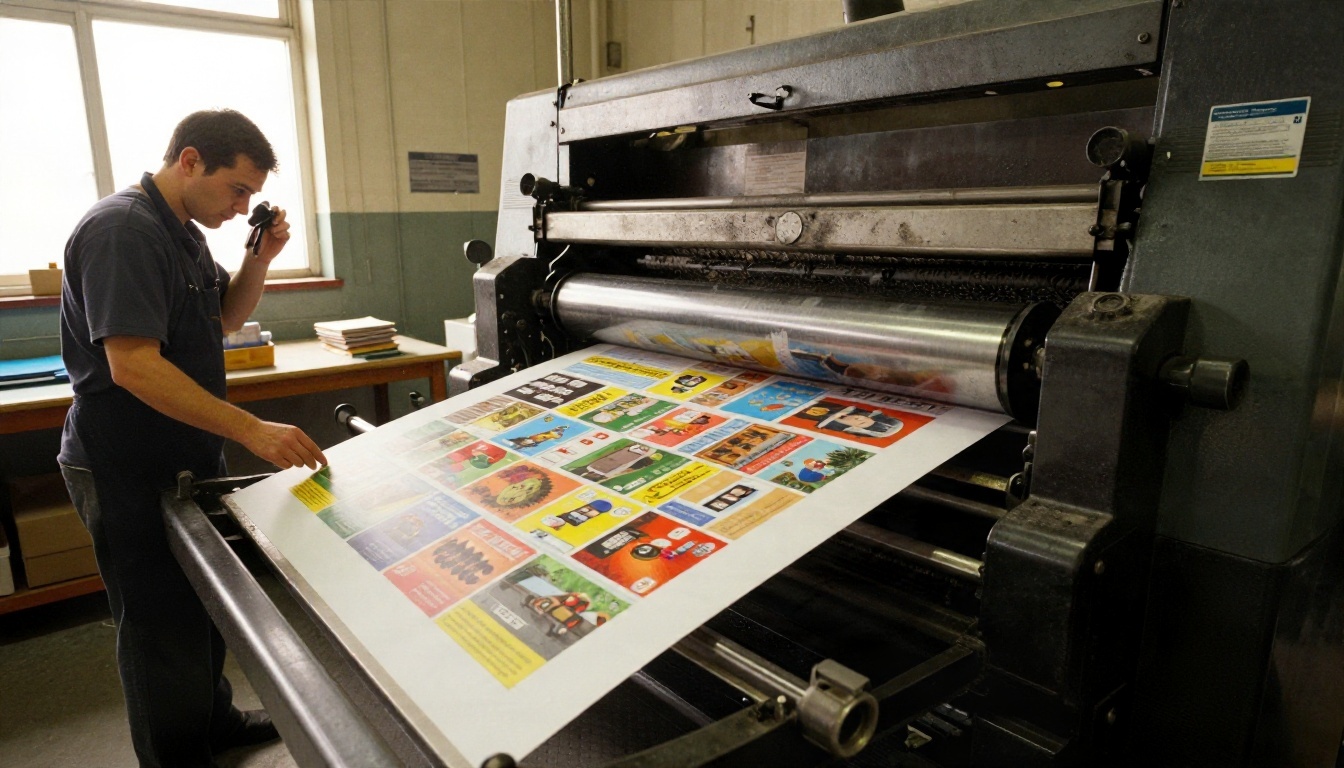
Digital presses work like very large office printers. They need almost no setup, so they win on short runs. Offset presses use metal plates and ink rollers, cost more to set up, then run cheaply once rolling.
| Factor | Digital press | Offset press |
|---|
| Setup cost | $0 to $50 | $300 to $900 |
| Best run size | 25 to 1,000 copies | 1,000 to 100,000 copies |
| Cost per page at low volume | Lower overall | Much higher |
| Cost per page at high volume | Flat | Much lower |
| Color accuracy | Very good | Excellent, with spot colors |
| Turnaround | 2 to 5 business days | 7 to 14 business days |
| Version changes between copies | Possible (variable data) | Not practical |
The crossover point is usually between 800 and 1,500 copies. Below it, digital almost always costs less. Above it, offset pulls ahead.
A Worked 48-Page Example

A homeware brand wants 1,000 perfect-bound, 48-page catalogs to send to wholesale buyers. A realistic budget looks like this:
| Line item | Estimated cost |
|---|
| Printing at $0.10 per page (48 pages x 1,000 copies) | $4,800 |
| Layout and photo retouching | $1,200 |
| Proof copy and color checks | $120 |
| Freight to the mailing house | $350 |
| Mailing postage (about $0.85 per piece) | $850 |
| Total | $7,320 |
| Cost per copy delivered | $7.32 |
The printing itself is only about 65 percent of the spend. Freight, postage and design push the real cost per delivered catalog well past the headline per-page price.
Paper Options and What They Cost
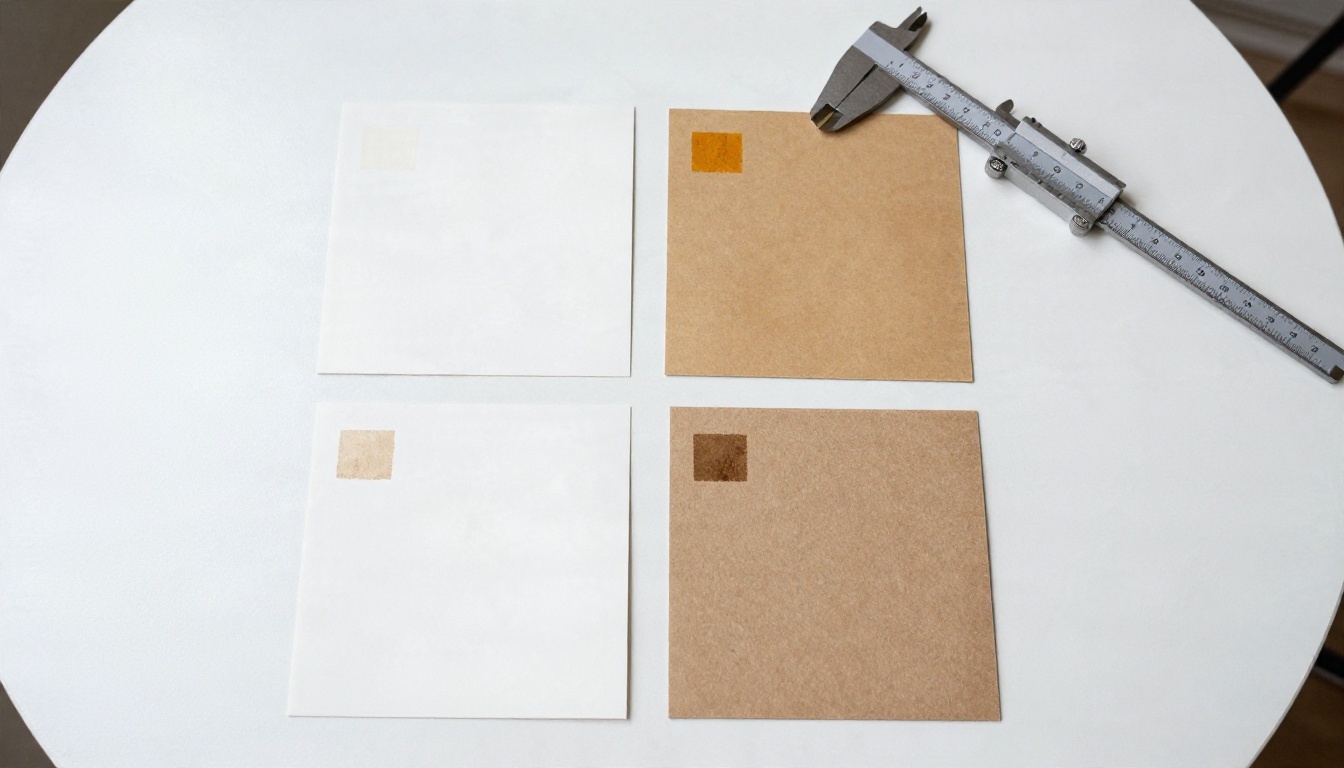
Paper is the second biggest lever after quantity. Heavier, coated or specialty sheets cost more per sheet, weigh more in the mail and change how photos look on the page.
| Paper stock | Typical weight | Look and feel | Relative cost per page |
|---|
| Uncoated offset | 70 to 80 lb text | Soft, writable, natural | Baseline (100%) |
| Recycled uncoated | 70 to 80 lb text | Earthy, slightly speckled | 105 to 115% |
| Silk coated | 100 lb text | Smooth, low glare | 115 to 125% |
| Gloss coated | 100 lb text | Vivid color, high shine | 110 to 120% |
| Heavy gloss or silk outer sheets | 100 to 130 lb wrap | Premium, rigid | 140 to 190% (outer sheets only) |
| Specialty textured or cotton | 80 to 110 lb | Tactile, boutique | 160 to 250% |
Text Weight vs Outer Sheets
Most catalogs use a lighter paper inside and a thicker sheet for the first and last pages. Upgrading only the outer sheets gives a premium feel for a few cents per copy. Upgrading every interior page can add 30 percent or more to the whole bill.
Coated vs Uncoated
Coated paper holds ink on the surface, so product photos look sharper and colors pop. It suits fashion, jewelry, food and furniture. Uncoated paper absorbs ink, softening images but feeling more natural, and it takes pen notes well, which wholesale buyers love when marking order quantities.
⚠️ Watch the weight: Moving from 80 lb to 100 lb text paper raises postage as well as the print price. On a 64-page catalog the extra weight can cross a postal tier and add several cents per mailed copy.
Binding Choices That Move the Price
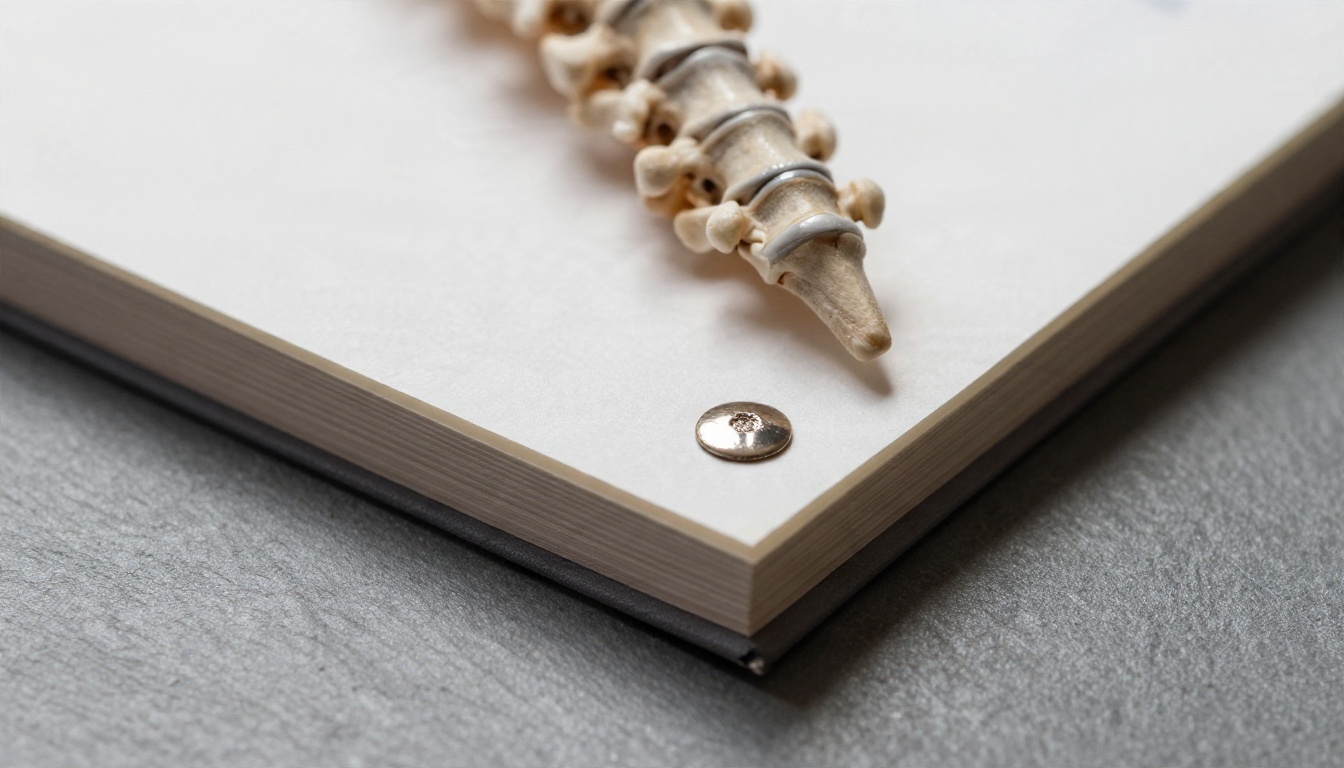
Binding often gets picked at the end, yet it can change both cost and durability.
| Binding | Best page range | Added cost per copy | Notes |
|---|
| Saddle stitch (staples) | 8 to 64 pages | $0.10 to $0.30 | Cheapest, lies flat, limited thickness |
| Perfect bound (glued spine) | 40 to 400 pages | $0.40 to $1.20 | Spine printing, shelf-ready look |
| Wire-O or spiral | 20 to 300 pages | $1.50 to $3.50 | Opens flat, great for price books |
| Hardcover case bound | 40 to 300 pages | $6 to $15 | Premium, only for small luxury runs |
A catalog of 64 pages or fewer is almost always cheapest as saddle stitch. Going past that usually means perfect binding, and the price jumps again for wire-O.
The Costs Nobody Quotes
The printer's quote covers printing and binding. It rarely covers everything you will pay.
Shipping and Postage
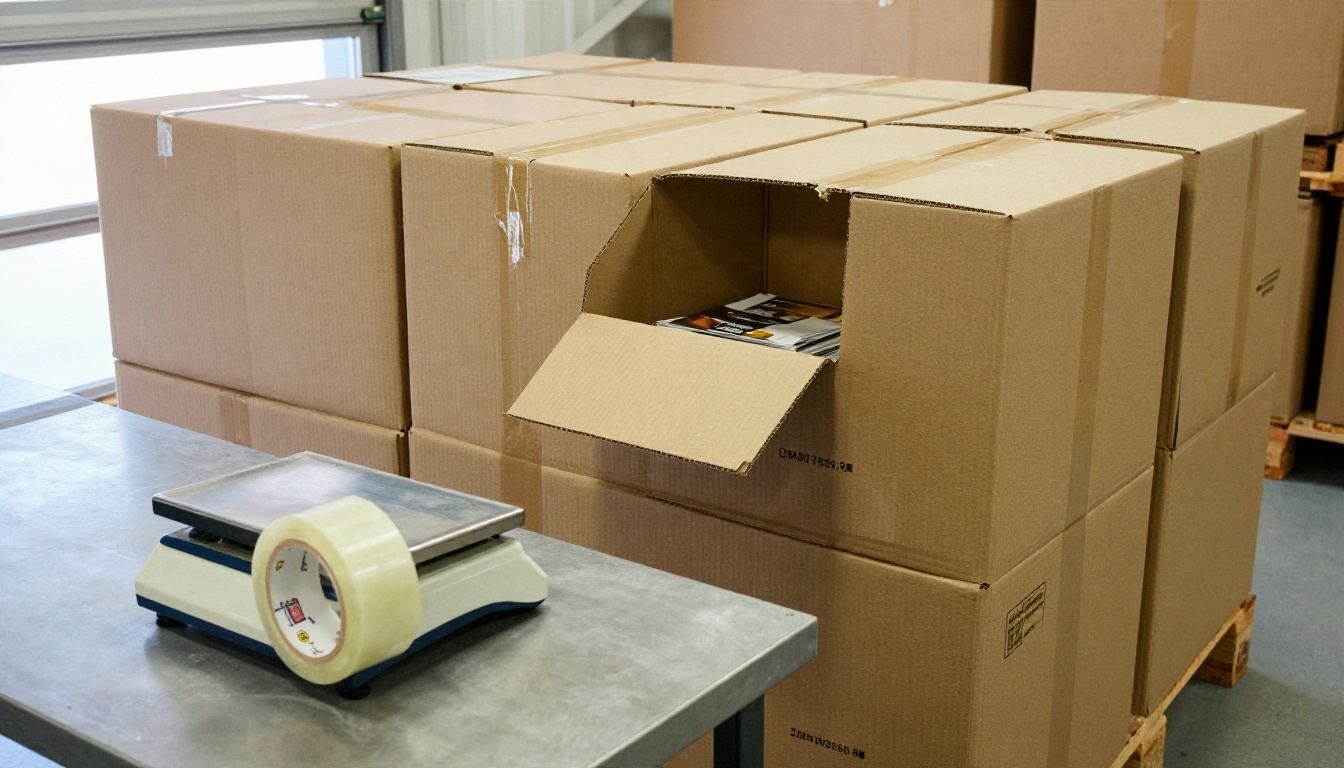
A box of 100 glossy 48-page catalogs can weigh 40 pounds or more. Freight from the printer to your office, then postage to each customer, regularly adds $1 to $3 per copy. Bulk mail rates help, but they require sorting, minimum quantities and extra time.
Proofs, Revisions and Reprints
Every change after approval is expensive. Watch for these line items:
- Hard proofs: $50 to $200 for a printed sample that shows true color.
- File correction fees: printers often charge by the hour to fix bleeds, fonts or low resolution images.
- Price changes: a printed price list is wrong the moment a supplier raises costs. Reprinting 1,000 catalogs to fix 20 prices is painful.
- Storage: boxes take space, and stock that sits for a year may become outdated.
- Waste: unused copies are money in the recycling bin.
✅ Best practice: Keep a spreadsheet with six columns: printing, design, proofing, freight, postage and storage. Divide the total by copies actually distributed, not copies printed. That number is your honest cost per catalog.
Digital Alternatives to Printing
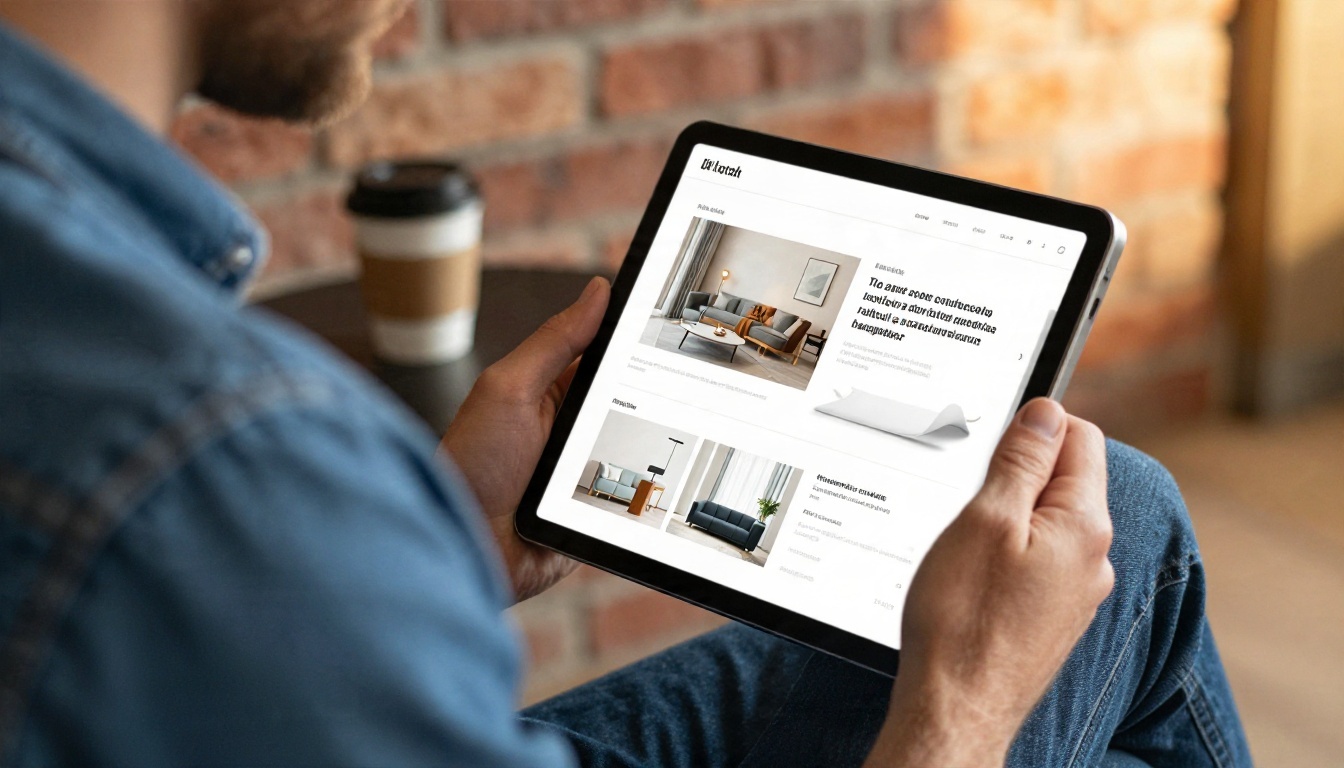
A digital catalog removes paper, freight and postage from the budget. Readers flip through realistic pages on a phone, tablet or desktop, and you can update a price or swap a product photo in minutes. Tools like the Digital Catalog Maker turn the same PDF you would send to a printer into an interactive page-turning experience.
What a Flipbook Catalog Costs
You still pay for design, but the per-copy cost nearly disappears. A digital flipbook is a single file shared with unlimited readers, so the 1,000th reader costs the same as the first: nothing extra. Instead of a print bill that scales with copies, you pay a flat monthly plan. You can compare plans on the pricing page to see what fits your catalog volume.
Print vs Digital Side by Side
| Factor | Printed catalog | Digital flipbook catalog |
|---|
| Cost per additional reader | $1.20 to $17 | Close to $0 |
| Cost to fix a mistake | Reprint or sticker | Edit and republish in minutes |
| Delivery time | Days to weeks | Instant link |
| Shipping and postage | $1 to $3 per copy | None |
| Reach | Limited by mailing list | Anyone with a link |
| Video and audio | Not possible | Embedded in pages |
| Tracking | Hard to measure | Views, clicks and time per page |
| Tactile quality | Excellent | Screen only |
Print still wins when touch matters: luxury goods, high-end interiors and trade show giveaways. Digital wins on speed, reach and updates.
The Hybrid Approach

Many small brands now print 100 to 250 premium copies for top accounts and events, then send everyone else a digital version. A boutique owner can hand a printed catalog to a wholesale buyer in person, and email a flipbook link to 2,000 prospects the same afternoon. The printed run stays small enough for a digital press, so the per-page price is modest, while the flipbook does the heavy lifting on reach.
How to Create a Digital Catalog with Flipbooks AI

If you already have a print-ready PDF, you are most of the way there. Follow these steps, or start with the ready-made Product Catalog generator and the Catalog Flipbook Creator.
Upload and Convert Your PDF
- Go to Flipbooks AI and create an account.
- Click to start a new flipbook and drag in your catalog PDF. The PDF to Flipbook Converter turns each page into a crisp, turnable spread in seconds.
- Check the preview on a desktop and a phone. The layout is mobile-responsive, so pages adapt to smaller screens.
Brand It and Add Media
- Add your logo, pick brand colors and choose a page-turn effect that suits your products.
- Embed video and audio directly in pages: a short clip showing a ceramic glaze, or a voice note from the founder.
- Link products to your online shop so a reader can tap a photo and land on the right checkout page.
💡 Pro tip: Put your best sellers on the first four pages. Readers decide quickly, and with analytics you can see whether they actually get that far.
Share, Protect and Track
- Copy the direct link for emails and social posts, or use the embed code to place the catalog on your site.
- Turn on password protection for wholesale-only price lists. Pair it with the Digital Price List Generator when prices change often.
- Enable offline downloads for buyers who prefer a PDF copy.
- On the Professional plan, switch on analytics and lead generation to see which pages get attention and to capture an email before a reader opens the catalog. See the pricing plans for details. There are no watermarks, ever, and the Standard plan and above allow unlimited flipbooks, so you can publish a new seasonal catalog without extra fees.
| Task | Printed catalog | Flipbooks AI |
|---|
| Fix a typo | Reprint or sticker | Edit, republish, same link |
| Send to 500 prospects | $600 to $1,500 postage | One email |
| See what readers like | Guesswork | Page-level analytics |
| Offer wholesale-only prices | Separate print run | Password-protected copy |
Where to Put Your Budget
Treat print as a precision tool and digital as the default. A sensible split looks like this:
- Under 250 copies: use a digital press, saddle stitch or perfect binding, and a silk text weight with heavier outer sheets.
- 250 to 1,000 copies: get quotes from both digital and offset printers, and ask for the crossover price.
- Over 1,000 copies: go offset, trim to a page count divisible by 4, and plan storage and postage before you approve the order.
- Everyone else on your list: send a flipbook link and save the postage.
Ready to see what your own catalog looks like without the print bill? Get started for free on Flipbooks AI, browse all flipbook tools to find the right template, or compare plans to pick the one that fits your catalog.



