Create a Flipbook Online Free: Templates, Examples, Page Sizes and Embed Options
Turn a plain PDF into a page turning flipbook without design software. See which templates fit your goal, real examples to copy, the page sizes that avoid cropping, and every embed option for websites, emails and social posts.
A PDF sits on a screen like a stack of paper. A flipbook turns the same file into something people actually want to page through, with a curling page, a fast load and a link you can paste anywhere. The good news is that you can create a flipbook online free in about ten minutes, with no design software and no developer. This article shows which templates are worth starting from, real examples you can copy, the page sizes that avoid awkward cropping, and every embed option you will run into. To keep things concrete, each step uses Flipbooks AI, which converts a PDF into a mobile friendly flipbook with no watermarks.
Why Flipbooks Beat Plain PDFs
Before picking a template, it helps to know what you are gaining. A flipbook is not a prettier PDF. It is a different way of reading.
What Makes a Flipbook Different
A PDF downloads, opens in a separate viewer and often scrolls like a long web page. A flipbook opens in the browser, shows two pages side by side on desktop, and uses a page turn effect that feels familiar from print. Readers get the rhythm of a magazine without the paper cost.
Here is what changes in practice:
Faster sharing: one link replaces a heavy email attachment.
Better mobile reading: pages resize to the screen instead of forcing pinch and zoom.
Rich media: you can drop in video and audio where a PDF only offers static images.
Brand control: your colors, logo and background replace a generic gray viewer.
Measurable results: analytics show which pages people read (Professional plan).
💡 Pro tip: Keep your original PDF. If you ever change a price or a date, you re-upload one file and the same link keeps working for your audience.
Who Gets the Most Value
Almost any business that already makes a PDF can benefit. A restaurant owner uploads a seasonal menu. A real estate agent shares a property brochure after a viewing. A photographer sends a portfolio to an art director. A teacher shares a weekly newsletter with parents. In each case the content stays the same, and only the reading experience improves.
Free Flipbook Templates That Work
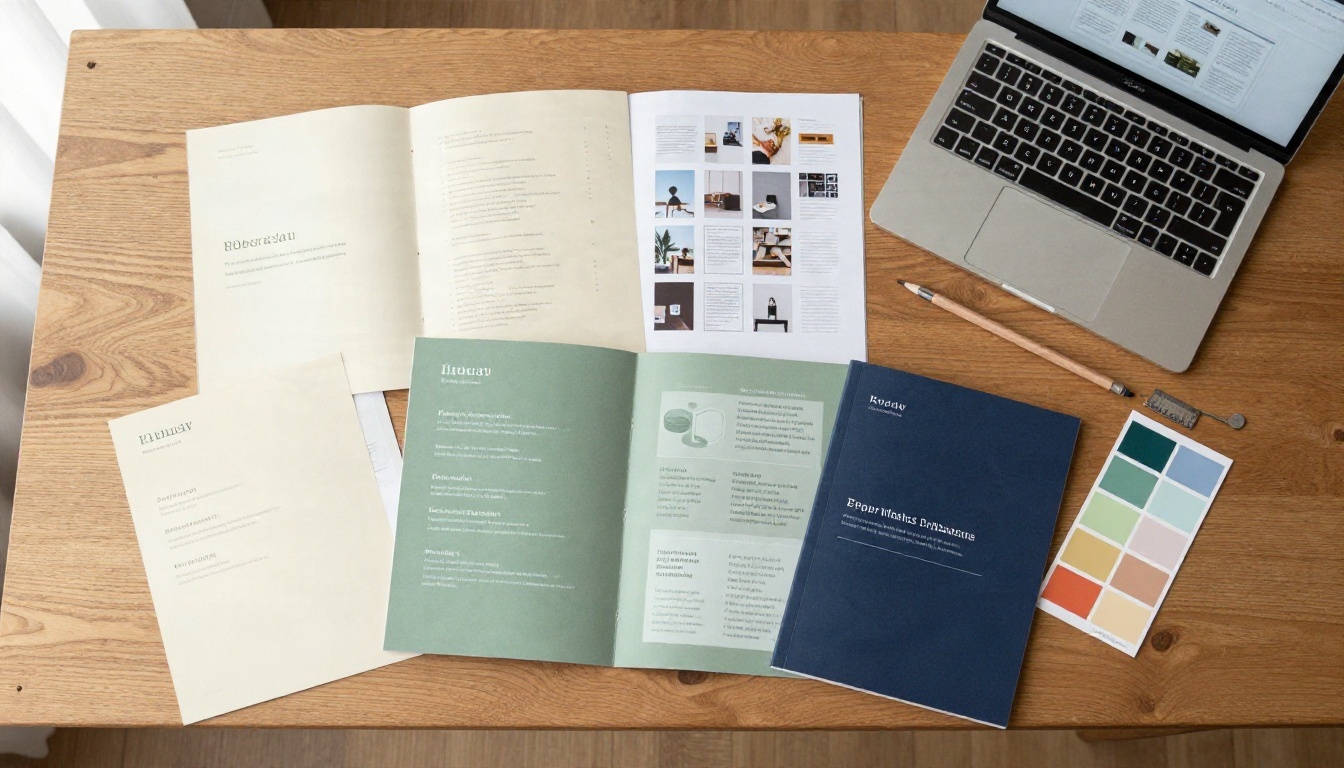
Templates save the most time when you pick one that matches your goal, not just your taste. A template for a restaurant menu has a very different page rhythm than one for an annual report.
Match the Template to Your Goal
Ask one question first: what should the reader do after the last page? Order, call, book, sign up or simply remember you? The answer shapes the layout. A menu needs scannable prices. A lookbook needs large photos and very little text. A report needs clear headings and room for charts.
Here is a quick comparison of popular starting points:
You do not have to use a pre-made file. Many people design in Canva, Google Slides, Word or InDesign, export a PDF and upload it. That means any template from those tools becomes a flipbook template. If you want a head start, browse the full list of flipbook tools and pick the one closest to your document type.
A few layout habits make flipbooks read better:
Use one main idea per page so the page turn feels like a natural pause.
Keep body text at 11 pt or larger in the original file.
Leave a safe margin of at least 10 mm around text.
Put your strongest image on the first page, since it loads first.
End with a clear next step, such as a phone number or booking link.
Common Template Mistakes
⚠️ Warning: Do not cram a desktop poster layout into a flipbook. Tiny text that looks fine on a large monitor becomes unreadable on a phone.
The three mistakes we see most often are walls of text, low resolution photos and inconsistent fonts between pages. Fix those and even a simple template looks professional.
Flipbook Examples You Can Copy
Seeing a finished result makes the process less abstract. These scenarios show how different businesses use the same tool.
Restaurant and Cafe Menus
A boutique cafe owner can upload a four page menu with breakfast, lunch, drinks and pastries. Print a small card with a link on each table, and customers browse on their own phones. When prices change, the owner swaps the PDF and the link stays the same. The Menu Flipbook Designer is built for exactly this workflow.
Real Estate Brochures
Agents benefit from sending one link after a showing instead of a 25 MB attachment. A good property flipbook opens with the best exterior photo, follows with a floor plan, then lists features and neighborhood details. Add a short video tour on page three and buyers can watch it without leaving the document.
Portfolios and Lookbooks
Creatives want large images and a clean frame. A Photography Portfolio flipbook lets a client page through a series at their own pace, much like a printed book on a coffee table. Fashion brands use the same format for seasonal lookbooks, then embed it on a landing page.
Here is how these examples compare:
Use case
What to include
Where to share it
Menu
Prices, allergens, photos
QR code on tables
Property brochure
Photos, floor plan, video
Email after viewing
Portfolio
Best 15 projects
Website and applications
Training manual
Chapters, quizzes, video
Internal portal
Newsletter
Short stories, dates
Email and school site
Best Page Sizes for Flipbooks
Page size decides whether your flipbook looks sharp or awkward. The rule is simple: the size of your PDF pages becomes the size of your flipbook pages.
Common Sizes and When to Use Them
Format
Dimensions
Orientation
Best for
A4
210 x 297 mm
Portrait
Reports, brochures, manuals
US Letter
8.5 x 11 in
Portrait
North American documents
A5
148 x 210 mm
Portrait
Menus, booklets, programs
Square
210 x 210 mm
Square
Lookbooks, photo books
16:9 slide
1920 x 1080 px
Landscape
Presentations, sales decks
Half letter
5.5 x 8.5 in
Portrait
E-books, short guides in print style
Portrait formats feel most like a real book and work well on desktop spreads. Landscape pages suit slides and photography, but they get small on a narrow phone screen. Square pages are a good middle ground for visual content.
Resolution and File Size Tips
Image quality matters more than page count. Use these numbers as a baseline:
Photos: at least 150 DPI at final size, 300 DPI if readers will zoom.
File size: aim for under 50 MB so conversion stays quick.
Fonts: embed fonts when exporting the PDF to avoid substitutions.
Color mode: export in RGB, since flipbooks live on screens.
Page order: make the first and last pages single, as the book opens like a real cover.
✅ Best practice: Export one test page first. Check it on your phone before you export all forty pages.
How to Create a Flipbook with Flipbooks AI
This is the full process from blank screen to published link. It takes most people less than fifteen minutes.
Build It in Five Steps
Start your account. Go to Flipbooks AI and sign up. You can try the platform free before choosing a plan on the pricing page.
Upload your PDF. Drag the file into the uploader or use the PDF to Flipbook Converter. Conversion runs in the browser, and each PDF page becomes a flipbook page with its text, images and links intact. Screenshot description: a large dotted drop zone in the center with a progress bar beneath it.
Customize the look. Add your logo, pick a background color that matches your brand, and choose a page effect such as a soft curl or a quick slide. You can also embed video and audio on any page.
Set sharing rules. Decide whether the flipbook is public, link only or protected by a password. Copy the direct link or the embed code from the share panel.
Publish and test. Open the link on your phone and your laptop. Check that text is readable, videos play and the first page loads fast.
💡 Pro tip: Name your flipbook after the search phrase you want to rank for, like "spring menu" or "2027 product catalog." The title becomes part of the page.
Pro Features Worth Knowing
Once the basics are live, a few extras are worth turning on:
Analytics: see views, time per page and drop off points (Professional plan).
Lead generation: ask for an email address before the reader enters (Professional plan).
Offline downloads: let readers save a copy for flights or poor signal.
Unlimited flipbooks: publish as many titles as you like on the Standard plan and above.
Custom branding: replace default styling so the flipbook feels like part of your site.
Publishing is half the job. Putting the flipbook where people already are is the other half.
Iframe, Link or QR Code
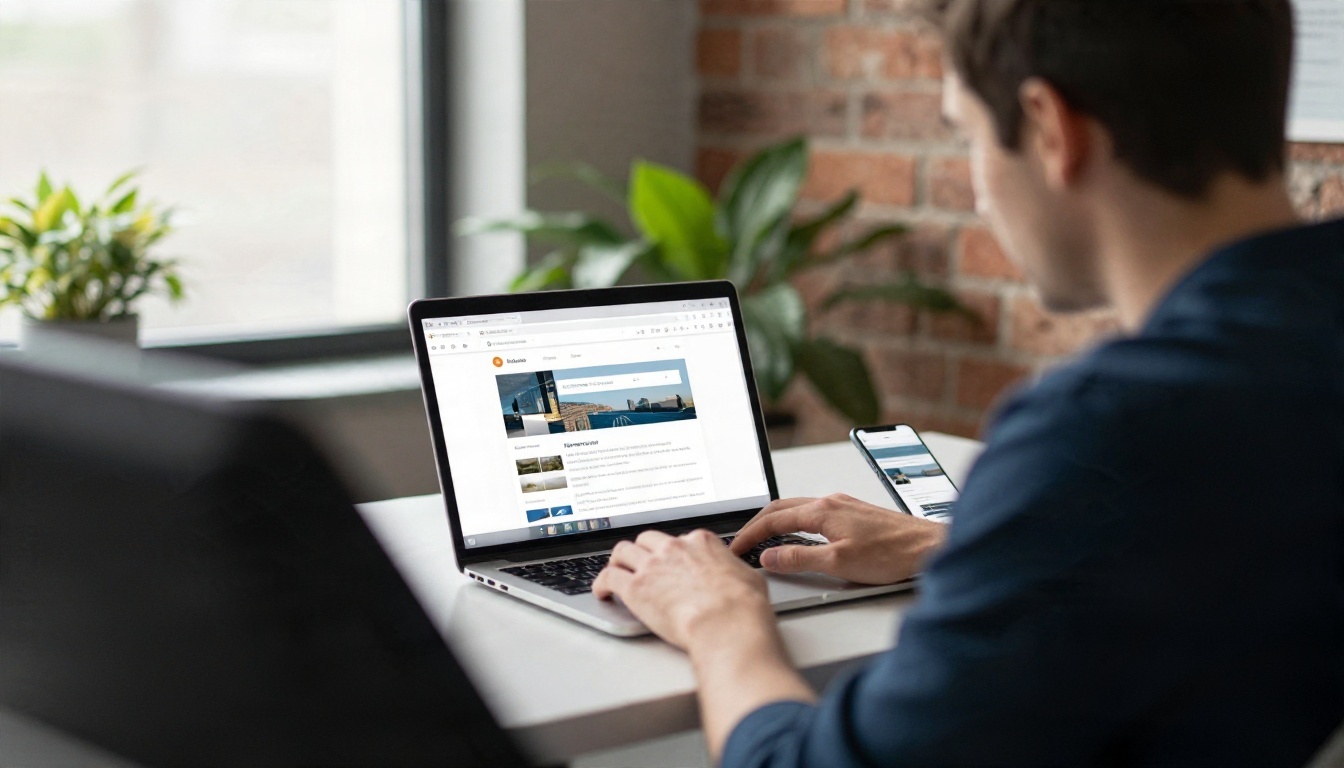
An embed is a short snippet of HTML that shows your flipbook inside another page, much like a YouTube video. The Embed Flipbook on Website tool gives you the code in one click. Paste it into WordPress, Wix, Squarespace, Shopify or any custom page.
⚠️ Warning: A fixed pixel width breaks on small screens. Use a percentage width and a height between 500 and 700 pixels for a comfortable reading area.
Protecting Private Flipbooks
Not every document should be public. Price lists for dealers, internal training manuals and client proposals need a gate. Add a password in the sharing settings and give it only to the people who need it. For client work, many teams use a different password per project so access can be changed without affecting other files. Training teams can pair this with the Training Manual Flipbook tool.
Free vs Paid: What Changes
Starting free is the sensible move. You can test the conversion quality, check how your PDF looks on mobile and share a first draft before spending anything. As your needs grow, the plan you choose decides how many flipbooks you can publish and which business features you get.
Need
Starting free
Standard plan and above
Professional plan
Watermark free output
✅
✅
✅
Mobile responsive design
✅
✅
✅
Password protection
✅
✅
✅
Unlimited flipbooks
✅
✅
Embed video and audio
✅
✅
✅
Analytics
✅
Lead generation
✅
💡 Plan details can change, so check the current limits on the pricing page before you commit.
A simple rule: if you publish a single menu or brochure, a free start is plenty. If you run a catalog business, send reports to clients or want to capture leads, the paid plans pay for themselves quickly.
Ready to Publish Yours?
You now have the whole picture: pick a template that fits your goal, export your PDF at the right page size, upload it, brand it and place the embed where your readers already spend time. None of it needs a design degree.
Upload one PDF today, share the link with a friend and watch the page turn. That first flipbook usually convinces people faster than any list of features ever could.