A product grid tells shoppers what you sell. A lookbook shows them how to wear it, style it and want it. If you run an online store and your collection lives only as a wall of thumbnails, you are leaving the most persuasive part of your brand on the studio floor. This article shows you how to create a lookbook for ecommerce, with real examples, a step-by-step online maker tutorial built on Flipbooks AI, a comparison of free tools, and every practical way to share the finished result.
What an Ecommerce Lookbook Does
A lookbook is a curated visual story of a collection. Instead of one product per photo on a white background, you present complete outfits, rooms or setups in a sequence that feels like flipping through a magazine. For an online shop, the digital version has a big advantage: every page can link straight to a product.
Lookbook vs Catalog
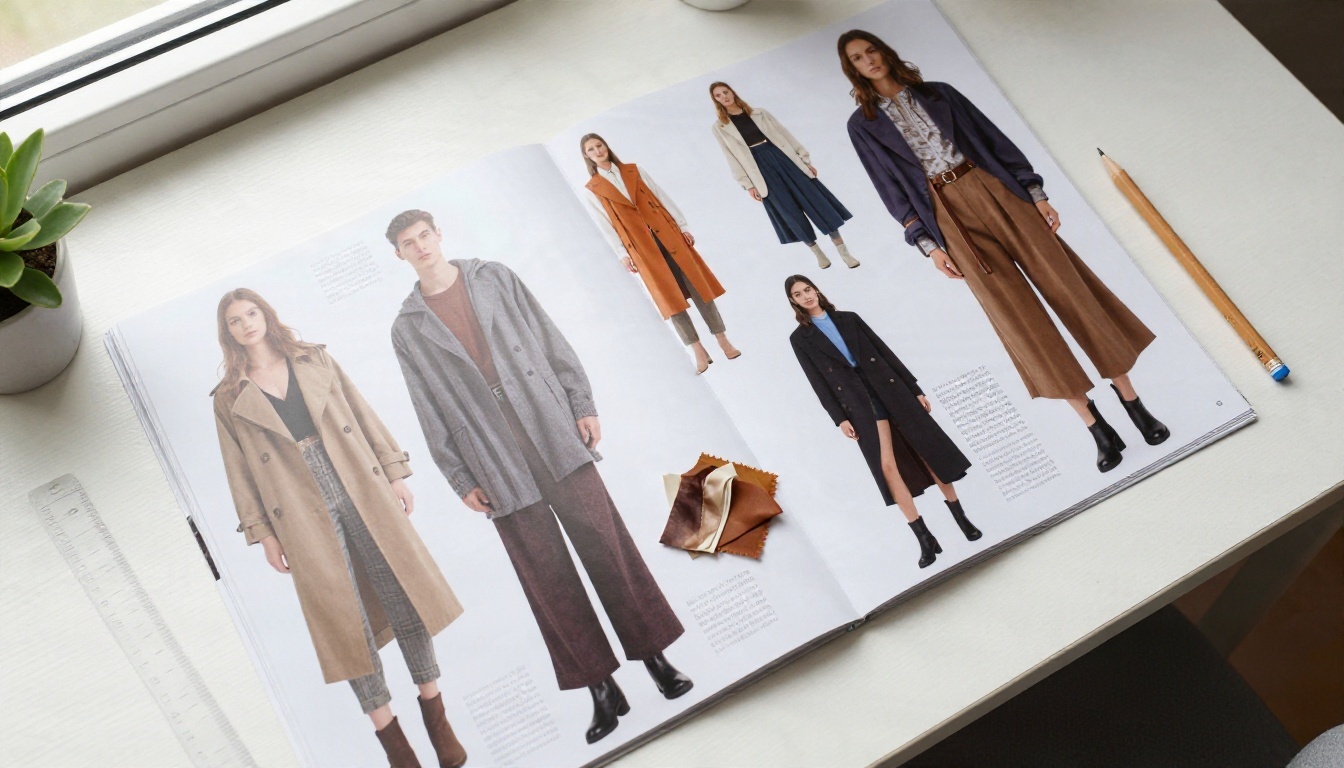
People mix these up constantly, and the difference decides how you design the pages. A catalog is built for reference and comparison. A lookbook is built for mood and inspiration. Most strong stores publish both, and a Fashion Catalog sits comfortably next to a lookbook in the same shop.
| Feature | Lookbook | Product Catalog |
|---|
| Main goal | Inspire and build brand desire | Inform and drive direct orders |
| Photography | Editorial, styled, on location | Clean, consistent, studio |
| Text per page | Minimal, a title or a caption | Specs, sizes, prices, SKUs |
| Page count | 12 to 30 pages | 30 to 200 pages |
| Best for | Seasonal drops, campaigns, press | Wholesale, repeat buyers |
| Typical placement | Homepage, email, social, press | Account area, B2B portal |
Where Shoppers Actually Use It
Think about the moments where a shopper hesitates. They like a jacket but cannot picture it with trousers. They want a gift but have no idea about size or style. A lookbook answers those questions visually. Brands use it in four places:
- Homepage hero section for the newest collection
- Collection landing pages that sit above the product grid
- Email campaigns announcing a drop or a restock
- Wholesale and press outreach, where a polished PDF used to be the only option
💡 Pro tip: A lookbook should never replace your product pages. Its job is to move people toward them. Plan one clickable product link per outfit and you turn inspiration into traffic.
Lookbook Examples That Sell
Theory is easy. Here are four formats that work in real online stores, with the thinking behind each.
The Seasonal Capsule Story
A small fashion label releases ten pieces for autumn. The lookbook has 16 pages: an opening spread with the collection name, eight outfit pages, two detail pages showing fabric, buttons and stitching, and a closing page with a shop link. Muted tones, one consistent location and the same model across every page keep it cohesive.

Shooting outdoors in warm low light gives wool, knitwear and leather a texture that flat studio light cannot match. Shoppers feel the fabric before they read the product description.
The Resort and Swim Edit
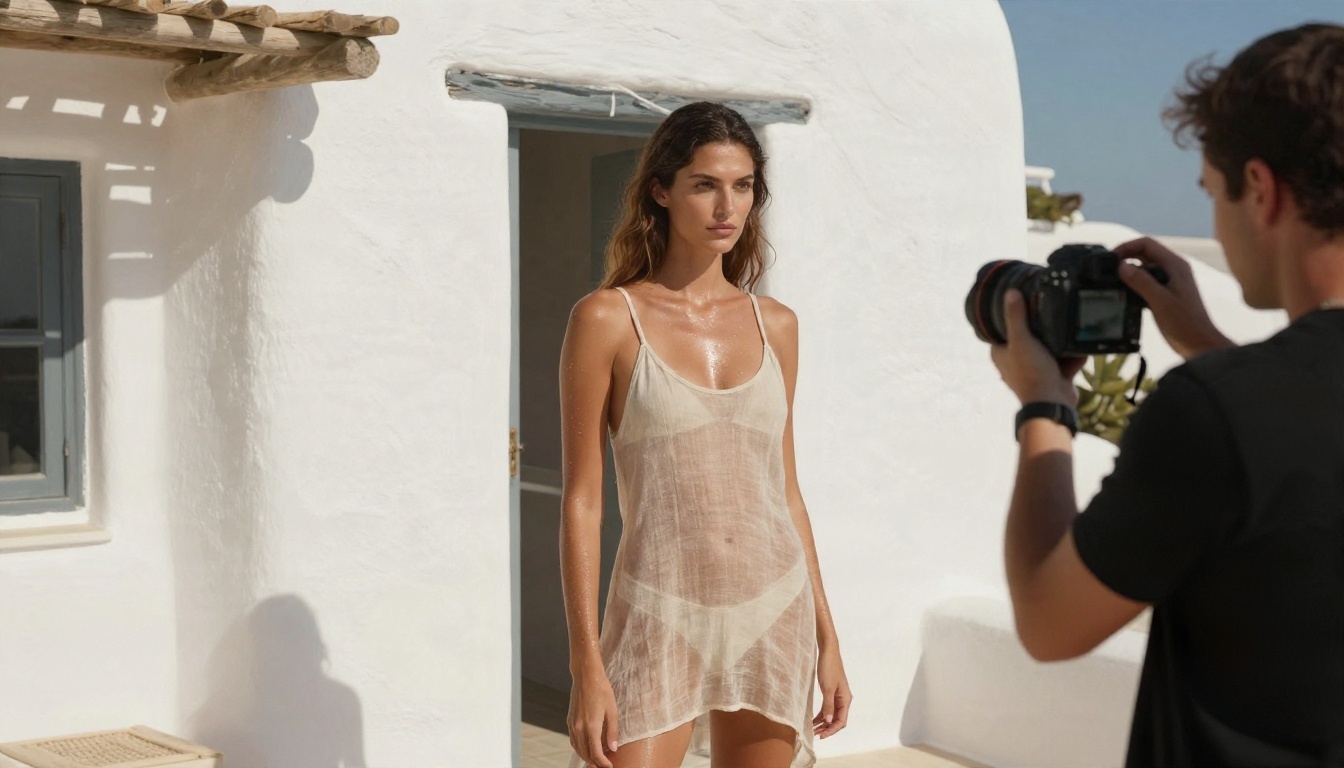
Summer collections live on atmosphere. A swimwear or resort brand can use a terrace, a pool edge or a whitewashed wall as the entire set. The pages are mostly full bleed photography with a single line of text per page. Glamour is the point here, but tasteful framing and natural light keep the look aspirational and brand safe across every channel.
The Night Out Collection
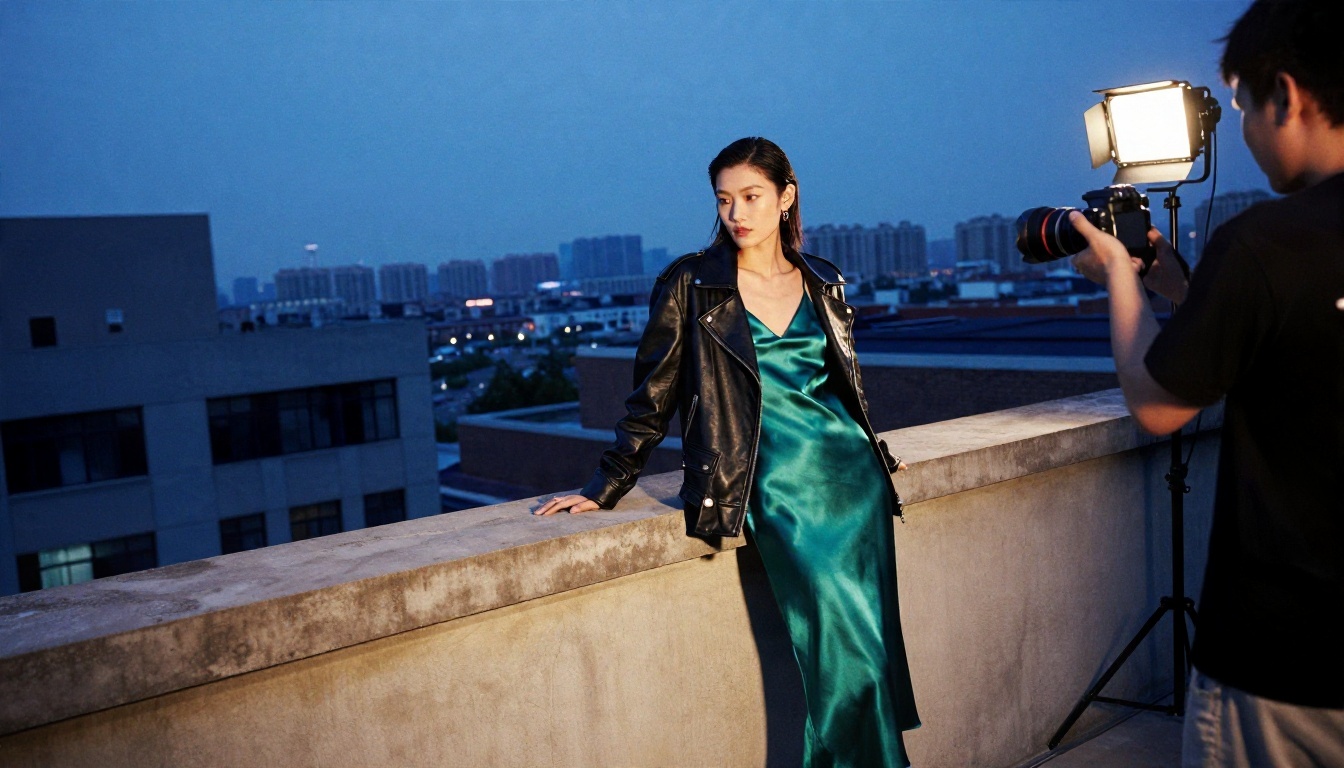
Evening wear sells on drama. A rooftop at dusk, a silk dress against a skyline and a leather jacket thrown over the top tell a story no product tile can. This format works well for limited drops, because the lookbook itself creates a sense of occasion.
✅ Best practice: Use one color story per lookbook. Three warm neutrals and one accent color look expensive. Seven random colors look like a clearance rack.
Lookbooks are not only for clothing. Furniture stores, jewelry makers, cosmetics brands and home decor shops use the same format. A Furniture Catalog maker, for example, handles room scenes just as well as outfits.
Plan the Shoot Before You Design
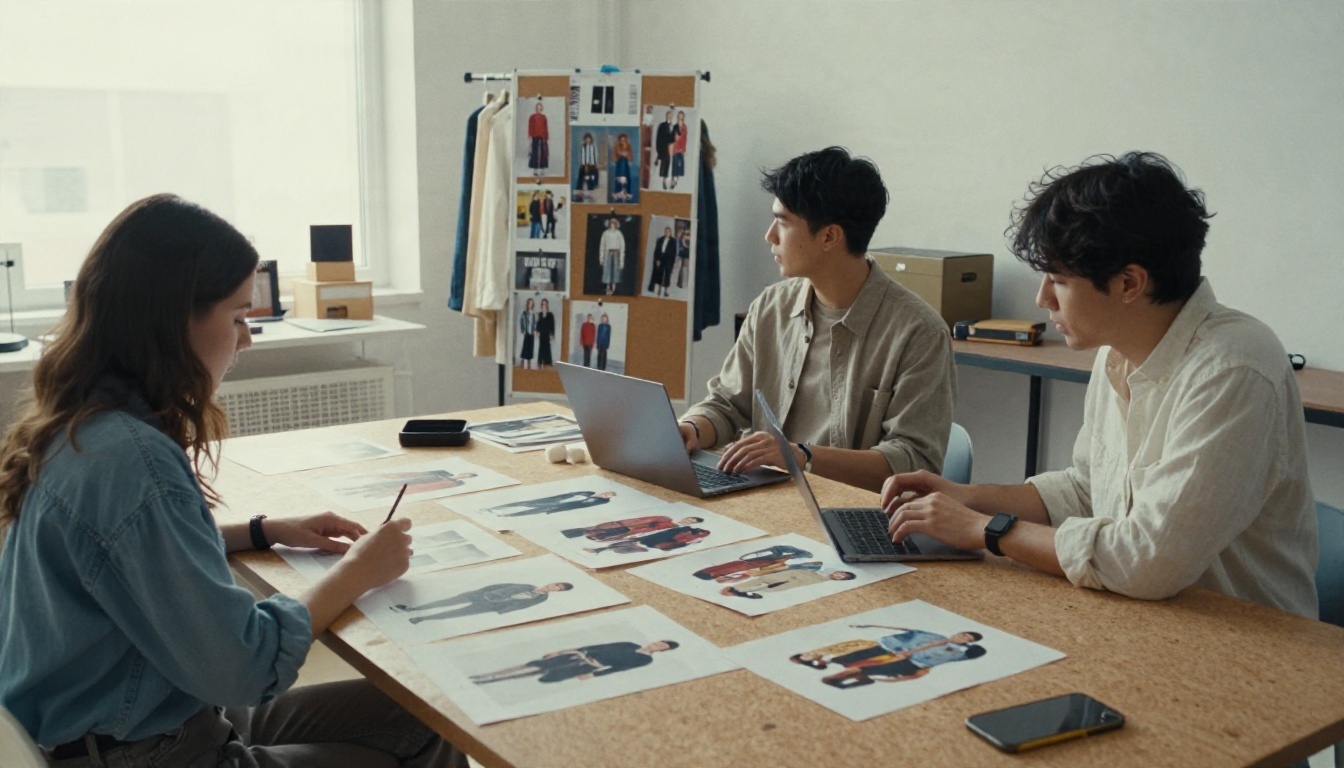
Most weak lookbooks fail before a single page is laid out. The photos have no rhythm, no hero shot and no story. Ten minutes of planning fixes that.
Build a Shot List
Write down every outfit, the products in it and the angle you want. Aim for three shot types per look: a full length frame, a medium frame and one detail close up. The mix gives you variety when you start building pages.
- List every product and group them into outfits.
- Assign one location and one lighting mood to the whole collection.
- Capture wide, medium and detail frames for each outfit.
- Mark the single strongest image as the cover page.
- Note which product URL belongs to each outfit.
Pick a Page Structure
A reliable structure keeps readers moving. Here is a layout you can reuse for almost any collection:
| Page | Content | Purpose |
|---|
| 1 | Hero image and collection name | Set the mood |
| 2 | Short brand note, 40 words max | Give context |
| 3 to 10 | One outfit per page, full bleed | Show the looks |
| 11 to 12 | Detail shots of fabric and finish | Build trust in quality |
| 13 | Flat lay of the full collection | Summarize the range |
| 14 | Shop link, discount code, contact | Drive action |
Export the layout as a PDF from Canva, Figma, InDesign, Affinity or even Google Slides. The PDF is the raw material for everything that follows.
How to Create a Lookbook with Flipbooks AI
A PDF lookbook works, but it has real problems online. It downloads slowly on mobile, it cannot be tracked, and nobody enjoys pinching and zooming. Turning it into a page-turning flipbook solves all of that. The purpose built Interactive Lookbook Designer and the Lookbook Flipbook Builder are designed for exactly this job.
Step 1: Create Your Account and Upload
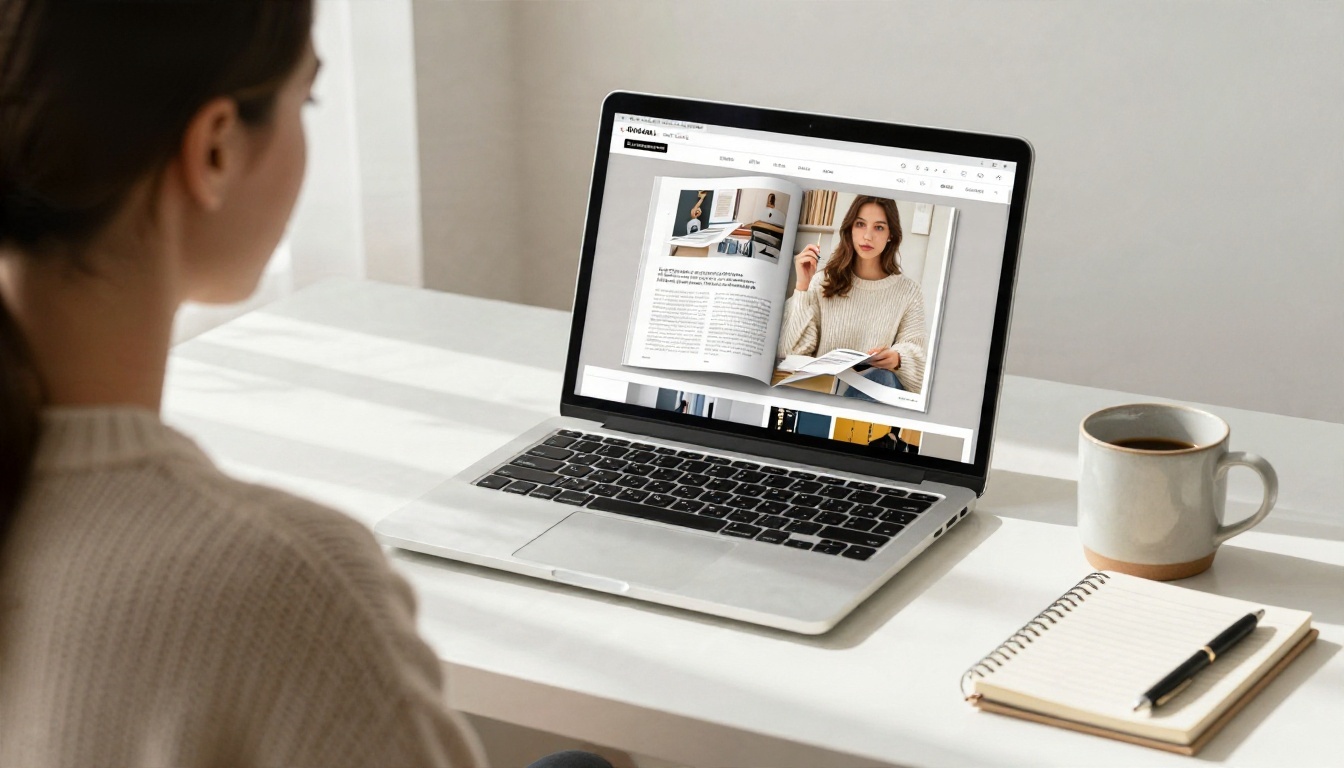
Head to Flipbooks AI and create an account. From the dashboard, click the upload button and drop in your lookbook PDF. The PDF to Flipbook Converter processes every page into a crisp, zoomable spread. A 20 page lookbook is usually ready in under a minute.
Step 2: Customize the Look
Open the editor and set up the experience so it matches your brand:
- Branding: Add your logo and pick background colors that complement your photography. A soft neutral background keeps attention on the clothes.
- Page effects: Choose the realistic page turn and sound if you want the magazine feel, or a clean slide for a modern look.
- Layout: Single page view on phones and double spread on desktop. The viewer is mobile responsive by default.
- Multimedia: Embed a short behind the scenes clip or an audio track from the shoot. Videos and audio sit right inside the pages.
- Links: Add clickable hotspots on each outfit that open the matching product page.
💡 Pro tip: Put hotspots on the garment itself, not on a button in the corner. People click what they are looking at.
Step 3: Set Sharing and Access
Pick how the lookbook will be reached. You can publish it publicly, restrict it with a password for wholesale buyers, or embed it directly in a page. The next section breaks each option down.
Step 4: Switch On Pro Features
On the Professional plan you get page level analytics, lead capture forms and offline downloads. Lead capture is especially useful for pre-launch lookbooks, because you can ask for an email before the final pages open.
Every flipbook you publish is free of watermarks, ever, and the Standard plan and above allows unlimited flipbooks, which is handy when you release a new lookbook every season.
You do not need a big budget to publish your first lookbook. You do need to be realistic about what free tiers include. Here is how the common options stack up.
What Free Really Gets You
| Option | Best at | Common limit | Good fit |
|---|
| Design tools (Canva, Figma, Google Slides) | Laying out pages and exporting PDFs | No page turn viewer, no tracking | Designing the pages |
| Plain PDF | Easy to email | Heavy files, poor mobile reading | Quick internal reviews |
| Free flipbook plans (many providers) | Testing the concept | Watermarks, page caps, forced branding | One off experiments |
| Flipbooks AI | Turning a PDF into a branded, trackable lookbook | Pro features need a paid plan | Stores that publish regularly |
The smartest workflow for most stores is to design for free and publish smart. Build the pages in a free design tool, export a PDF, then convert it. You keep full creative control and get a viewer that shoppers actually enjoy on a phone.
Watch for these red flags in any free maker:
- A watermark across your images
- A hard page limit under 15 pages
- Your lookbook living on someone else's domain with their ads
- No password option for private collections
Share Your Lookbook Everywhere
A beautiful lookbook that nobody sees is a wasted shoot. Distribution deserves as much planning as photography.
Embed It on Your Store
Use the Embed Flipbook on Website tool to copy an embed code and paste it into a Shopify, WooCommerce, Wix or custom page. The lookbook then appears inside your own layout, on your own domain, which is better for brand consistency and for shoppers who never need to leave your store.
Send It by Link, Email and Social
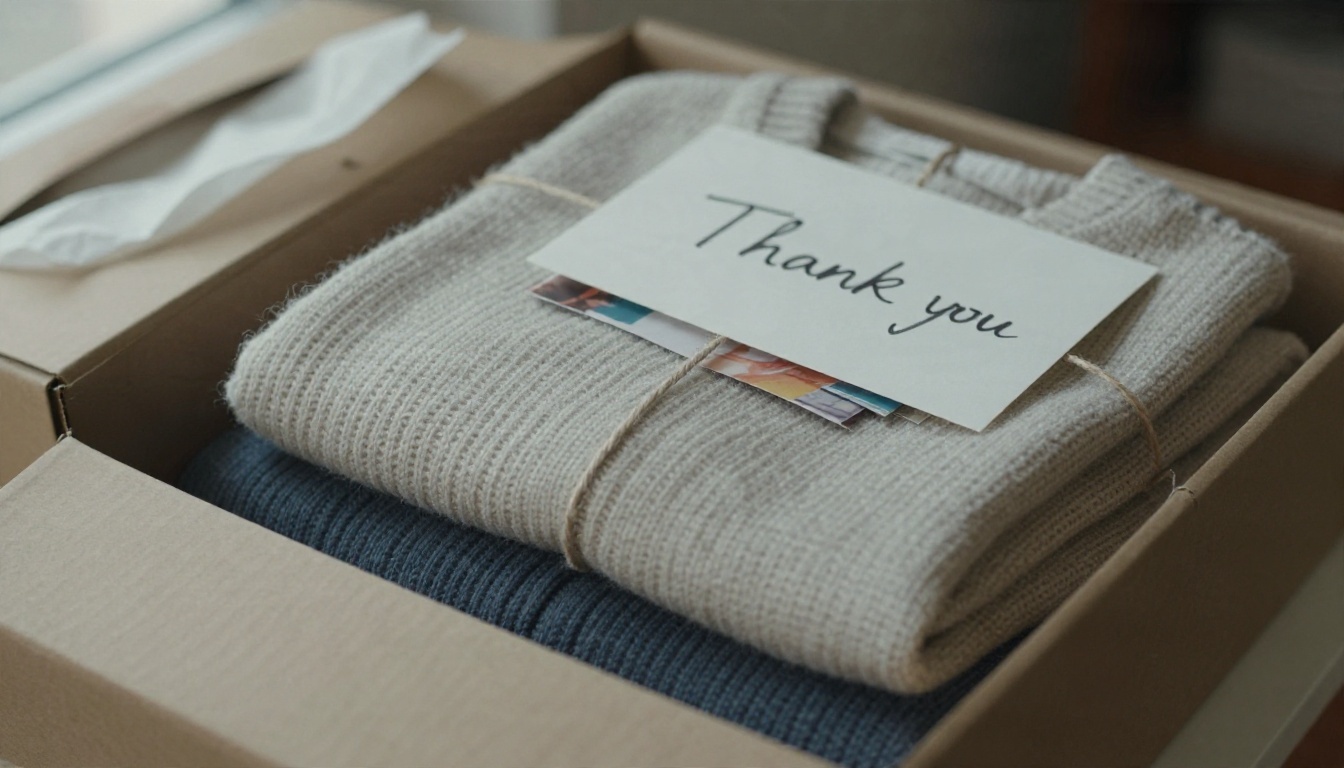
Every flipbook has a direct link. Drop it in your email newsletter, your Instagram bio, a WhatsApp broadcast or a press release. For physical orders, print a QR code on the packing slip or on a card in the parcel so customers can browse the latest collection on their phone. A QR code on a thank-you card is a cheap, quiet way to drive repeat purchases.
| Channel | How to use it | Best for |
|---|
| Website embed | Landing page above the product grid | New collection launches |
| Direct link | Instagram bio, stories, WhatsApp | Fast social traffic |
| Email | Link on a hero image in the newsletter | Subscribers and VIPs |
| QR code | Packaging inserts, in store signage | Repeat buyers |
| Password link | Private sharing with buyers and stylists | Wholesale and press |
| Offline download | Sent to partners with poor connectivity | Trade shows, travel |
⚠️ Warning: Do not link a lookbook to a generic homepage. Every hotspot should open the exact product page, otherwise shoppers fall out of the funnel on the very next click.
For wholesale work, pair the lookbook with a Digital Price List Generator so buyers get the inspiration and the numbers in two linked flipbooks. A Press Kit Designer works well for sending the same collection to journalists and stylists.
Measure What Works
Publishing is not the finish line. The real edge of a digital lookbook is the data you cannot get from a printed one.
Track Pages, Not Just Visits
With analytics on the Professional plan you can see which pages people reach and where they leave. If readers drop at page 6, your middle section is dragging, so shorten it or move your strongest outfit forward. If the detail pages get long reading time, add more of them to future lookbooks.
Metrics worth checking every week:
- Opens per channel (email, social, website)
- Average pages viewed per visit
- Drop off page where most readers stop
- Clicks on product hotspots
- Leads captured through forms
Capture Leads Before the Drop
For a pre-launch, gate the final pages behind an email field. Visitors see the first six looks for free and sign up to see the rest. You build an audience for launch day while the lookbook does the selling.
Avoid the three most common mistakes:
- Too many pages. Anything over 30 pages loses attention. Cut the weakest third.
- Inconsistent photography. Mixing studio shots, phone snaps and stock images breaks the story.
- No next step. Every lookbook needs a final page with a shop link and a clear offer.
Build Yours Today
A strong ecommerce lookbook is a mix of good photography, a simple page structure and a viewer that works well on a phone. You already have the images, so the rest takes an afternoon.
Here is a short plan to get it live this week:
- Pick one collection and write a 10 to 15 outfit shot list.
- Design the pages in a free tool and export a PDF.
- Upload the PDF on Flipbooks AI and add branding, hotspots and music.
- Embed it on your collection page and send the link to your email list.
- Check the analytics after seven days and adjust the next one.
Ready to turn your PDF into a page-turning lookbook? Get started for free on Flipbooks AI, compare pricing plans to pick the right level of analytics and lead capture, or browse all flipbook tools and templates to find the format that fits your store. If you want to go straight to the point, the Lookbook Flipbook Builder is the fastest way to publish your first collection.



