When someone you love dies, their life ends up scattered. A few hundred photos sit on a phone, old prints fill a shoebox, a voicemail lives on one cousin's device, and the best stories exist only in people's heads. A memorial website pulls all of that into one calm, private place that relatives can open from anywhere, and you can build one for free. With Flipbooks AI, you can turn a simple PDF of photos and words into a page turning tribute album and share it with a single link.
This article walks through what a good tribute page contains, how free options compare, and exactly how to build and share one. No design skills are needed, and no one has to pay before they can say goodbye.

Why a Memorial Website Works
A funeral lasts a few hours. A tribute page lasts as long as you want it to. Relatives abroad, old colleagues, school friends and neighbors can all visit on their own schedule, and they can return on birthdays and anniversaries.
What Families Actually Need
After talking through this with many families, the same needs come up again and again:
- One place for photos instead of ten group chats
- A private space, not a public timeline open to strangers
- Easy access for grandparents who do not use social media
- No cost during an already expensive time
- Room for stories, not just pictures
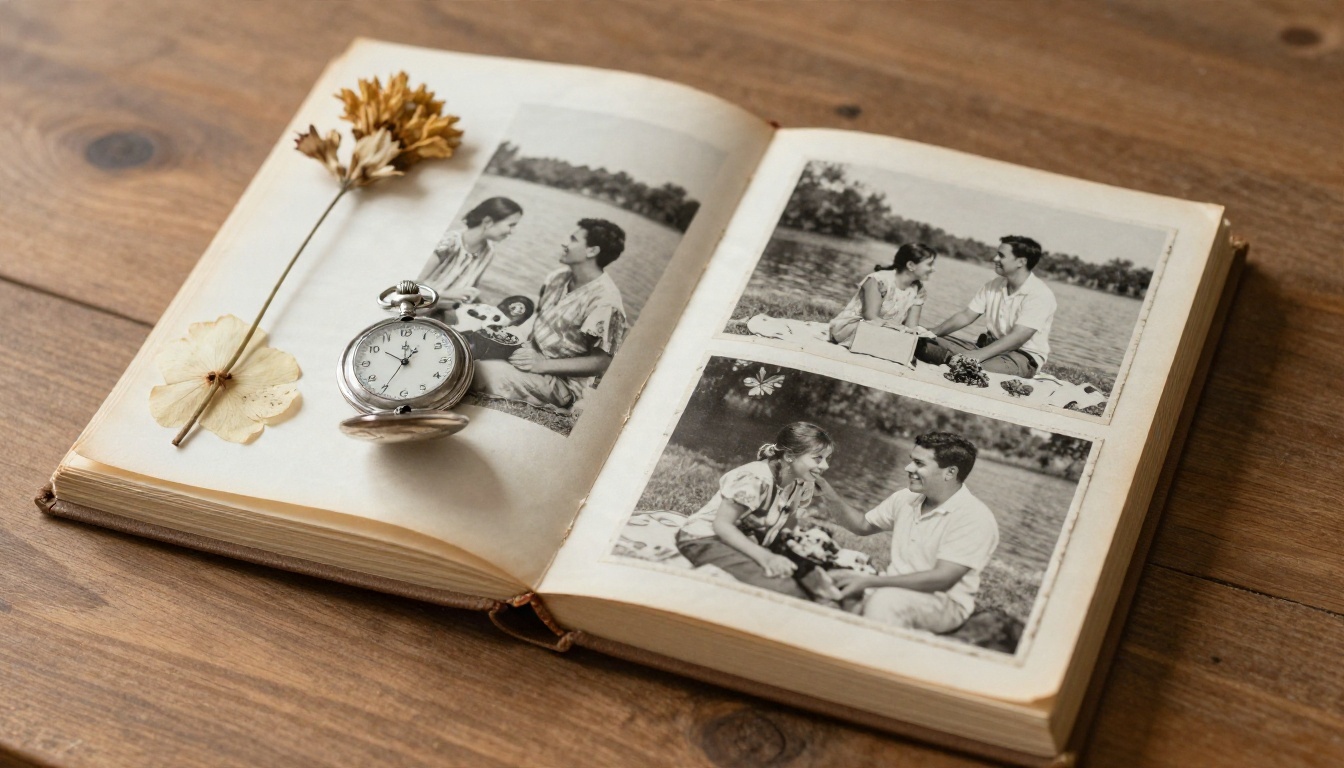
A page turning photo album covers all five. It feels familiar, like holding a real album, and it opens with a tap on any phone.
Memorial Page vs Social Media Post
Social platforms are fine for the first announcement. They are poor homes for a lasting tribute.
| Feature | Social media post | Dedicated memorial page |
|---|
| Privacy | Often public or semi public | Private link or password |
| Longevity | Buried in a feed within days | Stays as a fixed, finished page |
| Layout | Cropped squares, short captions | Full pages, long stories, large photos |
| Ads and distractions | Constant | None |
| Access without an account | Frequently blocked | Anyone with the link |
| Download or print | Difficult | Possible as an offline copy |
💡 Pro tip: Post one short announcement on social media with the link to the private tribute. You get the reach of a post and the calm of a dedicated page.
What to Put on a Tribute Page
The biggest mistake is trying to include everything. A tribute works best when it reads like a story, with a beginning, a middle and a warm ending.

Photos That Tell a Life
Choose 30 to 60 photos rather than 500. Aim for variety across decades and settings:
- A baby or childhood picture, if one exists
- Young adult years, school, first job, first car
- Weddings, graduations and milestones
- Ordinary days: cooking, fishing, gardening, laughing at the table
- The most recent photo that shows who they were at their best
Old prints can be scanned with a phone. Lay them flat near a window, avoid flash, and shoot straight on to prevent glare and distortion.
Stories and Voices
Photos show a face. Words show a person. Ask relatives for one short memory each, about three to five sentences. A few prompts that work:
- What was the first thing they taught you?
- What did they say that you still repeat?
- Describe a smell, song or meal that brings them back.
You can also add short audio or video clips, a favorite song, or a scanned handwritten recipe. Flipbooks AI supports embedded video and audio, so a recorded voice can sit right next to the photo it belongs to.
Details for Visitors
Visitors often want practical information too. Consider a final page with:
- Service date, place and livestream link
- Where to send flowers or donations
- A guestbook page or an email address for memories
- A short note about how the family would like to be remembered
⚠️ Warning: Do not publish home addresses, travel plans or exact dates when a house will be empty. Keep the page private if it names living relatives.
Free Options Compared
Several routes exist for building an online tribute. Each has trade offs, and the right choice depends on who will visit and how long you want the page to stay up.
| Option | Cost | Setup effort | Privacy control | Best for |
|---|
| Dedicated memorial site builders | Free tier, paid upgrades | Medium | Varies by plan | Public obituaries with guestbooks |
| Social media memorial account | Free | Low | Limited | Quick announcements |
| Shared cloud photo folder | Free | Low | Link based | Raw photo collection |
| Blog or website builder | Free with ads, or paid | High | Often public | Long term public archive |
| Page turning flipbook album | Free to start | Low | Link and password | Private tribute with photos and stories |
Where Free Ends
Free tools usually limit something. It might be storage, the number of pages, the ability to remove ads, or how long the page stays online. Before you invest hours, check three things:
- Does the page stay online? Some free pages are deleted after inactivity.
- Are there watermarks or ads? A tribute should not carry someone else's logo.
- Can you keep a copy? An offline download protects the memories if you ever move platforms.
Flipbooks AI publishes without watermarks. You can compare what each plan includes on the pricing page and try it free before deciding on anything.
Privacy Questions to Ask
Ask these before you upload a single photo:
- Who can find this page through a search engine?
- Can I add a password?
- Can I remove or replace the page later?
- Who owns the uploaded photos?
✅ Best practice: Treat a memorial like a family album, not a public profile. Share the link only with people who knew the person.
How to Create a Memorial Flipbook with Flipbooks AI
A flipbook is a digital document that turns pages like a real book. For a tribute, that means a photo album and a story book in one, viewable on phones, tablets and computers. Here is the full process, from first photo to shared link.

Step 1: Build Your Source Document
Flipbooks AI converts a PDF into a page turning flipbook, so your first job is making that PDF. Use any tool you already know, such as a word processor, a slide editor or a free design app.
- Open a new document in landscape or square format.
- Make a title page with the name, dates and one favorite photo.
- Add one photo per page, or two or three in a simple layout.
- Write short captions: who, where, when, and a line about the moment.
- Insert pages for shared stories, one memory per page with the author's name.
- Finish with a closing page, a quote, a poem or a thank you.
- Export as a PDF.
If you prefer a ready made look, the Wedding Album Flipbook and Photography Portfolio tools suit photo heavy layouts well, and a tribute adapts to them easily.
Step 2: Upload and Convert
- Go to Flipbooks AI and create an account.
- Choose to create a new flipbook.
- Upload your PDF. The PDF to Flipbook Converter turns each page into a turnable page automatically.
- Wait a few moments while it converts, then preview the result.
💡 Screenshot description: After upload you will see the flipbook preview with a page turn animation, next and previous arrows, and a toolbar for settings on the side.
Check every page in the preview. Zoom into faces to confirm photos are sharp, and read each caption once more for spelling, especially names.
Step 3: Customize the Look
Small choices set the mood. Gentle and quiet beats flashy.
| Setting | Suggested choice | Why |
|---|
| Background color | Soft cream, warm gray or muted sage | Calm and easy on the eyes |
| Page effect | Soft page turn | Feels like a real album |
| Branding | Add the family name, remove other logos | Personal and respectful |
| Sound | Optional quiet music or a recorded voice | Adds warmth, keep it off by default |
| Layout | Single page on phones, spread on desktop | Mobile responsive display |
You can add custom branding, colors and embedded video or audio in the editor. If a relative recorded a toast or a song, drop that clip onto the matching page.
Step 4: Set Privacy and Share
This is where a tribute becomes useful. Flipbooks AI offers three common sharing methods:
- Direct link: Copy and send by message or email.
- Password protection: Require a password, which you share only with invited people.
- Embed code: Place the flipbook inside a website, a family blog or a memorial page you already have, using the Embed Flipbook on Website tool.
Step 5: Extras Worth Using
Some features are optional but valuable:
- Offline download: Keep a copy for the family archive or print a few pages for the service.
- Analytics (Professional plan): See how many people opened the tribute and when, which can tell you if relatives abroad have found it. See plan details.
- Unlimited flipbooks (Standard plan and above): Useful if you want separate albums for each decade or each branch of the family.
Sharing by Link, Safely
A link is the simplest way to reach everyone, but a link can travel further than intended. A little planning keeps the tribute among the right people.
Choosing How Private to Be
| Sharing method | Who can open it | Effort | Best when |
|---|
| Open link, posted publicly | Anyone | Lowest | Public figures, community tributes |
| Private link, sent directly | Anyone who receives it | Low | Close family and friends |
| Link with password | Only people with the password | Medium | Sensitive photos, children, family conflict |
| Embedded in a private site | Visitors of that site | Higher | An existing family website |
For most families, a private link plus a password is the right balance. Send the link in the group message and the password separately, or print it on the service program.
Getting Everyone to Contribute
A tribute becomes richer when many people add to it. Try this simple routine:
- Send a short message asking for one photo and one memory by a fixed date.
- Collect replies in a single email thread or shared folder.
- Add them to your source document and re export the PDF.
- Replace the flipbook with the updated version.
- Send the same link again so everyone sees the new pages.
💡 Pro tip: Give contributors a deadline of one week. Without one, the project can stretch for months and lose momentum.
Real Examples
Memorial flipbooks look different depending on who builds them and why.
A Family Tribute for a Grandfather
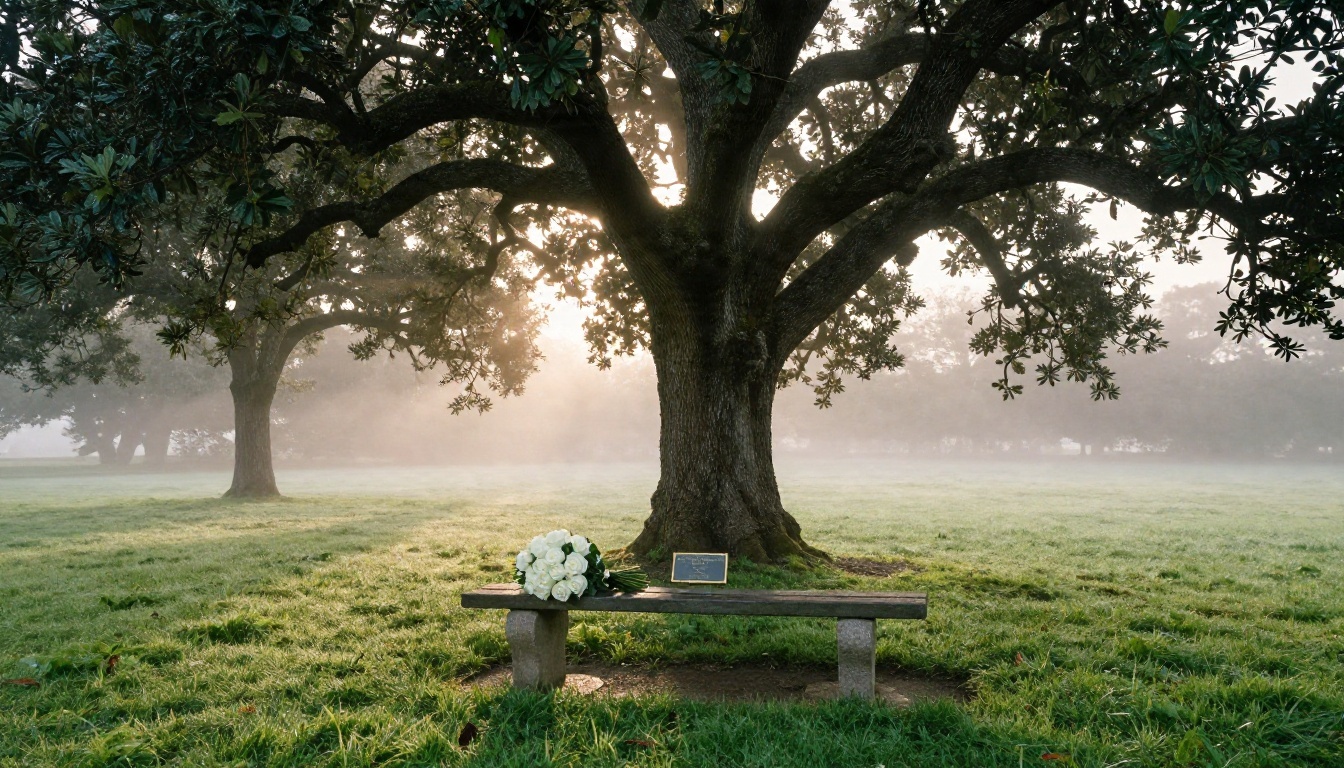
A granddaughter scans forty photographs from three boxes, asks each cousin for a short story, and builds a twenty page album. She protects it with a password, sends the link before the funeral, and adds the printed link to the program. Relatives overseas open it the same night and send back extra photos, which she adds in a second version.
A Workplace or Community Tribute
A retired teacher who spent thirty years at one school passes away. Former students and colleagues each contribute a memory. The organizer uses the School Newsletter Creator layout as a starting point and posts a public link on the school's website. No passwords, because the whole community is welcome.
A Memory Book for the Service
Some families print a few pages and display the flipbook on a tablet at the service. A visitor can swipe through at their own pace, and the same link goes home with the guests afterwards. It replaces a long slideshow that nobody can pause.

Writing Words That Fit
Many people freeze when they have to write a tribute. These formulas lower the pressure.
| Page type | Simple formula | Example opening |
|---|
| Title page | Name, dates, one line | Margaret Ellis, 1941 to 2026. She always had room for one more at the table. |
| Photo caption | Who, where, a detail | Summer at the lake, 1978. Dad insisted on the red canoe. |
| Story page | A moment, then what it meant | The day I failed my driving test, she handed me the keys anyway. |
| Closing page | Thanks, then a wish | Thank you for being here. Keep telling the stories. |
A few habits that help:
- Use their words. A favorite saying beats a polished quote.
- Be specific. The blue kettle is more vivid than the kitchen.
- Allow humor. Most people being remembered would want laughter in the room.
- Read it aloud once. If it sounds like them, it is ready.
Common Mistakes to Avoid
Even thoughtful families run into the same problems. Watch for these.
Too Many Photos, Too Little Story
A hundred pages of unlabeled pictures tire visitors. Group photos by chapter and add a caption to each page.
Forgetting Older Relatives
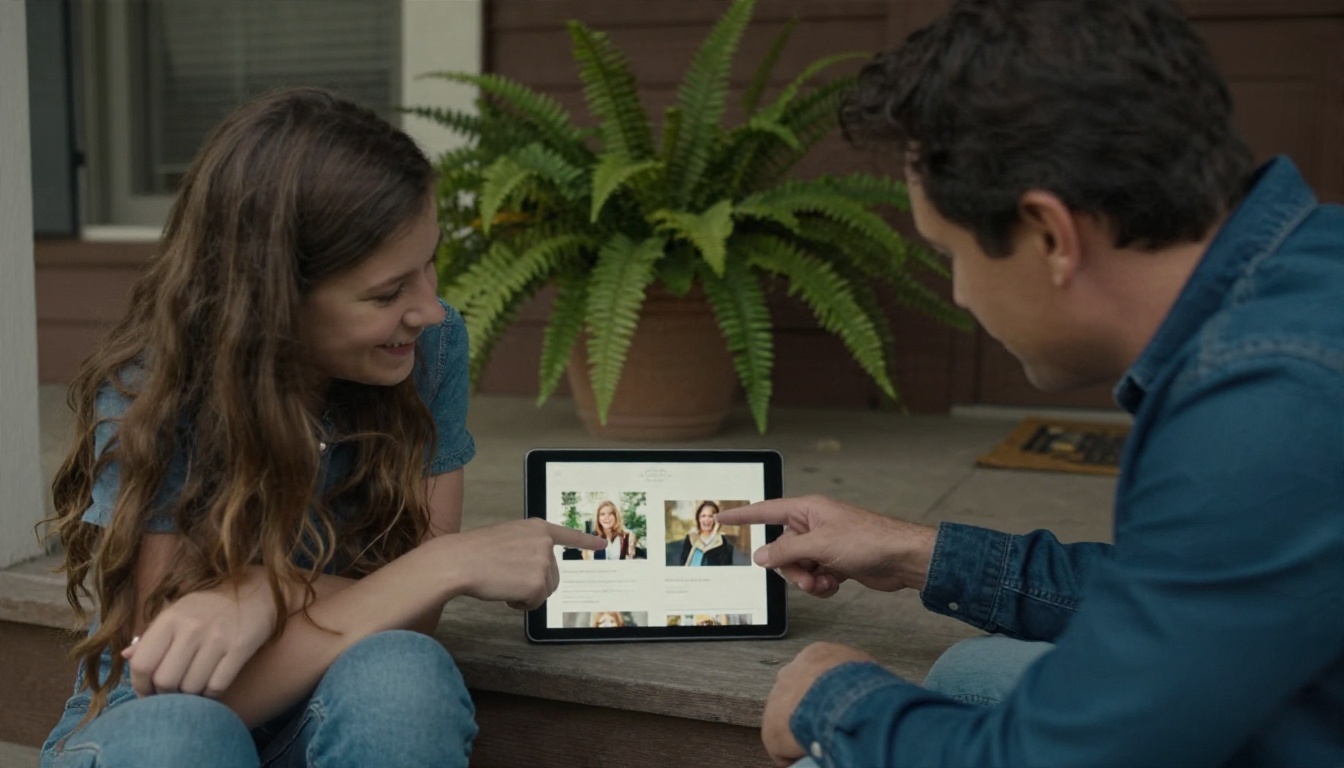
Not everyone is comfortable with technology. A link that opens straight in a browser, with no account or app, is ideal. Offer to print the first page with the link, or sit with a relative and show them how to open it.

Skipping the Backup
Download an offline copy and store it with your regular family files. Keep the source PDF too. If you ever want to update the album, you will have the original in hand.
Waiting for Perfect
A tribute does not need to be finished to be shared. Publish a first version quickly, then add pages as new memories arrive. Visitors would rather see an honest, simple album today than a polished one in a year.
✅ Best practice: Treat the first version as a gift to the family, and later versions as a gift to everyone else.
Start Your Tribute Today
A memorial website can be modest and still mean a great deal. A few dozen photos, a handful of stories and one private link are enough to give a family somewhere to gather, wherever they live.
Ready to begin? Create your free account on Flipbooks AI, upload your PDF and have a shareable tribute in minutes. Browse all flipbook tools and templates to find a layout that fits, and compare pricing plans if you need analytics, unlimited albums or extra privacy options.
Start with one photograph and one memory. The rest will follow.



