A child draws a fox on the back of an envelope, tells you it is called Pepper, and asks what happens next. That is the moment a storybook begins. The good news: you no longer need a printer, a publisher or a design degree to finish it. With a few free templates, the right page size and a tool like Flipbooks AI, you can turn scribbles into a page-turning book that grandparents can open on a phone.
This article walks through everything a parent or teacher needs to create a storybook online: template layouts that work, page sizes for screen and print, story ideas sorted by age, and a clear tutorial for publishing the final book.
Why Kids Love Making Storybooks

Kids are natural storytellers. A storybook gives that habit a shape: a beginning, a middle, an end, and pictures to hold it all together. When the finished book looks like something from a real shelf, pride follows fast.
Skills a Storybook Builds
Making a book touches more than writing. It quietly trains a whole set of abilities:
- Sequencing: deciding what happens first, next and last.
- Vocabulary: hunting for the right word to fit a small caption.
- Visual thinking: matching a drawing to a sentence.
- Planning: splitting an idea across 8, 12 or 16 pages.
- Confidence: reading your own book out loud to someone.
💡 Pro tip: Let the child pick the main character before anything else. A hero they invented keeps them motivated through every page.
Where Storybooks Fit Best
| Setting | Typical Project | Usual Length |
|---|
| Home | Bedtime story starring the family pet | 8 to 12 pages |
| Classroom | Class anthology with one page per student | 20 to 30 pages |
| Library | Summer reading showcase | 12 to 16 pages |
| Gift | Birthday story for a grandparent | 10 to 14 pages |
Teachers can pair this with the Course Material Publisher or the School Newsletter Creator to keep student work in one place.
Free Storybook Templates to Start With
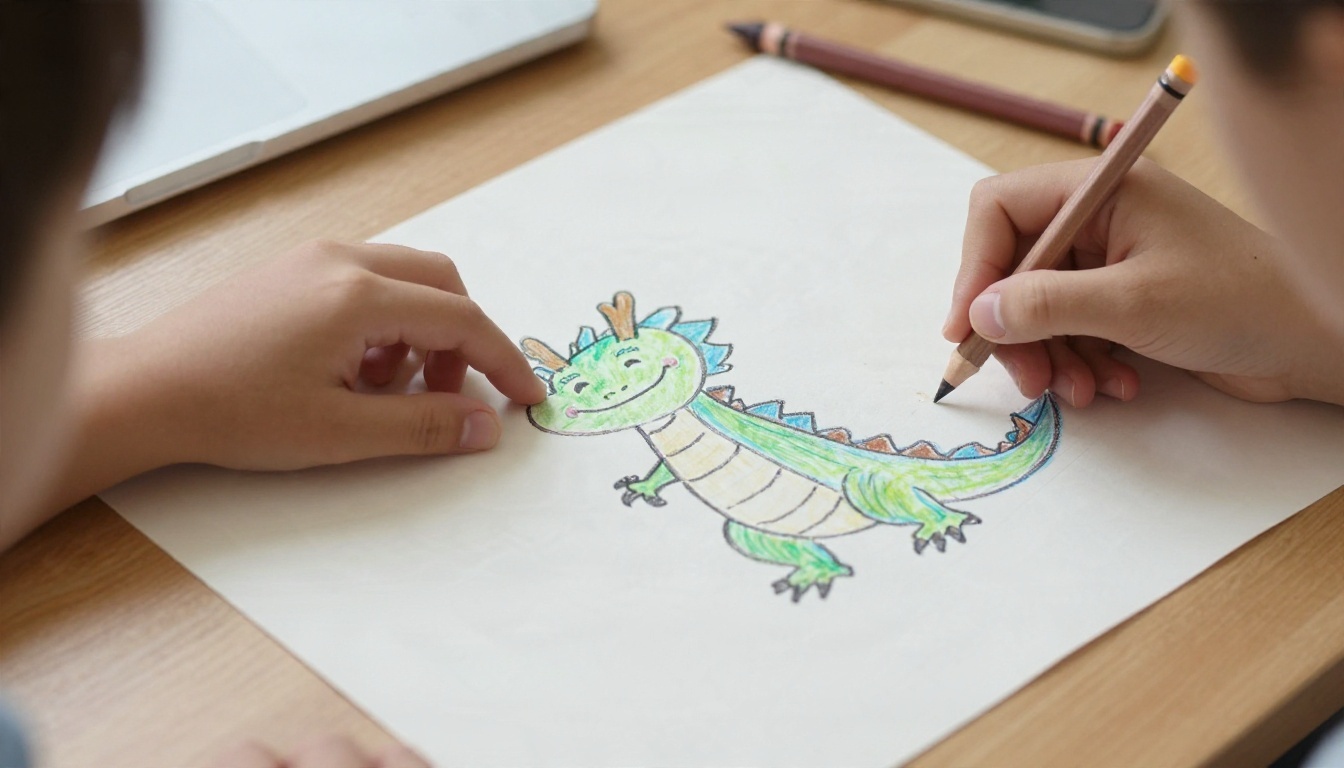
A template removes the blank-page panic. You do not need anything fancy. Free design tools such as Canva, Google Slides or PowerPoint all let you build a page layout and export it as a PDF. Then you upload that PDF and it becomes a flipbook.
Five Layouts That Work
- Picture on top, text below. The classic. Best for ages 3 to 6.
- Full-bleed picture with a text box. One big illustration, a short sentence floating on it.
- Split page. Drawing on the left page, words on the right.
- Comic strip. Three or four panels per page with speech bubbles.
- Text-heavy chapter page. A small spot illustration with a longer paragraph, ideal for older kids.
Template Comparison
| Layout | Best Age | Words Per Page | Drawing Effort |
|---|
| Picture on top | 3 to 6 | 1 to 2 sentences | Medium |
| Full-bleed picture | 4 to 8 | 1 sentence | High |
| Split page | 5 to 9 | 2 to 4 sentences | Medium |
| Comic strip | 7 to 12 | Short bubbles | High |
| Chapter page | 9 and up | 80 to 150 words | Low |
What Every Template Needs
Build these into your master file once and you will never fix them page by page:
- A title page with the book name and "by" followed by the author's name
- Page numbers in the bottom corners
- A safe margin of about 0.5 inch so nothing is trimmed in print
- One consistent font, at least 18 pt for early readers
- A final page with "The End" and the author's portrait or a small drawing
✅ Best practice: Pick fonts with clear, open letters such as Century Gothic or Andika. Young readers recognize single-story "a" and "g" shapes faster.
Page Sizes That Fit Every Story
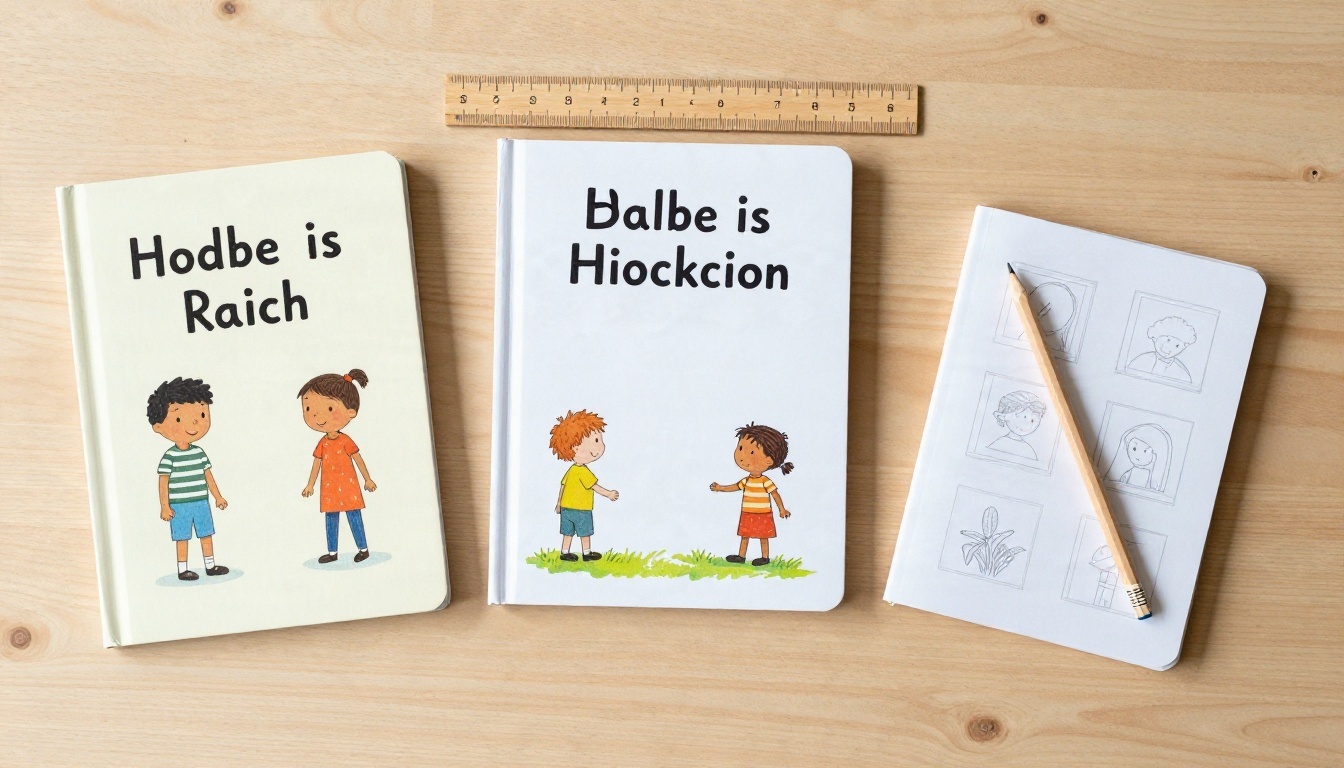
Page size decides how the book feels in the hand and on the screen. Pick it before you draw, because resizing finished artwork is painful.
Common Storybook Dimensions
| Format | Size (inches) | Orientation | Good For |
|---|
| Square | 8 x 8 | Square | Classic picture books, social sharing |
| Large square | 8.5 x 8.5 | Square | Print on demand picture books |
| Portrait | 6 x 9 | Vertical | Early chapter books |
| Standard portrait | 8.5 x 11 | Vertical | School projects, home printing |
| Landscape | 11 x 8.5 | Horizontal | Wide scenery, comic strips |
| Widescreen | 16:9 ratio | Horizontal | Tablets, TVs and projectors |
Digital vs Print Sizing
For a book that will mostly be read on screens, square and landscape pages feel natural on tablets and laptops. A vertical 8.5 x 11 page works too, but phones will show it smaller.
If you plan to print as well, export at 300 DPI and keep text inside the safe margin. A flipbook made from the same PDF will look sharp on screen and print cleanly at home.
Picking the Orientation
Ask one question: where does the action happen?
- Tall things (giraffes, castles, rockets) suit portrait pages.
- Journeys and landscapes (rivers, trains, long walks) suit landscape pages.
- Characters facing the reader suit square pages.
⚠️ Watch out: Do not mix sizes inside one file. Every page must share the same dimensions or the flipbook will show uneven edges.
15 Storybook Ideas for Kids
Stuck on what to write? Start from something your child already loves. Here are ideas sorted by age.
Ideas for Ages 3 to 5
At this age the pictures carry the story. One short sentence per page is plenty, and an adult can write it down while the child dictates.
- My Pet's Big Day. Follow a dog, cat or goldfish from morning to bedtime.
- The Color Hunt. Each page finds one thing in a single color.
- Our Family Zoo. Every family member becomes an animal.
- The Lost Mitten. A tiny mystery with a happy ending.
- Goodnight, Little Truck. A bedtime book for a vehicle lover.
Ideas for Ages 6 to 9
Children in this range can write their own sentences and enjoy a problem that gets solved.
- The Dragon Who Hated Fire. A hero with an odd fear.
- Detective Pepper. A fox solves a missing cookie case.
- My Superpower Is Silly. What if your power was making everyone giggle?
- A Day on Planet Pancake. Pure invention, great for drawing.
- The School Without Walls. A class that meets in unusual places.
Ideas for Ages 10 and Up
Older kids can try structure: chapters, a twist ending, or a cliffhanger.
- Choose Your Path. Two endings, linked by page numbers.
- Letters from the Lighthouse. A story told through short notes.
- The Last Bus Home. A mystery set on one bus ride.
- Comic Chronicles. A four-panel series about a robot and a gardener.
- Grandpa's Real Story. Interview a relative and retell their childhood.
💡 Pro tip: Use the "rule of three." Give the hero three tries to solve the problem. The first two fail, the third works. Kids grasp the pattern instantly.
How to Create a Storybook with Flipbooks AI
Once your pages are ready as a PDF, the rest takes a few minutes. Here is the full process with Flipbooks AI, step by step.
- Create your account. Go to flipbooksai.com/account and sign up.
- Prepare the PDF. Export your pages from Canva, Google Slides or Word as a single PDF, one story page per PDF page. If your child drew on paper, scan or photograph each drawing flat in daylight and drop it into the template first.
- Upload and convert. Drop the file into the PDF to Flipbook Converter. In moments the pages become an interactive book with a realistic page turn.
- Preview every page. Flip through on desktop and phone. Check that text is readable and nothing is cut off.
- Customize the look. Pick a background color, add your own branding or a small logo, and choose page effects.
- Add sound if you like. You can embed audio so a parent's voice reads each page, or a short video of the child introducing the book.
- Publish and share. Copy the direct link, or embed the book on a school or family site.
The E-Book Flipbook Generator and the Interactive E-Book Publisher are good starting points if you plan to build more than one story.
Customize the Reading Experience
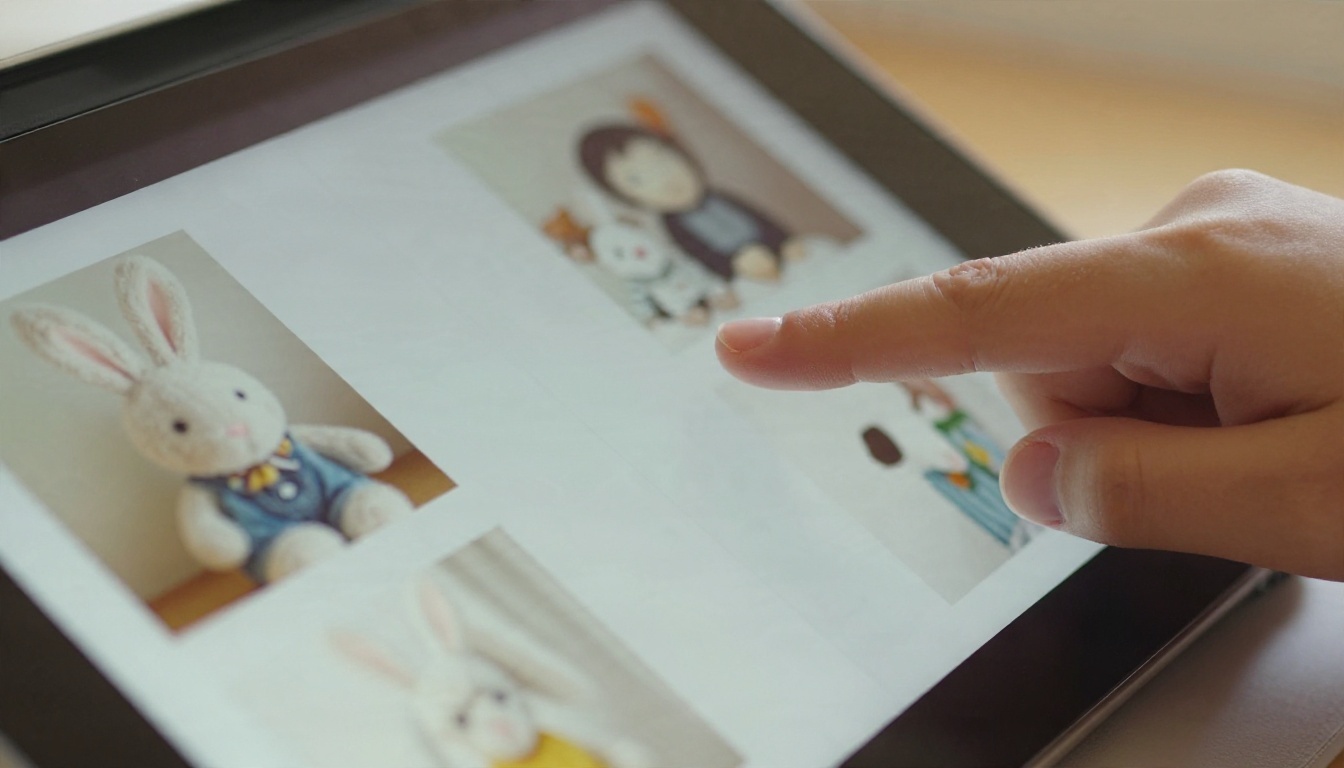
Small touches make a story feel special:
- Background color: a soft cream feels like paper, a deep blue suits a night story.
- Page-turn effect: a gentle curl mimics a real book and delights young readers.
- Audio narration: perfect for pre-readers who want to "read" alone.
- Mobile-responsive design: the book resizes to any phone or tablet.
- No watermarks: the finished book carries only your child's name, never a brand stamp.
Pick the Right Plan
| Feature | Free Trial | Standard | Professional |
|---|
| Create flipbooks | Yes | Unlimited | Unlimited |
| No watermarks | Yes | Yes | Yes |
| Password protection | Check plan | Yes | Yes |
| Embed audio and video | Yes | Yes | Yes |
| Analytics and lead generation | No | No | Yes |
| Offline downloads | Check plan | Yes | Yes |
Compare the options on the pricing page to find the one that suits your family or classroom. Most parents only need the basics. Teachers who want to see how many families opened the class book will like the Professional analytics.
Sharing the Finished Book
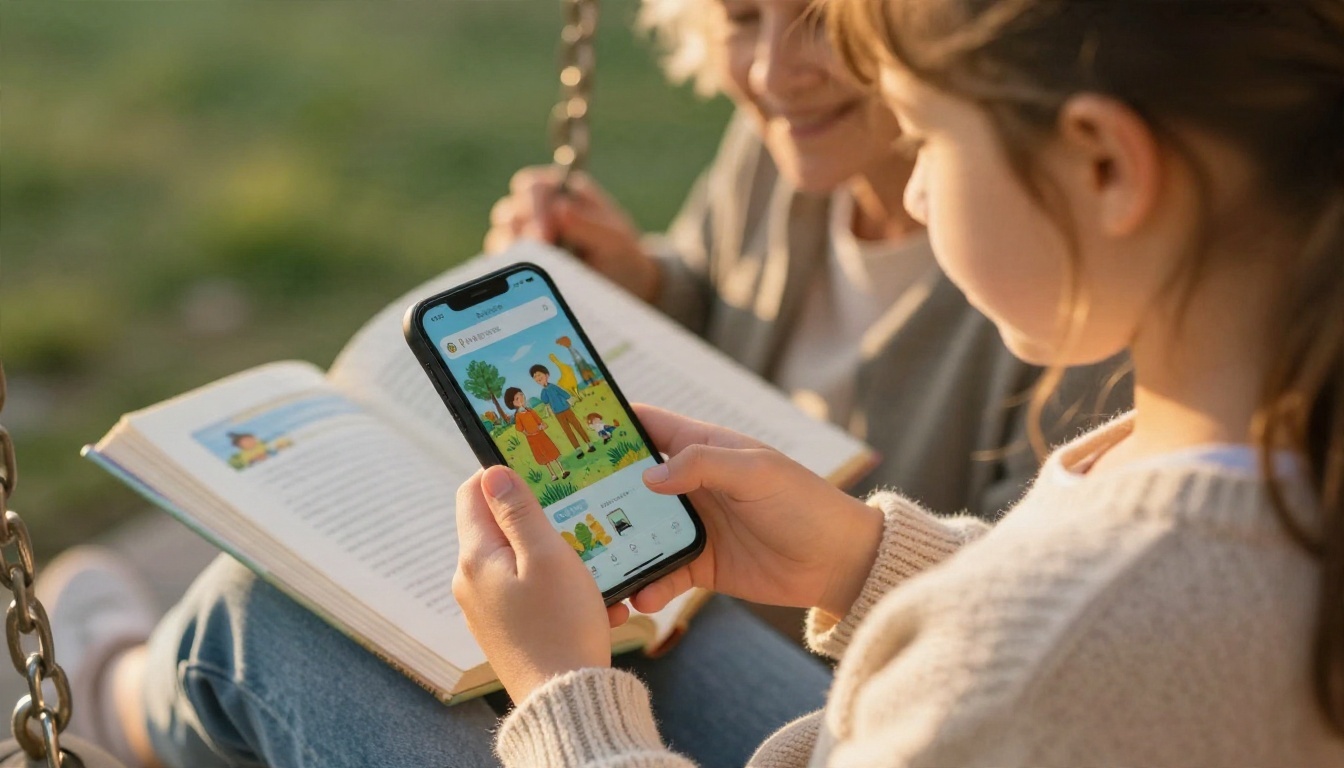
A storybook is made to be read by someone other than its author. Pick the sharing method that fits the audience.
Four Ways to Share
| Method | Best For | Privacy Level |
|---|
| Direct link | Texting grandparents | Anyone with the link |
| Password protection | Class books with student names | Only people with the password |
| Embed on a website | Classroom or school pages, see Embed Flipbook on Website | Public on that page |
| Offline download | Long trips, no Wi-Fi | Private file |
⚠️ Privacy note: If the book includes a child's full name, photo or school, use password protection and share the password only with family. Skip public posting.
A Real Example
Maya, age 8, wrote "Detective Pepper" for her grandmother who lives three time zones away. Her dad exported the 12 pages as a PDF, converted it in under five minutes and texted the link. Her grandmother opened it on a phone, flipped through while still in bed and called straight away to read her favorite page out loud. No stamps, no printing, no waiting.
Reading Corners and Class Libraries
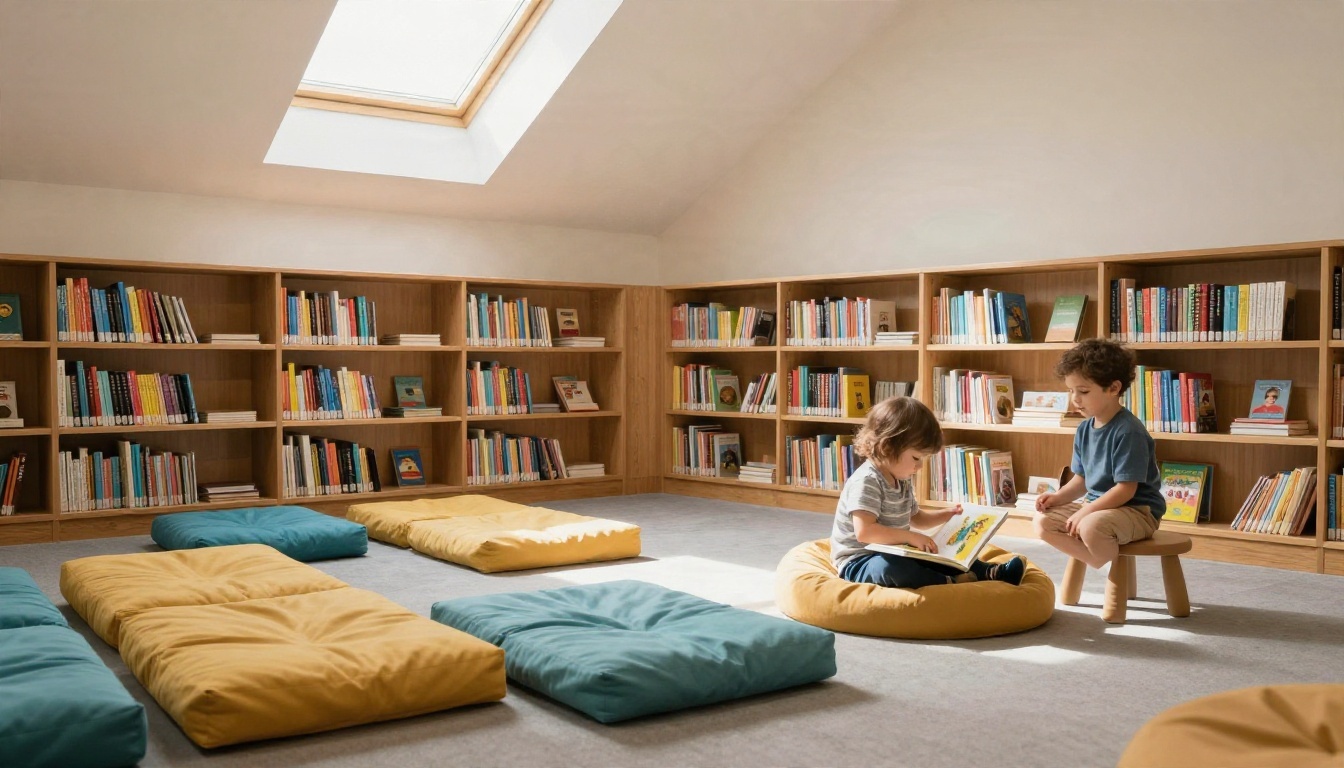
Teachers and librarians can build a digital shelf of student books and show them on a classroom screen during reading time. Each student's story gets its own link, so families can read at home too. Schools that also publish memories can link student stories with the Yearbook Flipbook Maker.
Common Mistakes to Avoid
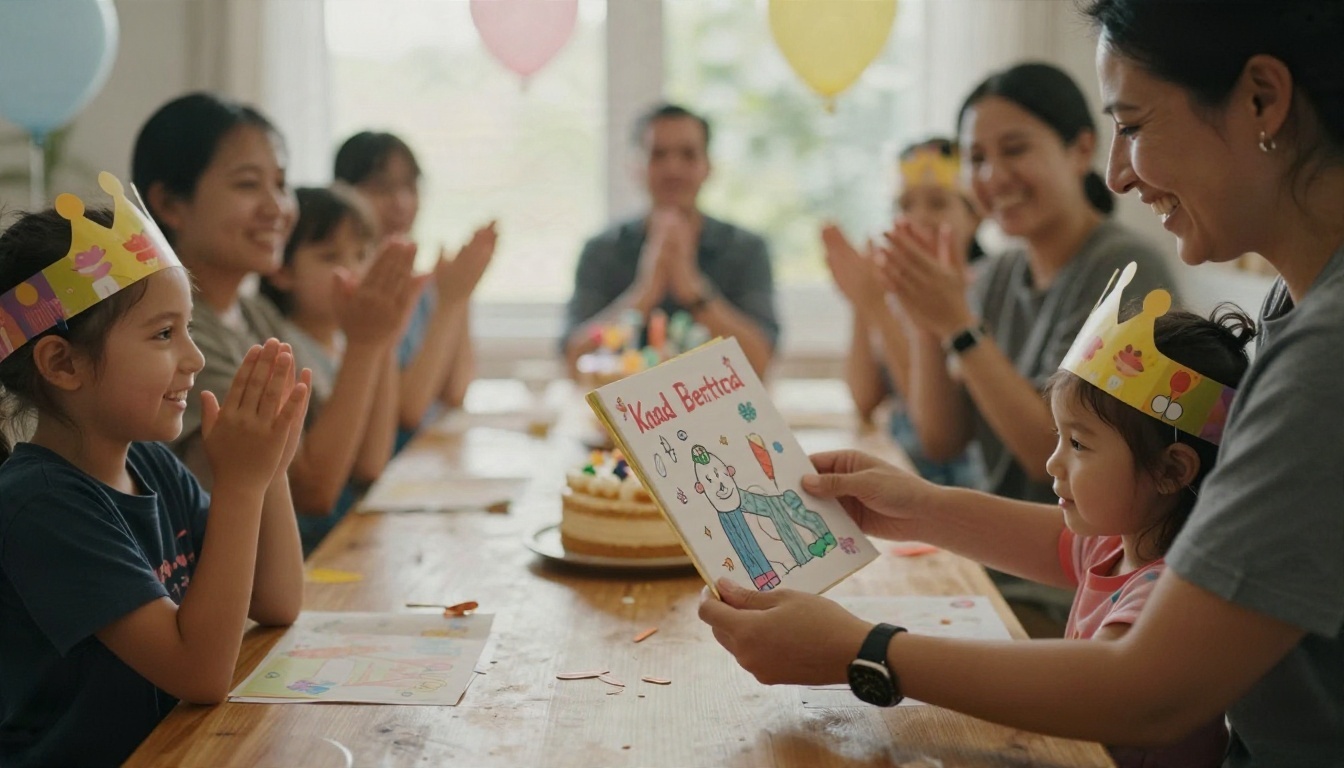
Even a great idea can fall flat if the details trip up the reader. Watch for these.
Too Many Words Per Page
Early readers lose interest when a page holds a paragraph. Stick to one or two sentences for ages 3 to 6, and let the picture do the rest.
Tiny or Blurry Artwork
Photographing a drawing at an angle or in dim light produces shadows. Lay it flat near a window and shoot straight down. A scanner is even better.
Skipping the Test Read
Always flip through the entire book on a phone before sharing. Text that looks fine on a laptop can look small on a small screen.
Mixed Page Sizes
Changing size midway leaves odd gaps. Fix the format at the start and stay with it.
Forgetting the Author
A storybook without a title page and an author name feels unfinished. Add both, plus a date, so the book becomes a keepsake.
Start Your Kids' Storybook Today
A storybook does not need to be perfect to be loved. It needs a character, a few pictures and someone to read it to. Choose a template, set your page size and let your child lead the story.
Ready to publish? Create your account on Flipbooks AI and upload your first story. Browse all flipbook tools for more formats, or review the pricing plans when you are ready to make unlimited books. For a quick start with your own pages, try it free.



