A great travel brochure does one job: it makes someone picture themselves on the trip and then tells them exactly how to book it. You no longer need a print shop or a designer on retainer to pull that off. With a free template, a handful of strong photos and a tool like Flipbooks AI, you can build a page-turning brochure in an afternoon and send it to anyone with a single link.
This article walks through the template styles that work, the layout ideas that keep readers moving, a step-by-step build, and every practical way to share the finished brochure.
Why Digital Brochures Win
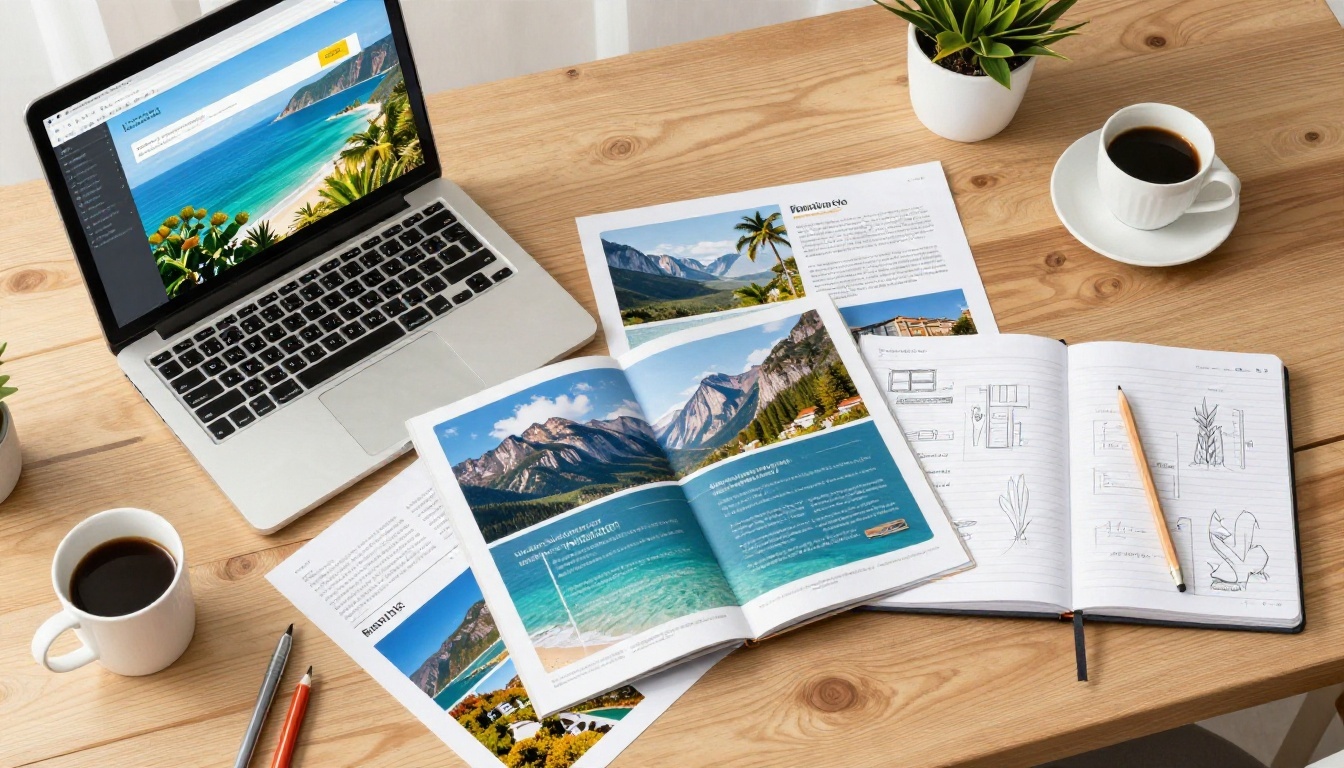
Travel is a visual purchase. People scroll through dozens of destinations before they commit, and a static PDF attached to an email rarely holds their attention. A digital brochure behaves like a real booklet: pages flip, photos load fast, links work, and the whole thing looks right on a phone.
Print Still Has a Place
Printed brochures are not dead. A tri-fold on a hotel reception desk or in a visitor center still gets picked up by walk-in customers. The smart move is to design once and publish twice: export a print-ready PDF for the rack, then turn the same file into an online flipbook for everyone else.
What Travelers Expect Now
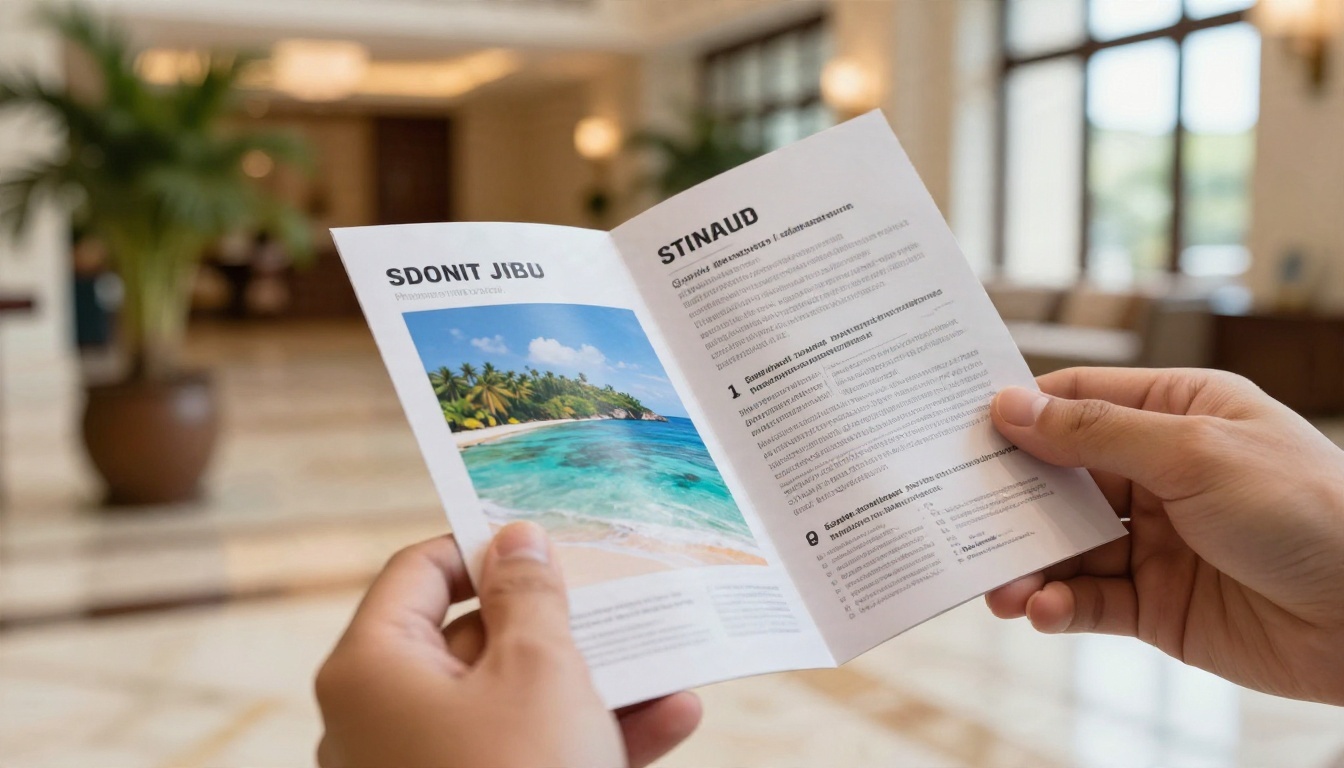
Most of your readers will open the brochure on a phone, often while commuting or on the sofa. They expect:
- Fast loading with no download wall
- Clickable prices, maps and booking buttons
- Readable text without pinching and zooming
- Real photos rather than generic stock clichés
- A clear next step on the last page
💡 Pro tip: Open your draft on your own phone before you share it with anyone. If you have to zoom in to read a price, the font is too small.
Free Template Styles That Work
Not every trip needs the same format. Pick the template based on what you sell, not on what looks prettiest in a gallery. The table below compares the five formats travel businesses use most.
| Template style | Best for | Typical pages | Main strength |
|---|
| Tri-fold destination | Tourism boards, resorts, day tours | 6 panels | Quick overview, easy to print |
| Itinerary brochure | Multi-day tours, cruises, retreats | 8 to 16 | Day-by-day clarity |
| Package menu | Agencies with many trips | 12 to 24 | Easy price comparison |
| Hotel or villa showcase | Accommodation, glamping, B&Bs | 6 to 12 | Room and amenity detail |
| Photo-led magazine style | Luxury and adventure travel | 12 to 30 | Emotional storytelling |
The Tri-Fold Destination Template
This is the classic. The front panel carries one dramatic photo and the destination name. Inside, three panels cover highlights, practical info and a call to action. It is compact, forgiving for beginners and ideal when you only have ten good photos.
The Itinerary Template
Built around a timeline, one spread per day or per stage. Each spread pairs a photo with a short description, a time or distance, and what is included. Adventure operators and trekking companies lean on this format because it answers the question every buyer has: "What exactly will I be doing?"
The Package Menu Template
Think of it as a restaurant menu for trips. Each package gets a thumbnail, a one-line pitch, a duration and a price. If you run an agency, this is the fastest way to let customers compare options. A similar logic powers the Digital Price List Generator, which is worth a look if prices change often.
⚠️ Watch out: Free templates are a starting point. Swap the placeholder photos, change the fonts to match your brand and rewrite every line of sample copy. Readers spot generic templates instantly.
Layout Ideas That Sell Trips
Layout is where most DIY brochures succeed or fall apart. You do not need design training, just a few rules that experienced travel marketers follow.
Open With One Big Photo
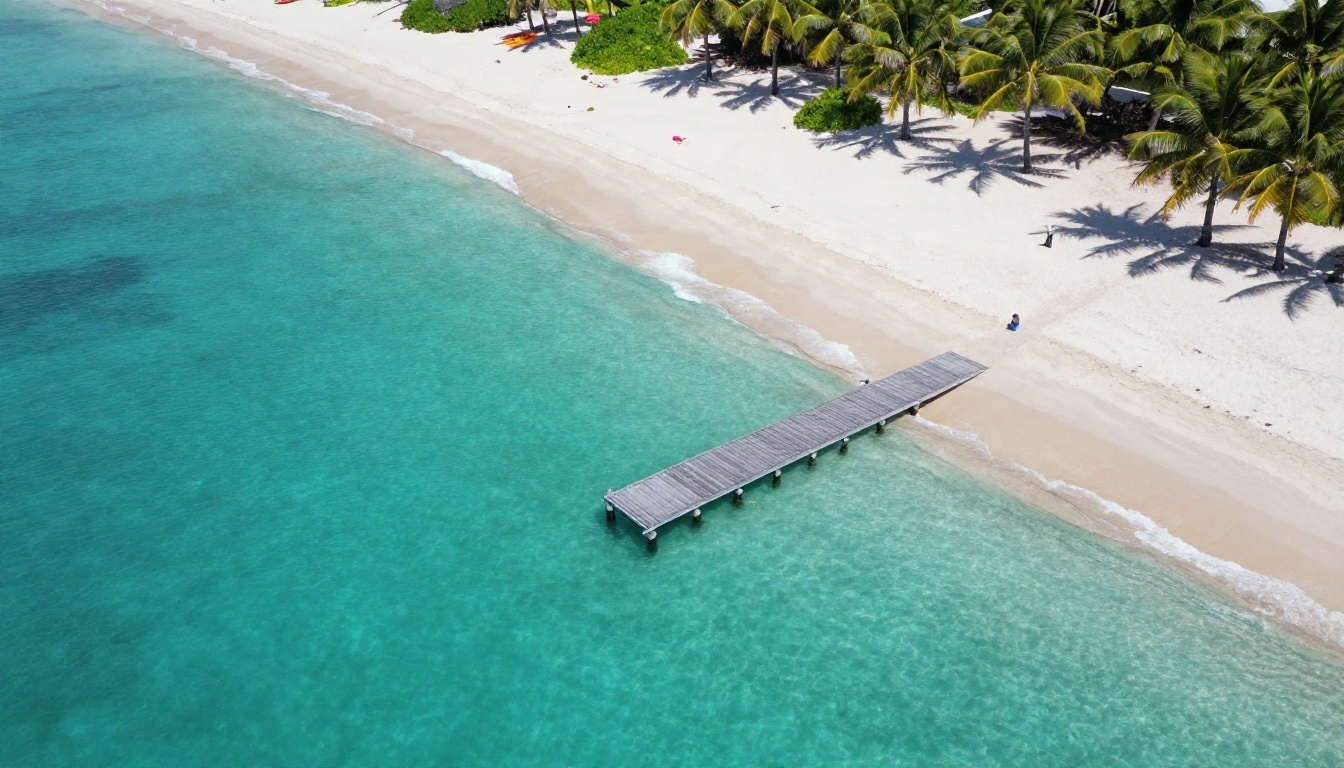
Your first page should hold a single, emotional image and very little text. A turquoise lagoon, a mountain ridge at dawn, a street market at golden hour. Add the destination name and a short promise such as "Seven days on the Amalfi Coast". That is it.
Use a Simple Grid
A three-column grid keeps pages tidy. Use it like this:
- One wide photo across the top two thirds of the page
- A short heading and two or three lines of text beneath
- A narrow sidebar for price, duration and a booking link
Repeat the same structure on every spread. Consistency makes the brochure feel professional even when the photos vary.
Put Prices and Booking Steps Together
Do not bury the price on page nine. Place price, dates and a button or link in the same block, repeated on each package page. Readers decide quickly, and every extra click costs you bookings.
Write Short, Concrete Copy
Skip phrases like "breathtaking views" and "unforgettable memories". Write what happens: "Kayak to a hidden cove, swim, and eat grilled fish on the sand." Concrete beats poetic every time.
Here is a quick reference for how much space each element deserves:
| Element | Share of the page | Rule of thumb |
|---|
| Photography | 50 to 60% | One hero image per spread |
| Headlines | 10% | Under seven words |
| Body text | 15 to 20% | Three short paragraphs at most |
| White space | 15 to 20% | Never fill every gap |
| Call to action | 5 to 10% | One clear action per page |
Choose Photos With Care
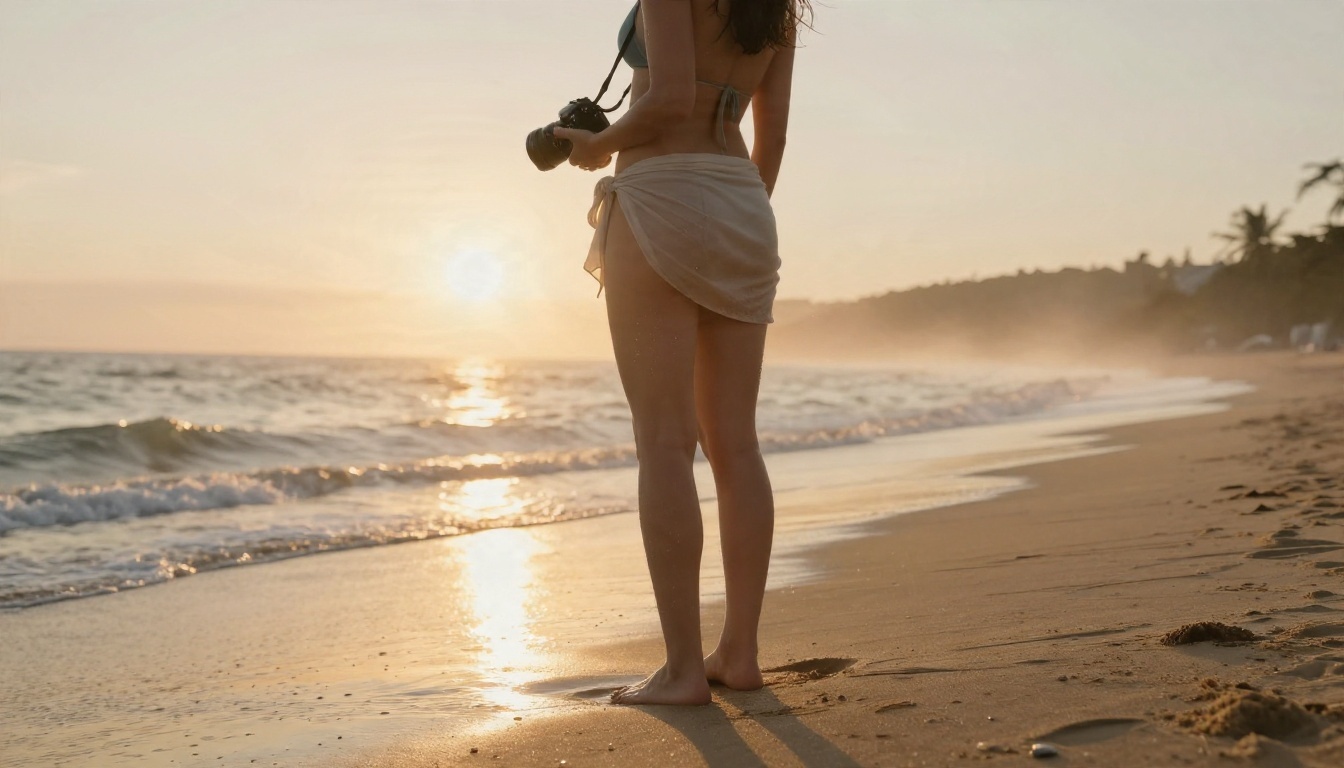
Photography does the heavy lifting. Shoot at sunrise or the hour before sunset when light is soft and warm. Mix wide scenery with close details such as food, textures and local faces. People in the frame make a place feel alive, and a traveler walking along a beach gives readers someone to imagine themselves as.
✅ Best practice: Use at least one photo per spread that includes a person. Brochures with people convert better than empty landscapes alone.
How to Create a Travel Brochure with Flipbooks AI
If you already have a design in Canva, InDesign, Word or Google Slides, you are most of the way there. The build below takes roughly 15 minutes. For related formats, see the dedicated Online Brochure Designer and Brochure Flipbook Maker pages.
Upload Your PDF
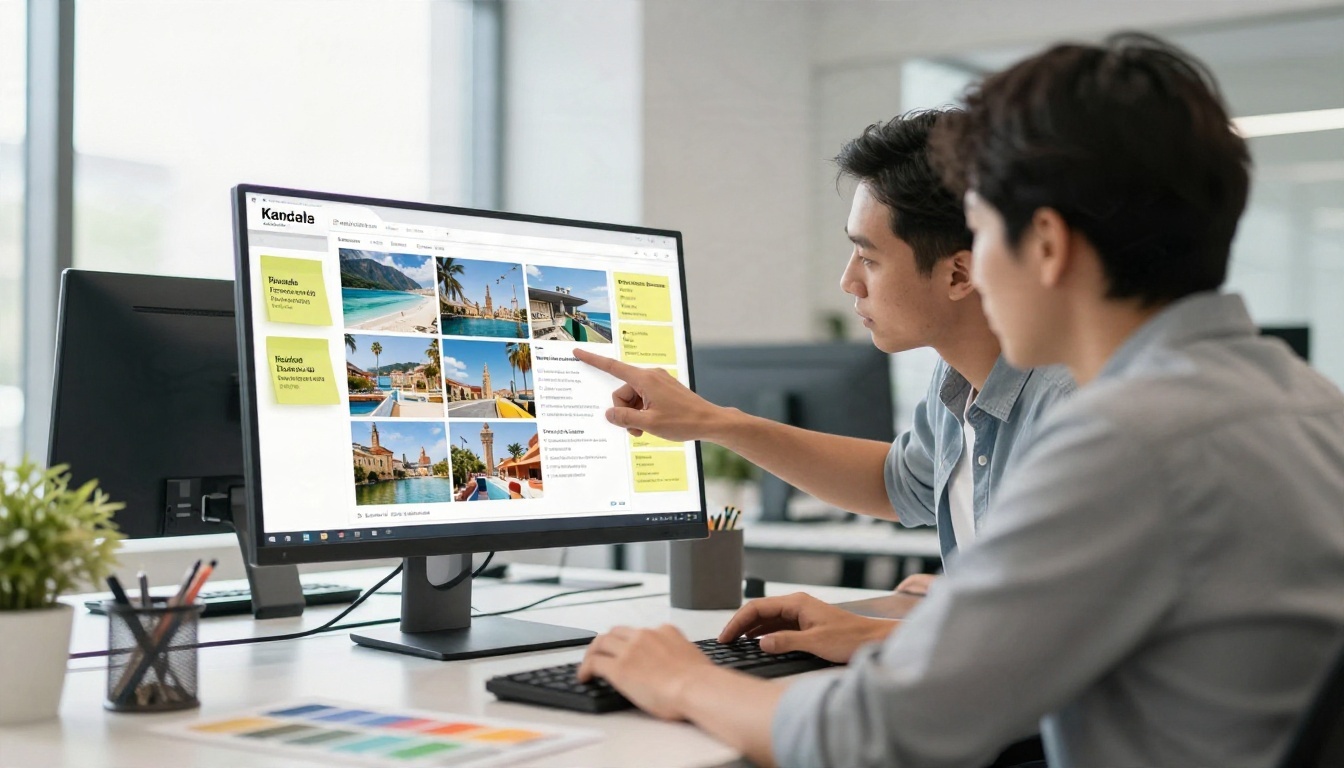
- Design your brochure in any tool and export it as a PDF. Use a page size that suits your format: A4 or Letter portrait for itineraries, A5 or square for photo-led styles.
- Create a free account at Flipbooks AI.
- Upload the PDF. The PDF to Flipbook Converter turns each page into a flippable spread within seconds.
- Preview the result on desktop and on your phone. Check that text is sharp and photos are not cropped.
Customize Branding and Effects
Once the flipbook is live in your dashboard, make it feel like yours:
- Branding: add your logo, choose a background color that matches your palette and set a custom URL
- Page effects: pick the page-turn style and sound that suits your tone, soft for a boutique retreat, snappy for an adventure outfit
- Multimedia: embed a short destination video, an audio welcome message or a looping ambient sound
- Links: turn prices, maps and booking buttons into clickable hotspots
Flipbooks AI never adds watermarks, so your brochure carries your brand and nothing else. If you run a property, the Hotel Brochure Designer is tuned for room galleries and amenity lists.
Turn On Pro Features
On the Professional plan you can go beyond a simple viewer:
- Analytics show which pages get read, where people drop off and which links they click
- Lead generation places a short form in front of the brochure so you collect emails before the first page opens
- Offline downloads let travelers save the brochure for use without a signal, which matters when roaming costs money
- Password protection keeps partner-only or VIP pricing private
Compare tiers on the pricing page to see which plan fits your volume. Standard and above include unlimited flipbooks, handy if you publish a new brochure for every season.
💡 Pro tip: Check the analytics after one week. If most readers leave on page three, your layout is losing them there. Fix that page first and republish.
Sharing Options Compared
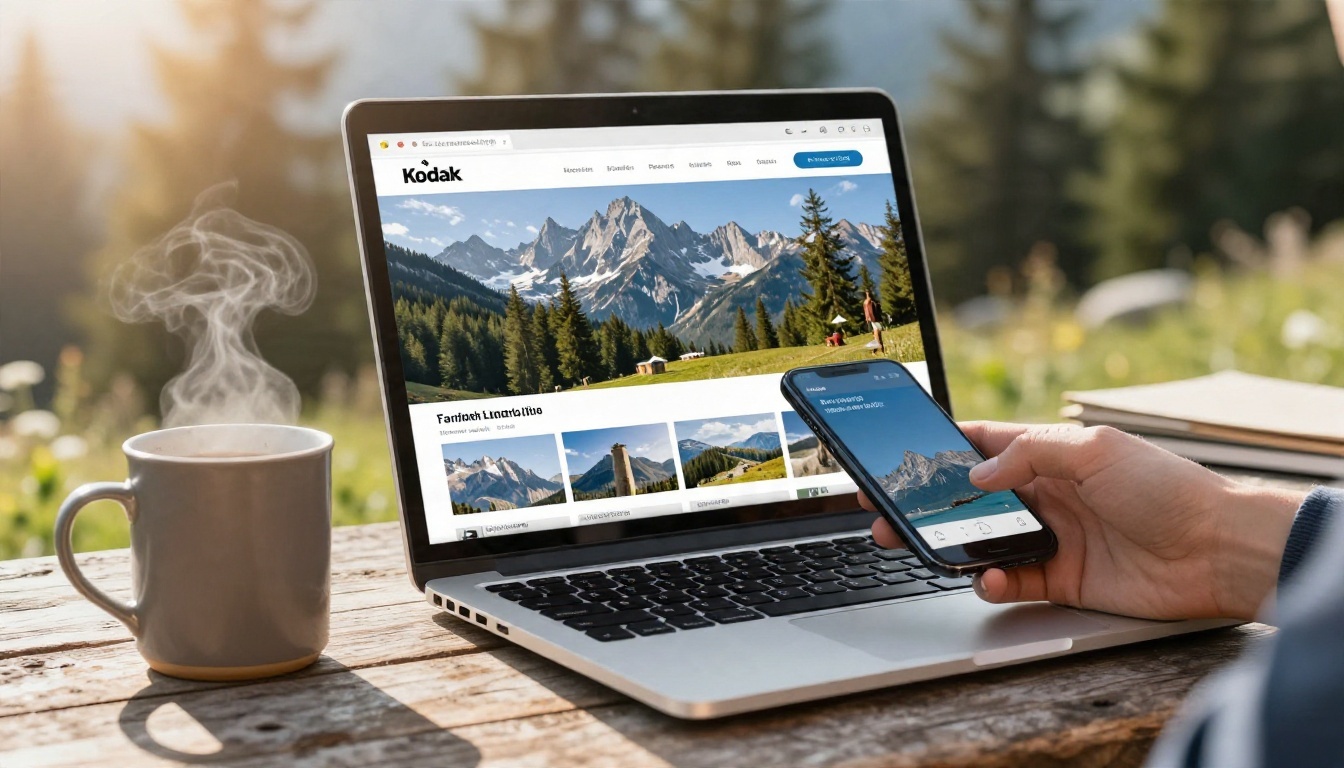
A brochure nobody sees is wasted effort. Fortunately, a digital one can travel almost anywhere. Here is how the main sharing methods stack up.
| Method | Best for | Setup effort | Tracking | Privacy control |
|---|
| Direct link | Email, WhatsApp, DMs | Very low | Yes | Optional password |
| Website embed | Landing and tour pages | Low | Yes | Public |
| QR code | Print ads, posters, hotel desks | Low | Yes | Public or protected |
| Social post | Instagram bio, Facebook page | Very low | Limited | Public |
| Offline download | Travelers without signal | Low | No | Controlled |
Send a Direct Link
The simplest option. Paste the URL into an email, a WhatsApp message or a direct message and the brochure opens in the browser with no app and no attachment. Because the link stays the same when you update the file, you never have to resend a corrected version.
Embed It on Your Website
Place the brochure right on your tour or destination page so visitors read it without leaving your site. Copy the embed code and paste it into your page builder. The Embed Flipbook on Website tool explains the options, including responsive sizing for mobile.
Protect Private Content
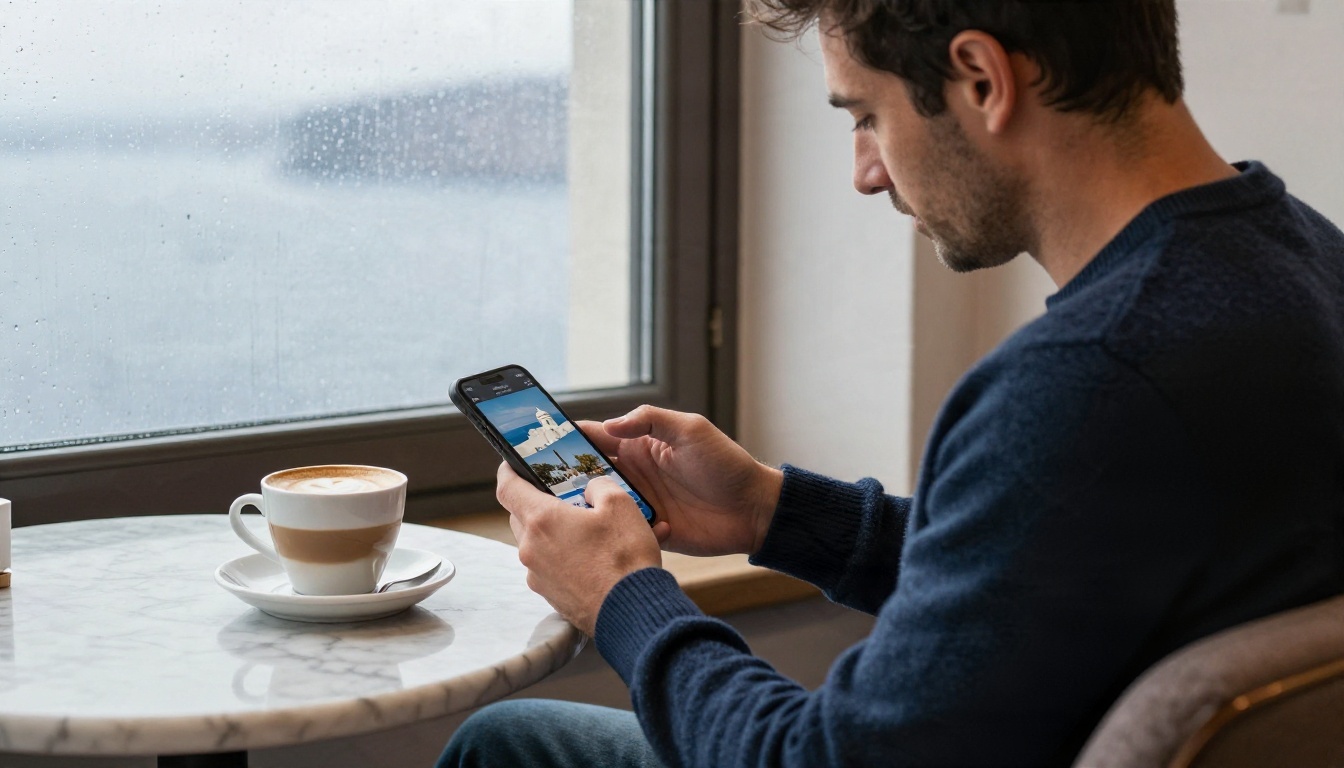
Selling group packages to corporate clients or sharing net rates with agents? Add a password and send it separately. Only people who have it can open the brochure, and you can change it whenever you like.
Add a QR Code to Print
Put a QR code on a poster, a restaurant table tent or a hotel key card holder to send guests straight to the digital version. It bridges the gap between the physical world and your online brochure, and it lets you track how many people scanned it.
Real Examples From Travel Businesses
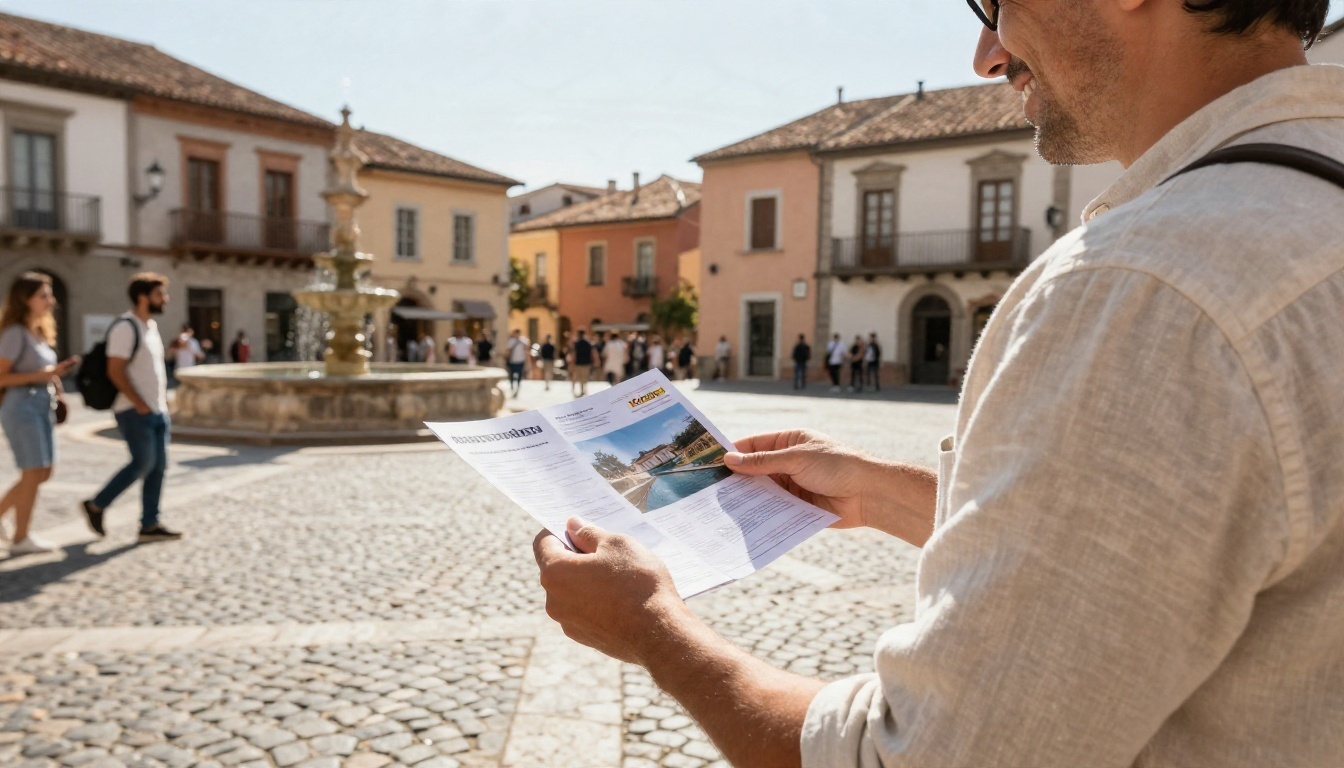
Seeing how others use a brochure makes it easier to decide on your own format.
| Business type | Brochure format | Where it is shared | Result they aim for |
|---|
| Boutique hotel | Room showcase, 8 pages | Website embed, QR at reception | Direct bookings instead of OTA fees |
| Walking tour company | Tri-fold, 6 panels | QR on flyers, link in bio | More walk-up sign-ups |
| Travel agency | Package menu, 20 pages | Email newsletter, WhatsApp | Faster quote requests |
| Adventure outfitter | Itinerary, 14 pages | Embedded on trip pages | Fewer pre-booking questions |
| Tourism board | Photo-led magazine, 24 pages | Partner sites, offline download | Wider reach in low-signal areas |
A few concrete scenarios:
- A small tour operator in a historic town creates a single six-panel brochure, hands out printed copies in the square and prints a QR code on the back. Tourists scan it, read the full itinerary on their phones and book the same afternoon.
- A villa rental owner sends one link to every inquiry. Since the brochure includes a floor plan, local tips and the price list, the first reply answers most questions.
- A travel agent builds a seasonal package menu, protects it with a password and shares it only with repeat clients who get early access to new trips.
For a broader format, the Travel Flipbook tool suits longer destination books, while the full tools directory lists every format you can build.
Mistakes to Avoid
Most brochures fail for the same few reasons. Check your draft against this list.
- Too many fonts. Stick to two: one for headlines, one for body text.
- Low-resolution photos. Anything under 1500 pixels wide looks soft on a large screen.
- No call to action. If the last page does not say what to do next, add a button, a link and a phone number.
- Old prices. Out-of-date rates kill trust. Update the source file and re-upload; the link stays the same.
- Walls of text. If a paragraph runs longer than four lines, split it or cut it.
- Ignoring mobile. Test on a small screen before launch.
- Missing practical info. Add visa notes, best seasons, what to pack and cancellation terms. Travelers value these details.
⚠️ Legal check: Make sure you own or license every photo, and add terms for cancellations and refunds where required in your country.
Ready to Publish Your Brochure?
You now have the pieces: a template that fits your offer, a layout that leads the eye to a booking, and several ways to put the result in front of real travelers.
- Pick a template style from the table above and gather your best ten photos.
- Build the draft and export it as a PDF.
- Create your account on Flipbooks AI and upload the file.
- Share it by link, embed code or QR code, and add a password where needed.
- Check the analytics, adjust, and republish.
Compare pricing plans to see what Standard and Professional add, or browse all flipbook tools to find the format that suits your next trip. When you are ready, get started for free and publish your first travel brochure today.



