A PDF sitting in an inbox is a document. A page-turning publication that opens on a phone in two seconds is an experience. If you want to create a digital publication without hiring a designer or learning layout software, the good news is that the tools are finally simple enough for anyone. Platforms like Flipbooks AI convert a file you already have into an interactive flipbook with real page effects, and you can share it with a single link.
This article walks through what counts as a digital publication, which free tools are worth your time, real examples from different industries, a full tutorial, and every practical way to share the result. Expect tables, checklists and a few blunt opinions.
What a Digital Publication Really Is
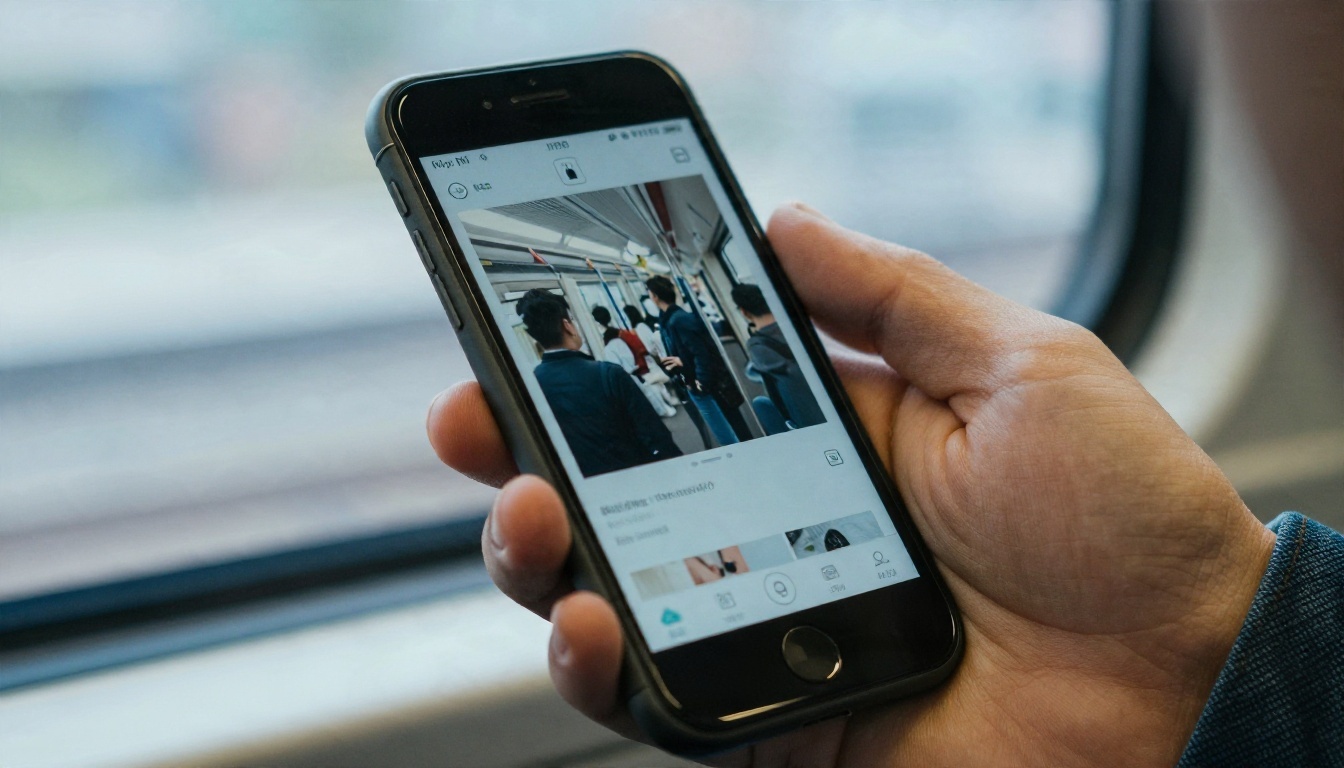
A digital publication is any magazine, catalog, brochure, report, menu, book or portfolio designed to be read on a screen and distributed online. The difference from a plain PDF is interactivity and delivery: pages flip, links work, video plays, and readers open it from a URL instead of downloading a heavy attachment.
💡 Quick test: if your reader has to download, unzip or pinch-zoom to read it, it is a file. If they tap a link and start reading, it is a publication.
Formats You Can Publish
Almost every document type can become a flipbook. Here is how the common formats compare.
| Format | Typical length | Best reader device | Main goal |
|---|
| Product catalog | 20 to 100 pages | Phone and tablet | Drive orders |
| Magazine or newsletter | 8 to 60 pages | Tablet and desktop | Build an audience |
| Brochure | 4 to 16 pages | Phone | Generate inquiries |
| Annual report | 30 to 120 pages | Desktop | Inform stakeholders |
| Restaurant menu | 2 to 10 pages | Phone | Speed up ordering |
| Portfolio or lookbook | 10 to 40 pages | Tablet and desktop | Win clients |
| Course material | 20 to 200 pages | Laptop and phone | Support students |
Who Benefits Most
- Small businesses that update prices or offers every month
- Real estate agents sending listing brochures to many buyers
- Teachers and trainers distributing manuals without printing costs
- Photographers and designers showing work in a polished format
- Nonprofits and corporate teams publishing reports people will really open
Free is a real option here, but "free" means different things on different platforms. Some give you a trial with a watermark. Others cap the number of publications. A few are genuinely useful for light use.
What Free Plans Usually Limit
Before you invest an afternoon building something, check these five limits:
- Watermarks or forced branding on every page
- A cap on flipbooks (often one to three)
- Page count limits per document
- No custom domain or embed rights
- Deleted content after a trial window ends
⚠️ A watermark on a client-facing catalog looks unprofessional. Confirm the output is clean before you send the link to anyone.
Free vs Paid at a Glance
| Feature | Typical free tier | Paid plan |
|---|
| Watermark | Often present | Removed |
| Number of publications | 1 to 3 | Unlimited on higher plans |
| Custom branding | Limited | Full colors and logo |
| Password protection | Rarely | Included |
| Analytics | None | Reader stats and leads |
| Offline download | No | Yes |
| Video and audio embed | Rare | Supported |
With Flipbooks AI there are no watermarks, ever, and the Standard plan and above gives you unlimited flipbooks. You can try it free and decide later whether you need the extras.
Examples That Work in Practice
Abstract advice only goes so far. These are the use cases where flipbooks consistently outperform a plain PDF.
Menus and Catalogs
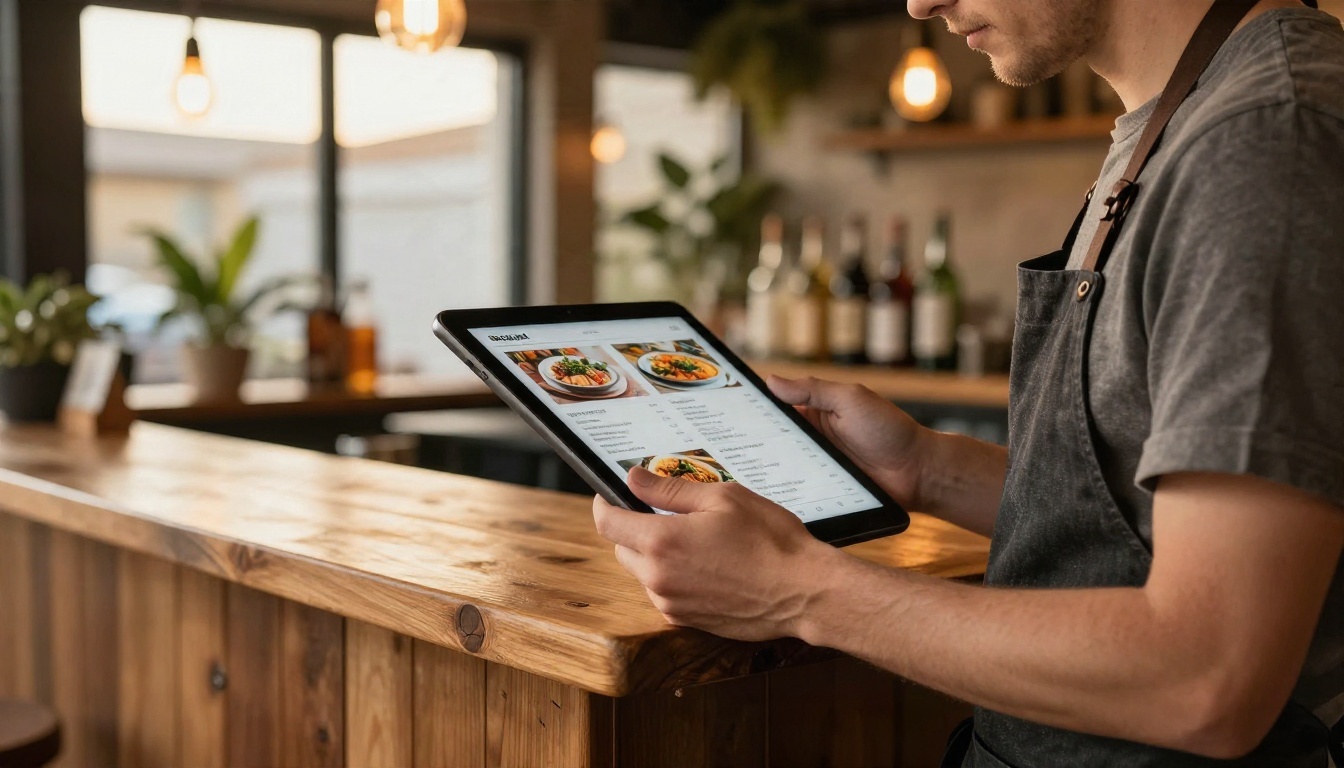
A restaurant can publish a seasonal menu, print a QR code on the table, and update the dishes in minutes when the chef changes the specials. No reprinting, no stale prices. The Restaurant Menu Creator and Spa & Wellness Menu tools are built for this.
Retailers get the same benefit. A Product Catalog lets wholesale buyers flip through 80 items on their phone, and a Digital Price List Generator keeps pricing current without resending files.
Real estate is another strong case. An agent can send one link to a couple and let them browse floor plans, photos and neighborhood details at their own pace. See the Real Estate Brochure tool for a ready-made starting point.

Portfolios and Lookbooks
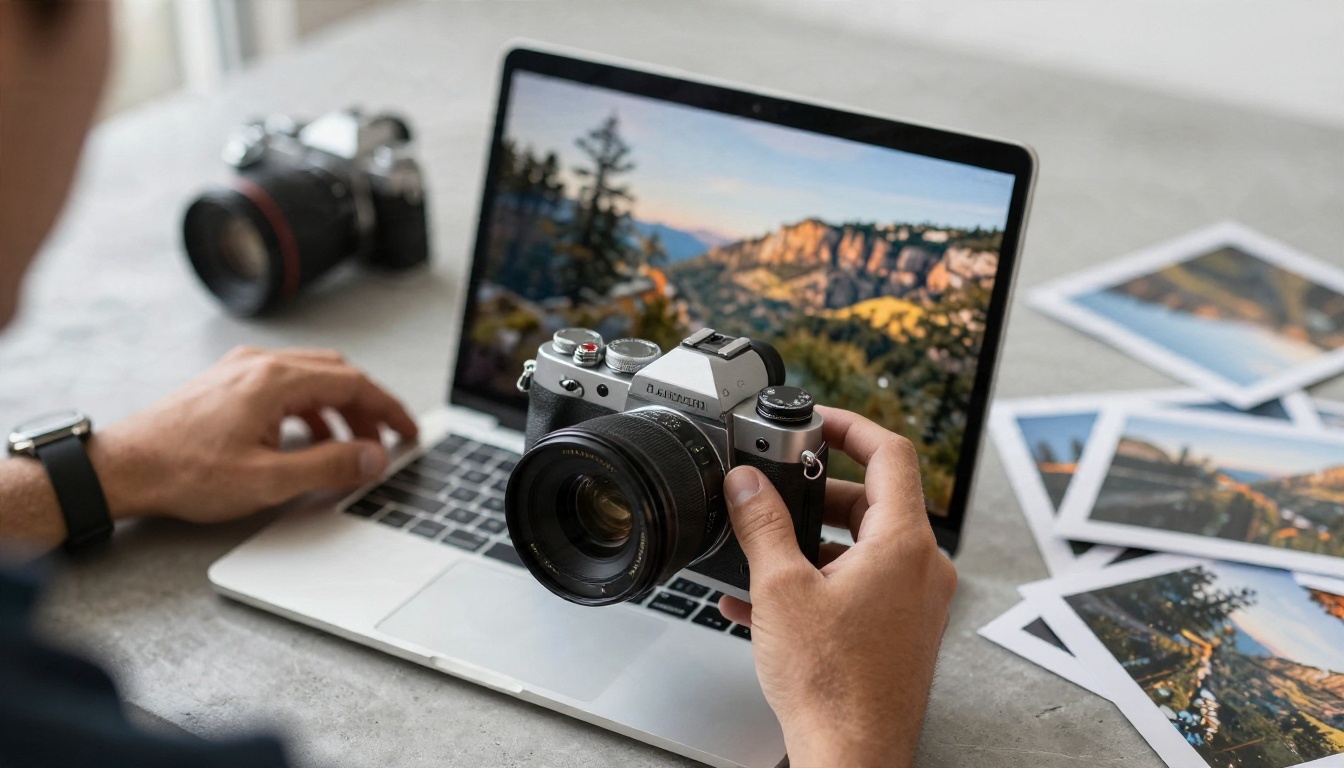
Visual work deserves a visual container. A photographer can build a Photography Portfolio where each spread shows a series, and a boutique can publish a seasonal Interactive Lookbook that shoppers browse before visiting the store.

Reports and Course Material
Teams use flipbooks for annual reports and sales decks because they feel more like a magazine than a spreadsheet export. Educators use the Course Material Publisher and Training Manual Flipbook to give students a single link that works on any device.

How to Create a Flipbook with Flipbooks AI
If you already have a PDF, you are about five minutes away from a published flipbook. If you do not, build the layout in any design or word-processing app and export it as a PDF first. The PDF to Flipbook Converter handles the rest.
Step 1: Start and Upload
- Go to Flipbooks AI and create an account.
- Click to create a new flipbook.
- Drag your PDF into the upload area, or select it from your computer.
- Wait a few seconds while the file is converted into individual pages.

💡 Export your PDF at a moderate resolution. A 300 dpi file with huge images loads slower on mobile data without looking noticeably better on a phone.
Step 2: Customize the Look
On the editor screen you will see a live preview. Adjust these settings:
- Branding: upload your logo and choose colors that match your brand
- Page effects: pick the page-turn animation and sound
- Background: choose a solid color or an image behind the book
- Multimedia: add video and audio to specific pages
- Links: make products, buttons and email addresses clickable
✅ Best practice: keep one accent color and one background color. Publications with three or more competing colors feel busy and are harder to read on small screens.
Step 3: Share and Protect
Once the design looks right, publish and pick how readers will reach it:
- Copy the direct link and paste it anywhere
- Copy the embed code to place the flipbook inside your site with the Embed Flipbook on Website tool
- Turn on password protection for private content like investor decks or internal manuals
- Enable offline download if readers need the file without a connection
Every flipbook is mobile responsive, so you do not need to build a separate phone version.
Analytics and Lead Capture
Publishing is half the job. Knowing who opened it is the other half. On the Professional plan you get analytics and lead generation, so you can see which pages hold attention and collect an email address before a reader opens a high-value document. Review the pricing plans to see which tier fits.

You will meet three types of platforms while researching. Each one suits a different person.
| Platform type | Strength | Weakness | Best for |
|---|
| Dedicated flipbook platform | Realistic page-turns, branding, analytics | Needs a PDF as input | Catalogs, magazines, reports |
| Design suite with publishing | Layout and publishing in one place | Heavier learning curve | Creating layouts from scratch |
| Document hosting site | Public discovery and simple embeds | Limited branding and control | Quick sharing of public files |
A dedicated flipbook platform is usually the right pick when you already have a PDF and want it to look polished with the least effort. A design suite makes sense if you are building the layout itself. Document hosting sites are fine for casual sharing, but you give up control over branding and what appears around your content.
What to Check Before You Commit
- Does the output stay watermark-free?
- Can you update a publication without changing its link?
- Does it load quickly on a phone with a weak connection?
- Is there password protection for private use?
- Can you export or download an offline version?
- Is there a clear path from a free test to a paid plan?
You can see the full list of available flipbook tools to match your document type.
Sharing Options That Get Read
A beautiful publication nobody opens is wasted work. Match the sharing method to the reader.

Link, Embed, or Download
| Sharing method | How it works | Best situation |
|---|
| Direct link | Paste a URL in email, chat or social posts | Fast distribution to many people |
| QR code | Print a code that opens the flipbook | Menus, posters, packaging, events |
| Embed code | Place the flipbook inside a web page | Product pages, blogs, landing pages |
| Offline download | Save a copy to read without internet | Travel, field work, trade shows |
| Email signature link | Add a link under your name | Constant low-effort promotion |
Password Protection
Some content should not be public. Price lists for wholesale partners, draft reports and staff handbooks all belong behind a password. Share the link in one message and the password in another. It takes ten seconds and avoids most accidental leaks.
⚠️ Never put a password in the same message as the link. If that message is forwarded, access goes with it.
3 Common Mistakes That Hurt Readers
- Uploading a print layout unchanged. Tiny text that works on paper becomes unreadable on a phone. Use 11 to 12 point body text at minimum, and test on a small screen before you publish.
- Skipping the cover page design. The first page decides whether someone keeps reading. Use one strong image, a short title and plenty of white space.
- Hiding the call to action. If you want a booking, a purchase or a reply, put a clickable button on page one and again on the last page.
Other small habits help too:
- Compress oversized images before exporting
- Add alt text and descriptive titles so search engines understand your page
- Name the file clearly, for example
spring-catalog-2027
- Check every link once before you share
Ready to Publish Yours?
You do not need a design team, a coding background or a big budget. You need a PDF, ten minutes and a clear idea of who should read it. Start with something small: a menu, a one-page brochure or a short portfolio. Publish it, share the link, look at the results, and improve the next version.
Your next document can be something people read, not something they ignore.



