You have forty products, a folder of decent photos and a client who wants "something professional" by Friday. The fastest way to get there is to create a PDF catalog from a free template, export it cleanly, and publish it as a page turning flipbook that opens on any phone. This article walks through every step: where to find templates that cost nothing, which page sizes suit print and screen, the design habits that make buyers keep scrolling, and how to turn the finished file into a shareable link with Flipbooks AI.
Why a PDF Catalog Still Wins
Websites change, social feeds scroll away, and marketplaces bury your brand under a thousand lookalikes. A catalog is the one place where you control the order, the story and the first impression. It also travels well: attach it to an email, drop it into a WhatsApp chat, hand it over on a USB stick at a trade show.
Who Needs One
Almost any business that sells more than a handful of items benefits from a catalog:
- Wholesalers and distributors who send line sheets to retail buyers
- Interior and furniture brands that need room scenes next to price lists
- Fashion labels presenting seasonal collections
- Restaurants and caterers with seasonal packages
- Real estate teams showing portfolios of listings
- Craft sellers who outgrew a single Etsy page
What Buyers Expect
Buyers skim. They want clear photos, a visible price or a "request a quote" prompt, and a way to reach you in one tap. A catalog that loads slowly or forces them to pinch and zoom on a phone loses them in seconds.
💡 Pro tip: Open your draft on a phone before you show it to anyone. If you cannot read a product name at arm's length, your type is too small.
Free Templates Worth Starting With
You do not need a design degree or a paid subscription to get a clean layout. A good template gives you the grid, the type pairing and the spacing, so you only swap in your own photos and copy.
Where to Find Free Templates
Most people begin with one of these tools. Each has a free route in, though limits vary, so check the current terms before you commit a whole project.
| Tool | Cost to Start | Best For | Skill Level | Export Options |
|---|
| Canva | Free tier with many catalog layouts | Quick, good looking results | Beginner | PDF, PNG |
| Microsoft Word | Built in templates if you already own it | Text heavy price lists | Beginner | PDF |
| Google Docs and Slides | Free with a Google account | Team editing in real time | Beginner | PDF |
| Adobe InDesign | Paid subscription, some free community templates | Large, multi page catalogs | Intermediate to expert | Print ready PDF |
| Affinity Publisher | One time purchase | Designers who dislike subscriptions | Intermediate | Print ready PDF |
If your catalog is simple, Canva or Google Slides gets you there in an afternoon. If you have hundreds of SKUs, a layout tool with parent pages and linked styles saves hours.
Template Types Compared
Pick the layout that matches how your products are actually bought, not the one that looks prettiest in the preview.
| Template Style | Products per Page | Works Best For | Watch Out For |
|---|
| Hero grid (one large image, small details) | 1 to 2 | Furniture, jewelry, luxury goods | Long page counts |
| Four up grid | 4 | Apparel, accessories, homeware | Tiny type on phones |
| Line sheet table | 8 to 12 | Wholesale, spare parts, stationery | Dull without photos |
| Lifestyle spread | 1 plus a room scene | Decor, outdoor gear | Prices getting lost |
| Lookbook story | Mixed | Fashion and beauty | Weak product detail |
Specialized builders also exist. The Product Catalog Generator, Fashion Catalog Creator and Furniture Catalog Maker are tuned for those product types, and the Digital Catalog Maker suits everything else.
Page Sizes That Print and Scroll Well
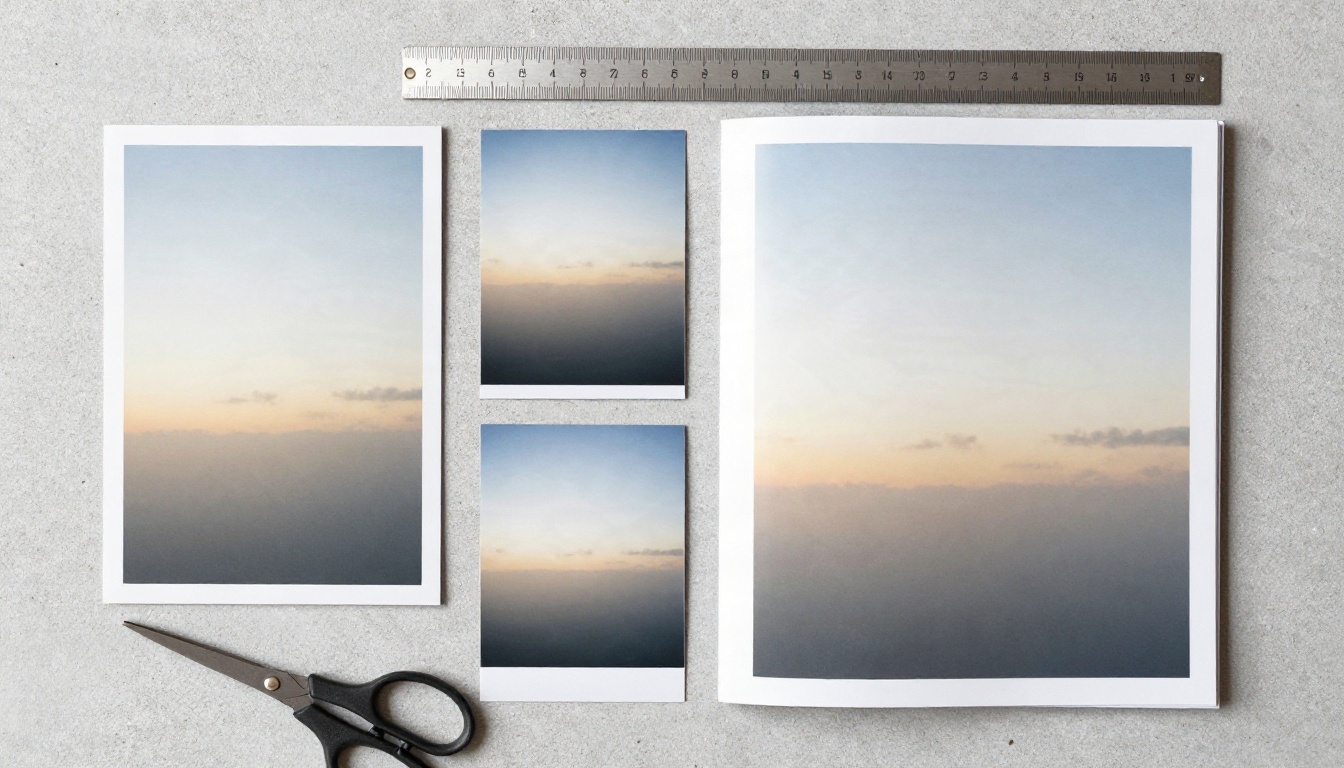
Choosing the page size before you design saves you from the most annoying rework: resizing 60 pages after the layout is done. Decide where most readers will see the catalog, then pick the format.
Print Formats
If a printed copy is part of the plan, stick with standard sizes so your print shop does not charge extra for trimming.
| Format | Dimensions | Best For | Notes |
|---|
| A4 portrait | 210 x 297 mm | Europe, most of the world | The default for catalogs |
| US Letter | 8.5 x 11 in | North America | Slightly shorter and wider than A4 |
| A5 | 148 x 210 mm | Small collections, mailers | Fits in a coat pocket |
| Half Letter | 5.5 x 8.5 in | Compact US price books | Needs larger type ratio |
| Square | 210 x 210 mm | Design, art, lifestyle brands | Memorable but costs more to print |
Add 3 mm of bleed on every edge if images or color blocks run to the page border, and keep important text at least 5 mm inside the trim line.
Screen Formats
Screen readers behave differently. A tall portrait page forces phone users to zoom, while a landscape page fills a laptop but looks small on a phone.
- A4 or Letter portrait: the safest all rounder, and it converts cleanly to a flipbook
- Landscape 16:9 (1920 x 1080 px): ideal for presentation style catalogs and tablets
- Square 1080 x 1080 px: works on every device and looks good in social previews
- Single page vs. spreads: export single pages, and let the flipbook viewer pair them into spreads on wide screens
⚠️ Warning: Do not mix page sizes inside one PDF. Flipbook viewers and print shops both expect consistent dimensions, and odd pages break the page turn effect.
Design Tips That Sell Products
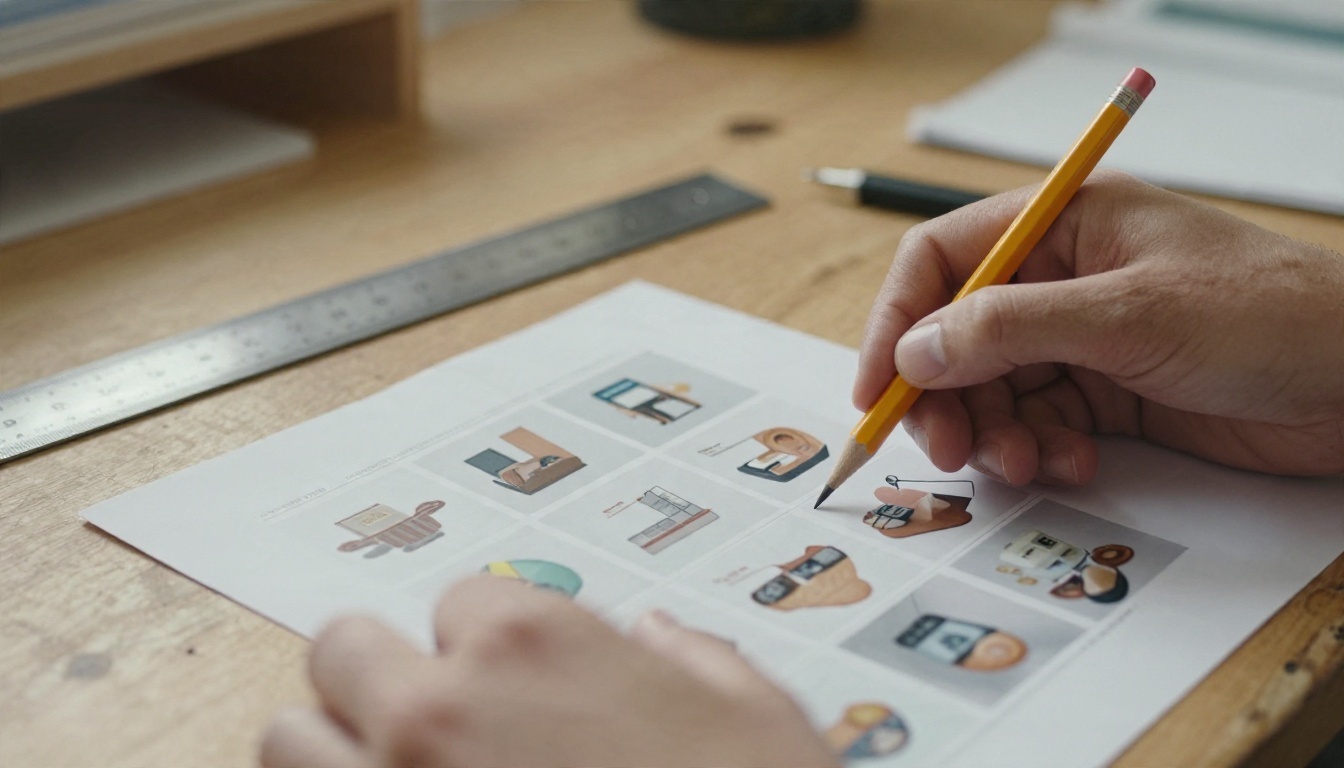
Good catalog design is mostly restraint. You are not decorating, you are helping someone find a product, trust it and act.
Grid and White Space
Set a 12 column grid and stick to it. Every image and text block should snap to the same margins. White space is not wasted space: it tells the eye where to rest and makes each product feel more valuable.
- Use one margin value on all sides of every page
- Keep at least 40 percent of a premium page empty
- Align prices to the same position on every page so buyers learn where to look
Photos and Color
Photography carries a catalog. Shoot or edit all products with the same light, angle and background, and the whole book feels like one brand even if you shot it over three weeks.
- Use a neutral backdrop (white, warm grey or a natural wood surface)
- Keep image sizes consistent so rows look tidy
- Pick one accent color for prices, buttons and headings
- Use lifestyle shots on opener pages and clean cut outs on product pages
Type That Reads Fast
Two typefaces are plenty: one for headings, one for body copy. Keep body text between 9 and 11 pt for print and 14 pt or larger for screen focused pages. Product names should be bold, descriptions short, and specifications set in a tidy list or table.
✅ Best practice: Write every product description in under 25 words. Put dimensions, material and SKU in a separate line so buyers can scan them.
3 Common Mistakes
- Crowded pages: twelve products on one page looks cheap, not generous
- Low resolution photos: an image that looks fine on a laptop turns blurry in print
- No next step: each section should end with a phone number, email, order link or QR code
Export Your PDF the Right Way
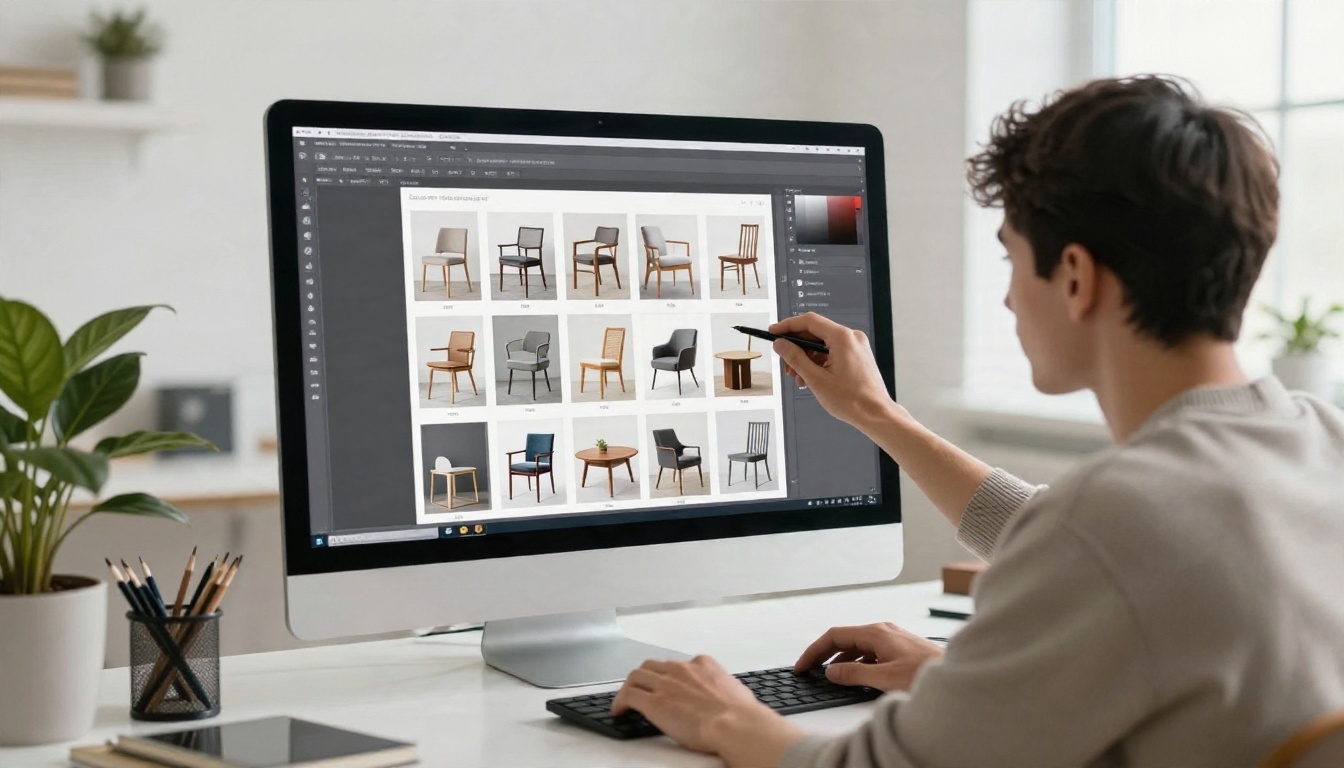
An excellent layout can still fail at export. A few settings decide whether your file loads in two seconds or twenty.
Resolution and File Size
| Use Case | Image Resolution | Typical Color Mode | Target File Size |
|---|
| Screen and flipbook | 150 dpi | RGB | Under 25 MB |
| Office printing | 200 to 250 dpi | RGB or CMYK | 25 to 60 MB |
| Commercial printing | 300 dpi | CMYK | Often 60 MB or more |
If you plan to print and publish online, export two versions: a light screen version and a heavier print version. Never send the print file to a mobile reader.
Fonts and Links
- Embed fonts so text does not shift on someone else's device
- Use real hyperlinks on product names, order buttons and email addresses
- Add a clickable table of contents on page two for catalogs over 20 pages
- Flatten transparency only if your print shop asks you to
How to Create a Flipbook Catalog with Flipbooks AI
A PDF is useful, but it still behaves like a file: it downloads, it opens in a separate app, and you never know whether anyone read it. Turning it into a flipbook solves all three problems. Readers get realistic page turns in the browser, you get one shareable link, and you can update the catalog without resending anything. Here is the full process.

Upload and Convert
- Go to Flipbooks AI and create an account.
- Click the upload button and choose your screen optimized PDF.
- Wait a few moments while the PDF to Flipbook Converter turns each page into a flip ready image.
- Preview the result in the editor. Flip through every page and check that text is crisp and images are sharp.
For a faster start, open the Catalog Flipbook Creator and follow the prompts. Selling by the menu or by the price list? The Digital Price List Generator works the same way.
Brand It
In the customization panel, you can shape the reading experience to match your brand:
- Custom branding: add your logo, change the background color and set a custom title
- Page effects: choose the page turn style, speed and sound
- Multimedia: embed videos and audio on product pages, such as a short demo clip or a founder message
- Mobile responsive layout: the viewer adapts automatically to phones, tablets and desktops
- No watermarks: your catalog carries your brand and nothing else
💡 Pro tip: Add a short product video on your best seller page. Moving content pulls the eye and shows details a still photo cannot.
Share and Track
Once the catalog looks right, pick how people will reach it:
| Sharing Option | How It Works | Best Use |
|---|
| Direct link | One URL you paste anywhere | Email, chat, social bios |
| Embed code | A snippet that places the flipbook in a page | Product pages, blog posts, landing pages |
| Password protection | Readers must enter a password | Wholesale price lists, private lines |
| Offline download | Readers save a copy | Trade shows, travel, weak signal areas |
| QR code | Scan to open the live flipbook | Packaging, flyers, shop windows |
To place it on your own site, the Embed Flipbook on Website tool gives you the code in a few clicks.
Professional plan users also get analytics and lead generation. You can see which pages get the most attention and collect an email address before a reader opens the catalog. Standard plans and above include unlimited flipbooks, so you can build a separate catalog for every season or customer segment. Compare the options on the pricing page.
Real-World Catalog Examples
Seeing how other businesses use a catalog makes the choices above feel concrete.
- A furniture studio exports a 32 page A4 PDF, uploads it to the flipbook tool, and embeds it on each collection page. Customers flip through room scenes, then tap a link to request a quote.
- A boutique clothing brand sends a password protected lookbook to wholesale buyers. The brand checks analytics afterward and calls the buyers who spent the most time on the new autumn pages.
- A coffee roaster designs a square 16 page catalog with a QR code on every bag. Scanning opens the live flipbook, so the roaster can update prices without reprinting anything.
- A real estate agent builds a landscape portfolio with the Real Estate Brochure Creator, adds drone video clips and shares one link with every client.
Which Format Fits You
| Format | Update Speed | Cost per Copy | Tracking | Mobile Experience |
|---|
| Printed catalog | Slow, requires reprint | High | None | Not applicable |
| Plain PDF | Medium, resend the file | Free | Limited | Zoom and scroll |
| Flipbook catalog | Fast, update in place | Free | Page level analytics | Smooth page turns |
Most brands do best with a hybrid: a small printed run for events and a flipbook for everyone else.
Ready to Publish Your Catalog?
Here is the short version. Pick a free template, set your page size first, keep the layout calm and consistent, export a lightweight PDF, and publish it as a flipbook. The whole project fits in a weekend, and you only build it once before you share it hundreds of times.
Ready to start? Create a free account on Flipbooks AI and upload your first PDF today. Browse all available flipbook tools and templates to find the right fit for your product line, or compare pricing plans when you are ready for analytics, lead capture and unlimited flipbooks.



