A PDF sits in an inbox, gets skimmed for eight seconds and vanishes. A flipbook gets opened, flipped through and remembered. If you want to create your own flipbook without hiring a designer or paying for software you will use twice, the process is simpler than most people expect. With Flipbooks AI, you upload a file, adjust the look and publish a link that works on any phone, tablet or laptop.
This article walks through what a flipbook is, how free online makers compare, how to build one step by step, which templates fit which job, and how to share the result so the right people actually open it.
What a Flipbook Actually Is
A flipbook is a digital publication that behaves like a printed one. Pages turn with a curl or slide effect, readers zoom into details, and the whole thing lives at a web address instead of in an attachment. Brochures, catalogs, magazines, menus, lookbooks, reports and even wedding albums all work well in this format.
The appeal is emotional as much as practical. People remember how a page felt when it turned. That small bit of motion makes a document feel like an object rather than a file.
Why Pick Flipbooks Over PDFs
PDFs are fine for contracts. They are poor at selling, showing off or telling a story. Here is where the two formats differ in daily use:
| Feature | Plain PDF | Online Flipbook |
|---|
| Page turning effect | No | Yes |
| Opens in a browser | Sometimes, clunky | Yes, instantly |
| Mobile friendly layout | Pinch and scroll | Responsive reading |
| Embedded video and audio | Rare | Supported |
| Access control | Weak | Password protection |
| Reading statistics | None | Analytics available |
| Updating after sending | Resend the file | Update the same link |
💡 Pro tip: Updating a flipbook behind a single link means a price change or a corrected typo reaches everyone immediately. With a PDF, the old version stays in a hundred inboxes.
Who Uses Them
Flipbooks show up wherever a document needs to look good and travel easily:
- Restaurants and cafes publish menus that change by season.
- Real estate agents send property brochures that feel like glossy print.
- Photographers and designers present portfolios without building a website.
- Retailers turn product lists into browsable catalogs.
- Teachers and trainers distribute manuals and course material.
- Nonprofits and companies publish annual reports people finish reading.
Free Online Makers Compared
Search for a free flipbook maker and you will find dozens. They look similar on the homepage, but the details decide whether you end up happy or stuck. The biggest differences are watermarks, page limits, export rules and what happens when you outgrow the free tier.
What Free Often Costs
Free tools usually pay for themselves in one of a few ways. Knowing which one you are dealing with saves a lot of frustration later.
| Common Free Tier Trade-Off | What It Means for You |
|---|
| Forced watermark or badge | Your brand shares the page with someone else's logo |
| Low page or file size cap | Large catalogs get rejected or trimmed |
| Public by default | Private material is visible to anyone with the link |
| No embed option | You cannot place the flipbook on your own site |
| Short link expiry | Shared links stop working after a while |
| No analytics | You never find out who read what |
A free maker is perfect for testing an idea. It becomes a problem when you send the link to a client and a competitor's logo is sitting in the corner.
What to Check Before You Commit
Before you upload anything important, run through this short list:
- Watermarks: Does the free output carry branding that is not yours?
- Privacy: Can you set a password or restrict access?
- Embedding: Can you place the flipbook inside your own website?
- Mobile reading: Does it reflow and zoom well on a small screen?
- Media support: Can you add video or audio if the story calls for it?
- Growth path: Is there a sensible paid plan if you need more?
Flipbooks AI is built around these points. There are no watermarks, ever, and you can see how plans scale on the pricing page before spending anything.
⚠️ Watch out: Read the terms for any free tool that stores your files. If the material is confidential, choose a maker that supports password protection from the start.
How to Create a Flipbook with Flipbooks AI
The whole workflow takes a few minutes once your PDF is ready. Here is the full path, from blank screen to a link you can send.

Step 1: Upload Your PDF
Start by creating a free account. From your dashboard, choose the option to add a new flipbook and drop in your PDF. Conversion happens automatically, and each page becomes a flippable spread.
If you do not have a PDF yet, build one in any tool you already use, such as Canva, Word, Google Slides or InDesign, and export it. The PDF to Flipbook Converter page explains the process in more detail.
💡 Pro tip: Export at a sensible resolution. Crisp photos matter, but a 300 MB file loads slowly on mobile. Aim for sharp images with a reasonable file size.
Step 2: Customize the Look
Once the pages appear, you can shape how the flipbook feels:
- Branding: Add your logo and pick background and toolbar colors that match your identity.
- Page effects: Choose how pages turn, from a realistic curl to a simple slide.
- Layout: Switch between single page and double page views.
- Sound: Add a subtle page flip sound if you want the full print feel.
Keep the design restrained. The content is the star, and a calm background lets photos and text breathe.
Step 3: Add Video and Audio
Flipbooks can hold more than static pages. You can embed videos and audio so a product page plays a short demo or a travel page carries ambient sound. A restaurant might add a 15 second clip of the kitchen. A musician might add a track to a press kit.
Use media sparingly. One or two well placed clips beat a video on every page.
Step 4: Publish and Test
Hit publish, then open the link on your own phone before anyone else sees it. Check that text is readable, links work and the cover page looks right at thumbnail size. Fix anything that bothers you, then share.
| Step | Time Needed | Result |
|---|
| Upload PDF | 1 to 2 minutes | Pages converted |
| Customize design | 5 to 10 minutes | Branded look |
| Add media | 5 minutes, optional | Interactive pages |
| Publish and test | 2 minutes | Live shareable link |
Templates Worth Starting From
A template saves you from staring at a blank page. Instead of inventing a layout, you begin with proven structure and replace the placeholder content with yours. Below are the most useful starting points, each linked to a dedicated tool on the platform.
Catalogs and Menus
Product lists and menus are the most common flipbook jobs, because they change often and need to look appealing.
Portfolios and Lookbooks
Creative work deserves a format that lets images take the whole stage.
Reports and Education
Long, text heavy documents benefit from a cleaner reading experience.
A quick way to choose:
| Your Goal | Best Starting Point | Typical Length |
|---|
| Sell products | Product catalog | 12 to 60 pages |
| Showcase creative work | Portfolio or lookbook | 10 to 30 pages |
| Feed customers | Restaurant menu | 2 to 8 pages |
| Present results | Annual report | 20 to 80 pages |
| Train a team | Training manual | 15 to 100 pages |
| Market a property | Real estate brochure | 6 to 16 pages |
Browse everything in the tools directory to find the closest fit for your project.
Real Examples That Work
Ideas land faster with a concrete picture. These scenarios show how different people use the same format to solve different problems.
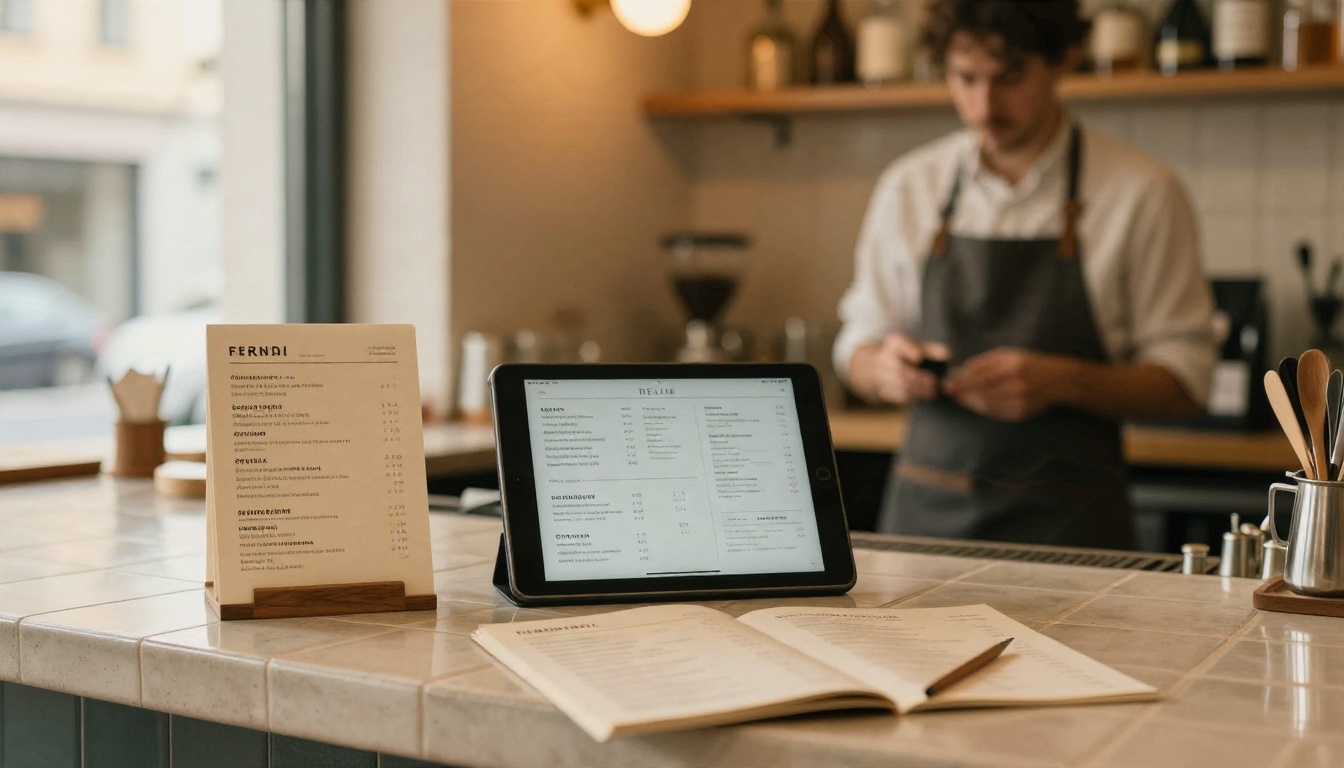
A neighborhood cafe. The owner designs a four page menu in a free design app and exports it as a PDF. After conversion, a QR code on each table opens the flipbook. When the seasonal drinks change, the owner replaces the file and the same QR code shows the new menu. No reprinting, no waste.
A freelance photographer. Instead of attaching heavy image folders to emails, the photographer builds a 20 page portfolio and sends one link. Potential clients flip through on their phones, and a password protects the page for unreleased client work.
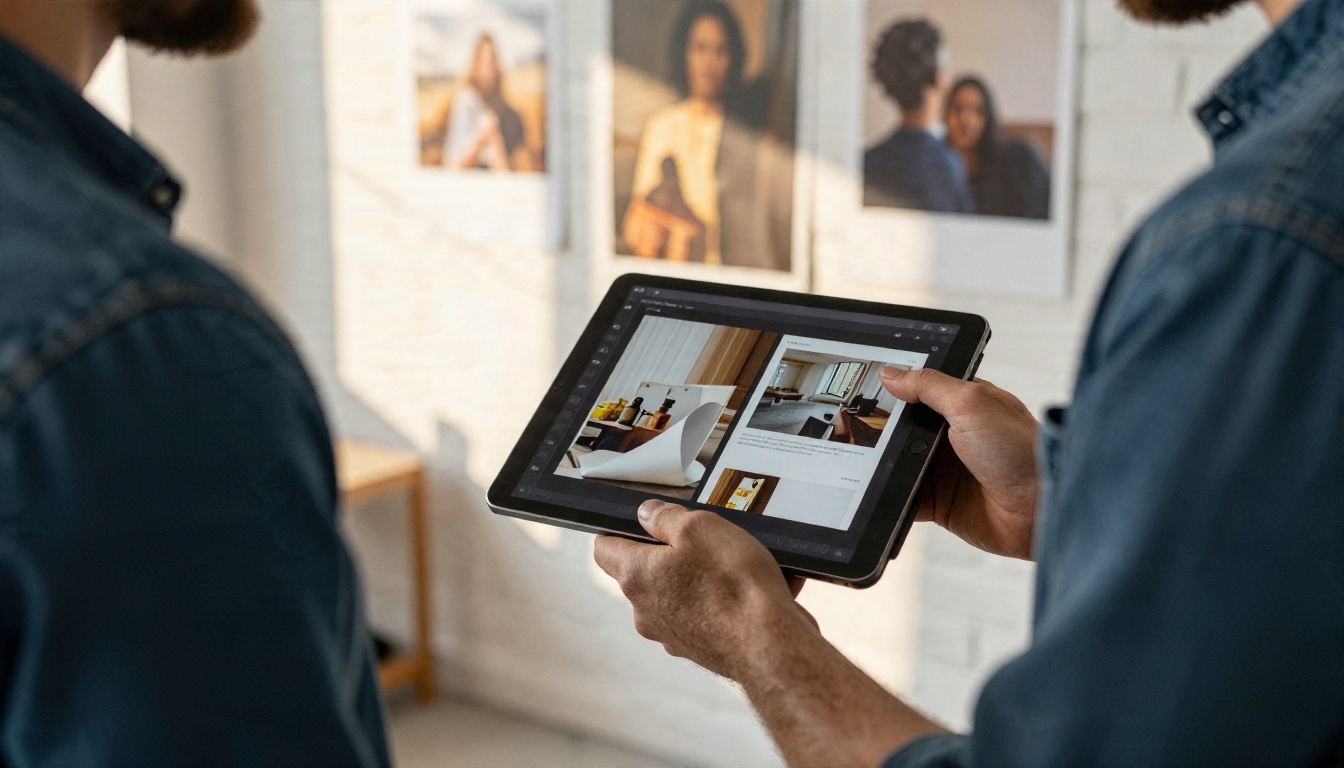
A furniture retailer. A sales team turns its spring range into a browsable catalog and embeds it on the product page. Customers zoom into fabric swatches and finishes, which cuts down on pre-sale questions.
A real estate agent. Each listing gets its own brochure flipbook with floor plans and photos. The agent adds the link to social posts and email signatures, and buyers can read it on the train.
A school. The office publishes its monthly newsletter as a flipbook. Parents no longer hunt for a lost paper copy, and teachers can reuse the same layout each month.
✅ Best practice: Put the strongest page first. Whatever shows on the opening spread is your thumbnail, your first impression and your best chance to earn the next flip.
Sharing Options Compared
Making the flipbook is half the job. The other half is getting it in front of the right audience in the right way. Each method suits a different situation.

Direct Link
The simplest option. Copy the URL and drop it into an email, a chat message, a social bio or a QR code. It works for almost every purpose and needs no technical setup.
Embed on Your Website
An embed code places the flipbook inside your own web page, so visitors read it without leaving your site. This suits product catalogs, annual reports and landing pages. The Embed Flipbook on Website tool shows how to paste the snippet into common site builders.
Password Protection
For client proposals, internal manuals and unreleased collections, add a password. Only people who have it can open the flipbook, which keeps sensitive material off search results and out of public view.
| Sharing Method | Best For | Setup Effort | Privacy Level |
|---|
| Direct link | Email, social, messaging | Very low | Open to link holders |
| QR code | Print, packaging, tables | Low | Open to scanners |
| Website embed | Product pages, reports | Medium | Public on your page |
| Password protected | Proposals, internal docs | Low | Restricted |
| Offline download | Trade shows, poor signal | Low | Depends on distribution |
⚠️ Watch out: Share the password through a different channel than the link. Sending both in the same message defeats the purpose.
Track Results and Capture Leads
A shared flipbook is only useful if you know whether it works. Plans on the Professional tier add analytics and lead generation, so you can see how people read and who wants to hear from you.
With analytics, you can check:
- How many people opened the flipbook
- Which pages hold attention and which get skipped
- Where readers come from
- How long they stay
Lead generation lets you place a short form before or inside the flipbook. A catalog that asks for an email address before page five turns casual browsers into contacts you can follow up with. Offline downloads give readers a copy for trade shows, flights and weak signal areas.
| Plan Need | Relevant Feature | Where to Look |
|---|
| Try the basics | Create a flipbook, no watermark | Free account |
| Publish many flipbooks | Unlimited flipbooks | Standard plan and above |
| Know your readers | Analytics and lead capture | Professional plan |
| Keep content private | Password protection | Available for private content |
Review the full breakdown on the pricing page to match a plan to your workload.
💡 Pro tip: If analytics show readers dropping off at page six, move your strongest content earlier or shorten the section. Small edits often lift reading time noticeably.
Start Your First Flipbook Today
You already have the hardest part: the content. A flipbook simply gives it a better stage. Pick a template that matches your goal, upload your PDF, adjust the branding, test on your phone and share the link.
Here is a simple plan for the next hour:
- Create your free account on Flipbooks AI.
- Upload a PDF you already have, even a rough draft.
- Customize colors, logo and page effect.
- Publish and open the link on your phone.
- Send it to one person and ask what they noticed first.
Ready to see your own pages turn? Get started for free and publish today. Browse all flipbook tools and templates for inspiration, or compare pricing plans when you are ready for analytics, unlimited flipbooks and lead capture.



