Most people who want to publish a magazine stall at the same point: they open a blank page, stare at it, and wonder where the money and the talent are supposed to come from. Good news. You need neither a design degree nor a software budget. A free layout app, a handful of strong photos, and a platform like Flipbooks AI that turns your PDF into a page-turning reader are enough to ship an issue this month. This article walks through the whole path: planning, free tools, layout rules that make pages look professional, publishing, and finally how to get paid for it.
Plan Before You Open Any App
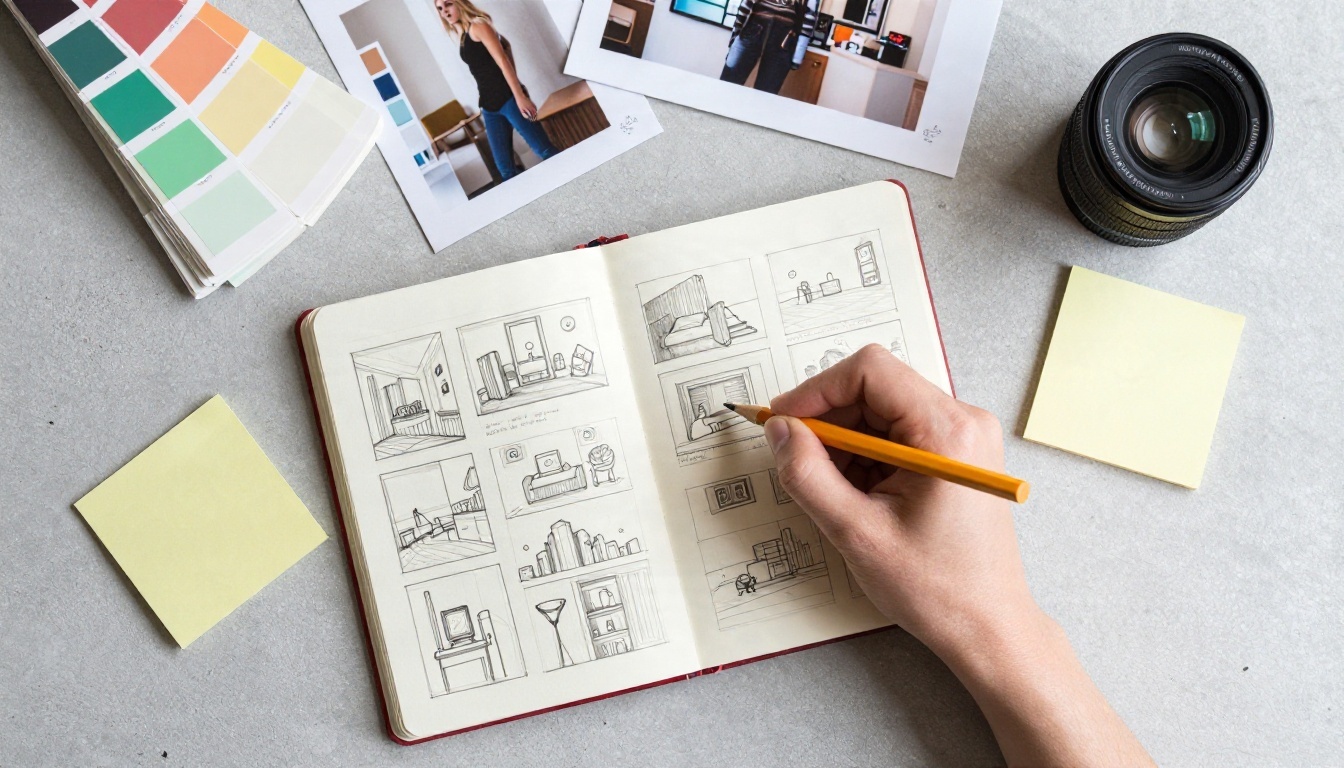
Designers who skip planning end up redesigning the same page four times. Thirty minutes with a pencil saves days of rework, so start on paper. Draw small boxes, one per page, and decide what lives in each before you touch a computer.
Pick a Narrow Audience
"A magazine about travel" is a hobby. "A quarterly magazine about slow train journeys in Europe" is a product. The narrower your subject, the easier it is to write for, to find photos for, and to sell to a reader who already cares.
Ask yourself three questions:
- Who is this for? Describe one real person, not a demographic.
- What problem or pleasure does it serve? Inspiration, instruction, entertainment, or status.
- Why would they pay for it? Free content is everywhere, so your angle must be specific.
Set Your Page Count and Cadence
A first issue of 16 to 24 pages is realistic for a solo creator. Print magazines work in multiples of four, but digital issues have no such limit. Still, an even number keeps spreads balanced when readers view two pages side by side.
| Issue Type | Pages | Realistic Schedule | Best For |
|---|
| Mini issue | 12 to 16 | Monthly | Solo creators, newsletters with visuals |
| Standard issue | 24 to 40 | Quarterly | Small teams, niche lifestyle titles |
| Premium issue | 60 to 100 | Twice a year | Photography, fashion, long reads |
💡 Pro tip: Commit to a schedule you can keep during your worst month, not your best. Readers forgive a smaller issue. They do not forgive a missing one.
You can produce a professional-looking magazine with software that costs nothing. The trick is picking the one that matches your skill level instead of the one with the longest feature list.
Layout Tools Compared
| Tool | Cost | Skill Level | Strength | Limitation |
|---|
| Canva (free plan) | Free | Beginner | Huge template library, drag and drop | Premium assets are locked behind a paywall |
| Scribus | Free, open source | Intermediate | True print-grade control, parent pages, CMYK | Dated interface, steeper curve |
| Affinity Publisher | Free to download at the time of writing | Intermediate | Professional grid and typography tools | Needs time to set up styles properly |
| Adobe Express (free) | Free | Beginner | Quick social-style pages | Limited multi-page control |
| Google Slides | Free | Beginner | Collaboration with co-editors | Weak typography, no bleed settings |
If you have never laid out a page, begin with Canva. If you want long-term control and plan to publish for years, Scribus or Affinity repay the extra hours. Whichever you choose, export as a high-quality PDF. That single file is the master copy that everything else, including your online reader, is built from.
Free Image and Font Sources
Photos and type carry most of a magazine's personality, and both are available at no cost:
- Unsplash, Pexels, and Pixabay offer free photography. Check each licence, since rules on resale and attribution differ.
- Google Fonts gives you hundreds of typefaces that are free for commercial use.
- Your own phone camera works better than you think in daylight. Original images also make your magazine impossible to confuse with anyone else's.
- Commissioned photographers will often trade images for a credit and a link, especially early in their careers.
Hidden Limits of Free Plans
Free tools are generous, but read the fine print before you build an entire issue inside one. Watch for these traps:
- Watermarks on exports. Some apps stamp their logo on free PDFs.
- Locked fonts and stock photos. A template that looks perfect may use paid assets you cannot export.
- Resolution caps. A low-resolution PDF looks soft on a large monitor.
- No offline file format. If you cannot export a clean PDF, moving platforms later becomes painful.
⚠️ Warning: Always export a test PDF before designing all pages. Discovering a watermark on page 20 of a finished issue is a miserable afternoon.
Layout Tips That Look Professional
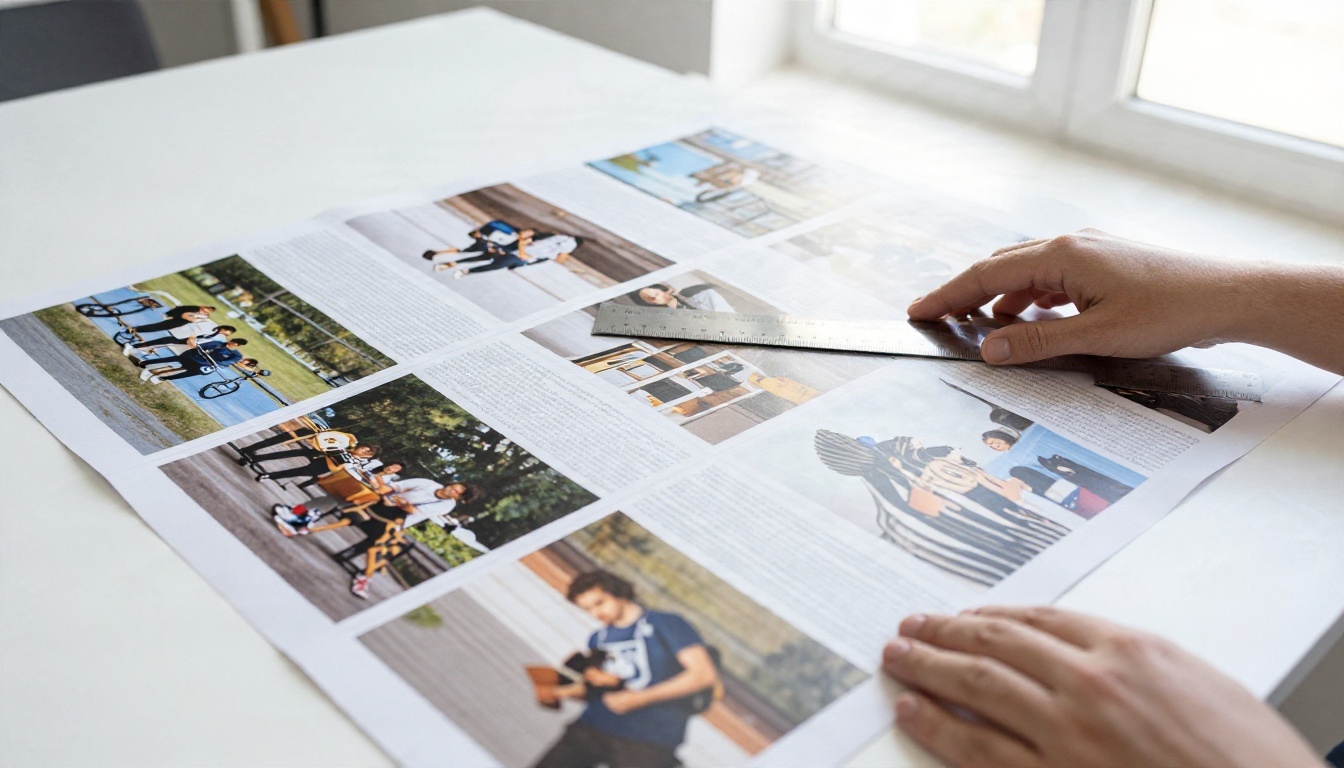
Professional layout is mostly discipline. Readers cannot name what makes a page feel polished, but they feel it instantly when margins, spacing, and type stay consistent.
Build a Grid First
A grid is an invisible set of columns and margins that every page follows. It is the single biggest difference between a magazine and a pile of nice pictures.
- Use 2 columns for text-heavy pages and 3 or 4 columns for mixed layouts.
- Set outer margins of at least 15 mm (about 0.6 inch), and make the inner margin slightly larger so nothing disappears into the gutter.
- Align headlines, captions, and photo edges to the same column lines.
- Repeat a parent page (sometimes called a master page) for folios, running heads, and page numbers so they never drift.
Pair Fonts Without Guessing

Two typefaces are plenty. One expressive face for headlines, one quiet face for body text. Contrast is what makes the pair work, so avoid two fonts that look almost the same.
| Style | Headline Font | Body Font | Mood |
|---|
| Classic editorial | Playfair Display | Source Sans 3 | Elegant, fashion and culture |
| Modern clean | Montserrat | Lora | Fresh, lifestyle and travel |
| Warm and friendly | Fraunces | Inter | Approachable, food and home |
| Bold and punchy | Bebas Neue | Open Sans | Sports, music, street culture |
Keep body text between 9 and 11 points for print and slightly larger for screens. Since many people will read on a phone, bigger is safer. Line spacing around 1.4 times the font size keeps paragraphs breathable.
Choose Photos With Purpose

Treat each spread like a small story with one hero image, a few supporting images, and room to breathe. A full-bleed photo on the opening page of a feature sets the tone faster than any headline.
- Choose one dominant image per spread and let it run large.
- Vary scale: a wide landscape, then a tight detail, then a portrait.
- Leave calm areas in photos so text can sit on top without a dark box behind it.
- Use captions. Readers study them more than body copy.
✅ Best practice: Squint at your spread. If you cannot tell where to look first, the page has too many competing elements.
Three mistakes beginners repeat constantly:
- Cramming every page to the edges because empty space feels wasteful.
- Mixing four or five fonts "for variety."
- Using low-resolution photos stretched past their native size.
Make Your Magazine with Flipbooks AI
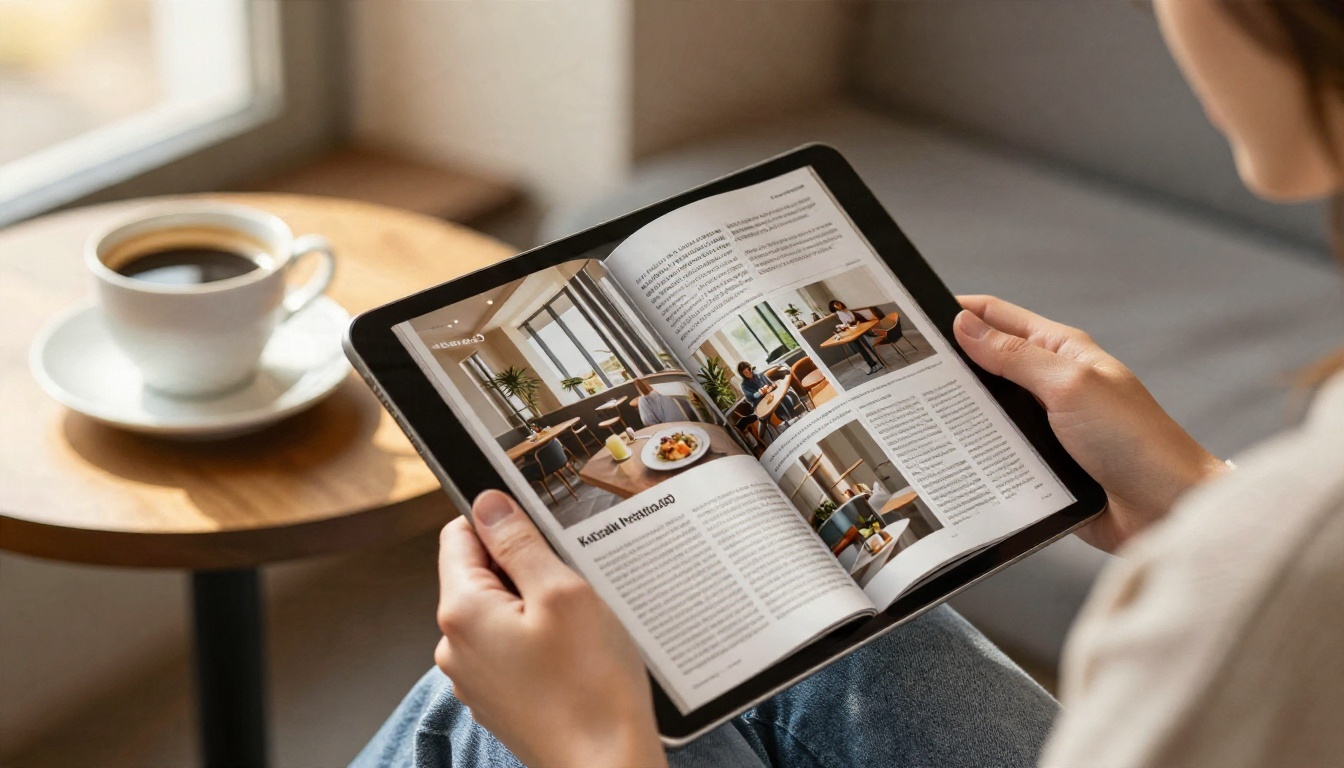
A PDF is flat, easy to forward, and boring to open. A flipbook feels like holding an issue: pages curl, sound plays, links click, and the file loads in the browser with no download. The Magazine Flipbook Creator and E-Magazine Publishing Tool are built for exactly this job. Here is the process from PDF to published issue.
Upload and Convert Your PDF
- Create a free account on Flipbooks AI and open your dashboard.
- Click the upload button and select the PDF you exported earlier. The PDF to Flipbook Converter reads every page and keeps your fonts and images intact.
- Wait for the conversion. A 24-page issue normally finishes within moments.
- Preview the result, flipping through each spread to confirm nothing was cropped.
💡 If your PDF contains live links to your website or sponsors, they stay clickable in the flipbook, so add them before exporting.
Brand It and Add Media
Once the pages load, open the customization panel. Here is where a plain PDF turns into a branded experience:
- Custom branding: upload your logo, pick a background colour that suits your palette, and choose the toolbar style.
- Page effects: adjust the page-turn animation and sound so it feels natural, not gimmicky.
- Multimedia: embed a video interview, an audio playlist, or a photo gallery directly on the relevant page.
- Mobile-responsive design: the reader adapts to phones and tablets automatically, so check both views.
- No watermarks, ever: your issue carries your name, not a platform's.
Share, Embed, and Protect
You have several ways to put the finished issue in front of readers:
| Sharing Option | How It Works | Best For |
|---|
| Direct link | Paste a URL in email, social posts, or messages | Fast launches and newsletters |
| Embed code | Drop the reader on a page with Embed Flipbook on Website | Blogs, shops, landing pages |
| Password protection | Require a code to open the issue | Paid subscribers, members only |
| Offline download | Let readers save the issue to read later | Travel, low-signal areas |
Password protection is the simplest way to sell: send each buyer the link and password after payment. When a new issue goes out, change the password.
Pro Features Worth Considering
On the Professional plan you get analytics and lead generation. You can see which pages hold attention, where readers drop off, and capture an email address before someone opens an issue. That data tells you which topics to repeat and which ads are actually seen. Check current options on the pricing page, and note that the Standard plan and above include unlimited flipbooks, which suits a monthly publishing schedule.
How to Sell Your Digital Magazine
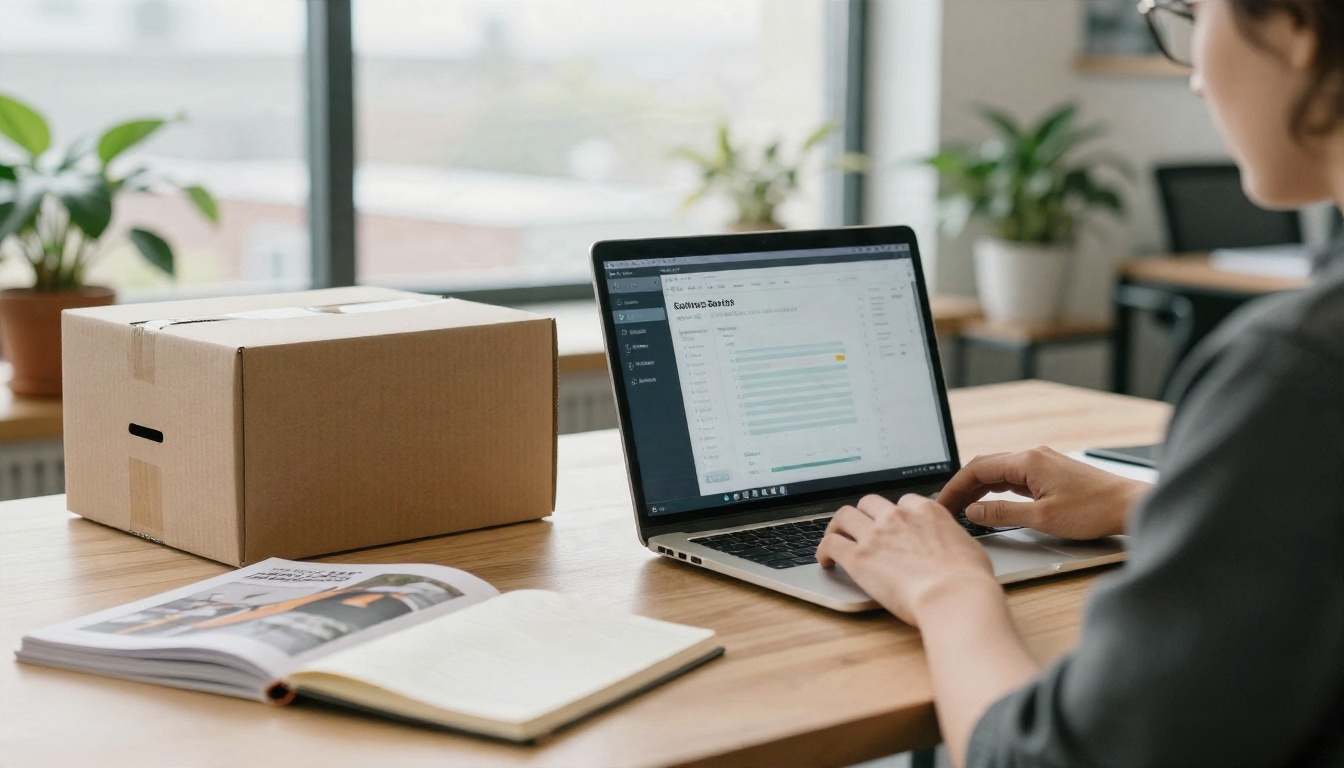
A beautiful issue nobody pays for is a portfolio piece. A modest issue with a clear business model is a publication. Decide how you will earn before issue one goes live, because your pricing shapes how you design, promote, and deliver.
Pricing Models Compared
| Model | How It Works | Pros | Cons |
|---|
| Single issue sale | Reader pays once per issue | Low commitment, easy to start | Revenue is unpredictable |
| Subscription | Monthly or yearly payment for every issue | Steady, forecastable income | Needs a regular schedule |
| Free with sponsors | Issues are free, advertisers pay | Large audience reach | You need readers before sponsors |
| Freemium | Sample issue free, full archive paid | Builds trust quickly | Two versions to maintain |
| Pay what you want | Reader chooses a price | Low barrier, good for first issues | Often earns little |
For a first title, freemium plus subscription tends to work best. Give away a short sample issue to prove quality, then charge for the full edition. Price against value, not against effort: if one issue helps a reader plan a trip or learn a craft, five to ten dollars feels fair.
Where to Sell
You do not need to build a shop from scratch:
- Your own website with a payment button and the flipbook embedded behind a password.
- Gumroad, Ko-fi, or Payhip for simple digital product checkout.
- Patreon or Substack for recurring supporters, with the issue link delivered in a members-only post.
- Direct invoices for corporate or association titles.
Whichever route you pick, the delivery sequence stays the same: payment confirms, a thank-you page or email gives the link, and the reader opens it instantly in a browser.
Sponsors and Ads
Advertising is often easier than subscriptions at the start, especially for niche audiences. A local bakery will pay to appear in a magazine about neighbourhood food culture, because its audience is exactly the right size.
- Build a one-page media kit with your audience description, issue schedule, and ad sizes.
- Offer three formats: full page, half page, and a sponsored feature.
- Link every ad to a landing page so you can show sponsors real click numbers.
- Report results after each issue using your flipbook analytics.
⚠️ Label sponsored content clearly. Readers trust you more when they can tell advertising from editorial.
Grow Your Readership

Publishing is half the job. The other half is getting people to open the issue. A few habits do most of the work.
- Tease with a single spread. Post one striking page on social media and link to the full issue.
- Collect emails from day one. An email list is the only audience you truly own. The Newsletter Flipbook Publisher is useful for a lighter, more frequent companion issue.
- Collaborate. Invite photographers, writers, and illustrators who will share the issue with their own followers.
- Repurpose content. Turn a feature into a blog post, a short video, and three social images.
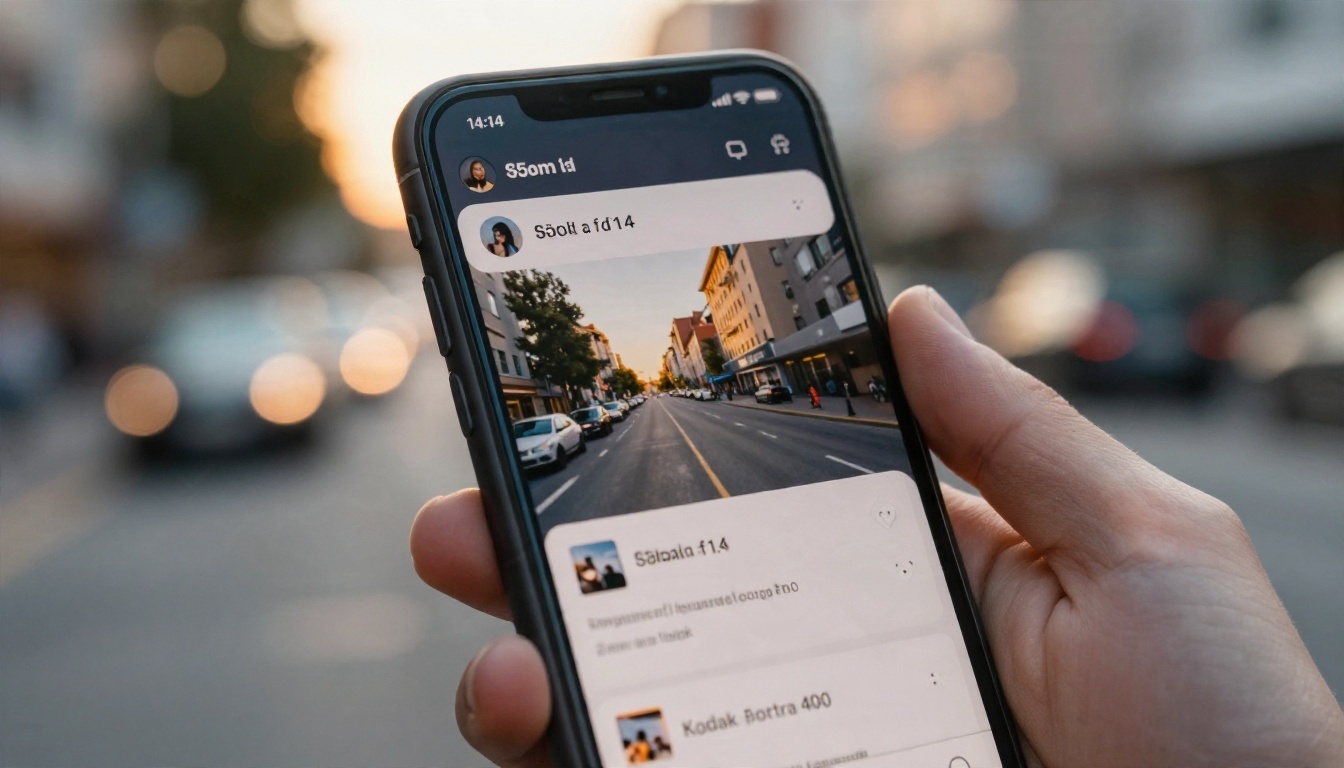
Most of your readers will arrive on a phone, often from a social link, so test every issue on a small screen before you publish. If you also produce visual portfolios or fashion features, tools like the Interactive Lookbook Designer and Digital Portfolio Creator give those sections a polished home inside your wider brand.
A Simple Launch Checklist
| Step | Task | Done When |
|---|
| 1 | Define audience and angle | You can describe your reader in one sentence |
| 2 | Sketch page plan | Every page has a purpose |
| 3 | Design in a free tool | A clean PDF is exported with no watermark |
| 4 | Convert to flipbook | Mobile and desktop views both look right |
| 5 | Set pricing and delivery | Payment sends the link automatically |
| 6 | Announce | Teaser spread and email list are ready |
Ready to Publish Your First Issue?
You now have everything for a real launch: a focused idea, free tools that do the heavy lifting, layout rules that make pages look deliberate, and a few proven ways to earn from your work. The only step left is to make issue one and put it in front of readers.
- Create your free account on Flipbooks AI and upload your first PDF.
- Browse all flipbook tools to find templates for newsletters, catalogs, lookbooks, and more.
- Compare pricing plans to pick the level that fits your publishing schedule, from a single issue to unlimited editions.
Your first issue will not be perfect, and that is fine. Publish it, watch which pages readers love, and make the next one better.



