You uploaded a PDF to your website, and it looks like a flat download link from 2009. So you searched for a page-turning viewer, and DearFlip kept showing up. It is a popular choice, but its settings screen is long, the free version has limits, and the phrase "online option" confuses a lot of people. This article sorts all of that out, and it also shows where a hosted tool such as Flipbooks AI is the faster route.
Quick answer: DearFlip is a self-hosted viewer you install and configure yourself. A hosted flipbook platform does the hosting, conversion and sharing for you. Which one is right depends on your site, your budget and how much time you want to spend on settings.
What DearFlip Actually Is
DearFlip is a 3D flipbook viewer sold mainly as a WordPress plugin, with a free "lite" edition and a paid edition. It also exists as a script-based version for sites that do not run WordPress. You add a PDF, the viewer renders the pages in the browser, and visitors flip through them with a page-curl animation, zoom, and a toolbar.
The Plugin Behind the Name
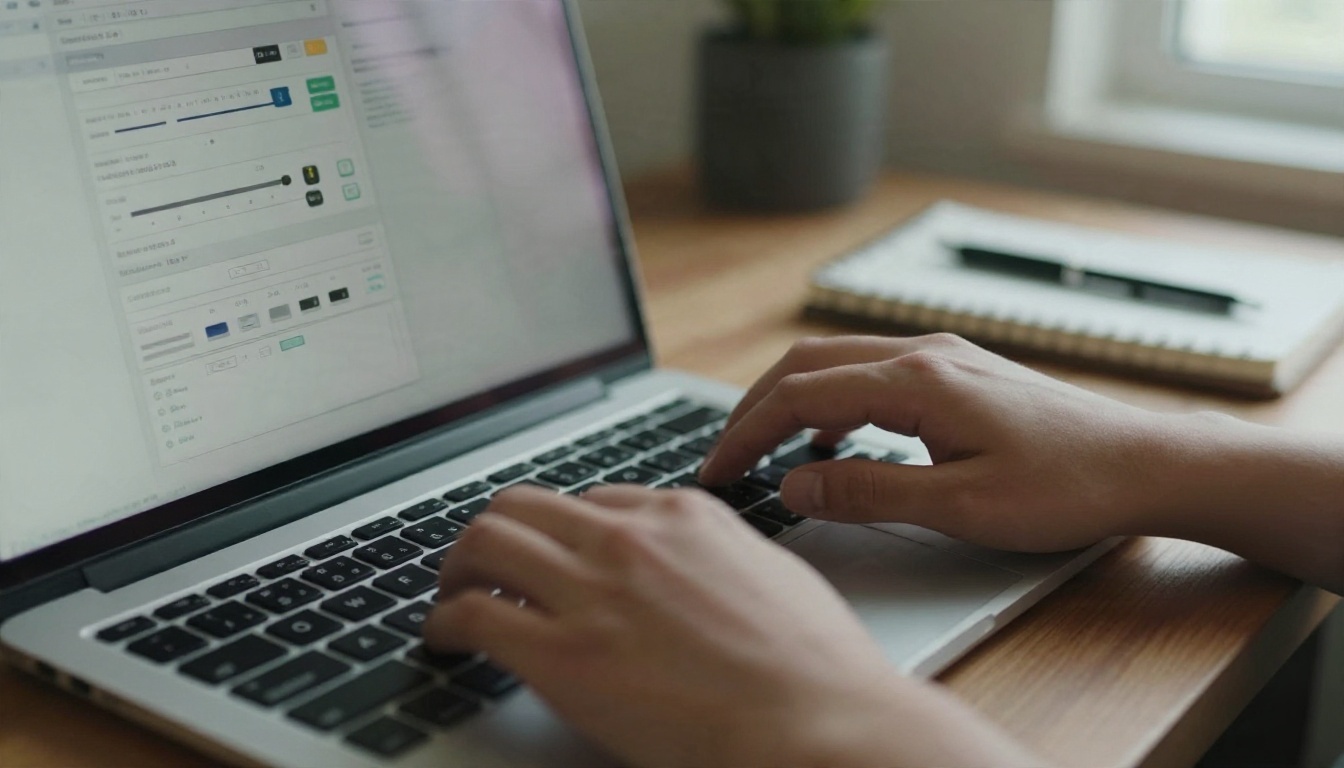
The plugin works like this: you create a flipbook entry in the WordPress dashboard, point it at a PDF from your media library, pick display options, and paste a shortcode into any page. The PDF stays on your server, and the rendering happens inside the visitor's browser.
That has two consequences worth knowing:
- You own the files and the hosting. Nothing is sent to a third-party converter.
- You also own the problems. Large PDFs, slow shared hosting and caching plugins can all affect how smoothly pages load.
💡 Plugin features and pricing change between releases. Check the current listing on the plugin page before you buy or install anything.
DearFlip Settings That Matter
The settings panel can look intimidating. In practice only a handful of options change what your visitors see. The names below follow the general layout of the plugin, but labels can differ slightly between versions.
Layout and Page Mode
These choices decide how the book looks on first load:
- Single page or double page view. Double page feels like a printed magazine. Single page is safer for portrait content on phones.
- Page flip duration. A shorter value feels snappy. A longer value looks dramatic but can annoy people who skim.
- Reading direction. Switch to right-to-left for Arabic, Hebrew or manga-style books.
- Background color and height. Match the viewer to your site palette so it does not look pasted in.
- Open mode. Show the book inline on the page, or open it in a lightbox when a visitor clicks a cover thumbnail.
Controls and Toolbar
The toolbar is where many sites go wrong by turning everything on. Think about what the reader needs:
- Zoom and fullscreen are almost always worth keeping.
- Thumbnails and page list help in long documents such as manuals and catalogs.
- Download and print are useful for brochures, but remove them if the content is sensitive.
- Share buttons only make sense if people are likely to pass the link on.
- Sound (the page-turn effect) is fun once and irritating after the third page.
Performance and Loading
PDF viewers are heavy because the browser has to parse the file. Three habits keep things light:
- Compress the PDF first. A 60 MB brochure with uncompressed photos will feel slow whatever the plugin does.
- Set a sensible page cache or preload value so only nearby pages render.
- Test on a mid-range phone, not just your office laptop.
| Setting group | What it changes | Common mistake |
|---|
| Page mode | Single or double spread | Double spread on narrow phones |
| Flip duration | Speed of the page curl | Setting it too slow |
| Toolbar buttons | Zoom, print, share, download | Turning every button on |
| Open mode | Inline embed or lightbox | Lightbox on a page with several books |
| Preload and cache | Initial load speed | Ignoring file size |
| Direction | Left-to-right or right-to-left | Wrong direction for the language |

The Free Version, Honestly
The free edition is a real, usable product. For a single brochure on a hobby site or a small business page, it may be all you need. The trick is knowing where it stops.
What You Get
Typically the free edition gives you:
- A PDF-based flipbook with a 3D page-turn effect
- A shortcode to embed it in posts and pages
- Basic toolbar controls such as zoom, fullscreen and page navigation arrows
- Lightbox and inline display
- Basic color and layout settings
Where It Stops
The limits tend to show up when a project grows. Features such as in-book video, clickable internal links, richer outlines and extra viewing modes are generally reserved for the paid edition. Support and updates also differ by license.
| Need | Free edition | Paid edition | Hosted platform |
|---|
| One PDF on a WordPress page | Yes | Yes | Yes (via embed) |
| Embedded video in pages | Usually no | Usually yes | Yes |
| Works without WordPress | Limited | Script version | Yes |
| Hosting and bandwidth handled for you | No | No | Yes |
| Reader analytics | No | Limited or add-on | Yes (higher plans) |
| Password protection | No | Varies | Yes |
⚠️ "Free" still costs time. If you spend three hours debugging a cached shortcode, the free plugin was not really free.
Is There an Online Option?
People search for a "DearFlip online" tool expecting a web page where you drop a PDF and get a flipbook back. DearFlip is built around a plugin and script you install on your own site, so it is not a hosted converter in the usual sense. If you want a drag-and-drop web service, you are looking at a different category of product.

Self-Hosted vs Hosted
| Factor | Self-hosted viewer | Hosted flipbook platform |
|---|
| Setup | Install, configure, embed | Upload and publish |
| Server load | Your server | Their servers |
| Updates | You apply them | Automatic |
| Sharing link | Page on your site | Instant public link plus embed |
| Cost model | License or free plugin | Monthly or yearly plan |
| Control over files | Full | Shared with provider |
When Hosted Wins
A hosted tool is usually the better pick when:
- You do not use WordPress, or you do not want another plugin on it.
- You need a shareable link for email, WhatsApp or social posts.
- You want password protection or lead capture without writing code.
- Several people on a team need to publish without touching the website.
The self-hosted route wins when privacy rules require files to stay on your own server, or when you already manage a WordPress site and want the viewer to sit inside it.
DearFlip Alternatives Compared
You have two broad families to choose from: other WordPress or script-based viewers, and hosted flipbook services.

WordPress Plugins
These install like DearFlip does. Well-known names include Real3D Flipbook, 3D FlipBook, and lighter options such as PDF Embedder, which focuses on a clean embedded reader without the page curl. Each has its own pricing and feature balance, so compare the current feature lists rather than trusting a years-old review.
Hosted Platforms
Hosted services include Issuu, Flipsnack, FlippingBook, Heyzine and Flipbooks AI. They convert your PDF on their side and give you a link and an embed code.
| Option | Type | Best for | Watch out for |
|---|
| DearFlip | WordPress plugin or script | Sites that already run WordPress | Manual setup and file size |
| Real3D Flipbook | WordPress plugin | Highly customizable 3D books | Many settings to tune |
| PDF Embedder | WordPress plugin | Simple, fast reading | No page-curl effect |
| Issuu | Hosted | Public publishing and discovery | Branding on lower plans |
| Flipsnack | Hosted | Design plus flipbook workflow | Plan limits |
| Heyzine | Hosted | Quick link sharing | Feature tiers |
| Flipbooks AI | Hosted | PDF to flipbook with no watermark | Needs an account |
✅ Whatever you pick, test with your real PDF, not a demo file. Fonts, images and page size behave differently in every viewer.
How to Create a Flipbook with Flipbooks AI
If you decide a hosted route suits you better, here is the process on Flipbooks AI. It takes a few minutes, and it does not involve a plugin, a shortcode or server settings.
Upload and Convert
- Go to Flipbooks AI and create an account.
- Click to start a new flipbook and drop in your PDF. The PDF to Flipbook Converter turns each page into a turnable spread.
- Wait for the conversion to finish. Pages, links and images carry over from the PDF.

💡 If you are building something specific, pick a purpose-built tool such as the Digital Catalog Maker, the Brochure Flipbook Maker or the Magazine Flipbook Creator.
Brand It
This is the step that replaces most of the DearFlip settings screen:
- Set brand colors and a background that matches your site.
- Add your logo so the flipbook feels like part of your brand.
- Choose page effects and flip behavior.
- Add videos and audio to the pages that need them.
The result is mobile-responsive by default and carries no watermark.
Share and Protect
- Copy the direct link for email, chat or social posts.
- Use the embed code to place it on any site. The Embed Flipbook on Website tool shows how this works on different site builders.
- Turn on password protection if the content is private, such as an internal price list or a client proposal.
Analytics and Lead Capture
On the Professional plan you can see how readers behave and collect contact details before they open the book. You can also allow offline downloads for people who need the document on a plane or a job site. Compare pricing plans to see which tier includes what you need, and note that unlimited flipbooks are available from the Standard plan up.

Which Option Fits Your Project
Settings and features matter less than the job you need done. Here is how the choice usually plays out.
Real-World Scenarios
| Scenario | Best fit | Why |
|---|
| Blogger with one PDF on WordPress | DearFlip free | Low cost, simple embed |
| Agency building a branded 3D book for a client site | DearFlip paid or Real3D | Deep control inside WordPress |
| Restaurant sharing a menu by QR code | Hosted platform | Link works anywhere. See the Restaurant Menu Creator |
| Real estate agent sending listings to buyers | Hosted platform | Shareable link plus lead capture. Try the Real Estate Brochure tool |
| Photographer showing work to clients | Hosted platform | Clean, mobile-ready display. See the Photography Portfolio tool |
| Company with strict data residency rules | Self-hosted viewer | Files stay on your server |

Most of your readers will open the link on a phone. That is why mobile behavior should be the first thing you test, whichever viewer you choose.
Common Mistakes
- Choosing by demo. Demos use perfect, light PDFs. Yours may not be.
- Skipping PDF compression. It is the cheapest speed fix there is.
- Turning on every toolbar button. More buttons mean more clutter.
- Forgetting the link. A flipbook buried inside a page nobody visits does nothing. Plan where the link will live.
- Ignoring access control. If the content is private, set a password or choose a platform that supports it.
Pick Your Next Step
If you run WordPress, enjoy tuning options, and want the files on your own server, DearFlip's free edition is a fair place to test the idea. Install it, embed one PDF, and see whether the free feature set is enough.
If you want a flipbook live in minutes, with a shareable link, embed code, password protection and no watermark, get started for free on Flipbooks AI. Browse all flipbook tools to find the one that matches your content, or compare pricing plans before you decide. When you are ready to publish, sign in and choose a plan.



