Your client finishes the shoot, loves the preview gallery, and then waits three weeks for a printed album that costs you a weekend of layout work. A digital album short-circuits that wait. It is a page-turning, mobile-friendly flipbook of your best frames that a client can open from a text message, and it looks like a real album instead of a folder of JPEGs. With a tool like Flipbooks AI, you can turn a designed PDF into one in minutes, without watermarks and without asking clients to install anything.
This article walks through real digital album examples, the template layouts that save the most time, what to charge, what the software costs, and how to deliver the finished album to clients safely.
Why Photographers Are Going Digital
Photographers have always sold an experience as much as pictures. The album was the final chapter of that experience. The problem is that print albums are slow, expensive to produce, and hard to revise once the client has seen them. Digital albums solve the three biggest headaches at once.
What a Digital Album Really Is
A digital album is a designed, paginated presentation of photos, usually exported from InDesign, Canva, Lightroom or a dedicated album designer as a PDF. A flipbook platform then converts that PDF into an interactive viewer with realistic page turns, zoom, and sharing controls.
Compared to a standard online gallery, a digital album gives you:
- Storytelling control: you choose the sequence, pairings and white space
- A premium feel: page curls and spreads mirror a printed book
- Instant delivery: one link, no downloads, no ZIP files
- Easy revisions: swap a page, re-upload, and the link stays the same
Where Prints Still Win
Be honest with clients. Prints and heirloom books carry emotional weight that a screen cannot fully match. The smartest studios do not choose one or the other. They sell the digital album as the proof and preview, then upsell a printed version once the client approves the layout.
💡 Pro tip: Presenting a digital album first cuts revision rounds sharply, because clients react to a finished-looking design instead of imagining one from loose thumbnails.
Digital Album Examples That Sell
Strong albums are not random collections of favorites. They follow a structure that fits the type of shoot. Here are the formats that perform best across genres.
Wedding Story Albums
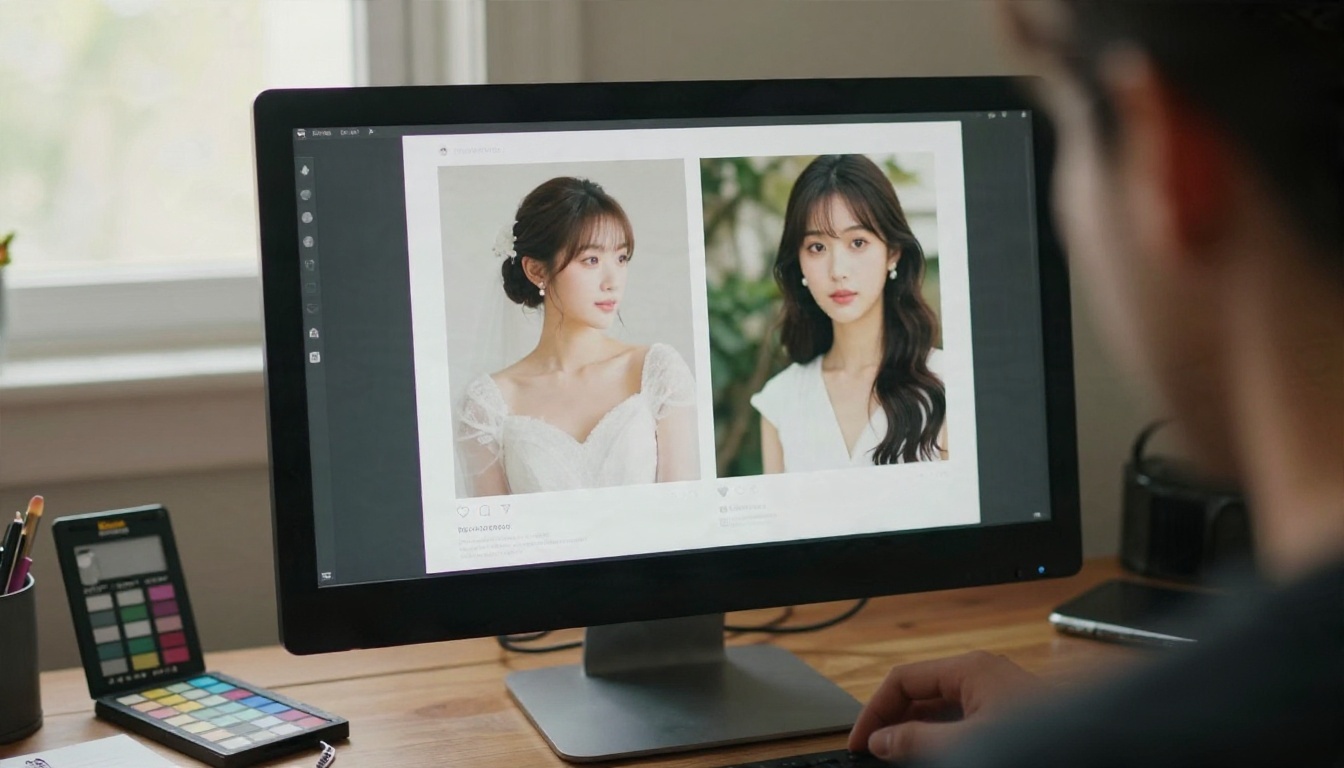
Weddings are the classic use case. A typical 30 to 40 spread album follows the day in order: getting ready, first look, ceremony, portraits, reception, and a quiet closing spread of the couple alone. Because couples often share the link with parents and wedding parties, a clean flipbook link travels far better than a large gallery download. If weddings are your core business, the Wedding Album Flipbook tool is built for exactly this layout.
Portrait and Family Sessions
Shorter albums of 10 to 15 spreads work well for newborn, maternity, family and senior sessions. Use full-bleed hero images on the opening spread, then alternate between single large portraits and grid pages with three or four smaller moments. Families tend to forward these albums to grandparents, so mobile performance matters.
Commercial and Editorial Work
Brand shoots, fashion editorials and real estate sets benefit from a lookbook structure: a cover frame, a concept page, then thematic spreads. The Interactive Lookbook Designer and the Photography Portfolio tools suit these cases, since you can embed links to usage licenses or product pages directly inside pages.
| Album Type | Typical Length | Best Layout Style | Main Goal |
|---|
| Wedding story | 30 to 40 spreads | Chronological, full bleed | Emotional keepsake and upsell to print |
| Family session | 10 to 15 spreads | Hero plus grid mix | Easy sharing with relatives |
| Newborn or maternity | 8 to 12 spreads | Minimal, soft white space | Gift-style presentation |
| Editorial lookbook | 12 to 24 pages | Concept led, bold type | Client approval and licensing |
| Portfolio showcase | 15 to 30 pages | Grouped by genre | Winning new bookings |
Templates That Save Hours
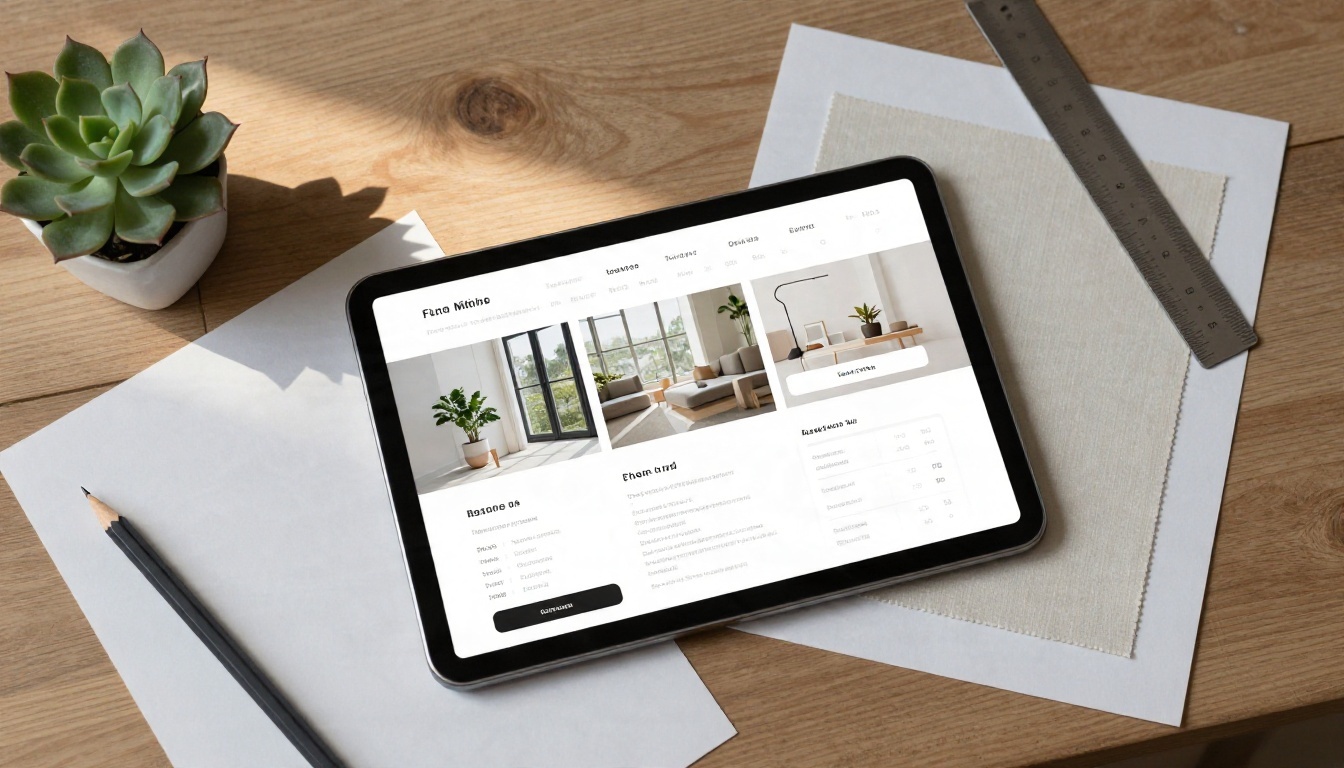
Building every album from a blank canvas is the fastest way to burn out. A small library of reusable templates lets you drop in images and export in an hour instead of a day.
Layout Rules That Work
Good templates share a few habits, no matter the style:
- One hero per spread. Let one image dominate and keep the others supportive.
- Consistent margins. Pick a margin, such as 0.5 inch, and hold it across the entire album.
- Respect the gutter. Never place a face across the center fold of a spread.
- Match tones. Pair a warm frame with another warm frame, and keep black and white sequences together.
- Leave breathing room. White space makes a premium album, not a crowded one.
Picking the Right Template Style
Choose the template to match the client, not your mood. A minimalist grid reads as modern and editorial. A full-bleed cinematic layout suits dramatic weddings. A softer, rounded layout with generous spacing fits newborn and family work.
| Template Style | Image Count per Spread | Best For | Setup Time |
|---|
| Full-bleed cinematic | 1 to 2 | Weddings, travel | 45 to 60 min |
| Clean grid | 3 to 6 | Events, commercial | 30 to 45 min |
| Magazine editorial | 2 to 4 plus text | Fashion, branding | 60 to 90 min |
| Soft minimal | 1 to 3 | Newborn, portraits | 30 to 40 min |
✅ Best practice: Export your album at 150 to 200 DPI. That keeps text and skin tones sharp on a retina screen while keeping the PDF small enough to convert quickly.
You can also start from a ready-made structure with the Digital Portfolio Creator or the Portfolio Flipbook Builder, then replace the sample images with yours.
What Digital Albums Cost
Pricing has two sides: what you charge clients and what the software costs you. Many photographers get the first one wrong because they ignore the second.

What Photographers Charge
Digital albums are rarely sold alone. They are usually bundled into a package or offered as a modest add-on. The figures below are typical market ranges, not fixed rules, and they vary by region and experience.
| Offer | Typical Price Range | How It Is Sold |
|---|
| Digital album as package bonus | Included | Raises perceived value of the booking |
| Standalone digital album | $75 to $250 | Add-on after delivery of the gallery |
| Digital album plus printed copy | $350 to $1,200 | Upsell after client approval |
| Mini-album for parents | $120 to $300 | Offered at gallery reveal |
The time you save is the real profit. If a template lets you finish a layout in 60 minutes, even a $100 add-on beats most editing hours.
Platform Costs Compared
Software costs fall into three buckets. Free tools often add watermarks or banners that make your work look unfinished. Mid-tier plans remove those limits. Professional tiers add analytics and lead capture.
| Capability | Free Tools | Standard Plan | Professional Plan |
|---|
| Watermark-free viewer | Rarely | Yes | Yes |
| Unlimited flipbooks | No | Yes | Yes |
| Password protection | Limited | Yes | Yes |
| Custom branding | No | Yes | Yes |
| Analytics and lead generation | No | No | Yes |
You can see current plan details on the Flipbooks AI pricing page.
⚠️ Watch out: A free viewer that displays another company's logo to your client undermines the premium price you charge. Check for forced branding before you commit.
How to Create One with Flipbooks AI
Here is the exact workflow for turning a finished album PDF into a shareable flipbook.
Step-by-Step Setup
- Create your account. Sign up on Flipbooks AI and open the dashboard.
- Prepare your PDF. Export your album spreads from your layout software. Keep one spread per page if you want the book to open flat, or single pages for a vertical flow.
- Upload and convert. Drag the file into the uploader. The PDF to Flipbook Converter turns each page into a realistic, page-turning view in moments.
- Customize the look. Add your logo, pick background colors that match your studio brand, and choose a page-turn effect. Keep it subtle for weddings and a bit snappier for commercial work.
- Add multimedia. Embed a short audio clip, such as the couple's first dance song, or a video highlight. Videos and audio can sit inside the flipbook itself.
- Test on mobile. The viewer is mobile-responsive, but always open it on a phone before sending.
- Publish and share. Copy the direct link, or grab an embed code to place the album on your site.
Protect, Embed and Track
Once the album is live, adjust its sharing settings:
- Password protection keeps private family sessions private.
- Embed code lets you place the album on a client page using the Embed Flipbook on Website tool.
- Offline downloads let clients keep a copy when they travel or have poor reception.
- Analytics and lead generation on the Professional plan show you who opened the album and how many pages they viewed, which is excellent for portfolio flipbooks sent to prospective clients.
Ready to try it? Start your first album for free and see how it looks on your own images.
Sharing Albums With Clients
Delivery is where many photographers lose polish. A beautiful album sent through a clumsy file transfer link feels cheap. Treat delivery as part of the product.

Links, Embeds and Passwords
Each method fits a different situation:
| Method | Best Situation | Privacy Level | Effort |
|---|
| Direct link in email or text | Fast delivery to one client | Medium | Very low |
| Password-protected link | Weddings, newborns, family sessions | High | Low |
| Embed on your website | Portfolio and sales pages | Public | Medium |
| QR code on a printed card | Studio handouts, events | Medium | Low |
For a wedding, send a password-protected link with a short, warm message. For a portfolio, embed the flipbook on your site so visitors can flip through without leaving the page. If you send albums to potential clients as part of a sales presentation, the Sales Presentation tool can give the album a more structured format.
Collecting Feedback and Approvals
Do not leave approval to chance. Include a final page listing next steps, such as how to request edits or order a printed version. A simple three-step message works well:
- Send the album link with the password.
- Ask the client to list any changes by page number within a week.
- Confirm the approved version and offer the print upgrade.
💡 Pro tip: Add a final "order your print album" page with your email or booking link. It turns every delivery into a quiet sales moment.
Common Mistakes to Avoid
Even good photographers repeat the same errors with digital albums. Fix these and your deliveries immediately look more professional.
Oversized Files
A 400 MB PDF slows conversion and can frustrate mobile viewers. Compress images to a sensible resolution before export.
Too Many Images
Fifty near-identical frames dull the story. Edit ruthlessly. A tight album of 30 great spreads beats a bloated one of 80.
Ignoring Mobile Viewing
Most clients will first open the link on a phone. Check text size, avoid tiny captions, and keep spreads readable at small sizes.
Skipping the Brand Touch
Add your logo, a short thank-you page, and your contact details. A forgettable delivery gets forgotten, while a branded one gets forwarded.
Ready to Build Yours?
A good digital album gives you faster delivery, fewer revisions, easier sharing and a clear path to print upsells. The workflow is simple: design the PDF, convert it, brand it, protect it, and send the link.
Your next gallery deserves more than a download link. Turn it into an album your clients will actually open, share and remember.



