You printed 2,000 brochures, and 1,400 are still sitting in a box. Sound familiar? Paper brochures cost money to produce, go out of date the moment a price changes, and tell you nothing about who actually read them. The good news is that there are plenty of digital alternatives, and the most natural one is the flipbook: a page-turning online version of your existing design. With a tool like Flipbooks AI, you can turn a PDF into a shareable brochure in a few minutes, no designer or developer required.
This article compares the main replacements for printed brochures, shows real examples by industry, lists free tools worth testing, and walks through exactly how to publish and share your first digital brochure.
Why Paper Brochures Fall Short
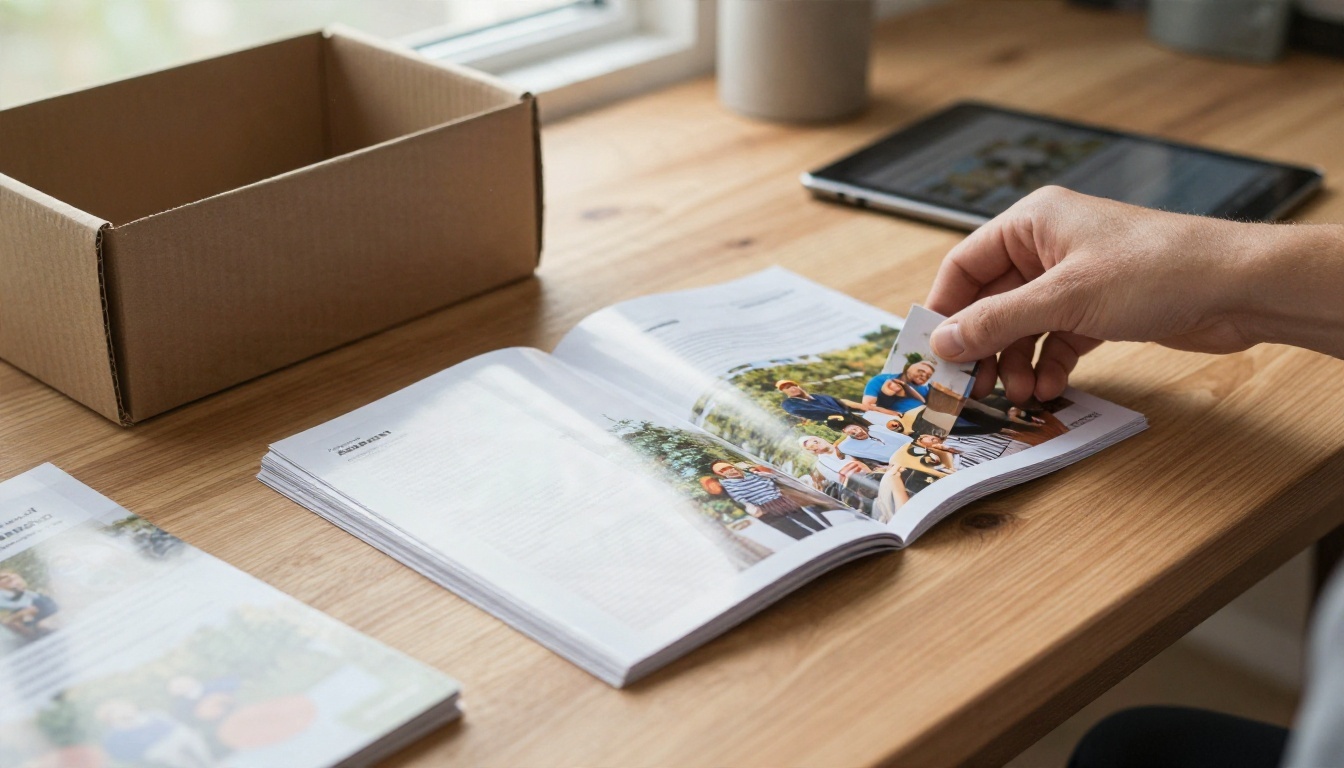
Print is not dead, but its weak spots are hard to ignore. A brochure is a fixed object. Once it leaves the printer, you cannot fix a typo, swap a photo or change an opening hour.
The Real Cost of Printing
Most teams only count the print invoice. The full picture is wider:
- Design and proofing rounds before anything goes to press
- Print runs with minimum quantities, so you pay for copies you may never hand out
- Shipping and storage for boxes that sit in a cupboard
- Reprints whenever prices, staff or addresses change
- Waste, because outdated stock ends up in the recycling bin
A digital brochure removes almost every item on that list. You update one file, and every link, embed and QR code shows the new version.
Where Print Still Wins
Be honest about the trade-off. Paper works well at trade shows, in hotel lobbies and at in-person sales visits, where a physical handout creates a memory. The smartest approach is often hybrid: a short printed leaflet with a QR code that opens the full digital brochure.
💡 Pro tip: Print one small card or postcard instead of a 12-page brochure, and let the QR code carry the rest. You cut print costs and still get a tangible touchpoint.
Digital Alternatives Compared
There is no single replacement for a brochure. Each format suits a different goal, budget and audience.
Flipbooks
A flipbook keeps the layout you already designed and adds page-turning, zoom, links and embedded media. Because it starts from your existing PDF, there is almost no redesign work. Readers get the familiar feel of a brochure on any device.
Interactive PDFs
A PDF with clickable links is the lowest-effort option. It is easy to attach to an email, but it has real drawbacks: large file sizes, awkward reading on phones, and no usable data about who opened it.
Landing Pages
A dedicated web page can rank in search and convert visitors with forms. It takes more time to build and does not preserve the visual flow of a brochure, so it works best as a companion rather than a substitute.
Slide Decks and Video
Presentations and short videos suit sales conversations and social media. They are poor at holding detailed information such as product specifications, price tables or itineraries.
| Format | Setup effort | Mobile reading | Trackable | Best for |
|---|
| Flipbook | Low (upload a PDF) | Excellent | Yes | Brochures, catalogs, menus |
| Interactive PDF | Low | Fair | Rarely | Email attachments |
| Landing page | High | Excellent | Yes | Lead capture, SEO |
| Slide deck | Medium | Fair | Sometimes | Live pitches |
| Video | High | Excellent | Yes | Brand stories, social |
For most small businesses, the flipbook is the strongest starting point because it converts what you already have, and it can sit alongside a landing page later.
Flipbook Examples That Work
Abstract advice only goes so far. Here is how different industries use digital brochures day to day.
Real Estate Listings
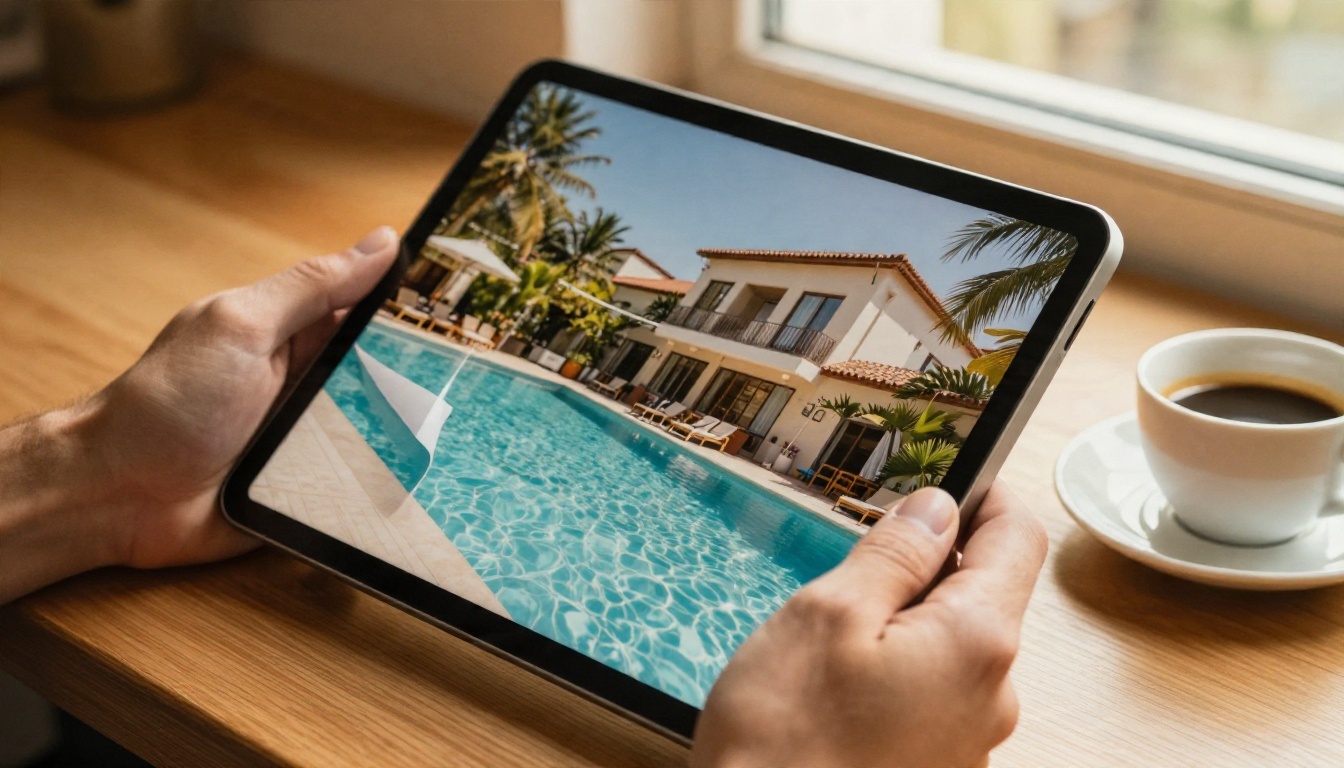
Agents benefit from sending a polished property brochure the same afternoon as a viewing. A flipbook can hold floor plans, photo spreads and neighborhood notes in one link. The Real Estate Brochure Creator is built for this, and buyers can flip through it on their phone on the train home.
Restaurants and Cafes
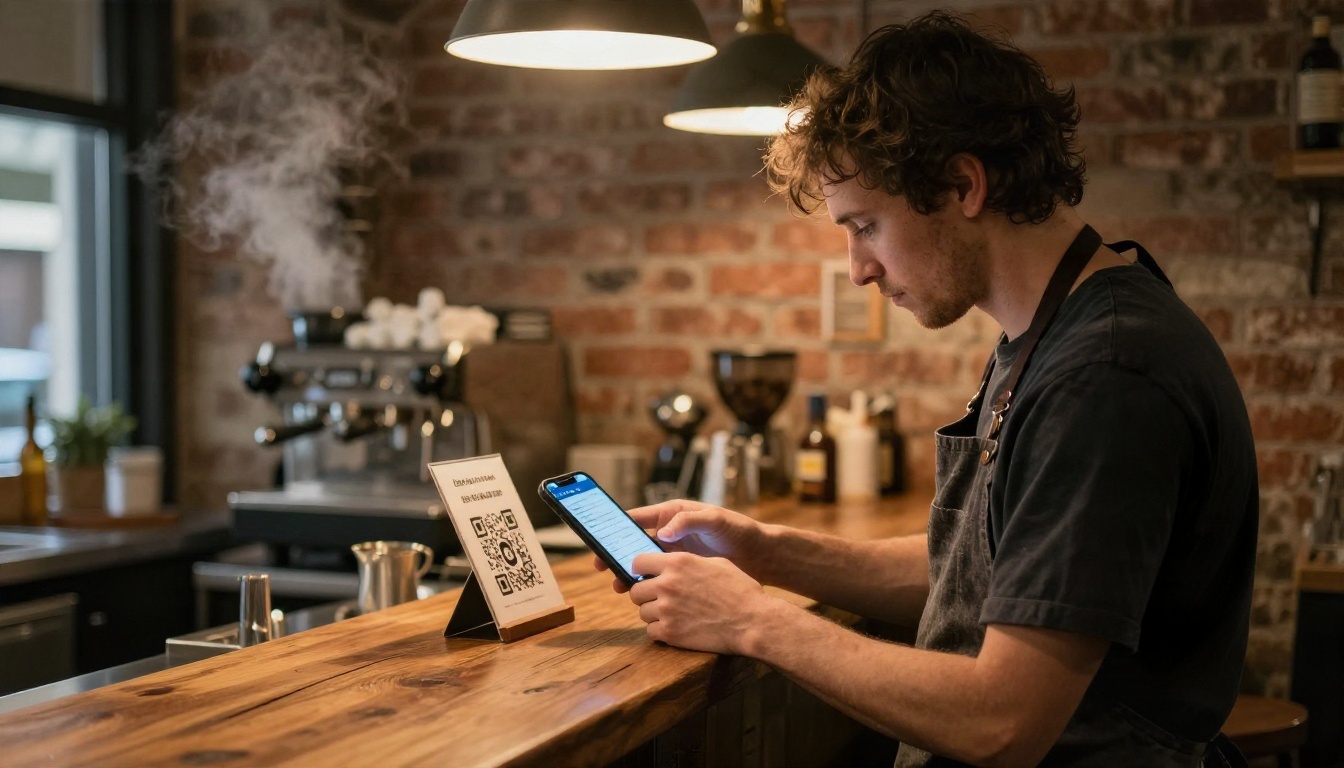
A restaurant can replace laminated menus with a flipbook reached through a QR code on each table. Prices change on Friday, the file updates on Friday, and nobody reprints anything. Try the Restaurant Menu Creator or the Menu Flipbook Designer to see how this looks in practice.
Fashion and Retail
Seasonal lookbooks are expensive to print and quickly outdated. A boutique can publish a new lookbook each season and link products straight to the online shop. Larger sellers can use the Fashion Catalog Creator to keep dozens of pages in order.

Portfolios and Creative Work
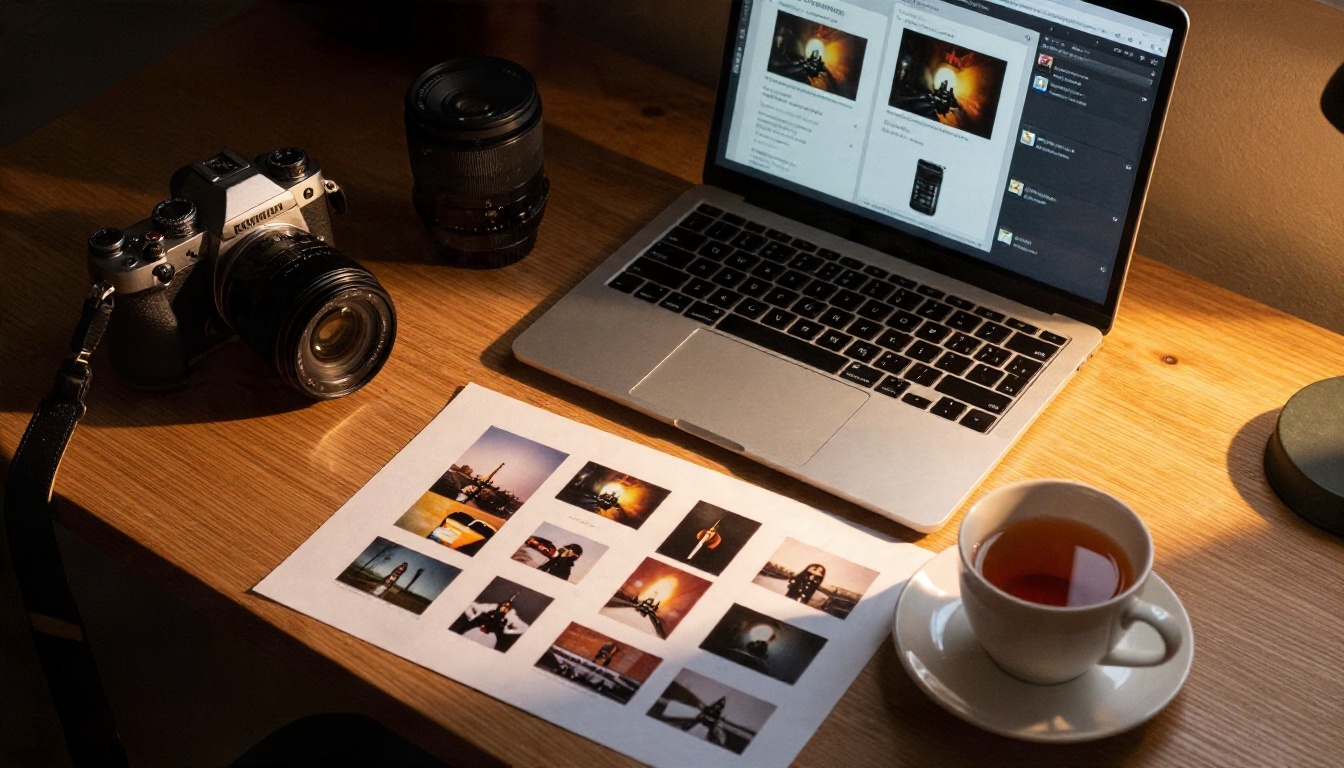
Photographers and designers often send heavy PDF portfolios that clog inboxes. A flipbook loads fast, looks sharp and can be password protected for private client work. The Digital Portfolio Creator and Photography Portfolio tools are good places to begin.
| Industry | Typical document | Main benefit of going digital |
|---|
| Real estate | Property brochure | Instant sharing after viewings |
| Hospitality | Menu, hotel brochure | Prices update without reprinting |
| Retail | Catalog, lookbook | Seasonal refresh in minutes |
| Creative | Portfolio | Fast loading, private links |
| Education | Course material | One link for every student |
| Events | Program | Last-minute schedule changes |
Free tools are a sensible way to test the idea before you commit budget. Most digital brochure builders fall into three groups.
| Tool type | Typical free limits | Watch out for |
|---|
| Design editors | Templates, export to PDF | Branding on exports |
| PDF to flipbook converters | A few flipbooks, page caps | Watermarks, ads |
| Website builders | One page, subdomain | Weak page-turning effect |
What Free Plans Usually Limit
Read the small print before you build anything important. The common restrictions are:
- Watermarks stamped across your pages
- Page limits that force you to trim your brochure
- Public-only links, with no password option
- No statistics, so you cannot see who read what
- Platform branding on the reader toolbar
⚠️ Warning: A watermark on a client-facing brochure can look careless. If your audience includes buyers or partners, check that the free plan removes it.
Where Flipbooks AI Fits
Flipbooks AI never adds a watermark. You can start from the PDF to Flipbook Converter or the Online Brochure Designer, and the Brochure Flipbook Maker is the closest match if you already have a finished brochure file. You can also browse every flipbook tool by use case, then compare pricing plans once you know what you need.
How to Create a Digital Brochure with Flipbooks AI
Here is the whole process, from file to shareable link. Plan on about ten minutes for a first attempt.
Step 1: Sign Up and Upload
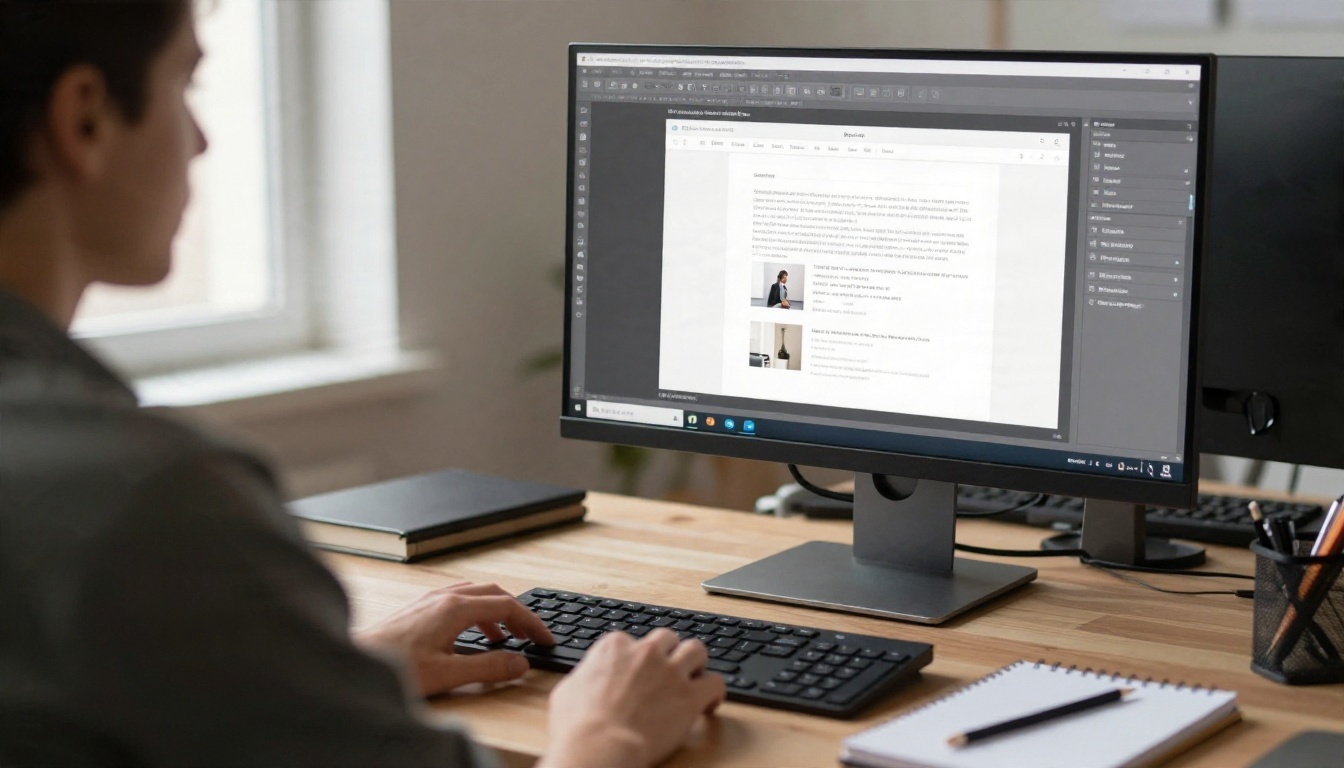
- Go to Flipbooks AI and create an account.
- Click to start a new flipbook.
- Upload your brochure as a PDF. Export at the original page size, with images at 150 DPI or higher, so text stays sharp when readers zoom.
- Wait a few seconds while the pages are converted. You will see a page-turning preview right away.
💡 Pro tip: Export your brochure as spreads (two pages side by side) if it was designed for print. It will read like a real booklet on desktop screens.
Step 2: Customize the Look
Once the preview loads, make it feel like your brand:
- Colors and background: match the reader background to your palette
- Logo and custom branding: add your own logo to the toolbar
- Page effects: choose a page-turn style and sound if you like
- Multimedia: embed videos and audio, or add clickable links to your shop, booking page or contact form
- Mobile layout: check the responsive preview, because most readers will open it on a phone
Step 3: Share and Protect
Choose how people will reach your brochure:
- Copy a direct link for email and chat
- Grab an embed code and paste it into your website, or use the Embed Flipbook on Website tool as a reference
- Download the QR code for print materials
- Turn on password protection for private proposals or client-only pricing
Step 4: Pro Features and Tracking
On the Professional plan, you can also switch on analytics and lead generation. That means you can see how many people opened your brochure, which pages held attention, and collect an email before someone continues reading. Offline downloads let customers keep a copy for later. Check the pricing page to see which features belong to each plan, noting that unlimited flipbooks start on the Standard plan.

| Feature | Why it matters for a brochure |
|---|
| No watermarks | A clean, professional first impression |
| Unlimited flipbooks (Standard and above) | One per product line, season or client |
| Password protection | Private pricing and confidential proposals |
| Analytics and lead capture (Professional) | See what works and collect contacts |
| Embedded video and audio | Show the product instead of describing it |
| Offline downloads | Useful for field sales and travel |
Online Sharing Options Compared
A great brochure is wasted if nobody opens it. Think about where your readers already spend time and meet them there.
Links and Messaging
A short link is the fastest route. Send it by email, WhatsApp, LinkedIn or SMS. Unlike a 20 MB PDF attachment, it opens instantly and never gets blocked by a mail server.
Website Embeds
Embedding the flipbook on a product, services or press page keeps visitors on your site. It also helps search visibility, because the page they land on stays yours rather than a file download. A step by step walkthrough is available on the Embed Flipbook on Website page.
QR Codes in the Real World
Put a QR code on shop windows, packaging, business cards, posters and table stands. This is the bridge between print and digital, and it lets you keep the brochure current while the printed code never changes.
| Sharing method | Speed | Best audience | Tracking |
|---|
| Direct link | Instant | Leads, existing clients | Yes |
| Website embed | Moderate | Site visitors | Yes |
| QR code | Instant | Walk-in customers | Yes |
| Email attachment | Slow, size limits | Formal documents | No |
| Password-protected link | Instant | Private proposals | Yes |
Common Mistakes to Avoid
Digital brochures are forgiving, but a few habits waste their potential.
Uploading a Print File Unchanged
A brochure designed for A4 print with tiny fonts can be hard to read on a 6-inch phone. Increase body text size, and check every page in the mobile preview before you publish.
Skipping the Call to Action
Paper has no buttons, but a digital brochure does. Add a clear link on the first page and the last page: book a visit, request a quote, open the shop.
Ignoring the Numbers
If you pay for analytics, use them. When readers drop off on page 4, rework page 4. When the pricing page gets the most views, move it earlier.
Forgetting Old Versions
Update the existing flipbook rather than creating a new link each time. Your QR codes and embeds keep pointing at the latest content, and nobody lands on last year's prices.
✅ Best practice: Set a calendar reminder every quarter to review your brochure. Check prices, team photos, contact details and every outbound link.
Ready to Go Digital?
Paper brochures are not going to vanish tomorrow, but relying on them alone costs you money, speed and insight. A flipbook gives you the look of a brochure with the reach of a website, and you can build one from your existing PDF this afternoon.
Start with a single brochure, share it by link and QR code, then watch what readers do. The numbers will tell you what to publish next.



