Every nonprofit board secretary knows the Thursday night scramble: a 90 page PDF, three late reports, and one trustee who still wants everything printed. A digital board pack ends that scramble, but only when it is built with the right format, the right papers, and a sharing method that keeps confidential material private. This article walks through all three, lists free tools that fit a nonprofit budget, and shows how to turn a plain PDF into a page-turning pack with Flipbooks AI.
If you only have two minutes, here is the short version: send one link, not ten attachments; put the agenda and decisions first; protect the pack with a password; and check who opened it before the meeting starts.
Why Paper Board Packs Fail

Printing feels safe because it is familiar. In practice, a printed pack is the most fragile document your organization produces.
The Real Cost of Printing
A 90 page pack for nine trustees means 810 printed pages every cycle. Add toner, binder clips, courier fees for remote members, and the hours a staff member spends collating. For a small charity with a part-time administrator, that time is the most expensive line item, because it is time not spent on programs.
Version Chaos Before Every Meeting
The treasurer sends a corrected budget on Friday. Half the board has already printed the old one. Someone brings the wrong version to the meeting, and ten minutes of a ninety minute session disappear into "which page are you on?" A single live link removes the problem: everyone opens the same pack, and you replace the file once.
What Trustees Actually Say
Most volunteers read their board papers on a phone or tablet, often on a train or a lunch break. A pack that needs pinch-zooming on a 6 inch screen will simply go unread. That is a governance risk, not just an inconvenience, because trustees are expected to come prepared.
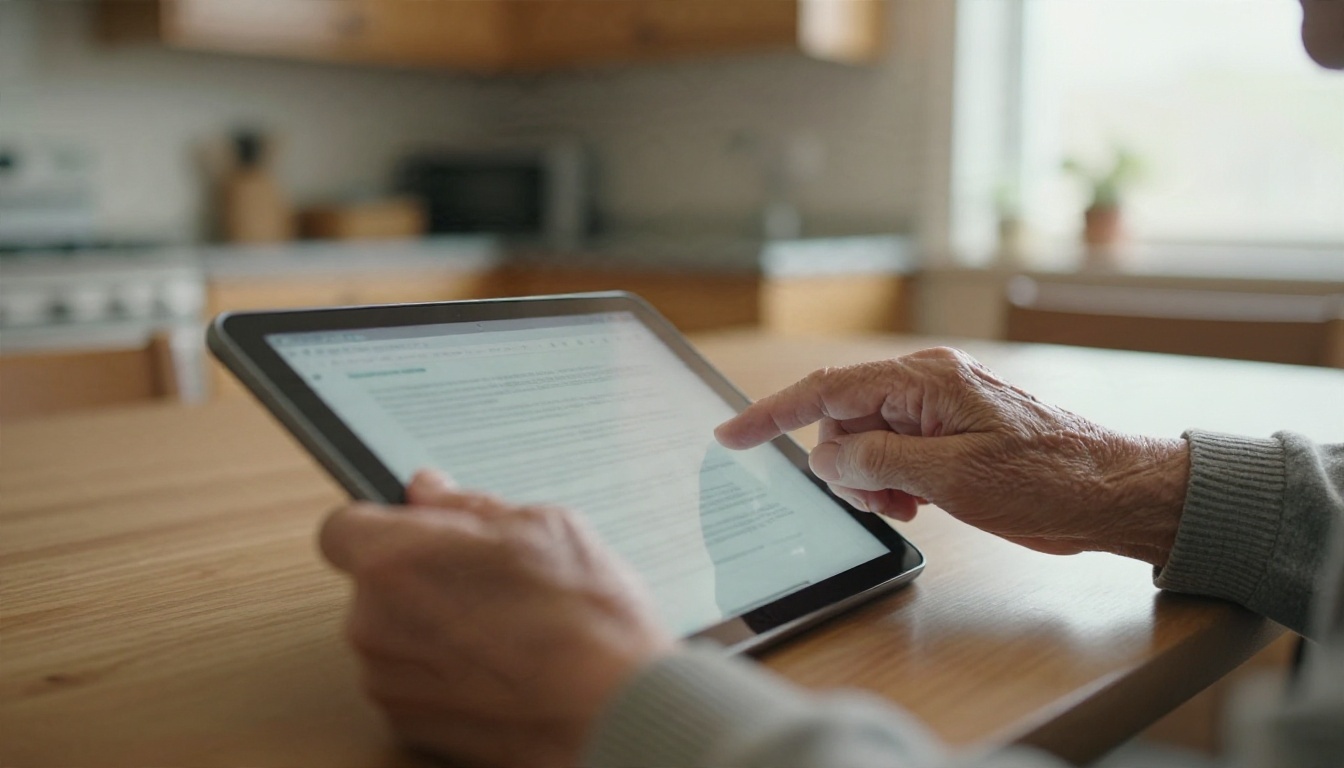
Not every digital format behaves well in a boardroom. The three realistic options are a merged PDF, a shared folder, and a flipbook.
Why Plain PDF Falls Short
A merged PDF is a good starting point and it works offline. The trouble starts when the file reaches 40 MB and bounces from inboxes, or when a trustee forwards it to a friend. Navigation is also poor: unless you build bookmarks by hand, finding the finance report means scrolling through 60 pages.
Why a Flipbook Works Better
A flipbook keeps the PDF's fixed layout, so tables and charts look exactly as the author intended, and adds what a PDF lacks: fast page turning, a clickable table of contents, responsive display on phones, and sharing controls such as passwords. Because you convert the PDF into a flipbook, you keep your normal workflow in Word or Google Docs and change only the final step.
Format Comparison at a Glance
| Feature | Merged PDF | Shared Folder | Flipbook |
|---|
| Single link for the whole pack | No | Yes | Yes |
| Works well on phones | Poor | Mixed | Good |
| Clickable contents page | Manual setup | No | Yes |
| Password protection | Limited | Account based | Yes |
| Replace a file after sending | No | Yes | Yes |
| Offline reading | Yes | Limited | Offline download option |
| Looks the same on every device | Mostly | Depends | Yes |
💡 Pro tip: Keep a plain PDF copy in the archive. Minutes and audit trails often require a fixed record of exactly what the board received on the day.
What Papers Belong in the Pack
A good pack is short enough to read and complete enough to decide on. Trustees do not need every document your team produced this quarter. They need the papers that support a decision or a risk review.
The Standard Contents
Most nonprofit boards expect some version of the following:
- Agenda with times and the decision required for each item
- Minutes of the previous meeting for approval
- Matters arising and an action log
- Chair and executive director reports, ideally one page each
- Finance report with management accounts, cash position, and a forecast
- Risk register highlights and any new incidents
- Safeguarding and compliance summary
- Policies due for annual review
- Fundraising and program updates with a few simple metrics
Order and Page Length
Put the agenda first and the decisions second. Trustees tend to read the first third of any pack carefully and skim the rest, so anything that needs a vote should not sit on page 74. A sensible target is one page per agenda item with supporting papers placed in an appendix section.
| Pack Section | Suggested Length | Purpose |
|---|
| Agenda and decisions | 1 to 2 pages | Sets the order of the meeting |
| Reports for noting | 1 page each | Keeps updates short |
| Finance | 3 to 5 pages | Supports financial oversight |
| Items for approval | 1 to 3 pages each | Gives the board what it needs to vote |
| Appendices | As needed | Reference material, not required reading |
The Consent Agenda Trick
Group routine items such as minutes, policy renewals, and standard reports into a consent agenda. Trustees approve them with one vote unless someone asks to pull an item out. This can free up twenty minutes for strategy. It works well with a digital pack because each consent item can sit in its own labeled section.
✅ Best practice: Name files consistently before merging, for example "04 Finance Report Q3". It makes the contents page easy to build and easy to read.
Sharing Options That Protect Confidentiality

Board papers often contain salary data, donor names, legal matters, and safeguarding cases. How you send the pack matters as much as what is inside it.
Why Email Attachments Are Risky
Attachments get downloaded to personal devices, forwarded, and stored in inboxes for years. You cannot recall them, and you cannot see who opened them. For routine reports that may be acceptable. For anything sensitive it is not.
Links, Passwords, and Embeds
There are four common ways to share a digital pack, and each has a place.
| Method | Best For | Main Risk | Control Level |
|---|
| Email attachment | Small, low-risk packs | Forwarding and storage | Low |
| Shared folder link | Teams already using a drive | Wrong permissions | Medium |
| Password-protected flipbook link | Most board packs | Shared passwords | High |
| Embed on a private members page | Boards with a portal or intranet | Page left public by mistake | High |
A password-protected link is the practical middle ground. Trustees need no new account, the link works on any device, and you can change the password after each meeting. If your organization keeps a private page for trustees, you can embed the flipbook on your website so the pack sits beside the calendar and contact details.
⚠️ Warning: Never put the password in the same email as the link. Send it by text message or read it out at the previous meeting.
A Simple Sharing Routine
- Circulate the pack five working days before the meeting.
- Send the link by email and the password through a second channel.
- Ask trustees to confirm they have opened it.
- If a paper changes, replace the file and send a one line note rather than a new attachment.
- After the meeting, change the password or retire the link.
You can build a respectable digital pack without spending anything. The trade-off is usually time and control, not quality.
Free Options Worth Trying
| Tool | Free Use | Limit to Watch |
|---|
| Google Docs and Drive | Write papers, merge exports, share folders | Permissions need regular checking |
| LibreOffice | Open-source office suite that exports PDF | No built-in sharing |
| PDF24 or similar free PDF tools | Merge, reorder, and compress PDFs | Bookmarks are basic |
| Adobe Acrobat Reader | Free reading and commenting | Editing needs a paid plan |
| Nonprofit software programs | Donated or discounted licenses for eligible charities | Terms change, so check the current offer |
| Flipbooks AI | Turn a merged PDF into a shareable flipbook | Some features depend on the plan |
Many software vendors run nonprofit programs, and platforms such as TechSoup list the current offers. Terms change, so verify eligibility and renewal conditions before you build your process around any single discount.
When Free Stops Being Enough
Free tools tend to fail at the same point: control. If you cannot tell who opened the pack, cannot protect it with a password, or end up with three versions in circulation, it is time to add one paid layer. A dedicated board portal can cost thousands per year, which is out of reach for many small charities. A flipbook tool is a far cheaper step between a folder and a full portal. You can compare pricing plans and see which features each tier includes.
How to Build a Board Pack with Flipbooks AI

Here is a practical workflow your secretary or administrator can follow in under an hour. The platform has no watermarks, so the pack looks like your own document.
Step 1: Create Your Account
Go to Flipbooks AI and create an account. You can try the platform first and move to a paid plan later. Unlimited flipbooks are available from the Standard plan, which suits a board that meets every month.
Step 2: Prepare and Upload the PDF
- Export each paper from Word or Google Docs as a PDF.
- Merge them in the order of the agenda, with the agenda on page one.
- Add a contents page that lists each item and its page number.
- Upload the merged file with the PDF to Flipbook Converter.
Conversion takes a short time. Check that tables did not break across pages and that fonts look right on a phone preview.
Step 3: Customize the Look
Add your logo and brand colors so the pack feels like part of your organization. Choose a page turning effect that is quiet rather than showy, since trustees are reading financial reports, not browsing a magazine. You can add links from the contents page to each section, and embed a short audio or video message from the chair if it helps.
If your charity also publishes a yearly report, the Non-Profit Annual Report tool and the Report Flipbook Creator use the same process, so the board pack and the public report can share a consistent style.
Step 4: Set Sharing Controls
- Turn on password protection.
- Copy the direct link for email.
- Use the embed code if you maintain a private trustee page.
- Enable an offline download for trustees who read on flights or in areas with poor signal.
Step 5: Track and Follow Up
On the Professional plan, analytics show how often the pack was opened and which pages were viewed. That helps a chair see whether the finance section is being read before the meeting. Lead generation forms, also a Professional feature, are more useful for public reports and fundraising flipbooks than for a confidential board pack. See the plan comparison for details.
💡 Pro tip: Keep a template pack. Duplicate last quarter's flipbook structure, swap the PDFs, and your branding, contents page, and settings are already in place.
A Real-World Example
Picture a regional food bank with eight trustees and one part-time governance officer. Each quarter she used to print nine copies of a 70 page pack, which took most of a Tuesday and cost roughly the price of a week of groceries for a family.
She switched to a merged PDF, converted it into a password-protected flipbook, and sent one link. The finance report moved to page three. A consent agenda held minutes, three policies, and the safeguarding summary on one page. Two trustees read the pack on their phones on the bus and one downloaded it for offline reading.
The results over two meetings:
- Printing costs dropped to zero
- Preparation time fell from about six hours to about two
- The meeting ended 25 minutes early because questions had been raised by email beforehand
- A late budget correction was replaced in the same link, so nobody held an outdated version
For smaller teams that send monthly updates between meetings, the Newsletter Flipbook Publisher keeps the same look for volunteer and donor communication.
Common Mistakes to Avoid
Even well run boards repeat the same errors. Check your next pack against this list.
- Sending too late. Packs that arrive the night before are rarely read. Aim for five working days.
- Burying decisions. If the board must vote, say so on the agenda page.
- No contents page. A 60 page document without navigation wastes everyone's time.
- Skipping the mobile check. Open the pack on a phone before you send it.
- Sharing one password forever. Change it regularly, especially after trustee turnover.
- Attaching sensitive items to open emails. Keep safeguarding and HR matters inside the protected pack.
- Deleting the archive. Store a final PDF with the date, so the record of what the board saw is clear.
| Mistake | Quick Fix |
|---|
| Late circulation | Set a standing deadline in the calendar |
| Unreadable on phones | Test on a small screen before sending |
| Leaked links | Use passwords and rotate them |
| Overlong packs | Limit reports to one page, move detail to appendices |
| Version confusion | Replace the file, keep the link |
Ready to Send Your Next Pack?
A good digital board pack is short, ordered by decisions, and shared through a link that you control. You do not need an expensive portal to get there: a merged PDF, a clear contents page, and a protected flipbook cover most small and mid-sized boards.
Ready to try it? Create your free account on Flipbooks AI and convert your next pack in minutes. Browse the full set of flipbook tools to see what else fits your organization, or compare pricing plans to pick the tier that matches how often your board meets.



