Printing a booklet costs money, takes days, and the moment a price or a date changes, the whole stack is out of date. A digital booklet maker fixes that. You upload a file, pick a look, and get a page-turning booklet that opens on any phone, laptop or tablet through a single link. With Flipbooks AI, you can go from a plain PDF to a shareable booklet in a few minutes, without installing anything and without a watermark.
This article walks through what these tools actually do, what "free" should include, how to build a booklet step by step, which templates are worth using, and what you will pay as your needs grow.
What a Digital Booklet Maker Does
A digital booklet maker takes static content, usually a PDF, and turns it into an interactive, page-turning document. Readers flip pages like they would with paper, zoom into details, click links, and watch embedded video or audio. You publish once and update whenever you like.

Booklet, Flipbook or PDF?
People use these words loosely, so here is how they differ in practice.
| Format | Reading Experience | Updates | Tracking | Best For |
|---|
| Plain PDF | Scroll or download, no page effect | Re-send a new file | None | Contracts, forms |
| Printed booklet | Physical, tactile | Reprint everything | None | Events, trade shows |
| Digital booklet (flipbook) | Page-turning, zoomable, interactive | Replace the file, keep the link | Views, time on page, leads | Catalogs, menus, guides, portfolios |
The last row is where an online tool earns its place. The link stays the same, so every QR code, email and social post you already sent keeps working after an update.
Who Uses Digital Booklets
The audience is wider than most people expect:
- Restaurants publish menus that change weekly.
- Real estate agents send property booklets to buyers before a viewing.
- Teachers and trainers distribute course material and handbooks.
- Brands and shops share lookbooks and price lists.
- Event organizers hand out programs through a QR code on a badge.
- Non-profits release annual summaries without a print budget.
💡 Pro tip: If your content already lives in a PDF, you are 90 percent done. The booklet maker adds the interactive layer on top, so there is no need to redesign anything from scratch.
Search for a free booklet tool and you will find dozens. Some are genuinely useful, and others are demos with a paywall hiding behind the export button. Knowing the difference saves an afternoon.
What Free Should Include
A fair free tier lets you build something real and judge the quality before paying. Look for:
- A working upload that converts your PDF without mangling fonts or images.
- A realistic page-turn effect, not a slideshow.
- A shareable link you can open on mobile.
- Reasonable page limits for a short booklet.
- A clean look, with no watermark across your pages.
You can create an account on Flipbooks AI and test your own file before you decide on anything.
Hidden Limits to Watch
⚠️ Warning: Check the fine print on exports, branding and expiry dates. A "free" booklet that disappears after 14 days is a trap if you already printed the link on a hundred flyers.
| Limit | Why It Matters | What to Ask |
|---|
| Watermark | Makes your brand look unfinished | Is it removed on the free plan? |
| Expiry | Dead links on printed materials | Do booklets stay live? |
| Page cap | Long catalogs get cut off | How many pages per file? |
| Branding | Competitor logos on your booklet | Can I use my own colors and logo? |
| Download | Clients may want an offline copy | Is offline download available? |
How to Create a Booklet with Flipbooks AI
The process is the same whether you are building a restaurant menu or a 60-page product catalog. Here is the full path, from file to published link.
Step 1: Upload and Convert Your PDF
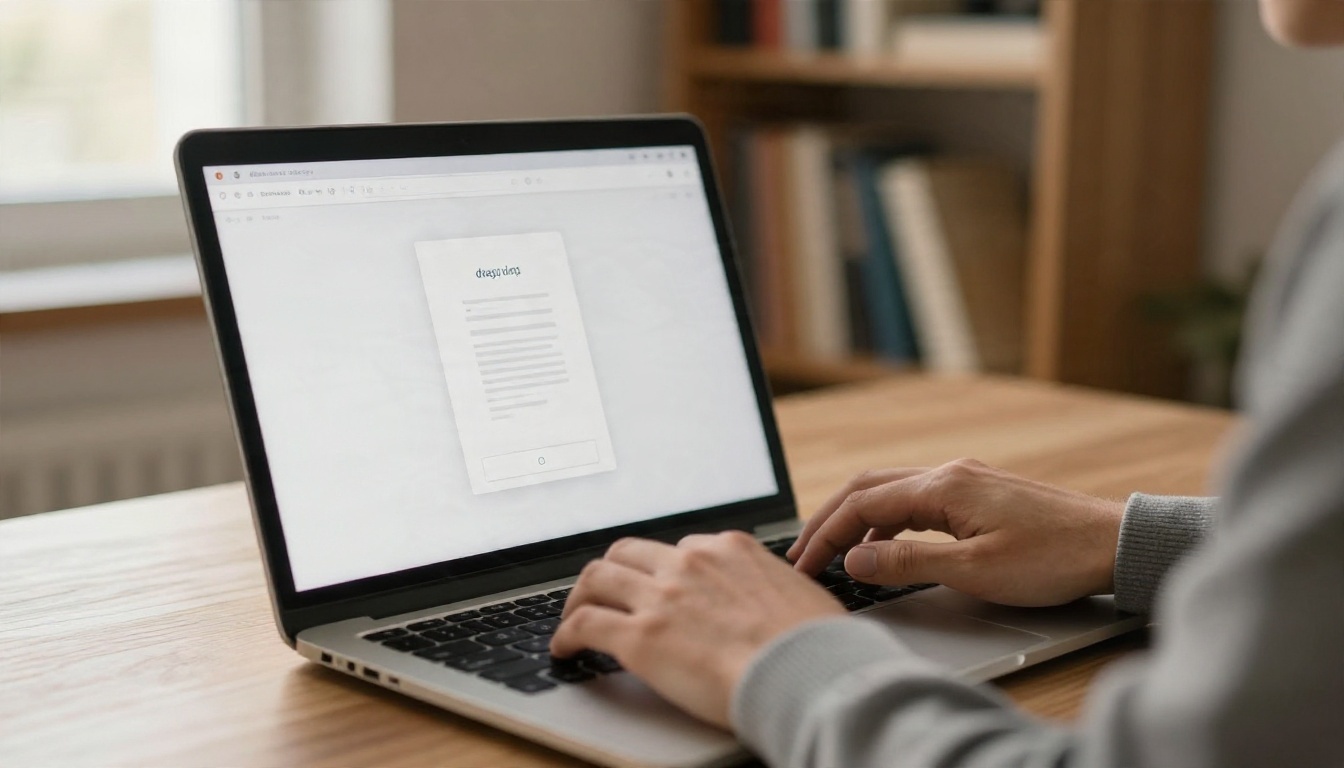
Head to Flipbooks AI, sign in, and start a new flipbook. Drag your PDF into the upload area. The platform converts each page into a high-resolution image, keeps your links clickable, and builds the page-turn effect automatically.
No PDF yet? Design your booklet in any tool you already use, such as Canva, Word, Google Slides or InDesign, then export to PDF. The PDF to Flipbook Converter handles the rest.
Step 2: Customize the Look
Once the upload finishes, open the editor and adjust the details that make the booklet feel like yours:
- Branding: add your logo and choose a background that fits your colors.
- Page effects: pick the speed and style of the page turn.
- Multimedia: embed videos, audio clips and clickable hotspots on any page.
- Navigation: enable the table of contents, thumbnails and a zoom button.
- Mobile view: preview how pages behave on a phone, since most readers will arrive that way.
✅ Best practice: Preview on an actual phone before you publish. A layout that looks perfect on a desktop screen can have text that is too small on a mobile display.
Step 3: Share and Protect
Publishing gives you several ways to put the booklet in front of people:
- Direct link for email, chat and social posts.
- Embed code to place the booklet inside a page of your site. See how to embed a flipbook on a website.
- QR code for printed flyers, table tents and posters.
- Password protection for private content such as internal manuals, client proposals or pricing sheets.
Step 4: Track and Capture Leads
On the Professional plan, analytics show how many people opened your booklet, which pages held their attention, and where they dropped off. Lead generation lets you ask for an email address before a reader gets past a chosen page, which is useful for gated catalogs and price lists. Offline downloads are available too, for readers who want a copy on a flight or in a basement without signal.
Templates That Save Hours
A blank page is the slowest way to start. A good template gives you structure, spacing and type choices, so you only need to swap in your own content.
Template Types by Use Case
Flipbooks AI offers dedicated tools for the most common booklet types. Each one is tuned to a specific format, so the page ratio and flow make sense out of the box.
You can browse the whole library on the tools directory.
How to Choose a Layout
Pick based on what the reader needs to do, not on what looks prettiest:
- Browsing and buying? Use a grid with large photos and short captions.
- Reading and referencing? Use a clear table of contents and a single text column.
- Showing off visual work? Use full-bleed images with minimal text.
- Sharing quick info? Keep it under eight pages, with one idea per page.

Real Booklet Examples
Abstract advice only goes so far. Here is how different people put a booklet maker to work.
A Small Shop Owner
A ceramics studio had a printed price sheet that went stale every season. Moving it to a digital booklet meant the owner swapped a single PDF whenever a glaze or price changed. The link on the shop's Instagram bio never changed, and customers always saw the current version. The Digital Price List Generator fits this exact scenario.
A Restaurant With a Weekly Menu
A cafe uploads a new menu PDF every Monday. A QR code on each table points to the same booklet. Nobody reprints, and the daily special can be corrected in two minutes if the kitchen runs out of something. The Menu Flipbook Designer was built for it.
A Travel Agency
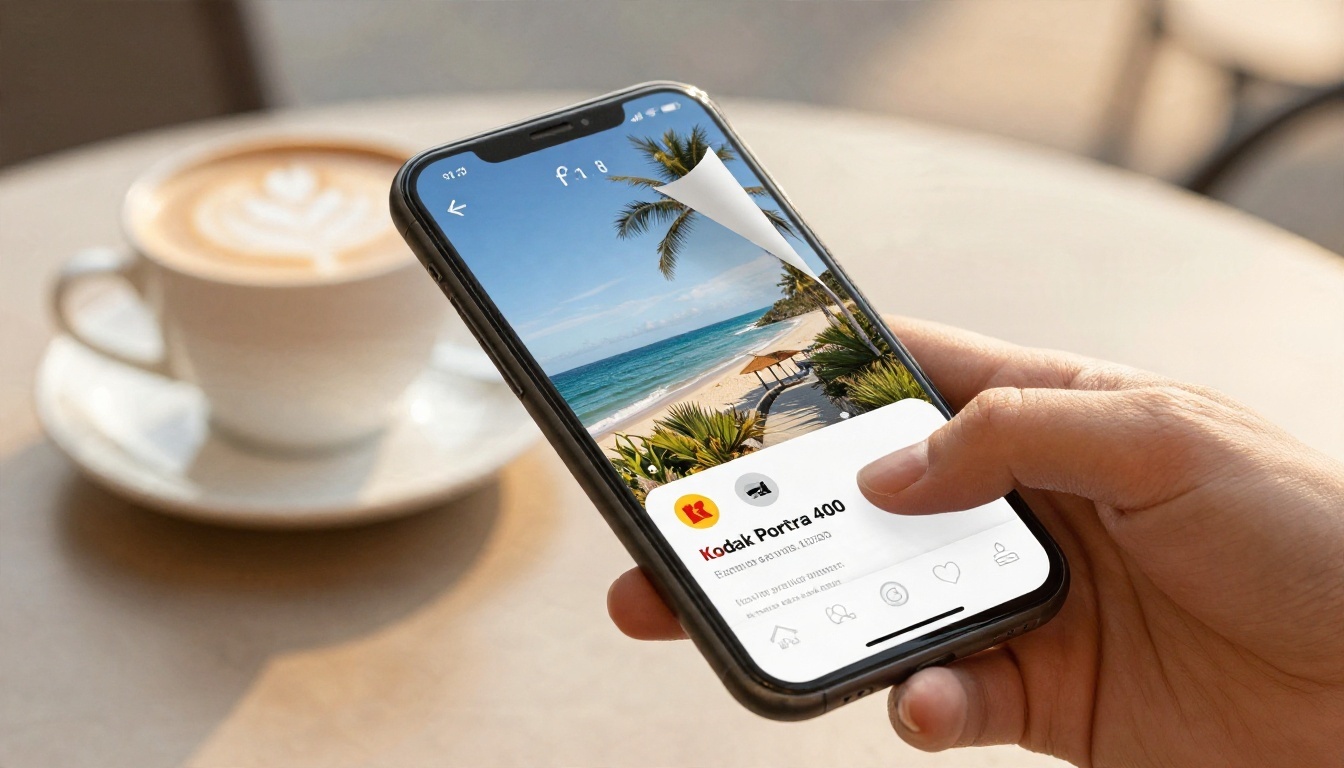
Agents build a destination booklet with photos, maps and a day-by-day plan. Clients open it on their phones at the airport. Since the layout is mobile-responsive, the text stays readable, and the agent can add a late change without sending a new attachment. Try the Travel Guide Flipbook tool for a ready structure.
A Classroom or Training Team
Teachers distribute handbooks, reading lists and lab instructions without printing a page. New hires get an onboarding booklet with embedded video walkthroughs. Take a look at the Course Material Publisher if this is your use case.
Pricing Explained
Pricing for booklet tools usually depends on three things: how many booklets you publish, whether you can remove branding, and whether you get analytics. Here is a practical way to compare plan levels without getting lost in the marketing.
What Each Plan Level Gives You
| Feature | Free Trial Level | Standard | Professional |
|---|
| Upload PDF and publish | ✅ | ✅ | ✅ |
| No watermarks | ✅ | ✅ | ✅ |
| Unlimited flipbooks | Limited | ✅ | ✅ |
| Custom branding | Basic | ✅ | ✅ |
| Password protection | Limited | ✅ | ✅ |
| Embedded video and audio | ✅ | ✅ | ✅ |
| Analytics | No | Basic | ✅ |
| Lead generation | No | No | ✅ |
| Offline download | No | Limited | ✅ |
Plan details can change, so always confirm the latest numbers on the pricing page. A reasonable rule: start on the lowest plan that removes your limits, and move up only when you need analytics or lead capture.
Print Cost Against Digital Cost
The real saving shows up when you compare what you spend per reader.
| Cost Item | Printed Booklet | Digital Booklet |
|---|
| Setup and design | Same | Same |
| Production per copy | Charged for every copy | None |
| Shipping and handling | Yes | None |
| Update after a mistake | Full reprint | Replace the PDF |
| Reach | Only who you hand it to | Anyone with the link |
| Tracking | Nothing | Views and clicks |
💡 Pro tip: Print is not dead. Many teams keep a small print run for events and use the same booklet as a QR code backup. You pay once for the design and get both formats.
Mistakes That Make Booklets Fail
Most poor booklets fail for boring reasons. Avoid these five:
- Uploading a low-resolution PDF. Export at the highest quality so zoomed pages stay sharp.
- Cramming too much text per page. Phone screens are small. Short paragraphs and large headings win.
- Forgetting links. Add clickable buttons for your website, phone number and order page.
- Ignoring file size. Compress oversized images before exporting, so the booklet loads quickly on mobile data.
- Never checking the link. Open the published booklet in a private browser window to see what a stranger sees.
⚠️ Warning: If the booklet holds private pricing or internal documents, set a password before you share the link. A link without protection can be forwarded by anyone who receives it.
Make Your First Booklet Today
You do not need a design team or a print budget. You need a PDF, ten minutes and a platform that keeps your branding intact. Here are the next steps:

A booklet that updates in seconds, loads on every device and reports who reads it is simply a better use of your time than a printed stack. Upload your first PDF and see how it looks.



