A customer who bought from you fourteen months ago has not forgotten you. They have simply been busy, and your last email looked like every other message in their inbox. The fastest way to wake that relationship up is to send something worth opening: a digital brochure that turns pages, loads on a phone in one tap, and shows exactly what is new. With Flipbooks AI, you can turn a plain PDF into that kind of experience in a few minutes, then share it with a single link.
This article gives you real email examples, win-back ideas for different industries, a step-by-step build tutorial, and the link sharing habits that decide whether your message gets clicked or ignored.
Why Old Customers Go Quiet
Before writing a single subject line, it helps to know what you are up against. Lapsed customers are not a lost cause. They are the cheapest audience you will ever market to, because they already know your name.
The Silence Is Rarely Anger
Most people drift away for boring reasons: a busy season, a competitor's one-time offer, a forgotten loyalty card, or a product they finished using. Very few leave because of a bad experience. That is good news, because a friendly reminder with fresh content often works better than an apology.
Why Plain Emails Fail
A text-only "We miss you!" message asks the reader to do all the imagining. There is nothing to look at, nothing to click through, and nothing to compare. A brochure gives them a reason to spend ninety seconds with you instead of two.

💡 Pro tip: Pull a list of customers who have not purchased in 6 to 18 months. That window is old enough to feel like a gap and recent enough that they still remember you.
Why a Brochure Beats a Discount
Discounts train people to wait for the next sale. A brochure does the opposite: it reminds them why they liked you in the first place. It shows products, people, places and results, and it lets the reader move at their own pace.
Format Comparison
Here is how the common formats perform when the goal is to bring someone back.
| Format | Mobile Friendly | Looks Premium | Trackable | Easy to Update |
|---|
| Plain text email | ✅ | ❌ | Basic | ✅ |
| PDF attachment | ⚠️ Pinch and zoom | ⚠️ Depends | ❌ | ❌ |
| Printed mailer | ❌ | ✅ | ❌ | ❌ |
| Digital flipbook brochure | ✅ | ✅ | ✅ | ✅ |
A PDF attachment is the usual compromise, and it is where most win-back campaigns quietly die. Attachments get blocked by filters, open slowly on phones, and tell you nothing about who read them. A flipbook link solves all three problems.
What Belongs Inside
Keep it short. A win-back brochure should run 6 to 12 pages, not 40. A good structure looks like this:
- Cover page with a warm, personal headline
- What is new since they last visited or bought
- Top three offers or products with photos
- A real customer story or testimonial
- A simple next step such as a booking link, a reply button or a phone number
Email Examples That Bring People Back
Subject lines matter, but the email body matters more once the door is open. Below are four patterns you can copy and adjust. Each one points to a brochure link instead of an attachment.
The Soft Check In
Best for customers who have been gone 6 to 9 months.
Subject: A few things we made since you last stopped by
Hi Maria,
It has been a while, and a lot has changed on our side. We put together a short brochure with the three things customers are asking about most this season. It takes about two minutes to flip through.
[View the brochure]
If anything catches your eye, just reply to this email and I will set it aside for you.
Thanks,
Daniel
The "What Changed" Email
Best when you have a real update: a new location, a new range, a price change, a redesigned service.
Subject: We rebuilt our spring collection (see inside)
Hi Maria,
You bought from us last year, so you should be the first to see this. Our spring range is live, and we have gathered it into one brochure with prices and sizes.
[Open the brochure]
Everything inside is in stock now.
The Seasonal Reminder
Best for businesses with a calendar rhythm, such as travel, gifts, tax services, landscaping or heating.
Subject: Booking opens next week, and your spot is ready
Hi Maria,
Last year you were one of our earliest bookings. This year's brochure is below, with dates and rates in the final pages.
[See this year's dates]
The Last Call
Best for customers inactive for 12 months or more. Be honest and brief.
Subject: Should we keep you on our list?
Hi Maria,
We only want to write to people who find it useful. Here is a short brochure with our best material from this year. If it is not for you, no hard feelings, and you can unsubscribe at the bottom.
[Take a look]

✅ Best practice: Always write the email in a human voice, one sender name, one link, one ask. Three links in a win-back email split attention and lower clicks.
Subject Line Patterns That Work
| Pattern | Example | Best For |
|---|
| Curiosity with a fact | "Three things we changed this year" | Product businesses |
| Personal memory | "Last time you chose the corner room" | Hotels, restaurants |
| Deadline | "Dates open Monday" | Seasonal services |
| Direct honesty | "Still want to hear from us?" | Long-inactive contacts |
Win-Back Ideas by Industry
The same brochure idea changes shape depending on who is sending it. Here is how different businesses can approach it.

Hotels and Hospitality
A hotel can send past guests a seasonal brochure with room photos, a short local events calendar and a returning guest rate. Using the Hotel Brochure Designer, a property can upload its existing PDF and have a page-turning version ready the same afternoon. Guests who stayed once are far more likely to book again when they see the new spa or renovated terrace.
Real Estate Agents
Agents often lose touch with buyers who paused their search. A short "new listings since we last spoke" brochure, built with the Real Estate Brochure Creator, gives those buyers a reason to restart the conversation. Add floor plans and neighborhood photos, and let the link do the follow-up.
Local Shops and Cafés
A bakery, a florist or a boutique does not need a 30-page catalog. A four-page flipbook with the new menu, photos of what is in the window and a Saturday opening time is enough. The Digital Catalog Maker is a good fit for retail, and the Restaurant Menu Creator works well for food businesses.
Quick Industry Matrix
| Business Type | Brochure Focus | Pages | Best Send Time |
|---|
| Hotel | Rooms, events, returning rate | 8 to 10 | 6 weeks before season |
| Real estate | New listings, floor plans | 6 to 12 | Tuesday or Wednesday morning |
| Local shop | New arrivals, opening hours | 4 to 6 | Thursday afternoon |
| Service business | Packages, results, testimonials | 6 to 8 | Start of month |
| Automotive | Models, service offers | 8 to 12 | Weekend morning |
How to Create a Win-Back Brochure with Flipbooks AI
You do not need a designer or a developer. If you already have a brochure PDF from Canva, InDesign, Word or Google Slides, you are most of the way there.
Step-by-Step Instructions
- Open your account. Go to Flipbooks AI and create an account. You can start on a free plan to test the result.
- Upload your PDF. Drag your file into the upload area. The PDF to Flipbook Converter processes it in moments and keeps your fonts, images and links intact. Pages appear as a real page-turning book.
- Customize the look. Add your logo, pick your brand colors, choose a background and select a page-flip effect. Keep it simple: one logo, one accent color.
- Add multimedia. Drop in a short video message from the owner, background audio or clickable buttons to your booking page. These small touches make a brochure feel personal.
- Set your sharing options. Copy a direct link for emails, grab an embed code for your website, or turn on password protection for private offers meant only for past customers.
- Test on your phone. Open the link on a mobile device before sending. Pages should load fast, and text should be readable without zooming.
💡 Pro tip: The Online Brochure Designer and the Brochure Flipbook Maker are good starting points if you want to build from scratch.
Features Worth Switching On
- ✅ No watermarks, ever, so your brand stays front and center
- ✅ Mobile-responsive design for readers who open emails on the go
- ✅ Offline downloads for readers who want a copy
- ✅ Embedded video and audio for a personal message
- ✅ Custom branding with your logo and colors
- ✅ Password protection for exclusive returning-customer offers
For lead capture and reading statistics, you will need the Professional plan. See the pricing plans to compare what each tier includes.
Link Sharing That Gets Clicks
A great brochure with a poor delivery is wasted effort. Where and how you place the link affects whether people open it.
Put One Link in the Email
Place a single, clear button or text link near the top. Do not repeat the same link five times, and do not mix it with a list of social icons. One message, one action.
Use SMS, QR Codes and Social
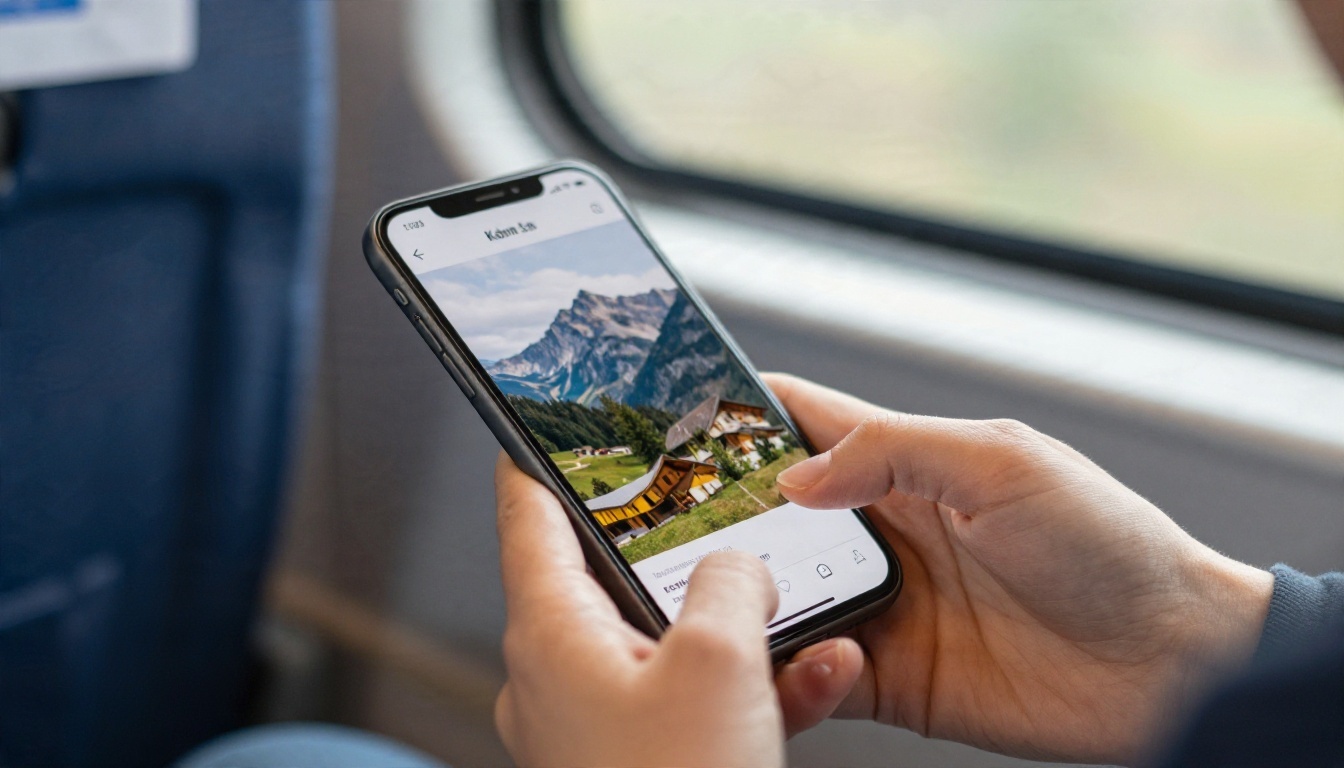
Win-back does not have to stay in the inbox. A short text message with the link works for customers who gave you permission to text. A QR code on a receipt, a shop window or a delivery box brings people to the same brochure. Share it in a direct message or a story when the relationship is more casual.
Embed It on Your Site
Place the same brochure on a landing page so that customers who click from an email, a Google search or a social post see consistent content. The Embed Flipbook on Website tool gives you a snippet you can paste into most website builders.
Protect Private Offers
If your offer is meant only for returning customers, add a password and include it in the email text. It makes the brochure feel exclusive and keeps the offer from spreading beyond your list.
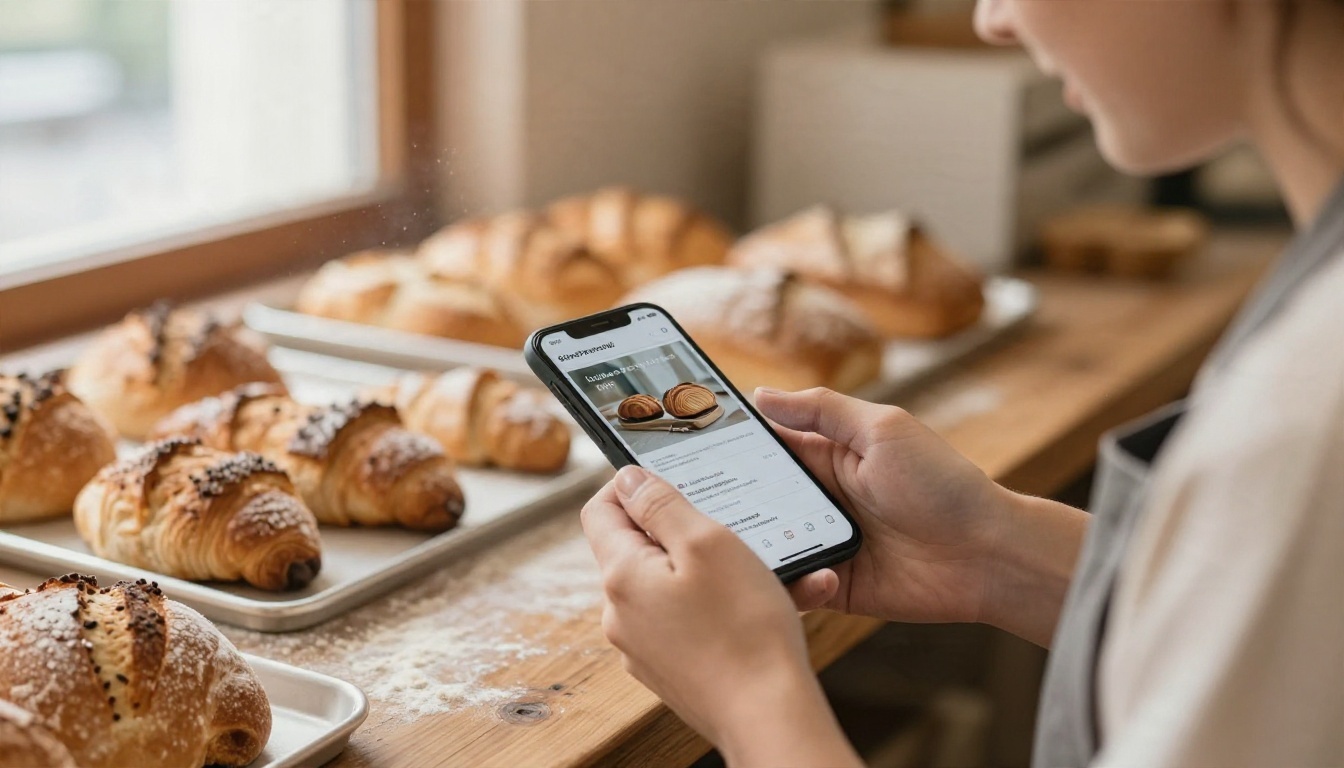
Sharing Channels at a Glance
| Channel | Setup Effort | Best For | Watch Out For |
|---|
| Email link | Low | Full customer lists | Spam filters, long subject lines |
| SMS | Low | Opted-in local customers | Consent and frequency |
| QR code | Medium | In-store, packaging | Print quality |
| Website embed | Medium | Evergreen offers | Page speed |
| Password link | Low | VIP or private offers | Sharing the password too widely |
⚠️ Warning: Only message people who agreed to hear from you. Respect local email and SMS rules, and include a visible unsubscribe option. Trust is the whole point of a win-back campaign.
Measure Who Actually Returns
Sending the brochure is only half the job. The other half is seeing which readers lean in, so you can follow up with the right people.

Numbers Worth Watching
With analytics on the Professional plan, you can see how many people opened the flipbook, which pages held attention and where they dropped off. Combine that with your email tool's open and click rates.
| Metric | What It Tells You | What to Do Next |
|---|
| Email open rate | Subject line strength | Test a new subject |
| Link click rate | Offer and message fit | Rewrite the first paragraph |
| Pages viewed | Interest level | Move best content earlier |
| Time on brochure | Content quality | Trim weak pages |
| Replies or bookings | Real success | Reward and repeat |
Follow Up Without Nagging
If someone read 80 percent of your brochure but did not reply, wait three to five days and send a short note. Refer to the exact page they viewed longest: "I noticed the garden suite caught your eye. It is open on the 14th." People remember messages that feel observant, not pushy.
✅ Best practice: Send two touches at most per campaign. The brochure first, a short reminder second. After that, let the contact rest for a few months.
Three Common Mistakes
- Sending a huge file. Keep the brochure short and focused.
- Skipping the mobile test. Over half of emails are opened on phones.
- Hiding the next step. Put a clear button, phone number or booking link on the first and last pages.
Ready to Win Them Back?
Lapsed customers are sitting in your list right now, waiting for a reason to return. A short, well-designed brochure and one friendly email can be that reason.
Pick ten customers who went quiet this year, build a six-page brochure, and send it this week. The replies will tell you more than any theory could.



