A printed catalog starts losing money the moment it leaves the press, and it is out of date the first time a price changes. A digital catalog creator fixes both problems. You upload a PDF, the tool turns it into an online catalog with real page turns, and you share one link that always shows the latest version. If you want to see how fast it can be, try Flipbooks AI with a catalog you already have on your hard drive.
This article walks through what these tools actually do, which free options are worth your time, how PDF upload behaves in practice, which interactive features pay off, and what you should expect to pay. There are tables, a tutorial and a few real scenarios, so you can decide in one sitting.
What a Digital Catalog Creator Does
At its simplest, a digital catalog creator takes your product pages and publishes them online in a format people enjoy reading. Most tools accept a PDF, some let you build pages from scratch, and the better ones do both. The output is usually a flipbook: a page-turning viewer that works on phones, tablets and desktops without any download.
Flipbook vs Static PDF
A PDF attached to an email is the baseline most businesses start with. It works, but it has real limits. File sizes balloon, links break in some viewers, and you never find out whether anyone opened it.
| Feature | Static PDF | Digital catalog (flipbook) |
|---|
| Load speed on mobile | Slow for large files | Pages load as you flip |
| Clickable products | Basic links only | Links, video, buttons, tags |
| Update after sharing | Resend a new file | Same link, new version |
| View tracking | None | Page views, time spent, clicks |
| Branding | Whatever you designed | Custom colors, logo, domain options |
| Password protection | Needs extra software | Built in on most plans |
💡 Pro tip: Keep your original PDF as the master file. Treat the flipbook as a living display copy you can replace whenever stock or prices change.
Who Gets the Most Value
Any business with more than a handful of products benefits, but some see results faster:
- Wholesalers and distributors who send the same price list to dozens of buyers
- Fashion and homeware brands that need strong visuals and seasonal lookbooks
- Furniture and interior shops with large product ranges and variants
- Manufacturers with technical specs that change several times a year
- Online sellers who want a polished PDF alternative for marketplaces and social bios
The Product Catalog and Digital Catalog Maker tools are built around exactly these cases.
Free Options Worth Using
Free is a real option here, not just a trial in disguise. Plenty of small shops run a perfectly good catalog on a free plan for months. The catch is knowing where the limits sit before you build everything around them.

What Free Plans Usually Limit
Almost every free tier trades something for the price of zero. Here are the limits you will meet most often:
- Watermarks or badges placed on every page or in the viewer toolbar
- Page caps, often somewhere between 10 and 50 pages per publication
- Publication caps, sometimes a single catalog at a time
- No custom branding, so your catalog looks like the vendor's template
- No analytics, which means you are publishing blind
- Public only, with no password protection for wholesale price lists
⚠️ Watch out: A watermark on a catalog you send to buyers looks careless. If the free plan stamps its logo on every page, treat it as a testing sandbox only.
Free vs Paid at a Glance
| Need | Free plan | Entry paid plan | Professional tier |
|---|
| Try the tool with a sample | Yes | Yes | Yes |
| No watermark | Rare | Usually | Yes |
| Several catalogs | Limited | Often unlimited | Unlimited |
| Custom colors and logo | Basic | Yes | Full branding |
| Password protection | Seldom | Sometimes | Yes |
| Analytics and lead capture | No | Limited | Yes |
| Offline download | No | Sometimes | Yes |
With Flipbooks AI, the promise is simple: no watermarks, ever, and unlimited flipbooks from the Standard plan up. Analytics and lead generation sit in the Professional plan.
When Free Is Enough
Free works well in three situations. You are validating whether customers even open a catalog. You have one small seasonal range, say 12 pages of candles. Or you are building a draft to show a business partner before spending anything. Once buyers start asking for private pricing or you want to know which pages they read, a paid plan pays for itself quickly.
PDF Upload Without the Headaches
Upload is the step that sounds trivial and causes most of the support tickets. The tool does its part in seconds. The quality of the result depends on the file you hand over.

Prepare Your File First
Spend ten minutes on the PDF and you will save an hour later.
- Export at 150 to 200 DPI for screens. Print resolution (300 DPI) only makes the file heavy.
- Keep pages the same size. Mixed page sizes cause odd spreads in the viewer.
- Embed fonts or convert text to outlines so nothing shifts.
- Use RGB color for online viewing. CMYK files can look dull on screens.
- Add live links in your design software, because most converters keep them clickable.
- Stay under 100 MB when you can. Most upload limits are generous, but smaller files convert faster.
If your catalog still lives in a spreadsheet or slide deck, export it to PDF first. The PDF to Flipbook Converter handles the rest.
Common Upload Mistakes
| Mistake | What happens | Fix |
|---|
| Cover page exported as a separate file | Spread order is wrong | Merge into one PDF |
| Blank left page missing | Spreads pair the wrong pages | Insert a blank page after the cover |
| Tiny text in tables | Unreadable on phones | Increase body text to 10 pt or more |
| Huge uncompressed photos | Slow loading | Compress images before export |
| Links to localhost or drafts | Broken buttons | Test every link after upload |
✅ Best practice: Open the converted catalog on your own phone before you share it. Ninety percent of problems show up in the first thirty seconds.
Interactive Pages That Sell
A flipbook that only turns pages is a nicer PDF. The real gain comes from making each page do something.
Links, Video and Product Tags
The features that tend to move buyers closer to a purchase are practical rather than flashy:
- Product links that jump straight to the right page of your online store
- Embedded video showing a chair being assembled or a fabric draping
- Audio notes for founders who want to explain a collection in their own voice
- Buttons for "Request a quote" or "Order by email"
- Table of contents links so a reader finds the right category in one tap
- Image galleries for products with many colors or finishes
A fashion brand, for example, can place a short runway clip beside each outfit and link every look to its product page. A Fashion Catalog built this way works as a lookbook and an order form at once.
Mobile Reading Matters
More than half of catalog views now happen on a phone, so mobile behavior is not optional. Check that the viewer switches to single page mode on narrow screens, that pinch zoom is smooth and that buttons are large enough for a thumb. Mobile responsive design is standard in Flipbooks AI, but it is worth testing on any tool you evaluate.
How to Create a Catalog with Flipbooks AI
Here is the full workflow, from blank screen to published link. Most people finish the first catalog in under fifteen minutes.
Step by Step
- Open the platform. Go to Flipbooks AI and create an account. The signup takes about a minute.
- Upload your PDF. Drag the file into the upload area. Conversion starts automatically and each page becomes a flippable spread. You will see a progress bar, and large catalogs of 100 pages or more usually finish within a couple of minutes.
- Check the preview. Flip through every page. Look for cropped images, missing fonts and links that did not carry over.
- Customize the look. Pick background color, toolbar style and page effects such as the curl and shadow of a turning page. Upload your logo so every viewer sees your brand.
- Add interactivity. Place links on products, drop in videos and audio, and add buttons for quotes or orders.
- Set access. Choose public, link only or password protected. Wholesale price lists should always sit behind a password.
- Publish and share. Copy the direct link, grab the embed code for your website or generate a QR code for print materials.
💡 Pro tip: Name each catalog version clearly, such as "Spring Range" or "Trade Prices". Your future self will thank you when there are twenty of them.
Customize Branding and Colors
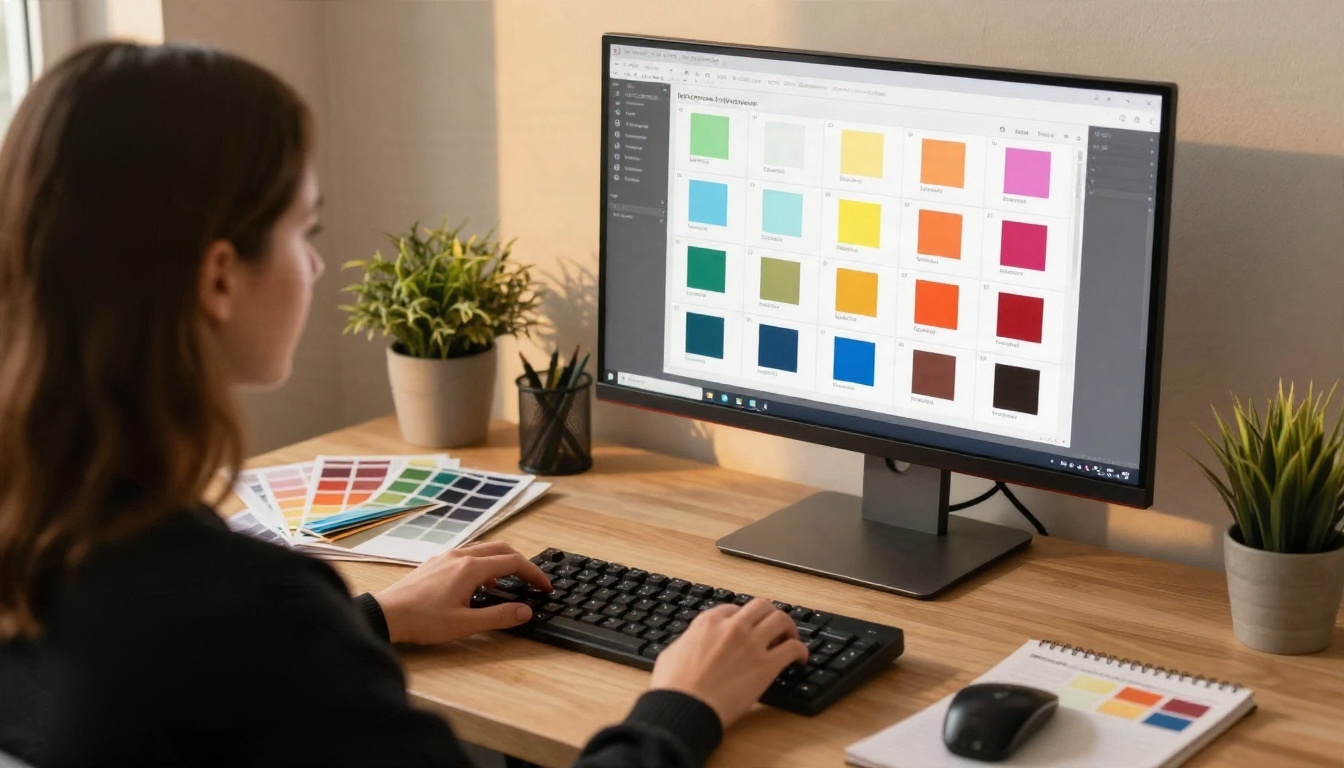
A catalog that matches your site builds trust. Use your brand hex codes for the background and buttons, pick a clean toolbar and remove anything that distracts from the products. If you sell premium goods, a dark neutral background lets photos stand out. For craft or food products, warm off-white feels more natural.
Share and Protect It
| Sharing method | Best for | Notes |
|---|
| Direct link | Email, messaging apps | Fastest option |
| Embed code | Your website or blog | Works with the Embed Flipbook on Website tool |
| QR code | Stores, packaging, flyers | Great bridge from print to digital |
| Password protection | Trade pricing, private ranges | Share the password separately |
| Offline download | Trade shows with poor wifi | Handy for sales reps in the field |

Pro Features for Growing Teams
On the Professional plan you get analytics and lead generation. Analytics show which pages get read, how long people stay and where they drop off. Lead capture can ask for an email before someone opens a gated catalog, so each download turns into a contact. You can compare tiers on the pricing page.

Pricing: What You Really Pay
Prices vary widely across the market, and the headline monthly fee rarely tells the whole story. Look at what is included at each level, not just the number.
Typical Price Ranges
The ranges below are general market patterns, not quotes from any single vendor. Always confirm current figures on the vendor's own page.
| Tier | Typical monthly range | What you usually get |
|---|
| Free | $0 | One or two catalogs, branding or page limits |
| Entry | $10 to $25 | More catalogs, no watermark, basic styling |
| Professional | $30 to $80 | Analytics, lead capture, password protection, custom branding |
| Team or enterprise | $100 and up | Multiple users, custom domains, priority support |
Annual billing often cuts the monthly cost by 15 to 30 percent. For current Flipbooks AI plans, check the pricing page or go straight to the account area.
Hidden Costs to Watch
- Per flipbook fees that rise as your range grows
- View limits that throttle or lock a catalog after a set number of readers
- Branding removal sold as an add-on
- Storage charges for large files or video
- Export fees for offline copies
⚠️ Watch out: A cheap plan with a view cap can become the most expensive option if a catalog goes well. Check what happens when you hit the limit.
Real-World Use Cases
Theory is fine, but numbers and scenarios tell you more. These are the situations where a digital catalog tends to earn its place.

Small Shops on a Tight Budget
An independent ceramics seller can publish a 16 page seasonal catalog on a free plan, link every mug to a store listing and share the URL in an Instagram bio. No printing, no shipping and no reprints when a glaze color changes.

Sales Teams and Trade Buyers
A rep visiting a retail client can open the catalog on a tablet, jump to the right category and send the link before leaving the car park. Password protection keeps trade prices away from consumers, and analytics reveal whether the buyer revisited page 14 three times. That is a useful signal for the next call.
Wholesalers and Distributors
A restaurant supplier with 400 SKUs can keep a single master catalog online and update it weekly. Buyers always see current stock and pricing. The Digital Price List Generator fits this workflow well.

Other Fits by Industry
Before you commit, run a quick test with your own file, not the vendor's demo. Use this checklist:
- Does the converted catalog look identical to the PDF?
- Can you remove all vendor branding?
- Is there password protection at the price you are paying?
- Can you replace a catalog while keeping the same link?
- Do analytics exist, and are they clear enough to act on?
- Does the viewer behave on a three year old phone?
Score each tool out of six. Anything under four is not worth the switch.
Publish Your First Catalog Today
You already have most of what you need: a PDF, a handful of product photos and a reason to stop emailing heavy attachments. Get started for free on Flipbooks AI, upload your file and see how it looks on your phone within minutes.
When you are ready for private pricing, analytics or lead capture, compare pricing plans and pick the tier that fits. You can also browse all flipbook tools and templates to find the format that suits your range, from fashion lookbooks to wholesale price lists.



