You spent weeks on that catalogue. The photography is sharp, the layout is tidy, and then a customer opens the PDF on their phone, pinches, zooms, scrolls sideways, and gives up after three pages. A digital catalogue maker fixes exactly that problem. It takes the PDF you already have and turns it into a page-turning, mobile-friendly catalogue that loads in a browser and opens from a single link. With Flipbooks AI, you can do it in a few minutes without design software and without a watermark on your pages.
This article walks through what a free catalogue maker should actually give you, how to prepare your PDF so it looks great on small screens, and the exact steps to publish it online. You will also see real examples from retail, furniture, and wholesale, plus the mistakes that quietly cost people orders.
Why Your PDF Catalogue Fails on Phones

A PDF is a print format. It was designed to look identical on every page size, which is great for a printer and awkward for a 6-inch screen. Most buyers now open links on their phones first, so the first impression of your catalogue is often a tiny, unreadable page.
The Pinch and Zoom Problem
A typical A4 catalogue page contains a headline, a grid of products, and small prices. On a phone, the text shrinks to a size nobody can read without zooming. Every zoom breaks the browsing flow. Visitors lose their place, swipe the wrong way, and leave.
The Download Wall
Many email clients and messaging apps treat PDFs as attachments. The visitor has to tap, wait for a download, then open a separate viewer. That is three extra steps between your product and the person who might buy it.
Printing Costs Add Up
Printing 500 copies of a 40-page catalogue is expensive, and prices change the week after delivery. A digital version can be updated by replacing the file, and the same link keeps working.
| Format | Mobile reading | Update speed | Cost per recipient | Tracking |
|---|
| Printed catalogue | Not applicable | Weeks (reprint) | High | None |
| Plain PDF attachment | Poor, needs zooming | Slow, resend file | Low | Almost none |
| Digital flipbook catalogue | Smooth, swipe to turn | Minutes, same link | Very low | Views and clicks |
💡 Pro tip: If your customers mostly find you through Instagram, WhatsApp, or email, assume that 70 percent or more of first views happen on a phone. Design and test for that screen first.
What a Free Catalogue Maker Should Offer
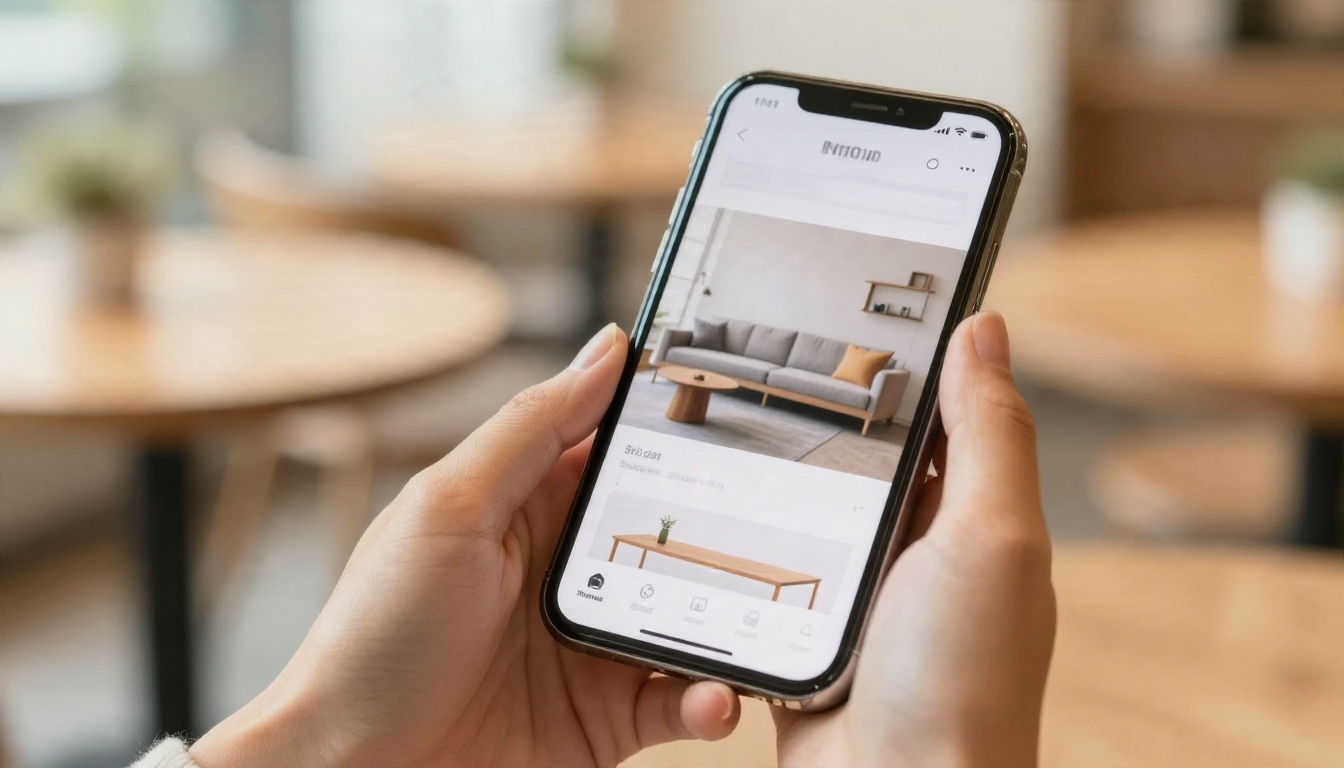
"Free" can mean very different things. Some tools stamp a large logo across every page. Others limit you to five pages or delete your catalogue after a week. Before you upload anything, check the following.
Must-Have Features
- No watermarks. A logo from a third party on your product pages looks unprofessional and distracts from your brand.
- Responsive layout. The catalogue should adapt to phones, tablets, and desktops without you resizing anything.
- Fast loading. Pages should appear as the visitor swipes, not after a full file download.
- Shareable link and embed code. You need to send the catalogue in a message and also place it on your website.
- Clickable links. Product names and buttons in your PDF should still lead to your shop.
- Privacy controls. Wholesale price lists often need a password.
Free Versus Paid Limits
Be realistic about what each tier covers. Free plans are perfect for testing and for a single small catalogue. Growing catalogues, multiple collections, and customer tracking usually need a paid plan. You can compare the options on the Flipbooks AI pricing page.
| Capability | Free trial use | Paid plans |
|---|
| Convert PDF to flipbook | Yes | Yes |
| No watermark | Yes | Yes |
| Mobile responsive | Yes | Yes |
| Unlimited flipbooks | Limited | Standard plan and above |
| Password protection | Check plan | Yes |
| Analytics and lead generation | No | Professional plan |
| Offline downloads | Check plan | Yes |
⚠️ Warning: Always open the final link on your own phone before sharing it. Some tools look excellent in their preview but behave differently on a real device.
Prepare Your PDF First

The converter can only work with what you give it. Ten minutes of preparation will save you from blurry pages and awkward layouts later.
Page Size and Orientation
Portrait pages feel natural on phones, while landscape spreads work better on desktops. If your design is built as two-page spreads, export single pages and let the flipbook recreate the spread on larger screens. That way the phone view shows one clean page at a time.
Image Resolution and File Size
Use images at 150 to 200 DPI for screens. Higher values only inflate the file. A catalogue under 30 MB converts faster and loads faster for your visitors.
Text and Links
Keep body text at 9 pt or larger in the original design. Add real hyperlinks to product pages, then check that they survived the export. Flat images of text cannot be searched or clicked.
| Check | Recommended setting | Why it matters |
|---|
| Page order | Cover first, back page last | Avoids a confusing swipe flow |
| Resolution | 150 to 200 DPI | Sharp on phones, small file |
| Fonts | Embedded | Text will not change on conversion |
| Colour mode | RGB, not CMYK | Colours match what screens show |
| Links | Live URLs | Visitors can jump to your shop |
| File size | Under 30 MB | Quick upload and quick loading |
✅ Best practice: Put your most popular products on the first four pages. Mobile visitors rarely swipe past page ten on their first visit.
How to Create a Catalogue with Flipbooks AI

The process is short. Here is the full path from a PDF file to a live link.
Step 1: Open Your Account
Go to Flipbooks AI and create an account. You will land in a dashboard where all your catalogues live. If you only want to see what is possible, browse the tools directory for ready-made starting points.
Step 2: Upload the PDF
- Click the upload button in the dashboard.
- Drag your PDF into the window or select it from your computer.
- Wait for the conversion. A 40-page catalogue usually finishes in under a minute.
- Preview the result. You should see a page-turning flipbook with your original design intact.
For this exact job, the PDF to Flipbook Converter and the Digital Catalog Maker are the two most direct pages to start from.
Step 3: Customise the Look
Open the settings panel and adjust:
- Branding: add your logo and choose a brand colour for the toolbar and buttons.
- Background: pick a neutral tone that does not fight your product photos.
- Page effects: choose a soft page turn or a simple slide. On phones, a slide feels quicker.
- Multimedia: add a short product video or background audio to a page where it adds value.
- Table of contents: set clickable bookmarks for each category.
Step 4: Share It
- Direct link: paste it into WhatsApp, email, or Instagram bio.
- Embed code: place the catalogue inside your website with the Embed Flipbook on Website option.
- QR code: add it to packaging, flyers, or shop windows so people can open the catalogue on the spot.
- Password protection: limit access to wholesale buyers or private clients.
Step 5: Add Pro Features
When your catalogue starts bringing traffic, the Professional plan adds analytics and lead generation. You can see which pages people open most and collect contact details before a visitor sees your price list. You can also allow offline downloads for customers with poor reception. Check the pricing plans to see what fits your volume.
💡 Pro tip: Name your catalogue file clearly, for example "Spring Collection 2027", before you upload it. The name often becomes the title in the shared link preview.
Real Examples That Work

A digital catalogue is not only for large brands. The setups below take an afternoon.
A Small Shop With Seasonal Products
A bakery or gift shop can send a seasonal catalogue to its customer list every quarter. The owner exports the same PDF, uploads it, and shares one link in a newsletter. Because the catalogue sits online, a late price fix means replacing the file rather than apologising for a mistake in print. A shop like this can build on the Product Catalog tool.
A Furniture Showroom

Furniture buyers want to see details: fabric options, dimensions, and finishes. Sales staff can open the catalogue on a tablet during a visit, zoom into a texture, then send the link home with the customer. The Furniture Catalog Maker is built for this exact case.
A Fashion Wholesaler

A wholesaler can protect a trade catalogue with a password and share a unique link with each retailer. With lead capture on, the sales team sees who opened the line sheet before a call. For visual collections, the Fashion Catalog and Interactive Lookbook Designer tools are good fits.
Make It Feel Good on a Small Screen

Conversion is only the first half. The second half is making the catalogue easy to browse with one thumb.
Lead With Strong Pages
The cover and first spread decide whether people keep swiping. Use one clear hero image, your brand name, and a single line of text. Skip dense introductions.
Use Large Tap Targets
If your PDF has buttons such as "Shop now", make them at least the size of a fingertip. Tiny links are hard to hit on a phone and get missed.
Keep Text Short
Short product descriptions, clear prices, and consistent layouts outperform long paragraphs. A buyer who is scrolling on a train wants the name, the price, and a button.
Add a Clear Next Step
Finish every section with a direct action. Link to checkout, a contact form, or a WhatsApp chat. A catalogue without a next step is just a nice brochure.
Track What Your Visitors Do

Printed catalogues never tell you what happened after delivery. A digital one does. With analytics on the Professional plan, you can check:
- Total views and returning visitors
- Most opened pages, which show what customers care about
- Time spent on each section
- Clicks on product links
- Leads captured through a contact form before the catalogue opens
Use this to guide your next edit. If page 12 gets all the attention, move that product to page 2. If nobody reaches the last third, shorten the catalogue or add a stronger table of contents.
Common Mistakes to Avoid
Most failed digital catalogues share the same few problems.
- Uploading a print file with bleed marks. Crop marks and bleed areas look odd on screen. Export a screen version instead.
- Using a huge, unoptimised file. Large images slow down loading. Compress them before conversion.
- Forgetting to test on a real phone. Preview tools help, but a real device shows the truth.
- Hiding the link. Place it where customers already look: email footers, social bios, and your shop menu.
- Never updating it. A catalogue with outdated prices damages trust faster than no catalogue at all. Replace the file when things change.
- Overloading pages. Twenty products on one page may work in print, but on a phone it becomes a wall of thumbnails.
⚠️ Warning: If you sell regulated or age-restricted products, add the right notices to the first page and use password protection when only certain buyers should see the range.
Ready to Publish Your Catalogue?
You do not need a designer, a developer, or a print run to get your products in front of people. You need a clean PDF, a few minutes, and a tool that handles the mobile side for you.
Here is your quick path:
- Create your account on Flipbooks AI and upload your PDF.
- Add your logo, colours, and a few clickable links.
- Share the link, embed it on your website, or print a QR code for your shop.
- Review the numbers and improve the pages people open most.
Browse all flipbook tools and templates to find the closest match for your business, then compare pricing plans when you are ready to publish more than one catalogue. If you already know you want analytics and lead capture from day one, go straight to the plans page after signing in. Your PDF is already finished. The only thing left is making it easy to open.



