Every Sunday, thousands of church offices run the same ritual: print, fold, stack, repeat. Then half the copies end up in a recycling bin by Monday, and the members who missed the service never see the announcements at all. A digital church bulletin fixes that. It lives on a link, opens on any phone, and reaches people who were home with the flu, traveling, or watching the livestream. With a tool like Flipbooks AI, the PDF you already make each week becomes a page-turning publication in a couple of minutes.
This article walks through what a digital bulletin looks like in practice, which templates save the most time, which free online options are worth your attention, and how to get the finished bulletin into inboxes so it actually gets opened.
Why Churches Are Going Digital
Printing costs add up faster than most finance committees expect. A congregation of 200 households that prints 150 bulletins a week spends hundreds of dollars a year on paper and toner, plus volunteer hours folding. Digital publishing cuts most of that, but the bigger win is reach.
What a Digital Bulletin Is
A digital church bulletin is the same content you already publish (order of service, announcements, prayer requests, birthdays, giving information, upcoming events) delivered as a web-based, mobile-friendly document instead of a sheet of paper. The best ones keep the familiar page layout, so older members feel at home, while adding things paper cannot do:
- Clickable links to sign-up forms, the giving page, and livestream
- Embedded video and audio, such as a pastor's welcome or a choir piece
- Instant updates if the service time changes at the last minute
- Archive access, so anyone can find last month's edition
- Readable text on small screens, with pinch-to-zoom and fast page loading
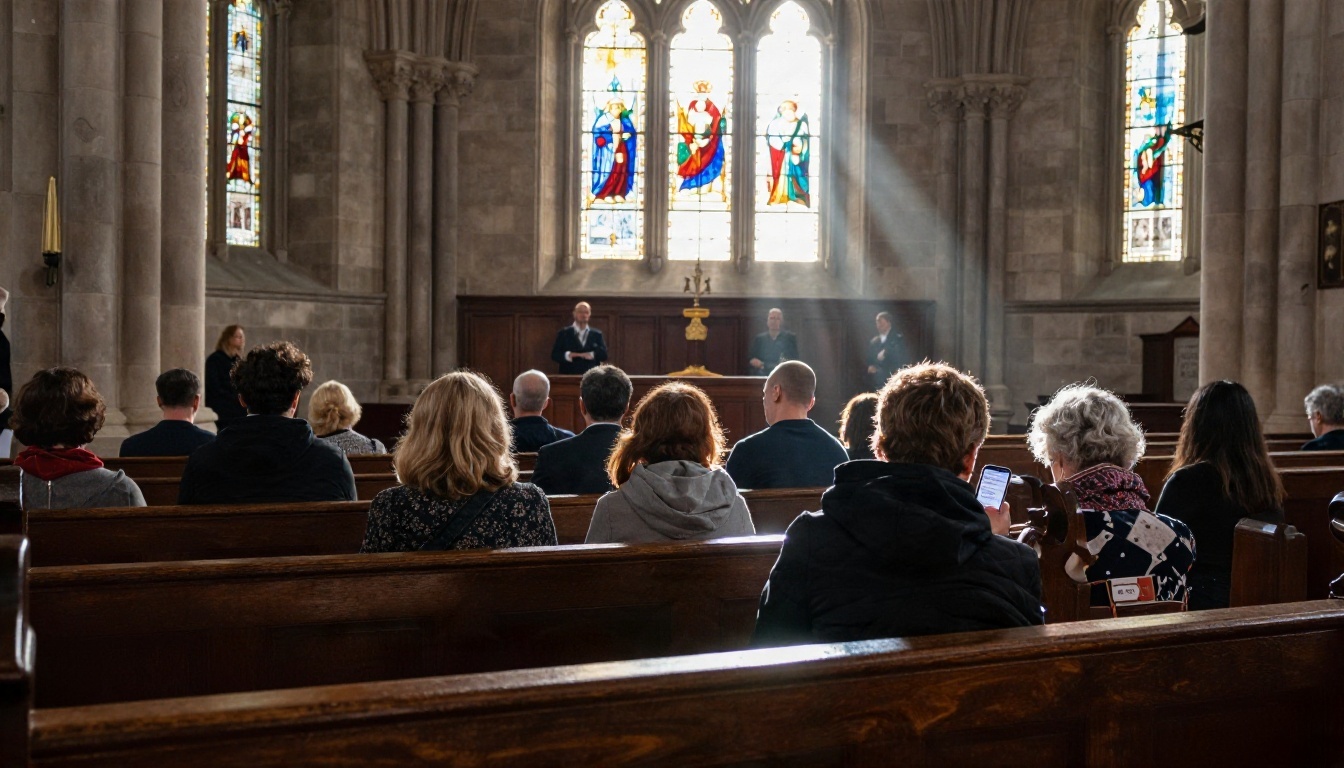
Paper Versus Digital Side by Side
| Factor | Printed Bulletin | Digital Bulletin |
|---|
| Cost per week | Paper, ink, copier upkeep | Near zero after setup |
| Reach | Only people in the building | Anyone with the link |
| Last-minute edits | Reprint everything | Replace the file, same link |
| Links and media | Not possible | Clickable, with video and audio |
| Archive | Filing cabinet | Searchable online library |
| Accessibility | Fixed type size | Zoomable, readable on any device |
| Tracking | None | Views and read counts (Professional plan) |
💡 Pro tip: Do not abolish paper overnight. Many congregations keep a short run of about 30 printed copies for members who prefer them, and send everyone else to the digital version. The printing bill still drops by around 80 percent.
Digital Church Bulletin Examples
Abstract advice only goes so far. Here are three realistic setups that show how different congregations use the format.
A Small Congregation Example
A rural parish with 60 regular attendees uses a four-page bulletin:
- Page 1: Welcome message, the day's liturgical theme, and the order of service
- Page 2: Announcements and the week's calendar
- Page 3: Prayer list, birthdays, and anniversaries
- Page 4: Contact details, giving link, and a QR code for the next event
The parish secretary builds it in a word processor on Thursday, exports a PDF, and uploads it. The result is one link, posted on the church Facebook page and sent in a short email. Two older members who live in care homes now read it on tablets that their families set up.
A Multi-Campus Example
A church with three locations needs a shared core with local touches. Their bulletin uses a common front section (sermon series, churchwide news, giving) and a campus-specific back section (local volunteers needed, parking notes, youth group times). They publish three versions from one master layout, each with its own link and its own color accent. Because the links stay the same every week, regulars bookmark the page and never wait for an email.
A Seasonal Edition Example
Advent, Christmas Eve, Lent, and Easter bring extra pages: candlelight service times, children's pageant schedules, volunteer rosters, and special offerings. Many churches turn these into standalone editions with richer imagery and an embedded video from the pastor. If you are producing a program for a single large event, the Event Program Maker is a good fit, and a monthly or quarterly digest works well with the Newsletter Flipbook Publisher.
Templates That Save Hours
Starting from a blank page every week is where volunteers burn out. A good template locks in the structure so that only the content changes.
Sections Every Bulletin Needs
Whatever style you choose, most strong bulletins include these blocks:
- Welcome and visitor information: Wi-Fi, nursery, restrooms, how to connect
- Order of service: Hymns, readings, and the sermon title
- This week's announcements: Three to six items, no more
- Calendar: The next two weeks, in a simple table
- Prayer requests and care: Ask permission before listing names
- Giving and contact details: A link and a QR code, plus an email address
- Volunteer needs: Specific roles, specific dates

Template Styles Compared
| Template Style | Best For | Pages | Effort Per Week |
|---|
| Classic order of service | Liturgical and traditional churches | 4 to 8 | Low |
| Minimal one-pager | Small groups, house churches | 1 to 2 | Very low |
| Magazine style | Large churches with photo content | 8 to 16 | Medium to high |
| Seasonal special | Christmas, Easter, anniversaries | 6 to 12 | Medium |
| Youth and family edition | Churches with active kids programs | 4 to 6 | Medium |
✅ Best practice: Build one master file with locked headers and footers. Each week, duplicate it, swap in text, and export. Most volunteers can finish in under 45 minutes once the layout is fixed.
For design inspiration beyond the bulletin itself, browse the full set of flipbook tools to see layouts for newsletters, programs, and annual reports.
Free Online Options That Work
Money is tight at many congregations, so "free" is often the first filter. The good news is that you can publish a decent digital bulletin without spending anything. The trade-off is usually in branding, limits, or features.
What Free Tools Usually Include
Typical free offerings give you some mix of:
- A basic page editor or the ability to upload a PDF
- A shareable link
- Limited storage or a cap on the number of documents
- A watermark or ads on the free tier (this is the one to check first)
- Few or no analytics
A watermark on a church bulletin looks off, especially when you are sending it to visitors. Flipbooks AI publishes without watermarks, and you can get started for free before you decide on a plan. Check the pricing page for exactly what each tier includes, since limits can change.
Free Options Compared
| Option | Cost | Page-Turn Feel | Embed on Website | Watermark Concern |
|---|
| Plain PDF on your site | Free | No | Link only | None |
| Shared cloud document | Free | No | Link only | None |
| Free design-app export | Free | Limited | Sometimes | Possible on some features |
| Flipbook platform | Free to start | Yes | Yes | No watermarks on Flipbooks AI |
| Email-only text bulletin | Free | No | No | None |
A plain PDF is the lowest effort, but it downloads slowly on mobile and has no page animation. A flipbook is the best balance of familiarity and polish. If you already have the PDF, the PDF to Flipbook Converter is the shortest path.
⚠️ Watch out: If a free tool stores your document, check who can see it. Bulletins often contain names, addresses, and prayer needs. Use password protection for anything private.
How to Create One with Flipbooks AI
Here is the full workflow, from file to published link. Plan on 10 to 15 minutes the first time and about 3 minutes afterward.
Upload Your PDF
- Go to Flipbooks AI and create an account.
- Click to create a new flipbook and upload your bulletin PDF. Export it from your word processor or design app at standard quality, and keep the file under a few dozen megabytes so it loads quickly on cellular data.
- Wait a few seconds while the platform converts each page into a flipbook spread. Text stays sharp, and links inside the PDF generally stay clickable.
- Preview the result on both desktop and phone view. The layout is mobile-responsive, so pages adapt to the screen.
Customize the Look
Once converted, open the editor and adjust:
- Branding: Add your church logo and choose colors that match your sign or website
- Page effects: Pick the page-turn style and sound, or turn the sound off for quiet reading
- Multimedia: Embed a welcome video or an audio clip of the last sermon directly on a page
- Background: Use a soft neutral or a photo of your sanctuary, nothing that competes with the text
💡 Pro tip: Keep the same color scheme and logo every week. Members start to recognize the look in their inbox, and recognition drives opens.
Share and Track
The sharing options matter most for church use. Pick what fits your audience:
| Sharing Method | How It Works | Best Use |
|---|
| Direct link | One URL you paste anywhere | Email, text message, social media |
| Embed code | Snippet that places the flipbook on a page | Your church website's "This Week" page |
| QR code | Printed or projected code that opens the link | Sanctuary screens, welcome table, signage |
| Password protection | Readers enter a code to open | Member-only directories, pastoral care notes |
| Offline download | Readers save a copy | Members with poor connections |
To place the bulletin on your site, follow the steps in the Embed Flipbook on Website tool page. On the Professional plan, you also get analytics (which pages are read, how long people stay) and lead generation forms, useful for a "connect card" that captures visitor names and emails right inside the bulletin.
Unlimited flipbooks are available from the Standard plan up, so you can publish a new edition every week and keep the whole archive online.
Email Sharing That Gets Opened
You can build the best bulletin in the diocese, but if it sits in an unopened email, nobody reads it. Email is still the channel that most congregations rely on, particularly for older members.

Subject Lines and Timing
Short and specific beats clever. A few that work:
- "This Sunday at St. Mark's: bulletin and service times"
- "Your bulletin for November 24"
- "Christmas Eve schedule inside"
As for timing, most churches see the best results when the email goes out Thursday evening or Friday morning, so people can plan their weekend, with a second reminder on Sunday morning that carries only the link and the service time. Test both for a month and compare opens.
Link or Attachment
| Approach | Pros | Cons |
|---|
| Link to the flipbook | Small email, always the latest version, trackable | Needs an internet connection |
| PDF attachment | Works offline once downloaded | Large files get blocked, no tracking, goes stale |
| Pasted text only | Loads instantly | No layout, no images, no media |
| Link plus preview image | Eye-catching, high click rate | Takes a minute to set up |
Use the link. It keeps the message light, avoids spam filters, and means a correction made at 9 p.m. on Saturday shows up for everyone who already has the email. Add a one-line summary above the link, such as "This week: potluck after service, choir rehearsal moved to 6 p.m."
Beyond the Inbox
The same link can travel further:
- Text message: A short note with the link, sent through your church's group messaging tool
- Social media: Post a screenshot of the cover page and paste the link in the comments or bio
- Website: Embed the latest edition on a stable page, such as
/bulletin
- Livestream: Paste the link into the chat during the broadcast
- Sanctuary screens: Show the QR code during announcements
✅ Best practice: Use the same link every week by replacing the file rather than creating a new URL when possible. Members bookmark it, and the habit forms by itself.
Mistakes to Avoid
After watching many church offices make the switch, the same problems come up again and again. Here are the three most common, plus a few smaller ones.
- Packing in too much. A bulletin with 25 announcements is a bulletin nobody reads. Limit yourself to the top five and link to a longer events page.
- Forgetting privacy. Prayer requests, hospital stays, and children's names deserve consent. Use a password for sensitive pages, or leave names out of the public version.
- Dropping the older members. Offer a printed option, a large-type version, and a phone number where someone can walk a member through opening the link.
A few more to watch:
- Using tiny fonts that become unreadable on a phone
- Skipping the QR code, which is the quickest bridge between the pew and the screen
- Changing the layout every month, which confuses regular readers
- Never checking analytics, so you do not know which sections people read
If your church also publishes yearly summaries for donors and the board, the same approach works for the Non-Profit Annual Report, and school-run congregations can use the School Newsletter Creator for parent updates.
Ready to Publish Your Bulletin?
You already write the content every week. The only change is how it reaches people. Here is a simple plan for your first month:
| Week | Task |
|---|
| 1 | Upload last Sunday's PDF, add branding, preview on a phone |
| 2 | Publish the new edition, email the link to a small group of volunteers |
| 3 | Send to the full list, add a QR code to the welcome table |
| 4 | Review which sections people read, trim the rest |
Ready to make your first one? Get started for free on Flipbooks AI, browse the tools and templates to find the right layout, or compare pricing plans when you are ready for analytics, lead capture, and unlimited editions.



