You have a PDF, a deadline and a budget of exactly zero. A digital flip book free of charge sounds like the perfect answer: upload the file, get a page-turning version you can share with a link. And it often works. But free plans come with strings, and nobody tells you about them until you hit a wall at page 31 or find a logo stamped on your brochure. This article lays out what a free flip book maker can really do, which templates are worth your time, what good examples look like, and the limits to check before you publish. If you want to try a maker while you read, Flipbooks AI turns a PDF into a flip book in a few minutes.
What a Free Digital Flip Book Is
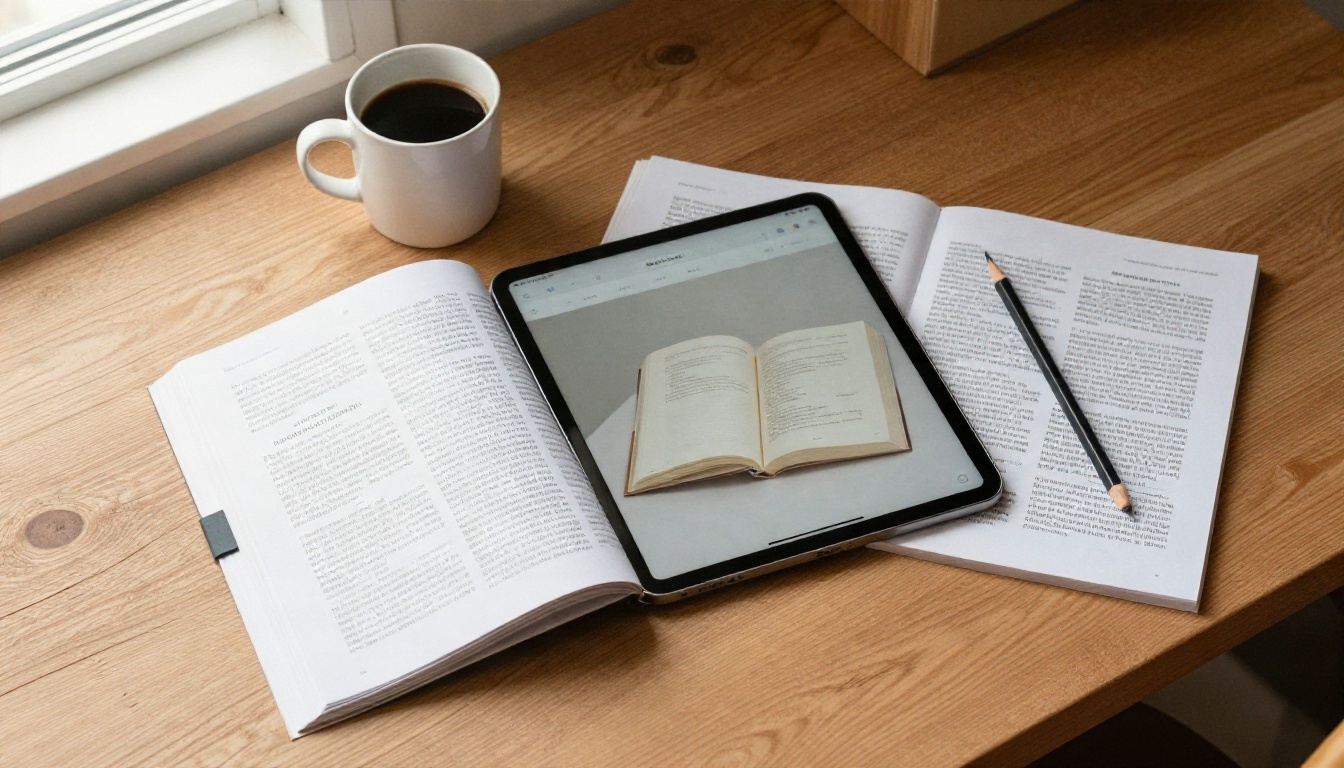
A digital flip book is a web version of a document where pages turn like paper. You scroll, tap or drag a corner, and the page curls over with a soft shadow. Under the hood it is usually a PDF converted into page images plus a viewer that handles zoom, search, links and sound.
The word "free" is where things get slippery. It can mean three different things:
- A free trial that expires after 7 to 30 days.
- A free plan with permanent but capped features.
- A free tool that is fully open but adds ads or a logo to every flip book.
Knowing which one you are looking at saves hours of rework.
How the page turn works
When you upload a file, the maker splits each page into a lightweight image, stores it on a server and loads it into a viewer. Good makers keep text searchable and links clickable. Weaker ones flatten everything into pictures, which means no copy and paste and no working buttons.
Who actually uses them
Flip books have moved well beyond magazines. Here is who tends to publish them:
- Retailers sharing seasonal catalogs
- Restaurants replacing printed menus
- Photographers and designers showing portfolios
- Teachers handing out course packs
- Agencies sending proposals that feel more polished than an email attachment
💡 Pro tip: If your document is mostly text and has no photos, a flip book adds little. Use this format when layout, images and the feeling of turning pages matter.
Choosing a Free Flip Book Maker
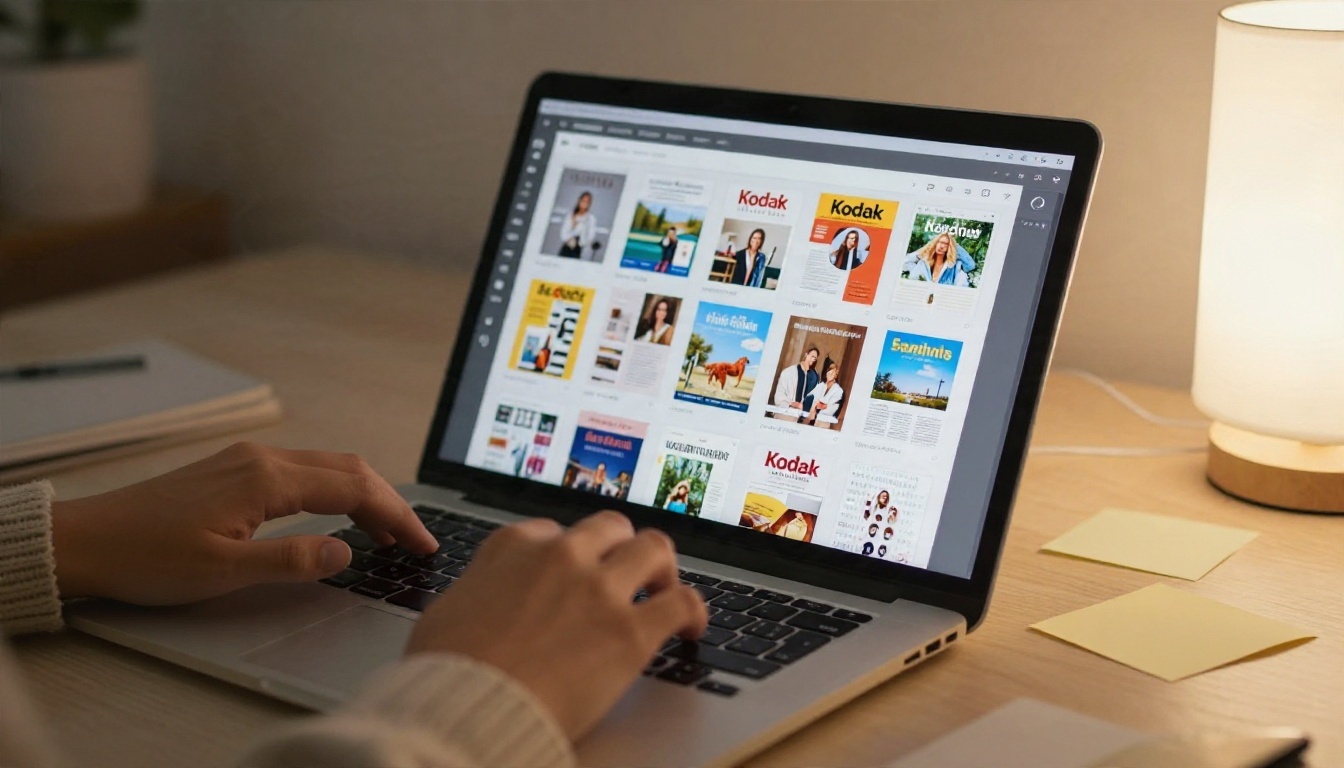
Most makers look similar on a landing page. The differences show up the moment you export, share or open your flip book on a phone.
Features worth checking first
Before you upload anything, run through this short list:
- Watermark policy. Is a logo added to the pages or only to the viewer frame?
- Page limit. Many free plans stop at 20 to 50 pages.
- Mobile behavior. The flip book should reflow to a single page on a phone.
- Link and video support. Can you embed video, audio and clickable buttons?
- Sharing. A public link, an embed code and password protection are the basics.
- Ownership. Can you download your flip book or move it elsewhere later?
Free tiers compared
The table below shows how free offers typically differ. Exact numbers change often, so treat it as a pattern, not a price list.
| Feature | Typical free tier | Mid priced plan | What it means for you |
|---|
| Watermark | Logo on pages or viewer | Removed | Matters for client work |
| Page count | 20 to 50 pages | Hundreds | Catalogs may not fit |
| Number of flip books | 1 to 3 | Unlimited | Limits testing |
| Embed on website | Often blocked or branded | Included | Affects SEO and trust |
| Password protection | Rare | Included | Needed for private files |
| Analytics | None | Basic or full | Shows who reads what |
| Offline download | No | Sometimes | Useful for events |
On Flipbooks AI, the plans are built around the idea that there are no watermarks, ever, and that unlimited flip books start at the Standard plan. Check the pricing page for what the entry level includes today, because limits are the one thing that changes most often across this whole category.
⚠️ Watch out: "Free forever" with a mandatory watermark is not the same as "free." If you send a flip book to a client, that logo sends traffic to a competitor.
Templates That Save Hours

Templates matter less in a flip book maker than in a design app, because the layout lives in your PDF. What templates really provide is a starting structure: page order, spacing, and a visual rhythm that suits the type of document. You build the layout in a design tool or word processor, export a PDF, and the maker turns it into pages that flip.
Catalog and lookbook layouts
Product pages work best with a grid of 2 to 6 items, a clear price and one strong hero photo. Fashion brands lean on big full bleed images with small captions. If that is your case, try the Fashion Catalog Creator or the Interactive Lookbook Designer. For general inventory, the Digital Catalog Maker keeps things tidy.
Menus, reports and portfolios
Menus want short pages and large type. Reports want a table of contents and consistent headers. Portfolios want one image per spread and plenty of white space. The tools directory has a starting point for each, and you can browse all flipbook tools to see the options.
✅ Best practice: Design in landscape spreads if you want the open book feel on desktop, and in portrait if most of your readers will be on phones.
Real Examples Worth Copying
Abstract advice only goes so far. Here are three realistic cases and what made each of them work.
A restaurant menu
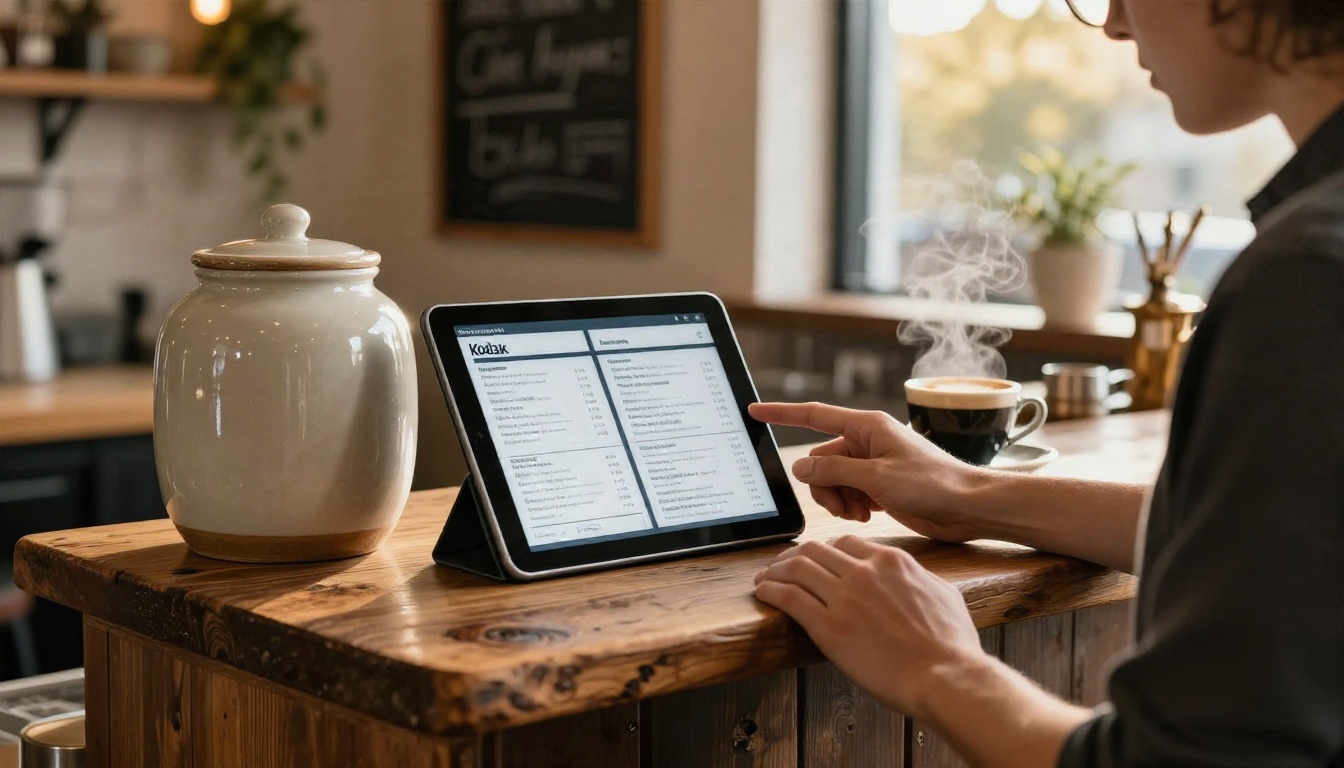
A neighborhood bistro replaced its laminated menu with a 6 page flip book reached by a QR code on each table. Prices change on Monday? The owner re-uploads the PDF and every table updates at once. The result was less printing, no outdated pages, and a seasonal specials page that actually gets read. The Menu Flipbook Designer is built for exactly this kind of job.
A photographer's portfolio
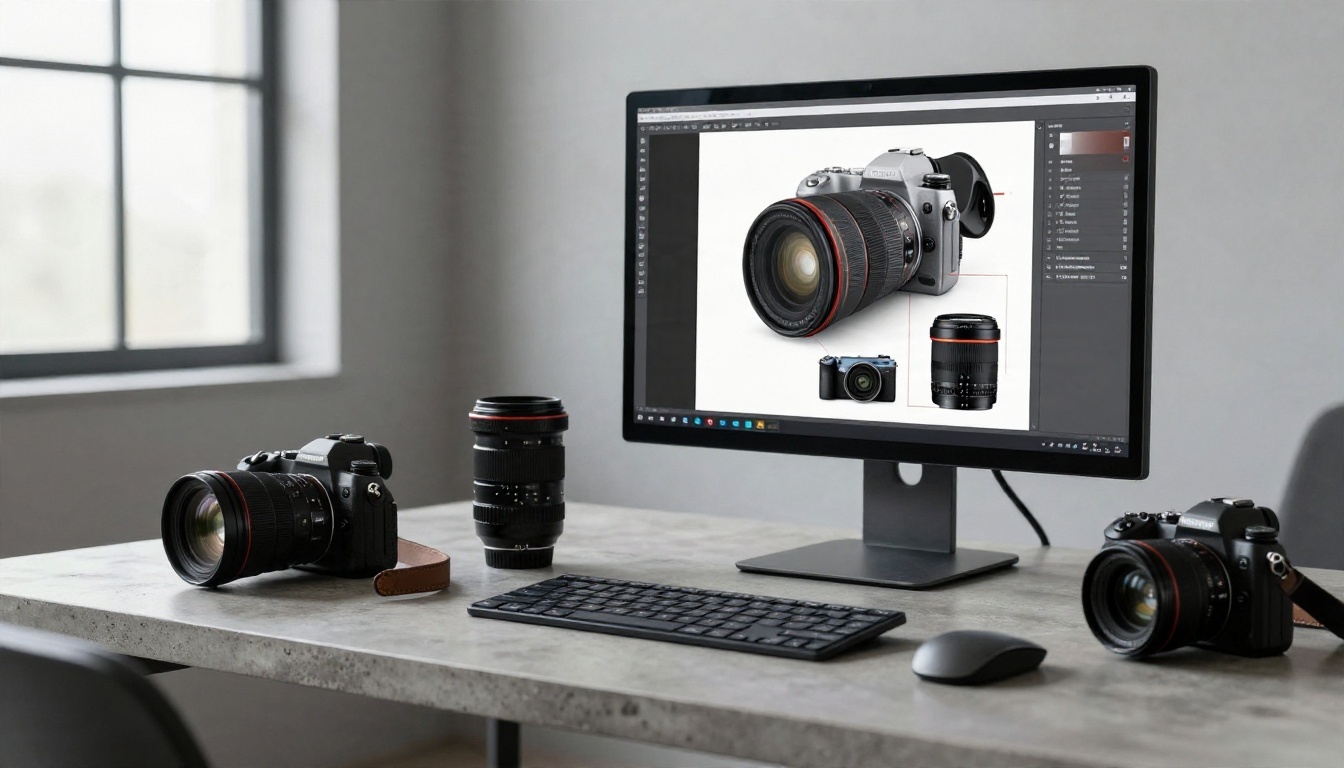
A wedding photographer sends a 20 page flip book to prospective couples instead of a folder of JPEGs. Pages turn, images fill the screen, and a password keeps unreleased work private. This beats a bare attachment because the photographer controls the order and the pace. See the Photography Portfolio tool for this setup.
A school course pack
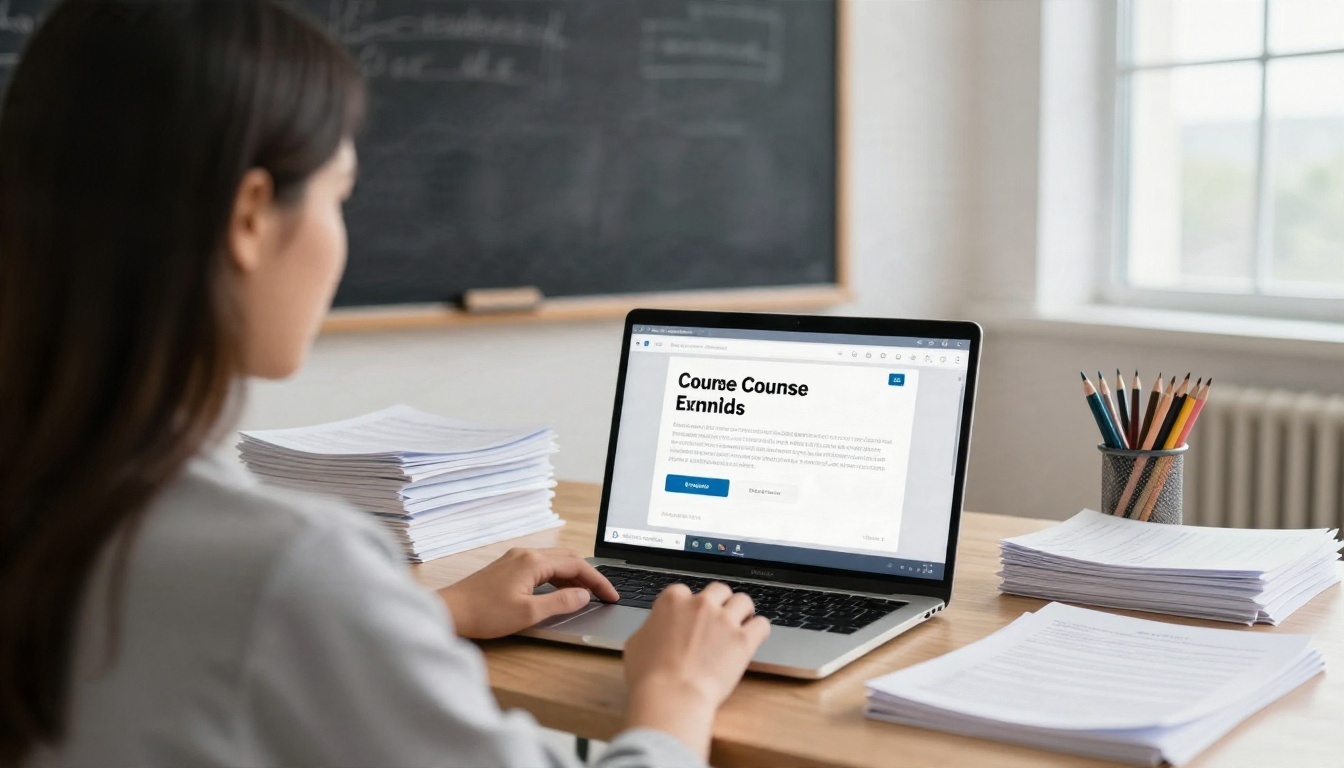
A teacher publishes weekly reading packs with embedded audio for pronunciation practice and links to worksheets. Students open one link on any device. Parents get the same link. No printing budget is touched.
| Example | Pages | Free plan fit | What to watch |
|---|
| Bistro menu | 6 | Excellent | Watermark on a public menu |
| Wedding portfolio | 20 | Good | Password protection |
| Course pack | 30 | Mixed | Audio and storage caps |
| Annual report | 60 | Poor | Page limit |
Limits to Know Before Publishing

This is the part most reviews skip. Free plans are designed to be good enough to try and annoying enough to upgrade. Here is where the friction usually shows up.
Watermarks and branding
Some makers stamp a logo on every page. Others add an ad bar or a "made with" link in the viewer. Both look unprofessional on client work. Ask yourself: would I be comfortable if a customer saw this next to my brand? If not, the plan is a test drive, not a publishing solution.
Page, storage and view caps
Free plans commonly restrict:
- Pages per flip book (often 20 to 50)
- File size per upload (often 10 to 50 MB)
- Number of flip books you can keep live
- Monthly views, after which the link may pause
A 60 page catalog with high resolution photos can break all four at once. Compress images to around 150 dpi for screen and you will fit more under the limit without any visible loss.
Privacy and downloads
Public by default is the norm. If your file contains pricing, contracts or unreleased images, you need password protection or a private link. Offline download is another feature that tends to be locked behind a paid plan, which matters for trade shows and areas with weak signal.
| Limit | Risk if ignored | Workaround |
|---|
| Forced watermark | Looks unprofessional | Choose a maker without one |
| Page cap | Document gets cut | Split into volumes |
| View cap | Link stops working | Monitor traffic early |
| Public only | Private data exposed | Use password protection |
| No embed | Hurts website use | Check before you build |
⚠️ Warning: Never upload anything confidential to a free plan without checking the privacy settings. A public link can be forwarded by anyone who receives it.
How to Create a Flip Book with Flipbooks AI

If the feature set above matches what you need, here is the full process on Flipbooks AI. It takes about five minutes for a short PDF.
Step by step
- Create an account. Sign up here and open your dashboard.
- Upload your PDF. Drag the file in. The PDF to Flipbook Converter splits it into pages and keeps text and links intact.
- Customize the look. Set your brand colors, add a logo, choose the page effect and background, and adjust how the book opens.
- Add multimedia. Embed video and audio on any page, and add clickable links to products or forms.
- Preview on mobile. Check how the flip book behaves on a phone, since the viewer is mobile responsive.
- Publish and share. Copy the direct link, or grab the embed code and follow the Embed Flipbook on Website instructions.
- Protect private files. Add a password if the content is not meant for everyone.
💡 Pro tip: Name your PDF clearly before upload. The file name often becomes the default title and affects how your flip book looks in search results.
Beyond the basics
Once your first flip book is live, a few extras are worth knowing about:
- Offline downloads for events and low signal areas
- Analytics showing page views and reading time
- Lead generation forms that collect emails before readers open the book
- Custom branding across the viewer and the share page
Analytics and lead capture sit on the Professional plan, so compare the plans if those matter to you. Every plan keeps the same promise: no watermarks.
Free or Paid? A Quick Decision

Not every project needs a paid plan. Use the table to decide fast.
| Your situation | Free is enough | Paid makes sense |
|---|
| Testing a layout | Yes | No |
| One short personal project | Yes | Maybe |
| Client deliverable | No | Yes |
| Catalog over 50 pages | No | Yes |
| Private or sensitive file | No | Yes |
| Lead capture needed | No | Yes, Professional |
| Ongoing monthly publishing | No | Yes, Standard or above |
A good rule: if your name or brand appears on the document and strangers will see it, remove every watermark and cap before you publish. If you are only checking how a layout turns, free is fine.
Make Yours Today
A digital flip book free to try is a great way to see whether the format fits your content. Pick a maker with a clear watermark policy, build the layout in your usual design tool, test it on a phone, and read the limits before you share the link.
Ready to build one? Create your account on Flipbooks AI and upload your first PDF. Not sure which template fits? Browse the tools and templates for catalogs, menus, portfolios and reports. And when your project outgrows a trial, compare pricing plans to pick the one that fits.



