You spent six months on that penthouse renovation. The lighting plan was tight, the joinery details were gorgeous, and the photographer nailed every angle. Then you exported a 140 MB PDF, emailed it to a prospect, and it bounced. A digital flip book maker free to start with fixes exactly that problem. With Flipbooks AI, your portfolio becomes a page-turning online publication that opens instantly, looks sharp on a phone, and carries no watermark.
This article walks through what interior designers actually need from a flipbook tool, shows portfolio layouts that work, compares sharing and embed methods, and gives you a step-by-step build you can finish in an afternoon.
Why Designers Ditch Heavy PDFs
The Email Attachment Problem
Interior design portfolios are image-heavy by nature. Full-bleed room photography, material boards, floor plans and renderings push file sizes past what most inboxes accept. Even when the file arrives, the client sees a static document that jumps around on a small screen.
Common complaints from designers:
- Bounced emails because the attachment exceeds the size limit.
- Slow downloads on hotel Wi-Fi or mobile data.
- Zero visibility into whether anyone opened the file.
- Outdated copies floating around after you update a project.
What a Flipbook Changes
A flipbook converts your PDF into a browser-based publication with realistic page turns. The reader clicks a link, the book opens, and they flip through at their own pace. Nothing to download, nothing to install.
💡 Pro tip: Treat your flipbook like a showroom, not a filing cabinet. The page-turn motion signals "curated collection," which suits high-end residential and hospitality work far better than a scrolling file viewer.
| Format | Typical file size | Opens on mobile | Trackable | Easy to update |
|---|
| Emailed PDF | 50 to 200 MB | Often clunky | No | No, resend needed |
| Static web gallery | Varies | Yes | Sometimes | Yes |
| Digital flipbook | Link only | Yes, responsive | Yes (Professional plan) | Yes, swap the PDF |
What a Free Flip Book Maker Must Offer
Plenty of tools advertise "free," then stamp a logo across every page or lock sharing behind a paywall. For a designer, a watermark on a project photo is a dealbreaker. It undercuts the polish you spent months building.
Features Worth Checking
Before you commit, test any tool against this list:
- No watermarks. Your work should carry your brand, not the tool's.
- High-resolution rendering. Textures like boucle, travertine and brushed brass need sharp pages.
- Mobile-responsive reading. Many clients open links on a phone between meetings.
- Custom branding. Logo, background colour and a clean URL.
- Password protection. Essential for unreleased projects and client-confidential homes.
- Embed support. You want the book living on your own website.
- Multimedia. Short video walkthroughs and audio notes inside the pages.
Hidden Limits to Watch
Read the plan details before you upload your best work.
| Limit | Why it hurts designers | What to look for |
|---|
| Watermark on free tier | Damages your brand | "No watermarks, ever" |
| Page count caps | Large projects get cut | Room for 40 to 100 pages |
| Forced ads | Distracts from the work | Clean, ad-free reader |
| Share links that expire | Proposals die quietly | Permanent links |
| No embed option | Forces visitors off your site | Iframe embed code |
Flipbooks AI keeps the watermark-free promise across plans, and paid tiers add unlimited flipbooks, analytics and lead capture. Compare the pricing plans to see where your studio fits.
Portfolio Examples That Win Clients
Not every portfolio needs to be a 100-page monograph. The best ones match a clear purpose. Here are four layouts that work well as flipbooks.
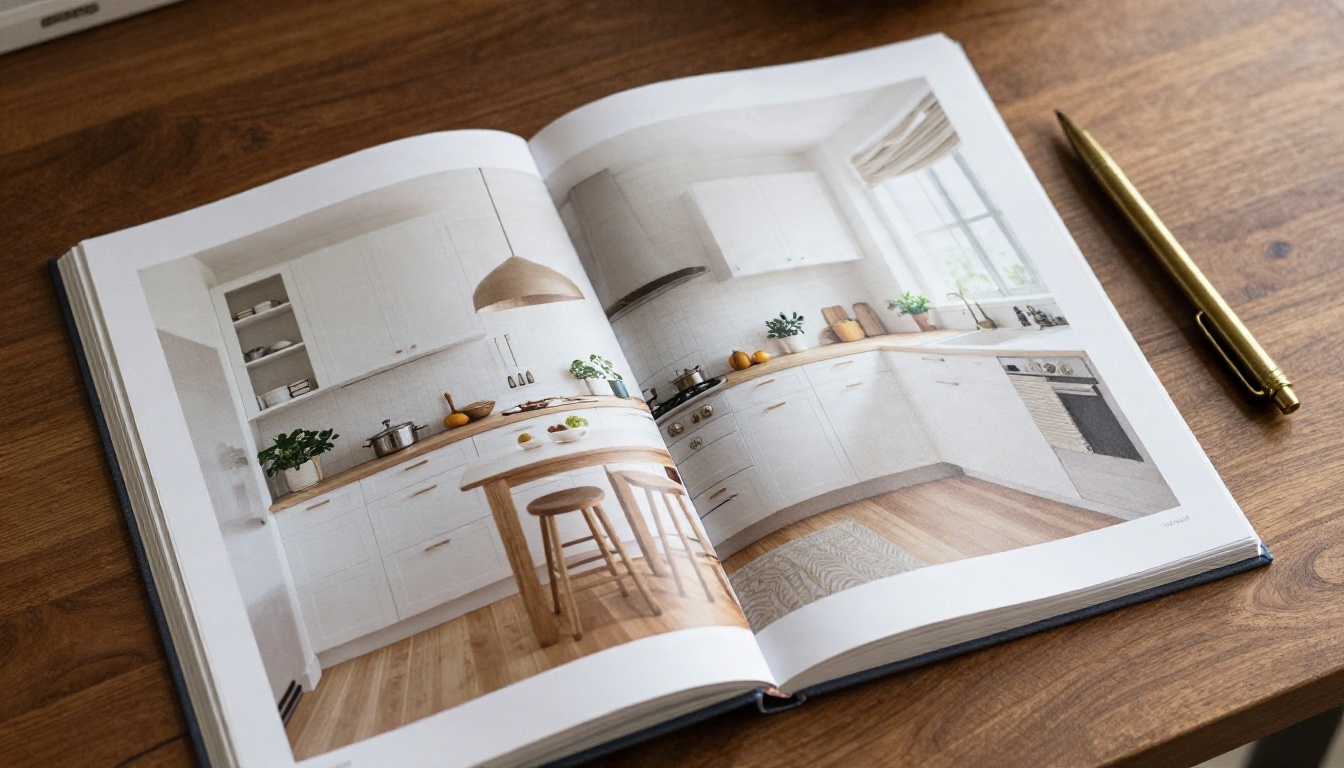
The Residential Showcase
This is your general-purpose book. Open with a short studio statement, then give each home two to four pages. Lead with one wide hero shot, follow with detail close-ups, and finish with a floor plan.
A real-world scenario: A boutique studio in Lisbon sends one link to every inquiry. The first spread shows a signature living room, the second a before-and-after, and the final page holds a booking button. Prospects reply faster because the work is one tap away.
The Single Project Case Study
Perfect when pitching a similar job. A hotel designer might build a 20-page flipbook of one boutique property, walking through the brief, mood boards, material palette, install photos and final result.
Structure that works:
- Page 1: Hero photograph and project title.
- Pages 2 to 3: The brief and the constraints.
- Pages 4 to 8: Concept and material boards.
- Pages 9 to 18: Finished spaces.
- Page 19: Client testimonial.
- Page 20: Contact details.
The Material and Sample Book
Designers who specify finishes can publish a flipbook of preferred suppliers, stone slabs, timber species and fabric ranges. Contractors and clients flip through it without requesting separate files. If your catalog is product-heavy, the Digital Catalog Maker or the Furniture Catalog Maker will suit that format.
The Trade and Contractor Packet
Keep technical drawings, elevations and spec sheets in a password-protected flipbook. Builders always open the latest version because the link never changes. When the drawings are revised, you replace the PDF and everyone sees the update.
| Portfolio type | Best length | Audience | Sharing method |
|---|
| Residential showcase | 30 to 60 pages | New inquiries | Public link and website embed |
| Single case study | 15 to 25 pages | Pitch targets | Direct link in proposal email |
| Material book | 20 to 50 pages | Clients, contractors | Private link |
| Trade packet | 10 to 40 pages | Builders, suppliers | Password-protected link |
For layout ideas beyond interiors, the Digital Portfolio Creator and the Portfolio Flipbook Builder both suit creative professionals.
How to Create Your Portfolio Flipbook
Here is the full workflow with Flipbooks AI. Budget about 30 minutes if your PDF is ready.
Prepare Your PDF
Build the layout in InDesign, Canva, Keynote or Figma, then export as PDF. A few habits make the flipbook look better:
- Export at 150 to 200 DPI for sharp photos without a bloated file.
- Use consistent margins so page turns feel balanced.
- Save a single-page layout if you want each page to flip individually, or a spread layout for a book-like feel.
- Keep text above 10 pt so it reads on mobile.
⚠️ Warning: Avoid placing important details such as dimensions or captions in the extreme corners of a page. Page curls and mobile browser controls can overlap them.
Upload and Convert
- Go to Flipbooks AI and create an account.
- Click the upload button on your dashboard.
- Drag your PDF into the window. The PDF to Flipbook Converter turns each page into a flippable sheet in moments.
- Preview the result and check that images, fonts and links came through cleanly.
Brand and Customize
Open the settings panel and adjust the look so it matches your studio identity:
- Upload your logo and place it in the toolbar.
- Pick a background colour that complements your photography. Warm greys and soft creams flatter most interiors.
- Choose a page effect, from a soft curl to a flatter slide.
- Turn sound on or off for the page-turn effect.
Add Video and Audio
This is where a flipbook beats a PDF. Drop a 30-second walkthrough video on the page of a finished penthouse, or add a voice note describing your concept for a restaurant fit-out. Clients feel the space before they ever step into it.
✅ Best practice: Keep embedded videos short. Aim for 20 to 45 seconds per room so the reader keeps flipping instead of getting stuck on one page.
Online Sharing Options Compared
You have built the book. Now decide how people reach it. Match the method to the audience.

Direct Links and QR Codes
A direct link is the fastest option. Paste it into an email signature, Instagram bio, LinkedIn profile or proposal footer. Print a QR code on a business card or showroom brochure so visitors open your book on the spot.
Typical uses:
- Email signature: Every message becomes a portfolio pitch.
- Instagram bio: One link for all your work.
- Trade show banner: A QR code replaces a stack of printed brochures.
- Proposal PDF: Link to the relevant case study.
Password Protection
Some projects are private by contract. A password-protected flipbook lets you share an unpublished home with one client, or send pricing details to a supplier, without worrying about forwarding. Change the password when the project ends.
Social and Messaging Shares
Clients often prefer WhatsApp or text over email. A flipbook link opens straight in their browser, with no attachment to download. Once a link is shared, the book works the same on desktop, tablet and phone.
| Sharing method | Best for | Privacy level | Setup time |
|---|
| Public link | Social media, email signature | Open | Instant |
| QR code | Print, events, showrooms | Open | 1 minute |
| Password-protected link | Client projects, pricing | High | 2 minutes |
| Website embed | Portfolio page | Open or gated | 5 minutes |
| Offline download | Remote site visits | Controlled | Instant |
Embed Options for Your Website
Sharing a link is useful. Embedding the book on your own site is better, because visitors stay with your brand and your navigation, and you keep the search benefit of fresh content on your domain.
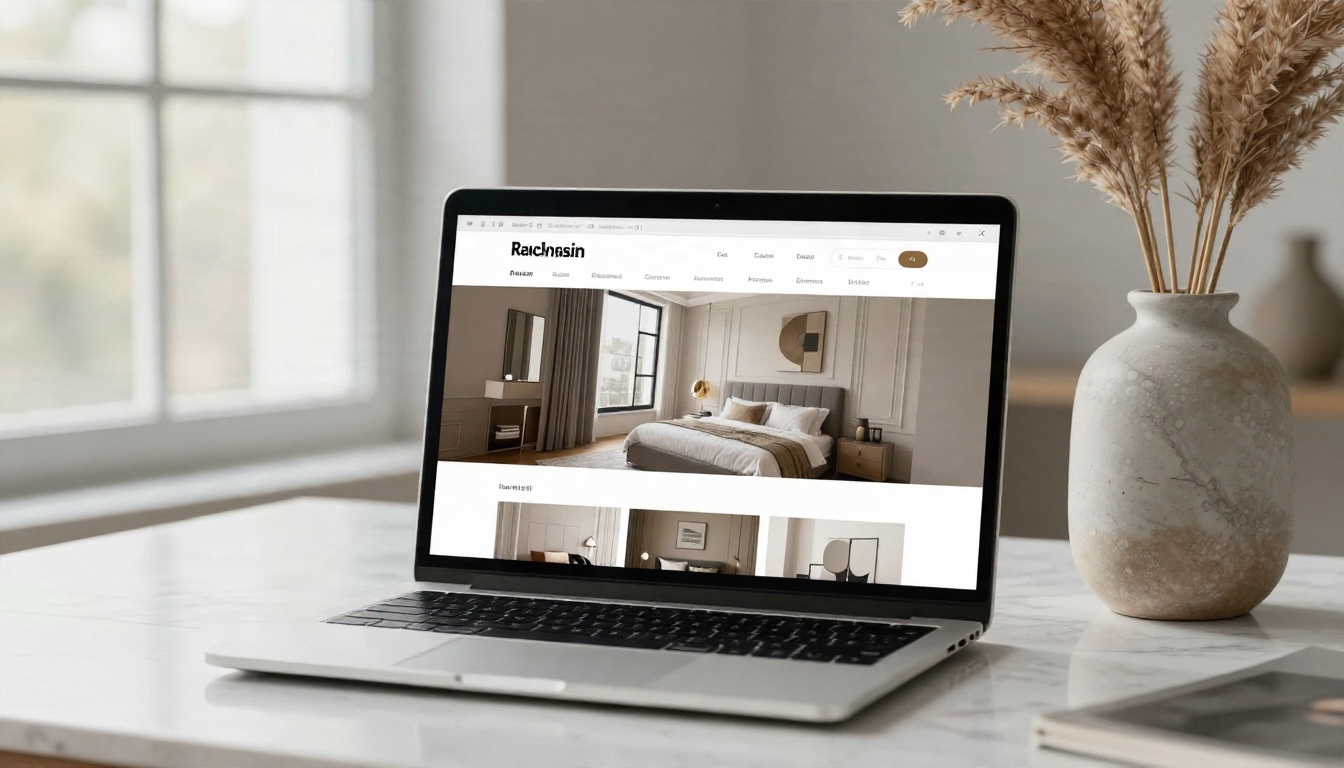
Copy the Embed Code
Inside your dashboard, open the share menu and choose the embed option. You get a short snippet, usually an iframe, that you paste into any page. The Embed Flipbook on Website page explains the options in detail.
Where It Works
The embed behaves like any other iframe, so it fits most site builders:
| Platform | How to add the embed | Difficulty |
|---|
| WordPress | Custom HTML block | Easy |
| Squarespace | Code block | Easy |
| Wix | Embed a site element | Easy |
| Webflow | Embed component | Easy |
| Shopify | Custom Liquid or HTML section | Moderate |
| Custom HTML | Paste inside any div | Easy |
💡 Pro tip: Give the embed generous width on desktop, at least 900 px, so spreads read clearly. On mobile, set the iframe to 100% width and let the responsive reader handle the rest.
Placement That Converts
Where you put the book matters as much as how it looks:
- Homepage hero: A small featured book invites visitors to start flipping.
- Dedicated Portfolio page: Full-width embed with a short intro above.
- Project pages: One book per project, placed under the hero photo.
- Contact page: Add a "see recent work" book next to the inquiry form.
Pro Features Worth Paying For
Free is a great way to test. Once the portfolio starts bringing in inquiries, a few upgrades pay for themselves.
Analytics and Lead Capture
On the Professional plan, you can see which pages hold attention and which get skipped. If every visitor lingers on your kitchen spreads but skips bathrooms, you know where to put more energy. Lead capture adds a form before or inside the book, so you collect a name and email from serious prospects. See the plan details for current limits.
Offline Downloads
Site visits often happen in basements, new builds or rural locations with poor signal. An offline download means you can still show the book on a tablet. Contractors benefit too when they need drawings on-site.
Unlimited Flipbooks
If you publish a separate book for each project, the Standard plan and above removes the cap on how many you can keep live. It also makes it practical to maintain a public showcase, a pricing sheet and several client-only books at once.
| Feature | Free trial | Standard | Professional |
|---|
| No watermarks | ✅ | ✅ | ✅ |
| Embed on website | ✅ | ✅ | ✅ |
| Unlimited flipbooks | Limited | ✅ | ✅ |
| Password protection | Check plan | ✅ | ✅ |
| Analytics | No | No | ✅ |
| Lead generation | No | No | ✅ |
⚠️ Plan details can change, so confirm current allowances on the pricing page before you commit.
Start Your Portfolio Today
A well-built flipbook gives your work the pace and polish it deserves. Clients flip through at their own speed, open it from any device, and judge your taste from the first spread. You stay in control: update the PDF, and the link stays current.
Here is your quick plan:
- Pick your best three projects and build a short PDF.
- Upload it with the PDF to Flipbook Converter.
- Brand it with your logo, colours and a few short videos.
- Share the link in your email signature and Instagram bio.
- Embed it on your website portfolio page.
- Review the analytics once traffic builds, then refine.
Ready to publish? Create your free account on Flipbooks AI and have your first portfolio online today. Browse all flipbook tools for brochure, lookbook and catalog formats, try the Interactive Lookbook Designer for mood-driven presentations, or compare plans when your studio is ready to grow.



