A guest arrives at 9 pm, tired from the road, and asks the same three questions before they reach the stairs: what is the Wi-Fi password, when is breakfast, and where can I get dinner nearby? If your answer lives in a coffee-stained binder on the nightstand, you are answering those questions by hand, every night, for every room. A digital guest directory puts all of it on the guest's own phone, scannable from a QR code on the door or the desk. With Flipbooks AI, you can turn a simple PDF into a page-turning directory in one afternoon, with no app store, no developer and no watermark.
This article shows real examples, compares the main app options side by side, and walks through a free setup you can finish before your next check-in.

What a Digital Guest Directory Is
A digital guest directory is the electronic version of the in-room information binder. It holds everything a guest needs during a stay: Wi-Fi details, check-out times, breakfast hours, house rules, local restaurant picks, emergency numbers, spa or pool information and how to reach the front desk.
The difference is where it lives. Instead of one printed copy per room, there is one live link. Guests open it on their phone, tablet or laptop, and you update it once for every room at the same time.
The Core Parts
Most directories, whatever tool builds them, share the same building blocks:
- Welcome page with the property name, a short greeting and a photo
- Practical info such as Wi-Fi, parking, heating and air conditioning, laundry
- Services like breakfast, room service, spa, bike rental, airport transfers
- Local picks including restaurants, cafes, markets and walking routes
- Safety and contacts with emergency numbers and the nearest pharmacy
- House rules written in a friendly tone, not a legal one
Who Uses Them
Boutique hotels, family-run bed and breakfasts, guesthouses, hostels, serviced apartments and vacation rentals all use directories. The smaller the property, the bigger the payoff, because a small team has the least time to repeat itself.
Why Paper Binders Lose
Paper has charm, and some guests like flipping through it. But as the only source of information, it fails in predictable ways.
| Problem | Paper binder | Digital directory |
|---|
| Updating a price or time | Reprint and replace in every room | Edit once, live everywhere |
| Language options | Separate binders per language | One link per language |
| Wear and hygiene | Stained, torn, missing pages | Always clean |
| Photos and video | Limited and costly to print | Full color, embedded video |
| Guest usage data | None | Views and page-level analytics |
| Cost over a year | Printing, laminating, replacing | Near zero after setup |
The Hidden Cost of Repeating Yourself
Count how many times a day your team answers "what is the Wi-Fi password?" Even ten times at thirty seconds each is five minutes, every day, forever. Multiply that by the questions about parking, late check-out and breakfast and you are giving away hours each month.
💡 Pro tip: Keep the paper binder as a backup in the lobby, but let the QR code be the main route. Guests who prefer paper still get it, and everyone else gets the faster option.
Real Examples From Hotels and B&Bs
Examples make the idea concrete. Here are five setups that work well in practice.
The Seaside Boutique Hotel
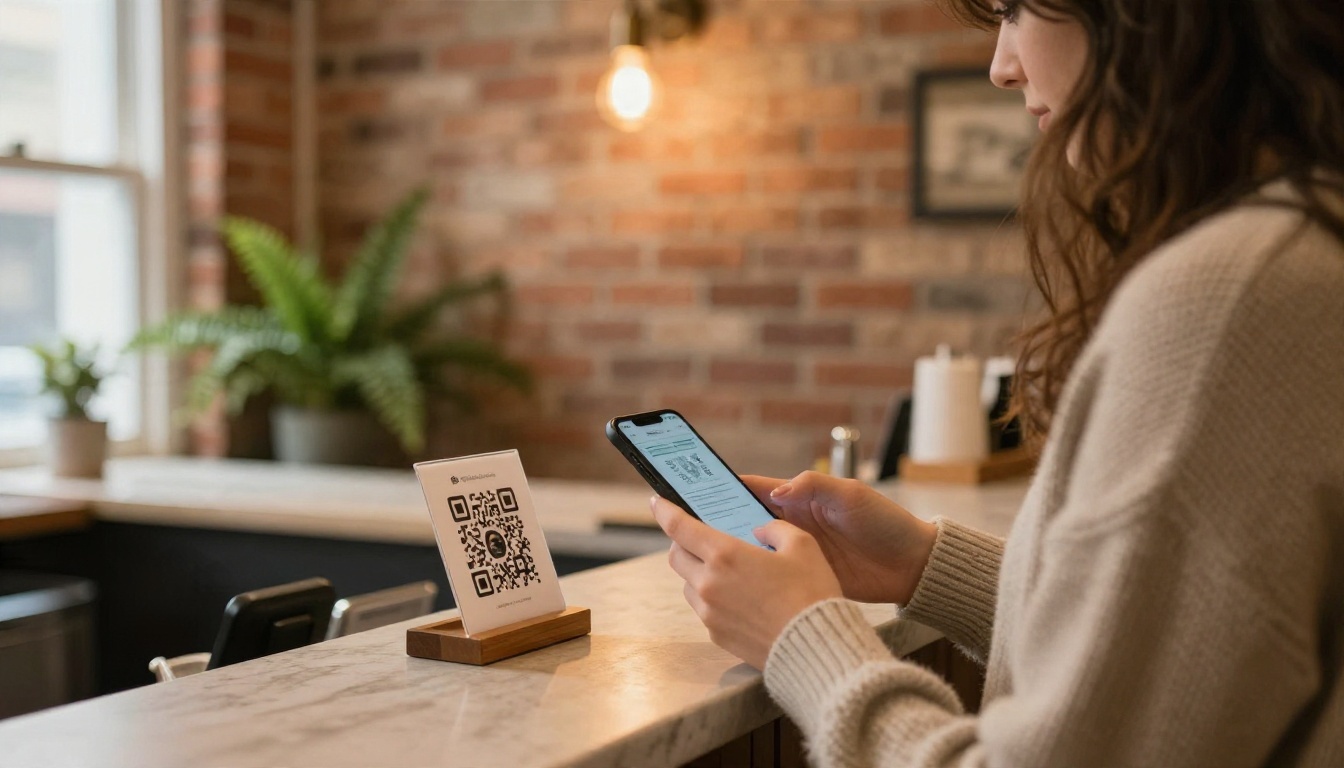
A twelve-room hotel by the coast keeps a single directory with a sunset-terrace page, a tide and beach safety page and a list of fish restaurants within walking distance. A QR code sits on every bedside table. The owner swaps the "dinner picks" page each season, and nobody prints a thing.
The Countryside B&B
A three-room B&B uses its directory mostly for the breakfast story: where the eggs come from, how to order a cooked option, and which allergens are in the homemade jam. Guests read it over coffee, and complaints about breakfast timing dropped because the hours are now visible on the phone, not buried in a welcome note.
The City Guesthouse
A guesthouse in a busy old town offers the directory in four languages, each with its own link. The "first hour" page covers how to get from the station, how to use the door code and where to find a late grocery store.
The Mountain Lodge
A lodge near a trail network puts weather safety notes, trail difficulty ratings and equipment rental hours on the first pages. Hikers check it before dawn, which is exactly when the front desk is empty.
The Serviced Apartment Block
With no front desk at all, an apartment operator relies on the directory for everything: self check-in steps, bin collection days, appliance instructions and a direct contact for emergencies. For unstaffed properties, the directory is the front desk.
App Options Compared
There is no single right tool. The right choice depends on your budget, your team's patience and how much design control you want.
| Option | Setup effort | Design control | Ongoing cost | Best for |
|---|
| Flipbook from a PDF | Low | High | Free to start, paid plans for extras | Small hotels and B&Bs wanting a polished look |
| Dedicated hospitality app | Medium to high | Medium | Monthly subscription, often per room | Larger hotels with guest messaging needs |
| Shared online document | Very low | Low | Free | Quick start, plain look |
| Page on your own website | Medium | High | Hosting and time | Properties with a web developer |
| In-room tablet app | High | Medium | Hardware plus software | Luxury properties with budget |
When a Flipbook Wins
A flipbook sits in the middle ground. It looks like a designed brochure, works on every phone without an install, and costs far less than a hospitality platform. You build the pages in any design tool you already know, export a PDF, and convert it. If you need a booking engine, room-service ordering or live chat, you will want a dedicated hospitality app on top. If you need a clear, attractive and easy-to-update directory, a flipbook is hard to beat.
When Something Else Fits Better
A plain shared document is fine for a two-room rental where looks are secondary. A dedicated app makes sense when you want upsells, check-in forms and messaging in one place. Many properties combine tools: a hospitality app for operations and a flipbook for the visual welcome and local picks.
⚠️ Watch out: Apps that need a download before guests can read anything create friction. Most guests will not install an app for a two-night stay. Anything that opens from a QR code in the browser gets far more use.
Create a Guest Directory with Flipbooks AI
This is the free, fast route. If your property already has a printed welcome sheet or a PDF, you are halfway done. The Hotel Brochure Designer and the PDF to Flipbook Converter are the two tools that matter most here.

Step 1: Write and Design the Pages
- Draft the content in a document, one topic per page.
- Add two or three real photos of your property. Natural light photos beat stock images every time.
- Keep paragraphs to two or three lines. Guests are reading on a phone.
- Export the file as a PDF.
Step 2: Upload and Convert
- Create a free account at Flipbooks AI.
- Click the upload button and choose your PDF.
- The platform converts the file into a page-turning flipbook in moments, with the same layout you designed.
- Preview it on your own phone first.
Step 3: Customize the Look
Add your branding: logo, brand colors and a background that matches your lobby. Pick the page-flip effect, and embed a short video of the breakfast room or the pool. You can also embed audio, such as a spoken welcome in the owner's voice. Everything is mobile-responsive, so text and photos fit any screen.
Step 4: Share with QR Codes, Links and Embeds
You have three ways to get the directory in front of guests:
- Direct link: paste it in your booking confirmation and pre-arrival email.
- QR code: print it on a small card for each bedside table, the front desk and the breakfast room.
- Embed code: place it on your own site with the Embed Flipbook on Website tool, so guests can read it before they book.
If part of the content is only for guests, such as door codes, turn on password protection and put the password on the room card.
Step 5: Track and Improve
On the Professional plan, you get analytics and lead generation. You can see which pages guests open most, so you know whether the local restaurants or the spa page earns the attention. You can also allow offline downloads for guests with poor signal in remote areas. See the full list on the pricing page.
| Feature | Why a hotel cares |
|---|
| No watermarks | Your brand stays clean |
| Unlimited flipbooks (Standard and above) | One directory per language or property |
| Password protection | Safe space for door codes and private notes |
| Analytics (Professional) | See what guests actually read |
| Offline downloads | Works in basements, mountains and old stone buildings |
| Custom branding | Matches your signage and website |
✅ Best practice: Make one flipbook per language rather than mixing languages on the same pages. Guests find their section instantly and you can update each language on its own.
What to Put on Each Page
A good directory is short. Aim for 8 to 14 pages. Here is a layout that has worked across several property types.
| Page | Contents | Tip |
|---|
| 1. Welcome | Greeting, photo, owner's name | Add a short video |
| 2. Wi-Fi and essentials | Network, password, TV, heating | Big text, no scrolling |
| 3. Check-in and check-out | Times, late stay options, luggage storage | Include the fee, if any |
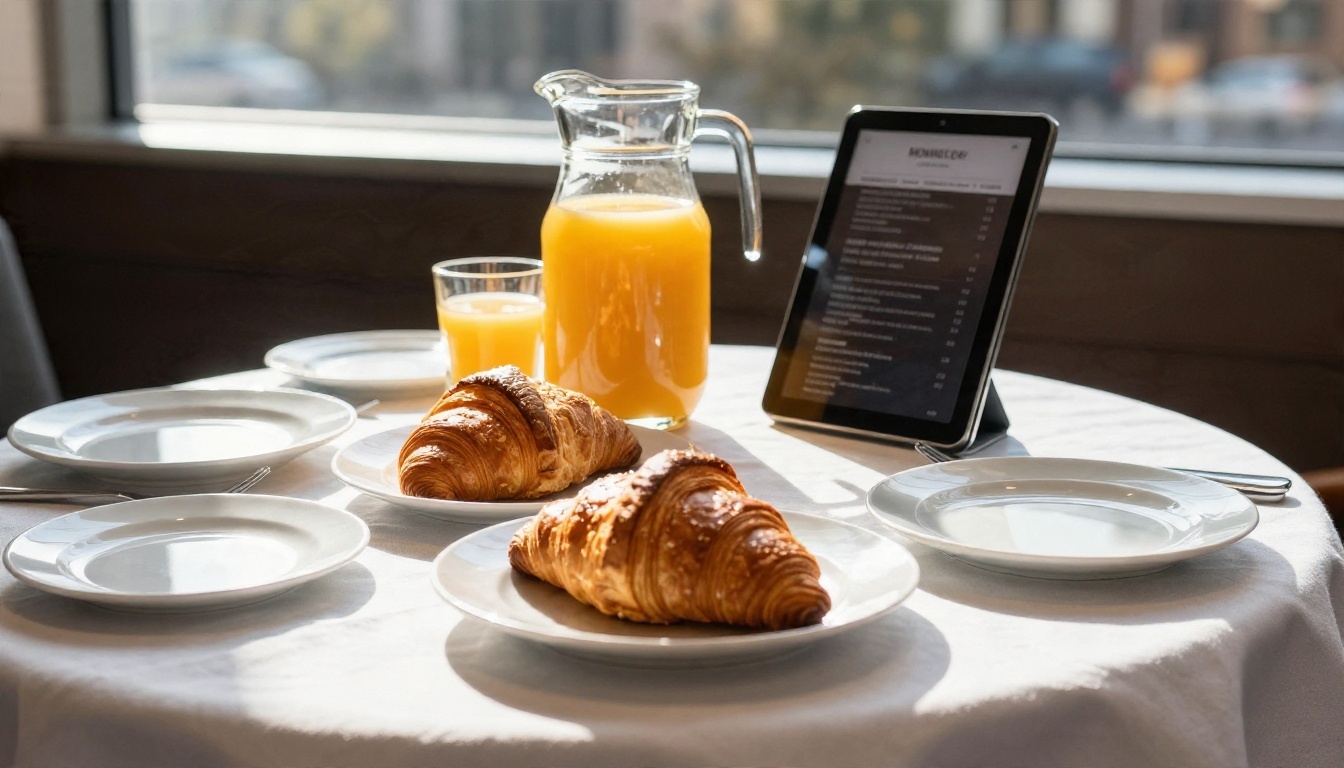
| 4. Breakfast and dining | Hours, menu, allergens | Link the Restaurant Menu Creator output here |
| 5. Spa and wellness | Treatments, hours, booking | See the Spa and Wellness Menu tool |
| 6. House rules | Quiet hours, smoking, pets | Friendly tone |
| 7. Local picks | Five restaurants, three sights, one hidden gem | Add walking times |
| 8. Safety | Emergency numbers, exits, pharmacy | Put it where guests can find it fast |
| 9. Contact | Phone, WhatsApp, front desk hours | Add a one-tap link |
Write Local Picks Like a Local
This is the page guests value most. Do not list twenty places. Pick five that you would take your own family to, and say why in one line each. "Order the lamb, skip the dessert" is more useful than "Great food."

Keep the Tone Warm
Replace "Guests must not..." with "Please keep noise low after 10 pm so everyone can sleep." Same rule, better stay. The directory is part of your hospitality, not a notice board.
Use What You Already Have
You may already have material in other formats. A printed spa list, a breakfast menu or a map can all become pages. If you also want a printable guide for events or tours, the Event Program Maker works the same way. Browse all flipbook tools to see what else fits your property.
Mistakes to Avoid
Most directories fail for boring reasons, not technical ones.
Writing Too Much
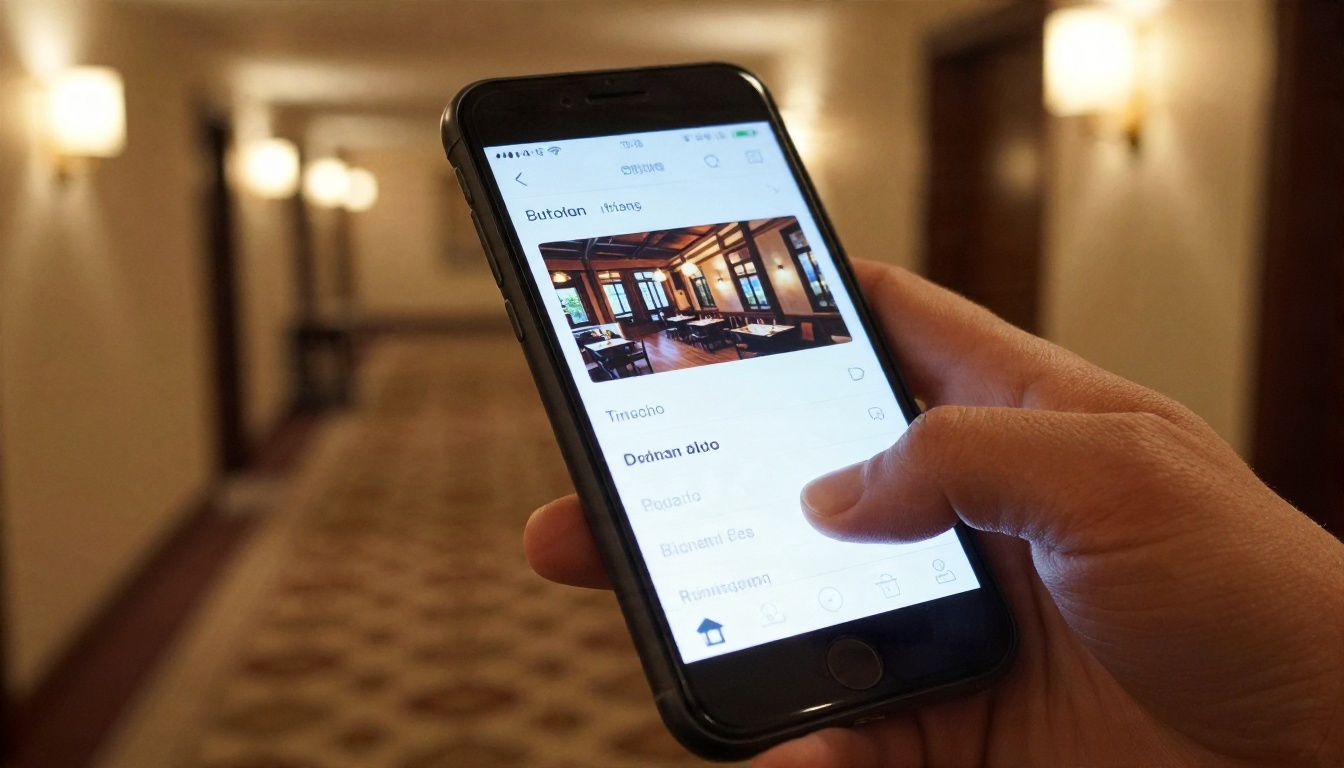
A guest standing in a hallway will not read six paragraphs. Use short lines, bold the important numbers and let photos do the work.
Forgetting to Update
An outdated restaurant list is worse than none. Set a calendar reminder every three months to check hours, prices and closures. Because you edit once and every guest sees the change, this takes minutes.
Hiding the QR Code
If the code is tucked inside a drawer, nobody scans it. Place it where eyes land: the bedside table, the back of the door, the breakfast table and the desk.
Ignoring the Numbers
If analytics show that nobody opens the spa page, the problem may be the page title, not the spa. Test a new photo or heading and check again next month.
Skipping a Test Run
Before launch, hand your phone to a friend who has never visited and ask them to find the Wi-Fi password and the check-out time. If they take longer than ten seconds, simplify.

💡 Pro tip: Ask your front desk team which questions they get most often. Put the answers on page 2. Within a week you will see the number of repeated questions fall.
Launch Yours This Week
You do not need a large budget or a technical team to give guests a better stay. You need a PDF, an hour of honest writing and a QR code. Start with the pages that cut the most repeated questions, then add local picks and a welcome video as you go.
Here is a simple plan:
- Today: list the ten questions guests ask most.
- Tomorrow: write one short page for each and export a PDF.
- Day three: upload it, add your branding and test it on your phone.
- Day four: print QR cards and place them in every room.
- Next month: check analytics and refine.
Ready to build yours? Create a free account on Flipbooks AI and convert your first PDF today. Compare plans and pricing when you want analytics, offline downloads and unlimited flipbooks, or browse the full list of tools and templates to find the format that fits your property best.



