Every hotel room has the same quiet problem: a sticky leather folder on the desk that nobody opens, with a Wi-Fi password printed in 2019 and a restaurant menu that no longer exists. A digital hotel directory fixes that in an afternoon. Guests scan a QR code, a page-turning flipbook opens on their phone, and everything from breakfast hours to spa prices is one thumb swipe away. This article shows you what to put inside, gives you free template outlines you can copy, and explains how to place QR codes so people actually scan them. We build the example with Flipbooks AI, which turns a simple PDF into a mobile-friendly flipbook with no watermarks.
Why Hotels Are Going Digital
The Problem With Paper Folders
Printed room folders look elegant for about three weeks. Then a menu price changes, the pool closes for repairs, or a new tour operator joins your partner list, and the folder is wrong. Reprinting 80 copies for 80 rooms costs money and staff time, so most hotels simply live with outdated pages.
Here is what that really costs:
- Reprint bills every time a price, phone number or opening time changes
- Housekeeping time replacing torn or stained pages
- Front desk interruptions for questions the folder should answer
- Lost bookings for the spa, tours and restaurant because guests never saw the offer
What Guests Actually Want
Travelers already carry the best possible display in their pocket. They want answers in seconds, in their own language, without downloading an app. A browser-based flipbook meets that need, because it opens from a QR scan with no install and no login.
💡 Pro tip: Treat your directory as a replacement for the front desk's top ten questions, not as a brochure. Wi-Fi, breakfast, checkout and the nearest pharmacy matter more than your founding story.
What to Include in Your Digital Hotel Directory
Essential Sections
Start with the pages guests need within the first ten minutes of arriving. Keep each one to a single page so the flipbook feels light.
| Section | What to put on the page | Why it matters |
|---|
| Welcome | Short greeting, hotel name, one photo | Sets the tone |
| Wi-Fi and connectivity | Network name, password, support number | Most asked question |
| Room services | Housekeeping, laundry, room dining, extra pillows | Cuts calls to reception |
| Dining | Breakfast hours, restaurant menu, bar hours | Drives food revenue |
| Facilities | Pool, gym, spa, parking, business corner | Highlights what guests already paid for |
| Check-in and checkout | Times, late checkout rules, luggage storage | Prevents disputes |
| Safety | Emergency exits, doctor, nearest hospital, contact numbers | Trust and compliance |
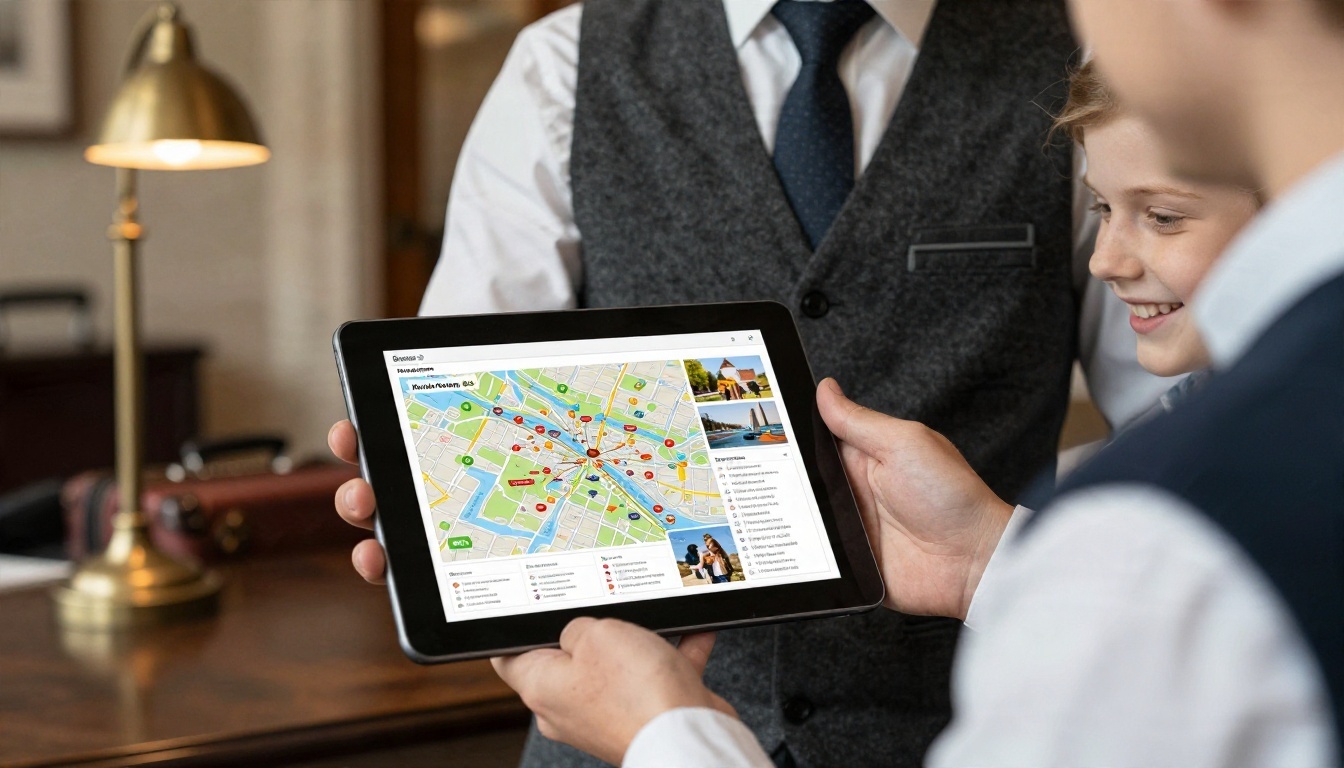
| Local area | Map, transport, restaurants, attractions | Fewer concierge queues |
| Contact | Phone, WhatsApp, email, address | One tap to reach staff |
Optional Extras That Earn Their Place
Once the basics work, add pages that raise revenue or reduce complaints:
- Spa and wellness menu with treatment times and prices
- Seasonal events such as live music nights or cooking classes
- Sustainability policy, including towel reuse and recycling points
- Upsell page for room upgrades, airport transfers and late checkout
- Review request with a short link to your preferred review site
- House rules written in friendly language, not a list of prohibitions
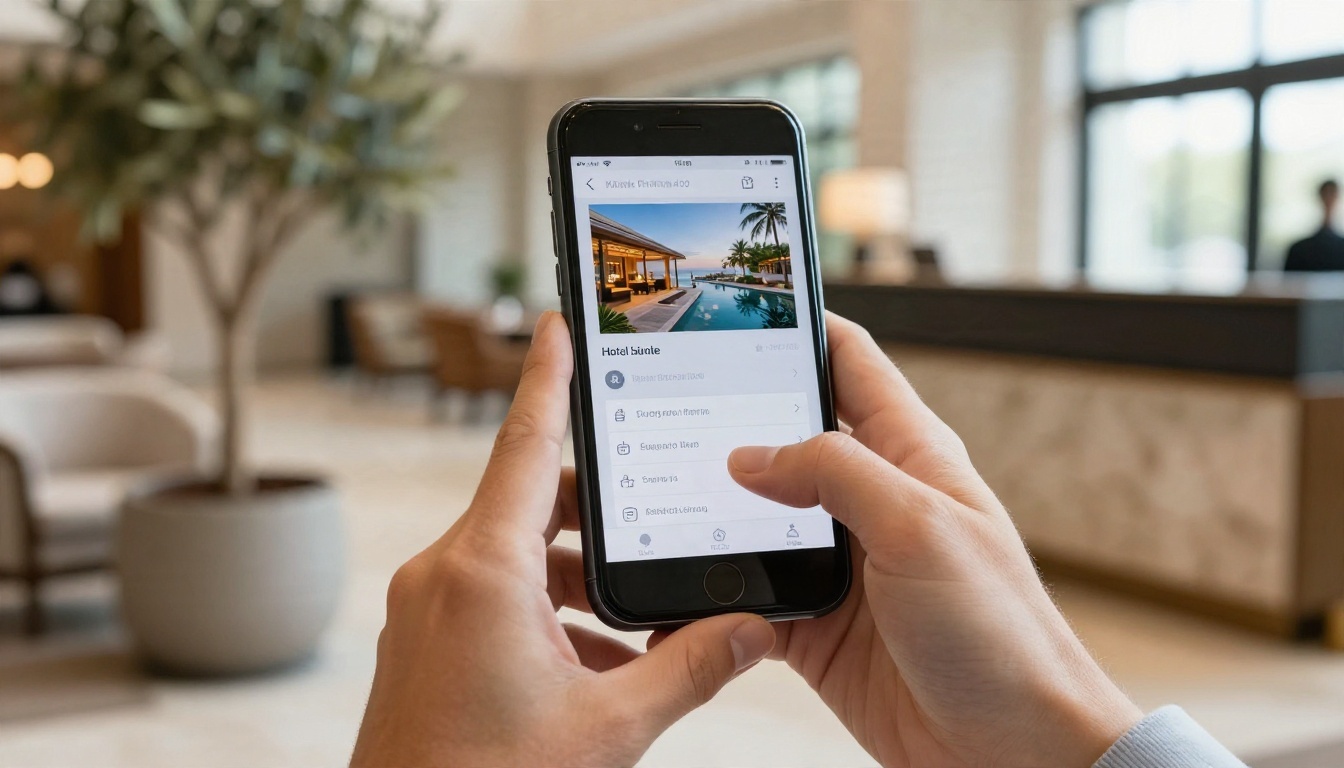
⚠️ Warning: Do not paste ten paragraphs of policy text onto one page. On a phone screen, anything over 80 words becomes a wall that guests skip.
Free Templates You Can Copy Today
Use these page outlines as a starting point. Build them in any editor you like (Canva, Word, Google Docs, InDesign), export as a PDF, then convert. The page counts below assume portrait pages sized for phones, roughly 1080 by 1920 pixels, or standard A5.
Boutique Hotel Template (12 pages)
- Cover page with hotel photo and logo
- Welcome note from the owner (60 words)
- Wi-Fi and room essentials
- Breakfast and bar menu
- Spa or wellness corner
- Neighborhood map with 8 pins
- Three local restaurants you personally recommend
- Transport and airport transfer
- Late checkout and upgrade offers
- Safety and emergency
- Review request
- Contact page
Resort Template (20 to 28 pages)
Resorts need more room because they run several venues at once.
- Pages 1 to 4: welcome, resort map, daily schedule, Wi-Fi
- Pages 5 to 12: one page per restaurant and bar with menus
- Pages 13 to 16: pool, beach, kids club, sports
- Pages 17 to 20: spa, excursions, golf, water sports
- Pages 21 to 24: events calendar and entertainment
- Pages 25 to 28: safety, checkout, contact, review
B&B and Hostel Template (6 to 8 pages)
Small properties win with warmth and brevity. Include a friendly welcome, house rules, shared kitchen instructions, breakfast time, local tips from the host, checkout reminders and a contact page. Keep fonts large and photos honest.
For a ready-made layout, try the Hotel Brochure Designer, which gives you a hospitality structure to adapt rather than a blank page.
How to Create It with Flipbooks AI

Here is the full workflow from blank PDF to live QR code. It takes most hoteliers under 30 minutes.
Upload and Customize
- Create your account. Go to Flipbooks AI and sign up. You can test the platform before choosing a plan on the pricing page.
- Upload your PDF. Drag your exported file into the dashboard. The PDF to Flipbook Converter turns each page into a turnable spread, keeping text sharp and photos crisp.
- Apply your branding. Set your logo, background color and toolbar colors to match your hotel identity. Pick a page-flip effect that feels calm, since a slow curl suits a spa better than a fast slide.
- Add multimedia. Embed a 20-second lobby video, an audio greeting or a clickable link on each restaurant page to your booking engine. Add a tappable phone number on the contact page.
- Preview on mobile. The design is responsive, so open it on a phone and check that nothing feels tiny.
Share and Protect
- Copy the direct link. This is the URL you will turn into a QR code.
- Embed it on your site. Add the flipbook to a "Plan your stay" page with the Embed Flipbook on Website option.
- Set a password if needed. For staff handbooks or VIP packages, password protection keeps private content private.
- Turn on offline download. Guests with weak roaming signal can save the directory to their device.
- Switch on analytics and lead capture. On the Professional plan you see which pages get opened most and can collect emails before the directory loads. Compare plans on the pricing page.
✅ Best practice: Keep the direct link fixed and replace the file behind it when prices change. Your printed QR codes keep working forever, so you never reprint a card.
Related tools worth a look: the Restaurant Menu Creator for your dining pages, the Spa and Wellness Menu for treatments, and the Travel Guide Flipbook for local area pages.
QR Code Access: Where and How
Best Placement Spots
A QR code only works if a guest sees it at the moment they need information. Match each location to a question.
| Location | Best content to link | Format |
|---|
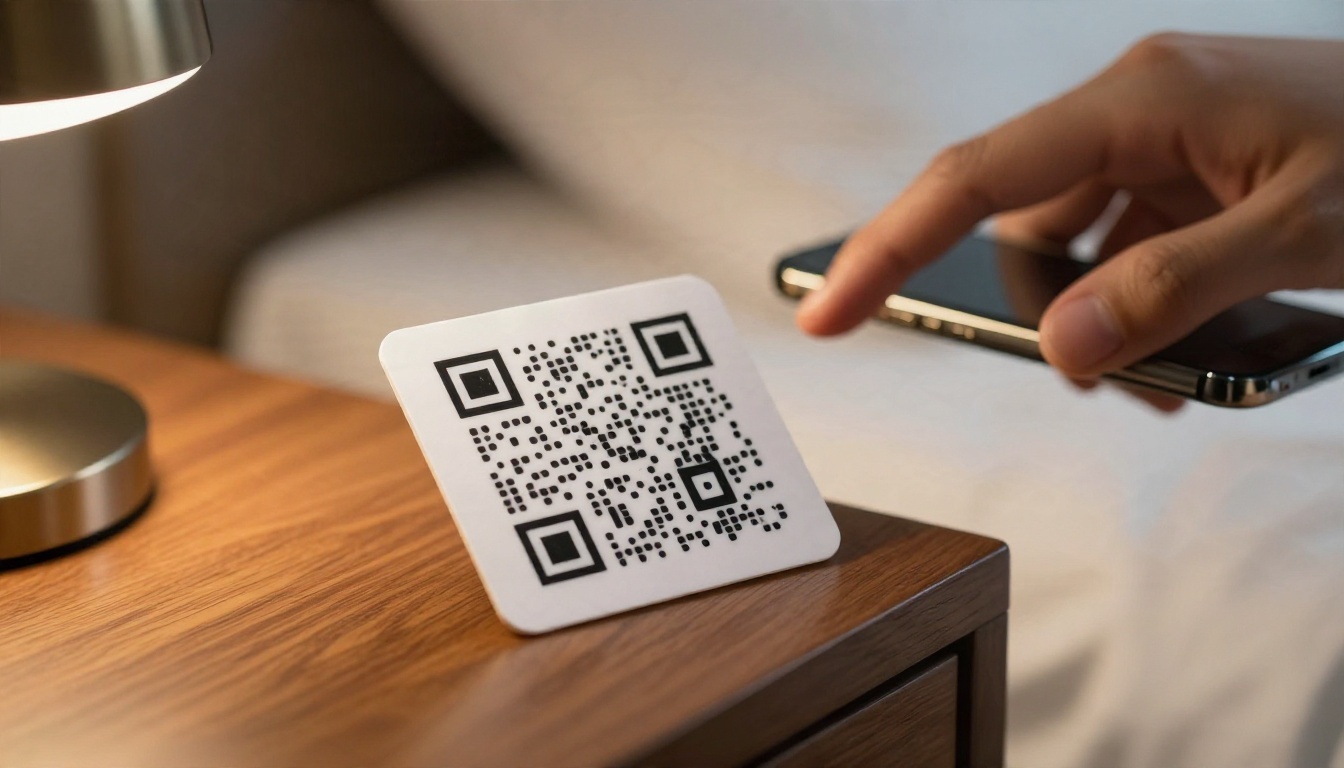
| Room nightstand | Full directory | Laminated card, 10 cm square |
| Room door interior | Safety, checkout | Small sticker |
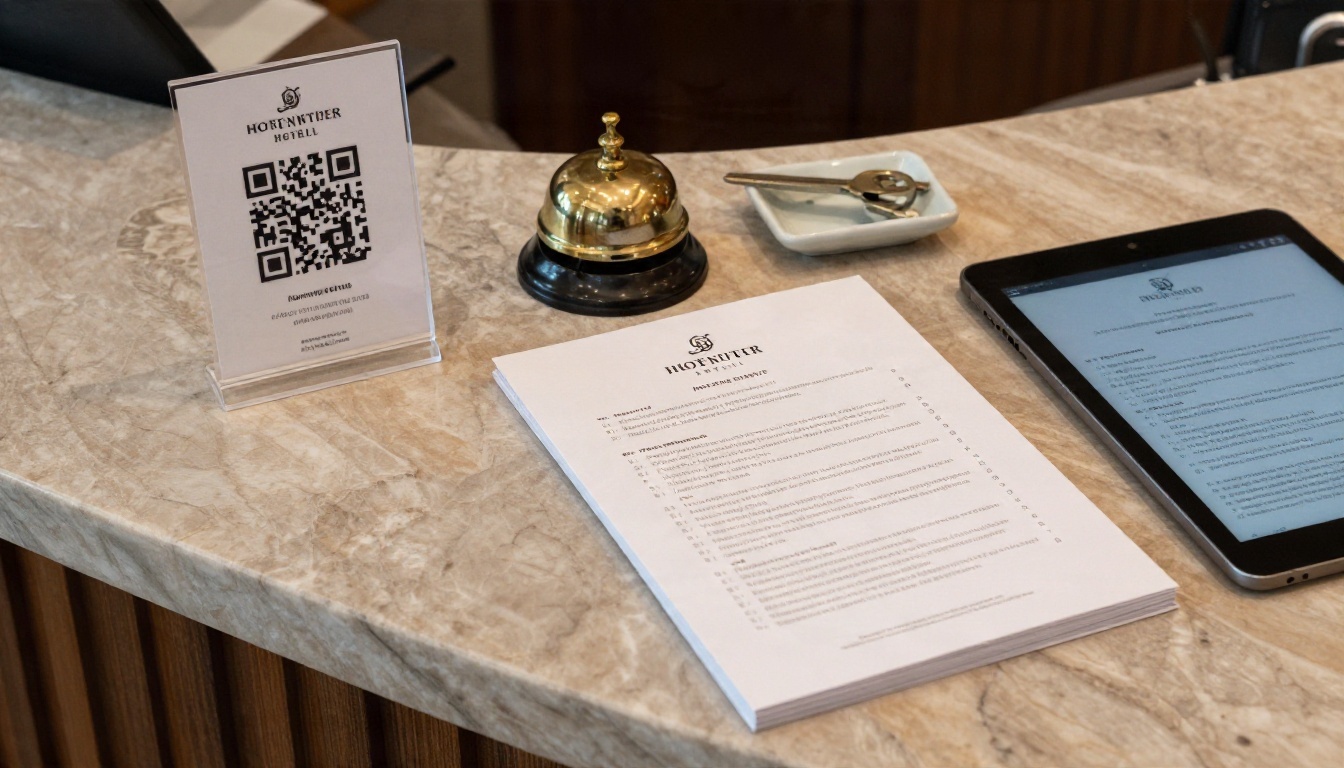
| Reception desk | Directory and local map | Acrylic stand |
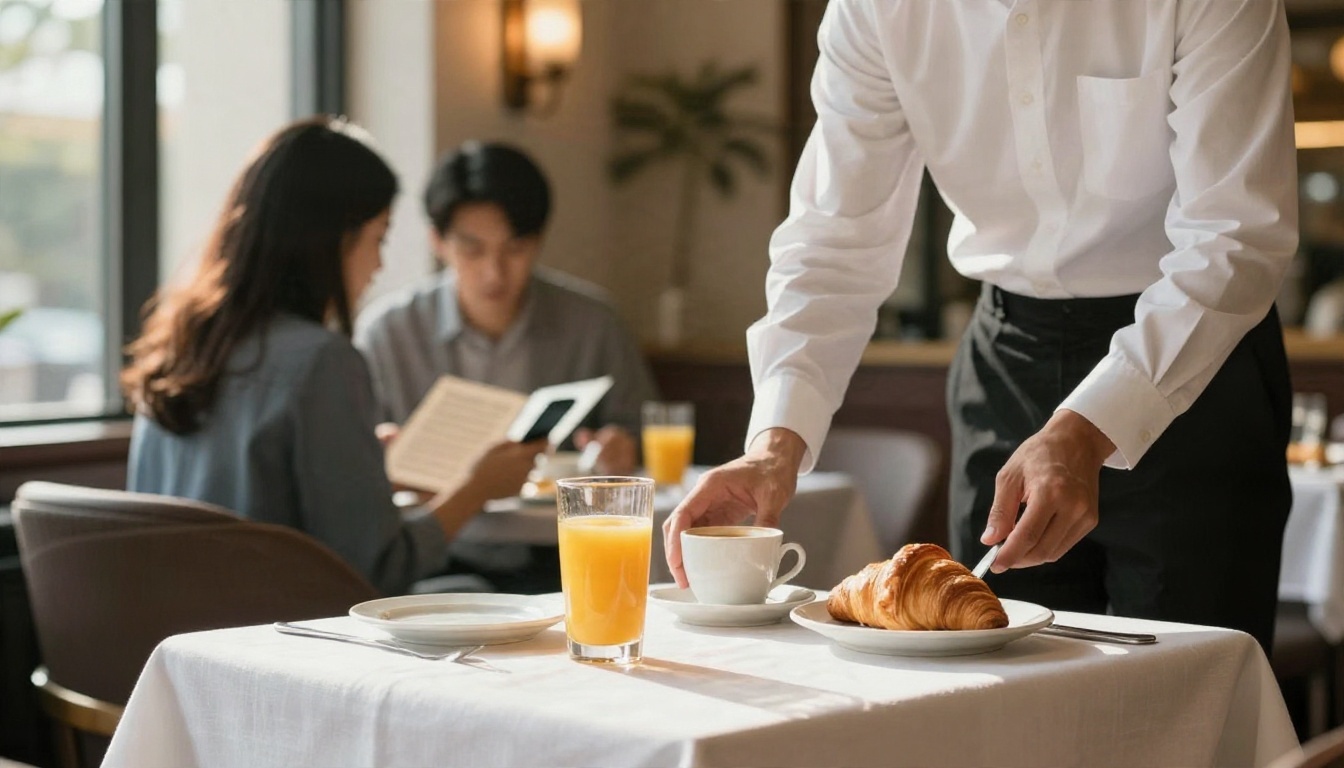
| Breakfast table | Restaurant menu | Table tent |
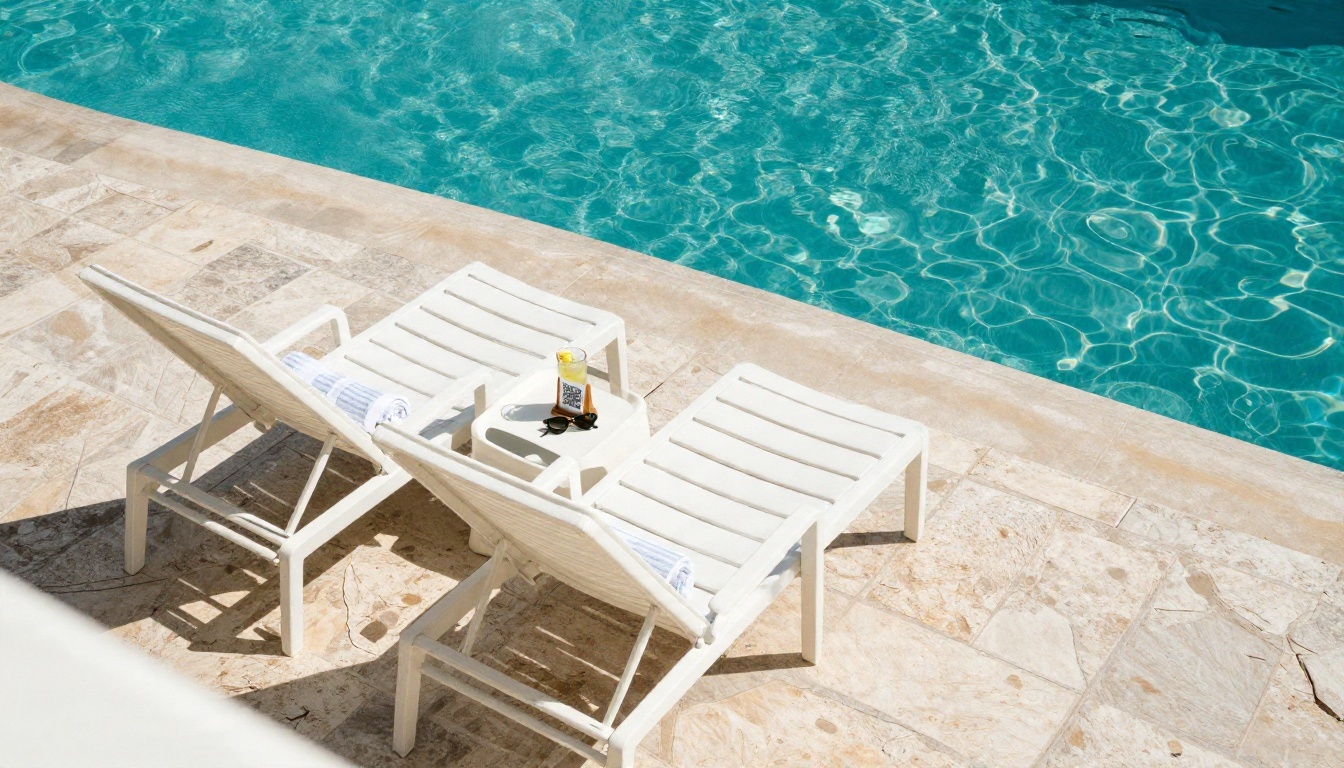
| Pool terrace | Bar menu, towel service | Weatherproof holder |
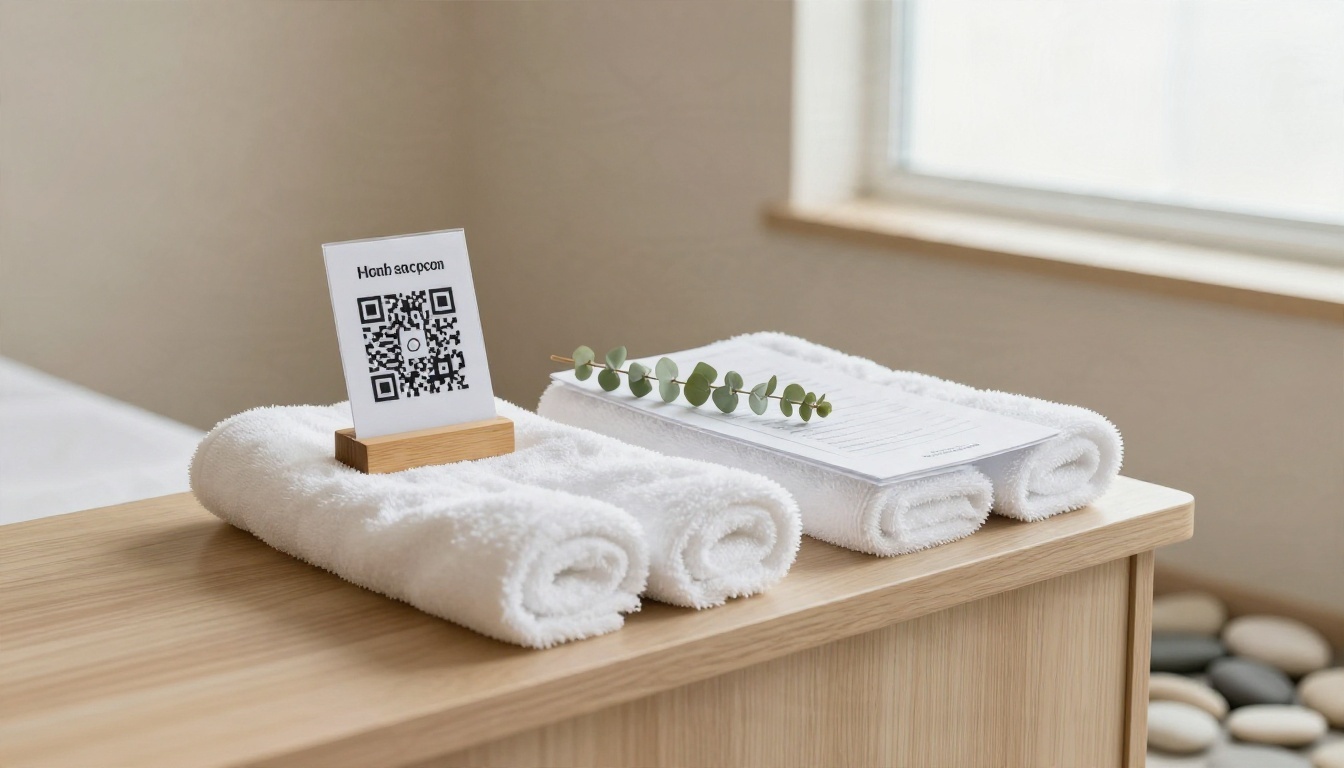
| Spa entrance | Treatment menu and booking | Wooden stand |
| Pre-arrival email | Directory with arrival info | Embedded link |
| Lift lobby | Events and offers | Framed poster |
QR Mistakes to Avoid
- Tiny codes. Print at least 3 cm wide for tables and 8 cm for posters.
- Low contrast. Black on white always beats gold on cream.
- No label. Add a short line like "Scan for hotel info" so guests know what happens next.
- Shiny lamination. Glare under a bedside lamp makes scanning fail. Choose matte.
- Dynamic redirects behind a paywall. If your QR generator service expires, your codes die. Use a static QR code that points to your permanent flipbook link.
- Wrong language. Offer at least two languages, or link a language page first.
💡 Pro tip: Test every printed code with an old phone and a new phone before it goes into a room. Ten seconds of testing prevents 80 dead cards.
Real Examples by Hotel Type
These scenarios show how different properties shape the same idea.
| Hotel type | Page count | Strongest section | Result to expect |
|---|
| Boutique city hotel | 12 | Neighborhood picks by the owner | Fewer concierge questions, more bookings at partner venues |
| Beach resort | 24 | Restaurant and bar menus | Higher food and drink orders by the pool |
| Business hotel | 10 | Meeting rooms, Wi-Fi, airport transfers | Faster self-service for travelers on tight schedules |
| Country B&B | 7 | Host tips and breakfast | Warmer reviews and repeat stays |
| Hostel | 6 | House rules, events, kitchen | Fewer rule conflicts, more event signups |
A boutique hotel in a historic center can use page six as an annotated map, with the owner's own handwriting font for the pins. Guests feel they received insider advice, and the owner receives fewer "where should we eat tonight" questions at 6 pm.
A beach resort can place a QR table tent at every pool lounger. The bar menu opens instantly, and a tappable "order to my lounger" button links to a WhatsApp number. Poolside orders rise because ordering becomes easier than walking to the bar.
A spa inside a hotel can publish its menu with the Spa and Wellness Menu Creator, add treatment videos, and place a QR code in the changing room. Guests browse treatments while waiting and book before they leave.
Measuring Results and Keeping It Fresh
Read Your Analytics
With the Professional plan on Flipbooks AI, you can see how many guests opened the directory, which pages they stayed on and how long they read. Use those numbers to make decisions.
- If the spa page gets few views, move it closer to the front.
- If the Wi-Fi page is the most opened, make sure the password is also on a room card.
- If guests drop off after page 8, shorten the document.
- If one language performs better, add a translation for the next most common nationality.

Update on a Schedule
A digital directory is only useful if it is accurate. Set a calendar reminder:
| Frequency | Task |
|---|
| Weekly | Check events and menu specials |
| Monthly | Verify phone numbers, links and opening hours |
| Quarterly | Refresh photos and seasonal offers |
| Yearly | Review structure, languages and QR cards |
Because your link stays the same, each update takes about five minutes: edit the source file, export a new PDF, replace it in your dashboard.
Ready to Publish Yours?
You already own the content: your menus, your hours, your recommendations. What you need is a better container for it. Pick a template outline from this article, build the pages, and turn them into a flipbook guests can open in two seconds.
Print one QR card tonight, put it on a single nightstand, and see how many guests scan it by morning.



