Every wholesale season starts the same way: a buyer asks for your line sheet, and you scramble to find the latest PDF, check that the prices are current, and hope nobody opens last season's version by mistake. Digital line sheet software exists to end that scramble. It turns your product range into a clean, shareable, always up to date document that buyers can open on any device. And if your line sheet already lives in a PDF, a tool like Flipbooks AI can turn it into a polished online flipbook in a few minutes.
This article breaks down what these tools do, which features are worth paying for, what free options really include, and what you should expect to spend. No filler, just the details a brand owner needs before choosing.
What a Digital Line Sheet Does
A line sheet is a concise sales document that lists the products a brand offers wholesale. It typically includes photos, style numbers, descriptions, sizes, colors, minimum order quantities, wholesale prices and suggested retail prices. Think of it as a menu for retail buyers.
A digital line sheet is the same document delivered online. Instead of attaching a heavy PDF to an email, you send a link. The buyer opens it in a browser, flips through the pages, zooms into product details and, depending on the tool, places an order or requests samples.
Paper Sheets vs Digital Sheets

Paper and static PDFs still work, but they create friction the moment something changes. Here is how the formats compare in practice:
| Factor | Printed or static PDF | Digital line sheet |
|---|
| Updating prices | Reprint or resend every time | Update once, link stays the same |
| Buyer access | Email attachment, large files | One link, opens in any browser |
| Tracking | None | Views, time on page, clicks |
| Version control | Old copies circulate for months | One live version |
| Mobile viewing | Pinch and scroll, often clumsy | Responsive layout |
| Privacy | Anyone can forward it | Password or access controls |
| Cost per send | Printing and postage | Close to zero |
💡 Pro tip: If buyers still ask for a PDF, keep one. Publish the digital version as your main link and offer the PDF as a downloadable extra.
Who Uses Them
Line sheets began in fashion, but the format spread quickly. You will see them used by:
- Apparel and accessories brands pitching seasonal collections to boutiques
- Home goods and ceramics makers selling to gift shops and design stores
- Beauty and wellness brands presenting product ranges to retailers
- Food and beverage producers targeting specialty grocers
- Jewelry designers sharing collections with independent stores
- Distributors and sales reps carrying several lines at once
Features Worth Paying For
Software vendors love long feature lists. Most wholesale brands only need a handful of them done well. Focus on these.
Clean Product Grids and Variants
Buyers scan, they do not read. Your tool should let you place products in a tidy grid with a large photo, style number, name, materials and a clear price. Variant handling matters just as much. A single dress in four colors and six sizes should not eat four pages of your document.
Look for flexible layouts, high resolution zoom and consistent image sizing. If the tool crops your photos badly, buyers will notice.
Wholesale Pricing and Order Rules
Good line sheet software keeps wholesale and retail prices side by side without confusion. Features to look for:
- Wholesale price, MSRP and margin shown clearly
- Minimum order quantity per style or per order
- Case packs and size runs
- Price tiers for different buyer groups
- Currency options if you sell internationally
Some tools stop at presentation. Others connect to an ordering system so buyers can build a cart directly from the sheet. Decide early which one you need.
Access Control and Sharing
Wholesale pricing is not meant for the public. You need the option to protect a line sheet with a password or limit it to invited buyers. Sharing options that save time include:
- A direct link you can paste into an email or message
- An embed code for your website's wholesale page
- A QR code for trade show booths and showrooms
- A downloadable file for buyers who prefer offline viewing
Analytics and Lead Tracking
Knowing who opened your line sheet, and what they looked at, changes how you follow up. If a boutique owner spent four minutes on your outerwear pages, that is your cue to send a tailored note about that category.
Basic view counts are useful. Page level tracking and lead capture forms are better. Plans that include these features usually sit in a higher tier, so check the pricing page before you commit.
⚠️ Watch out: Some platforms advertise analytics on every plan but limit it to a simple view counter. Ask exactly which metrics are included.
Free Options That Work
Free is attractive, particularly for new brands testing wholesale for the first time. The trick is knowing what the word means in each product.
What Free Plans Include
Free plans in this category generally fall into three groups:
| Free option type | Typical limits | Best for |
|---|
| Template editors | Basic templates, export with vendor branding, limited pages | One-off sheets for a first trade show |
| Spreadsheet templates | Fully editable, no hosting, no tracking | Very small ranges with a few styles |
| Free tiers of ordering platforms | Capped products or orders, platform branding | Brands that want to test online ordering |
| PDF to flipbook tools | Limited flipbooks or pages, sharing by link | Brands that already have a designed PDF |
Watch for three common catches: watermarks on exports, page or product caps that force an upgrade just as your catalog grows, and branding that makes your sheet look like an advertisement for the vendor.
A Free Workflow With a PDF
You do not always need dedicated wholesale software to look professional. Many small brands build the sheet in a design tool or spreadsheet, export a PDF, then convert it into an interactive document. That keeps design costs low and gives buyers a smoother experience than a raw attachment.
Here is a simple version of that workflow:
- Design the sheet in any layout tool you already use
- Export it as a PDF at a sensible file size
- Convert it with a PDF to Flipbook Converter
- Share the link or embed it on your wholesale page
It is not an ordering system, and it does not pretend to be. But for brands that take orders by email or through a sales rep, it covers the part that buyers actually see.
What Line Sheet Software Costs

Pricing varies widely because the products behind the label are different. A design tool, a hosting tool and a full wholesale ordering platform all call themselves line sheet software. The ranges below are general market patterns, not quotes from any one vendor, so always confirm current prices on the vendor's site.
Typical Pricing Tiers
| Tool category | Typical monthly range | What you usually get |
|---|
| Free templates and editors | $0 | Basic design, limited export, vendor branding |
| PDF to flipbook publishers | Low single digits to around double digits | Hosted interactive sheets, branding, sharing, some analytics |
| Line sheet builders | Roughly $20 to $100 | Product import, layouts, price lists, share links |
| Wholesale ordering platforms | Roughly $30 to several hundred | Catalogs, carts, buyer accounts, payments, integrations |
| Custom or enterprise setups | Quoted individually | Integrations with inventory and ERP, dedicated support |
For plan details on flipbook publishing, see the Flipbooks AI pricing page, which lists what each plan includes, such as unlimited flipbooks, custom branding and analytics.
Hidden Costs to Watch
The monthly price is rarely the full story. Before you sign up, check for:
- Transaction fees on orders placed through the platform
- Per-seat charges when you add sales reps
- Product or SKU limits that trigger an upgrade as you grow
- Setup or onboarding fees for data import
- Paid add-ons for features you assumed were included, like password protection or custom domains
- Annual billing traps where the discount locks you in for twelve months
✅ Best practice: Write down your current number of styles, expected growth over twelve months and the number of people who will edit the sheet. Then compare plans against that list, not against the marketing page.
Build One With Flipbooks AI
If your priority is a beautiful, shareable line sheet without the overhead of a full ordering platform, a flipbook is a strong fit. It keeps your layout exactly as designed, adds page-turn effects buyers enjoy and works on phones. Flipbooks AI has no watermarks, supports custom branding and offers password protection for private content. For related formats, take a look at the Digital Catalog Maker, the Fashion Catalog Creator and the Digital Price List Generator.
Step by Step Tutorial
Here is how to create a digital line sheet with Flipbooks AI:
- Prepare your PDF. Build the line sheet in your preferred design tool. Use high resolution product photos, a consistent grid, and include style numbers, wholesale prices, MSRP, minimums and your contact details. Export it as a PDF.
- Create your account. Go to Flipbooks AI and sign up. You can try the platform before choosing a paid plan.
- Upload the PDF. Drag the file into the uploader. The platform converts each page into a flipbook page, preserving fonts, images and layout.
- Customize the look. Add your logo, pick background colors that match your brand and choose page effects. You can also embed videos and audio, such as a short clip of the collection on the runway or a message from the founder.
- Protect the wholesale pricing. Turn on password protection so only invited buyers can view the sheet. Share the password in your outreach email.
- Share it. Copy the direct link, or grab the embed code and place it on your wholesale page using the Embed Flipbook on Website option.
- Track and follow up. On the Professional plan, use analytics and lead generation to see who is reading and capture buyer details. Offline downloads let buyers keep a copy for their own review.
💡 Pro tip: Create a separate flipbook for each season and keep old ones private. Your live link for the current season never has to change.
What It Will and Will Not Do
To be fair about the limits: a flipbook presents your line sheet. It does not manage inventory, calculate carts or process payments. If you need buyers to place orders in a portal with live stock levels, pair your flipbook with an ordering tool, or choose a full wholesale platform. Many brands do both, using the flipbook as the front door and an order system behind it.
| Need | Flipbook approach | Full ordering platform |
|---|
| Beautiful presentation | Excellent | Good, template dependent |
| Setup time | Minutes from a PDF | Hours or days of data import |
| Live inventory | No | Yes |
| Buyer carts and payments | No | Yes |
| Password protection | Yes | Yes |
| Cost | Lower | Higher |
Real Wholesale Use Cases

Theory is fine, but examples show what changes on a normal Tuesday.
A Fashion Label Pitching Boutiques
A small womenswear label prepares a spring line of twenty-four styles. Instead of emailing a 40 MB PDF, the founder sends a password protected link in her outreach. The boutique owner opens it on her phone between customers, zooms into the stitching on a blazer and replies with a request for six styles. Because the founder can see which pages were viewed, her follow-up mentions the exact pieces that held the buyer's attention. A Lookbook Flipbook Builder can pair the line sheet with a visual story for the same season.
A Ceramics Studio Selling to Gift Shops
A ceramics studio sells mugs, bowls and vases in sets. The line sheet lists case packs, minimum orders and lead times. When the studio raises prices on one glaze, it updates the file and the link stays the same, so shops that saved the earlier link see the current numbers. No awkward emails about outdated pricing.
A Sales Rep at a Trade Show
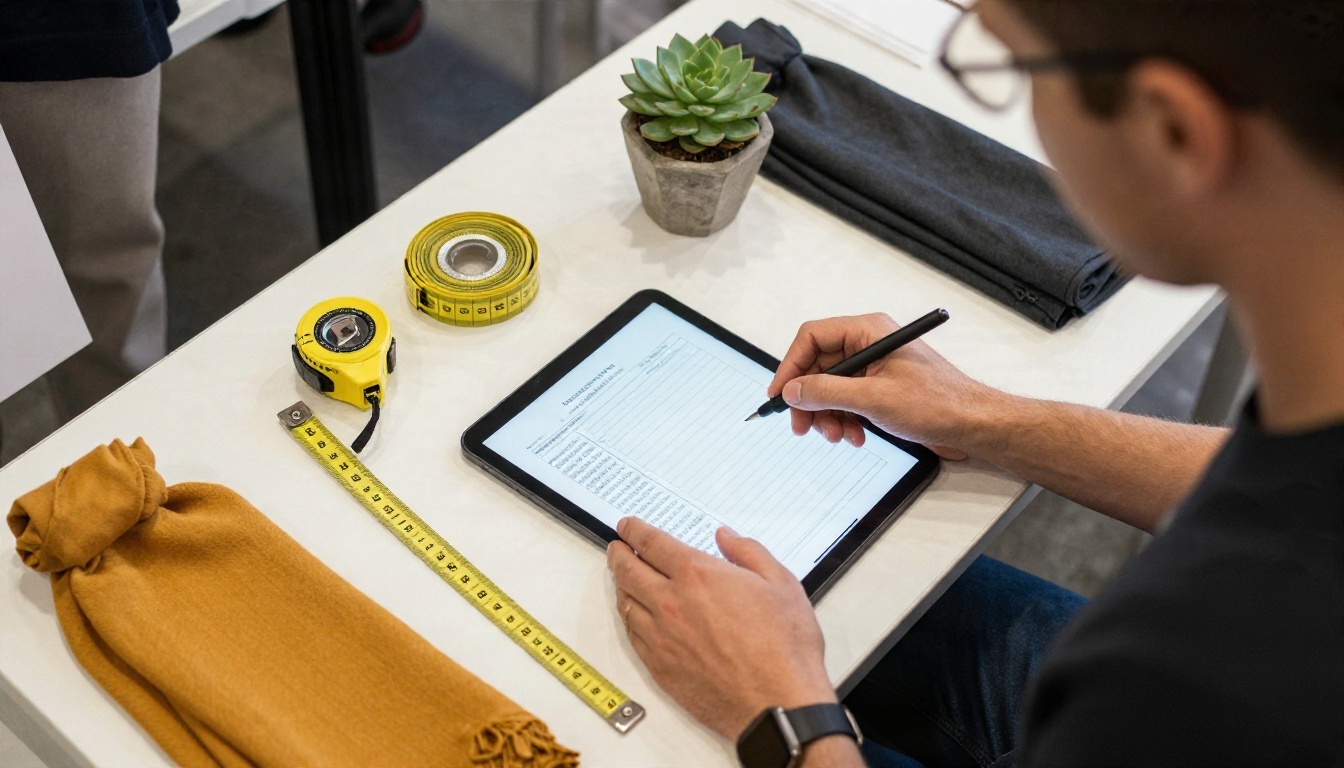
A rep carrying three brands used to haul binders of paper. Now each brand has a QR code on a card at the booth. Buyers scan, browse the sheet on their own device and leave their email so the rep can send samples. Consistent presentation across all three brands makes the rep look organized, which is half the battle at a busy show.
| Use case | Best format | Main benefit |
|---|
| Boutique outreach | Password protected link | Fast mobile viewing, easy follow-up |
| Website wholesale page | Embedded flipbook | Always current, no downloads required |
| Trade show booth | QR code to link | No printing, instant lead capture |
| Showroom appointments | Tablet display | Larger photos, quick page flipping |
| Agent or rep network | Shared link per season | One consistent source of truth |
Mistakes That Cost Orders
Even good software cannot rescue a weak line sheet. Watch for these four common errors.
- Poor photography. Buyers cannot touch your products, so photos carry the entire sales pitch. Use sharp, evenly lit images with consistent backgrounds and show detail shots for textures and hardware.
- Missing essentials. A sheet without minimums, lead times or contact details forces buyers to email you for basics. Many will not bother.
- Too many pages. A line sheet is a summary. If a boutique owner has to scroll for ten minutes to find your best sellers, you have lost them. Group products by category and lead with your strongest pieces.
- Public wholesale prices. Sharing wholesale pricing openly can upset retail partners and invite undercutting. Protect the link with a password and share it only with approved accounts.
⚠️ Heads up: Always double-check prices and style numbers before sending. A wrong number on a digital sheet can spread to many buyers within minutes.
Choosing digital line sheet software comes down to three questions: how many styles do you sell, how do buyers place orders, and how much do you want to spend each month? If you take orders by email or through reps and already have a designed PDF, a flipbook publisher is the fastest and most affordable path. If you need carts, payments and live inventory, a wholesale ordering platform will justify its higher price.
Whichever you pick, test the free option first, read the pricing details line by line and check for watermarks before you send anything to a buyer.
Ready to publish your first line sheet? Get started for free on Flipbooks AI, browse all flipbook tools to find the right format, or compare pricing plans to see which one fits your wholesale business.



