A lookbook used to be a glossy booklet that landed on a buyer's desk three weeks after the shoot wrapped. Now it is a link. Buyers open it on a phone between meetings, stylists forward it to clients, and shoppers flip through it from an Instagram bio. That shift changes how you design it. Below you will find the layout rules, page sizes, real examples and free tools that make a digital lookbook feel expensive without costing much, plus a quick way to publish one with Flipbooks AI.
Why Digital Lookbooks Win
What Changed From Print
Print lookbooks are still beautiful, but they have three problems: they are slow, costly to reprint and impossible to track. A digital lookbook fixes all three. You can swap a sold out piece in ten minutes, send the same file to 500 retailers, and see which pages people actually looked at.
The format also moved. Most lookbook traffic now comes from phones, so a layout that only works on a wide desktop screen is already behind.
| Factor | Printed Lookbook | Digital Lookbook |
|---|
| Cost per copy | High, rises with page count | Close to zero after the first file |
| Update speed | Weeks, needs a reprint | Minutes, replace the PDF |
| Reach | Limited to mailed copies | Anyone with a link |
| Tracking | None | Views, time on page, clicks |
| Shoppable links | Not possible | Product links on every page |
| Video and audio | Not possible | Embedded clips and sound |
💡 Pro tip: Keep a print ready version of the same file. Trade shows and showroom visits still reward a physical piece, and good digital layouts translate well to paper.
Who Needs One
Fashion labels are the obvious users, but the format works anywhere that products look better in context than in a grid of white background photos.
- Fashion and accessories: seasonal drops, capsule collections, styling stories
- Furniture and decor: room sets, material swatches, price ranges
- Hotels and venues: room types, event spaces, seasonal packages
- Freelance stylists and photographers: a portfolio that doubles as a pitch
If you sell clothing, the Fashion Catalog Creator is a natural starting point. Furniture brands can use the Furniture Catalog Maker for the same job.
Layout Rules That Work
Start With a Grid
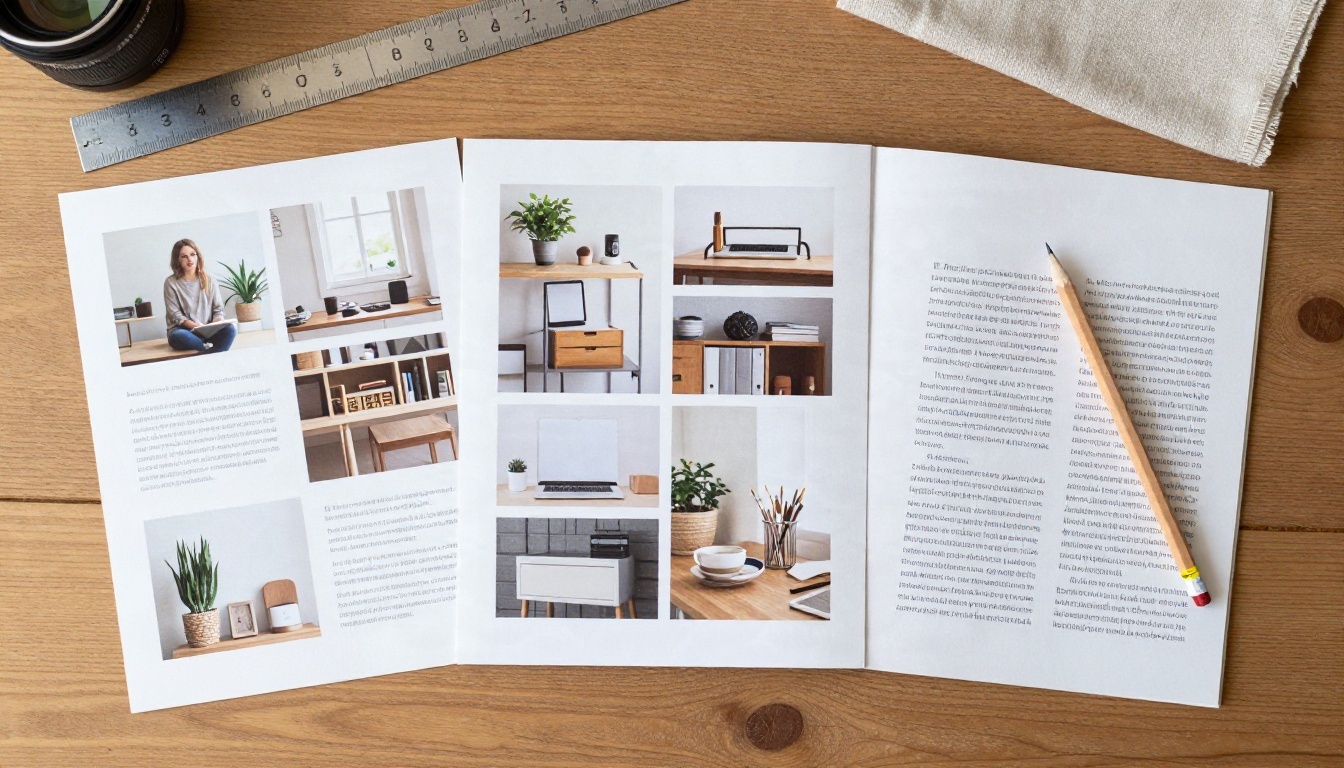
Good lookbooks feel effortless because they follow a strict grid underneath. Pick a 12 column grid for landscape layouts or a 4 column grid for portrait pages, then set margins before you place a single photo. Consistent margins are what separate a designed lookbook from a slideshow.
Three rules hold up in almost every project:
- One hero per page. If two images fight for attention, the viewer's eye bounces and leaves.
- Keep margins at least 5% of page width. Tight margins look cheap and get clipped on some devices.
- Align text to a photo edge. A caption that floats randomly looks accidental.
Pacing and Page Rhythm
A lookbook is a sequence, not a pile. Think of it as a film: a strong opening frame, a few quiet pages, a burst of detail, and a closing frame that makes someone want to act.
Alternate full bleed images with grid pages and text light spreads. After two busy pages, give the reader a calm one. Most strong lookbooks follow a rough pattern like this:
| Page Type | Purpose | Typical Share of Pages |
|---|
| Full bleed hero | Set mood, show the look in full | 30% |
| Detail grid (3 to 6 images) | Show fabric, fit, accessories | 25% |
| Split spread (image plus text) | Tell the story, name the collection | 15% |
| Product index | Prices, sizes, SKU, links | 20% |
| Opening and closing pages | Brand and contact | 10% |
Typography and Color
Use two typefaces at most: one serif or display face for headlines, one clean sans serif for captions and prices. Keep body text at 10 to 12 points on a print sized page, and never below 14 pixels equivalent on a phone.
Pull your palette from the clothing itself. If the collection is terracotta, sage and cream, use those as backgrounds and let black be the only neutral. The photos should carry the color, not the page furniture.
⚠️ Warning: Light grey text on a white page looks elegant in a design tool and unreadable on a phone in sunlight. Test contrast on a real device before you publish.
Best Page Dimensions
Size depends on where people will read it. A phone reader holds the screen upright, a buyer at a desk uses landscape, and a printer needs bleed. Choosing one primary format and exporting a second only if needed saves a lot of rework.
| Use Case | Recommended Size | Orientation | Notes |
|---|
| Desktop and tablet viewing | 1920 x 1080 px | Landscape 16:9 | Safe default for presentations |
| Mobile first lookbook | 1080 x 1920 px | Portrait 9:16 | Best for social links and stories |
| Flipbook spread | 2480 x 3508 px per page | Portrait A4 | Reads like a magazine |
| Print ready A4 | 210 x 297 mm plus 3 mm bleed | Portrait | 300 DPI, CMYK for print |
| Square social preview | 1080 x 1080 px | Square 1:1 | Good for teasers, not the full book |
If your audience is mixed, portrait A4 is the most flexible. It displays well as a flipbook on a laptop, scales to a phone, and prints without cropping.
File Weight and Resolution
A lookbook that takes eight seconds to open will lose half its readers. Aim for these targets:
- Total PDF size: under 25 MB for emailing, under 60 MB for hosting
- Image resolution: 150 to 200 DPI is plenty for screens, 300 DPI only for print
- Format: export JPEG at 80% quality, keep PNG for logos and flat graphics
- Page count: 16 to 32 pages is the sweet spot for a seasonal collection
✅ Best practice: Compress images before placing them in your layout tool, not after. It gives you more control over where detail matters most, such as on faces and fabric weave.
Real Lookbook Examples
Fashion Capsule Collection
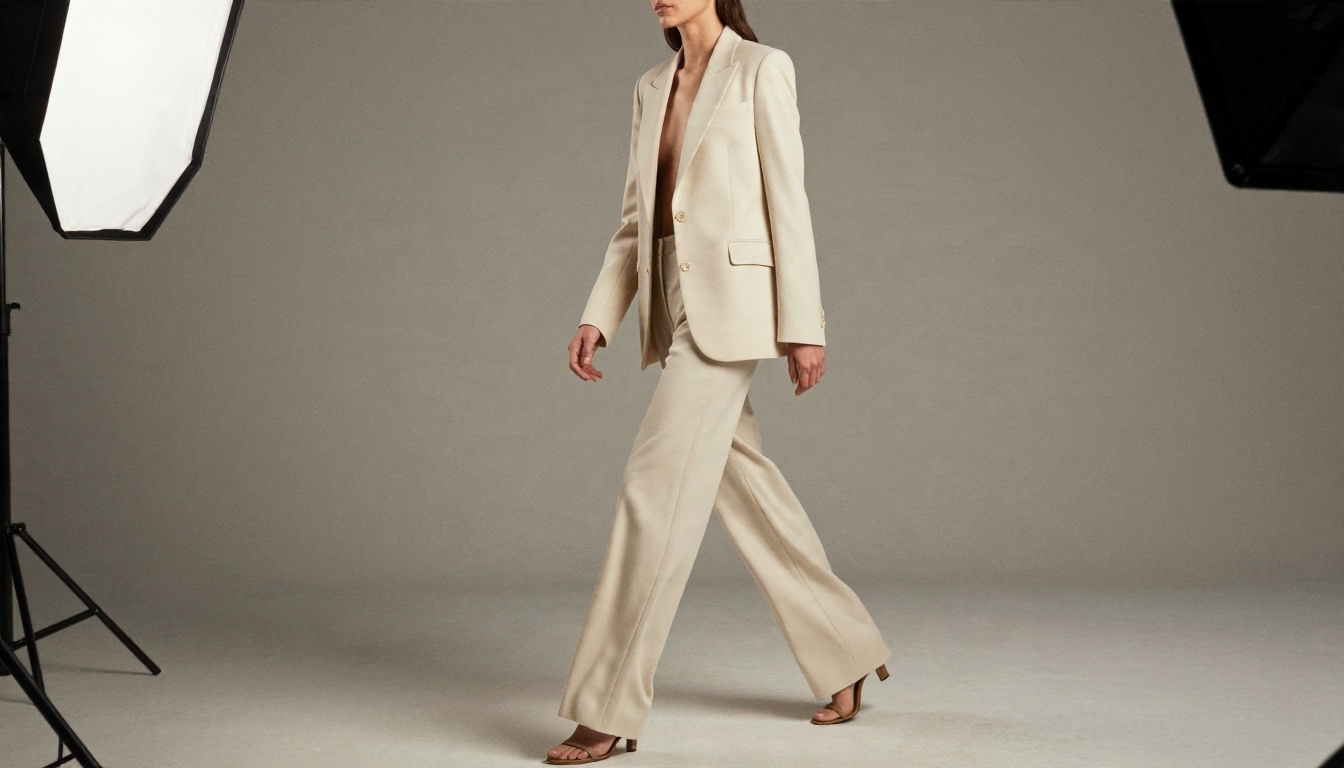
A small label launching ten pieces can build a 20 page lookbook around three looks. Open with a full bleed portrait, follow with a detail grid of buttons, seams and stitching, then close with a product index that links each garment to its store page. The photography does the selling, and the grid pages answer the practical questions about fit and fabric.
What works here: one color story, one model, and one location. Variety belongs in poses and crops, not in lighting changes that make the collection look unrelated.
Furniture and Home
A furniture maker might shoot four room sets and build one spread per room. Each spread has a wide scene on the left and a tidy list of items on the right, with dimensions and materials. Buyers and interior designers can see the full room first and the specifications second, which is exactly the order they think in.
Hotels and Venues
A boutique hotel can treat each room type like an outfit. One full bleed photo, a short caption about the view and bed size, and a closing page with booking details. Seasonal packages become simple page swaps rather than a new brochure. If this sounds like your business, the Hotel Brochure Designer uses the same approach.
| Example Type | Pages | Hero Format | Best Closing Page |
|---|
| Fashion capsule | 16 to 24 | Full bleed portrait | Product index with links |
| Furniture collection | 20 to 32 | Wide room scene | Price list and dealer contacts |
| Hotel or venue | 12 to 20 | Landscape interior | Booking page |
| Stylist portfolio | 10 to 16 | Mixed editorial | Contact and rates |
You do not need a big budget to produce a clean lookbook. Several free tools handle layout, and a few more handle publishing. Free plans change often, so check current limits before you commit to a workflow.
| Tool | Best For | Free Plan Strength | Common Limit |
|---|
| Canva | Fast template based layouts | Large template library | Premium assets locked |
| Adobe Express | Brand kits and quick edits | Clean templates | Some features need a paid plan |
| Google Slides | Simple landscape lookbooks | Collaboration with a team | Limited typography control |
| Figma | Precise grid control | Full design tools for small projects | Steeper setup |
| Flipbooks AI | Publishing a PDF as a page turning flipbook | No watermarks, shareable link | Pro features need a paid plan |
Where Free Plans Fall Short
Design tools get you a PDF. They rarely get you a shareable, trackable lookbook. Typical free plan gaps include:
- Watermarks on exported or hosted files
- No analytics, so you never know if buyers opened the file
- Static pages, with no embedded video or audio
- Weak mobile behavior, such as pinch and zoom on a tiny PDF
The cleanest workflow is to design in any of the tools above, export a PDF, and publish it through a flipbook platform. The PDF to Flipbook Converter handles that last step.
How to Create a Lookbook with Flipbooks AI
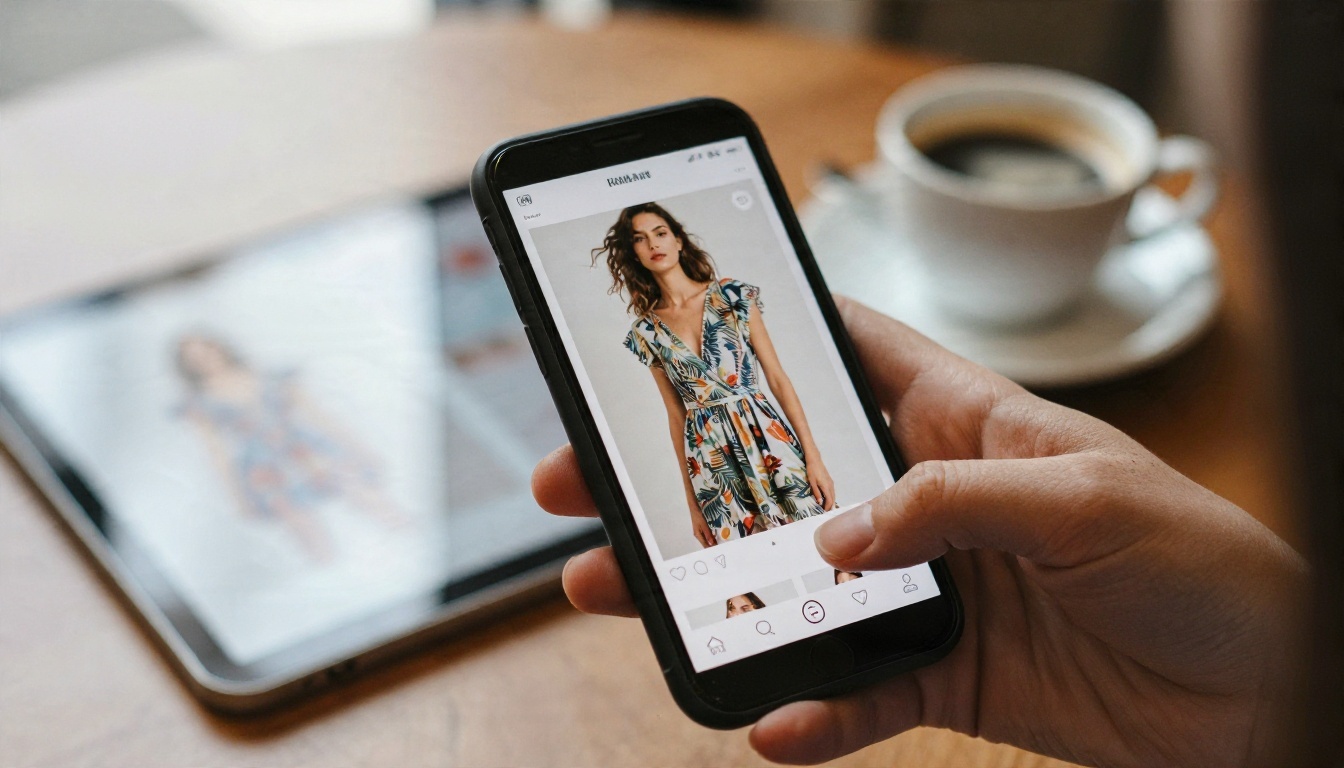
Once your PDF is ready, publishing takes a few minutes. Create an account first, then follow these steps. You can also open the Interactive Lookbook Designer or the Lookbook Flipbook Builder directly.
Upload Your PDF
- Sign in and choose Create new flipbook.
- Drag your lookbook PDF into the upload area. Each PDF page becomes one flipbook page.
- Wait for the conversion to finish. Most files are ready in under a minute.
- Preview the result on desktop and on your phone.
💡 Pro tip: Export your PDF in spreads or single pages depending on your design. Single pages give the cleanest result on mobile, while spreads feel closest to a printed book.
Customize Branding and Effects
This step is where a plain PDF turns into a branded lookbook.
- Custom branding: add your logo, choose a background color that matches your palette
- Page effects: adjust the page turn style and speed so it feels natural
- Multimedia: embed a short runway or behind the scenes clip, or add background audio
- Links: attach product links so each look goes straight to a store page
Everything stays free of watermarks, so the lookbook shows your brand only. The result is mobile responsive, which means the same link works on phones, tablets and desktops.
Share and Track
You have three main sharing options:
- Direct link: paste it into emails, DMs or your social bio
- Embed code: place the lookbook on your site using the Embed Flipbook on Website tool
- Password protection: limit a wholesale lookbook to approved buyers
Pro features include analytics, lead generation forms and offline downloads. These are useful for wholesale launches where you want to know which retailers opened the file and which pages held their attention. See the pricing plans to compare tiers, and note that unlimited flipbooks come with the Standard plan and above.
| Plan Need | What You Get | Best For |
|---|
| One lookbook, simple share | Core flipbook, no watermark | Small brands testing the format |
| Many collections per year | Unlimited flipbooks (Standard and above) | Labels with seasonal drops |
| Wholesale and lead capture | Analytics, lead generation, offline downloads (Professional) | Brands selling to retailers |
Mistakes to Avoid

After reviewing hundreds of lookbooks, the same problems appear again and again. Most are easy to fix before launch.
| Mistake | Why It Hurts | Quick Fix |
|---|
| Too many looks per page | Viewer cannot focus | One hero, up to four supporting images |
| Tiny text on mobile | Prices and sizes unreadable | Use at least 14 px equivalent |
| Heavy, uncompressed images | Slow load, readers leave | Compress to under 60 MB total |
| No clear closing page | Reader has nowhere to go | Add links, contact and a call to action |
| Inconsistent photo style | Collection looks unrelated | Fix lighting and color grade in advance |
| Missing alt text and page titles | Weak search visibility | Name pages and describe images clearly |
Three more habits are worth fixing early:
- Do not hide prices. If buyers must email to find a price, many will not.
- Do not skip a mobile test. Open the file on at least two real phones.
- Do not overload with motion. One or two embedded clips are better than ten.
⚠️ Warning: Never publish a wholesale lookbook without password protection if your trade prices are inside. A public link can be forwarded to anyone.
Publish Your Lookbook Today
A strong digital lookbook comes down to a tight grid, thoughtful pacing, the right page size and a publishing tool that does not get in the way. Design the pages in whichever free tool you like, export a clean PDF, and turn it into something people can flip through on any device.
Ready to build yours? Get started for free on Flipbooks AI, browse all flipbook tools to find the best fit for your catalog or portfolio, and compare pricing plans when you are ready for analytics and lead capture. If your collection is mostly photography, the Photography Portfolio tool is another strong option.



