When someone you love dies, the photographs, voicemails and half-remembered stories scatter across phones, shoeboxes and the memories of a dozen different people. A digital memorial book pulls them into one place that anyone can open, flip through and return to whenever they miss that person. With Flipbooks AI, you can turn a simple PDF into a page-turning keepsake in an afternoon, without design skills and without watermarks.
This article walks through what goes into a good memorial book, which free template layouts work best, which photo ideas actually move people, and how to share the finished book online so relatives on the other side of the world can read it too.
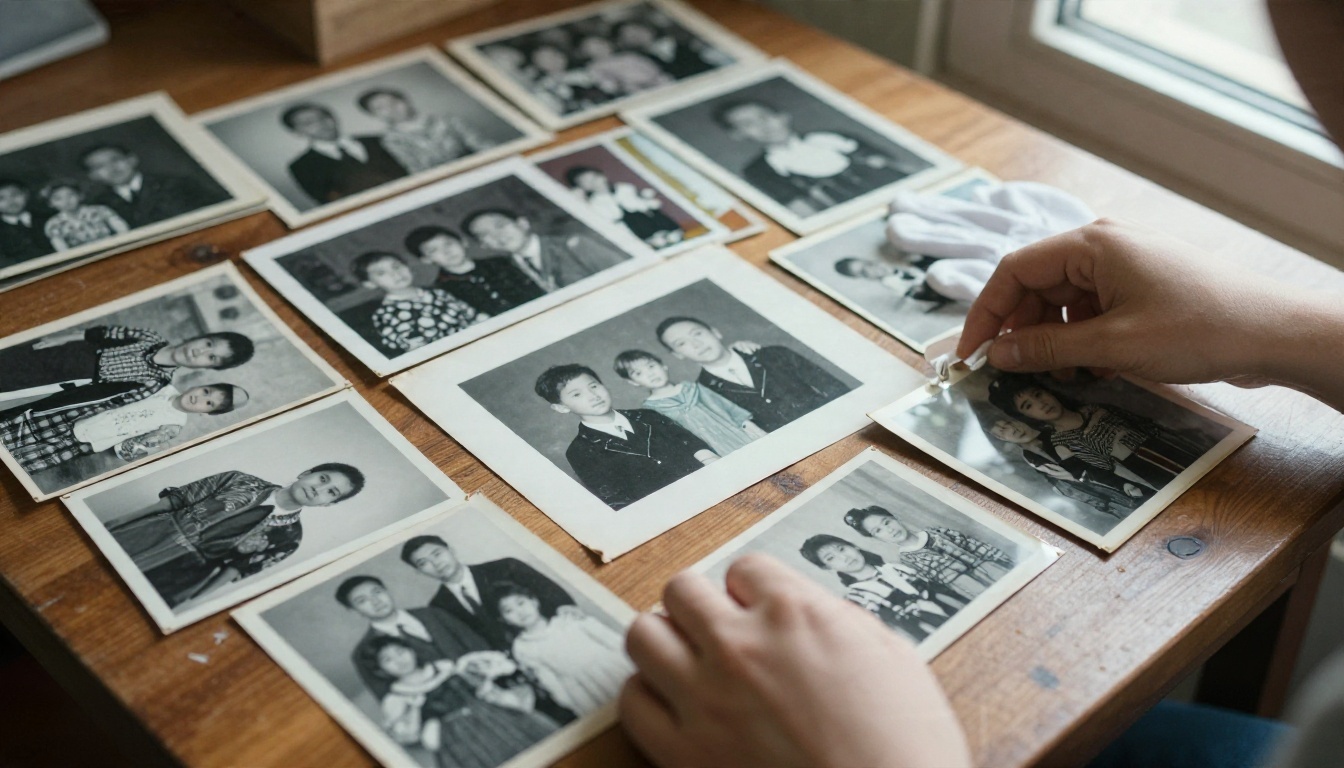
Why a Digital Memorial Book Works
Printed memorial books are lovely, but they are expensive to reproduce and hard to send overseas. A digital version fixes both problems. It also keeps growing: a cousin can send a photo next month and you can add a page.
What It Actually Is
A digital memorial book is a flipbook made from a PDF, with realistic page turns, that holds photos, a life story, favourite quotes, tributes from friends, and even audio or video clips. Readers open it in a browser on a phone, tablet or laptop. Nothing to download, nothing to install.
Who Benefits Most
- Immediate family who want a lasting record of a parent, partner or child.
- Funeral attendees who ask for a copy of the service program and photo display.
- Distant relatives who could not travel and want to feel included.
- Friends and colleagues who would like to leave a message or read the stories others shared.
- Future generations who never met the person but will want to know them.
💡 Pro tip: Many families build the book in the first weeks after a loss and then keep it open for additions at the one-year mark. Treat it as a living tribute, not a one-time project.
Free Templates for Every Style
You do not need a professional designer. Start with a clean layout, drop in your photos and words, and export to PDF from any free tool you already use, such as a word processor, a slide deck or an online design editor. Then upload that PDF to Flipbooks AI.

Here is how the most popular free template styles compare:
| Template style | Best for | Typical page count | Effort level |
|---|
| Simple tribute | Quick, elegant remembrance | 8 to 12 pages | Low |
| Life timeline | Telling a full life story in order | 16 to 30 pages | Medium |
| Guest book style | Collecting messages from many people | 10 to 40 pages | Medium |
| Service program | Funeral or celebration of life events | 4 to 8 pages | Low |
| Themed scrapbook | Hobbies, travel, faith or military service | 12 to 24 pages | Higher |
The Simple Tribute Layout
This is the best choice if you are short on time or energy. It usually follows this pattern:
- A full-page portrait with the name and dates.
- A short biography.
- Three or four photo pages with one-line captions.
- A favourite quote, poem or prayer.
- A closing page with a thank-you note.
Calm backgrounds work best: ivory, soft grey, muted sage. Avoid busy patterns that compete with the photos.
The Life Timeline Layout
Organise pages by decade or by chapter: childhood, school years, first job, marriage, children, retirement. Each chapter gets a photo spread and two or three short paragraphs. People love timelines because they show how a life unfolded, and they give younger relatives a clear way in.
The Guest Book Layout
Ask friends and family to send a photo and a paragraph, then give each contributor a page. Add their name at the bottom so readers know who is speaking. This layout becomes the heart of the book because it shows how many lives one person touched.
✅ Best practice: Keep a consistent font and margin across every page. A calm, uniform look makes the content feel deliberate and respectful, even when photos vary in quality.
Photo Ideas That Tell a Story
The best memorial books are not stacks of formal portraits. They are full of small, real moments that make readers smile and say, "That is exactly how they were."
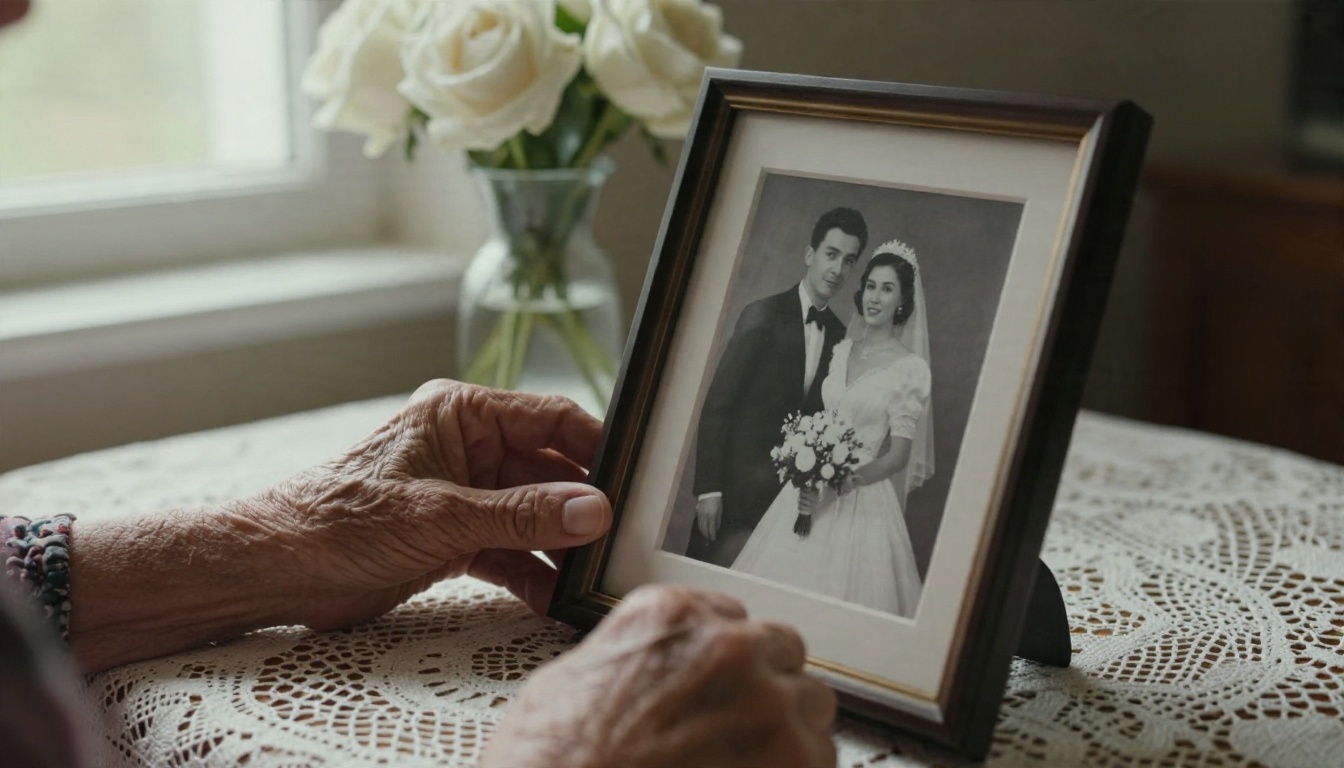
Choosing the Right Photos
Aim for a mix. A good rule is roughly one third portraits, one third candid everyday shots, and one third group photos with the people they loved.
| Photo type | What it shows | Example caption idea |
|---|
| Formal portrait | Dignity and appearance | "Always dressed for Sunday." |
| Candid laughing | Personality and humour | "Caught mid-joke, as usual." |
| Hands at work | Skills, hobbies, craft | "Forty years of Saturday baking." |
| Group gatherings | Relationships | "Every holiday at the long table." |
| Place photos | Home, garden, favourite spots | "Where the afternoons slowed down." |
| Old scans | Youth and history | "Summer of 1974." |
Everyday Moments Over Posed Shots
Look for the cluttered kitchen counter, the garden gloves by the door, the handwriting on a recipe card. Details like these carry more feeling than another smiling headshot. Scan handwritten notes and cards too. A person's handwriting is an unusually personal thing to keep.
Add Voice, Music and Video
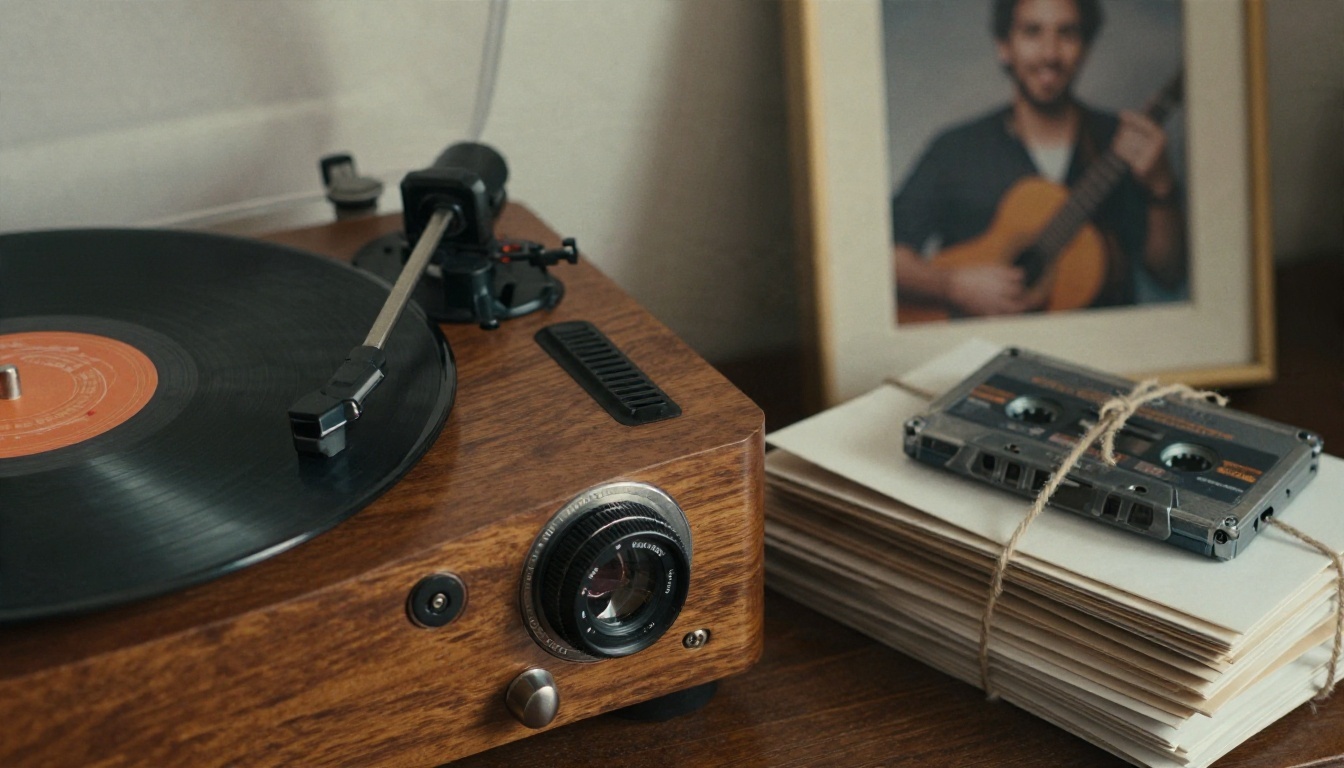
Because a flipbook is digital, you can embed short video clips, voice messages and favourite songs. A thirty-second recording of a grandfather telling a joke can mean more than ten pages of text. If you only have old cassette tapes or voicemails, convert them to audio files first and keep each clip short.
⚠️ Warning: Always ask permission before including photos of other people, especially children. Some relatives may prefer not to appear in a book that will be shared widely.
What to Write on Each Page
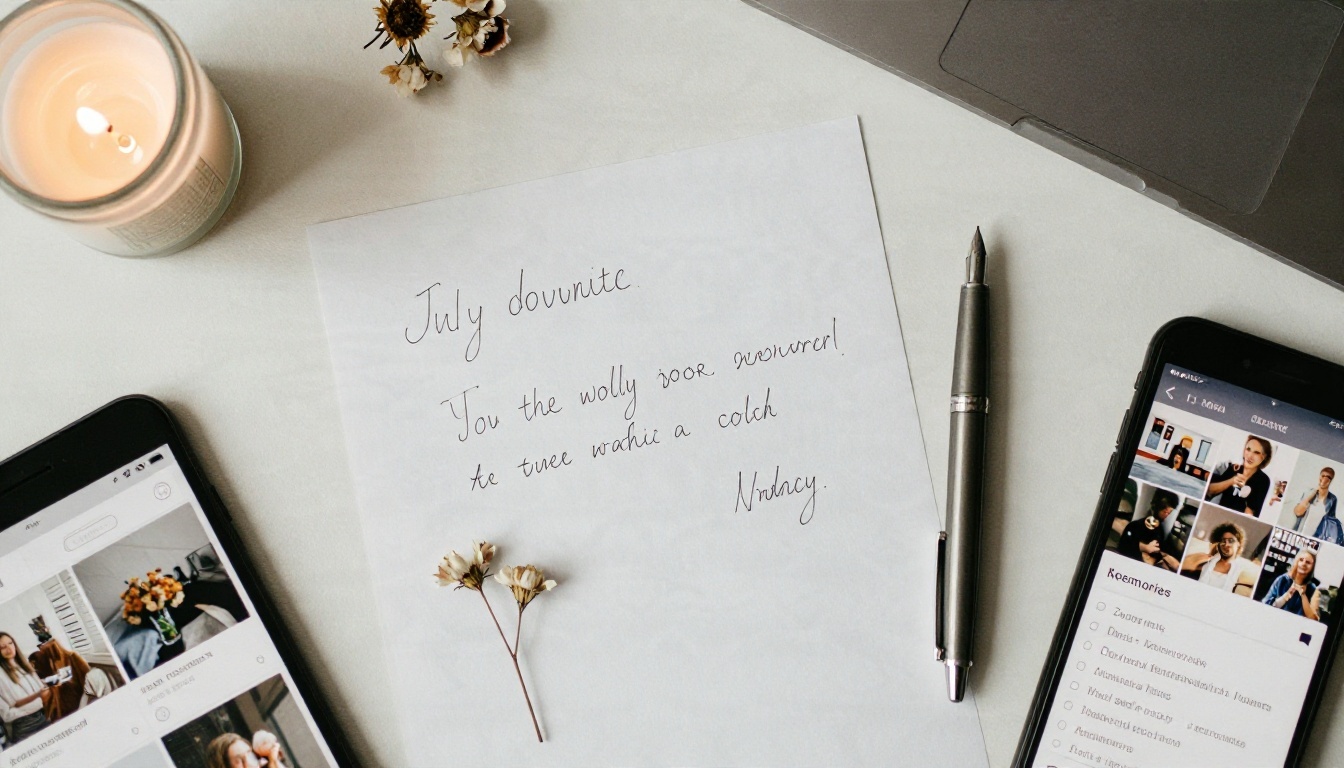
Photos open the door, but words keep people inside. You do not need to be a writer. Short, specific, honest sentences beat long, polished ones.
A Short Biography
Try this simple structure in 150 to 250 words:
- Where they were born and grew up.
- What they did for work or calling.
- Who they loved.
- What they cared about and were known for.
- One small habit that nobody else had.
That last point matters most. "He hummed off-key while washing dishes" brings a person to life faster than any list of achievements.
Stories from Family and Friends
Send a short message to people close to them with three simple prompts:
- What is a moment with them you will never forget?
- What did they teach you, even without meaning to?
- What would you say to them today?
Collect replies by email, paste them into your layout, and credit each author. If someone is too emotional to write, ask if you can record a short phone call and summarise it with their approval.
How to Create It with Flipbooks AI
Once your pages are ready as a PDF, the rest takes minutes. Here is the full process using the PDF to Flipbook Converter, which turns your file into a realistic page-turning book.
Step 1: Sign In and Upload
- Go to Flipbooks AI and create an account.
- Click to create a new flipbook and upload your memorial PDF.
- Wait a few moments while the pages are converted. Each page becomes a crisp, zoomable spread that follows your original layout.
If you are also printing a memorial service program, the Event Program Maker is a good companion tool, and the Interactive E-Book Publisher suits longer life stories.
Step 2: Customise the Look
Open the editor and adjust the details so the book feels right:
- Colours and background: soft neutrals or a favourite colour of the person.
- Page effects: choose a gentle page curl and a quiet sound or no sound at all.
- Branding: replace logos with a simple name and dates, or leave it unbranded.
- Multimedia: add embedded video, audio and links to a photo gallery or an online guest book.
- Mobile view: check how it looks on a phone, since most relatives will open it there.
💡 Pro tip: Preview the book on your phone before sharing. If any text feels too small, increase the font size in your PDF and upload again.
Step 3: Publish and Share
Choose how readers will see it. You can copy a direct link, grab an embed code for a website or memorial page, or set a password so only invited people can open it. We cover these options in more detail below.
Extra Features for Larger Memorials
With the Professional plan, you can also use analytics to see how many people have opened the book, offer offline downloads for relatives with poor internet, and collect contact details through lead capture if you want to invite readers to a memorial fund or annual gathering. Check the pricing plans to see which tier fits. The Standard plan and above include unlimited flipbooks, which helps if you want to create separate books for different branches of the family.

How to Share It Online
Sharing a memorial book is delicate. You want to be generous with the people who loved this person and careful with everyone else. The table below compares the main options.
| Sharing method | Privacy | Best for | Effort |
|---|
| Direct link | Anyone with the link | Texts, emails, group chats | Very low |
| Password protected link | Invited people only | Close family, sensitive content | Low |
| Embed on a website | Public, on your page | Memorial pages, obituary sites | Medium |
| QR code on printed card | Anyone who scans | Funeral programs, headstone cards | Low |
| Offline download | Saved on the device | Relatives with weak internet | Low |
Private Link vs Public Embed
If the book contains private family stories, health details or photos of children, keep it private. Send the link only through trusted channels like family group chats and personal emails.
If you want a public tribute, for example on a dedicated memorial page or a community noticeboard, use the Embed Flipbook on Website option so the book appears right on the page.
Password Protection
A simple password adds an easy layer of privacy without making it hard for loved ones to get in. Choose something memorable, like a shared nickname or a meaningful year, and send it in a separate message from the link.
Share It in Person Too
Print the link as a QR code on the back of the funeral program or a small memory card. Guests can scan it at the service, on their own time at home, or at the one-year gathering.

Real Examples to Borrow From
Here are a few ways other families build and share memorial books:
- A daughter creating a tribute for her father, a retired carpenter: she photographed his tools and workshop, added six short stories from his apprentices, and embedded a thirty-second voicemail he had left her. She shared it via password link with 40 relatives.
- A group of friends honouring a college roommate: each friend sent one photo and one paragraph. They arranged the pages in the guest book style and posted the link in the alumni group.
- A community club remembering a longtime volunteer: they embedded the flipbook on the club website and printed a QR code on a bulletin board.

For more layout ideas beyond memorials, browse the full flipbook tools directory, which includes options for photo-led books, programs and family keepsakes.
Common Mistakes to Avoid
- Waiting for perfection. The book does not need to be finished to be shared. Publish a first version and update it.
- Using low-resolution photos. Scan old prints at 300 dpi or higher, and avoid screenshots of photos when you can.
- Too much text on one page. Keep paragraphs short and leave white space around images.
- Forgetting to ask permission. Check with immediate family before including sensitive stories or photos.
- Sending the link everywhere at once. Decide on privacy first, then share to the right group.
- Not keeping a backup. Save your PDF and original photos in two places, such as a cloud folder and an external drive.
✅ Best practice: Ask one trusted person to proofread names, dates and spellings before you publish. A single wrong date can be painful to find later.

Ready to Build Yours?
A memorial book will not take away the loss, but it gives everyone who misses this person a place to go. Gather ten photos, write three honest paragraphs, and see how it feels. You can always add more later.
When you are ready, get started for free on Flipbooks AI, upload your PDF, and share your first memorial book with the people who need it most. Browse the tools and templates for more layout ideas, or compare pricing plans to pick the one that fits your family.



