Right now your best memories are probably scattered across three places: a phone camera roll with 14,000 pictures, a cloud folder nobody has opened in two years, and a shoebox in the back of a closet. None of them tell a story, and none of them are easy to hand to someone you love. That is exactly where digital memory ideas earn their place. With Flipbooks AI, you can turn a pile of photos into a page-turning album that opens on any phone, laptop or tablet, with no watermark and no clutter.
This article walks through practical photo collection ideas, real examples you can copy, free template layouts you can rebuild in an afternoon, and the safest ways to share an album online. Whether you are preserving a wedding, a grandparent's stories or a school year, you will find a structure that fits.
Why Digital Memories Beat Shoeboxes
A photo only matters when someone sees it. Most of us take thousands of pictures and revisit maybe fifty. The problem is rarely the photos themselves. It is the lack of order, context and an easy way to share.
A flipbook fixes all three. It keeps pictures in sequence, lets you add captions and short stories next to each page, and gives you a single link to send. Compare the common options:
| Storage Option | Easy to Browse | Tells a Story | Easy to Share | Keeps Privacy |
|---|
| Shoebox of prints | Slow | Rarely | Hard | Yes |
| Phone camera roll | Messy | No | Medium | Yes |
| Shared cloud folder | Medium | No | Medium | Depends |
| Digital flipbook | Fast | Yes | Very easy | Yes, with a password |
💡 Pro tip: Think of a flipbook as the "best of" edition. The camera roll is your archive. The flipbook is the version people actually want to flip through.
The Emotional Case
Printed albums fade, get lost in moves and exist in one copy. A digital album can be duplicated, updated and handed to every cousin at once. When your aunt wants the photos from the 1998 reunion, you send a link instead of mailing the only copy.
The Practical Case
You also gain flexibility. Add a page when the baby takes first steps. Swap a blurry photo for a better scan. Keep a private version for close family and a public one for friends. Try doing that with a leather-bound album.
Photo Collection Ideas Worth Trying
The hardest part is deciding what the album is about. A clear theme makes every later choice easier, from page order to which photos to cut. Here are collection ideas that work well in a flipbook format.
A Year in Review
Pick twelve pages, one per month. Choose the single best photo from each month, then add a two-line caption about what happened. It is short enough to finish in one evening and makes a lovely annual tradition.
A Family Story Archive
Scan old prints and pair each with a short note: who is in the photo, where it was taken and one detail only you remember. This one grows over time, and it becomes more valuable every year because the people who know the stories will not always be around to tell them.
A Trip Journal
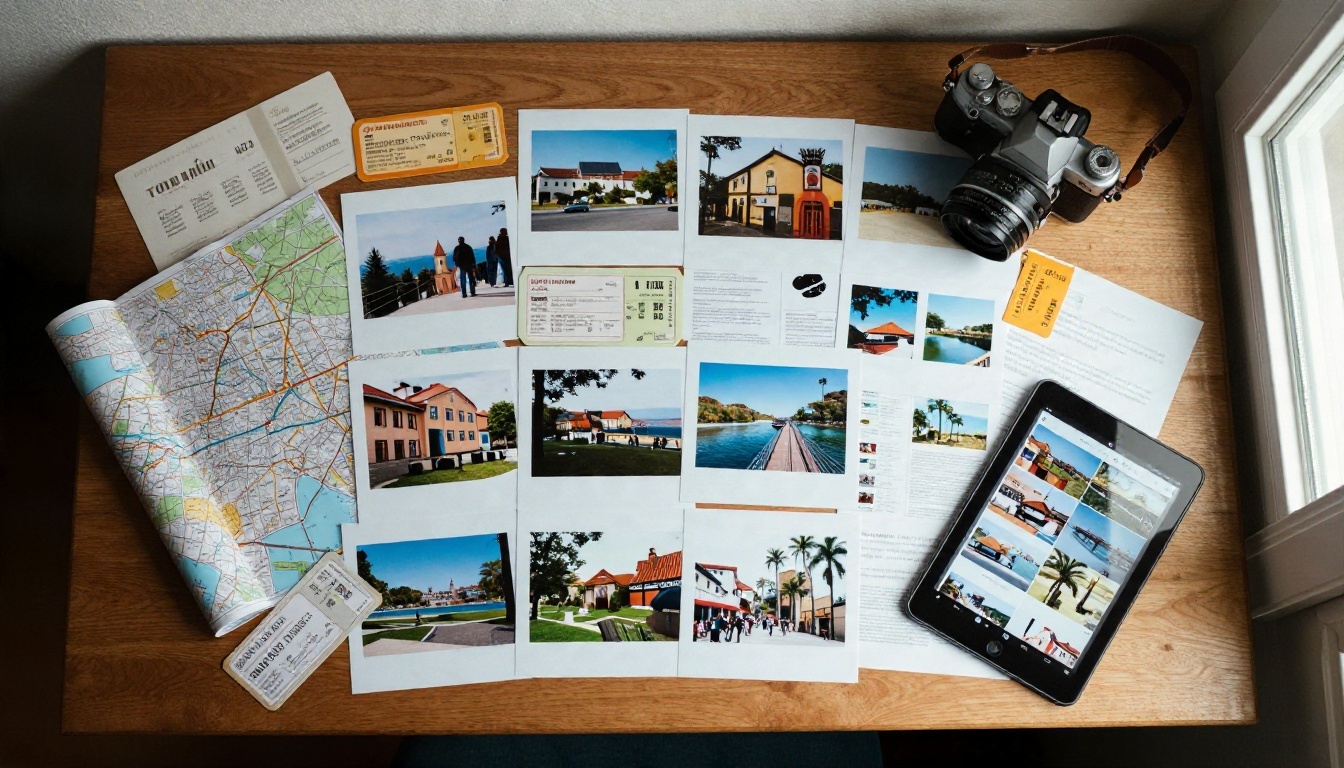
Group travel photos by day or by place. Open with a map photo, add ticket stubs and menus as scanned pages, and close with a favorite sunset. If you travel often, a dedicated travel flipbook layout keeps every trip consistent.
Here is a quick comparison to help you choose:
| Idea | Best For | Typical Length | Effort |
|---|
| Year in review | Busy families | 12 to 24 pages | Low |
| Family story archive | Grandparents and heirlooms | 30 to 60 pages | High |
| Trip journal | Holidays, honeymoons | 15 to 30 pages | Medium |
| Milestone timeline | Babies, graduations | 20 to 40 pages | Medium |
| Pet tribute | Pet owners | 10 to 20 pages | Low |
✅ Best practice: Start with the low-effort ideas. Finishing one small album beats abandoning one ambitious project.
Real Examples You Can Copy
Ideas are easier to act on when you can see how someone else shaped them. These three scenarios are built from the most common requests people bring to a flipbook.
The Wedding Album
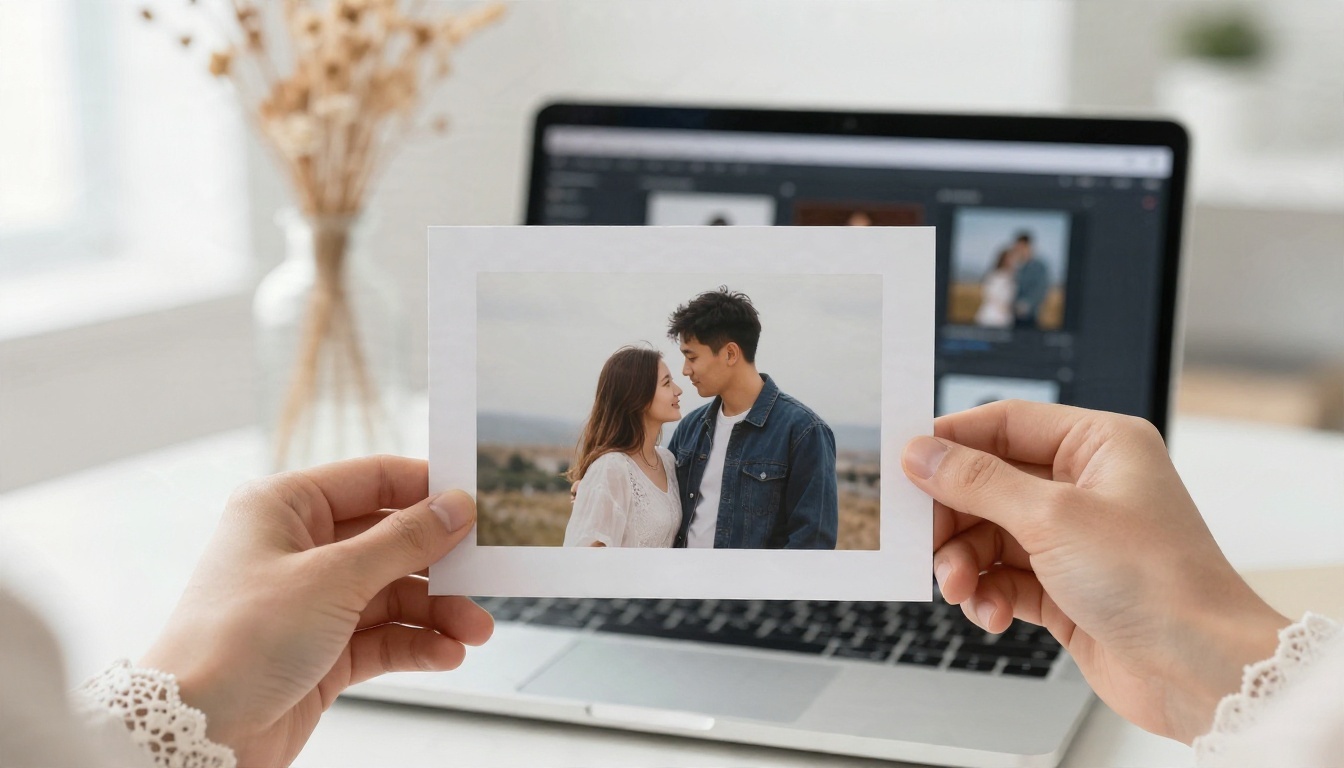
A couple gathers 400 photos from their photographer and 200 guest snapshots. They cut the set to 60 pages: getting ready, ceremony, portraits, reception and a final page of guest messages. They then send one link to both families. The Wedding Album Flipbook tool is built for exactly this layout, and a password keeps the pictures between invited guests.
The Grandparent Tribute
A granddaughter scans 40 prints from her grandmother's drawer, records the grandmother describing five of them, and embeds the audio on those pages. The result is not just an album. It is a voice you can still hear. Because flipbooks can include audio and video, this kind of project is surprisingly easy.
The Class Year Book
A parent volunteer collects photos from a school year, adds names under every picture and publishes the result before summer break. The Yearbook Flipbook Maker handles the page layout, and families can read it on any device.
💡 Pro tip: Audio notes are the most overlooked feature in personal albums. A 20-second voice clip beats a paragraph of text every time.
Free Template Layouts to Borrow
You do not need to start from a blank page. These layout outlines work as free templates: copy the structure into any design tool, export a PDF, and upload it. Each one is proven to keep pages balanced and readable.
The 12 Page Year Book
- Page 1: Title and year
- Pages 2 to 13: One photo per month with a short caption
- Page 14: A collage of the funniest moments
- Page 15: A list of "firsts" and favorites
- Page 16: A closing photo of everyone together
The Recipe Memory Book
Food and memory are tangled together. Photograph the handwritten recipe card, add a photo of the finished dish and tell one story about who cooked it. A Recipe Book Flipbook keeps these pages in a tidy, searchable order, and a family cookbook makes a gift people actually keep.
The Photo Essay
Use one large photo per page with a single sentence below it. Resist the urge to crowd. White space makes pictures feel important. If your photos are strong, a Photography Portfolio layout gives them room to breathe.
| Template | Pages | Photos per Page | Text Amount |
|---|
| 12 page year book | 16 | 1 to 4 | Short captions |
| Recipe memory book | 20 to 40 | 1 to 2 | Medium |
| Photo essay | 12 to 30 | 1 | One sentence |
| Milestone timeline | 20 to 40 | 2 to 3 | Date and caption |
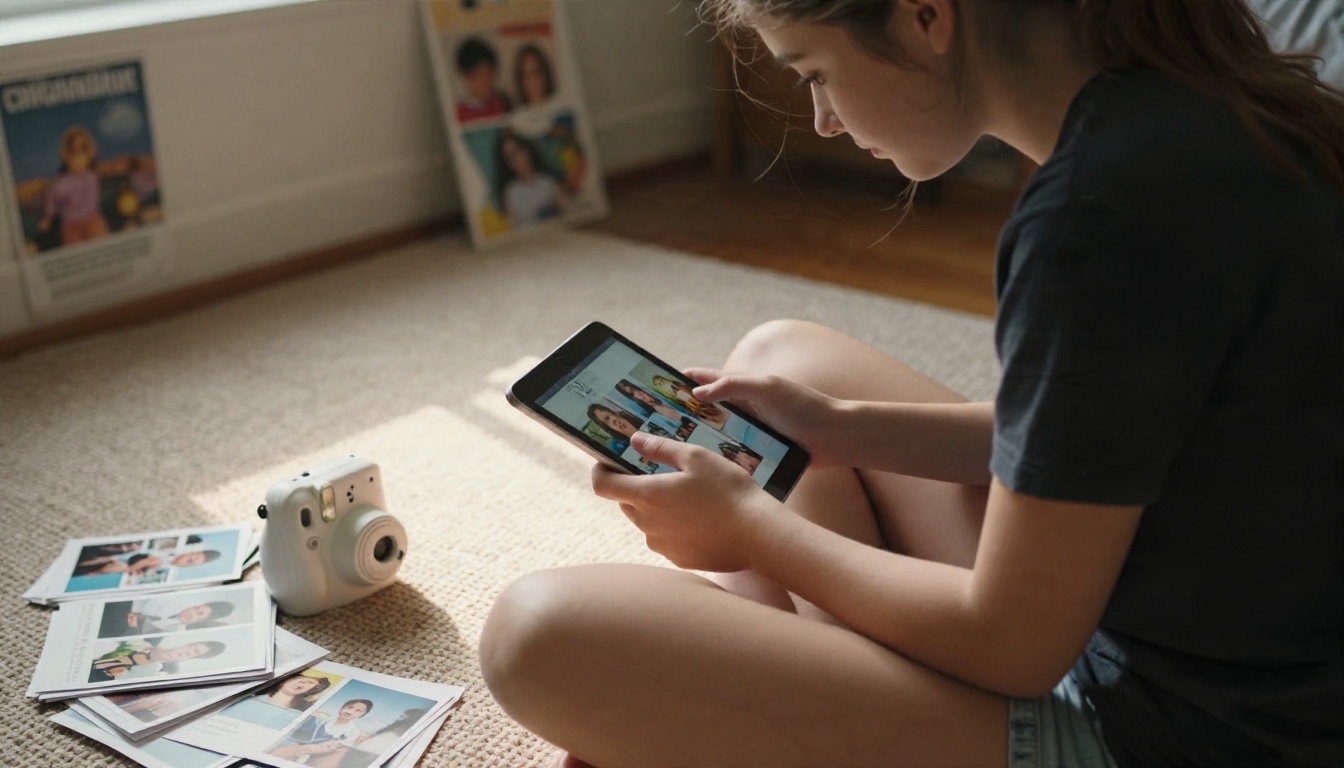
⚠️ Warning: Do not fill every inch of a page. Crowded layouts feel like a camera roll again, and the whole point is to give each photo a moment.
How to Build a Memory Flipbook
Here is the full process, start to finish. Most people finish a first album in under an hour.
Prepare Your Photos
- Choose a theme from the ideas above.
- Pick the best 40 percent. If you have 200 photos, keep about 80.
- Sort them in order, either by date or by story.
- Scan old prints at a decent resolution. Most phone scanning apps are fine.
- Lay them out in a PDF using any design tool or one of the template outlines above.
Upload and Convert
- Go to Flipbooks AI and create an account.
- Upload your PDF. The PDF to Flipbook Converter turns it into a page-turning flipbook in moments.
- Preview each page to confirm photos are sharp and captions are readable.
Customize the Look
- Choose colors that match the mood, such as warm cream for family albums or deep navy for a wedding.
- Pick a page-turn effect that feels natural.
- Add custom branding or a simple title if you plan to share widely.
- Embed video and audio on the pages where they matter most.
Publish and Protect
- Set a password if the album is private.
- Copy the direct link.
- Grab the embed code if you want it on a family website.
- Enable offline downloads for relatives with poor internet.
✅ Best practice: Test your link on a phone before sending it. Most relatives will open it there first.
Ways to Share Online
Sharing is where most albums fail. A beautiful project that nobody can open is a wasted afternoon. Pick the method that matches your audience.
Direct Links
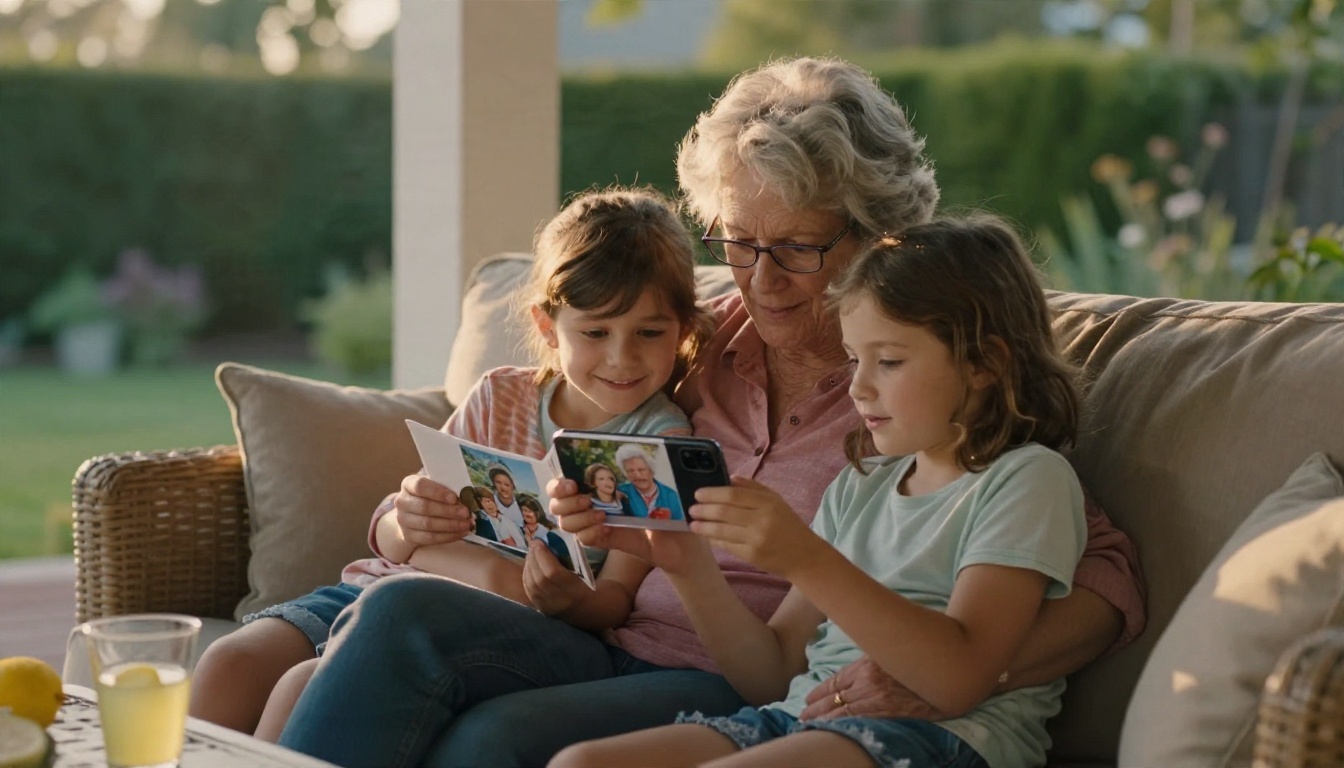
The simplest option. Paste the link in a group chat, an email or a holiday card. Anyone can open it on any device, and you never have to attach a heavy file.
Embed on a Website
If your family keeps a blog or an event page, you can embed a flipbook on a website so guests read it without leaving the page. It is a favorite for weddings, memorials and reunions.
Password Protection
Private memories deserve private sharing. A password means only the people you tell can open the album. Send the link in one message and the password in another.
Offline Downloads
Grandparents who live in places with weak signal can download the album once and read it anytime. It is a small feature that makes a big difference.
Analytics on the Professional Plan
If you share a public album, such as a memorial page or a community history project, the Professional plan includes analytics, so you can see how many people viewed it. Compare pricing plans to see what each level includes.
| Sharing Method | Best For | Privacy Level | Effort |
|---|
| Direct link | Family group chats | Medium | Very low |
| Embed code | Event pages, blogs | Low to medium | Low |
| Password protected link | Private albums | High | Low |
| Offline download | Relatives with weak internet | High | Low |
💡 Pro tip: For sensitive family albums, always combine a link with a password. A link alone can be forwarded by anyone.
Mistakes That Ruin Photo Albums
After watching people build hundreds of albums, the same errors appear again and again. Avoid these and your project will land.
Too Many Photos
Fifty near-identical beach shots exhaust the reader. Keep the best two and cut the rest.
No Captions
A photo of a stranger in a 1960s kitchen means nothing without a name and a story. Add at least a name, a place and a year.
Skipping the Backup
A flipbook is not an archive. Keep your original photos safe in two locations. The flipbook is the showcase, not the vault.
Forgetting the Audience
An album for your grandmother should open easily on her tablet. An album for teenagers should be short and funny. Think about who opens it, then design for that person.
| Common Mistake | Why It Hurts | Quick Fix |
|---|
| Too many photos | Readers lose interest | Keep the best 40 percent |
| No captions | Context disappears | Add name, place and year |
| Low resolution scans | Pages look blurry | Rescan at higher quality |
| No password on private albums | Anyone with the link can view | Add a password before sharing |
Start Your Memory Collection Today
You do not need a design degree or an expensive printing budget to preserve what matters. You need a theme, a small batch of your best photos and about an hour.
Ready to build your first album? Create your account on Flipbooks AI and upload your first PDF. Browse the full list of flipbook tools and templates to find the layout that suits your story, or compare pricing plans to choose what works for you. Your photos have waited long enough in that shoebox.



