You have a menu. Customers want to see it on their phones, on your website, and in the message you send when someone asks "what do you serve?" The real question is how much a digital menu platform will cost you, whether a free plan is enough, and how to get that menu in front of people with a simple link or an embed. This article answers all three with real numbers, honest trade-offs and a step-by-step setup using Flipbooks AI, which turns a PDF menu into a page-turning flipbook you can share anywhere.
💡 Quick answer: most small restaurants spend between $0 and $30 per month on a digital menu. Free plans work for a single static menu. Paid plans become worth it when you need branding, analytics, password protection or several menus.
A digital menu platform stores your menu online and gives you a way to show it. That is the whole job. Everything else, such as ordering, payments and loyalty, is an add-on that some tools bundle and others skip.
Three ways to show a menu
Most platforms fall into one of three types, and the type decides the price more than any feature list.
| Type | What it is | Best for | Typical monthly cost |
|---|
| Flipbook or PDF menu | Your designed menu as a page-turning web page | Restaurants with a designed menu already | $0 to $30 |
| Menu builder | You type items into a template | New businesses with no design | $0 to $40 |
| Full ordering system | Menu plus cart, payments and kitchen tickets | Delivery and table service | $50 to $300 plus fees |
If you already have a menu that looks the way you want, a flipbook is the fastest and cheapest route. You keep your design, and the platform handles the hosting, the link and the embed code.
Why owners are switching
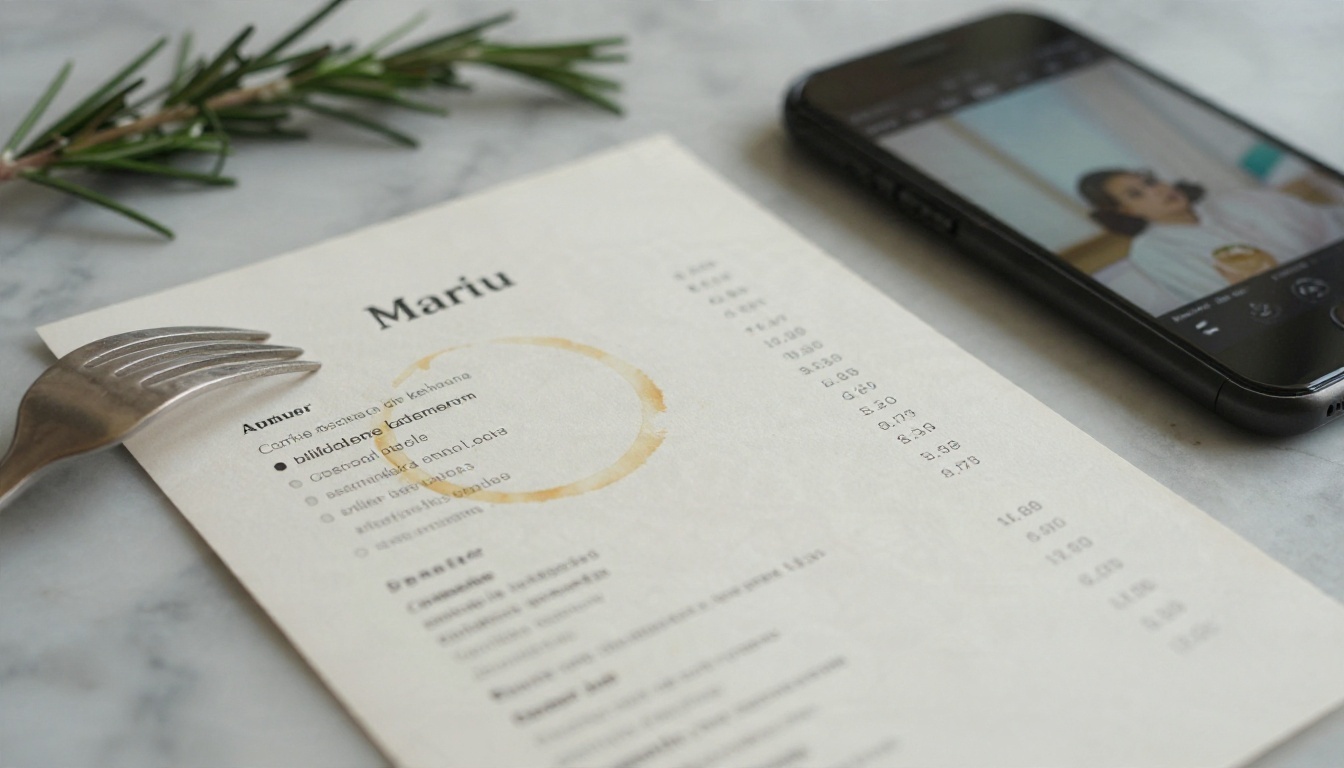
Paper menus get stained, go out of date the minute a price changes, and cost money every time you reprint. A digital version fixes all three. You edit once and every link, QR code and website embed shows the new version.
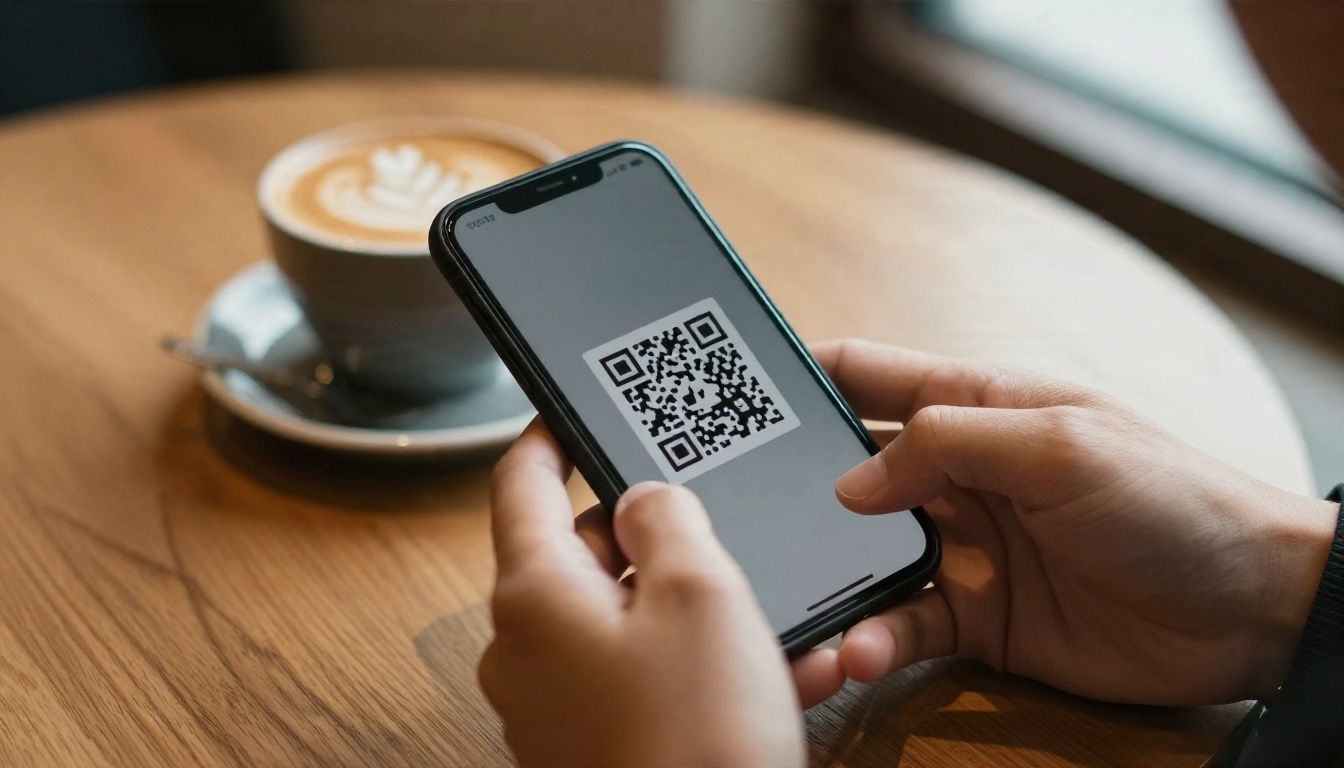
There is also the search side. A menu that lives as a web page can be found, shared and bookmarked. A menu that lives as a photo on social media cannot.
What It Costs in Real Numbers
Prices change, so treat the figures below as typical ranges across the market, then check each vendor's own page before you commit. For Flipbooks AI, the current plans are always listed on the pricing page.
Typical price tiers
| Tier | Monthly price | What you usually get | What is usually missing |
|---|
| Free | $0 | One or two menus, a shareable link | Custom branding, analytics, sometimes a watermark |
| Starter | $8 to $15 | Several menus, your colors and logo | Analytics, lead capture |
| Standard | $15 to $30 | Unlimited menus, embeds, password protection | Lead generation, team seats |
| Professional | $30 to $60 | Analytics, lead generation, offline downloads | Native ordering |
| Ordering suite | $50 to $300 plus fees | Cart, payments, kitchen printing | Often locked into the vendor's checkout |
On Flipbooks AI, unlimited flipbooks start at the Standard plan, and analytics and lead generation sit in the Professional plan. There are no watermarks, ever, which matters more than it sounds. A watermark on a menu looks unprofessional and some free tools add one by default.
Hidden fees to watch
The monthly price is rarely the whole bill. Before you pay, check these:
- Per-order commissions. Ordering suites often take 2% to 5% of every order on top of card fees.
- Per-location pricing. A second restaurant can double the bill.
- Extra charges for custom domains. Some tools charge more to use your own web address.
- Export fees. A few platforms charge to give you your own menu data back.
- Annual lock-in. The advertised price may require a 12-month commitment.
⚠️ If a platform will not show you how to export your menu or cancel, assume that cancelling will be painful.
Flat price versus per-seat or per-location
A single cafe is fine on any model. A group with three locations should look for a flat or unlimited plan. A flipbook platform with unlimited menus lets you publish a lunch menu, a dinner menu, a wine list and a kids menu without paying for each one.
Free Plans: What You Actually Get
Free plans are real, but they are built to make you upgrade at a specific moment. Knowing that moment helps you decide whether to start free or pay from day one.
Limits that matter
| Limit | Why it matters to a restaurant |
|---|
| Number of menus | You probably need at least lunch, dinner and drinks |
| Watermark or vendor branding | Customers see it, and it dilutes your brand |
| No custom colors or logo | The menu may not match your restaurant |
| No analytics | You cannot see which pages or dishes get attention |
| No password protection | Private event or staff menus stay public |
| Download limits | Guests cannot save an offline copy |
When free is enough
Free is enough if you have one menu that rarely changes, you only need a link to paste in a bio, and you do not mind simple presentation. A pop-up dinner, a seasonal market stall or a trial run are good examples.
Free stops being enough the moment you want your own colors, several menus, or any proof that people open the menu at all. You can try Flipbooks AI free and upgrade only when you hit one of those walls.
✅ Best practice: build your menu on the free plan first. If the link, the mobile layout and the page-turning feel right, upgrade. Do not pay for a tool before you have seen your own menu inside it.
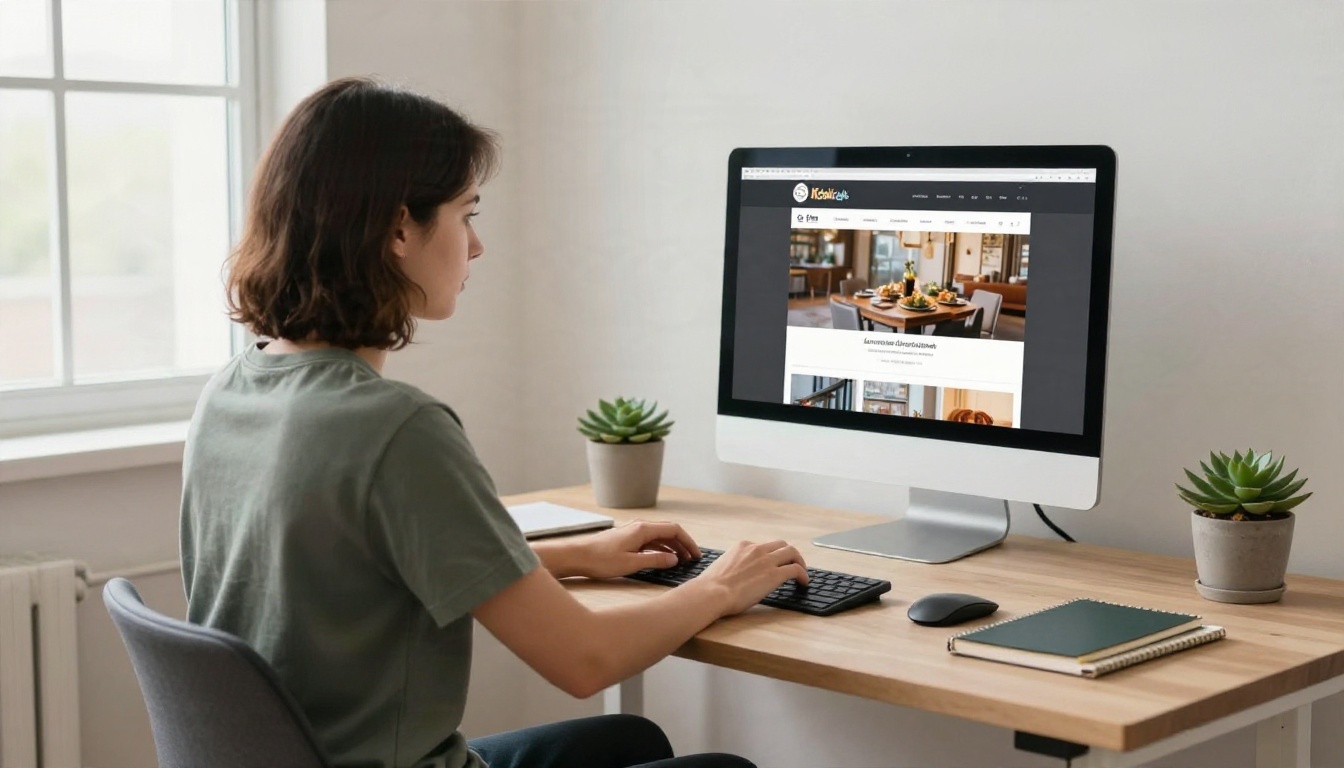
Embedding means your menu appears inside your own web page, not on a separate site. Guests stay on your domain, which is good for trust and for search.
Copy and paste the embed code
The process is nearly the same on every site builder:
- Open your flipbook and choose Embed or Share.
- Copy the embed code, which is a short snippet that starts with
<iframe.
- In your website editor, add an HTML block, Custom code block or Embed element.
- Paste the snippet and save.
- Open the page on your phone and scroll through it once.
This works on WordPress, Wix, Squarespace, Webflow, Shopify and plain HTML pages. The Embed Flipbook on Website tool walks through each builder.
Mobile layout checks
More than half of menu views happen on a phone, so test there first. Check these four things:
- Width. The menu should fill the screen without sideways scrolling.
- Height. Give the embed enough vertical space so pages are not cut off.
- Load speed. Compress very large images in your PDF before upload.
- Tap targets. Page arrows and zoom controls should be easy to hit with a thumb.
A mobile-responsive flipbook resizes on its own, so you set the embed to 100% width and let it adapt.
Sharing by Link and QR Code
A link is the simplest thing a menu can be. It also happens to be the most flexible, because the same link works in a text message, a Google Business profile, an Instagram bio and a printed QR code.
One link, many places
Where to paste your menu link:
- Your Google Business Profile menu field
- Instagram and TikTok bio
- WhatsApp Business catalog replies
- Email signature and booking confirmations
- Delivery app descriptions where links are allowed
- The footer of your website
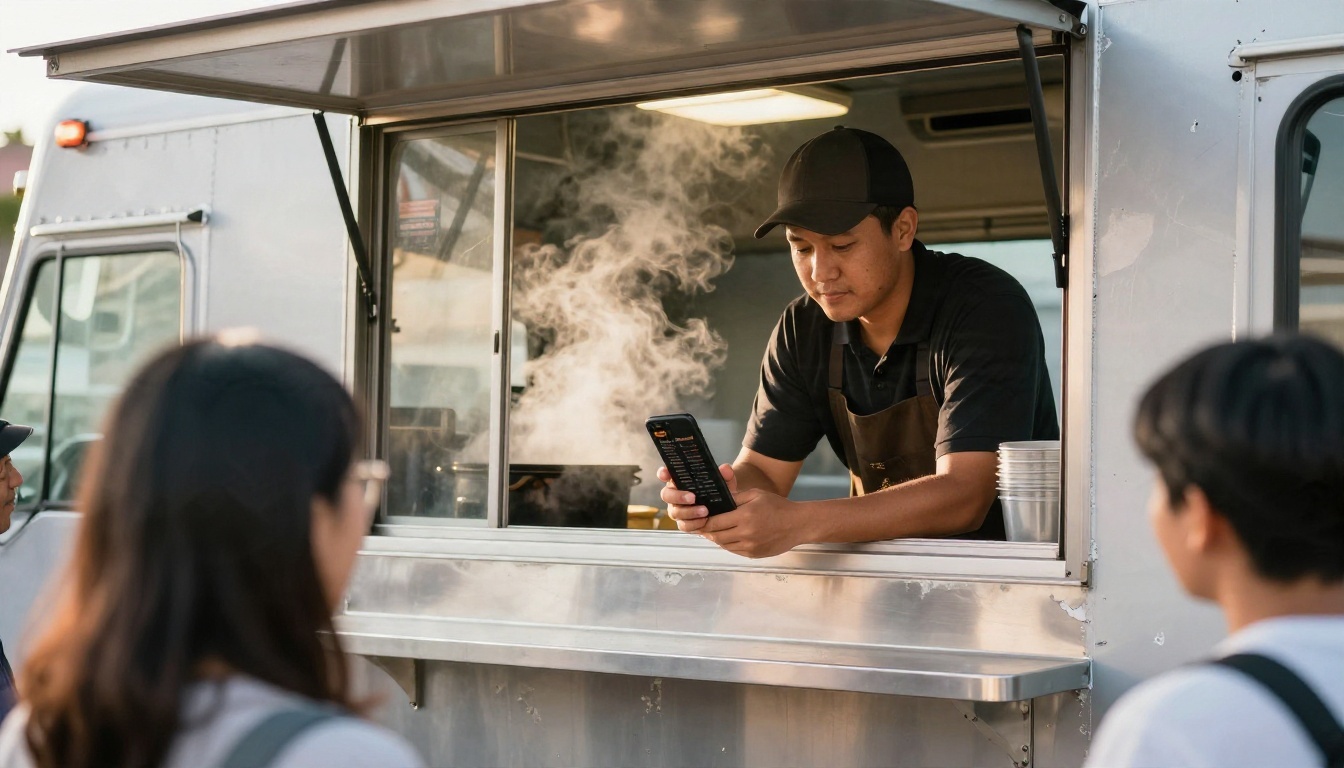
A food truck owner can change location, hours and specials daily, then keep the same link. Nobody has to relearn where to find the menu.
Where to put the QR code
Print the QR code on table stands, window stickers, receipts, takeout bags and flyers. Keep it at least 2 cm wide, with plain contrast and some empty space around it. Always test it with two different phones before printing 200 copies.
💡 Add a short line next to the code, such as "Scan for today's menu". People scan more when they know what they will get.
Private menus with a password
Not every menu is public. A wedding tasting menu, a corporate catering offer or a staff training menu should not be indexed or forwarded freely. Password protection keeps those menus behind a code you share only with the right people.
If you already have your menu as a PDF, you can have it online in a few minutes. The PDF to Flipbook Converter does the heavy lifting, and the Restaurant Menu Creator and Menu Flipbook Designer are tuned for menu layouts.
Step 1: Sign up
Create an account on Flipbooks AI. You can start on the free option and move up from the pricing page later.
Step 2: Upload your PDF
Click the upload button and choose your menu PDF. The platform converts each page into a flipbook page, keeping fonts and photos sharp. If your PDF is over 20 MB, compress the photos first so pages load quickly on mobile data.
Step 3: Customize the look
Open the editor and adjust:
- Branding: add your logo and pick background colors that match your signage.
- Page effects: choose the page-turn style and speed.
- Multimedia: embed a short video of your kitchen or an audio welcome.
- Cover page: make sure the first page shows your name and hours clearly.
Step 4: Choose how you share it
Pick one or all of these:
- Direct link for social bios, messages and your Google profile.
- Embed code for your website.
- QR code for tables, windows and takeout bags.
- Password protection for private or event menus.
Step 5: Turn on Professional tools
On the Professional plan you can add analytics to see which pages are opened most, lead generation to collect an email before a catering menu opens, and offline downloads so guests can save the menu. Review the plans to pick the right one.
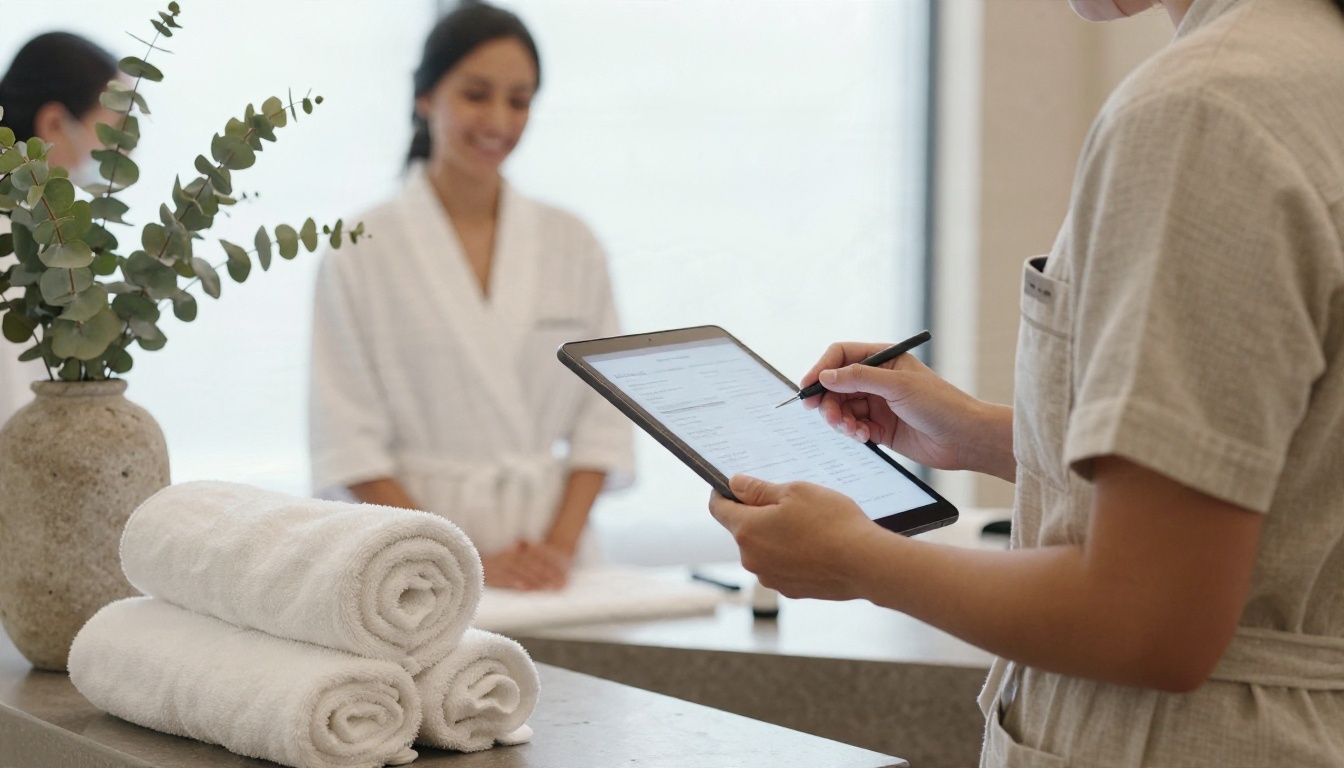
Not a restaurant? The same steps work for the Spa and Wellness Menu and the Digital Price List Generator.
Step 6: Update without reprinting
When a price changes, replace the PDF inside the same flipbook. The link, the embed and the QR code stay the same, so nothing needs to be reprinted or re-pasted.
Real-World Examples
Numbers and steps are useful, but seeing how different businesses use the same tool makes the choice easier.
| Business | Setup | Why it works |
|---|
| Neighborhood cafe | Flipbook menu, QR on tables, link in Google profile | Price changes take two minutes, no reprint |
| Food truck | One link in the Instagram bio, QR on the window | The location changes, the menu link never does |
| Fine dining restaurant | Embedded menu on website, password-protected tasting menu | Keeps the look of a printed menu with private options |
| Hotel spa | Treatment menu flipbook shared at reception | Guests read it on their own phone in the robe lounge |
| Catering company | Lead generation form before the full price list opens | Turns menu views into quote requests |
Cafe: cut reprint costs
A cafe that reprints a laminated menu four times a year can easily spend $150 to $400 on printing. A flat monthly plan at $15 to $20 usually pays for itself within a season, and it adds a QR code at the same time.
Restaurant: dinner and drinks on one link
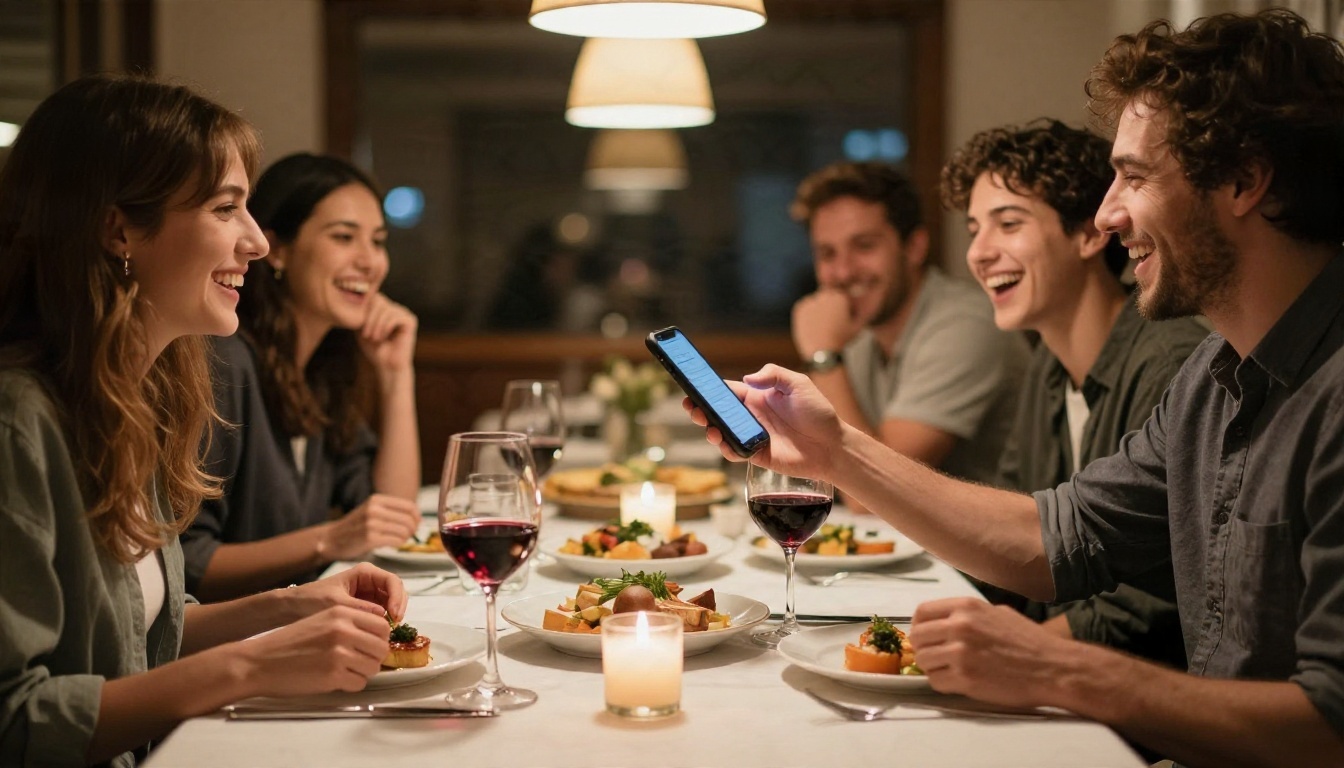
A restaurant can publish a dinner menu, a wine list and a dessert card as separate flipbooks, then link all three from one page. Guests choose what they want to see, and the server is not carrying four laminated sheets.
Caterer: capture the lead
When a catering menu is the main sales tool, you want to know who opened it. With lead generation turned on, a visitor enters an email before the pages open, and you get a warm contact instead of an anonymous view.
Run any platform through this short checklist before you pay:
- Can I keep my own design? Uploading a PDF is faster than rebuilding a menu inside a template.
- Is there a watermark? On a free plan, check it before you share the link.
- Does it work on a cheap phone? Test on an older device with a weak connection.
- Can I embed it? If you have a website, you will want to.
- Can I password-protect a menu? Useful for events and staff.
- What happens when I cancel? Make sure you can export your files.
- Are there order commissions? If you only need a menu, do not pay for a checkout.
Three common mistakes
- Paying for ordering you do not use. A menu viewer is much cheaper than a full ordering suite.
- Forgetting to test the QR code. A broken code on 100 tables is a very expensive typo.
- Uploading a huge PDF. Slow loading makes guests give up before the first page.
⚠️ Keep a copy of your original menu file somewhere safe. If you ever switch platforms, you will want to upload the same file again.
A digital menu platform does not need to cost much, and it does not need to be complicated. Start with a free plan, check that your design looks right on a phone, and upgrade only when you need branding, several menus, analytics or lead generation.
Ready to put your menu online? Create your account on Flipbooks AI, upload your PDF and share it by link, QR code or embed in minutes. Compare the pricing plans to see which one fits your business, or browse all flipbook tools for menus, price lists, catalogs and brochures. When you are ready to choose a plan, go straight to the upgrade page.



