You have 4,000 photos on your phone, and you have not looked at most of them since the day you took them. A digital photo album fixes that. It turns a pile of files into something with a beginning, a middle and an end, and with the right tool, it even makes the satisfying sound of a page turning. In this article you will find themes, layouts, music pairings and free online examples, plus a tutorial for building your own album as a page-flip flipbook with Flipbooks AI.
The search intent here is mostly practical. You want ideas you can copy this weekend, not theory. So every section below ends with something you can act on, and there are tables you can screenshot and keep.
Why Digital Albums Beat Shoebox Photos
Printed albums are lovely, but they have real limits. They cost money per copy, they sit on one shelf, and they can fade, warp or get lost in a move. A digital photo album has none of those problems, and it adds features paper cannot offer.
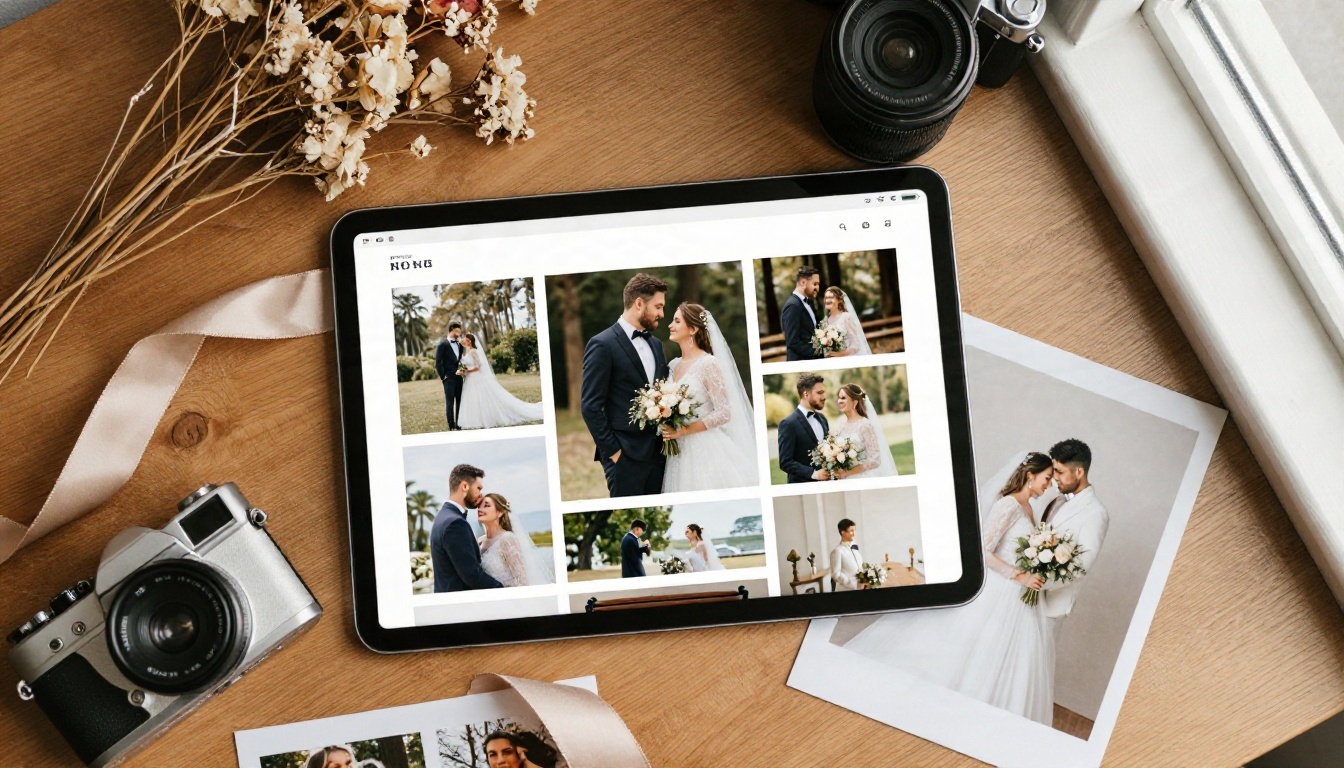
Here is what changes when you go digital:
- Sharing takes one link. Your aunt in another country opens the album in a browser, no download needed.
- Music and video can live inside the pages. A wedding album with the first dance song playing is a different experience from a silent one.
- Edits are free. Spot a typo in a caption? Fix it and republish.
- Backups are simple. One PDF source file protects the whole project.
- Mobile viewing works. The album reads well on a phone, a tablet or a laptop.
| Feature | Printed Album | Photo Folder | Flipbook Album |
|---|
| Page-turn feel | Yes | No | Yes |
| Cost per copy | High | None | None |
| Music and audio | No | No | Yes |
| Share by link | No | Sometimes | Yes |
| Password protection | No | Depends | Yes |
| Easy to update | No | Yes | Yes |
💡 Pro tip: A flipbook is the middle path. It keeps the emotional rhythm of turning pages but removes the cost and distance problems of paper.
Theme Ideas That Tell a Story
A theme gives you permission to leave photos out. That is the secret of albums people finish watching: they are edited. Pick one story, then include only the pictures that serve it.
Milestone and Family Themes
These are the classics, and they work because the audience already cares.
- Baby's first year, organized month by month, with a "same chair, same pose" photo at the start of each chapter.
- Wedding day, ordered as getting ready, ceremony, portraits, reception, last dance.
- Graduation year, mixing formal portraits with messy dorm room snapshots.
- Family reunion, with one page per branch of the family tree.
- Grandparents' life story, scanned old prints paired with recent photos in the same locations.
Travel and Adventure Themes
Travel albums are easy to start and hard to finish, because you come home with too many pictures.
- Day by day, one spread per day, starting with the morning light and ending with dinner.
- A color story, grouping photos by dominant color: blue sea, orange markets, green hills.
- Local faces and food, skipping the landmarks everyone has already seen.
- One road, many stops, with a map as the first page and small route snippets between chapters.
If travel is your main use, the Travel Guide Flipbook tool gives you a ready structure to drop photos into.
Seasonal and Everyday Themes
- Four seasons in one place, the same park bench photographed across a year.
- A year in your kitchen, birthday cakes, Sunday breakfasts, midnight snacks.
- Pets through the years, from the first nervous day to the lazy old age.
- Our street, a neighborhood album that doubles as a time capsule.
| Theme | Best Photo Count | Tone | Best Season to Make It |
|---|
| Baby's first year | 40 to 60 | Tender | Month 12 |
| Wedding | 60 to 100 | Romantic | Within 3 months |
| Road trip | 30 to 50 | Adventurous | Right after returning |
| Pet album | 25 to 40 | Playful | Any time |
| Year in review | 50 to 80 | Reflective | December |
✅ Best practice: Write your theme as one sentence before you pick a single photo. "Our first summer in the new house" is a theme. "Photos" is not.
Layouts That Make Pages Flow
Layout is where good albums separate from phone galleries. A flipbook gives you a canvas with facing pages, so think in spreads, not single images.
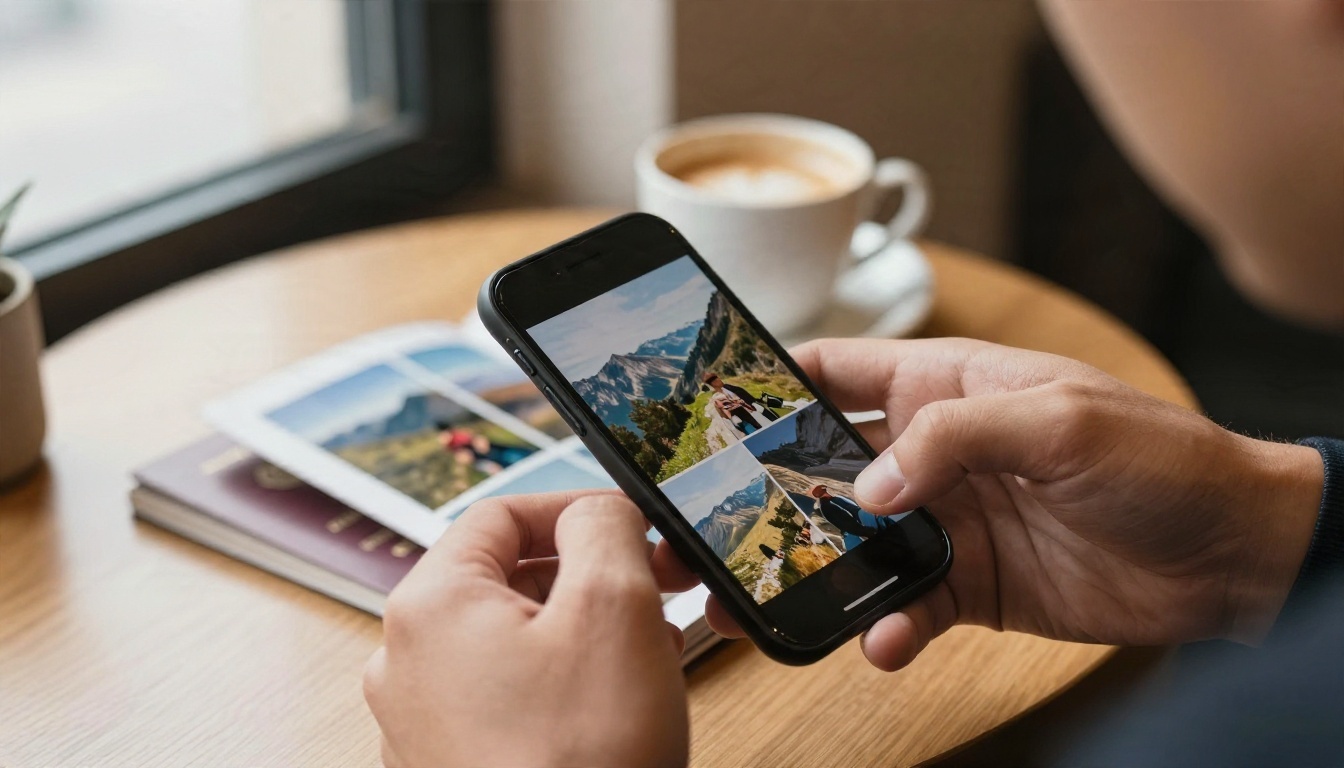
Full Bleed Single Photos
One large photo per page is the strongest move you have. Save it for your best image of each chapter: the wedding kiss, the summit, the first steps. White space or a plain background on the facing page gives the picture room to breathe.
- Use landscape photos across a full spread.
- Keep captions to a single line in a small, quiet font.
- Do not put more than one "hero" photo in a chapter.
Grid and Collage Pages
Grids are good for showing a sequence or a day's worth of small moments.
- Two by two grid for four related shots, such as four seasons.
- Three column strip for a story told in order, like a birthday party from candles to cake.
- Asymmetric collage with one large photo and three small ones, which feels more casual and playful.
Keep gutters (the gaps between photos) the same width everywhere. Uneven spacing is the first thing the eye catches.
Mixed Text and Photo Spreads
Short text turns an album into a story. A few honest sentences beat a long paragraph.
- Add a date and place to each chapter opener.
- Quote something funny someone actually said that day.
- Leave a "what I remember" note beside a photo that matters.
| Layout | Photos per Page | Use It For | Avoid When |
|---|
| Full bleed | 1 | Peak moments | You have low resolution files |
| Two by two grid | 4 | Sequences | Photos differ greatly in color |
| Collage | 3 to 6 | Casual days | Formal weddings |
| Photo plus text | 1 to 2 | Chapter openers | Text is longer than 40 words |
| Panorama spread | 1 | Landscapes | The photo has faces at the fold |
⚠️ Warning: Never let a face fall across the center fold of a spread. The page curl can hide it or distort it.
Pairing Music With Your Pages
Sound is the most underused part of a digital album. A flipbook can play audio while someone browses, and that changes the mood in seconds.

Match Tempo to Mood
Think of the song as the narrator of your album. Choose it before you finalize the layout, because the rhythm will tell you how many photos each page can hold.
| Album Type | Music Style | Tempo | Example Feeling |
|---|
| Wedding | Soft piano or acoustic guitar | Slow | Romantic |
| Baby album | Lullaby, gentle strings | Slow | Tender |
| Road trip | Indie folk, upbeat pop | Medium to fast | Free |
| Graduation | Cinematic orchestral | Medium | Proud |
| Grandparents' story | Old jazz or classic songs | Slow to medium | Nostalgic |
| Pet album | Light ukulele | Medium | Playful |
- Instrumental tracks work better than songs with lyrics, because words compete with your captions.
- Keep volume low and let the viewer raise it.
- Use music you own the rights to, or royalty-free tracks, especially if you plan to share the album publicly.
Where to Add Audio
You do not have to score every page. Three placements usually work well:
- Opening page, a short intro track to set the mood.
- Chapter openers, a brief sound like waves or a street market.
- Final page, a voice message from the person the album honors.
Flipbooks AI supports embedded videos and audio, so a short voice note from a grandparent can sit right beside their childhood photo.
Free Online Examples to Copy
You do not need to invent everything from scratch. Below are three example formats you can recreate in an afternoon, along with the exact structure they follow.
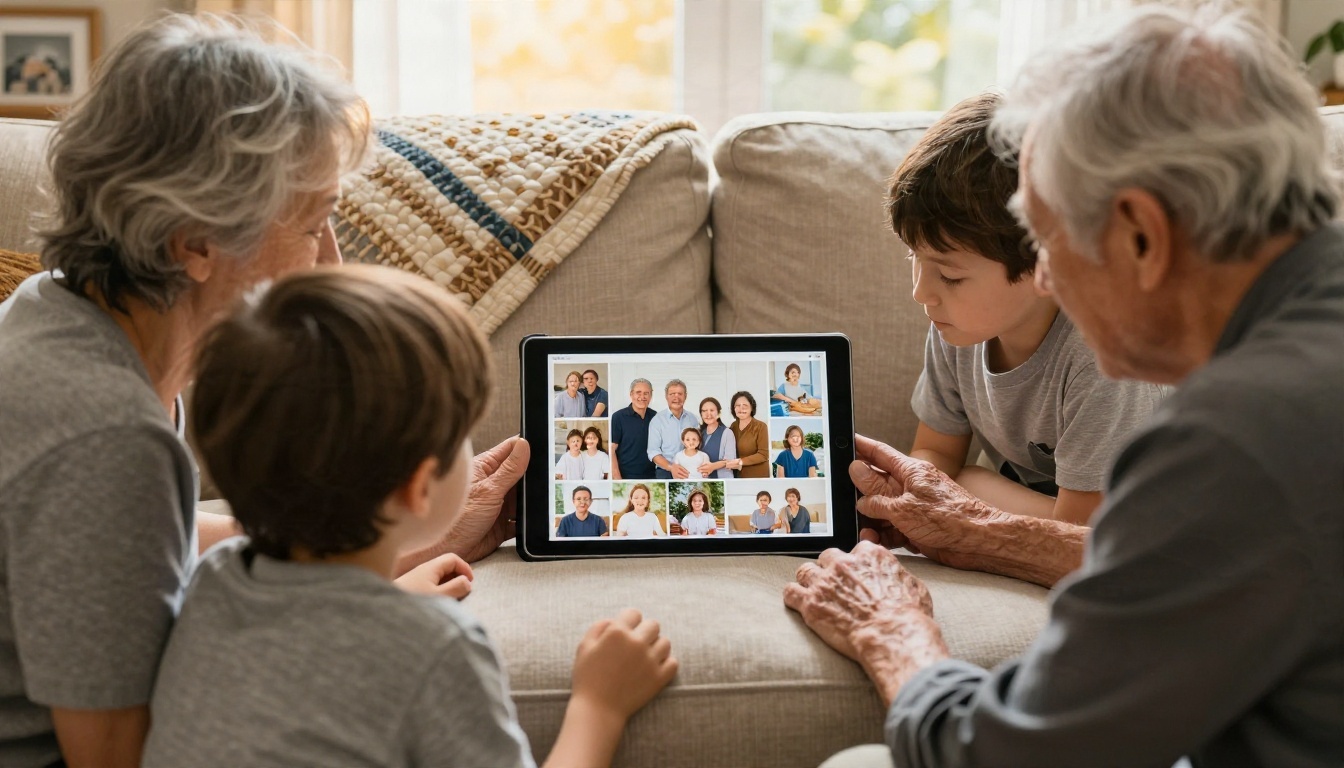
Wedding Album Example
Structure (24 pages):
- Cover page with one portrait and the couple's names.
- Two pages of details: rings, invitations, flowers.
- Four pages of getting ready.
- Six pages of the ceremony, with one full bleed kiss photo.
- Six pages of portraits and family groups.
- Four pages of reception and dancing, with the first dance track.
- Back page with a thank-you note.
The dedicated Wedding Album Flipbook tool follows a similar flow, so you can start from a proven order.
Travel Journal Example
Structure (18 pages): a map page, one spread per destination, a "tiny details" grid of tickets and meals, and one panorama at the very end. Add a one-line caption with date and place to each spread. If you shoot professionally and want a cleaner showcase, the Photography Portfolio option fits better.
Baby's First Year Example
Structure (14 pages): one page per month, each with a large photo and a small note, such as "Month 4: laughs at the dog." The last spread places the month one photo next to the month twelve photo. It gets a reaction every time.
| Example | Pages | Layout Mix | Music |
|---|
| Wedding | 24 | Full bleed, grid, text | Piano |
| Travel journal | 18 | Panorama, collage | Indie folk |
| Baby's first year | 14 | Photo plus text | Lullaby |
💡 Pro tip: For school memories, the Yearbook Flipbook Maker uses the same approach: one page per person or event, with short captions.
How to Create a Digital Photo Album with Flipbooks AI
Flipbooks AI turns a PDF into an interactive page-flip album. That means you can design pages in any tool you like (a slide app, a design app, even a word processor), export to PDF and publish. There are no watermarks, ever. Browse all flipbook tools if you want a more specialized starting point.
Prepare and Upload
- Design your pages. Use landscape spreads or portrait single pages. Keep the page size consistent.
- Export as PDF. Choose high quality so photos stay sharp when zoomed.
- Go to Flipbooks AI and create an account, or sign in.
- Upload your PDF. The platform converts it into a page-turning flipbook in moments. The PDF to Flipbook Converter page explains the process in more detail.
💡 Screenshot description: After the upload, you will see your album in a preview window with a page curl animation, and a side panel with settings.
Customize the Look
- Custom branding: add your name, a logo or a monogram.
- Colors: pick a background that complements your photos. Warm cream suits family albums, deep charcoal suits black and white work.
- Page effects: choose the page-turn style and sound.
- Multimedia: add your background music and short video clips.
- Mobile-responsive design is built in, so the album adapts to phone screens automatically.
Share and Protect
| Sharing Option | Best For | Privacy Level |
|---|
| Direct link | Family group chats | Medium |
| Password protection | Wedding and baby albums | High |
| Embed code | Personal blogs and websites | Public |
| Offline download | Relatives with poor internet | Depends on who you send it to |
To put an album on your own website, follow the Embed Flipbook on Website instructions, then paste the embed code into your page.
Pro Features Worth Knowing
If you share albums at scale, such as a photographer delivering galleries to clients, the Professional plan adds analytics (see who opened the album and how far they got) and lead generation forms. The Standard plan and above include unlimited flipbooks. Check the pricing plans to see which one fits your project.
Common Mistakes to Avoid
Even good photos can make a weak album. Watch for these:
- Too many photos. If five pictures show the same sunset, keep the best one.
- No order. Random sequencing feels like a gallery. Use chronology, place or color.
- Low-resolution images in full bleed pages. They look soft and pixelated.
- Busy backgrounds. Plain backgrounds let photos lead.
- Loud music. Audio that fights the viewer makes them close the tab.
- Skipping captions. In ten years, you will not remember who is in the photo or where it was taken.
- Sharing without a password when the album includes children or private events.
⚠️ Warning: Always check that you have permission to publish photos that show other people, especially minors.
| Mistake | Quick Fix |
|---|
| Too many photos | Cut to one per moment |
| Messy order | Group by chapter |
| Blurry full pages | Use originals, not screenshots |
| Loud audio | Lower the volume and use instrumentals |
| Missing captions | Add date and place at minimum |
Ready to Build Yours?
The best digital photo album is the one that gets finished. Pick one theme, choose a layout pattern for your hero photos, add a quiet song and publish it. You can always improve it later.
Your photos already hold the story. A few hours of editing will give it a shape worth sharing.



