A printed photo album sits on a shelf until someone remembers it exists. A digital photo book with music gets opened, passed around, and replayed, because the pages turn on screen and a song sets the mood the moment the first photo appears. You can build one in an evening, share it with a single link, and skip printing costs completely. This article shows what to put in one, which free tools are worth your time, and how to publish the result with Flipbooks AI so friends and family can flip through it on any device.
Why Music Changes a Photo Book
Photos freeze a moment. Sound brings back the room around it. That is why a wedding slideshow with the first dance song makes people cry while the same pictures in silence get a polite nod.
The Emotional Pull
Memory and music are tightly linked. A tune you heard on a trip can pull you back to that exact beach years later. When a song plays while you page through the photos from that trip, the two reinforce each other. Viewers stay longer, notice more details, and are far more likely to share the book with someone else.
Where Sound Fits
Music does not have to run through the whole book. Think of it as seasoning, not the main dish:
- Background loop that plays softly from the first page onward
- Page-specific audio such as a voice note on a baby's first-steps photo
- Intro track that starts on the front page and fades as the reader moves on
- Ambient sound like waves, street noise or a campfire for travel books
💡 Pro tip: Record a 15-second voice message from a relative and attach it to their photo page. It often becomes the most replayed moment in the whole book.
Digital Photo Book Ideas That Work
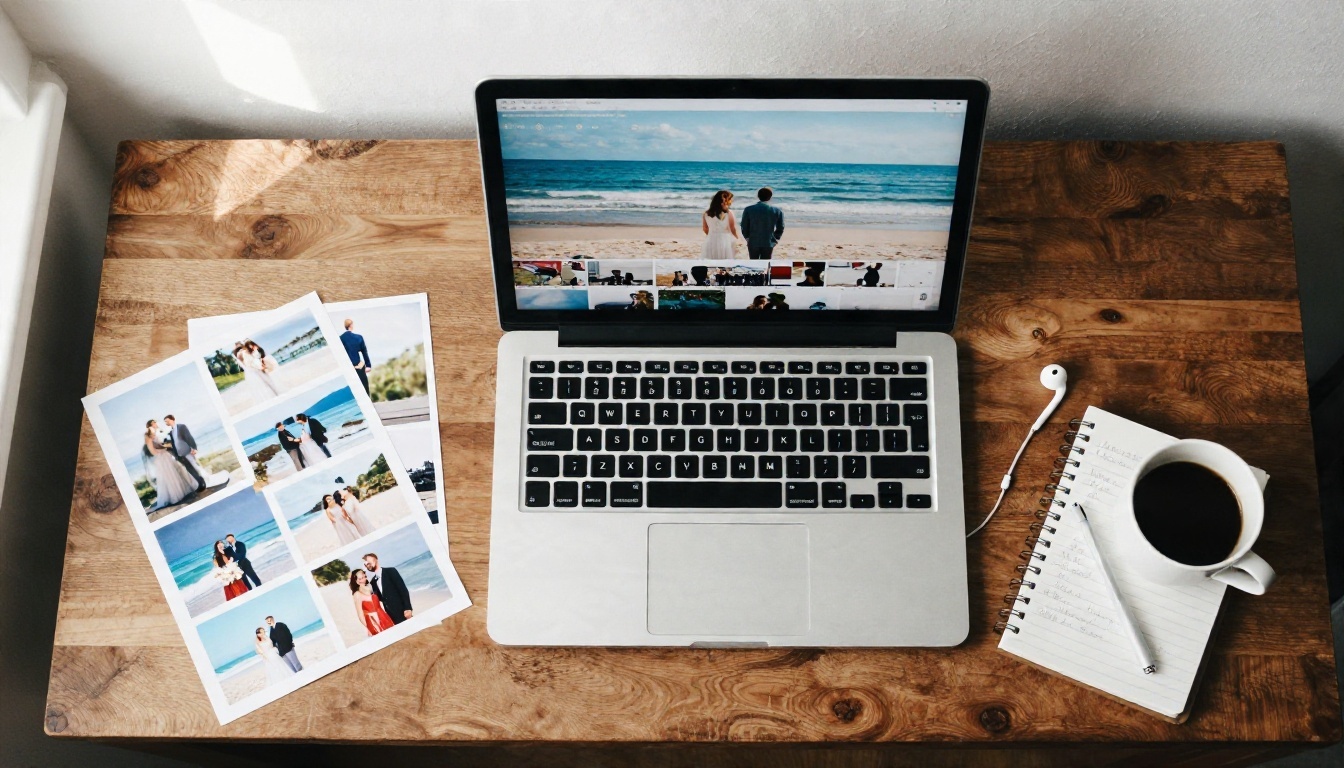
Pick one story and let it set the tone. A book that tries to hold ten years of photos in 20 pages feels rushed. A book about one weekend feels intimate.
Wedding and Anniversary Books
Wedding albums are the classic use. Build them in chronological order: getting ready, ceremony, portraits, party. Use your first dance song as the opening track and a softer instrumental for the portrait section. If you are a photographer, the Wedding Album Flipbook tool is built for exactly this layout.
Travel Journals
Travel books reward sound more than any other theme. Open with a street recording from your arrival, add a local song for the food pages, and end with the quiet ocean sound from your last evening. Pair the photos with short captions: place, date, one sentence. For longer itineraries, the Travel Guide Flipbook template gives you a ready structure.
Family and Baby Albums
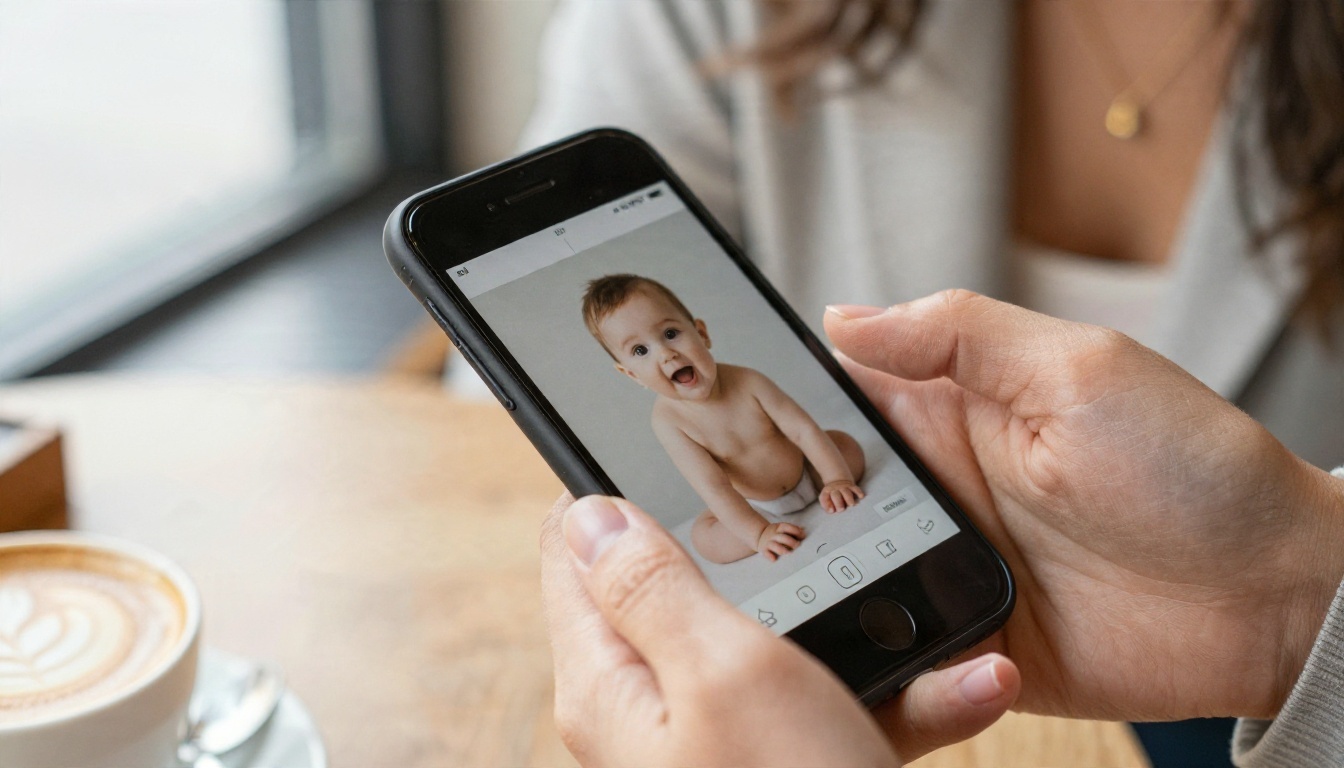
Grandparents rarely want a login or an app. They want a link that opens and works. A baby's first-year book with a lullaby loop and one photo per month is a gift that travels well across countries. Add a short voice note on the birthday page.
Graduations, Birthdays and Yearbooks
Group events work well because everyone contributes photos. Collect them in a shared folder, arrange them by theme, then publish. For schools and clubs, the Yearbook Flipbook Maker fits the same workflow.
Quick Comparison of Ideas
| Idea | Best music style | Ideal length | Who will love it |
|---|
| Wedding album | First dance song, soft piano | 30 to 50 pages | Couple, parents, guests |
| Travel journal | Local music, ambient sound | 15 to 30 pages | Friends, followers |
| Baby first year | Lullaby, gentle acoustic | 12 to 24 pages | Grandparents, relatives |
| Graduation book | Upbeat pop, instrumental | 20 to 40 pages | Classmates, family |
| Memorial tribute | Calm classical, favorite hymn | 10 to 20 pages | Family and close friends |
| Portfolio showcase | Minimal electronic, ambient | 15 to 25 pages | Clients, art directors |
Real Examples to Copy
Abstract advice only goes so far, so here are three concrete scenarios you can copy almost line by line.
Example 1: The 10th anniversary book. A couple scans 40 photos from their first decade, one per season. Each page has a date and a single line of text. The soundtrack is the song from their wedding day, looped quietly. They send the link to their parents as a surprise.
Example 2: The two-week road trip. A friend group shares 200 phone photos in a shared album, then picks the best 35. They add a playlist-style audio clip for each region of the trip. The final book is posted in the group chat, and everyone gets the same view without storage problems.
Example 3: The photographer's sample book. A portrait photographer builds a 20-page portfolio, adds a calm instrumental track, and embeds the flipbook on their website with the Photography Portfolio tool. Clients flip through it faster than a PDF download and remember the mood.
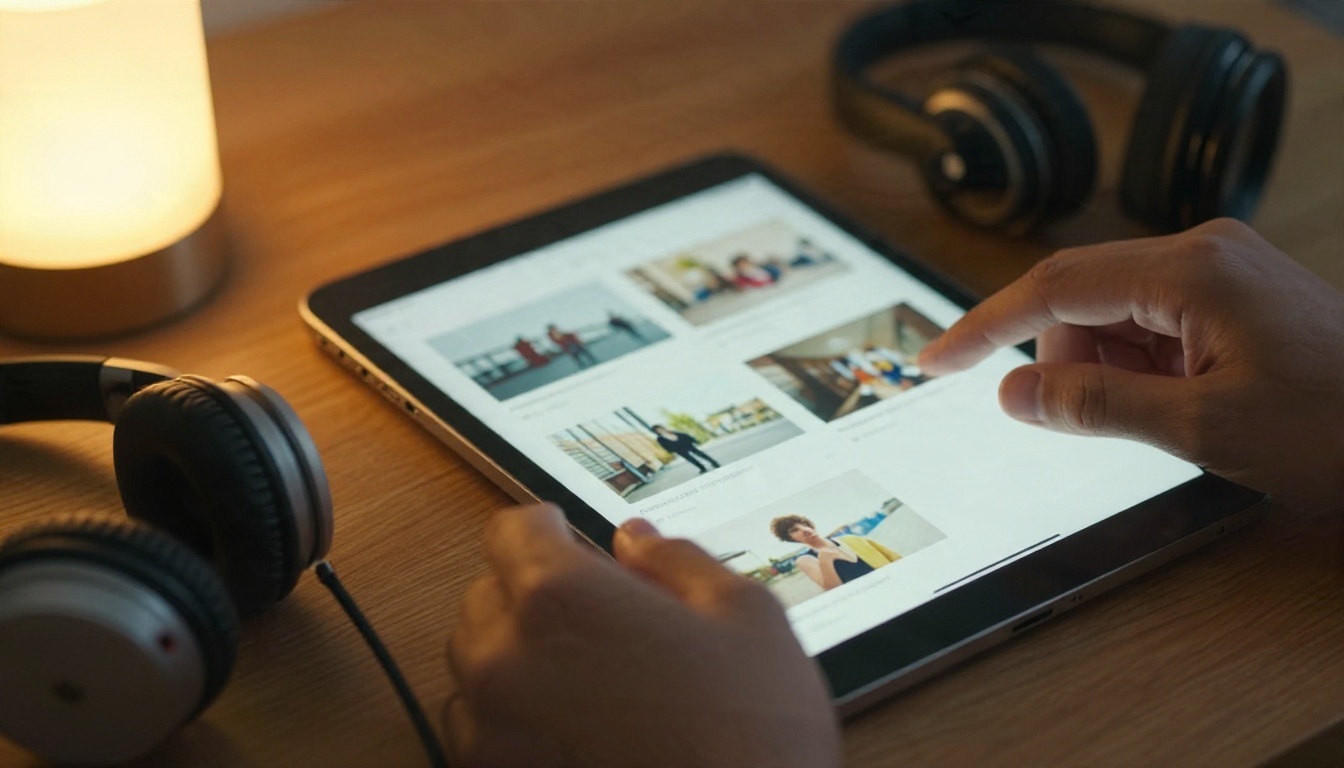
You do not need to spend money to build the pages. The common pattern is simple: design the pages in a free app, export a PDF, then publish that PDF as a flipbook with sound. Here is how the main options compare.
| Tool type | Free to start | Page-flip effect | Music or audio | Best for |
|---|
| Slide apps (Google Slides, PowerPoint) | ✅ | ❌ | Limited | Quick layouts |
| Design apps (Canva and similar) | ✅ | ❌ | In some export types | Styled pages |
| Photo gallery apps | ✅ | ❌ | Slideshow music only | Casual sharing |
| Printed photo book services | ❌ | ❌ | ❌ | Physical gifts |
| PDF to Flipbook Converter | ✅ | ✅ | ✅ | Shareable page-turning books |
✅ Best practice: Design at the final page size from the start. A 16:9 slide deck exports cleanly into a landscape flipbook, while square pages suit Instagram-style photo books.
The reason the last row stands out is that it handles the part the others skip: the realistic page turn, the audio, and the link you can send. You can compare plan limits on the pricing page.
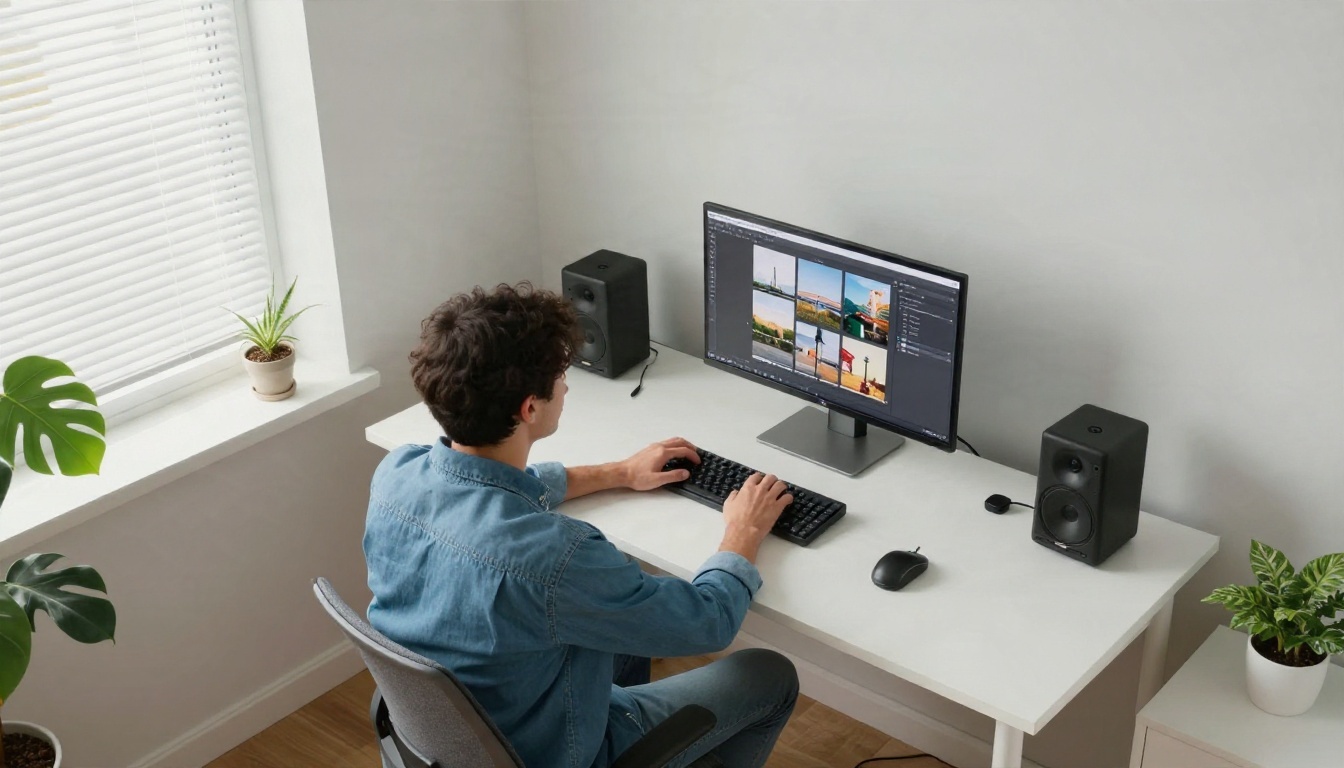
How to Create a Digital Photo Book with Flipbooks AI
This is the full workflow, from blank page to a link in your friend's inbox. It takes roughly 30 to 45 minutes for a 20-page book.
Step 1: Prepare the Pages
- Choose 20 to 40 of your best photos. Cut near-duplicates.
- Open a design tool you already like (Google Slides, PowerPoint or Canva).
- Set the page size, usually A4 landscape or 16:9.
- Place one strong photo per page, or a pair of related photos.
- Add short captions and a title page.
- Export everything as a single PDF.
Step 2: Upload and Convert
Go to Flipbooks AI and create an account. From your dashboard, upload the PDF. The platform converts each page into a flippable spread within moments, with a realistic page curl and fast loading on mobile.
💡 Screenshot description: After upload you see a preview of the book with page thumbnails on the left and a settings panel on the right. This is where you set the title, colors and sound.
Step 3: Customize the Look
- Choose a background color that matches the mood: warm cream for weddings, deep navy for night travel
- Add custom branding or a small logo if the book is a portfolio piece
- Set the page-flip style and speed
- Check the mobile view, since most viewers will open it on a phone
Step 4: Add Music and Media
Flipbooks AI lets you embed audio and video inside the book. Upload your track, set it to play from the first page, and add short audio clips to specific pages if you want voice notes or ambient sounds. Keep the file small enough that the book still loads quickly.
Step 5: Share and Protect
Publish the book and copy the link. You can send it by message, post it, or use the Embed Flipbook on Website option to place it on your blog. For private family albums, turn on password protection so only the people you choose can open it. You can also allow offline downloads for relatives with poor internet.
Step 6: Pro Features Worth Knowing
On the Professional plan you get analytics to see how many people opened the book and lead generation forms, which matter if the book is a photographer's portfolio. Standard plans and above include unlimited flipbooks and no watermarks, so your wedding album is not stamped with someone else's logo. See the plan details before you decide.

Picking and Using the Right Music
The wrong song can sink a good book. Choose with the viewer in mind, not just your own playlist.
Match Mood to Page Rhythm
Slow, instrumental tracks suit books where people linger. Upbeat songs suit party recaps and graduations, where pages are flipped quickly. If the book has distinct chapters, switch the track at each chapter break instead of looping one song for 40 pages.
Mind the Licensing
If a book is private and shared with a small group, the risk is low. If it is public on a website, use royalty-free music or tracks you have the rights to. Plenty of libraries offer free, attribution-based music. Your own recordings, a friend's guitar clip, or a voice message are always safe.
⚠️ Warning: Mainstream chart songs can be flagged or removed if a book is posted publicly. When in doubt, choose licensed or original audio.
Keep the Audio File Light
Large audio files slow loading and frustrate viewers on mobile data. Use these guidelines:
| Audio type | Suggested length | Suggested format | Notes |
|---|
| Background loop | 1 to 3 minutes | MP3 | Loop smoothly, no sudden ending |
| Voice note | 10 to 30 seconds | MP3 or M4A | Normalize volume |
| Ambient sound | 30 to 60 seconds | MP3 | Keep it quiet under 20 percent volume |
| Chapter intro | 5 to 15 seconds | MP3 | Fade in and out |
Sharing Online Without Hassle
A beautiful book that nobody can open is just a file. Sharing is where digital beats print.
Send a Direct Link
The simplest option is a single URL. It works in messaging apps, email, and social posts. The recipient taps it and the book opens in the browser with no download and no app install.
Embed on a Website or Blog
If you run a personal blog, a family site or a business page, embed the flipbook directly. Visitors can flip through without leaving the page. This also helps with time-on-page, which is good news for any site owner.
Lock It with a Password
Family albums with children or private events deserve limited access. Set a password and share it only with the people who should see the book.
Sharing Options at a Glance
| Method | Setup time | Privacy | Best for |
|---|
| Direct link | 1 minute | Anyone with the link | Friends, group chats |
| Embedded on website | 5 minutes | Public | Portfolios, blogs |
| Password protected link | 2 minutes | Restricted | Family, private events |
| Offline download | 2 minutes | Controlled | Relatives with weak internet |

Common Mistakes to Avoid
Most weak photo books fail for the same few reasons.
- Too many photos. Forty strong pages beat 200 mediocre ones.
- Music that overpowers. Keep volume low enough that people can talk over it.
- No captions. Even a short date and place adds context that fades with time.
- Ignoring mobile. Check every page on a phone screen before sending.
- Forgetting a backup. Keep the original PDF and audio files in two places.
- Sharing publicly by accident. Review the privacy setting before you post the link.
✅ Best practice: Send the book to one trusted person first. Ask them what they noticed, what bored them, and whether the music got in the way.
Make Yours Today
You already have the photos. You probably have a favorite song. What is missing is a simple way to bring them together and send them off.
Ready to build your first page-turning book? Get started for free on Flipbooks AI, and upload your PDF in minutes. Browse all flipbook tools for wedding, travel, family and portfolio templates, or compare pricing plans to pick the right level for your project. If you want to go straight to publishing, sign up and head to pricing in one step.