You have 4,000 photos on your phone and a vague plan to do something with them. Most people never do. A digital photo book fixes that. You pick the best 40 to 80 shots, arrange them into spreads, and end up with a page-turning book that opens on any screen with one link. No printing bill, no shipping delay, and no waiting for a copy to arrive before you spot the typo on page 12.
This article walks through free makers worth trying, layout ideas that hold up, real examples you can copy, and the simplest ways to share the result. If you already have a PDF of your photos, you can turn it into a flipbook in a few minutes with Flipbooks AI.
What a Digital Photo Book Really Is
A digital photo book is a sequence of designed pages, usually two-page spreads, that you view on a screen instead of holding in your hands. Think of it as a printed album with the paper removed. Pages turn, pictures sit next to captions, and the whole thing lives behind a link.
Digital vs Printed at a Glance
Printed books still feel wonderful on a coffee table. Digital ones win on speed, reach and cost. Many people end up making both: one digital version for sharing and one printed copy for the shelf.
| Feature | Digital Photo Book | Printed Photo Book |
|---|
| Cost to produce | Often free | Paid per copy |
| Time to finish | Minutes after the design is done | Days or weeks with shipping |
| Fixing a mistake | Edit and re-share | Reorder the whole book |
| Sharing with 50 people | One link | 50 copies |
| Video and audio | Possible | Not possible |
| Feel in your hands | None | Excellent |
| Lasts when the house floods | Yes, if backed up | Only the copy you saved |
Who Actually Makes Them
The audience is wider than you might expect. A few real situations:
- A couple who wants relatives abroad to see the wedding without mailing albums.
- A parent who builds one baby book per year and shares it with grandparents.
- A traveler who turns a three-week trip into 30 pages instead of a camera roll nobody scrolls.
- A photographer who sends proofs to a client as a clean, private book. The Photography Portfolio tool suits this well.
- A school club assembling a yearbook with the Yearbook Flipbook Maker.
Free Photo Book Makers Compared
"Free" means different things from one tool to the next. Some are free to design but charge when you print. Others are free to build but add a watermark to the output. Before you invest an evening arranging 60 pictures, check three things: the export format, the watermark policy, and whether sharing needs a paid plan. Features and limits change often, so confirm them on each site before you commit.
Template Design Editors
General design editors with photo book or album templates are the most popular starting point. You drag pictures into ready-made frames, add text, and export a PDF. They are fast and flexible, and the PDF export is exactly what you need for the flipbook route described below.
Best for: people who want control over fonts, colors and spacing.
Phone Gallery Apps
Most phone gallery apps can generate a quick "memories" book or slideshow from an album. The results are tidy but generic. You get less control over layout, and sharing usually stays inside that app's ecosystem.
Best for: a quick draft when you only have ten minutes.
The PDF to Flipbook Route
This is the approach with the fewest limits. Design the pages in any editor, export a PDF, and convert it with the PDF to Flipbook Converter. You keep full design freedom and get a real page-turning viewer with a shareable link at the end.
| Approach | Design Freedom | Page Turn Effect | Easy Sharing | Watermark Risk |
|---|
| Template editor alone | High | No | PDF or image files | Varies by tool |
| Phone gallery app | Low | Sometimes | Inside the app | Varies by app |
| Editor plus PDF to flipbook | High | Yes | Link, embed, password | None with Flipbooks AI |
💡 Pro tip: Export your PDF at the size you plan to display, not the largest setting available. A 60-page photo book at full print resolution can hit 200 MB, which loads slowly on mobile.
Layout Ideas That Work
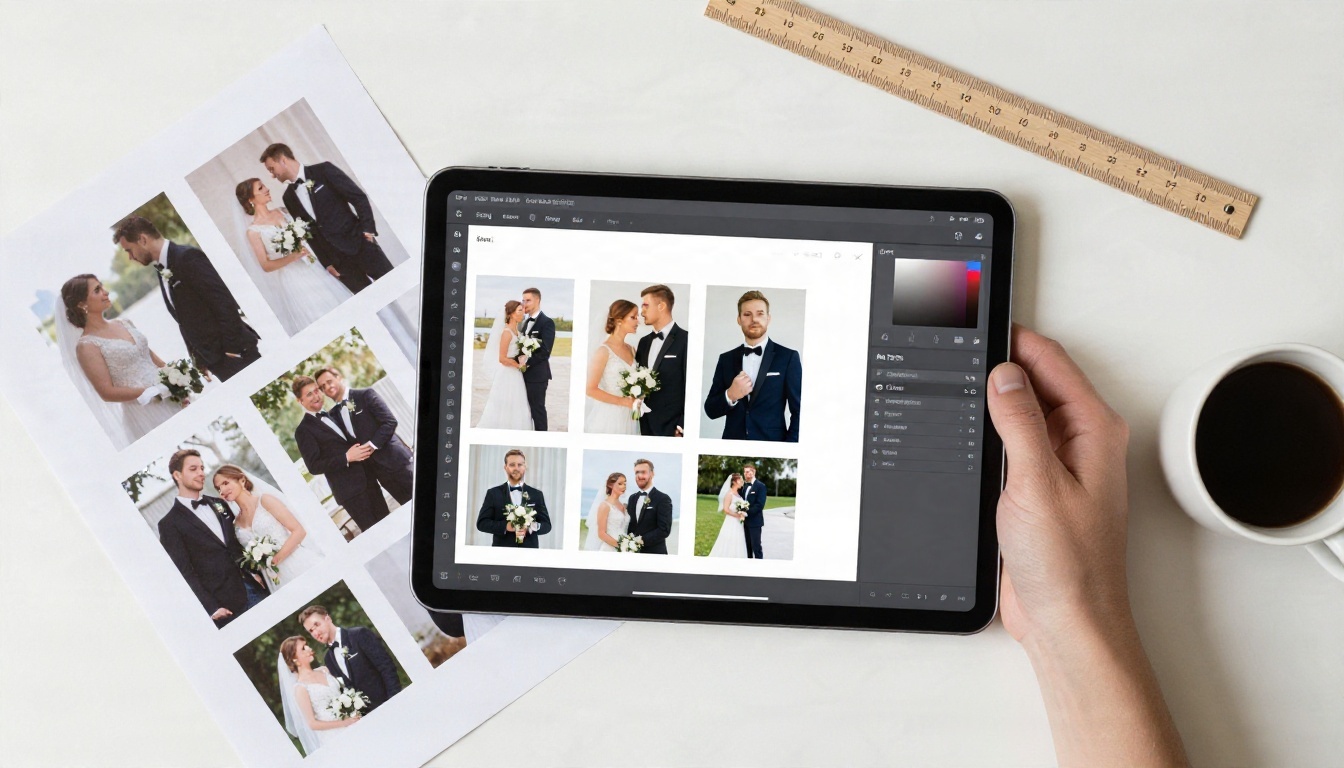
Good layouts are rarely complicated. The books people actually finish flipping through share a few habits: a clear opening, a rhythm of big and small pictures, and plenty of breathing room.
Start With a Story Arc
Before you drag a single picture, decide how the book moves. Three arcs cover most situations:
- Chronological: morning to night, January to December, arrival to departure.
- By theme: food, people, landscapes, small details.
- By person: one chapter per family member or guest.
Write the chapter names on a sticky note first. It takes two minutes and saves an hour of reshuffling.
Spreads, Grids and Full Bleed
Each spread is a tiny composition. Mixing a few layout types stops the book from feeling repetitive.
| Layout Type | What It Looks Like | Best Use |
|---|
| Full bleed | One photo fills the whole spread | Opening shot, big landscape, emotional peak |
| Single with white space | One photo and a short caption | Portraits, quiet moments |
| 2 by 2 grid | Four equal images | Events with many similar shots |
| Hero plus small | One large image and three small ones | Telling a mini story on one spread |
| Collage with overlap | Layered photos with tape or borders | Scrapbook and baby book styles |
| Panorama across the fold | One wide image over two pages | Mountains, beaches, city skylines |
Pick Fonts and Colors Once
Choose one heading font, one body font, and two or three colors pulled from your own pictures. If your trip was all blue sea and white sand, a soft navy and warm cream will look intentional. Switching styles every few pages looks messy fast.
⚠️ Watch out: Never place the fold line through a face. On a spread, the center gutter swallows a few millimeters on each side, and a split smile is hard to unsee.
Keep the Page Count Honest
Forty pages is a satisfying length for a trip or a birthday. A full wedding might reach 80. Past that, people stop flipping. If you are unsure about a photo, leave it out. The strongest books feel edited, not exhaustive.
Real Examples to Copy
Seeing a structure helps more than reading a rule. Here are five patterns that are easy to adapt.
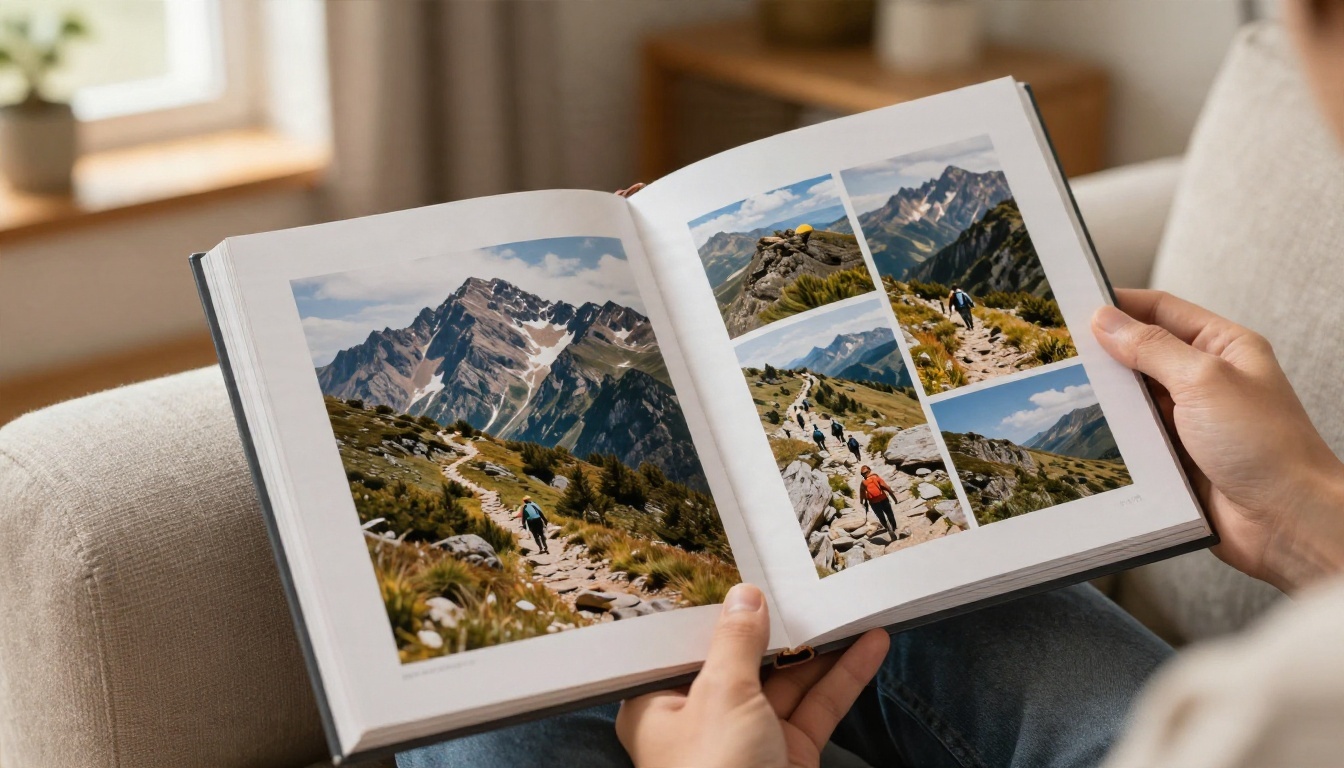
The Travel Book
Open with one full-bleed shot that captures the mood of the whole trip. Follow with a map spread, then one chapter per destination. Finish with a "small things" spread: tickets, meals, door handles, street signs. Those details are what you will enjoy most in ten years.
The Wedding Album
A wedding album flipbook works well when you split it into getting ready, ceremony, portraits, party. Keep the formal portraits on single-photo spreads and the dance floor in grids. Add a password so the album reaches only guests.
The Baby's First Year
Twelve chapters, one per month, each with a hero shot and three small candids. Add a short caption with a date and one funny thing that happened. These captions become the best part of the book.
The Yearbook or Club Album
Group photos get a clean grid with names under each face. Candid moments get full-bleed pages with a one-line quote. This format scales nicely when many people contribute photos.
The Portfolio Proof Book
Photographers can send a private proof book to clients with a single link, then collect picks by email. Because the file is a flipbook, there is nothing for the client to download or lose.
| Example | Pages | Layout Mix | Sharing Choice |
|---|
| Travel book | 30 to 50 | Full bleed, panorama, small details | Public link or social post |
| Wedding album | 50 to 80 | Singles, grids, collage | Password protected link |
| Baby's first year | 24 to 40 | Hero plus small, captions | Link sent to family |
| Yearbook | 40 to 100 | Grids with names | Embedded on a school page |
| Proof book | 20 to 40 | Singles, white space | Password protected link |
How to Create a Photo Book with Flipbooks AI
If you have designed your pages in any editor and exported a PDF, the rest takes a few minutes. Here is the process from start to share.
Build and Export Your Pages
- Set your page size. A square or landscape format suits photos better than a tall document page.
- Place pictures on each spread and add captions where they help.
- Export as a PDF. Check that the first page is your opening shot and that the page order is right.
Upload and Convert
- Go to Flipbooks AI and create an account.
- Click to create a new flipbook and upload your PDF.
- Wait a moment while the file converts into a page-turning book. Every page becomes a flippable spread with a smooth effect.
Customize the Look
Once the conversion finishes, open the settings and adjust:
- Branding and colors: match the background to your book's palette, or add your own logo if the book is for a client.
- Page effects: choose the turn style and sound that feels right for the mood.
- Multimedia: embed a short video clip or a song so the book plays something on a key page. Wedding vows or a baby's first laugh work beautifully.
- Mobile view: the viewer is responsive, so spreads adapt to a phone screen without extra work.
Set Sharing and Privacy
Choose how people will open the book:
- A direct link for quick messages and email.
- An embed code for a website or blog. The Embed Flipbook on Website page shows how it works.
- Password protection for private family or client material.
- Offline downloads so someone with weak internet can still read it on a flight.
Pro Features Worth Knowing
If you are sharing photos as part of a business, such as a studio or a venue, the Professional plan adds analytics so you can see which pages people open, and lead generation so viewers can leave contact details before they flip. Standard plans allow unlimited flipbooks, and no plan adds a watermark. See the pricing plans to compare what each tier includes.
✅ Best practice: Always open your finished flipbook on your own phone before you send it. If a caption is too small to read there, fix it in the PDF and re-upload.
How to Share It Online
A book nobody sees is just a folder with better manners. Pick the sharing method that fits your audience.
Send a Direct Link
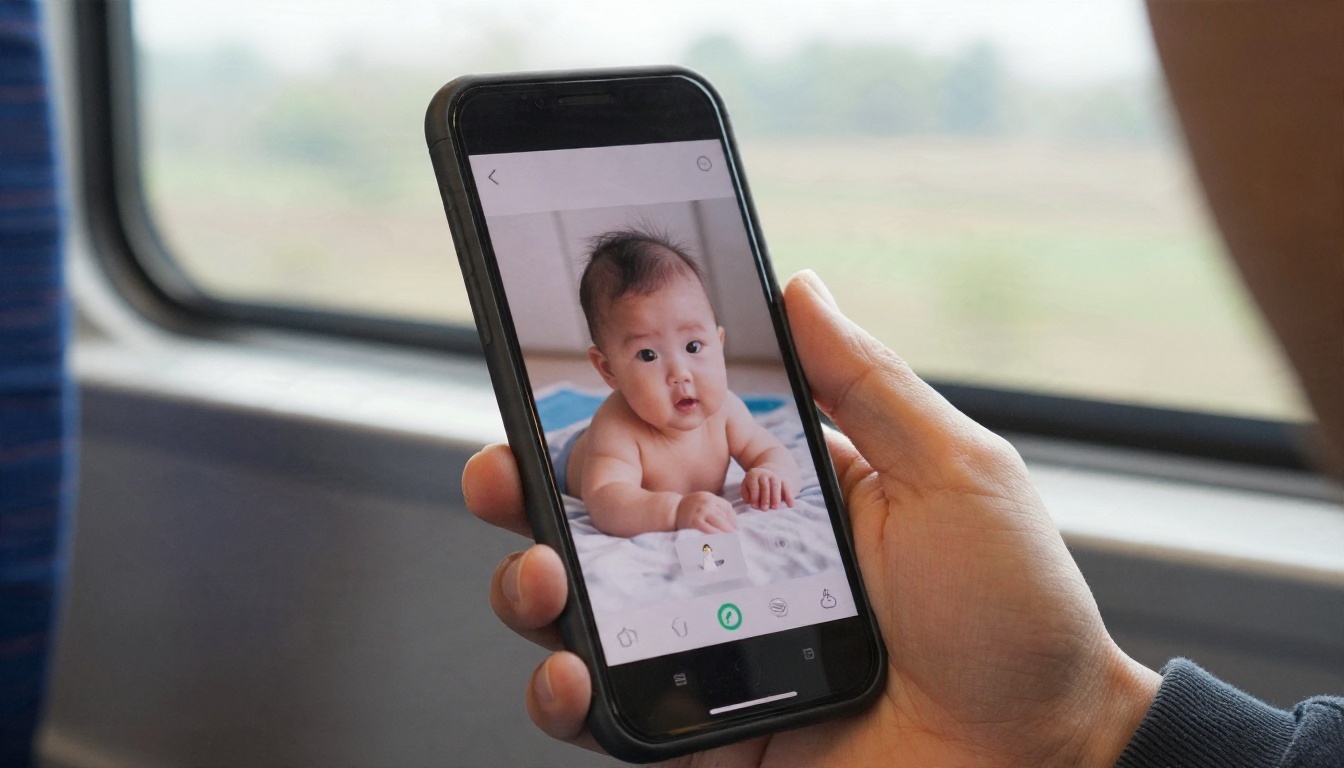
This is the easiest option. Paste the link into a message, an email or a family group chat. Recipients tap it and the book opens in the browser, with no app to install and no account to create.
Embed It on Your Site
If you keep a travel blog, a wedding website or a studio page, embedding puts the book right inside your content. Visitors read the book without leaving the page, which keeps them around longer.
Lock It With a Password
For anything personal, add a password. Give it out separately from the link, ideally by a different channel. Children's photos and wedding images deserve this extra step.
| Sharing Method | Setup Time | Privacy Level | Best For |
|---|
| Direct link | Under a minute | Low, anyone with the link | Casual sharing with friends |
| Embed code | A few minutes | Same as the page it sits on | Blogs, studios, event pages |
| Password protected link | Two minutes | High | Weddings, kids, client proofs |
| Offline download | One click | Depends on who you send it to | Trips, poor connections |
| QR code on a printed card | Five minutes | Matches the link | Invitations, thank you notes, exhibitions |
💡 Pro tip: Print the link as a QR code on your wedding thank-you cards. Guests scan it, and the album opens on their phone while they still remember the day.
Mistakes That Ruin Photo Books
After seeing many first attempts, the same problems keep appearing.
- Too many photos. Ninety pictures of the same sunset is not a book, it is a hostage situation. Pick the best two.
- Tiny captions. Text that looks fine on a laptop disappears on a phone. Use at least 14 points for body text.
- Low-resolution images. Screenshots and compressed chat photos look soft on a big monitor. Use originals when you can.
- No opening or ending. A strong first spread and a quiet last one give the book shape.
- Forgetting privacy. Sharing a public link to a book full of children's pictures is a choice. Make it on purpose.
- Skipping the preview. Always flip through the whole book on desktop and phone before you send it.

Make Your First Book This Weekend
Pick one event: last summer's trip, a birthday, or the baby's first six months. Select 40 photos, arrange them into 20 spreads, export a PDF, and convert it. That is a Saturday afternoon, not a six-week project.
Ready to try it? Create a free account on Flipbooks AI and upload your first PDF. Browse all the flipbook tools to find a format that fits, such as the Interactive E-Book Publisher for a book with video and audio. When you are ready for unlimited flipbooks, analytics and more, compare the plans and pick the one that suits you.
Your photos are already good. A well-made book gives them somewhere to live.



