A folder full of exported PDFs is not a portfolio. It is a pile. Admissions officers, hiring committees and school principals rarely have time to dig through piles, so the work that gets noticed is the work that arrives in a clean, ordered, easy to open format. That is exactly what a digital portfolio does. Whether you are a first year design student or a teacher with fifteen years of lesson plans, the right structure turns scattered files into a story someone can actually follow. Tools such as Flipbooks AI make that structure fast to build, and this article shows you what good looks like before you start.
Below you will find concrete digital portfolio examples, a comparison of templates and formats, a realistic look at free tools, and a step by step build you can finish in a single afternoon.
What a Digital Portfolio Really Is
A digital portfolio is a curated, online collection of your best work, paired with short explanations of why it matters. The word curated is doing heavy lifting here. A portfolio is not an archive of everything you ever made. It is a selection, arranged with intent.
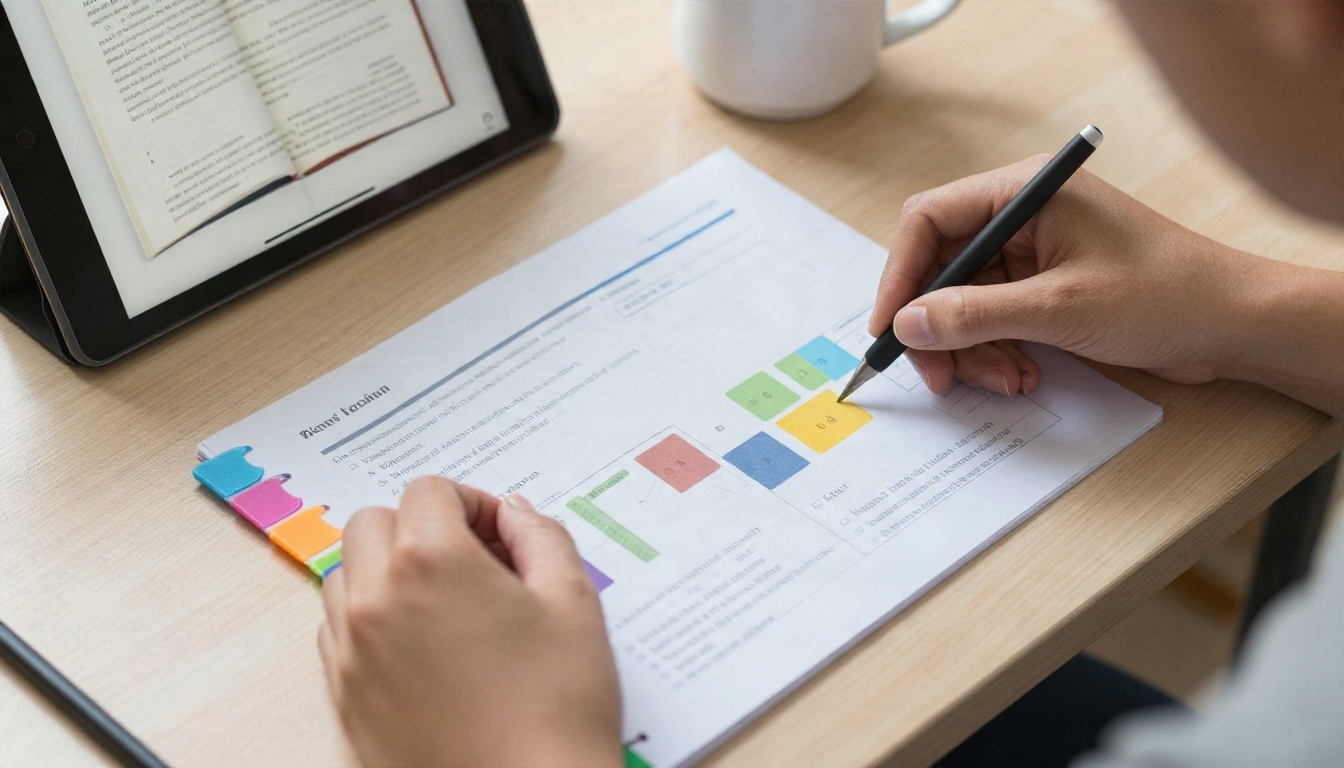
Student vs teacher portfolios
The two audiences want different things, even though the container looks similar.
| Feature | Student portfolio | Teacher portfolio |
|---|
| Main audience | Admissions staff, scholarship panels, employers | Principals, hiring committees, evaluators |
| Core content | Projects, sketches, essays, research, photos | Lesson plans, unit maps, pupil work samples, observations |
| Typical length | 10 to 25 pages | 15 to 40 pages |
| Tone | Personal, visual, ambitious | Professional, evidence based, reflective |
| Best format | Visual flipbook or personal site | Flipbook or PDF with a private link |
| Update rhythm | Each term | Each school year |
Why paper alone falls short
A printed binder is lovely in an interview room. It is useless when a scholarship panel in another city wants to review it at midnight. A digital version travels with a link, opens on a phone, and can be updated without reprinting a single page.
💡 Pro tip: Keep a print ready version too. Many strong candidates bring a binder to the interview and send the digital link beforehand.
Digital Portfolio Examples That Work
Abstract advice only goes so far. Here are four patterns that consistently land well, each built around a different kind of person.

The art and design student
A visual portfolio should let the work speak first. The strongest examples open with one bold image, followed by a short statement of three or four lines. Each project then gets a spread: a hero image, two process shots, and a few sentences about the problem it solved.
What this looks like in practice:
- Opening spread with a single full page piece
- One project per spread, never two crammed together
- Process sketches beside the final result
- A closing page with contact details and a short bio
A flipbook suits this pattern well because page turning mimics flipping through a physical sketchbook. The Digital Portfolio Creator was built for this kind of layout.
The photography student
Photographers live and die by sequencing. A good portfolio treats photos like a visual essay: wide establishing frames, tight details, quiet pauses. Aim for 20 to 30 images grouped into two or three short series, each with a single line of context such as location and year.
If photography is your focus, the Photography Portfolio tool keeps full resolution images crisp while still loading quickly.
⚠️ Warning: Do not compress images so hard that skies turn blocky. Export at around 2000 pixels on the long edge, which balances sharpness and load time.

The classroom teacher
A teaching portfolio proves impact, and impact needs evidence. The best examples follow a simple rhythm: a teaching philosophy, then sections for planning, delivery and results.
- Teaching philosophy in one page, written in plain language
- Sample unit showing objectives, activities and assessments
- Pupil work with names removed and permissions secured
- Reflection on what worked and what you changed
- Professional growth such as workshops, certifications or mentoring
Teachers who need to bundle lesson packs can also look at the Course Material Publisher, and those assembling a department handbook can use the Training Manual Flipbook.

The graduate entering the job market
Graduates have a different challenge: limited professional history. The answer is to lean on coursework, capstone projects and volunteer work. A good example mixes three things: one deep project with a clear outcome, two shorter pieces showing range, and a page of testimonials from a professor or supervisor.
✅ Best practice: Lead with the project closest to the job you want. A hiring manager spends well under a minute on the first pass, so make that minute count.
Choosing a format is a bigger decision than choosing a color scheme. It shapes how people read your work, how easily they can share it, and how much effort you spend maintaining it.
Five common formats
| Format | Best for | Strengths | Weaknesses |
|---|
| Page turning flipbook | Visual work, teaching packs | Feels like a real book, works on every device | Needs a polished source file |
| Personal website | Developers, designers | Total control, custom domain | Time to build and maintain |
| Slide deck | Live presentations | Familiar, quick to edit | Weak for sharing and tracking |
| Plain PDF | Simple submissions | Universal, small file | No interactivity, no analytics |
| Blog style page | Writers, researchers | Easy to update, searchable | Less visual impact |
How to pick a template
Start from your audience, not from your taste. A scholarship panel wants clarity. A creative agency wants personality. Ask yourself three questions before opening any editor:
- Who will open this first, and on which device?
- How many seconds will they give the opening page?
- What single action do I want them to take afterward?
For most students and teachers, a flipbook hits the sweet spot between design freedom and low effort. You build the pages in whatever program you already know, then convert them. The PDF to Flipbook Converter handles that last step, and the Portfolio Flipbook Builder adds layout options designed for work samples.
Page size and orientation
| Orientation | Use it when | Example content |
|---|
| Landscape 16:9 | Screen first viewing | Photography, slide style spreads |
| Portrait A4 or Letter | Print plus screen | Lesson plans, written work |
| Square | Social sharing | Illustration, product design |
💡 Pro tip: Pick one orientation and stay with it. Mixed page sizes make a portfolio feel unfinished.
You do not need a budget to build something impressive. You do need to know what free usually means, because the limits differ a lot between tools.

Where to build the pages
| Tool type | Good for | Typical free limit |
|---|
| Presentation software | Layout and text pages | Basic templates only |
| Design editors | Posters, visual spreads | Some premium assets locked |
| Word processors | Written work, lesson plans | None, but plain styling |
| Flipbook platforms | Publishing and sharing | Page or flipbook count caps |
| Website builders | Personal sites | Platform branding, no custom domain |
What to check in the fine print
Before committing months of work to a free plan, look for these four things:
- Watermarks: Some tools stamp their logo on every page, which looks careless to a reviewer.
- Link expiry: A portfolio that vanishes after 30 days is a bad deal.
- Privacy settings: Teachers especially need password protection when pupil work appears.
- Mobile behavior: Open your draft on a phone. If pages shrink to unreadable size, move on.
On that last point, Flipbooks AI never adds a watermark and uses a mobile responsive reader, which matters because reviewers often open links from an email on their phone. You can see how the plans differ on the pricing page.
A sensible free workflow
Many students and teachers combine tools rather than relying on one. A typical stack looks like this:
- Write text in a word processor
- Lay out pages in a design editor or slide tool
- Export to PDF at high quality
- Convert to a flipbook for sharing and tracking
- Embed or link it from a school profile, email signature or application form
How to Create a Digital Portfolio with Flipbooks AI
If your pages already exist as a PDF, you are roughly ten minutes from a shareable portfolio. Here is the full process.
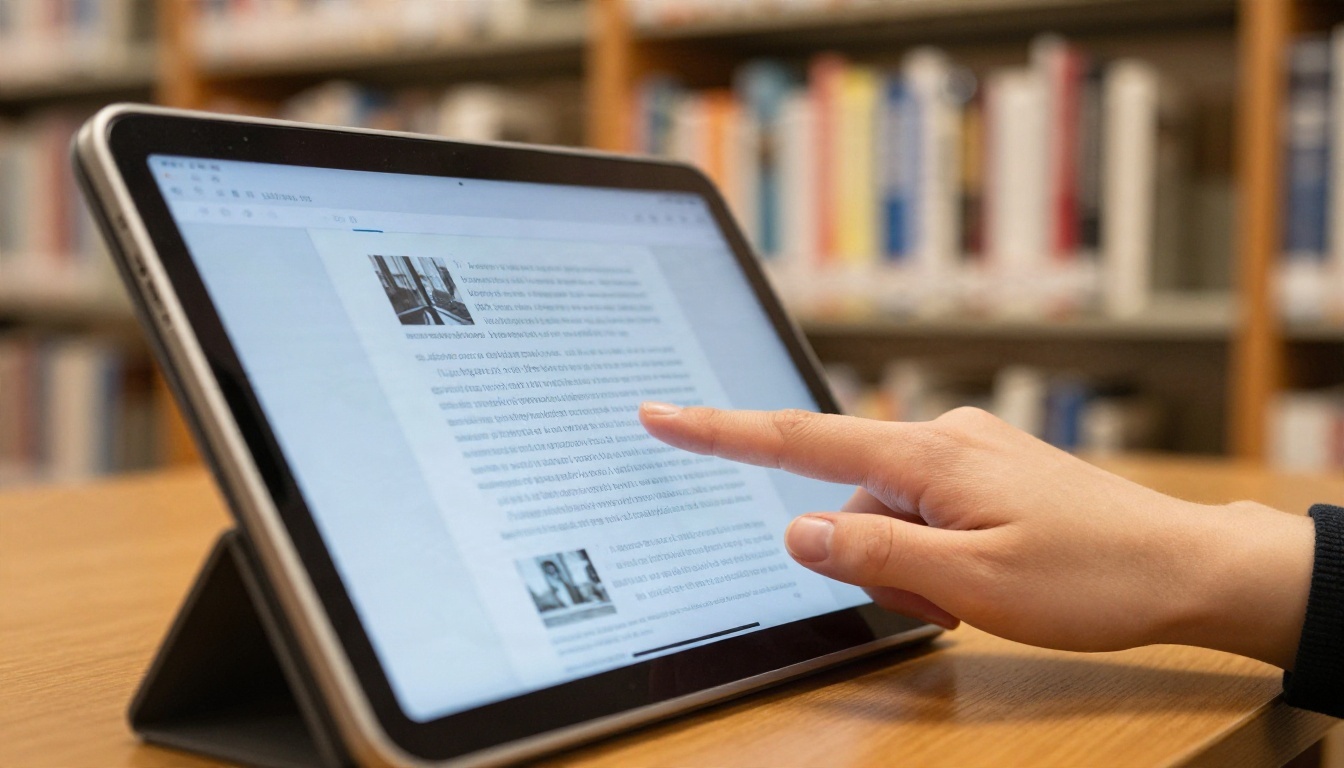
Step 1: Open your account
Head to Flipbooks AI and create an account. You can start without a payment, then compare plans once you know how many portfolios you need.
Step 2: Upload your PDF
- Click the upload button on your dashboard
- Select your portfolio PDF, ideally under 50 pages
- Wait a few seconds while the file converts into page turning spreads
- Preview it on desktop and on a phone
Screenshot description: the dashboard shows a drag and drop area at the center, with a thumbnail grid of your pages appearing beneath once the upload finishes.
Step 3: Customize the look
Open the editor and adjust the details that make the portfolio feel like yours:
- Branding: add your logo or initials, and match the background to your palette
- Page effects: choose the page curl speed and shadow depth
- Multimedia: embed a short video walkthrough of a project or an audio clip of a performance
- Links: turn email addresses and project titles into clickable elements
Tools like the Digital Portfolio Creator give you a head start with layouts that already suit work samples.
Step 4: Share it your way
| Sharing option | Best use |
|---|
| Direct link | Emails, applications, messaging apps |
| Embed code | School website, personal blog, learning platform pages |
| Password protection | Teaching portfolios with pupil work |
| Offline download | Interviews with unreliable wifi |
If you want it live on your own page, the Embed Flipbook on Website tool shows exactly how to paste the code.
Step 5: Use the Professional features
On the Professional plan you get analytics that show how many people opened your portfolio and how far they scrolled, plus lead generation forms that capture a name and email before someone views it. A freelancer or a teacher consultant can use that to see which pages hold attention. Details are on the pricing page.
✅ Best practice: Check analytics a week after sending applications. If readers drop off at page four, tighten that page.
Mistakes That Weaken a Portfolio
Most portfolios fail for ordinary reasons. Fixing these gets you most of the way there.
Showing too much
Twenty five average pieces say less than ten excellent ones. Cut anything you would hesitate to defend in an interview.
Skipping the explanation
A beautiful image with no context leaves the reader guessing. Add two or three sentences per piece: the goal, your role, the outcome.
Forgetting permissions
Teachers and students working with minors must handle consent carefully. Remove names, blur faces where needed, and use a password protected link.
Ignoring the first page
The opening spread decides whether people keep going. Use your strongest image, your name, and one clear line about what you do.
Never updating it
A portfolio that stops at last year looks abandoned. Set a calendar reminder each term to swap in new work and retire older pieces.
A Quick Checklist Before You Share
| Check | Done? |
|---|
| Opening page shows your best work | ☐ |
| Every piece has a short caption | ☐ |
| File opens correctly on a phone | ☐ |
| No private details or pupil names visible | ☐ |
| Contact details on the last page | ☐ |
| Link tested in a private browser window | ☐ |
Build Yours This Week
You now have the examples, the formats and the free tools to build something that holds up under scrutiny. Pick one pattern from above, gather your ten best pieces, and give yourself a single afternoon to assemble the pages.
Ready to publish? Get started for free on Flipbooks AI, browse all available flipbook tools, or compare pricing plans to see which one fits your needs. If you are a teacher sharing coursework with a class, try the Course Material Publisher. If you are a student ready for applications, the Portfolio Flipbook Builder is the fastest route from folder to finished portfolio. When you are set to unlock analytics and lead capture, head to the upgrade page.



