Two sellers list a $6 weekly planner on Etsy. One uploads a PDF that buyers print at home. The other uploads a hyperlinked planner that buyers open on a tablet and never print at all. Both call it a "digital download," yet they are different products with different buyers, support loads, and pricing ceilings. If you plan to sell files online, knowing where that line sits will save you weeks of guesswork. Tools like Flipbooks AI can even turn either format into a clickable preview, which we will get to later.
This article breaks down the real differences, shows what sells, walks through Etsy delivery step by step, and gives you the pricing math to decide where to start.
What Counts as a Digital Product
A digital product is any file a customer receives electronically and uses without waiting for something to be shipped. That includes software, templates, audio, video, courses, and documents. A printable is a narrower thing: a digital file designed to be printed on paper, such as a wall art print, a budget tracker, or a party invitation.
So every printable is a digital product, but most digital products are not printables. That single sentence clears up most of the confusion in seller forums.
Common Digital Product Formats
Digital products usually fall into one of these groups:
- Documents: e-books, workbooks, guides in PDF form, checklists, and white papers
- Templates: Canva templates, Notion dashboards, resume layouts, social media packs
- Spreadsheets: budget planners, invoice trackers, content calendars
- Media: presets, stock photos, music loops, fonts, and SVG cut files
- Learning products: mini courses, video lessons, and membership content
Many of these never touch a printer. A Notion template or a Lightroom preset has no paper version at all.
Where Printables Fit In
Printables live inside the broader category but have one defining trait: the buyer finishes the product on their own printer (or at a print shop). The seller supplies layout, typography, and artwork. The buyer supplies ink, paper, and sometimes scissors.
That detail shapes everything else, from file resolution to customer questions about paper size.
💡 Pro tip: Always state the paper sizes you support (US Letter, A4, A3, 8x10) in the first line of your listing. Sizing questions are the number one source of printable support messages.
Printables vs Digital Products Side by Side
Here is the practical comparison most new sellers wish they had on day one.
| Feature | Printables | Other Digital Products |
|---|
| Final form | Paper, printed by the buyer | Screen, app, or software |
| Typical file | PDF, JPG, PNG at 300 DPI | PDF, XLSX, template link, ZIP, MP3 |
| Buyer effort | Needs a printer and paper | Needs a compatible app |
| Support questions | Sizing, ink, paper, color shifts | Compatibility, access links, updates |
| Typical price | $2 to $15 | $5 to $200 or more |
| Seasonal demand | High (weddings, holidays, school) | Moderate, often evergreen |
| Competition | Very high | Varies by niche |
Delivery and Customer Experience
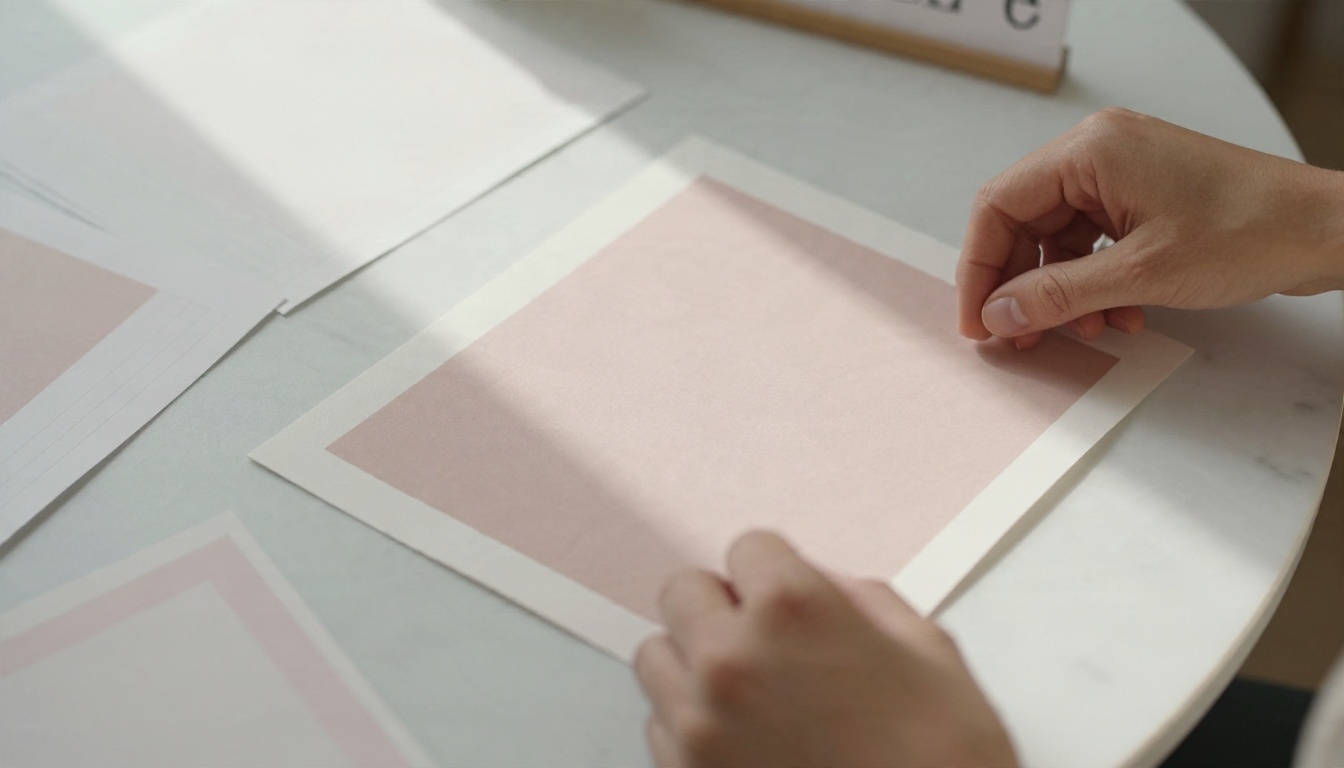
Printables deliver value twice: first the instant download, then the moment the buyer holds the printed page. If the colors print muddy or the margins clip, the buyer blames you, even though their printer is the culprit. That is why strong printable listings include a printing instructions page inside the file itself.
Digital products such as spreadsheets and templates depend more on compatibility. A Google Sheets planner that breaks in Excel triggers refund requests quickly. Test in every app you claim to support.
Licensing and Usage Rights
Printables often come with a personal use license: the buyer can print as many copies as they want for home or classroom use, but cannot resell them. Digital products like fonts or presets may offer commercial tiers at a higher price.
Spell out the rules in one short paragraph. Clear terms reduce disputes and give you a natural upsell.
Examples That Sell on Etsy
Etsy is still the largest marketplace for downloadable files, and its search results show clear patterns. Some categories are saturated, others are quietly profitable.
Best Printable Categories
| Category | Example Listing | Typical Price | Buyer Intent |
|---|
| Planners | Undated weekly planner, A5 and Letter | $4 to $9 | Recurring, loyal buyers |
| Wall art | Botanical print set of three | $3 to $12 | Decorating a room |
| Wedding | Welcome sign and seating chart | $8 to $25 | Deadline driven |
| Kids learning | Alphabet tracing worksheets | $3 to $8 | Teachers and parents |
| Party | Birthday invitation with editable text | $5 to $12 | One-off event |
| Trackers | Habit, budget, and meal trackers | $3 to $7 | New Year and fresh-start spikes |
Wedding and party items carry a hidden advantage: editable text. Buyers personalize names and dates, which makes the file feel custom and justifies a higher price.
Digital Products Beyond Printables
If you want to avoid paper-related support questions, consider these:
- Canva template bundles for small business social posts
- Notion or Airtable dashboards for freelancers
- Excel and Google Sheets trackers with formulas built in
- E-books and workbooks that are read on a screen
- Lightroom presets for photographers
- Embroidery or SVG cut files for hobby machines
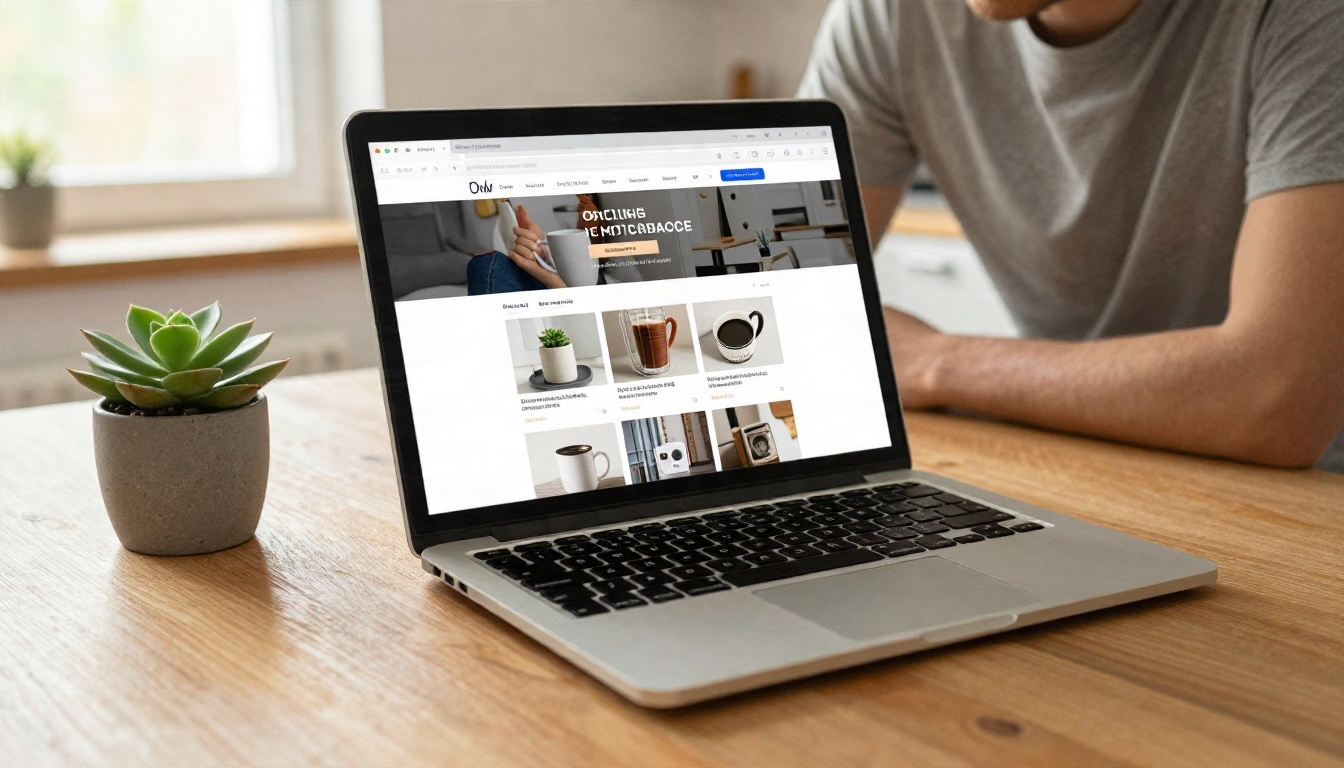
A real-world scenario: a teacher builds a 30-page classroom reading log. As a printable, it sells for $5 and buyers print it at school. As a screen-friendly version with clickable tabs, the same content sells for $9 to homeschool parents who use tablets. Same research, two products, two audiences.
How Etsy Delivery Actually Works
Etsy handles the transfer for you. When a buyer pays, the files attached to your listing become available in their purchase history and in a confirmation email. You never ship anything or manually send links.
Instant Download Steps
- Create a new listing and select Digital as the item type.
- Upload your files in the digital files section of the listing editor.
- Add a clear title and photos that show the product in use, not just a flat file.
- Set the price and tags that match buyer language, such as "weekly planner printable" or "wedding seating chart template."
- Publish and test by buying your own listing with a coupon or a second account to see exactly what customers see.
File Limits and Formats
Etsy lets you attach a limited number of files per listing, each with its own size cap. At the time of writing that is up to five files, with each file limited to 20 MB. Check the current numbers in Etsy's seller help before you build a large bundle, since platform rules change.
| File Type | Best For | Tip |
|---|
| PDF | Planners, worksheets, wall art | Embed fonts, flatten layers |
| JPG or PNG | Wall art, cards | Export at 300 DPI |
| ZIP | Bundles of many pages | Keep under the size cap |
| PDF with link | Canva or Notion templates | Add a plain-text backup of the link |
| XLSX | Spreadsheets | Lock formula cells |
⚠️ Warning: Do not rely on external download links for the main product unless Etsy's current digital item policy allows it for your product type. Template links are common, but the safe route is a PDF that holds the access link and instructions.
Fixing "Where Is My File?" Emails
Buyers on mobile often cannot find downloads. Add a short note in your listing description and in your auto-message:
- Downloads appear under Purchases and Reviews on desktop
- On the Etsy app, open the order and tap the download button
- Files are not sent by email attachment
- Large ZIP files may need a computer to open
A two-sentence reply template saves you about ten minutes per confused customer.
Pricing and Profit Margins
Digital goods have near-zero production cost per sale, so your real expenses are time, tools, and platform fees. Etsy charges a listing fee, a transaction fee, and a payment processing fee, so check the current rates in your seller dashboard and subtract them from your price.
| Product Type | Price | Est. Fees (about 10 to 13%) | Net per Sale |
|---|
| Single wall art print | $4.00 | about $0.50 | about $3.50 |
| Planner bundle | $12.00 | about $1.50 | about $10.50 |
| Wedding template suite | $22.00 | about $2.75 | about $19.25 |
| Spreadsheet tracker | $15.00 | about $1.90 | about $13.10 |
| Mini course PDF workbook | $39.00 | about $4.90 | about $34.10 |
These fee figures are rough estimates for planning, not exact quotes.
Setting Your Price
Use this simple method:
- Search your exact product on Etsy and note the price range of the top 20 results.
- Price just under the median for your first ten sales to collect reviews.
- Raise the price in small steps once reviews reach 4.8 stars or higher.
- Offer a bundle at 30 to 40 percent off the combined single prices.
Bundles lift average order value. A buyer who wanted one $4 print often picks the $10 set of five.
Turn Your PDF Into a Flipbook Preview
A flat PDF is the weakest part of most listings. Buyers cannot flip through it, so they guess. A flipbook preview lets them page through a sample, zoom in on typography, and see the product before they pay. You can build one in minutes with the PDF to Flipbook Converter.
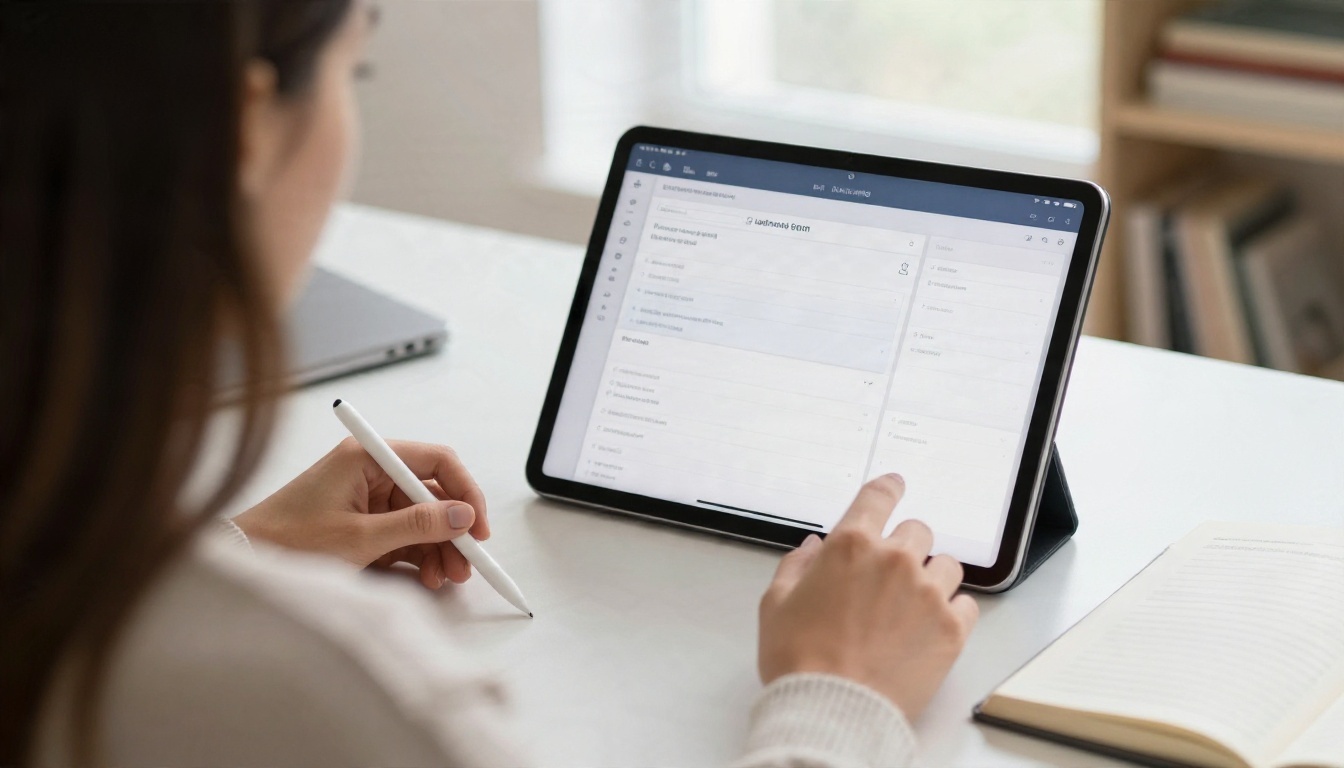
This works best for planners, e-books, workbooks, and catalogs. If you sell a full e-book, the Interactive E-Book Publisher is a natural fit. For lookbooks of your printable collections, try the Product Catalog tool.
Build the Flipbook Preview
- Create your account. Sign up on Flipbooks AI and open your dashboard.
- Upload a sample PDF. Use a 4 to 8 page excerpt of your product, not the full paid file. The upload converts into page-turning pages automatically.
- Check the pages. Scroll through each spread to make sure fonts, margins, and images look sharp.
Customize and Share
- Apply your branding. Add your logo, pick brand colors, and choose a page turn effect that suits your style. Flipbooks never carry a watermark on the output.
- Add multimedia. Embed a short video showing how to print the file, or an audio note that welcomes buyers.
- Share the preview. Copy the direct link, use the embed code for your own website, or set a password for private bonus content. See the Embed Flipbook on Website tool for placement tips.
Add Analytics and Lead Capture
- Track viewers. On the Professional plan you get analytics showing how many people open your preview and which pages hold their attention. Compare pricing plans to see what fits.
- Capture emails. Lead generation forms let you collect an address before someone reads the full sample, which feeds your newsletter.
- Offer offline downloads so buyers can keep the sample handy.
💡 Pro tip: Etsy has its own rules about what links can appear in listings and messages. Use the flipbook on your own site, social profiles, and email list, and check Etsy's current policy before adding outside links to a listing.
Mistakes That Cost Sales
Most beginner shops lose money in the same few places. Check your listings against this list.

- Flat mockups only. Show the printed result on a real desk or wall, not just a screenshot.
- No sizing information. List every paper size in the first image and first line.
- Tiny preview. Buyers want to see inside the file. A flipbook sample solves this.
- Skipping instructions. Add a one-page "how to print" sheet in the download.
- Copying trends blindly. If fifty shops sell the same minimal budget tracker, add a niche angle such as "freelancer tax tracker."
- Ignoring licensing. Include a short terms page with each file.
- Poor color management. Export in RGB for screens and note that printed colors may shift.
✅ Best practice: Run a test print on a basic home inkjet before you publish. If it looks good there, it will look good almost anywhere.
Quick Decision Framework
Pick printables if you enjoy design, want a low barrier to entry, and can handle seasonal swings. Pick non-printable digital products if you prefer fewer support messages, higher prices, and evergreen demand. Many successful shops do both: a printable version for the casual buyer and a screen-friendly version at a higher tier.
Ready to Publish Your First Product?
Start small. Pick one niche, build one product in two formats, and test both on Etsy. Then add a clear preview so shoppers can see exactly what they are buying.
Ready to build a preview? Create your account on Flipbooks AI and turn a sample PDF into a page-turning flipbook in minutes. Browse all flipbook tools to find the right layout for planners, catalogs, and e-books, or compare pricing plans to choose what suits your shop.



