Most magazine publishers hit the same wall. The issue is finished, the layout looks sharp, and then the PDF goes out as a 40 MB email attachment that half your readers never open. A digital publishing platform for magazines fixes that by turning a flat file into a page-turning reader experience that loads in any browser. With Flipbooks AI, you upload a PDF and publish a flipbook in minutes, with no watermark on the result.
But the market is crowded, and the word "free" hides a lot of fine print. This article compares free options, shows real examples of magazines that work well in digital form, and lays out what you should expect to pay. You will also find a step-by-step walkthrough for publishing your own issue.
💡 Quick answer: If you publish fewer than three issues a year and can live with branding on the reader, a free plan is enough. If you publish monthly, want your own colors and need to know who reads what, plan on a paid tier.
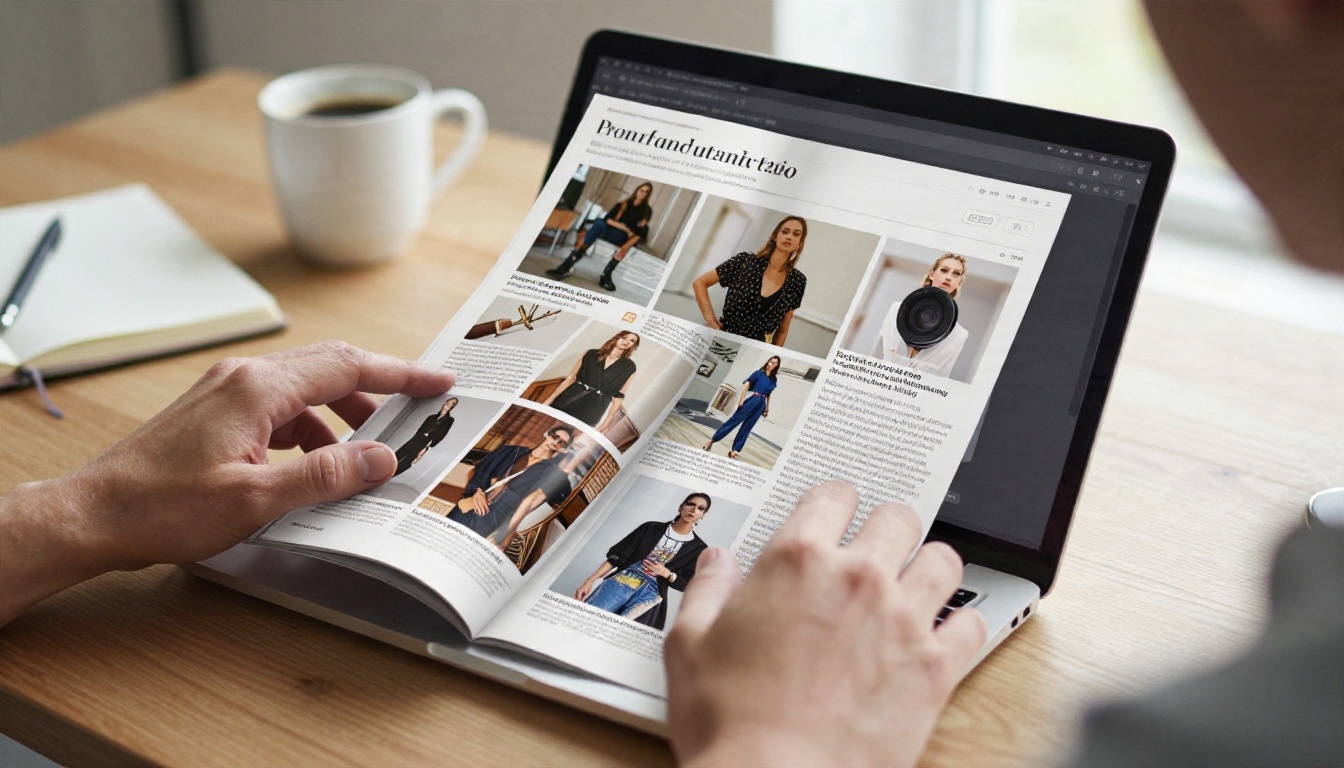
A magazine platform takes the layout you built in InDesign, Canva, Affinity or Word and delivers it to readers. The good ones keep the look of the printed page while adding things paper cannot do: links, embedded video, audio, search, and numbers on who opened what.
Flipbooks vs Basic PDF Hosting
You can host a PDF on your website for free. Readers then download it, wait, and pinch-zoom around a page that was designed for A4 paper. A flipbook reader works differently.
| Feature | Plain PDF link | Flipbook platform |
|---|
| Page-turn animation | No | Yes |
| Loads before full download | Rarely | Yes, page by page |
| Works on phones | Poorly, needs zoom | Responsive layout |
| Clickable links and media | Limited | Video, audio, buttons |
| Reader statistics | None | Views, time, page drops |
| Password protection | Manual workaround | Built in |
| Embed on your site | Download link only | Inline embed |
The difference shows up fastest on mobile. More than half of magazine readers open issues on a phone, and a static PDF punishes them for it.
Features That Matter for Publishers
When you compare platforms, ignore the marketing lists and check these first:
- No watermark: a logo from the vendor on every page cheapens a paid or sponsored issue.
- Fast conversion: a 100-page issue with large photographs should convert in minutes, not hours.
- Custom branding: your colors, your logo, your background.
- Embed support: an issue that lives on your own site helps your search rankings, not the vendor's.
- Access control: password protection for subscribers or members-only issues.
- Reader analytics: which stories get read, and where readers drop off.
- Offline downloads: useful for commuters, travelers and anyone with a weak connection.
Free Options Worth Using

Free is a real option for magazines, but only if you pick the right kind of free. Some free plans are a genuine starting point. Others exist to push you toward a paid upgrade after the first issue.
What Free Plans Usually Include
Most free tiers from flipbook and magazine platforms share a similar shape: a small number of publications, a page cap, and vendor branding. Here is how the main categories compare.
| Free option | Typical limits | Best for | Watch out for |
|---|
| Free plan on a flipbook platform | 1 to 3 publications, page caps, vendor logo | Testing a first issue | Watermarks, forced upgrades |
| Free trial of a paid plan | 7 to 30 days, full features | Comparing tools side by side | Content may vanish after the trial |
| Document-sharing sites | Unlimited uploads, public by default | Reach through the site's own audience | Ads next to your magazine, no branding control |
| Open-source or self-hosted readers | No fee, you host the files | Developers, technical teams | Setup time, no support, no analytics |
| Website plugins (for example for WordPress) | Free core, paid add-ons | Sites already running on that CMS | Plugin conflicts, slow pages |
Where Free Plans Fall Short
Free plans tend to fail in the same four places:
- Watermarks and forced branding. Your readers see someone else's logo before yours.
- Page and storage caps. A glossy 120-page issue with full-bleed photography can blow past a 50-page limit.
- No analytics. You publish blind, with no idea which stories land.
- Public-only access. If you sell subscriptions, a public link defeats the purpose.
⚠️ Warning: Check what happens to your files if you stop paying or the free trial ends. Some platforms delete published issues and break every link you have already shared.
A practical way to use free tiers: run your first issue on two platforms, send both links to five readers, and ask which one felt faster on their phone. That costs nothing and settles the decision with real feedback.
Pricing Compared in Real Numbers

Magazine platform pricing is not standardized, so numbers vary by vendor. The ranges below reflect what the market commonly charges, and you should always confirm current rates on each vendor's pricing page.
Typical Price Tiers
| Tier | Common monthly range | What you usually get | Who it suits |
|---|
| Free | $0 | 1 to 3 publications, vendor branding | First-time publishers |
| Entry | $10 to $30 | No watermark, custom colors, more pages | Solo publishers, small titles |
| Mid-level | $30 to $80 | Password protection, analytics, custom domain | Small teams, regular issues |
| Business | $100 and up | White label, lead capture, priority support | Media companies, agencies |
On Flipbooks AI, the Standard plan includes unlimited flipbooks, which matters if you publish many issues, special editions or regional versions. The Professional plan adds analytics and lead generation. See the pricing page for current rates.
Hidden Costs to Watch
The sticker price is rarely the whole bill. Before you commit, check for:
- Per-flipbook fees that punish you for publishing more often.
- Overage charges when readers exceed a monthly view limit.
- Add-on pricing for custom domains, white labeling or removing branding.
- Annual-only discounts that lock you in for twelve months.
- Export fees if you want to take your files elsewhere.
✅ Best practice: Calculate cost per issue, not cost per month. A $25 plan that publishes twelve issues costs about $2 each. A "free" plan that forces you to rebuild every issue by hand costs hours.
Real Magazine Examples

Theory is easy. Here are three kinds of magazines that work particularly well as flipbooks, and what each one needs from a platform.
Independent Fashion Title
A fashion quarterly lives or dies on its photography. Readers want full-bleed images, smooth page turns and crisp zoom. A designer exports a high-resolution PDF, uploads it, and adds a link on each product photo that opens the brand's shop. The editor can pair this with an Interactive Lookbook Designer for seasonal collections that sit alongside the main issue.
Travel Magazine

A travel title benefits from offline downloads, because its readers are often on planes or in places with weak signal. Embedded video clips of a harbor at dawn or a market in motion give a feature far more pull than a still photo. A publisher can also check which destinations get the most reading time and plan the next issue around them. For a lighter format, a travel flipbook works well for city itineraries.
Campus and Nonprofit Publications

School and university magazines usually run on tight or zero budgets, and their readers live on phones. A flipbook link in a group chat or a QR code on a poster reaches students faster than a printed run. Teams can start with a School Newsletter Creator or build a yearbook at the end of the year. Nonprofits use the same approach for member magazines and a Non-Profit Annual Report.
Which Format Fits Which Title
How to Create a Magazine with Flipbooks AI
Here is the full process from finished PDF to published issue. Start by creating a free account on Flipbooks AI, then follow these steps.
Step 1: Upload Your PDF
- Sign in and click the button to create a new flipbook.
- Drag your magazine PDF into the upload area, or pick it from your computer.
- Wait while the platform converts each page. A typical issue takes a few minutes.
- Check the preview in the viewer. Flip through the pages and confirm that photos, fonts and spreads look right.
💡 Pro tip: Export your PDF at 150 to 200 DPI for images. Lower looks soft on large screens, and higher makes pages load slowly on mobile. Keep fonts embedded so nothing shifts during conversion.
Step 2: Customize the Look
Open the settings panel and set up your brand:
- Upload your logo and choose your brand colors.
- Pick a background color or image that suits the issue's mood.
- Select the page-turn effect and speed. A slow, soft turn suits a fashion title, a quick one suits a news digest.
- Add videos, audio and links on the pages where they belong, such as an interview clip or a link to a sponsor.
- Turn on the sound effect for page turns only if your audience likes it. Many readers find it distracting.
Step 3: Share and Protect It
Once the issue looks right, choose how readers get it:
- Direct link: paste it into your newsletter, social posts or chat groups.
- Embed code: place the issue on your site with the Embed Flipbook on Website option.
- Password protection: limit access to subscribers or members.
- Offline download: allow readers to save the issue for later.
Step 4: Track Readers
Professional plan features let you see how the issue performs and capture leads. You can see how many people opened it, how long they stayed, and which pages lost them. Lead generation lets you ask for an email address before the reader goes past page one, which turns a free issue into a growing mailing list. Compare plans on the pricing page.
| Need | Flipbooks AI feature | Where to look |
|---|
| Publish many issues | Unlimited flipbooks | Standard plan and above |
| No vendor logo | No watermarks, ever | All published flipbooks |
| Private issues | Password protection | Share settings |
| Reader numbers | Analytics | Professional plan |
| Email capture | Lead generation | Professional plan |
| Reading on the go | Offline downloads | Share settings |
| Rich pages | Embedded video and audio | Page editor |
For a closer look at the format, the Magazine Flipbook Creator page shows how a finished issue behaves on desktop and phone.

Picking a platform is easier when you start from your publishing rhythm, not from the feature list.
A Quick Checklist
Answer these six questions, and the right option usually becomes obvious:
- How often do you publish? Monthly or weekly means you need unlimited issues or a generous allowance.
- Who reads it? A mostly mobile audience needs a fast, responsive reader.
- Is it public or private? Paid or members-only titles need password protection.
- Do you sell ads or sponsorships? If yes, you need analytics to prove reader numbers.
- Do you need your own domain? Embedding on your site beats sending readers to a vendor page.
- What is your real budget per issue? Divide the plan price by the issues you publish.

Three Common Mistakes
- Choosing by price alone. A cheap plan with a watermark can cost you sponsors.
- Skipping the mobile test. Open your trial issue on a mid-range phone before you decide.
- Ignoring export options. You should be able to take your PDFs and data with you.
✅ Best practice: Run one real issue through any platform before you commit. A test with your actual file shows problems a demo never will.
Publish Your First Issue Today
You do not need a design team or a large budget to publish a magazine readers actually finish. You need a good PDF, a platform that does not hide its limits, and a clear idea of how many issues you will publish.
Ready to publish? Create your account on Flipbooks AI and upload your first issue. Compare the pricing plans when you need unlimited flipbooks, analytics or lead generation, and browse all flipbook tools to find the template that fits your title.



