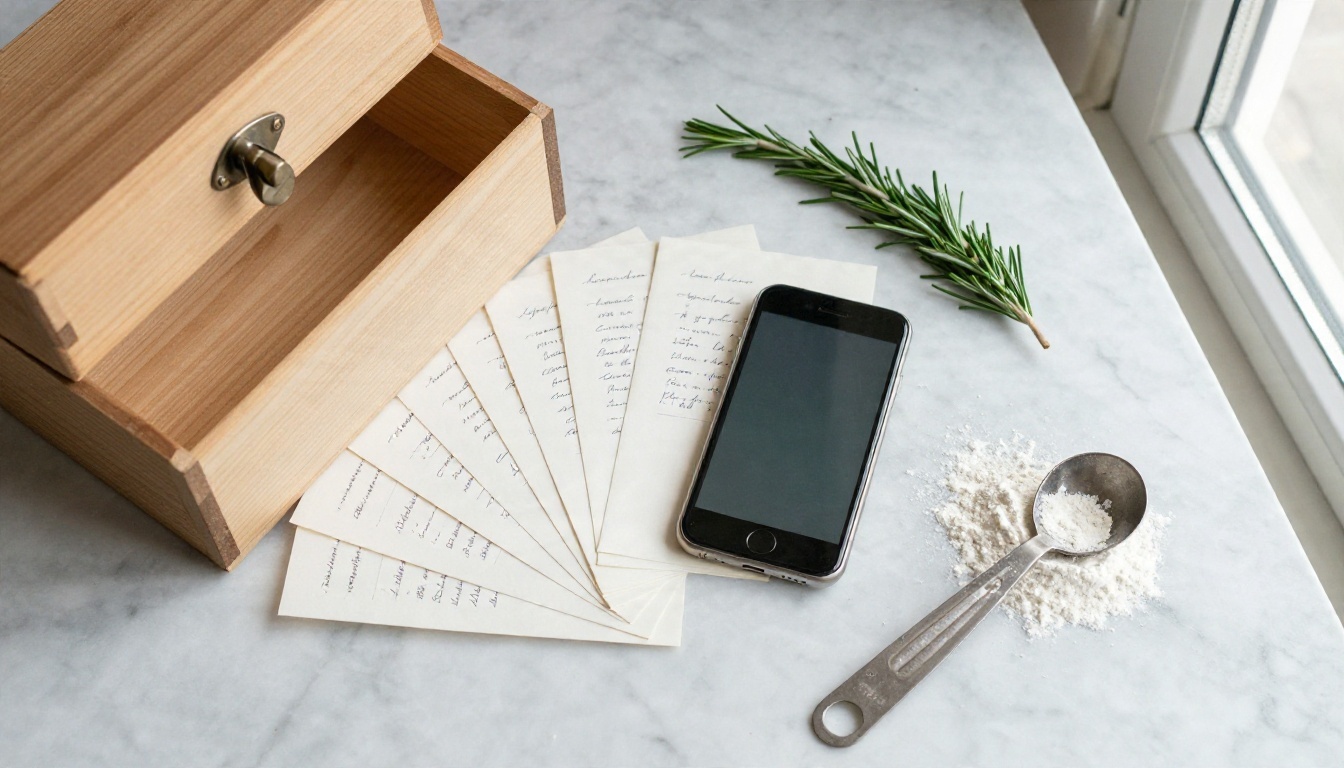
Somewhere in your house there is a drawer, a box or a phone folder full of recipes you swear you will organize one day. A stained index card from your grandmother. A screenshot of a pasta dish. Three versions of the same banana bread, each with a different note in the margin. A digital recipe book puts all of it in one place, with page-turning pages, photos, and a link anyone can open. With a tool like Flipbooks AI, you can build one from a simple PDF and share it online without paying for a watermark-free export.
This article walks through the free ways to make a digital recipe book, shows real examples you can copy, gives you templates to fill in, and compares every practical method for sharing your collection online.
Why Digital Recipe Books Win
Paper cards fade, files do not
Recipe cards get splashed, torn and lost in moves. A digital recipe book is a file you back up once and keep forever. You can fix a typo, swap a measurement, or add a better photo, and every person who has the link sees the update.
Search beats flipping through a box
A recipe box only works if you remember which card holds the lemon chicken. A digital version gives you a clickable table of contents, searchable text, and chapters like Weeknight Dinners or Sunday Baking. You find the dish in seconds instead of minutes.
How paper and digital compare
| Feature | Paper cards or binder | Digital recipe book |
|---|
| Risk of loss | High (fire, spills, moves) | Low (backed up in the cloud) |
| Sharing with family | Photocopy or retype | One link to everyone |
| Photos | Rare, printed separately | Full-color on every page |
| Editing | Cross out and rewrite | Edit and republish |
| Works on a phone in the kitchen | No | Yes, mobile-responsive |
| Cost to share 50 copies | Printing and postage | Nearly zero |
💡 Pro tip: Keep the original handwritten cards. Scan them and place the image next to the typed recipe. Family members love seeing the real handwriting beside the clean version.
Free Maker Options Compared
You do not need design skills or a budget to start. There are four common routes, and each has trade-offs.
| Method | Cost to start | Page-turn effect | Easy to share by link | Best for |
|---|
| Word processor or Google Docs, exported to PDF | Free | No (flat PDF) | Only as a file | Quick personal copies |
| Design apps with cookbook layouts | Free tier | No | Limited | Print-style visuals |
| Recipe manager apps | Free tier | No | Inside the app only | Meal planning |
| PDF to flipbook converter | Free to try | Yes | Yes, any device | Sharing and publishing |
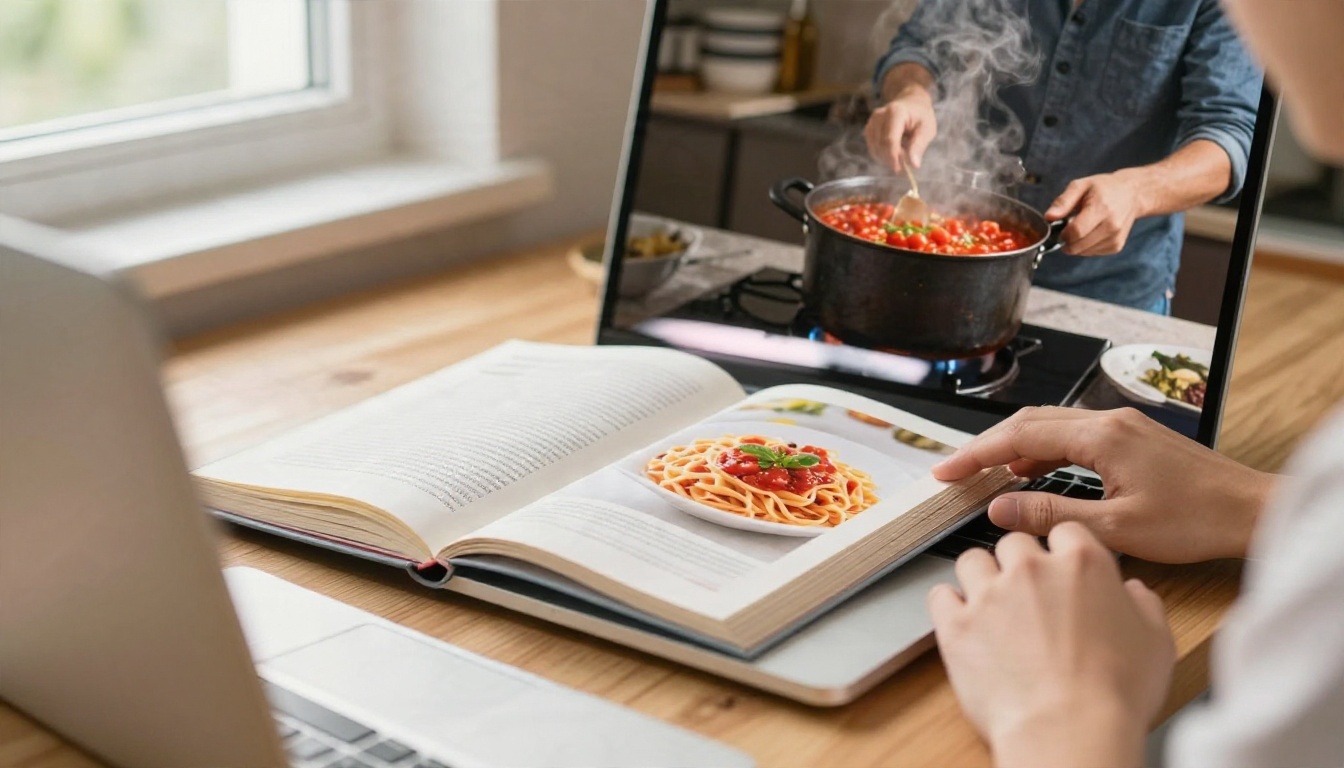
The simplest strategy is a two-step workflow. First, write and lay out your recipes in whatever editor you already know. Second, convert the PDF into an interactive flipbook with the PDF to Flipbook Converter. You keep your familiar editor, and you gain realistic page flips, a shareable link, and mobile-friendly reading.
What "free" really means
Many free tools add a logo to every page, cap you at one book, or lock the share link behind a paywall. Before you invest hours, check three things: does the free version add a watermark, can you share by link, and does it work on phones? On Flipbooks AI there are no watermarks, ever, and you can review the plans to see what each tier adds.
Digital Recipe Book Examples
Seeing a finished project makes decisions easier. Here are four formats that work well, with what each one contains.
The family heirloom collection
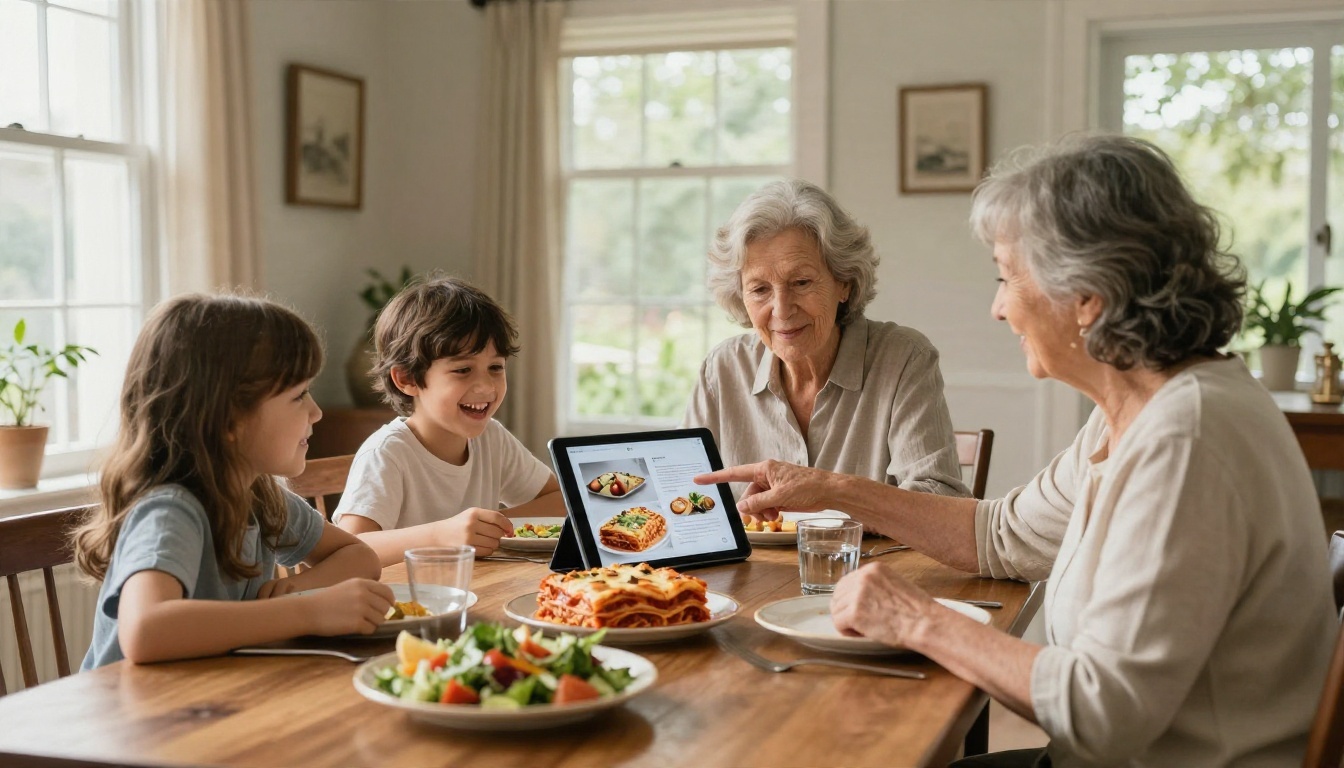
This is the most common kind. A parent or grandparent writes down 30 to 60 recipes, adds a short story for each, and includes scanned handwriting. Chapters follow family occasions: holiday tables, birthday cakes, Sunday soups. One person compiles it, and every cousin receives the same link.
The food blogger cookbook
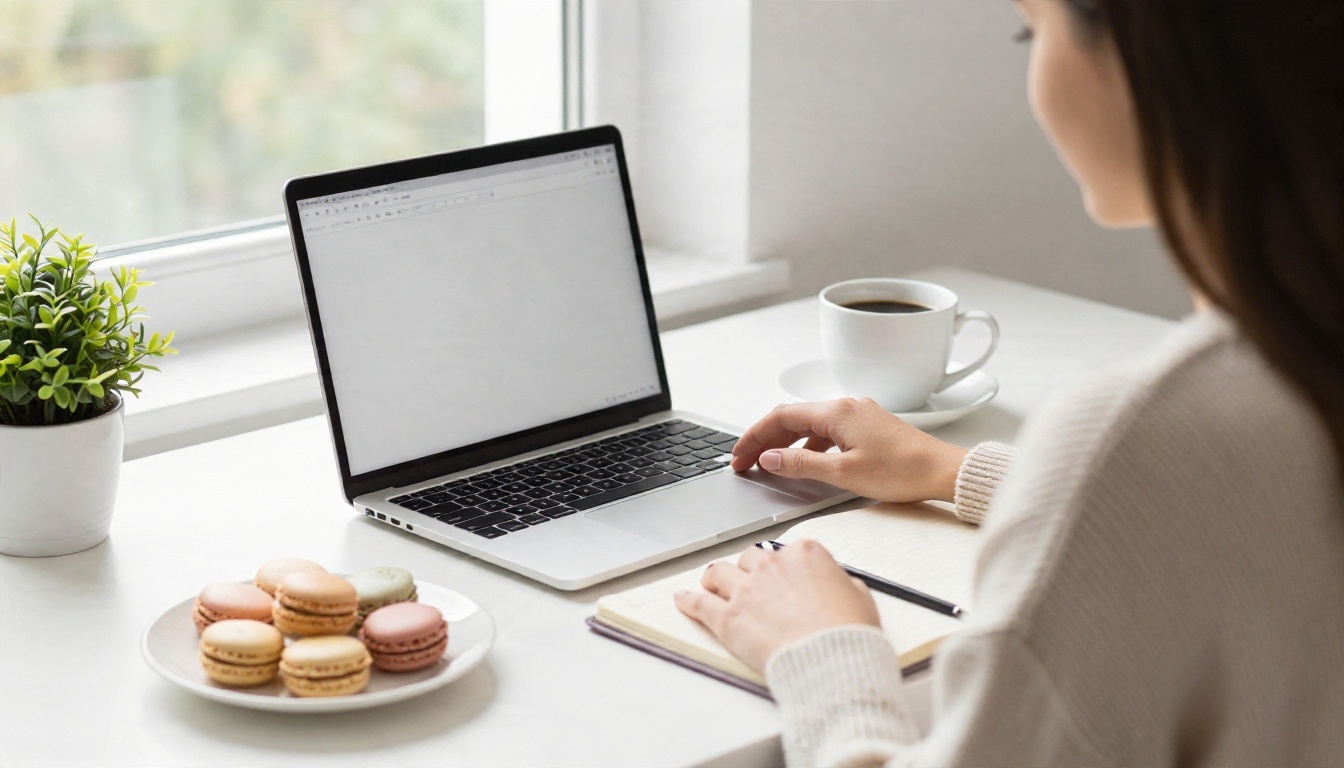
Bloggers use short recipe books as free downloads to grow an email list. A 15-page "Five Easy Weeknight Dinners" flipbook gives readers something useful, and it showcases your photography better than a scrolling blog post. With the Professional plan, lead generation forms can sit in front of the book so you collect addresses in exchange for access.
The bakery or restaurant book
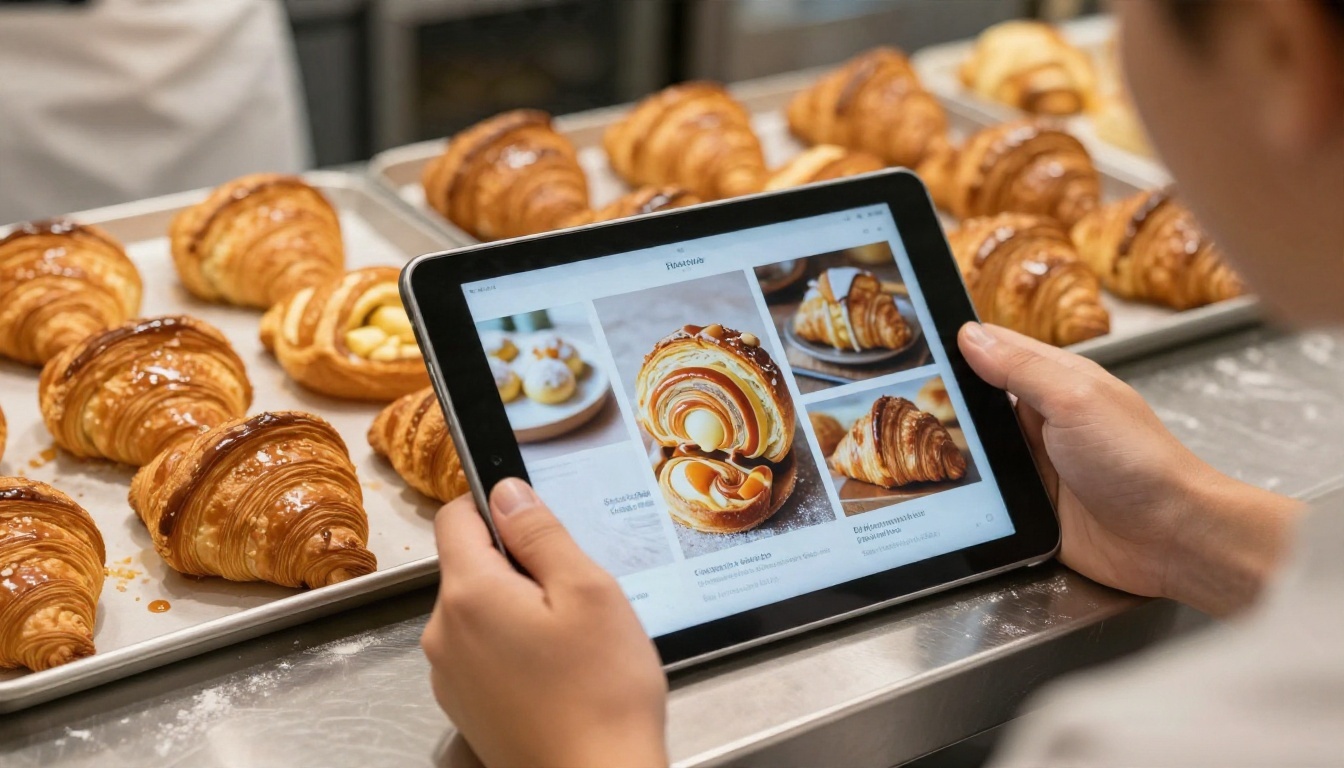
A small bakery can publish a seasonal recipe booklet for customers: three signature breads, one pastry, and a note on where to buy the flour. A chef can hand a tablet across the counter and let people flip through. For menus, the Restaurant Menu Creator uses the same flipbook approach.
The holiday gift book
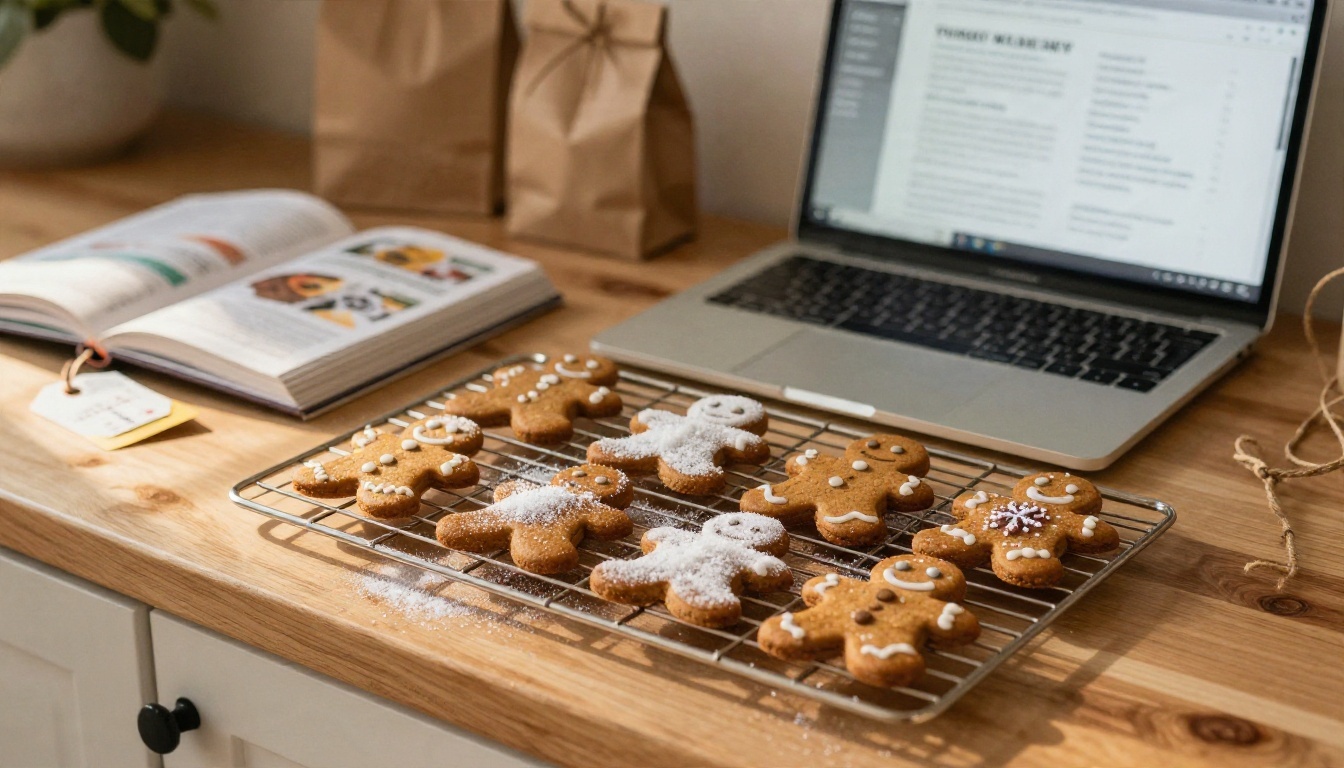
Every December, people compile their best cookie, casserole and cocktail recipes into a gift. Instead of printing and mailing, you send a link in a card or message. The recipient can open it on a phone while standing at the stove.
Examples at a glance
| Example | Typical length | Main content | Best way to share |
|---|
| Family heirloom | 40 to 80 pages | Stories, scanned cards, photos | Private link with password |
| Blogger lead magnet | 10 to 20 pages | Quick recipes, shopping lists | Embed on blog and email |
| Bakery booklet | 8 to 16 pages | Signature recipes, sourcing | QR code at the counter |
| Holiday gift | 12 to 30 pages | Seasonal favorites | Direct link in a message |
Templates That Save Hours
A template is only a repeatable structure. Once you decide the layout of one recipe page, you copy it for every dish and the book builds itself.
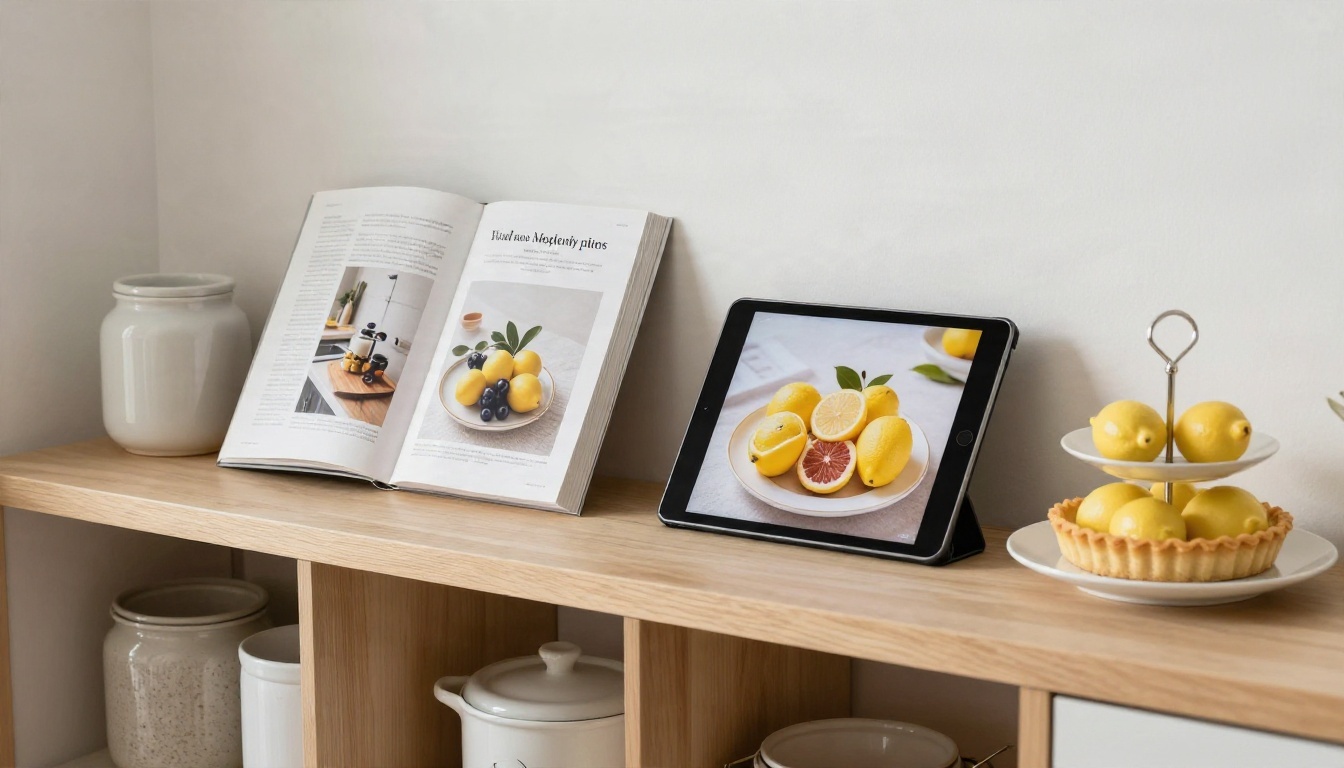
The book structure
Most successful recipe books follow the same order:
- Title page with the book name and a hero photo.
- Short introduction explaining who the recipes come from.
- Table of contents with chapter names.
- Chapters grouped by meal type, season or occasion.
- Conversion chart for cups, grams and oven temperatures.
- Index listing recipes by main ingredient.
- Back page with a thank-you note or contact details.
The single recipe page
Use this block for every recipe so readers always know where to look:
- Recipe name in a large heading
- One photo of the finished dish
- Prep time, cook time, servings in one line
- Ingredients as a bulleted list, grouped if there are sub-recipes
- Method as numbered steps, one action per step
- A personal note, such as "Mom always added extra garlic"
Template styles to choose from
| Template style | Look | Works well for |
|---|
| Minimal white | Clean, lots of space, one photo | Bloggers and modern cooks |
| Rustic kraft | Warm tones, handwritten fonts | Family collections |
| Magazine grid | Several photos per spread | Restaurants and bakeries |
| Card style | One recipe per half page | Printable and phone reading |
✅ Best practice: Use two fonts at most, one for headings and one for body text. Set ingredient text at 12 points or larger so it stays readable on a phone propped against the flour jar.
For a ready-made starting point, try the Recipe Book Flipbook tool. If you plan to sell or give away a larger collection, the Interactive E-Book Publisher handles longer documents.
How to Create a Recipe Book with Flipbooks AI
This tutorial assumes you already have your recipes written in a document. If you do not, spend an evening typing your top 20 and finish the rest later. You can republish as often as you like.
- Create your account. Go to Flipbooks AI and sign up. You can start with a free account and move to a paid tier when you need more.
- Export your recipes to PDF. From your word processor or design app, save the document as a PDF. Use portrait pages and keep images under a few megabytes each so the file loads fast.
- Upload the PDF. Drop the file into the converter. The platform reads each page and turns it into a flipbook with realistic page-turn motion. A 40-page file usually converts in a short moment.
- Customize the look. Add your own background color, choose a page-flip sound, and set the cover and spine style to match your theme. Upload a logo if the book represents a business. Custom branding is included.
- Add multimedia. Embed a short video of a technique, such as folding dumplings, or add audio notes. Photos can link to related recipes.
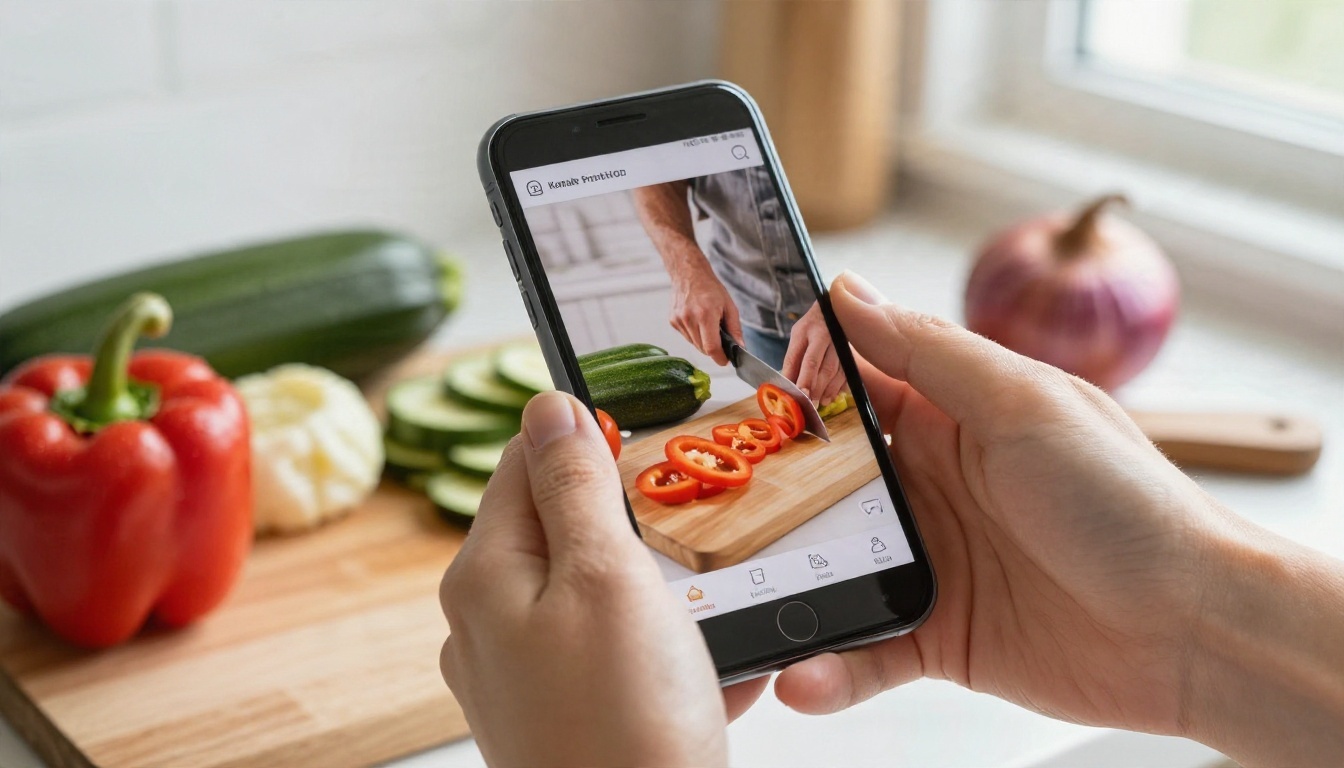
- Check it on your phone. Flipbooks are mobile-responsive, so open the preview on a handset and confirm text is legible and nothing is cut off.
- Publish and share. Copy the direct link, grab the embed code, or turn on password protection for private family books.
Features worth turning on
| Feature | What it does for a recipe book | Plan |
|---|
| No watermarks | Keeps pages clean for gifts and brands | All plans |
| Unlimited flipbooks | One book per cookbook, per season, per cousin | Standard and above |
| Password protection | Keeps family recipes private | See pricing |
| Offline downloads | Lets readers save the book for a camping trip | See pricing |
| Analytics and lead generation | Shows who opened the book and collects emails | Professional |
| Video and audio embeds | Adds cooking demos and voice notes | See pricing |
⚠️ Watch out: If your book contains a secret family recipe or a recipe you plan to sell, turn on password protection before you share the link.
Ways to Share Online
Making the book is half the work. How people open it decides whether it gets used.
Send a direct link
The fastest option. Paste the link into a text, email or group chat. No attachment, no download, and it opens in any browser.
Embed it on a website or blog
If you run a food blog, cooking class site or bakery page, place the flipbook right inside a post. Readers flip pages without leaving your site. Follow the steps for the Embed Flipbook on Website tool and paste the code into your page editor.
Print a QR code
Put a QR code on a menu, a farmers market sign, a jar label or a gift tag. Anyone can scan it and land on the book. This works well for bakeries and for anyone who gives edible gifts.
Lock it with a password
For family-only collections, set a password and share it by phone or in person. The book stays out of public search results, and only people you trust can read it.
Offer an offline copy
Some readers cook in places with weak signal: cabins, boats, campsites. Offline downloads let them save the flipbook for later.
Sharing methods compared
| Method | Setup time | Privacy | Best use |
|---|
| Direct link | Under 1 minute | Medium | Friends and relatives |
| Website embed | 5 minutes | Public | Blogs and businesses |
| QR code | 5 minutes | Public or protected | Print and in-person events |
| Password protected | 2 minutes | High | Private heirloom books |
| Offline download | Built in | High | Travel and outdoor cooking |
Mistakes to Avoid
Oversized photos
A 12 MB photo on every page makes the book slow on mobile data. Resize images to around 1600 pixels on the long edge before you export.
Missing a table of contents
A 50-page book without navigation is just a long scroll. Add chapter links so readers jump straight to desserts or soups.
Vague measurements
"A handful of flour" charms family members but frustrates a new cook. Add grams or cups beside the old-school wording, and include oven temperatures in both Celsius and Fahrenheit.
Skipping a test read
Cook one recipe from the final book exactly as written. You will catch a missing ingredient or a swapped step before everyone else does.
💡 Quick check: Ask someone who has never made the dish to read the method aloud. If they hesitate, rewrite that line.
Start Your Recipe Book Today
A good digital recipe book does not take a weekend. Pick ten recipes, apply one page template, export a PDF, and publish it. You can refine it later, add chapters, swap photos and send updates to the same link.
Ready to build yours? Create a free account on Flipbooks AI and upload your first PDF. Browse all flipbook tools to find layouts for cookbooks, menus and brochures, or compare pricing plans when you want unlimited books, analytics and lead capture.



