Printing a new menu every time the price of salmon moves is a slow, expensive habit, and most owners know it. Digital restaurant menu software fixes that by putting your dishes, prices and photos on a phone screen that you can edit in seconds. The catch is that the market is crowded: some tools only display a menu, others take orders and payments, and a few try to run your entire restaurant. This article lays out what each type costs, how QR codes fit in, where online ordering fees hide, and how a simple tool like Flipbooks AI can get a polished menu live today without a monthly contract that eats your margin.
Before you compare prices, figure out which category you actually need. Vendors blur the lines on purpose, and that is how a café that only wanted a QR menu ends up paying for a kitchen display system it never switches on.
Static Digital Menus
A static digital menu is a viewable version of your menu, usually built from a PDF or a template. Guests scan a code, the menu opens in their browser, and they order the old-fashioned way by waving at a server. There is no cart, no payment, and no integration with your kitchen.
This is the cheapest and fastest route. It suits cafés, bars, food trucks, ghost kitchens with a simple offer, and any restaurant that wants to stop reprinting laminated sheets. A flipbook format adds a page-turning feel that mirrors a physical menu, which many diners find more familiar than a long scrolling web page.
Online Ordering Platforms
These tools add a cart and checkout. Guests pick dishes, pay, and the order lands on a tablet or printer in your kitchen. Some are built for takeaway and delivery, others for table-side ordering inside the dining room.
They are more powerful and also more expensive. Most charge a monthly fee, a per-order commission, or both, plus card processing on top.
Full POS Suites
Point-of-sale systems bundle the menu with inventory, staff scheduling, table management, loyalty and reporting. If you run a 60-seat restaurant with a team of fifteen, a suite can pay for itself. If you run a six-table bistro, it usually will not.
| Feature | Static Digital Menu | Online Ordering Platform | Full POS Suite |
|---|
| Shows menu and photos | ✅ | ✅ | ✅ |
| Takes orders and payments | ❌ | ✅ | ✅ |
| Kitchen integration | ❌ | Partial | ✅ |
| Inventory and staff tools | ❌ | ❌ | ✅ |
| Setup time | Minutes | Days | Weeks |
| Typical monthly cost | Low | Medium | High |
| Best for | Cafés, bars, trucks | Takeaway, delivery | Larger full-service venues |
💡 Pro tip: Many owners run a hybrid. A static flipbook menu handles dine-in browsing, while a separate ordering link handles takeaway. You pay for ordering features only where they earn money.
What It Really Costs
Pricing pages rarely tell the whole story. A tool advertised at a modest monthly fee can double once you add payment processing, extra locations or a branded app.
Typical Pricing Ranges
The ranges below reflect what restaurant owners commonly see across the market. Exact numbers vary by vendor and change often, so treat them as a planning baseline and check each provider's current page.
| Software Type | Monthly Fee | Setup Fee | Commission or Processing | Contract |
|---|
| Flipbook or QR menu tool | Low, often under a typical lunch bill | Usually none | None | Monthly or annual |
| Online ordering add-on | Mid range | Sometimes | Card fees, occasionally a small order fee | Monthly or annual |
| Third-party delivery marketplace | Free to list | None | Often a large share of each order | None, but costly |
| Full POS suite | Mid to high, per terminal | Frequently | Card processing at set rates | Often annual |
For the menu-only tier, you can check the current plans on the Flipbooks AI pricing page. The Standard plan and above include unlimited flipbooks, which matters if you keep separate menus for lunch, dinner, drinks, brunch and holiday specials.
Hidden Fees to Watch
Read the small print for these before you sign:
- Per-location charges. A second restaurant can mean a second subscription.
- Branding removal. Some tools plaster their logo across your menu until you pay extra. Flipbooks AI never adds watermarks.
- Payment processing lock-in. Certain platforms force you to use their card processor at a higher rate.
- Hardware bundles. Tablets, printers and card readers can add hundreds up front.
- Edit limits. Cheaper plans sometimes cap how many times you can update a menu each month.
- Cancellation terms. Annual contracts with automatic renewal catch plenty of small operators.
⚠️ Warning: If a vendor will not tell you the all-in monthly cost, including processing, in writing, assume it is higher than the headline price.
QR Code Options That Work
QR codes became normal during the pandemic and stayed because they solve a real problem: nobody wants to wipe down a laminated menu between every table. Still, a bad QR setup frustrates guests more than a paper menu ever did.
Static vs Dynamic QR Codes
The difference matters more than most owners realize.
| Aspect | Static QR Code | Dynamic QR Code |
|---|
| How it works | Encodes the final web address directly | Points to a short redirect you control |
| Change the menu link later | ❌ Must reprint | ✅ Update anytime |
| Scan tracking | ❌ None | ✅ Usually included |
| Cost | Free | Free to paid, depending on tool |
| Risk | Printed codes go stale | Breaks if you stop paying the redirect service |
A smart middle path: point your QR code at a stable flipbook link, then update the flipbook behind that link whenever your dishes change. Your printed table stands stay valid and you never pay for a redirect service.
Placement and Sizing
Where you put the code decides whether people use it.
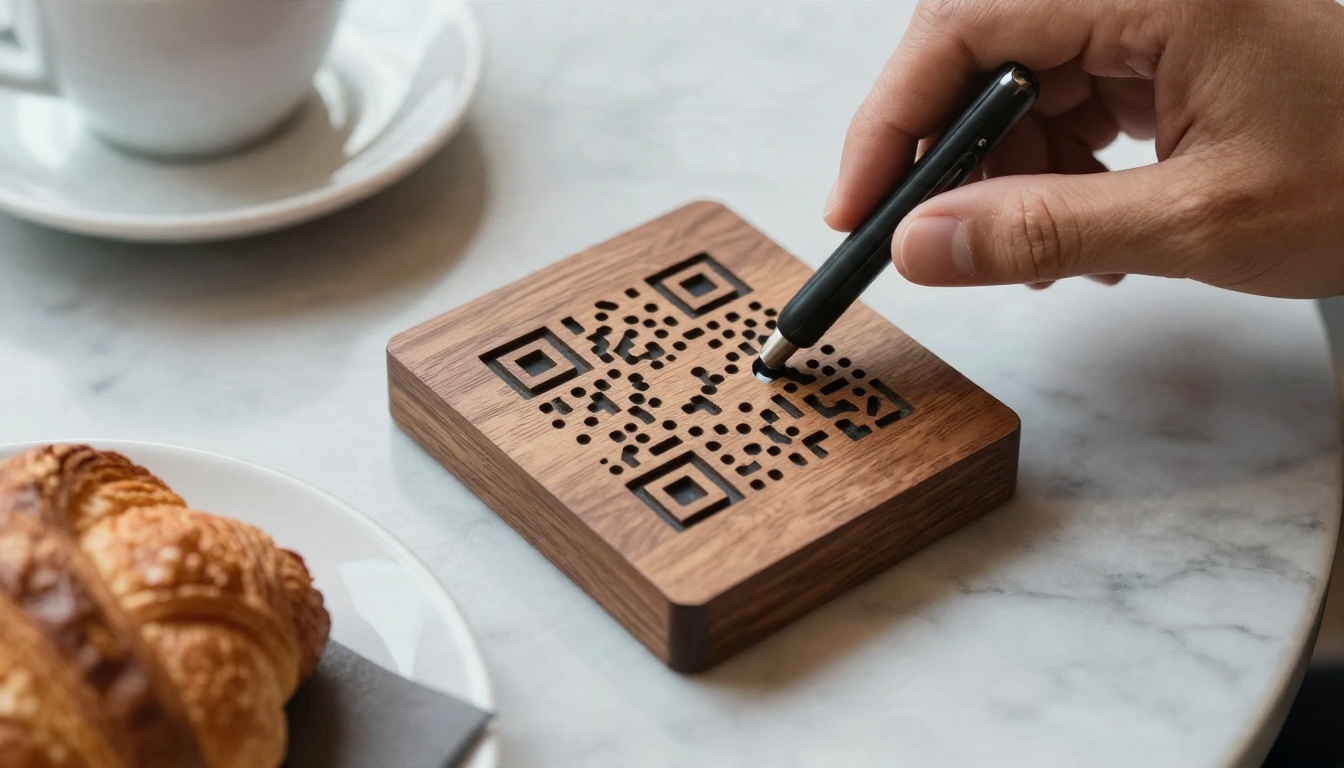
- Print it at least 2 cm (about 0.8 inch) wide for every 10 cm of scanning distance. A table stand is usually fine at 4 to 5 cm.
- Leave a white margin around the code. Cramped codes fail on older phones.
- Use high contrast. Dark code on a light matte surface scans fastest. Glossy finishes reflect overhead lights.
- Add a short instruction such as "Scan for menu". Some guests still wonder what the square is for.
- Test with an old phone in your dimmest corner, not just the newest device at the bar.
- Keep a few printed menus. Some guests, especially older regulars, prefer paper, and good hospitality means giving them the choice.
✅ Best practice: Place a code on every table, at the entrance for people waiting, on your window for passers-by, and on takeaway bags so repeat customers can reorder.
Ordering Without the Commission Pain
Online ordering is where the money is made or lost. A guest who orders through your own channel costs you far less than one who arrives through a marketplace.
Commission Math
Take a simple example. A pizzeria sells 400 delivery orders a month at an average of 30 dollars.
| Channel | Monthly Sales | Fee Rate | Fees Paid | Left for the Restaurant |
|---|
| Marketplace app | $12,000 | 25% | $3,000 | $9,000 |
| Own ordering link | $12,000 | 3% processing plus $50 tool | $410 | $11,590 |
That gap of roughly 2,590 dollars a month is why so many owners push guests toward direct ordering. Even if only a third of your marketplace customers move over, the savings are real.
Ways to nudge guests to your own channel:
- Put your direct ordering link and QR code on every delivery bag.
- Offer a small perk such as a free drink on the first direct order.
- Link the ordering page from your Google Business Profile and Instagram bio.
- Keep your menu consistent across channels so prices do not look inflated.
If your needs are modest, you do not have to buy a heavyweight ordering platform. Publish a beautiful menu, link it to a simple ordering form or your existing delivery partner, and add features only when order volume justifies them.
If your goal is a fast, good-looking digital menu without a long contract, a flipbook is hard to beat. Guests flip through pages like a real menu, photos load sharply on mobile, and you update everything by uploading a new file. The Restaurant Menu Creator and the Menu Flipbook Designer are built for exactly this job.
Start Here
Go to Flipbooks AI and create an account. You can design your menu in Canva, Word, InDesign or any tool that exports a PDF. If you have no design file yet, the Digital Price List Generator is a fast way to lay out items and prices.
Upload and Convert
- Sign in and choose Create Flipbook.
- Upload your menu PDF. The PDF to Flipbook Converter turns each page into a turnable spread.
- Wait a few seconds for conversion. Check that fonts, allergen icons and photos look sharp on the preview screen.
💡 Pro tip: Export your PDF at a page size close to a phone portrait ratio if most guests will read it on mobile. Text stays larger and easier to tap.
Customize the Look
Open the editor and adjust the details that make the menu feel like yours:
- Branding: add your logo and pick background colors that match your signage.
- Page effects: choose the page-turn style and speed.
- Multimedia: embed a short clip of your open kitchen or a chef's welcome message, and add background audio if it suits your atmosphere.
- Links: make a dish name link to a booking page or ordering form.
The result is mobile-responsive by default, so the same menu looks right on a phone at the table and a laptop at home.
Share and Protect
Once you are happy, publish and pick how to share:
- Direct link: paste it into your QR code generator and print the table stands.
- Embed code: place the menu on your website using the Embed Flipbook on Website option.
- Password protection: keep a private tasting menu, a wedding package or a staff-only price list hidden behind a password.
- Offline download: let guests or event planners save a copy.
Track What Guests Read
On the Professional plan, analytics show how many people opened the menu and which pages held their attention. Lead generation can collect an email before a guest sees your catering or private events menu. Compare plans here to see which tier fits.
Which Setup Fits Your Restaurant
There is no universal winner. Match the tool to your volume, staff size and how much of your revenue comes from off-premise orders.
| Restaurant Type | Best Starting Setup | Why It Works | Upgrade When |
|---|
| Food truck | Flipbook menu plus QR code on the window | Location and specials change daily | You add preorders |
| Café or bakery | Flipbook menu, QR codes, simple ordering link | Low ticket size, fast turnover | Takeaway passes 30% of sales |
| Casual dining | Flipbook menu plus direct ordering page | Balances dine-in and delivery | You add a second site |
| Fine dining | Elegant flipbook menu, password-protected tasting menu | Presentation matters most | You need reservation tools |
| Large full-service venue | Full POS suite plus flipbook for display | Many staff and tables to coordinate | Rarely, you are already there |
The Food Truck Case
A taco truck changes its menu with the market. A flipbook menu on a vinyl QR sticker means the owner updates one file at dawn and every customer sees the right prices by lunch. No reprinting, no crossed-out numbers.
The Café Case
A neighborhood café keeps separate menus for breakfast, lunch, pastries and seasonal drinks. With unlimited flipbooks on the Standard plan or above, each menu gets its own link, and a single table stand can point to a landing page that lists them all.
The Full-Service Case
A hotel restaurant or a 100-seat dining room might lean on a POS for orders, but still use a flipbook for the wine list, dessert card and event packages. Pair it with the Hotel Brochure Designer for guest-room materials and the menu looks consistent from booking page to table.
Three Common Mistakes
- Buying features you will not use. A full POS for a six-table bistro is like buying a bus to drive two people to work.
- Ignoring photo quality. Dark, blurry dish photos hurt sales more than no photos at all. Shoot near a window, use a plain plate and a neutral background.
- Forgetting accessibility. Use readable font sizes, strong contrast and clear allergen labels. Some guests rely on screen magnification, and a menu that is hard to read costs you orders.
⚠️ Warning: Always list allergens accurately and update them when a recipe changes. A digital menu is easy to edit, so there is no excuse for stale allergy information.
Pick Your Setup Today
Start small, measure, and grow only when the numbers say so. A branded flipbook menu with a QR code takes an afternoon to launch and costs a fraction of a full ordering platform. When order volume justifies it, add a direct ordering link and keep more of every sale.
Ready to build yours? Get started for free on Flipbooks AI, browse all flipbook tools for menus, brochures and price lists, or compare pricing plans to choose what works for your restaurant. If you already know your plan, sign in and go straight to pricing.



