Sixth grade hits like a freight train. One day your child has a single teacher and a cubby, and the next they are juggling six classes, four different homework portals, and a locker combination they keep forgetting. A planner is the tool that is supposed to hold all of this together, but the real debate is digital vs paper planners for middle school, and every family seems to land on a different answer. This article compares both options honestly, hands you free printable layouts you can build today, and shows how to publish a planner online using Flipbooks AI so parents, teachers, and students all see the same pages.
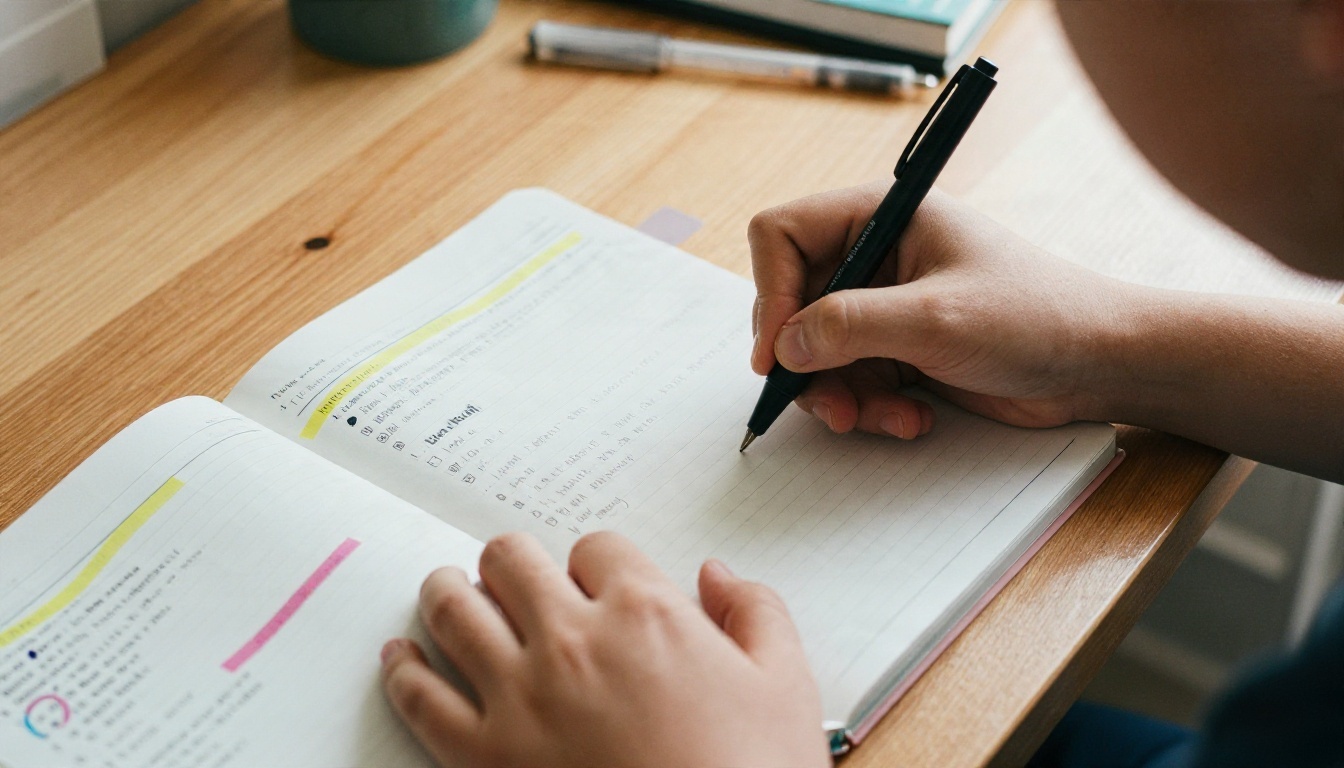
Why Middle School Planners Matter
Middle school is where kids are expected to manage their own time for the first time. Elementary teachers remind, repeat, and check. Middle school teachers assume the student wrote it down. That gap between expectation and ability is exactly where a planner earns its place on the desk.
The Executive Function Gap
Planning, prioritizing, and starting tasks are skills that develop slowly through the early teens. Many twelve-year-olds know what they should do but struggle to decide when. A good planner works like an external brain: it holds the due dates, breaks big projects into smaller steps, and gives a student something concrete to check off.
What Parents and Teachers Notice
When a planner works, you see small changes first:
- Fewer "I forgot it was due" moments
- Backpacks that contain the right worksheets
- Students who can answer "what do you have tonight?" without a shrug
- Less nightly negotiation about homework
When it fails, the planner sits untouched at the bottom of the bag. The format you pick matters far less than whether your child will actually open it every day.
💡 Pro tip: Before you buy or print anything, ask your child one question: "Where do you already look every day?" If the answer is a phone, lean digital. If the answer is a locker door or a desk, lean paper.
Paper Planners: Strengths and Limits

Paper has survived every wave of school technology for good reason. It is cheap, silent, and always charged.
Why Handwriting Helps Memory
Writing a task by hand forces a student to slow down and process it. Several studies on note taking suggest that handwriting can support recall better than typing, though results vary by task and age. In practice, many teachers report that students remember assignments they physically wrote down more often than ones they tapped into an app.
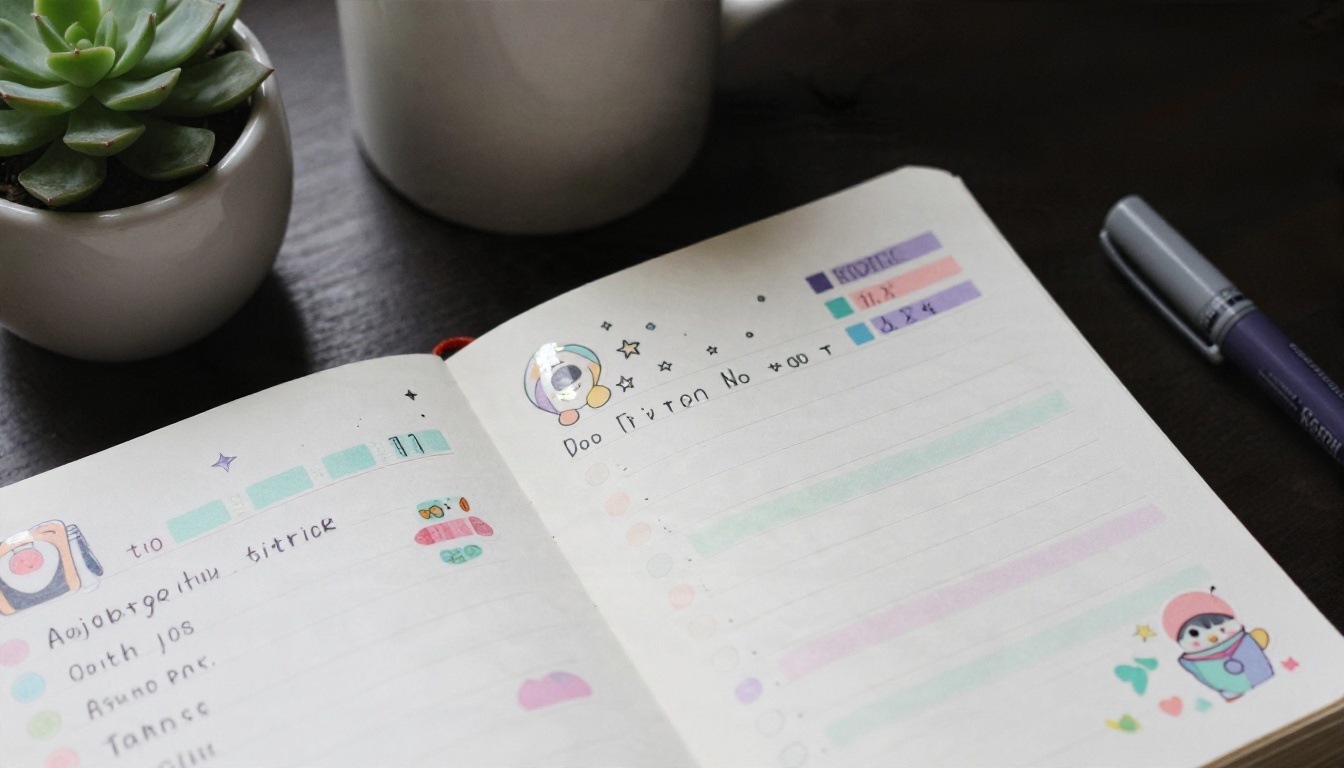
Paper also gives kids room to personalize. Highlighters, stickers, and washi tape turn a chore into something that feels like theirs, which is a real advantage at an age when ownership drives motivation.
Where Paper Falls Short
Paper has limits that show up fast:
- It can be lost. One forgotten bag and the whole month disappears.
- It cannot remind. Nothing buzzes at 7 p.m. to say a project is due tomorrow.
- It is hard to share. A parent cannot check it from work, and a teacher cannot add a note remotely.
- It does not repeat. Recurring tasks like weekly spelling quizzes must be rewritten every time.
Digital Planners: Strengths and Limits
Digital planners range from a plain phone calendar to full tablet apps with stylus support and hyperlinked pages.
Reminders That Actually Reach Them
The biggest advantage is the nudge. A notification on the device a teenager already checks forty times a day is more reliable than a note taped inside a binder. Digital tools also handle recurring events, color-coded classes, and quick rescheduling when a test moves.
They are also easy to back up and easy to share. A parent can see the week at a glance, and a student can attach a photo of a whiteboard or a link to a class document directly to a task.
The Distraction Problem
The same device that holds the planner also holds games, group chats, and video apps. Opening the calendar can turn into forty minutes of something else. Schools that restrict phones during the day also make digital planning harder at the exact moment assignments are handed out.
⚠️ Watch out: If your school bans phones in class, a purely digital planner means your child must remember the assignment until the final bell. Pair it with a quick paper capture method.
Side by Side Comparison
Here is how the two formats stack up across the things families care about most.
| Factor | Paper Planner | Digital Planner |
|---|
| Cost | Free to about $15 | Free to about $60 per year for premium apps |
| Reminders | None unless an adult nags | Automatic alerts and repeats |
| Memory support | Strong, thanks to handwriting | Moderate, depends on how it is used |
| Distraction risk | Very low | High on phones and tablets |
| Sharing with parents | Manual photo or in-person check | Instant with shared links |
| Customization | Stickers, color pens, tape | Templates, themes, widgets |
| Battery or loss risk | Can be lost or damaged | Needs charging, but can be backed up |
| Works in class | Always | Only if devices are allowed |
Neither column wins outright. That is why so many families end up with a hybrid, which we will get to shortly.
Free Printable Options That Work
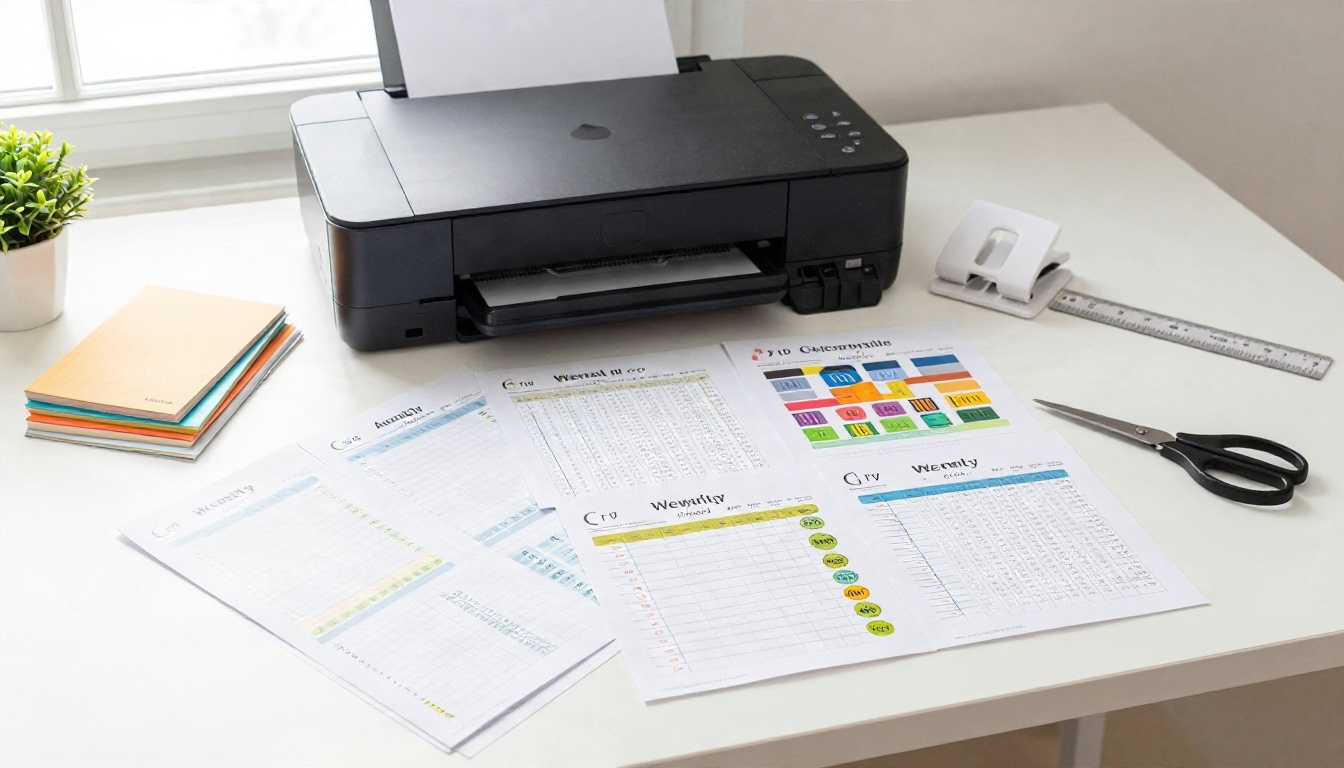
Printables are the easiest way to test the paper route without spending money. You print, punch holes, and clip them into a binder. If a layout does not fit your child, you simply print a different one.
The Five Pages Worth Printing
A solid middle school printable set usually includes these pages:
- Weekly spread: Monday through Friday with space for each class, plus a small weekend box.
- Assignment tracker: A running list with subject, due date, and a checkbox.
- Monthly calendar: For tests, projects, and school events.
- Project breakdown sheet: Splits a big task into three or four smaller steps with mini deadlines.
- Weekly reflection: Three questions such as "What went well?" and "What needs attention next week?"

Printable Layout Comparison
| Printable Type | Best For | Time to Fill Daily | Notes |
|---|
| Vertical weekly | Students with many classes | 3 to 5 minutes | Clear column per day |
| Horizontal weekly | Visual thinkers | 3 to 5 minutes | Rows per subject |
| Daily page | Students who need heavy structure | 5 to 8 minutes | Uses more paper |
| Checklist only | Students who resist planners | 1 to 2 minutes | Low effort, easy to keep going |
| Project tracker | Long assignments | Weekly | Pairs with any other layout |
Printing and Binding Tips
- Print on slightly heavier paper (24 lb or 28 lb) so pages survive a backpack.
- Use a three-hole punch and a slim binder, not a thick one.
- Print a month at a time so a lost page never costs you a semester.
- Let your child pick the colors. A planner they chose gets opened more often.
✅ Best practice: Keep a spare stack of blank weekly pages in a desk drawer at home. When a page fills up or gets crumpled, a replacement is thirty seconds away.
Real Examples From Real Classrooms
Examples make the choice easier than any chart. Here are three scenarios that show up again and again in middle schools.
The Paper Loyalist
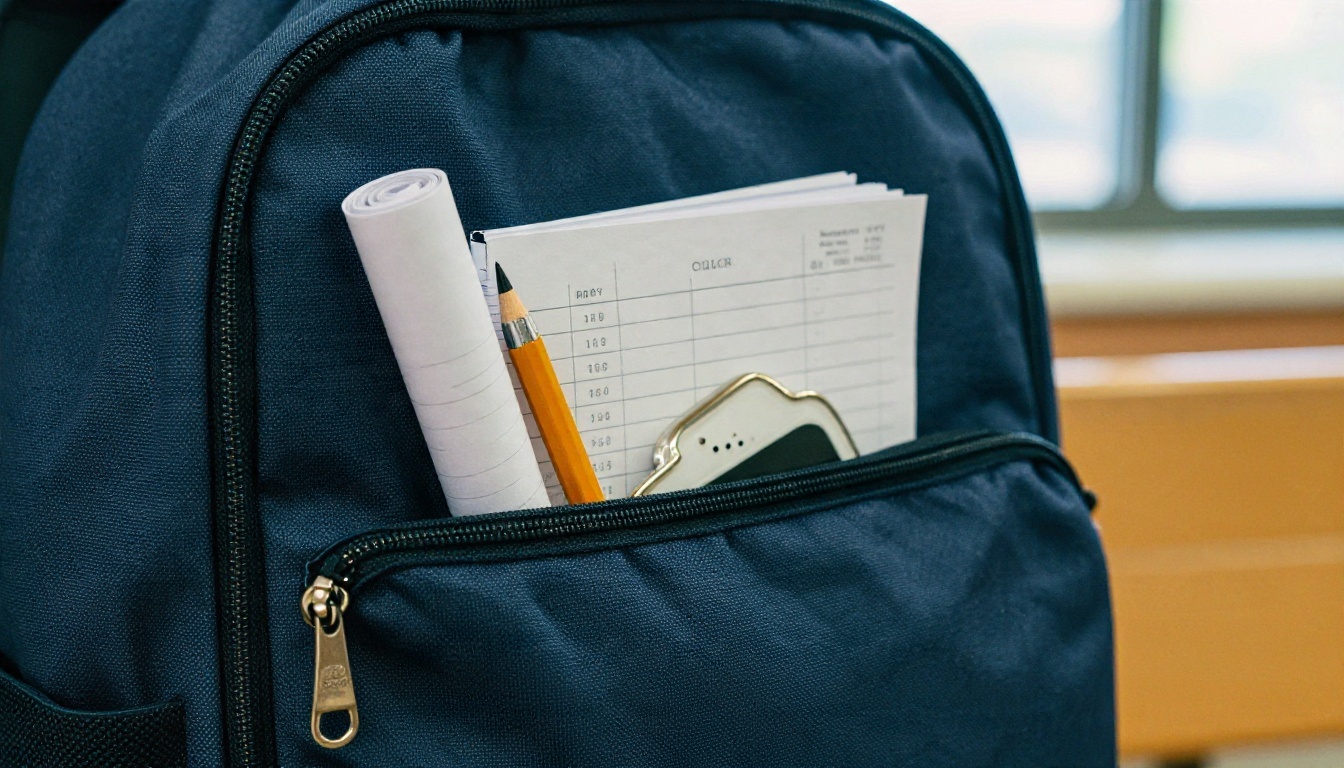
Maya, in seventh grade, uses a vertical weekly printable with a color for each class. She writes homework in the hallway after each period, then snaps a photo of the page before leaving school so her mom can see it. Paper fits her day because her school keeps phones locked in lockers until dismissal. The photo step covers the sharing gap.
The Digital Natural
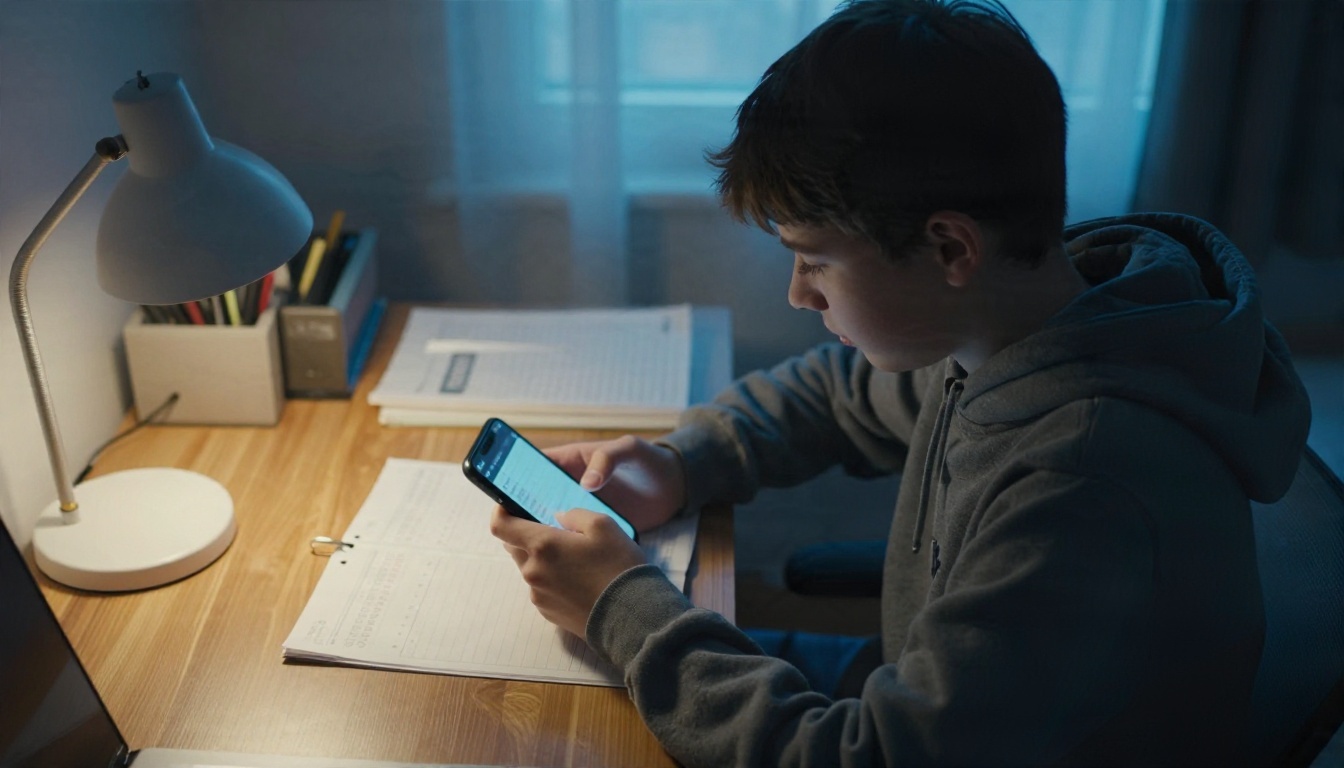
Daniel, in eighth grade, lives on his phone. He keeps a calendar with colored class labels and a task list that pings him at 6 p.m. His parents are added to the shared calendar, so they see due dates without asking. His risk is distraction, so he turns on focus mode after logging his tasks.
The Hybrid Plan
Priya, in sixth grade, captures assignments on paper in class and copies the big deadlines into a shared digital calendar at home each evening. The copy step doubles as a review. A teacher at her school described this as "writing it twice, remembering it once."
| Student Type | Primary Tool | Backup Tool | Biggest Risk |
|---|
| Paper Loyalist | Printable weekly pages | Photo of the page | Lost binder |
| Digital Natural | Phone calendar | Weekly paper checklist | Notification fatigue |
| Hybrid | Paper in class | Shared calendar at home | Skipping the copy step |
How to Share Planners Online
Here is where printables get a second life. A printed planner only helps one person. A planner published online helps a whole class, a grade team, or a family spread across two households.
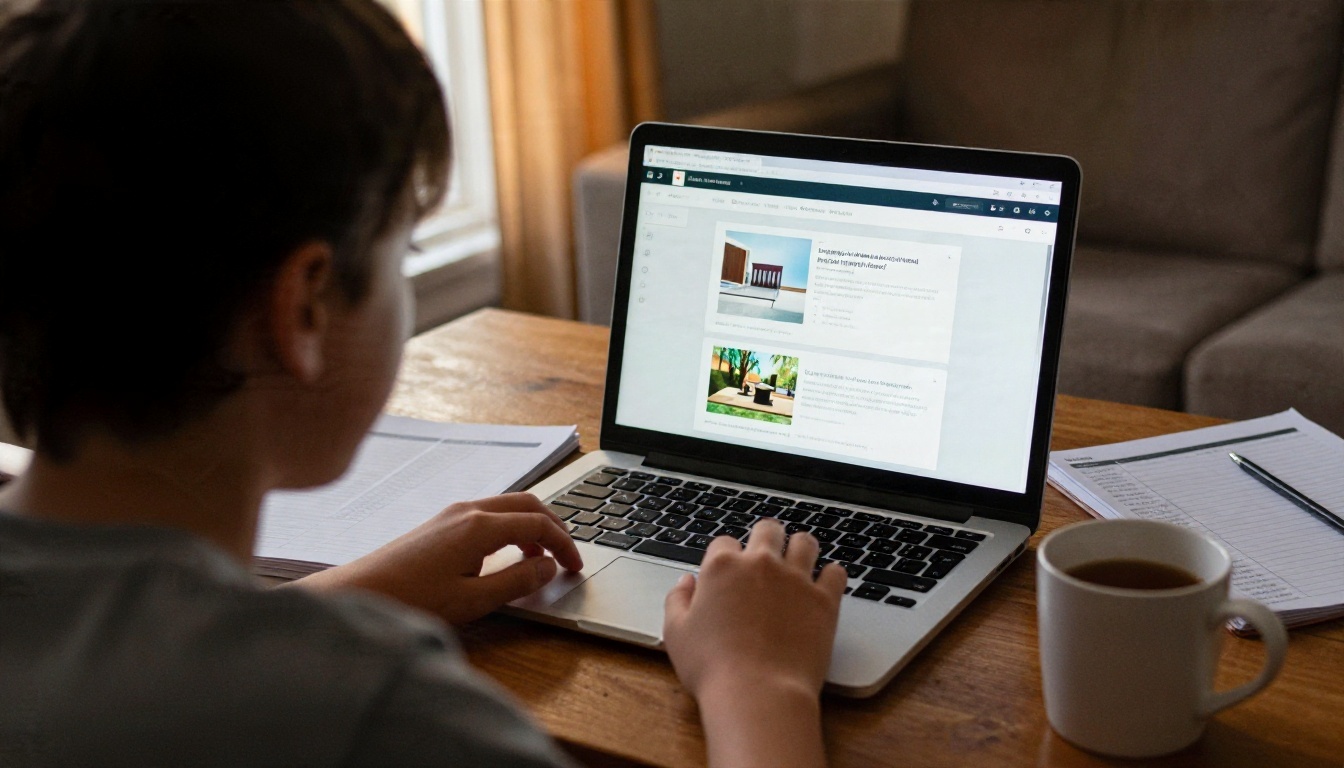
Teachers can publish a semester planner template for every student. Parents can share a co-parenting schedule. A school office can post a term calendar that does not need reprinting every time a date moves. If you already have your planner as a PDF, Flipbooks AI turns it into a page-turning online flipbook with no watermarks.
How to Create a Planner Flipbook
Follow these steps to publish a planner your whole class or family can open on any device:
- Design the pages. Build your weekly, monthly, and project pages in any word processor or design tool and export them as one PDF.
- Create your account. Head to Flipbooks AI and sign up.
- Upload the PDF. Use the PDF to Flipbook Converter to turn your file into an interactive flipbook. Each page keeps its layout and becomes a flippable spread.
- Customize the look. Add your school or family branding, pick background colors that match the planner, choose a page-turn effect, and drop in links or media where useful. A short audio note or an embedded video explaining how to fill in the weekly page works well for younger students.
- Choose sharing settings. Copy a direct link, or use the Embed Flipbook on Website option to place it on a class page. For private family planners, turn on password protection.
- Share it. Send the link by email or message. Because the design is mobile-responsive, it opens cleanly on phones and tablets.
💡 Pro tip: Name each file clearly, such as "Grade 7 Term 2 Planner," and update the flipbook when dates change. Everyone with the link sees the newest version.
Sharing Options Compared
| Sharing Method | Best For | Privacy Level |
|---|
| Direct link | Quick sharing with parents | Anyone with the link |
| Embed on class site | Teachers with a web page | Public or as private as the page |
| Password protected | Family or grade-level planners | Restricted |
| Offline download | Students without steady internet | Depends on who gets the file |
For teams that want more insight, the Professional plan adds analytics and lead generation, so a school office can see how many families opened a term calendar. You can compare plans on the pricing page. Offline downloads also help students who lose Wi-Fi at home.
Tools Worth Pairing
Several flipbook tools fit a school planner project:
✅ Best practice: Publish one short "how to use this planner" page at the front. Students who see a filled-in example fill in their own much faster.
Picking the Right System
Choosing does not need to take a weekend. Use this quick decision table.
| If your child... | Try this first |
|---|
| Is not allowed a phone at school | Paper planner with weekly photo check |
| Forgets to open a planner at home | Digital reminders plus paper in class |
| Loses papers constantly | Digital with a shared family calendar |
| Enjoys decorating and drawing | Paper printable with stickers |
| Has two households | Shared online flipbook planner |
Three Common Mistakes
- Choosing the prettiest planner instead of the most usable one. A beautiful layout that takes fifteen minutes to fill gets abandoned by Friday.
- Skipping the weekly reset. Spend five minutes every Sunday looking at the week ahead. Without it, even the best planner drifts.
- Adults filling it in for the student. A planner your child does not write in is just a pretty notebook. Coach them, then step back.
A Simple Trial Plan
Run a two-week experiment before committing:
- Week one: Paper printable only.
- Week two: Digital calendar only.
- Afterward: Ask your child which felt easier, then count how many assignments were missed each week.
The numbers will usually make the decision for you, and if both worked, the hybrid route is a safe middle path.
Ready to Share Your Planner?
Paper builds the habit. Digital delivers the reminder. The best planner for a middle schooler is the one they open without being asked, and that often means borrowing a little from both. Start with a free printable, test it for two weeks, and then publish the version that works so every adult in your child's life can see it.
Ready to build yours? Create a free account on Flipbooks AI, upload your planner PDF, and share it in minutes. Browse all flipbook tools and templates to find the right format for your classroom, or check the pricing plans when you are ready for analytics and unlimited flipbooks.



