It is 11:40 pm, your guest is standing outside with two suitcases, and the message arrives: "Hi, what is the Wi-Fi password and how do I open the building door?" You have answered that exact question forty times. A digital welcome book answers it before it is asked, and it works on the phone your guest is already holding. This article shows you how to build one for free, what to put inside, how to share it online, and how to set up a QR code that works every time. If you want a ready-made way to turn a document into a page-turning booklet, Flipbooks AI does it in a few minutes, and we will walk through that too.
What a Digital Welcome Book Is
A digital welcome book is a mobile-friendly booklet that holds everything a guest needs during a stay: arrival steps, Wi-Fi, house rules, appliance instructions, checkout routine and local recommendations. Instead of a binder on the coffee table, guests open a link or scan a code.
Why Hosts Are Switching
Paper binders get stained, go missing and are out of date the moment you change the router. A digital version fixes all three problems at once.
- Updates are instant. Change the parking instructions once and every guest sees the new version.
- Guests actually read it. People trust their phone more than a thick folder.
- It works before arrival. Send the link in your booking message and the check-in questions disappear.
- It supports many languages. Duplicate the booklet and translate it for international guests.
- It costs almost nothing. Printing and replacing binders adds up across several properties.
How It Differs From Airbnb's House Manual
Airbnb has a built-in house manual feature, and it is worth filling in. But it is limited in layout and only reaches people who booked through the platform. A standalone booklet has its own link, works for direct bookings and other channels, and lets you control the design, photos and branding.
💡 Pro tip: Use both. Fill in the Airbnb house manual with the essentials, then link to your full booklet for photos, videos and local tips.
What Goes Inside the Book
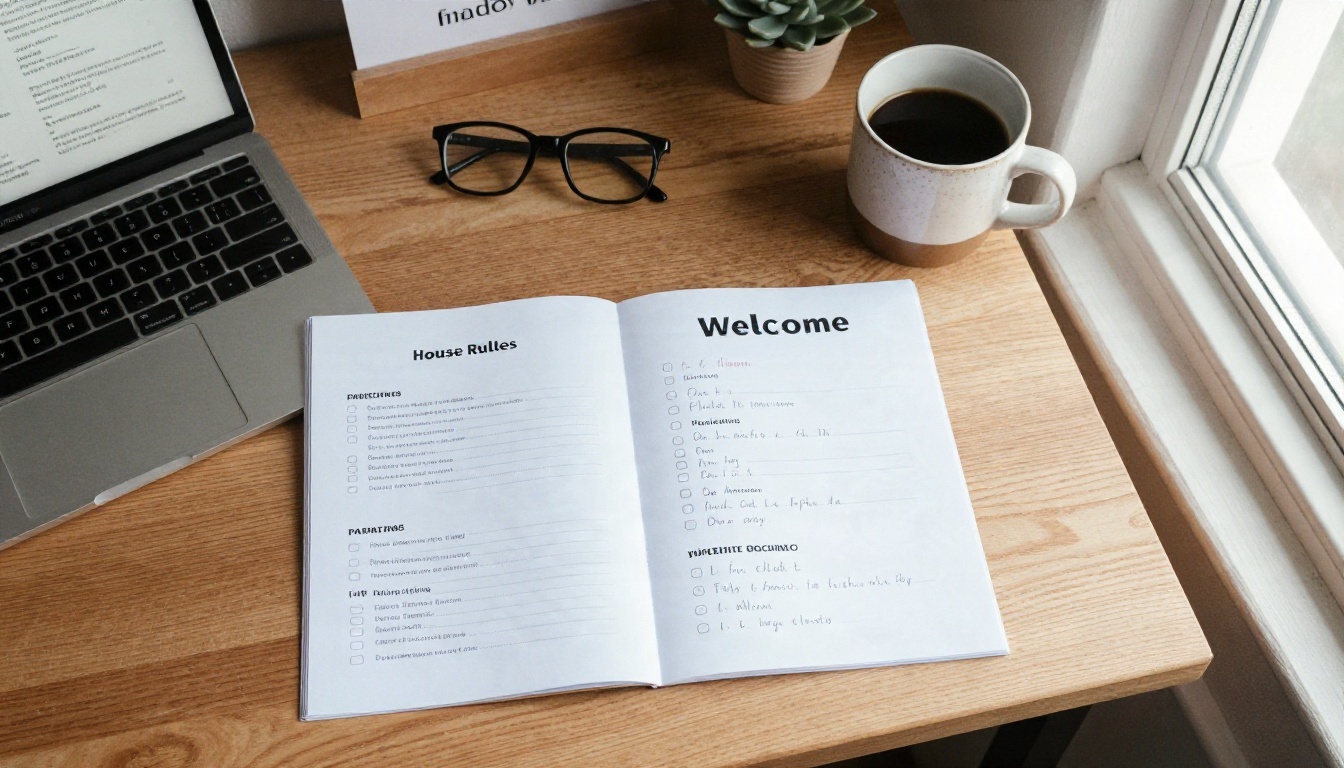
The best welcome books are short. Aim for 10 to 20 pages, with the most urgent information first. Guests who are tired from travel will not scroll through a story about your renovation.
The First Ten Minutes
Page one and two should answer what a guest needs at the door:
- Address and a photo of the entrance
- Door code or lockbox steps, with a photo
- Wi-Fi name and password
- Where to park
- A phone number for emergencies
House Rules and Appliances
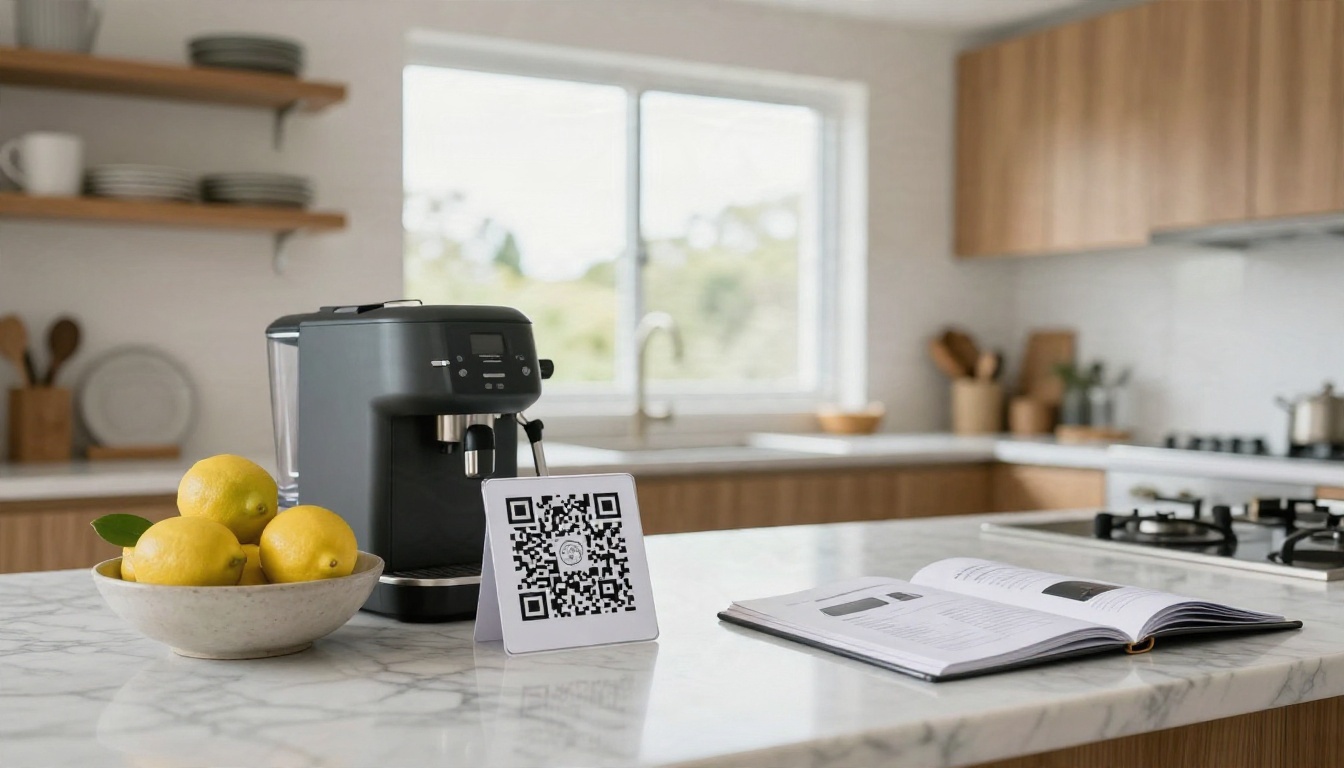
Keep rules friendly and specific. "Quiet hours start at 10 pm because the walls are thin" works better than "No noise." For appliances, add one photo and one sentence each. The coffee machine, the heating, the oven and the TV remote cause most of the messages hosts receive.
Local Tips People Actually Use
Skip the long lists. Pick your five favorite places and say why. A bakery open at 7 am, the pharmacy with late hours, the supermarket, a walk that is good at sunset and one restaurant worth booking ahead.
| Section | Priority | Suggested pages | Format that works |
|---|
| Arrival and access | Essential | 1 to 2 | Photos plus numbered steps |
| Wi-Fi and utilities | Essential | 1 | Large text, easy to copy |
| House rules | Essential | 1 | Short bullet list |
| Appliance instructions | High | 2 to 4 | One photo per device |
| Checkout routine | High | 1 | Checklist |
| Local recommendations | Medium | 2 to 4 | Short descriptions with map links |
| Emergency contacts | Essential | 1 | Phone numbers, tap to call |
⚠️ Warning: Never include sensitive data you would not want a stranger to see, such as a permanent master door code. If you share the booklet publicly, keep codes in your private messages, or protect the booklet with a password.
Free Options Compared
You can build a welcome book without paying anything. Each free route has trade-offs, so match the tool to your situation.
Free Tools Worth Trying
- Airbnb house manual: Built in, simple, only visible to booked guests.
- Google Docs or Slides: Easy to write and share by link. Layout is plain and the page-turning feel is missing.
- Canva free plan: Good templates and strong visuals. Exporting to PDF is easy, but links inside the file can be limited.
- Notion public page: Clean and easy to update. Some guests find it slow on weak mobile connections.
- A PDF converted to a flipbook: Write the booklet anywhere, then convert it. A free Flipbooks AI account lets you try the conversion before you decide on a plan.
| Option | Cost | Looks like a real book | QR code friendly | Updates | Best for |
|---|
| Airbnb house manual | Free | No | Not needed | Easy | Basic details only |
| Google Docs | Free | No | Yes, via share link | Easy | Quick start |
| Canva free | Free | Partly | Yes, via PDF link | Medium | Designed visuals |
| Notion page | Free | No | Yes | Easy | Text-heavy manuals |
| Flipbook from a PDF | Free to try, paid plans for more | Yes | Yes | Replace the PDF | Polished guest experience |
Where Free Runs Out
Free tools tend to stop short in four places: no page-turning layout, branding you cannot change, no private links with passwords, and no way to see whether guests opened the booklet. If you manage one cozy flat and update it twice a year, free is enough. If you run several listings or want a professional look, check the pricing plans for the features you need.
Build It with Flipbooks AI
If you want something that feels like a real booklet on a phone, converting a PDF into a flipbook is the quickest route. Here is the full process from document to guest-ready link.
Step 1: Write and Export Your PDF
Draft the booklet in Canva, Google Docs or Word. Use a portrait page size, large fonts (at least 14 pt) and plenty of white space. Export as PDF.
Step 2: Upload and Convert
Open the PDF to Flipbook Converter, sign in through your account page and upload the file. The pages turn into a flipbook with realistic page effects, and it displays correctly on phones, tablets and desktops thanks to the mobile-responsive design.
Step 3: Customize the Look
- Add your logo and brand colors so it matches your listing.
- Choose a background that fits the property, such as sand tones for a beach house.
- Embed a short video of the check-in process or a audio greeting in your own voice.
- Add links so guests can tap a restaurant name and open the map.
Step 4: Set Privacy and Share
Choose a direct link, an embed code or both. If your booklet contains access details, add password protection and send the password only in the confirmed booking message. There are no watermarks, so the booklet looks like it belongs to you.
Step 5: Use the Pro Features
On the Professional plan you get analytics and lead generation. Analytics shows how often the booklet is opened, which helps you see whether guests use it. Lead generation lets you collect an email from guests who want your next-stay discount. Hosts with many listings should also look at the Standard plan and above, which offers unlimited flipbooks, so each property gets its own booklet. Compare plans on the pricing page. Guests can also download the booklet for offline reading, which is useful in cabins and remote areas with weak signals.
✅ Best practice: Create one flipbook per property. If you copy the same booklet across several homes, guests end up looking at the wrong door code.
For hosts who also run a small guesthouse or boutique stay, the Hotel Brochure Designer offers layouts that suit a larger property. You can also browse all flipbook tools for other formats.
Online Sharing and QR Codes
Once the booklet is ready, guests need three ways to reach it: a link, an embed and a QR code. Use all three.
Share the Link in Your Messages
Send the direct link in your booking confirmation, again a day before arrival and once more on the check-in day. Save the text as a template in Airbnb's saved messages so you do not retype it. A short line works well: "Everything you need for your stay is here: [link]. It opens on any phone."
Embed It on Your Website
If you take direct bookings, put the booklet on a hidden page of your website. The Embed Flipbook on Website tool gives you code to paste into your site builder. Guests can read it without leaving your page.
| Sharing method | Setup time | Best moment to use | Needs internet |
|---|
| Direct link in message | 1 minute | Booking and day before arrival | Yes |
| Embed on website | 10 minutes | Direct bookings | Yes |
| QR code in the home | 15 minutes | On arrival | Yes, unless downloaded |
| Offline download | 2 minutes | Remote locations | No |
| Printed backup page | 5 minutes | Safety net | No |
QR Code Setup, Step by Step
- Copy your final booklet link. Use the shortest version, with your own domain if you have one.
- Generate the QR code. Any reliable QR generator that lets you download a high-resolution PNG or SVG will do. Choose a static code so it never expires.
- Test it with two phones. Try one iPhone and one Android phone, in daylight and in a dim room.
- Add a short label. "Scan for Wi-Fi, rules and local tips" tells guests what they will get.
- Print it at least 4 cm wide. Larger is better. Use matte paper to avoid glare.
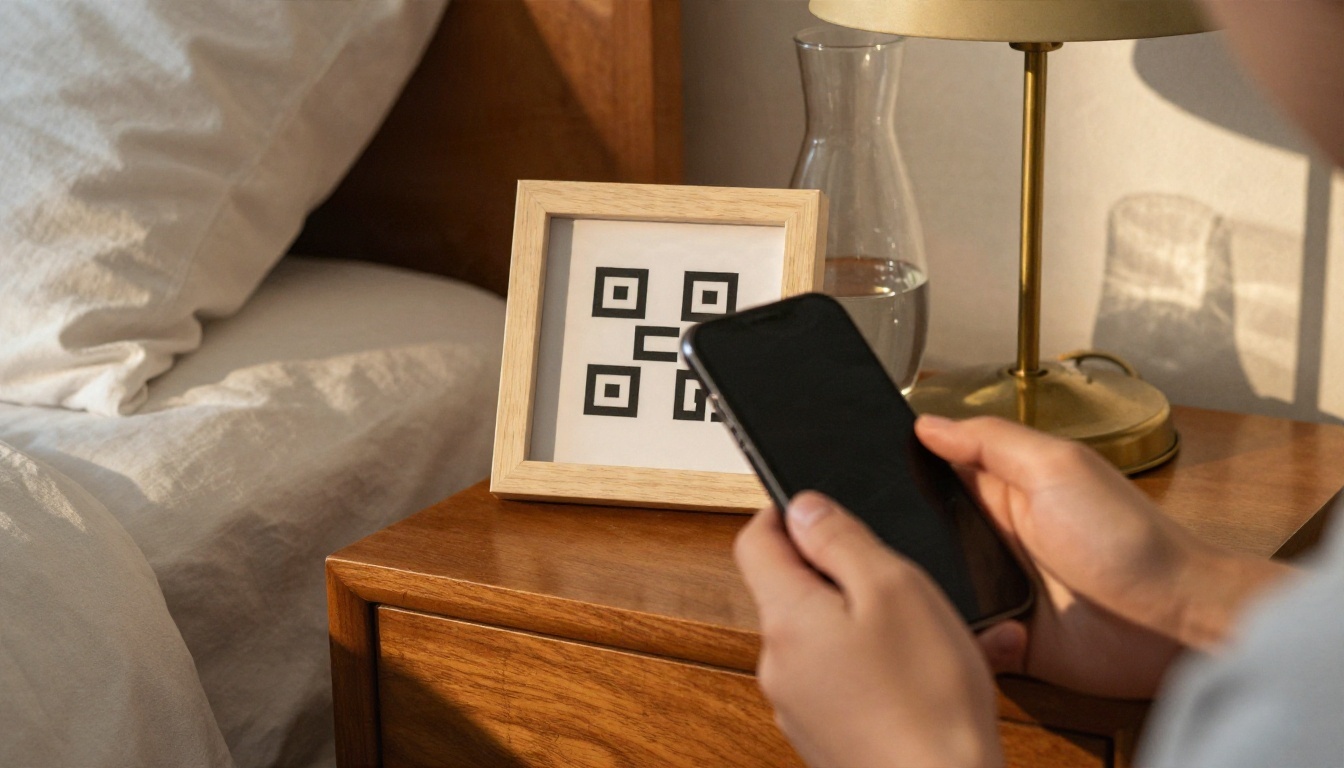
- Frame or laminate it. A simple wooden frame looks better than tape on the wall.
- Place it where eyes land.
Where to Place the Code
- Entrance console or door: The first thing guests see.
- Kitchen counter: Where they ask about appliances.
- Bedside table: Where they check checkout time.
- Fridge door magnet: A small backup copy.
💡 Pro tip: Put a printed card with the Wi-Fi password next to the QR code. Guests often want Wi-Fi before they can open anything else, especially if they have no mobile data.
Examples You Can Copy
Real situations look different, so here are three structures that work.
The City Studio
A one-bedroom apartment in a busy city with self check-in. Pages: 12. The booklet opens with a photo of the building door and a 20-second video of the lockbox. Next come Wi-Fi, trash days, quiet hours and a checkout list. The local section lists a late-night pharmacy, two breakfast cafes and the closest metro stop.
The Family Villa
A house with a pool, a garden and a barbecue. Pages: 18. Safety first: pool rules, emergency numbers and the nearest hospital. Then appliance pages with photos, a page for children's activities and a section on trash and recycling, because that is where many deposit disputes begin.
The Mountain Cabin
A remote cabin with weak mobile signals. Pages: 14. The booklet is offered as an offline download and as a printed backup in the kitchen drawer. It explains how to use the wood stove, what to do when the power fails and where the nearest grocery store is.
| Property type | Pages | Must-have content | Best sharing method |
|---|
| City studio | 10 to 12 | Door access, trash days, quiet hours | Link plus QR at entrance |
| Family villa | 16 to 20 | Pool safety, appliances, activities | Link, QR and embed |
| Mountain cabin | 12 to 14 | Offline download, power failure steps | Offline file plus printed backup |
| Beach apartment | 10 to 14 | Beach tips, parking, towel rules | Link plus QR on the balcony |
| Multi-unit host | 10 per unit | Unit-specific access and rules | One flipbook per property |
If you already have a brochure for your listing, you can adapt it using the Online Brochure Designer or the Real Estate Brochure Creator and add the welcome pages to the same file.
Mistakes That Cost Reviews
Hosts often make the same slips. Check your booklet against this list.
- Too much text. If a page needs scrolling more than twice, split it.
- No photos of the entrance. Arrival confusion is the number one cause of bad first impressions.
- Outdated information. A wrong Wi-Fi password or changed bus line makes the booklet look careless. Review it every quarter.
- A QR code that is too small or glossy. Glare and tiny size make scanning fail.
- No backup. If the internet is down, guests still need the door code and a phone number. Keep a short printed card nearby.
- Sharing private codes publicly. Use a password or send door details in private messages.
| Mistake | What guests experience | Quick fix |
|---|
| QR code in a dark corner | They never find the booklet | Move it to the entrance and the kitchen |
| Wall of text | They stop reading | Use short sections and photos |
| Old Wi-Fi details | They message you at night | Review every quarter |
| No offline version | No access without signal | Offer a download and a printed card |
| One booklet for all homes | Wrong door code | One flipbook per property |
Ready to Build Yours
You do not need a designer or a big budget. Write the pages, convert them, test the QR code on two phones and place it where guests will see it. Within an afternoon you can replace the binder and the late-night messages with a booklet that always shows the right answer.
- Start now: Create your first flipbook on Flipbooks AI.
- Choose a plan: Compare the pricing plans when you need unlimited flipbooks, analytics or lead generation.
- Browse more formats: Visit the tools directory for brochures, menus and catalogs that fit your rental business.
Your next guest is already booking. Make sure their first look at your home includes a clear, friendly booklet that opens with one scan.



