A printed catalog is outdated the moment it leaves the press. Prices shift, a supplier discontinues a line, a new colorway arrives, and suddenly your 80-page brochure is wrong on page 12, page 31 and page 56. To digitize product catalogs is to fix that problem at the source: one file, updated in minutes, readable on any phone, and trackable so you can see what buyers actually look at. Platforms like Flipbooks AI turn an existing PDF into a page-turning online catalog without a developer or a design agency.
This article compares the software options, shows real examples, breaks down what digitizing costs, and walks through a working setup step by step.
What Catalog Digitization Means
Digitizing a catalog sounds simple, but it covers three very different jobs. Some sellers only want a downloadable PDF. Others want an interactive version with clickable products. Larger operations want a full product database feeding a web store. Picking the wrong one is the most common reason projects stall.
PDF, Flipbook or Web Store
A PDF is the cheapest starting point. It keeps your layout intact, but it loads slowly on mobile, cannot be tracked, and gets emailed around in outdated versions for years.
A flipbook keeps the familiar page layout and adds page-turn effects, zoom, links, search and analytics. It is the closest digital match to a printed catalog, which is why buyers who are used to browsing paper adapt to it immediately.
A web store or PIM-driven catalog stores every product as a database record. It is powerful for thousands of SKUs, but it takes weeks to set up and does not preserve the editorial layout that sells lifestyle products.
| Format | Setup Time | Interactive | Trackable | Best For |
|---|
| Plain PDF | Minutes | No | No | Quick email attachments |
| Flipbook catalog | 10 to 30 minutes | Yes | Yes | Seasonal and brand catalogs |
| Web store listing | Weeks | Yes | Yes | Thousands of SKUs, live stock |
| Mobile app catalog | Months | Yes | Yes | Large field sales teams |
💡 Pro tip: Most small and mid-size sellers do not need to pick one. Publish a flipbook for browsing and keep your store or spreadsheet for ordering. The flipbook becomes the shop window, the store becomes the till.
Software Options Compared
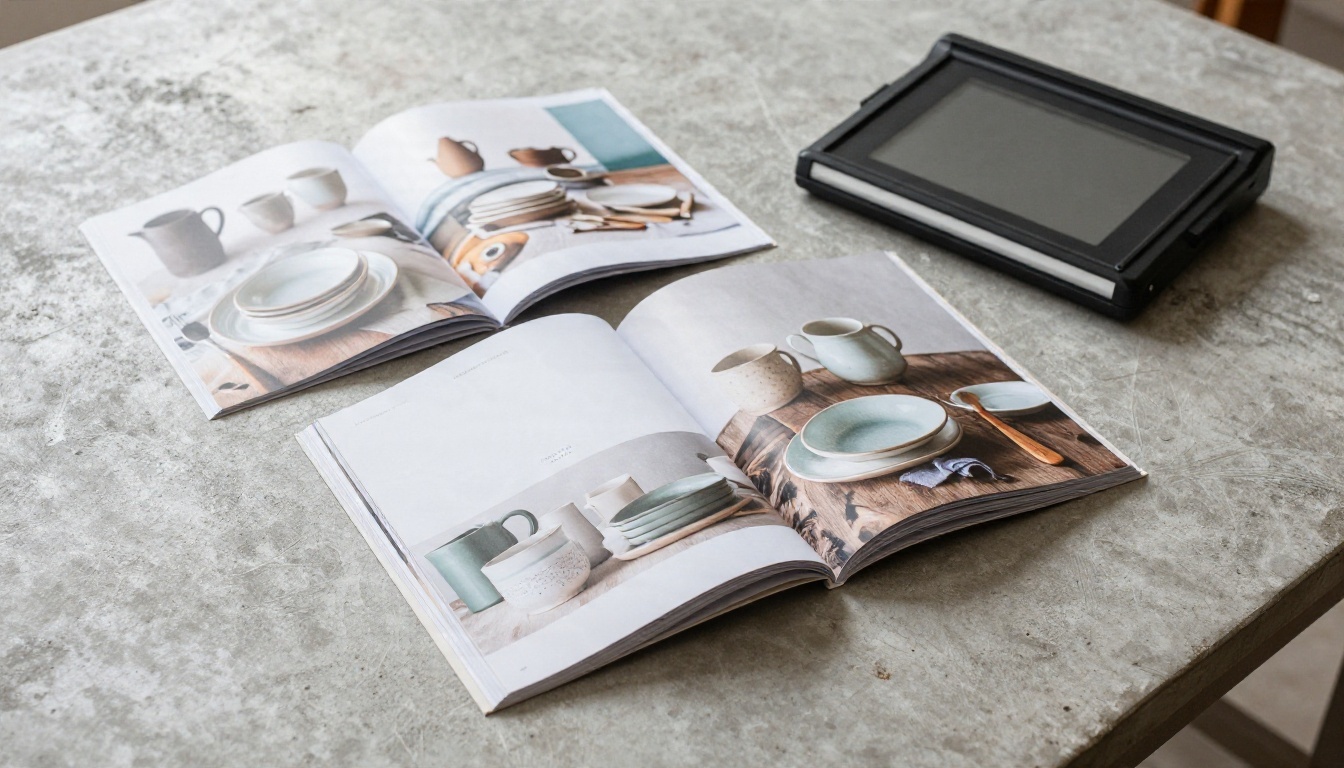
The market splits into four groups. Each solves a slightly different problem, so the right pick depends on whether your source material already exists as a PDF, as design files, or only on paper.
Flipbook Platforms
These tools take a finished PDF and convert it into an online reader. You upload, the platform renders every page as a crisp image, and you share a link or embed code. This is the fastest route if your catalog already exists. Flipbooks AI falls in this group, with no watermarks, custom branding, password protection and analytics on higher plans.
Desktop Publishing Tools
Layout software such as InDesign or Affinity Publisher is where many catalogs are built in the first place. These tools export PDFs well, and some offer basic interactive exports. The catch is that publishing and hosting are separate jobs, so you still need somewhere to put the finished file.
Product Information Management
PIM systems store product attributes, prices, images and translations in one database, then output catalogs automatically. They shine when you have thousands of items and several sales channels. They are overkill for a 40-page seasonal lookbook, and pricing usually starts well above what small teams budget.
Scanning and OCR Tools
If your catalog only exists on paper, you start with a scanner and OCR software. Scan at 300 DPI, run text recognition so the content becomes searchable, then export a PDF. Only after that step can you feed it into a flipbook platform.
| Software Type | Starting Point | Learning Curve | Typical Cost Range | Output |
|---|
| Flipbook platform | Existing PDF | Very low | Free tier to monthly subscription | Online catalog link and embed |
| Desktop publishing | Design from scratch | Medium to high | Subscription or one-off license | Print and PDF files |
| PIM system | Product database | High | Mid to high monthly fees | Multi-channel feeds |
| Scanner plus OCR | Paper originals | Low | Hardware plus modest software | Searchable PDF |
⚠️ Warning: Scanning a printed catalog gives you a flat, lower-quality file. If you still have the original design files, always export from those instead. The difference in sharpness and file size is obvious on a tablet.
Real Examples That Work
Theory is easy. Here is how different sellers actually use a digital catalog.
Furniture Showroom
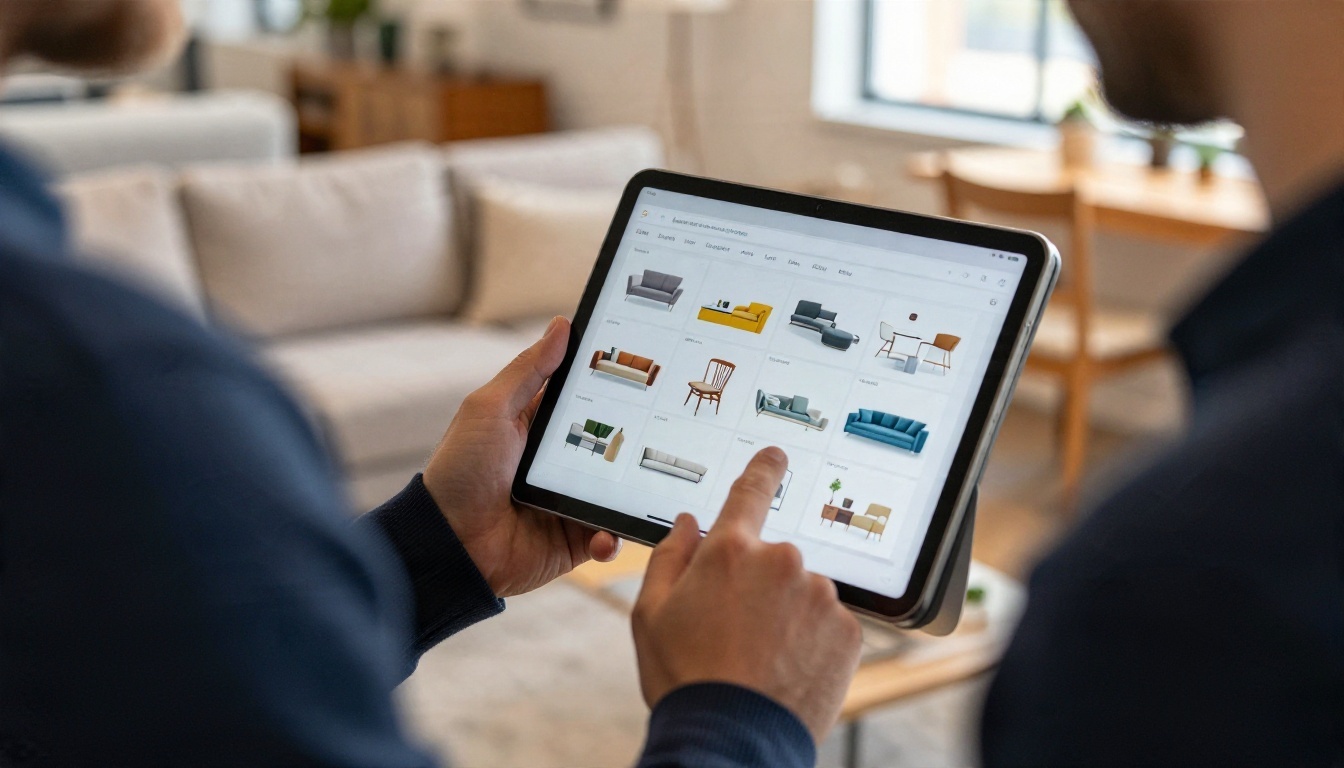
A regional furniture retailer used to print 3,000 copies of a 120-page catalog twice a year. Staff carried tablets on the showroom floor instead, loaded with the flipbook version. Customers zoom into fabric weaves, flip to matching tables, and receive the link by email before leaving. The same file is embedded on the website. A purpose-built furniture catalog maker suits this setup well.
Fashion Wholesaler
A wholesaler selling to boutiques sends buyers a password-protected link each season. Retail prices stay private, wholesale prices sit inside the flipbook, and the sales team sees which buyers opened it and how long they spent on each collection. When a style sells out, a new version replaces the old one at the same URL. Brands in this space often pair a catalog with a fashion catalog creator and a separate lookbook.
Industrial Supplier
An industrial parts distributor has 900 products across 300 pages. Printing was expensive and always late. Their digital version is searchable, so a buyer types a part number and jumps straight to the right page. Field technicians open it on phones in a warehouse with poor signal, using an offline download.
| Business | Catalog Size | Main Benefit | Sharing Method |
|---|
| Furniture retailer | 120 pages | Zoom on materials, showroom tablets | Email link and website embed |
| Fashion wholesaler | 60 pages | Private pricing, buyer tracking | Password-protected link |
| Industrial supplier | 300 pages | Fast part search, offline access | Embedded page and download |
| Restaurant group | 12 pages | Instant menu and price changes | QR code at the table |
✅ Best practice: Whatever your industry, put the link everywhere your customers already are: email signature, quotes, social profiles, invoices and QR codes on packaging.
What Digitizing Really Costs
Cost is where most comparison pages stay vague. Here is a realistic picture, with the caveat that vendor prices change, so always confirm on the current pricing page.
Pricing Models
Most platforms charge in one of three ways: a free tier with limits, a flat monthly subscription, or a per-flipbook or per-view fee. Flat subscriptions are easiest to budget. Per-view fees can punish you when a catalog does well. Check whether branding removal, password protection and analytics sit behind a higher plan. You can compare plans on the Flipbooks AI pricing page.
Hidden Costs
The subscription is rarely the biggest number. Budget for these as well:
- Design time to prepare a clean, high-resolution PDF
- Photography if your product images are old or inconsistent
- Scanning and OCR for paper-only archives
- Staff time to update prices and pages each season
- Translations if you sell in several markets
Print Versus Digital
| Cost Item | Printed Catalog (3,000 copies) | Digital Catalog |
|---|
| Printing | Thousands per run | None |
| Shipping and postage | Significant | None |
| Updating one price | Full reprint or errata sheet | Re-upload in minutes |
| Storage and waste | Boxes of outdated stock | None |
| Tracking readers | Impossible | Built in on higher plans |
| Environmental impact | Paper and freight | Minimal |
💡 Pro tip: You do not have to abandon print overnight. Many sellers cut their print run by 70 percent, keep a small premium edition for top clients, and send everyone else to the online version.

How to Create a Digital Catalog with Flipbooks AI
If you already have a PDF, you can have a live online catalog before your coffee gets cold. The steps below work for any size of catalog.
Upload and Convert
- Go to Flipbooks AI and create an account.
- Click to create a new flipbook and upload your catalog PDF. The PDF to Flipbook Converter processes every page and keeps your layout intact.
- Wait a few seconds while pages render. Large files with hundreds of pages take a little longer.
- Preview the result and flip through to check that images and fonts look right.
If your catalog is a product-focused document, the Product Catalog tool and the Digital Catalog Maker are good starting pages.
Customize the Look
Make the catalog feel like part of your brand rather than a generic reader:
- Add your logo and pick brand colors for the toolbar and background
- Choose a page-turn effect and sound, or switch them off for a calmer reading experience
- Add clickable links from products to your store, quote form or product page
- Embed videos and audio to show a product in use or introduce a collection
- Set a custom cover page and thumbnail so shared links look professional
Everything is mobile responsive, so a buyer on a phone sees a layout that fits the screen. There are no watermarks on your flipbooks, ever.
Share and Protect
You have three main ways to put the catalog in front of buyers:
| Sharing Option | How It Works | Best Use |
|---|
| Direct link | Copy the URL and paste anywhere | Email, chat, social media |
| Embed code | Paste a snippet into your site | Product and landing pages |
| QR code | Scan to open instantly | Packaging, trade stands, shelves |
| Password protection | Visitors enter a code to view | Wholesale pricing, private ranges |
For the website option, the Embed Flipbook on Website page shows how to place it on any CMS. Standard plans and above include unlimited flipbooks, so you can publish a separate catalog per region or customer group without worrying about limits.
Pro Features Worth Using
On the Professional plan, you get tools that turn a catalog from a brochure into a sales instrument:
- Analytics show which pages get the most views and how long readers stay.
- Lead generation forms can sit in front of the catalog and capture a name and email before it opens.
- Offline downloads let field teams and customers keep a copy for places without signal.
See which plan matches your volume on the pricing page.
💡 Pro tip: Check your page analytics after two weeks. If the last third of the catalog gets almost no views, move your best sellers forward and shorten the rest.

Mistakes to Avoid
Most failed digitization projects fail for boring reasons. Watch for these.
- Uploading a low-resolution scan. Buyers zoom in, and blurry text kills trust. Start with the original design files whenever you can.
- Publishing one giant file. A 400-page catalog is hard to browse. Split it by category and link them together.
- Forgetting mobile. Over half of catalog views often happen on phones. Check that text is readable at small sizes.
- Skipping links. A catalog without clickable paths to buy or request a quote is just a prettier PDF.
- Ignoring updates. The main reason to go digital is fresh data. Put a review date in your calendar each month.
- Leaving prices public by accident. If wholesale rates are in the file, use password protection.
⚠️ Warning: Do not email the PDF and the flipbook link side by side. People will keep the old PDF forever. Share one link, and update the content behind it.
A Simple Rollout Plan
- Week one: gather source files, fix image quality and finalize the PDF.
- Week two: upload, brand the flipbook, add links and test on three devices.
- Week three: share with a small group of customers and collect reactions.
- Week four: publish on your site, add QR codes to packaging and retire most of the print run.
Different catalogs have different needs. Use this as a quick matching table, then open the tool that fits.
Ready to Publish Your Catalog?
You do not need a new tech stack to stop reprinting outdated brochures. You need a clean PDF, a platform that turns it into a flipbook, and a habit of keeping it current. Start small with your best-selling range, measure what buyers read, then expand.
Create your free account on Flipbooks AI and convert your first catalog today. Browse all flipbook tools to find the template closest to your business, or compare pricing plans when you are ready for analytics, lead capture and offline downloads.



